

- Category Photo & video
- Developer Wondershare
- Available on PC
- OS Windows 10 version 0.0 or higher
- Keyboard Integrated Keyboard
- Mouse Integrated Mouse
- Memory 1 GB
- languages Arabic, Chinese (Traditional) (Hong Kong), Chinese (Traditional) (Taiwan), Dutch, English, French, German, Indonesian, Italian, Japanese, Korean, Korean , Polish, Portuguese, Romanian, Russian, Spanish, Swedish, Japanese, Thai
Wondershare Filmora - AI Video Editor for Windows: A Stylish Sidekick for Creative Video Making
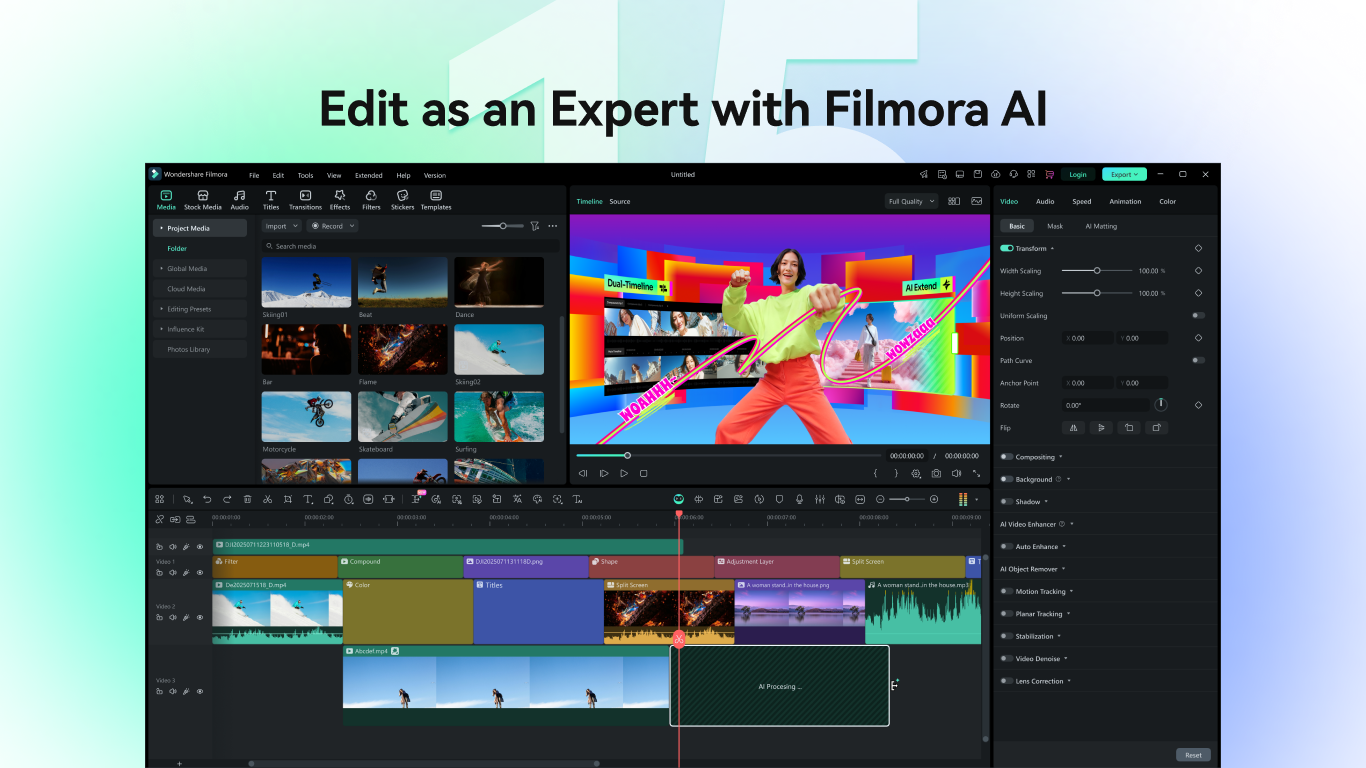
Imagine having a savvy creative partner right on your Windows PC, ready to turn your raw footage into polished videos with minimal fuss. Wondershare Filmora's latest AI-powered version promises just that: an approachable yet powerhouse video editing tool that caters to both beginners and semi-professionals alike. It packs innovative features into a sleek interface—perfect for anyone eager to elevate their video projects without diving into complex editing workflows.
About the App: Fast Facts in a Nutshell
Wondershare Filmora for Windows is positioned as an accessible AI-enhanced video editing software, aimed at simplifying content creation while maintaining professional-looking results. Developed by Wondershare, a well-established leader in multimedia software, this app leverages artificial intelligence to streamline editing tasks and offer smarter editing suggestions. Its main strengths include AI-driven scene detection, automated noise removal, and smart templates that make video production faster and more intuitive. Its target audience spans hobbyist videographers, social media enthusiasts, educators, and small business owners who want high-quality videos without a steep learning curve.
Engaging and Effortless Editing Experience
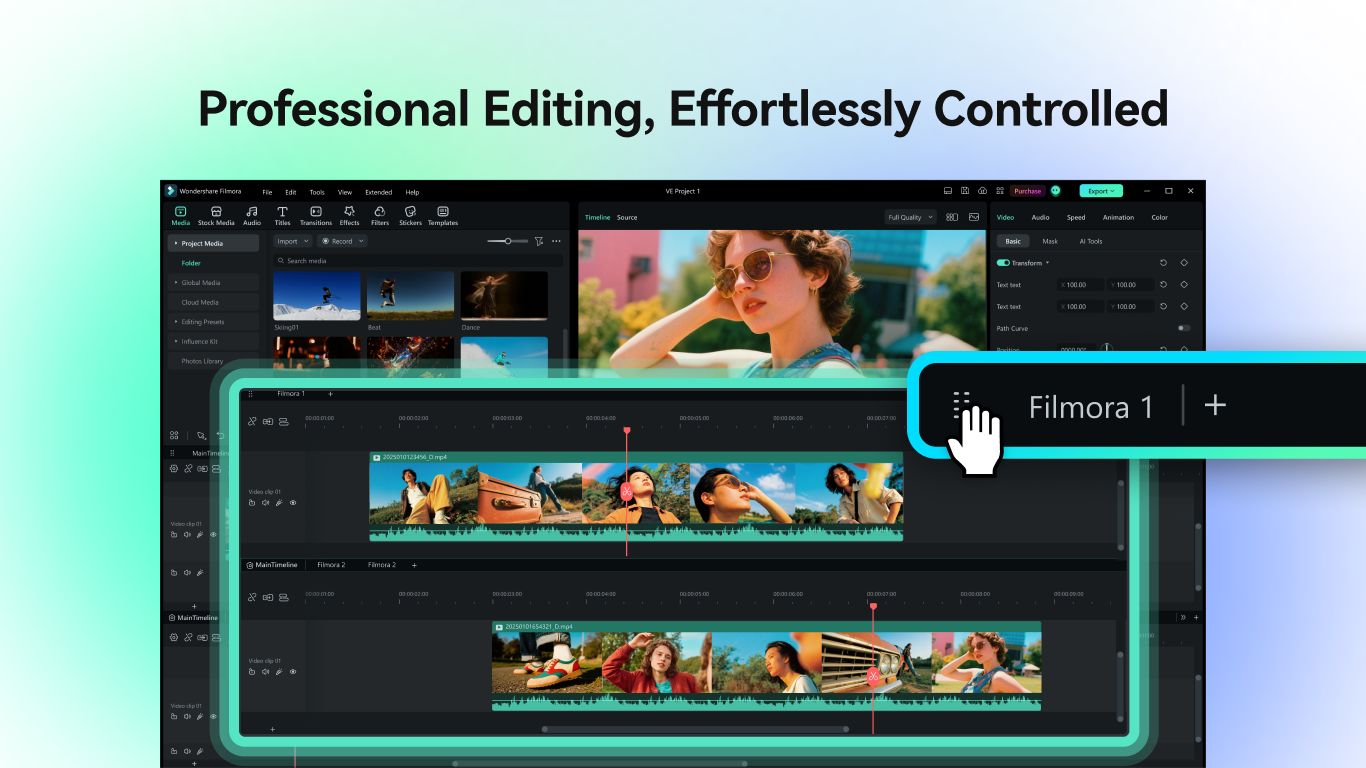
Stepping into Filmora's interface feels like walking into a well-organized digital workspace—clean, colorful, and intuitively laid out. The moment you open the app, the welcoming design invites you to start creating immediately. With gentle animations and clearly labeled tools, even newcomers find their footing swiftly. The AI integration is subtly woven into the workflow, adding value without overwhelming the user. Transitioning between editing modes is smooth; the software responds promptly to commands, making the experience satisfying and fluid. The learning curve is gentle, and Wondershare provides plenty of tutorials, but many features are so intuitive you'll find yourself experimenting confidently from the get-go.
Smart AI Features That Stand Out
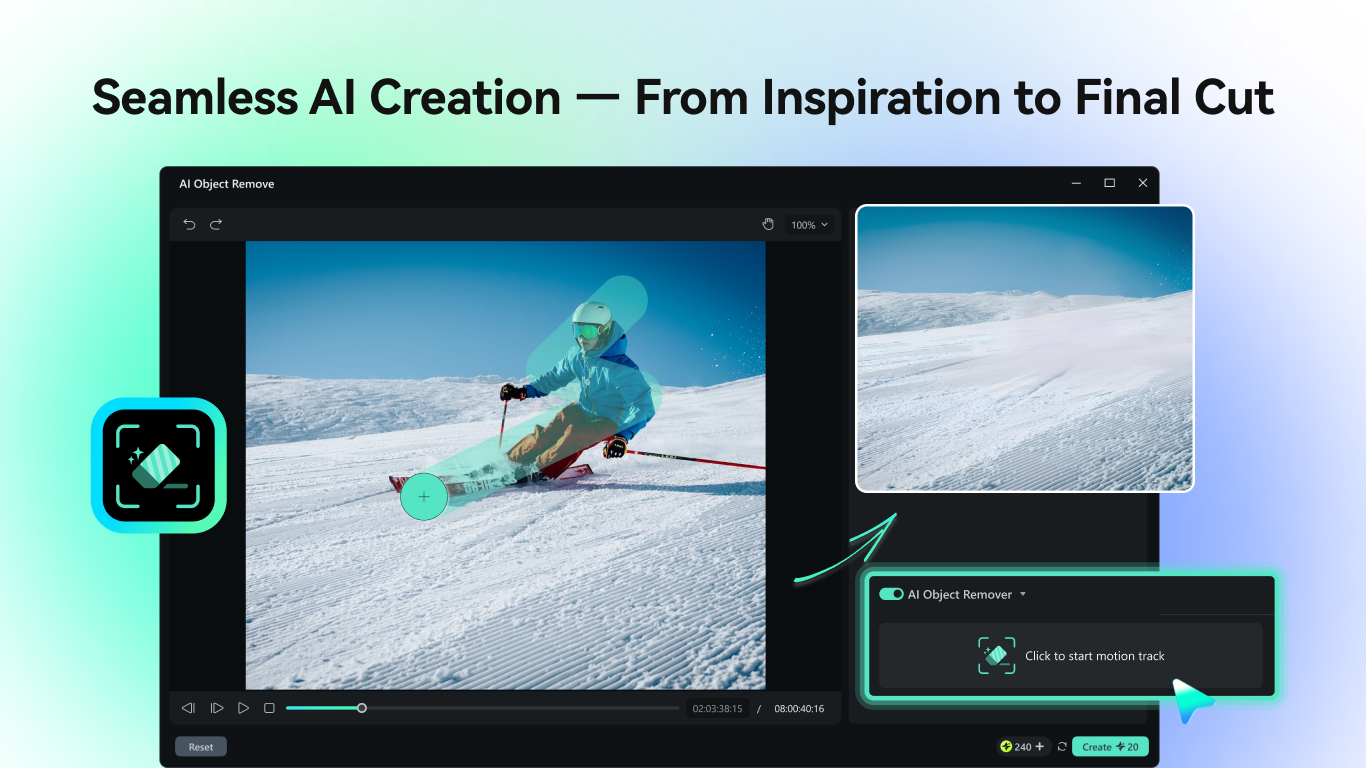
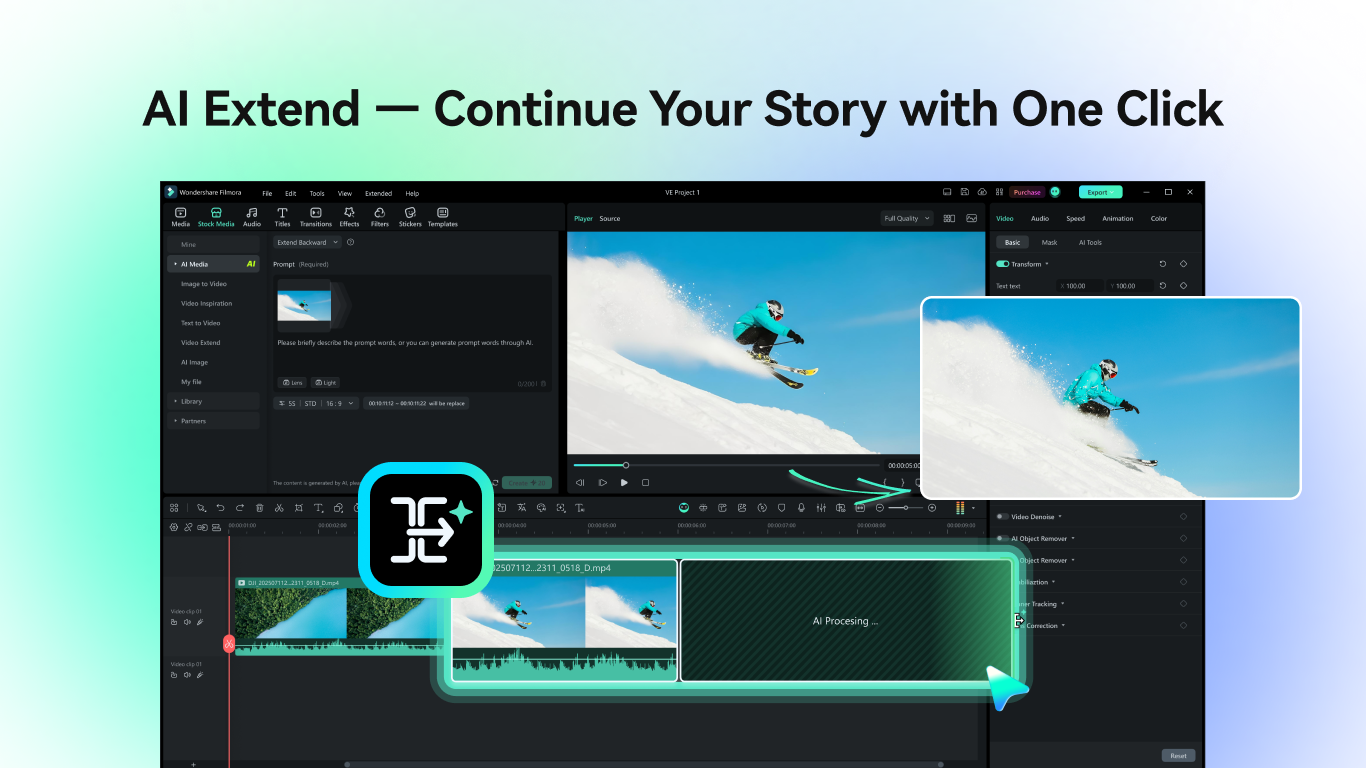
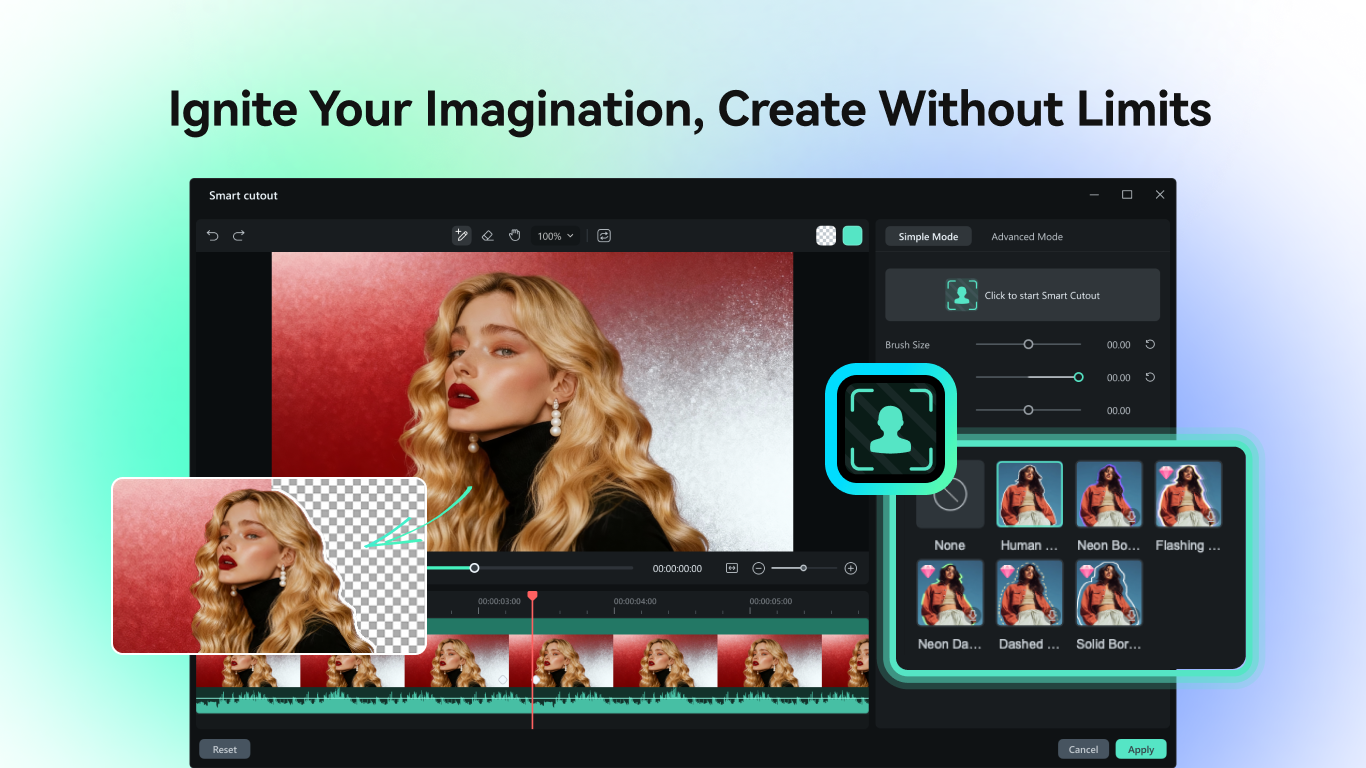
The standout feature of Filmora's new iteration is its AI-powered scene detection. Imagine shooting a family holiday video, then letting Filmora automatically analyze and segment it into meaningful scenes—saving hours of manual trimming. This feature makes editing more storytelling-oriented, allowing creators to focus on crafting a narrative rather than fiddling with clips. Additionally, the AI noise removal function is impressively effective—it can clean up poorly recorded audio or background noise with just a click, akin to having a professional sound engineer at your side. These tools are game-changers because they significantly reduce the time and expertise traditionally required for high-quality editing, making professional-level results achievable for amateurs.
Creative Tools and Unique Selling Points
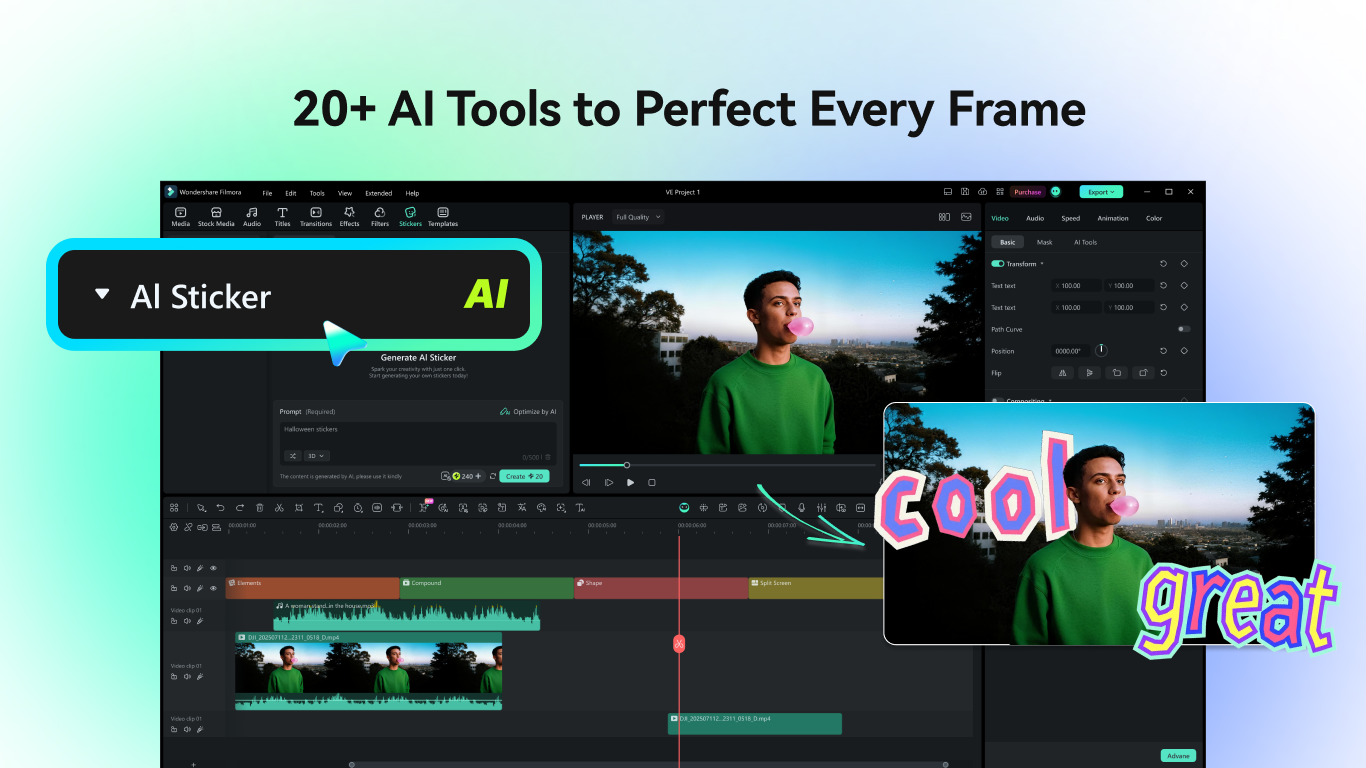
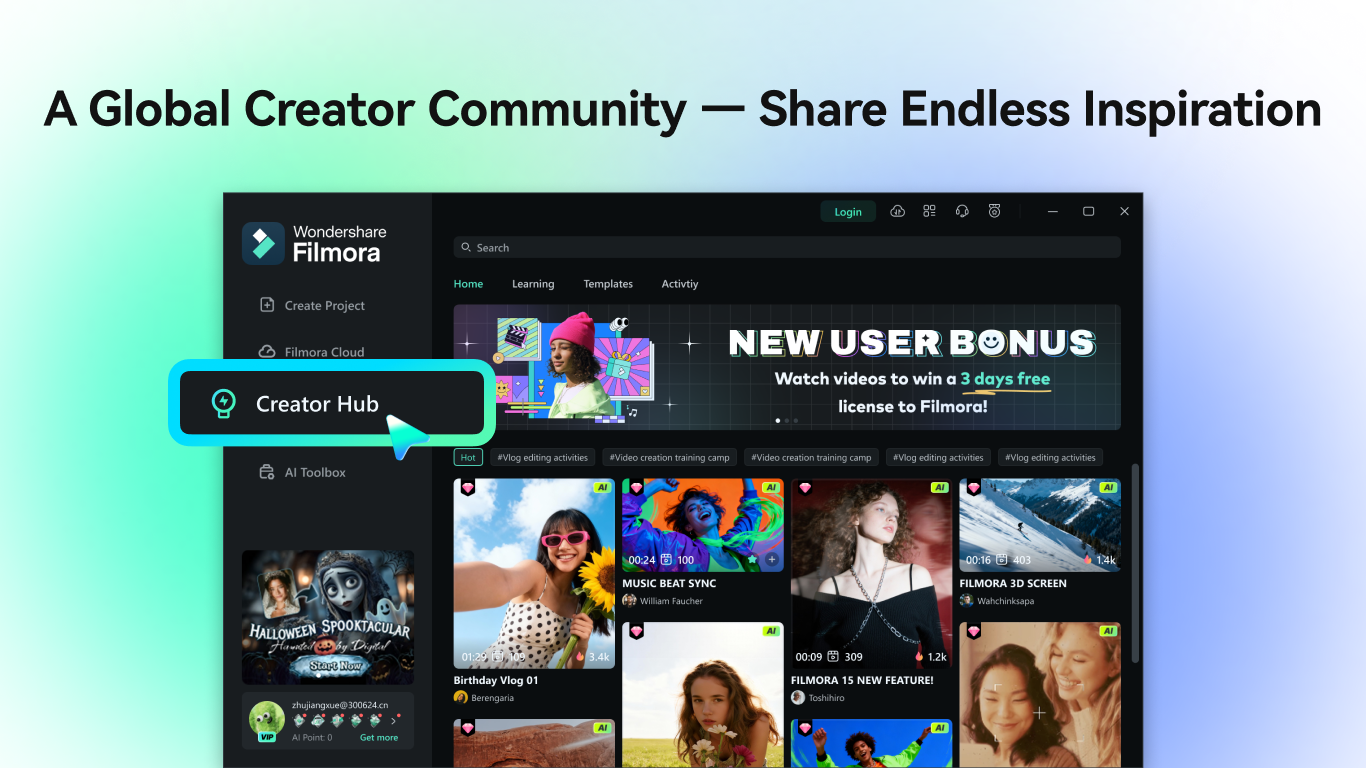
Beyond AI magic, Filmora offers a rich library of effects, transitions, and animated titles, but what truly differentiates it is its smart template system. Users can quickly generate trendy videos—like social media reels or presentation clips—by applying pre-designed templates that adapt to your footage. This feature is perfect for content creators who need to produce engaging videos on tight schedules. Another feature that elevates it above typical editors is its real-time preview, which provides instant feedback on edits—making the creative process more interactive and less frustrating. Compared to other photo and video apps, Filmora's focus on seamless AI assistance coupled with artistic flexibility gives it an edge in both convenience and creative potential.
Final Thoughts and Recommendations
Wondershare Filmora for Windows is a compelling choice for those seeking a straightforward yet powerful video editing tool. Its AI-driven features stand out as the most innovative aspects, dramatically reducing editing time and enhancing output quality. If you're someone who wants professional-looking videos without a steep learning curve, this software is highly recommended—especially for social media content creators, educators, or small business owners. While professionals might find it a bit limited in advanced color grading or multi-layer editing, its ease of use and smart automation make it an excellent entry point and a reliable sidekick for everyday creative projects. Give it a try—you'll probably find yourself making your videos more polished and engaging, faster than ever before.
Pros
- Intuitive AI-powered editing features
- User-friendly interface for beginners
- Wide range of built-in templates and effects
- Support for 4K video editing
- Frequent updates and feature improvements
Cons
- Occasional lag during intensive edits
- Watermark appears in free version videos
- Limited advanced color grading options
- Export options could be more diverse
- Some effects and transitions require purchase











