

- Category Puzzle & trivia
- Developer TreeCardGames
- Available on PC
- OS Windows 10 version 17763.0 or higher
- languages English, English (United States)
Introduction: A Refreshing Spin on Word Search
If you're a fan of classic word puzzles but crave a modern twist, Word Search + for Windows by TreeCardGames offers an engaging and user-friendly experience. It's like opening a familiar book, but each page is a little different—refreshing, yet comforting. Designed to sharpen your mind while providing a casual, fun environment, this app caters to puzzle enthusiasts of all ages and skill levels.
About the Developer: TreeCardGames's Focus on Casual Gaming
Developed and published by TreeCardGames, a team dedicated to crafting engaging casual games, Word Search + is their latest offering that emphasizes clean design and intuitive gameplay. Their focus seems to be on creating accessible, relaxing puzzle experiences that fit seamlessly into your daily routine.
Key Features That Make It Stand Out
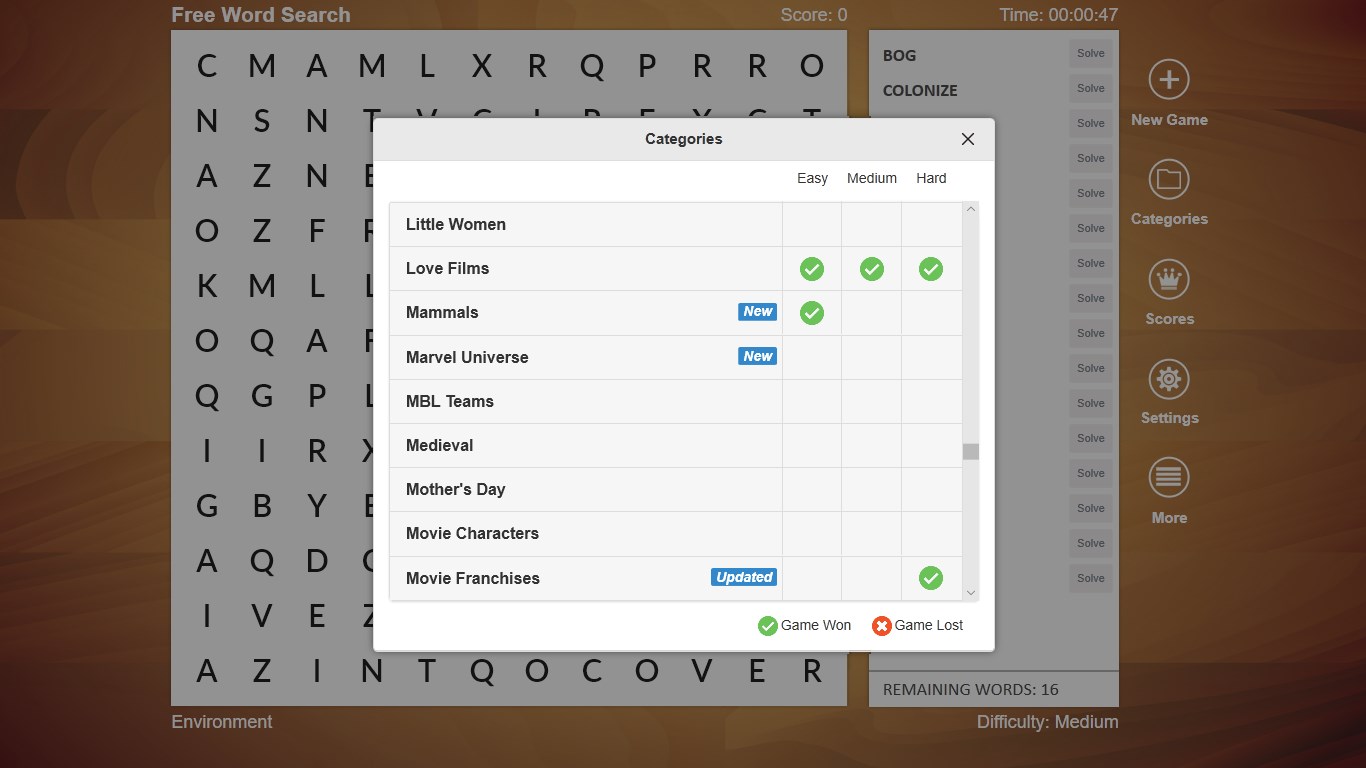
- Customized Puzzle Modes: Offering multiple difficulty levels and themes, the app caters to both beginners and seasoned word puzzle veterans, ensuring everyone finds a challenge suitable for their skill.
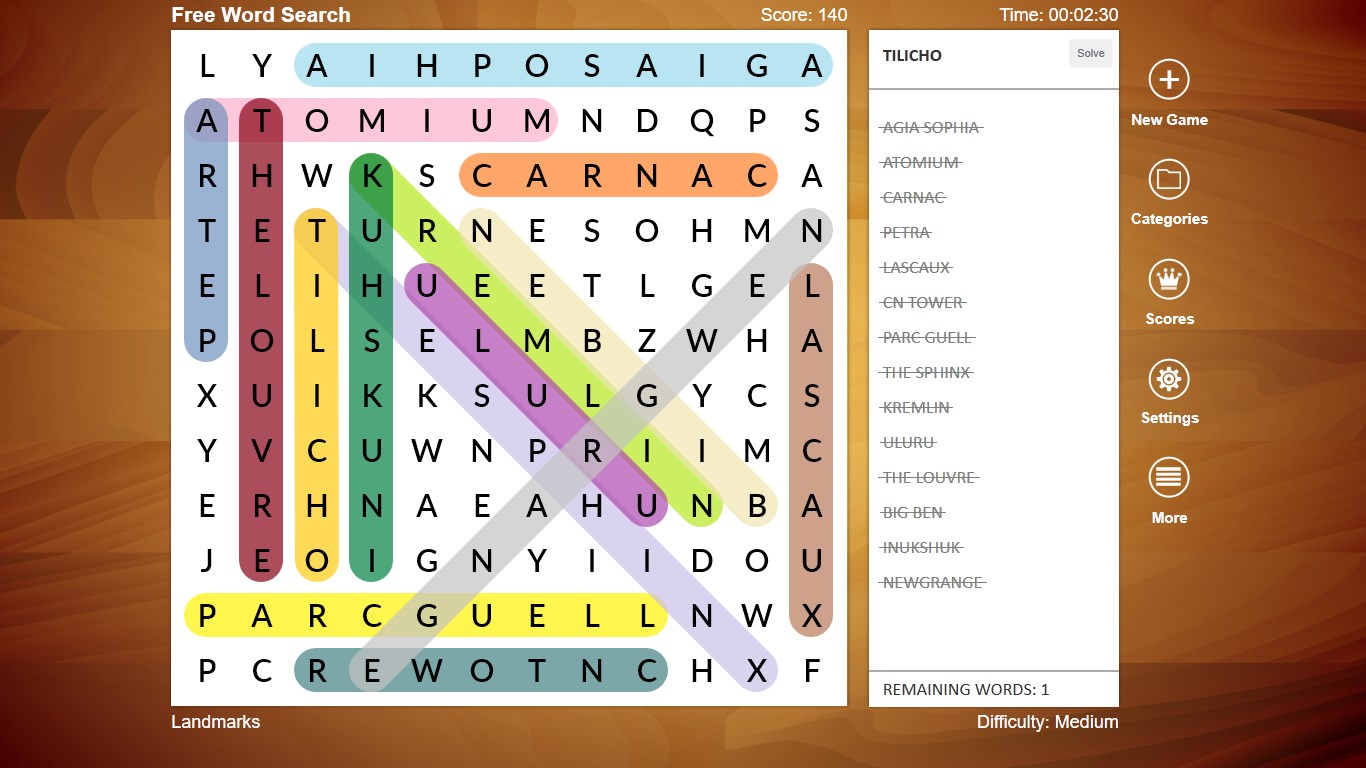
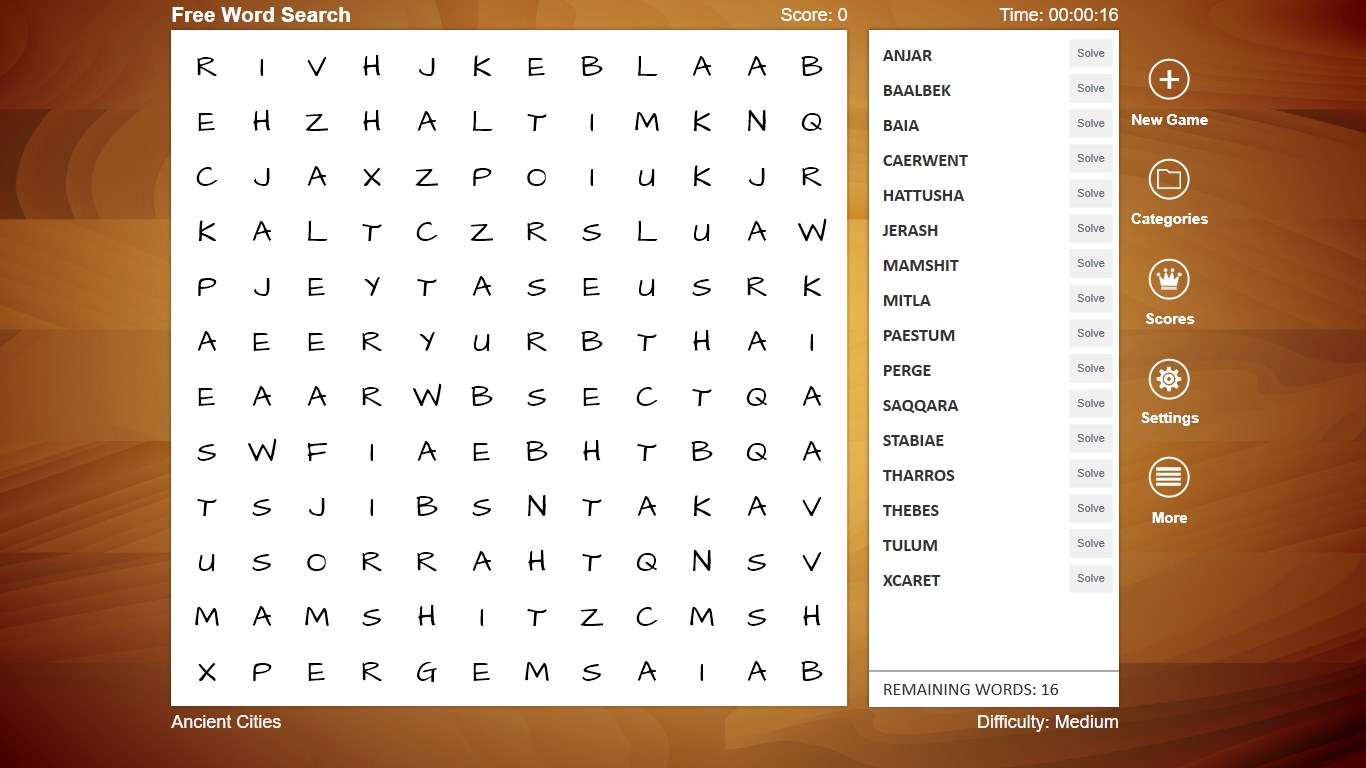
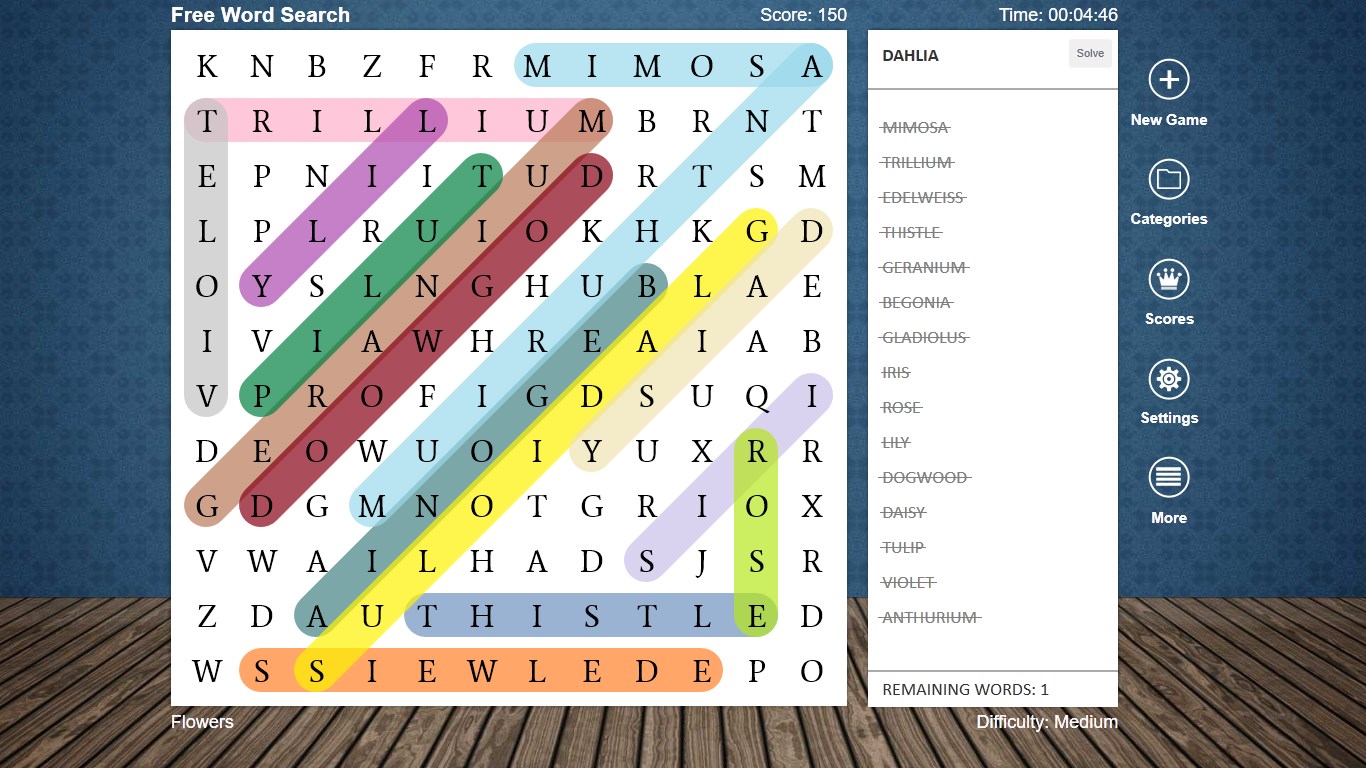
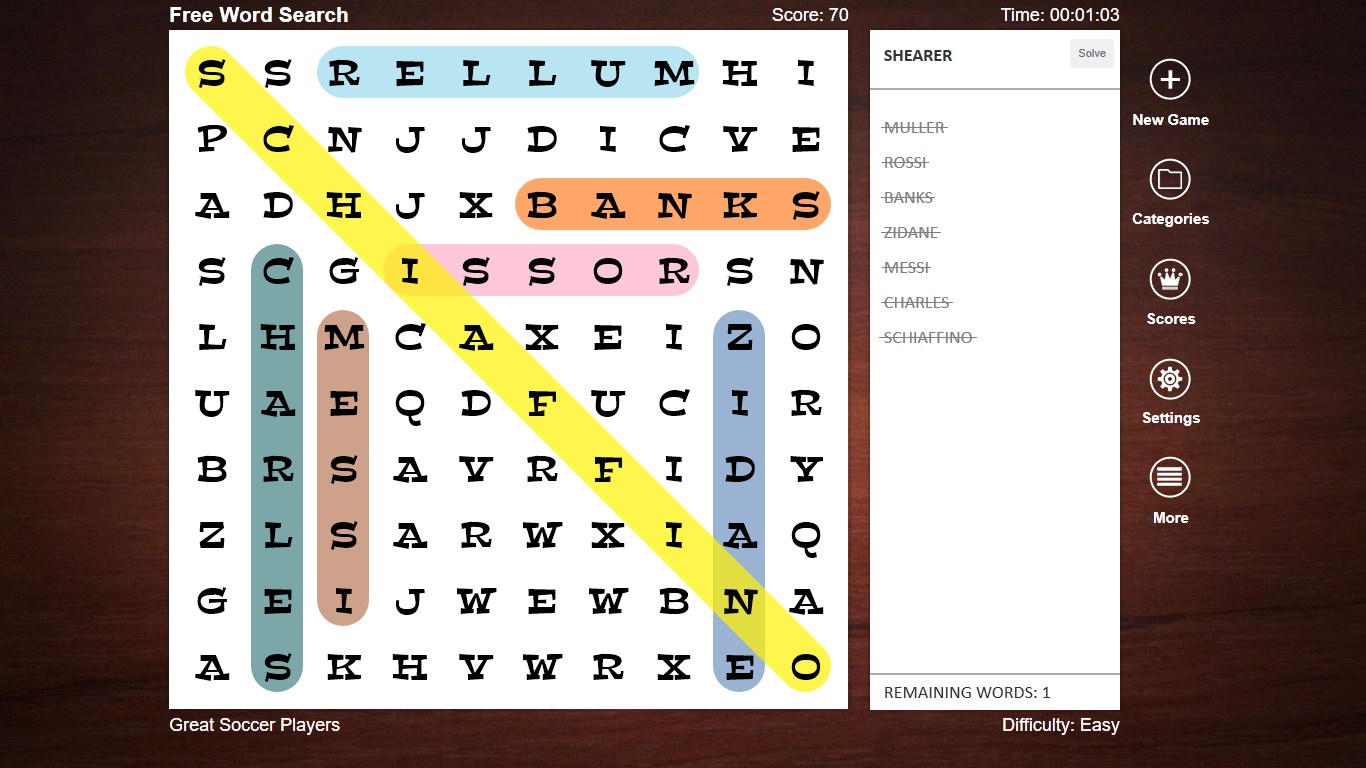
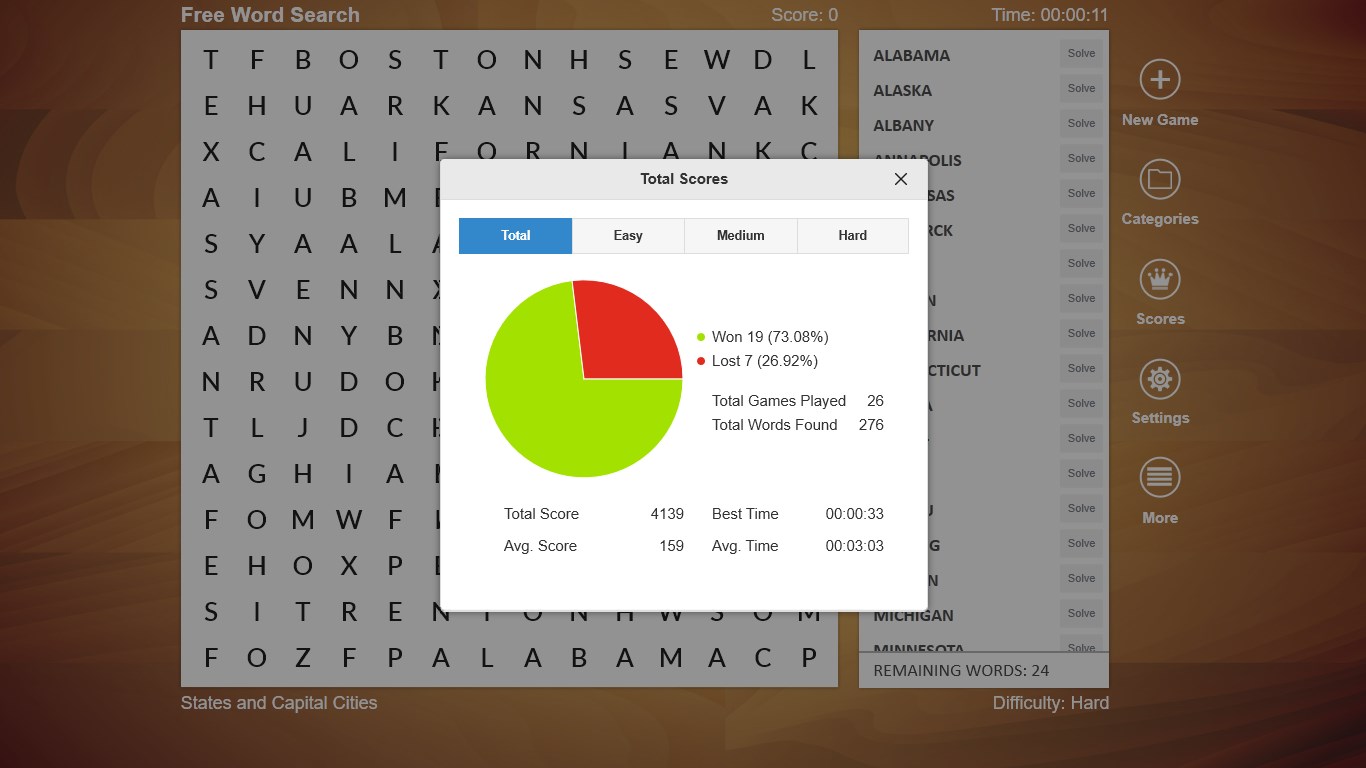
- Elegant Interface Design: The visual aesthetic strikes a balance between simplicity and vibrancy. Clear, colorful grids with smooth animations make puzzle-solving a sight to behold without distraction.
- Offline Accessibility and Game Progress Sync: Users can enjoy puzzles offline, and the app intelligently syncs progress across devices, making it perfect for on-the-go entertainment.
- Unique Word Libraries and Hints: With a diverse vocabulary database and optional hints, users can explore new words comfortably while avoiding frustration.
Immersive User Experience and Interface Design
From the first tap, Word Search + exudes a friendly, inviting vibe. The interface is clean, with neatly organized puzzle categories and a cheerful color scheme that makes the game feel less like a task and more like a leisure activity. Navigation is straightforward—think of it as walking through a cozy library where you instinctively know where everything is. The game responds smoothly to touches, whether you're selecting words or navigating menus, emphasizing its polished, seamless flow. For newcomers, the learning curve is gentle; tutorials are embedded subtlety, ensuring you're not overwhelmed but instead gently guided through the features.
Core Functionalities: Deep Dive into the Experience
Dynamic Puzzle Selection and Customization
The app boasts a broad variety of puzzles ranging from relaxing themed layouts to challenging grid configurations. Users can select difficulty levels, themes, and even create custom puzzles, enabling endless replayability. This flexibility ensures that whether you're taking a quick five-minute break or settling in for a longer session, there's always something tailored for you.
Intuitive Controls and Playability
Word Search +'s touch controls are responsive and natural; swiping over words feels satisfying, almost like tracing letters with your finger on paper. The interface minimizes accidental taps, enhancing the overall fluidity. For players with different preferences, options like highlighting found words or adjusting font sizes make the gameplay customizable, further elevating user comfort.
Smart Learning and Gameplay Extras
The inclusion of hints and a diverse word database makes this app particularly appealing for language learners or those interested in expanding their vocabulary. Unlike many traditional word searches, this application subtly encourages learning by offering definitions upon completion of a puzzle or when hints are used. These features make it not just a game but also a mental exercise with educational value.
What Sets It Apart: Unique Advantages
While many puzzle apps focus solely on the challenge aspect, Word Search + introduces a layered experience by combining aesthetic appeal with customizable features and educational elements. Its ability to cater to different difficulty levels while maintaining an elegant, clutter-free user interface creates a balanced experience. The offline access and device sync further distinguish it from similar apps, ensuring uninterrupted play anytime, anywhere. Compared to other puzzle games, its focus on calming, accessible gameplay without compromising on depth is a notable advantage.
Final Verdict: A Recommended Companion for Puzzle Enthusiasts
Word Search + for Windows earns a solid recommendation for anyone seeking a relaxing yet stimulating word puzzle. Its thoughtfully designed interface, flexible customization options, and subtle educational perks make it suitable for casual gamers, students, or language buffs. Whether you want a quick mental refresh or a leisurely pastime, this app delivers a satisfying experience without unnecessary frills or distractions. A good choice to keep your mind sharp and your spirits high—it's like having a friendly puzzle companion right on your desktop or tablet.
Pros
- User-Friendly Interface
- Variety of Themes
- Offline Accessibility
- Educational Benefits
- Low Battery Usage
Cons
- Limited Customization Options
- Basic Graphics
- Ads Disrupt Gameplay
- Lack of Multiplayer Mode
- Limited Language Support











