
- Category Puzzle & trivia
- Developer RV AppStudios
- Available on PC
- OS Windows 10 version 10240.0 or higher
- DirectX Version 10
- languages Czech, Danish, Dutch, English (United States), Finnish, French, German, Indonesian, Italian, Malay, Norwegian, Polish, Portuguese, Spanish, Swedish, Turkish, Vietnamese
Discover the Charm of Word Search - A Classic Puzzle Reinvented for Windows
Word Search - Word Puzzle Game for Windows by RV AppStudios offers a fresh take on the timeless word search genre, blending intuitive gameplay with engaging design. Whether you're a casual puzzle lover or a seasoned word enthusiast, this app aims to provide a relaxing yet stimulating experience that tests your vocabulary and pattern recognition skills.
About the Developer and Core Features
Who's Behind This Word Hunt?
Developed and published by RV AppStudios, a team known for creating approachable, user-friendly casual games that appeal to a broad audience. Their focus seems to be on delivering straightforward yet enjoyable puzzle experiences across multiple platforms.
Highlighting the App's Main Features
- Extensive Puzzle Library: The app boasts a wide array of word search puzzles, organized by difficulty levels and themes, keeping players engaged at every stage.
- Custom Puzzle Creation: Unique to this app is the ability for players to design their own puzzles, which can be shared or used for personal entertainment—a feature rarely seen in standard word search games.
- Adaptive Difficulty and Hints: As players advance, the game intelligently adjusts difficulty and offers hints, ensuring the challenge remains appropriate without causing frustration.
- Progress Tracking and Achievements: Users can monitor their progress and unlock achievements, adding a layer of motivation and replayability.
Gameplay Experience: Fun, Flow, and Flexibility
Engaging Interface with a Friendly Look
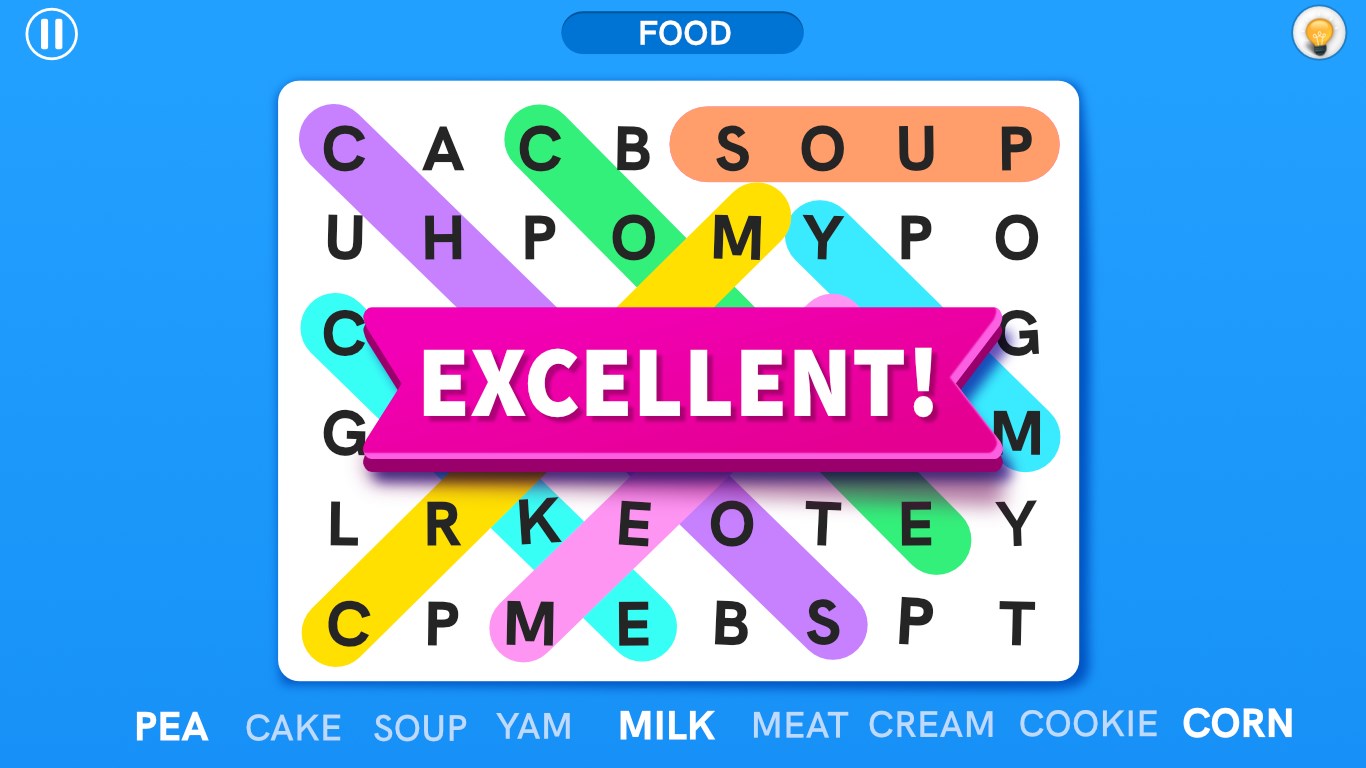
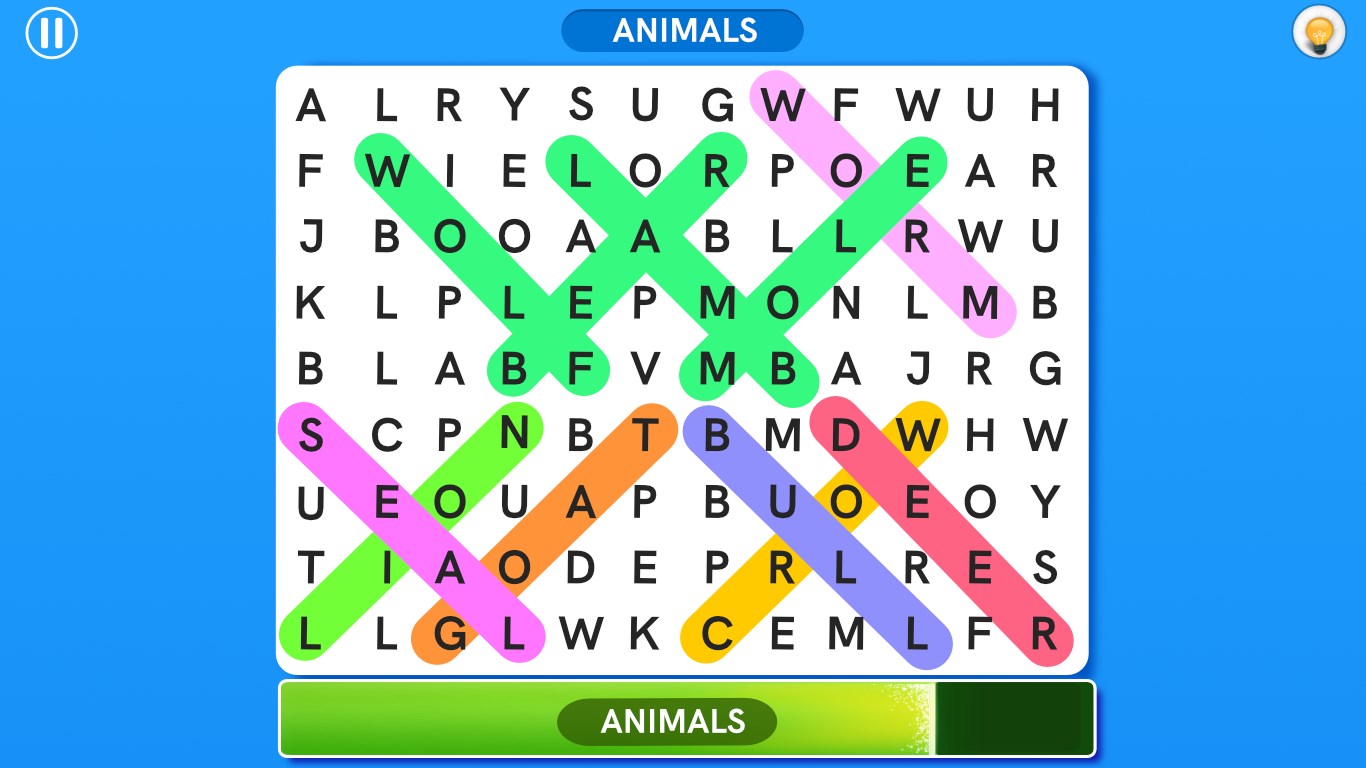
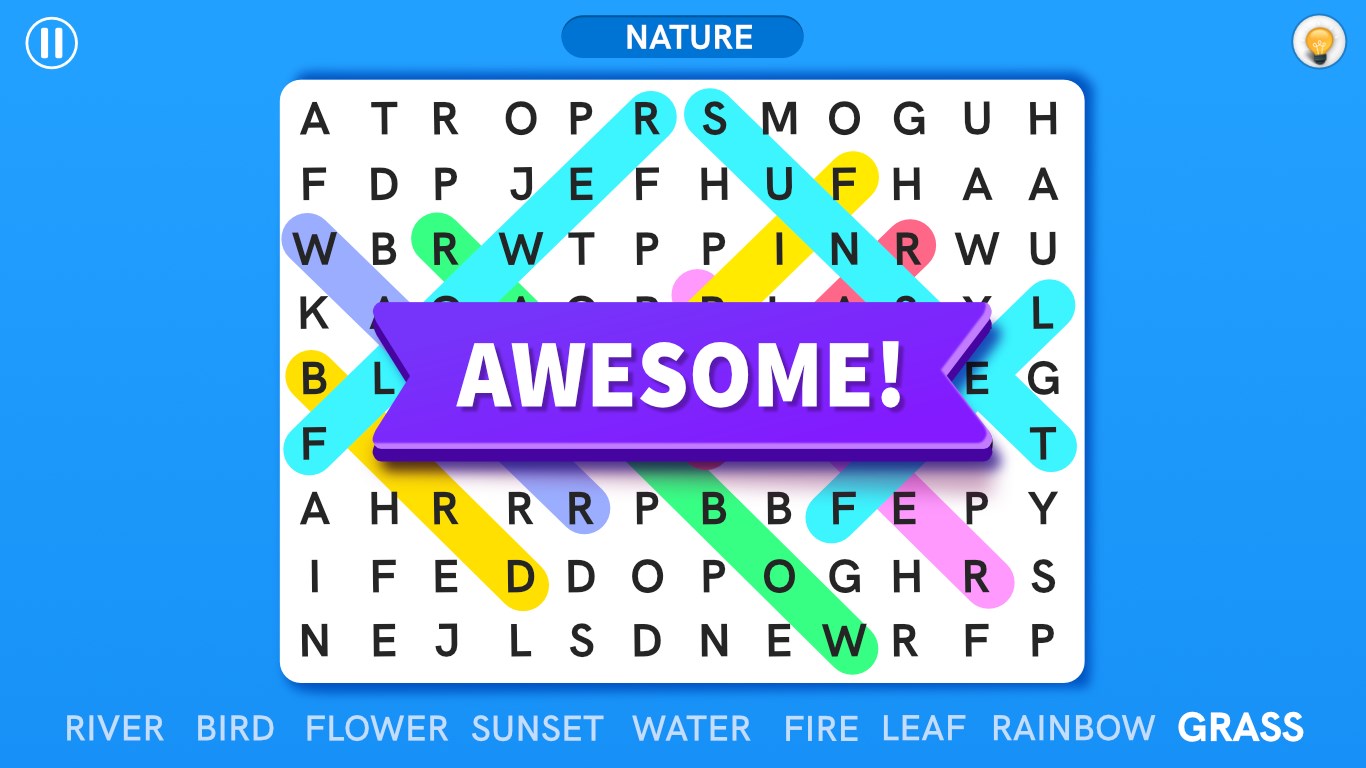
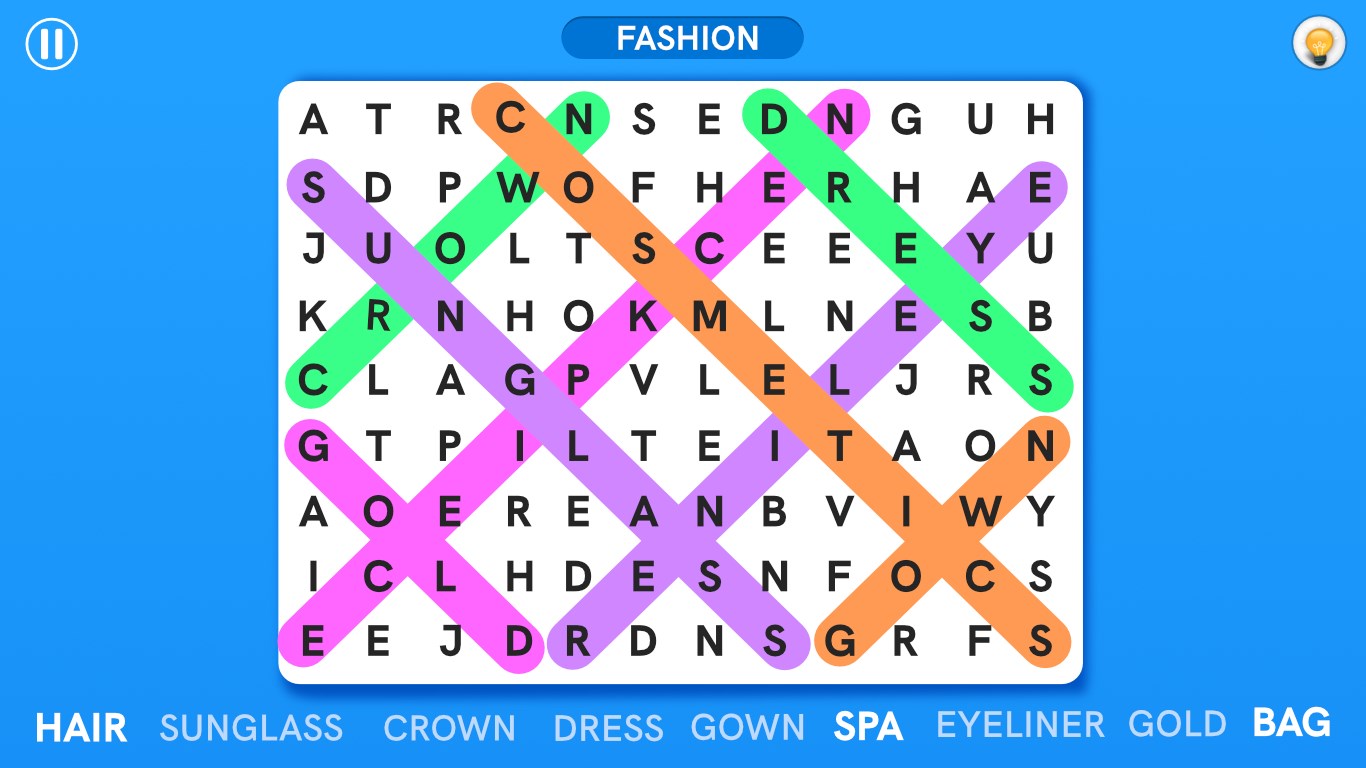
The app's interface adopts a clean, colorful design that is neither overwhelming nor dull—imagine a cozy library corner where each puzzle sits invitingly on a shelf. The visual clarity makes selecting words and navigating menus effortless, even for newcomers.
Seamless Interactions and Smooth Performance
During gameplay, the app responds instantly to touch and cursor inputs, maintaining a fluid experience that keeps the game feeling natural and effortless—no annoying lags to disrupt your concentration. This smoothness extends across various device configurations, highlighting good optimization.
Learning Curve and User Engagement
Getting started is straightforward: intuitive menus and helpful tutorials mean you can jump right in without a steep learning curve. The gradual increase in difficulty ensures players can hone their skills progressively, making it suitable for both beginners and puzzle veterans.
Standout Features and Competitive Edge
Personal Puzzle Creation: A Unique Touch
Unlike many word search apps that merely offer pre-made puzzles, this app's ability for users to craft and share their own puzzles adds a layer of personalization and community interaction. Think of it as a cozy crafting corner where your creativity shapes the experience, which is a notable differentiator in this genre.
Theme Diversity and Customization Options
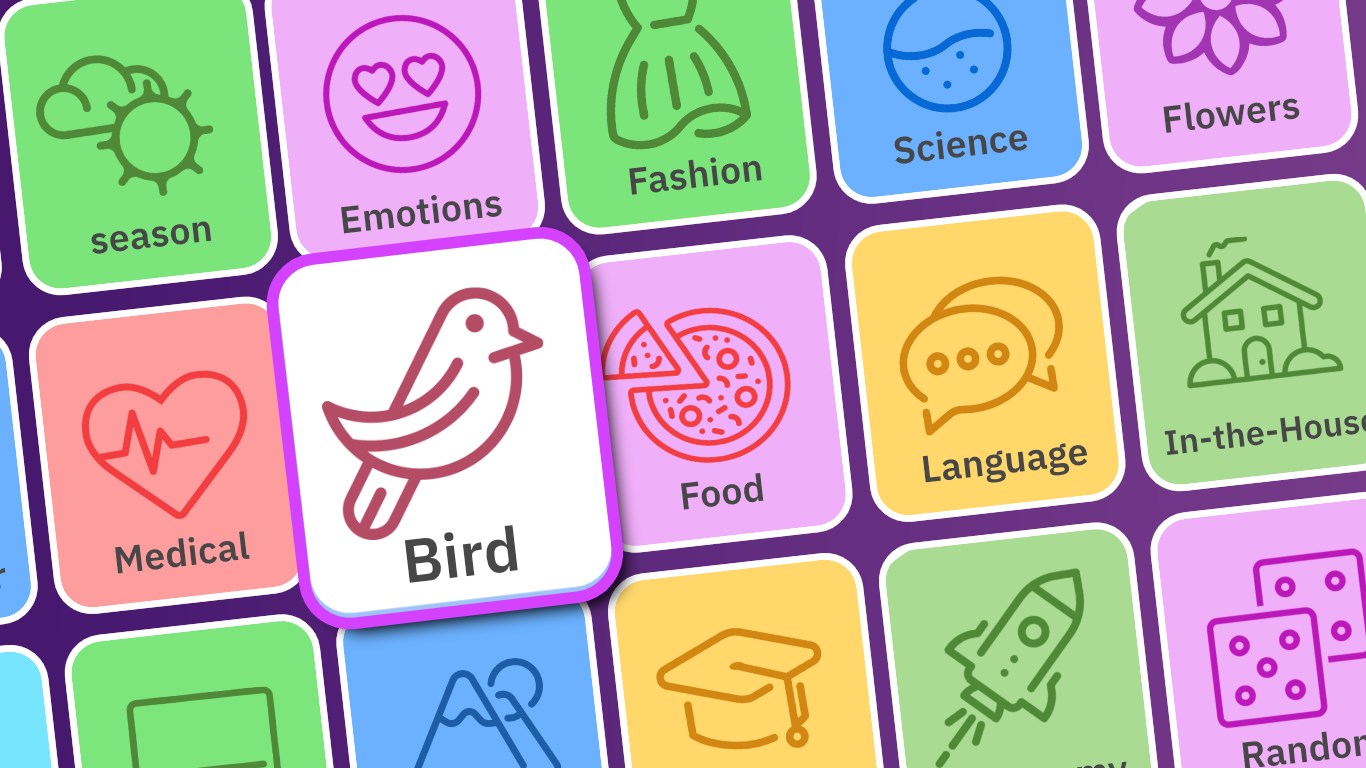
Whether you're into classic themes like animals and foods or want to try themed puzzles around holidays and movies, the app caters to various interests. Customization options further enhance player engagement by allowing adjustments in puzzle layout and difficulty settings.
Should You Download and Who Will Enjoy It?
Given its straightforward design, solid performance, and the creative puzzle-building feature, Word Search - Word Puzzle Game is recommendable for casual puzzle enthusiasts and families looking for a wholesome activity. It's particularly suitable for users seeking a relaxing way to sharpen their vocabulary and pattern recognition without intrusive ads or complex mechanics.
In conclusion, while it doesn't revolutionize the word search genre, this app's thoughtful features—especially its puzzle creation tool—and polished user experience make it a noteworthy addition to the Windows casual game library. If you appreciate a blend of familiar gameplay with opportunities for personalization, this app deserves a spot on your device.
Pros
- Intuitive and user-friendly interface
- Variety of challenging word puzzles
- Colorful graphics and smooth animations
- Offline play support
- Regular updates with new puzzles
Cons
- Limited puzzle categories
- Difficulty might be inconsistent
- No hints or hints system available
- Limited customization options
- Ads can be intrusive in free version











