

- Category Productivity
- Developer Eugene Schouten
- Available on PC, Mobile, Xbox console, Surface Hub
- OS Windows 11 version 22621.0 or higher
- languages English (United States)
Introducing WordPad TextNote for Windows: A Streamlined Note-Taking Companion
WordPad TextNote for Windows, developed by Eugene Schouten and published by Qwabber, positions itself as a lightweight yet capable note-taking app designed to enhance your productivity without overwhelming you with features. It aims to provide a simple, distraction-free environment for jotting down ideas, memos, and quick notes, making it ideal for users seeking efficiency and clarity in their everyday tasks.
About the Developer and Key Features
The app is created by Eugene Schouten, a developer focused on delivering straightforward utility tools. Its main features include a clean interface optimized for quick note creation, seamless synchronization for multi-device access, and minimalistic design to reduce cognitive load. The target audience primarily comprises students, professionals, and anyone who needs a fast, reliable note-taking solution integrated into the Windows environment.
A Peek into the User Experience and Design
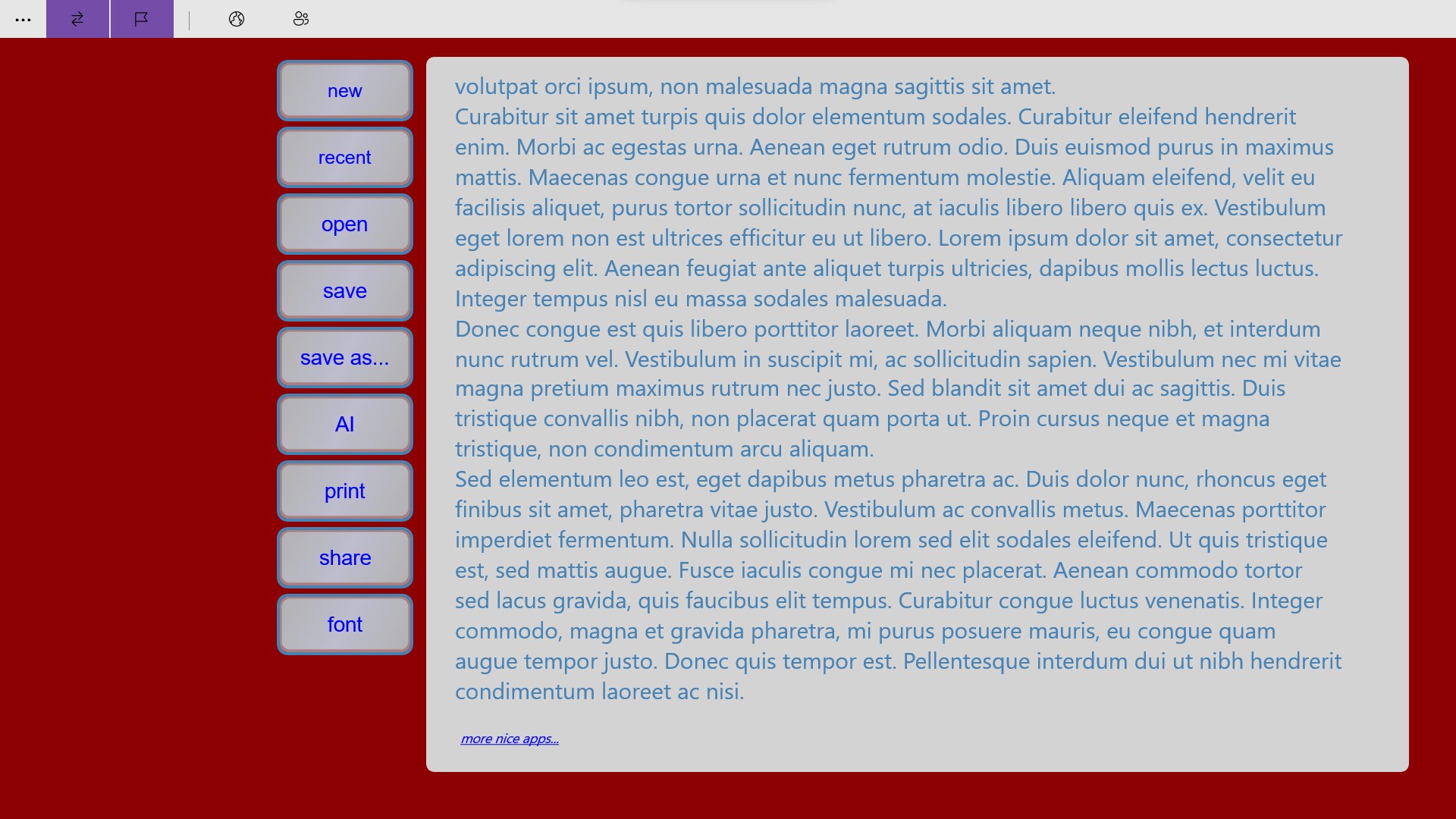
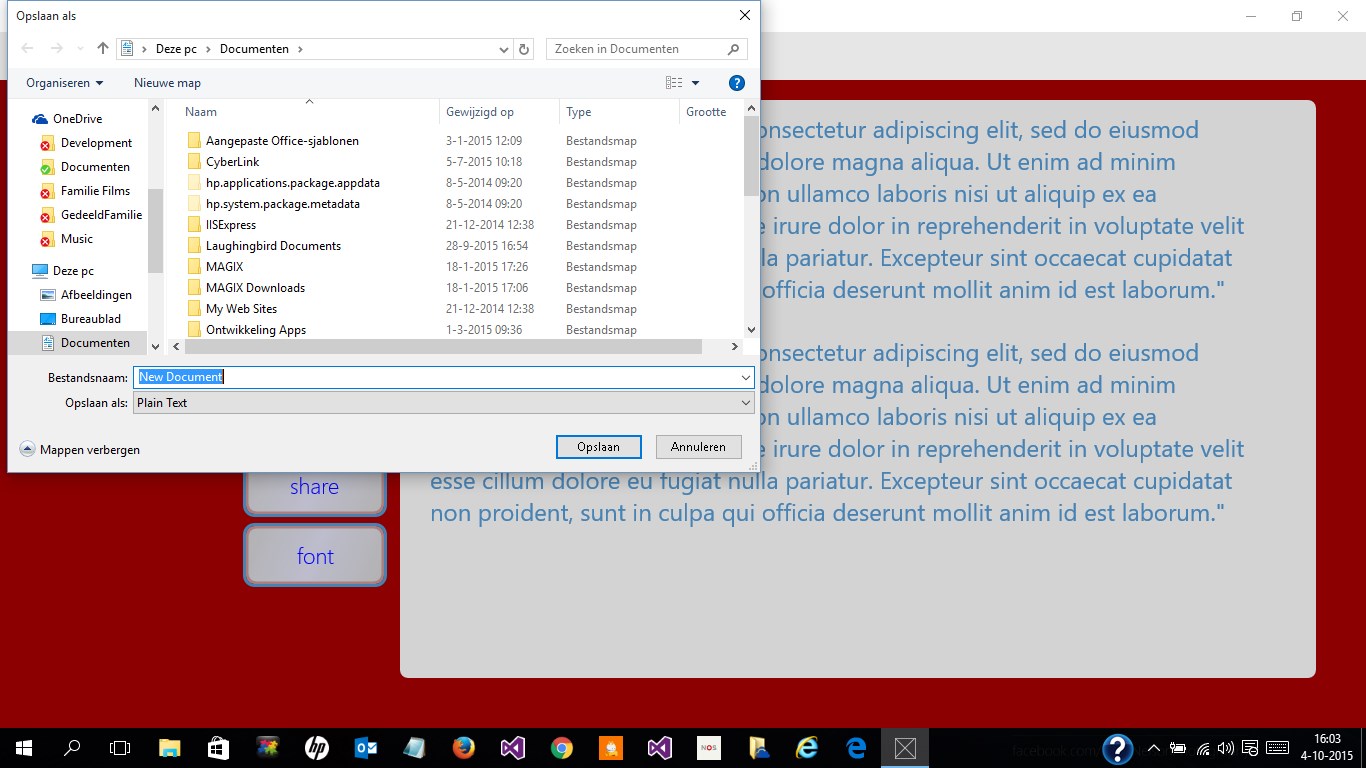
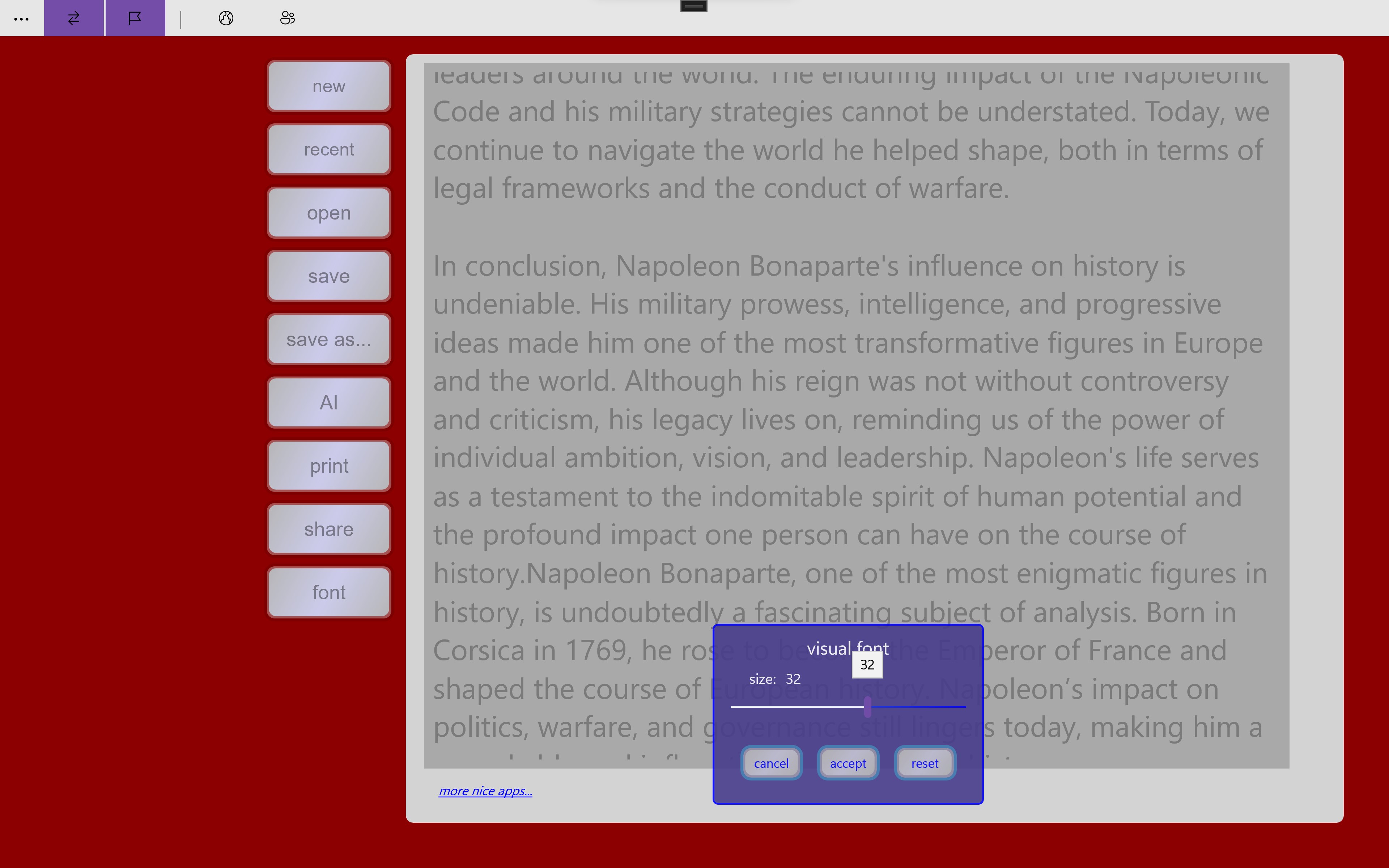
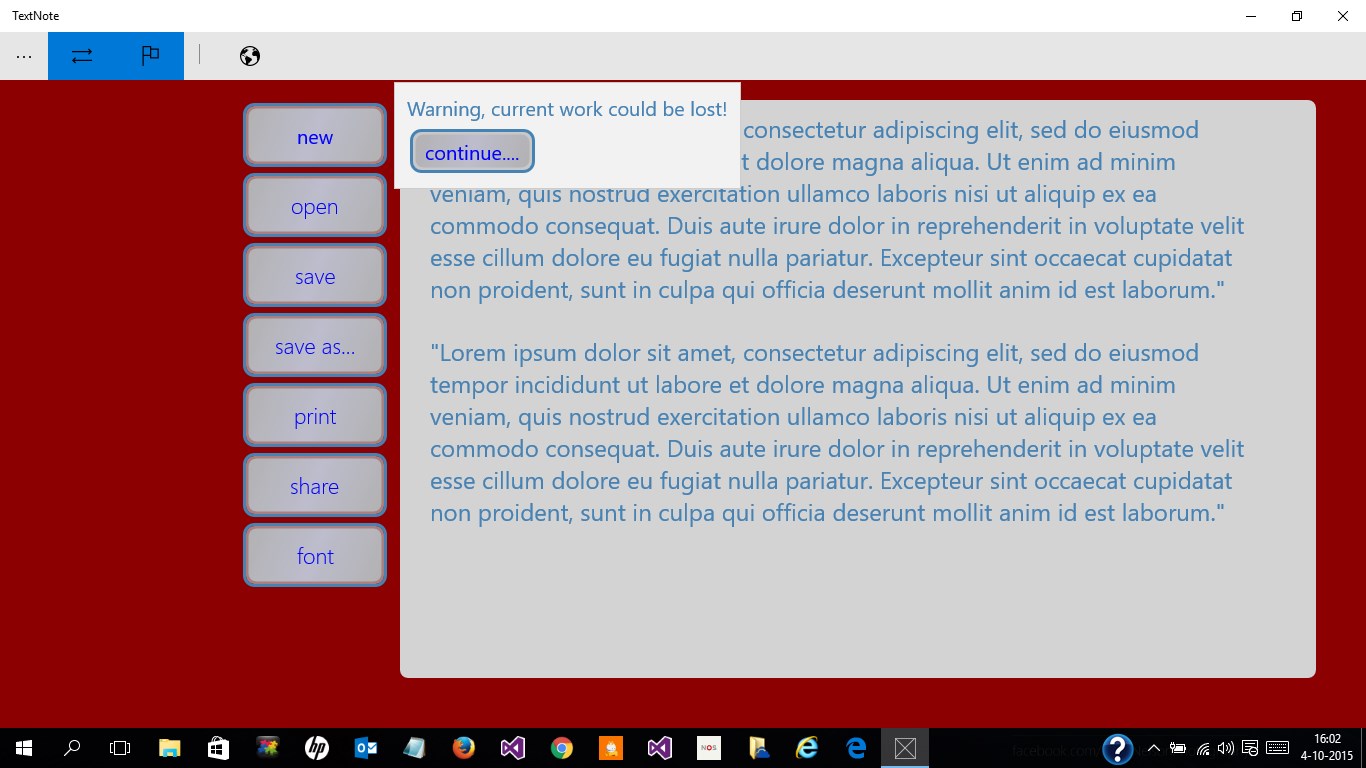
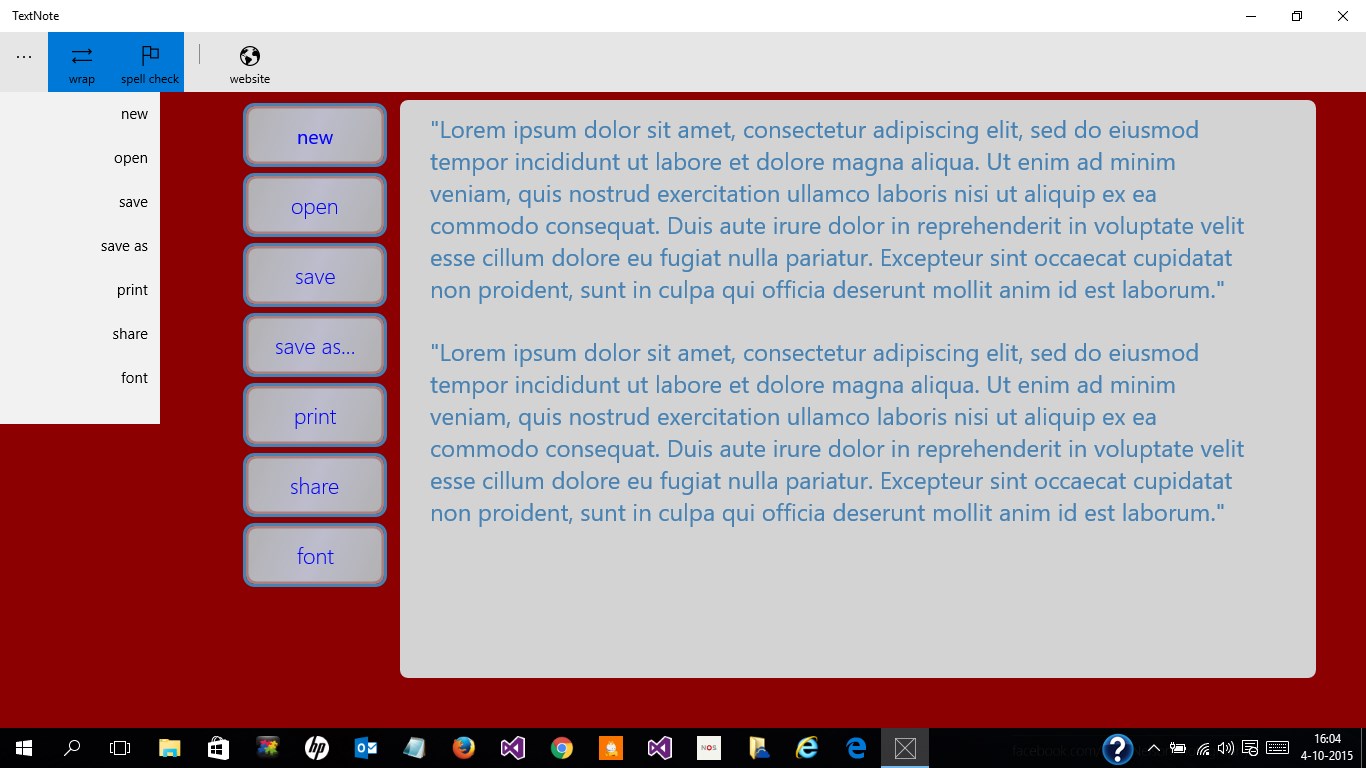
Right from the first glance, WordPad TextNote exudes a friendly yet professional vibe. Its interface resembles a crisp, digital notepad—no unnecessary bells and whistles—encouraging users to focus solely on content. The app boasts a smooth, responsive experience, with rapid opening times and fluid typing, making it feel almost like jotting notes on a traditional paper pad but with the benefits of digital integration. The layout's simplicity means that even new users can pick it up swiftly, with minimal onboarding required.
Core Functionality 1: Effortless Text Entry and Organization
The app excels at providing a clutter-free writing environment. It supports basic formatting options such as bold, italics, and bullet points, but steers clear of overcomplication. Notes are organized in a straightforward list, making navigation akin to flipping through index cards. This design choice minimizes cognitive load, allowing users to focus entirely on content creation rather than managing complex folder structures or tags. The automatic saving feature ensures that nothing slips through the cracks, providing peace of mind during quick thoughts or lengthy drafts.
Core Functionality 2: Seamless Multi-Device Synchronization
One of the standout features of WordPad TextNote is its effortless synchronization across devices. Once signed in, users can access their notes on different Windows devices without manual transfers. This integration streamlines workflow, especially for users who switch between laptops, desktops, or tablet devices. Unlike some apps that require complicated setup or dedicated cloud services, this app's synchronization is built-in and intuitive, reducing cognitive load and eliminating potential barriers to accessibility.
User Experience and Differentiation from Similar Apps
What truly sets WordPad TextNote apart from other productivity tools is its laser focus on reducing unnecessary features that can overwhelm users. While many note-taking apps boast extensive functionalities—ranging from multimedia embedding to complex tagging—this app consciously avoids such clutter. Instead, it emphasizes a seamless, distraction-free environment that supports quick note-taking and easy retrieval. Its workflow integration is optimized for efficiency; users can open, jot down, and save notes with minimal interruptions, making it feel like an extension of their natural thought process. This reduction in cognitive load, combined with a straightforward interface, makes it particularly appealing to users seeking a no-nonsense solution for everyday notes.
Final Thoughts and Recommendations
WordPad TextNote offers a refreshingly simple approach for digital note-takers who value speed and clarity over feature-bloat. Its core strengths—ease of use, synchronization, and minimalism—make it an excellent choice for students, busy professionals, or anyone needing a lightweight, reliable note app. I recommend giving it a try if you're tired of cumbersome apps that require steep learning curves and distract from your workflow. For those who prioritize a clean, focused environment that seamlessly integrates into their daily routine, WordPad TextNote stands out as a practical, user-friendly option that truly respects your cognitive bandwidth.
Pros
- User-friendly interface
- Lightweight and fast
- Basic editing features
- No cost for Microsoft Store users
- Compatibility with Windows
Cons
- Limited formatting options
- Lack of cloud sync
- Absence of spell check
- Limited export formats
- No advanced editing features











