
- Category Action & adventure
- Available on PC, Mobile, Surface Hub, HoloLens
- OS Windows 10 version 10240.0 or higher
- DirectX Version 10
- Keyboard Not specified
- Mouse Not specified
- languages English (United States)
Unleash Your Creativity with WorldCraft: A 3D Building Adventure
Imagine stepping into a vast digital sandbox where your imagination is the only limit—that's precisely what WorldCraft offers. Designed for craft lovers and creative explorers alike, this app transforms the familiar block-building concept into a captivating 3D experience, perfect for both casual players and dedicated creators seeking a new canvas.
Developed by Playlabs: The Artists Behind the Blocks
WorldCraft is developed by Playlabs, a team known for crafting engaging and user-friendly mobile experiences. Their focus on combining innovative gameplay with intuitive design shines through in this application, making it accessible for users across various age groups and skill levels.
Key Highlights That Make WorldCraft Stand Out
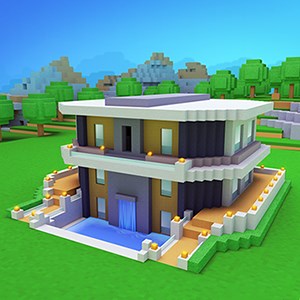
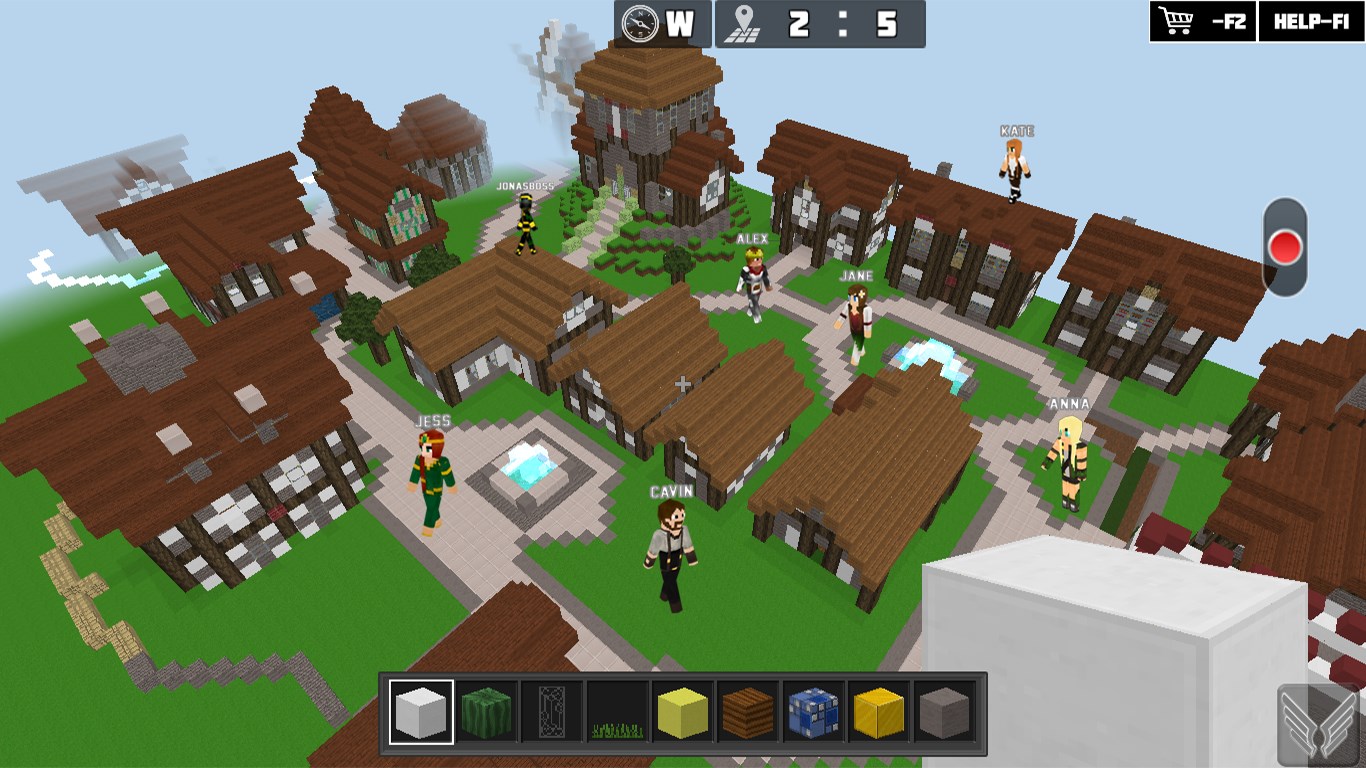
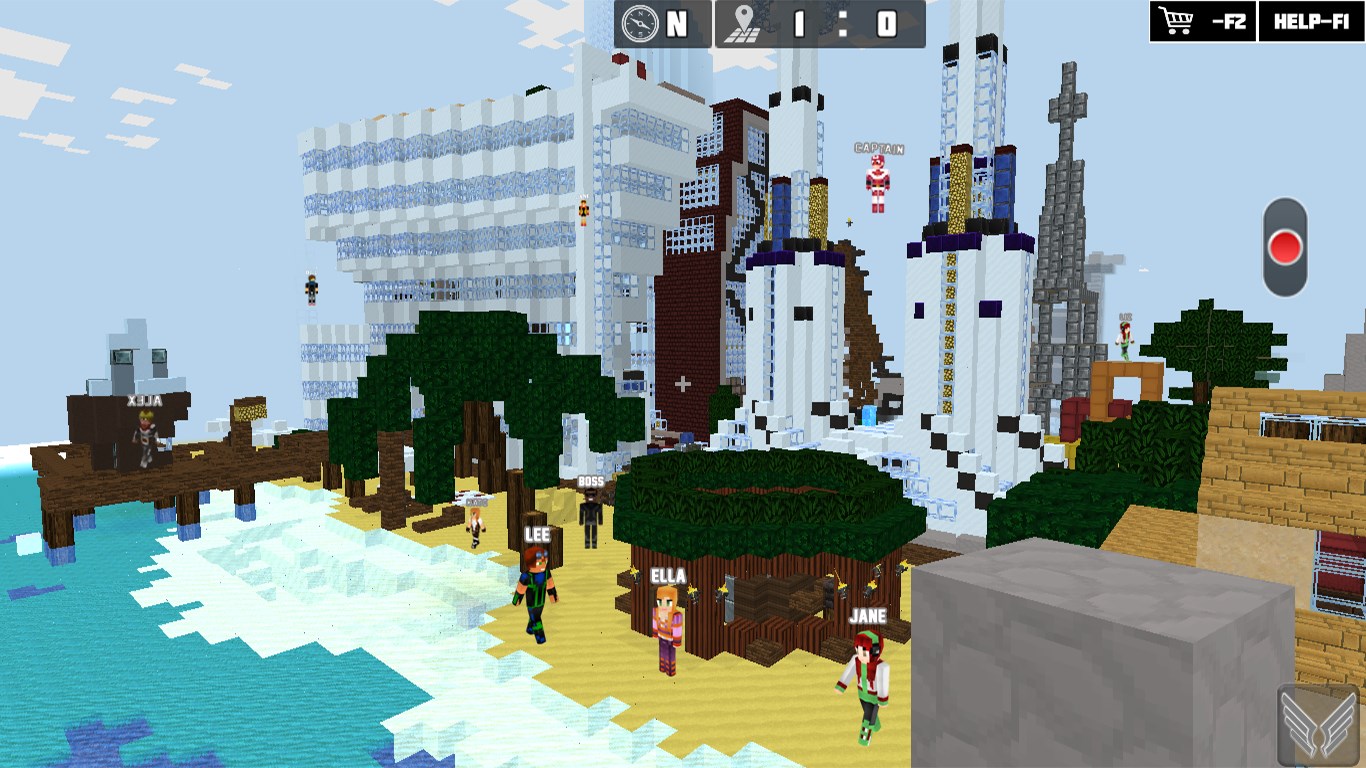
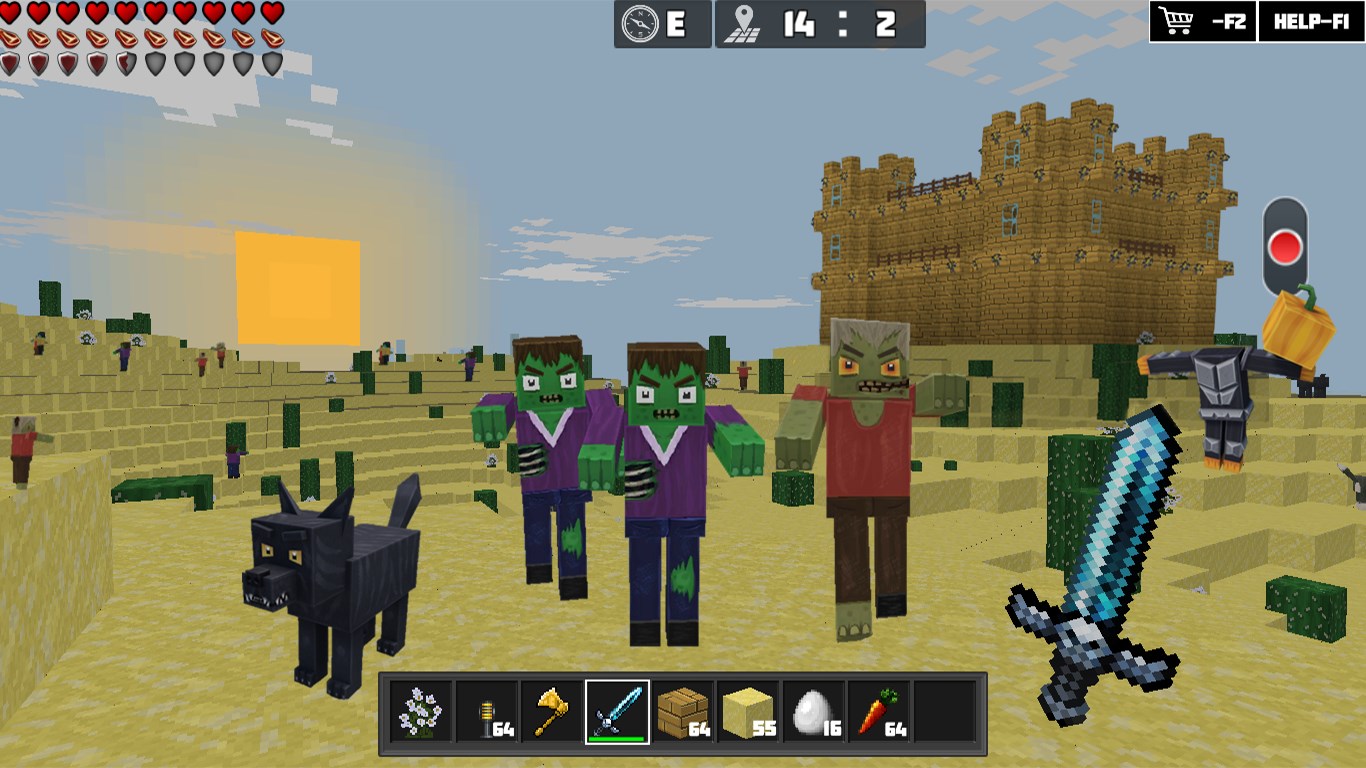
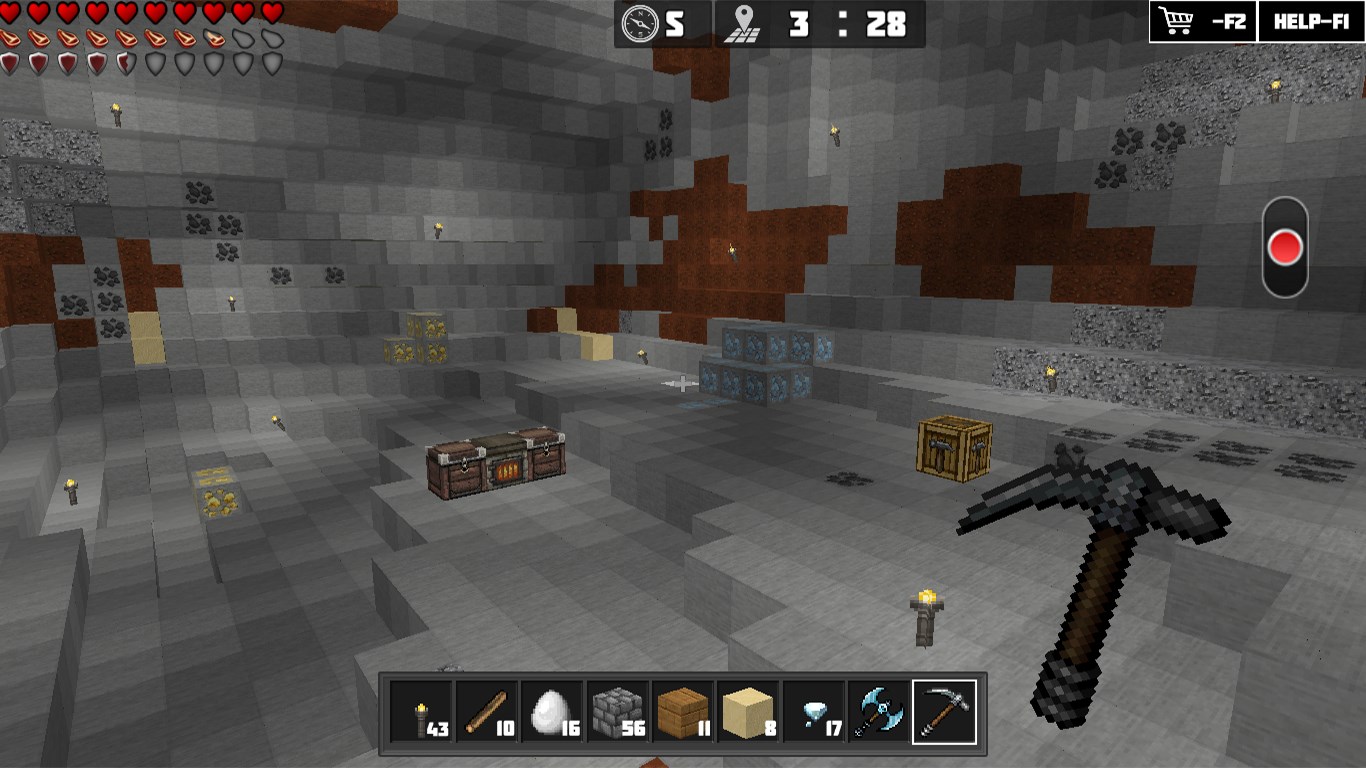
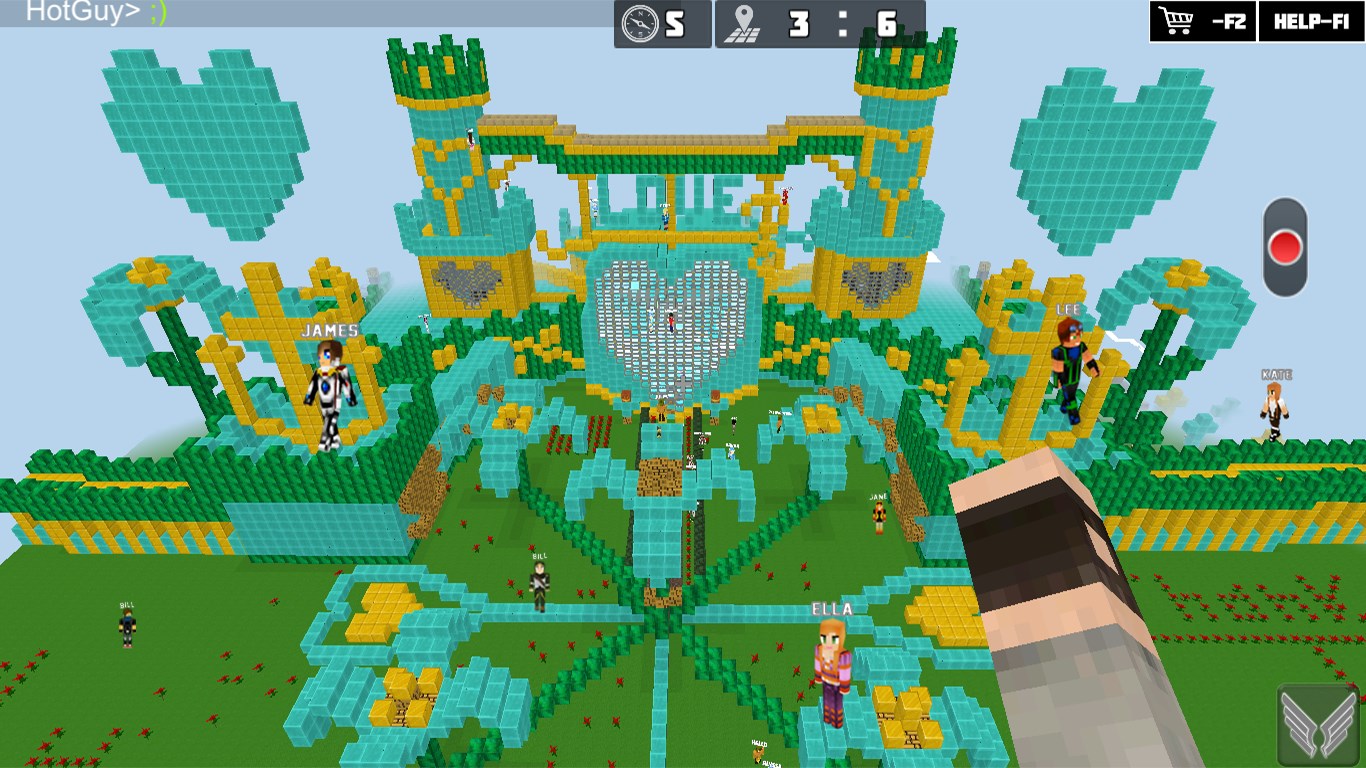
- Robust 3D World Building: Create detailed and immersive landscapes in a 3D environment that covers everything from sprawling cities to intricate castles.
- Intuitive Building Tools: Enjoy easy-to-use yet powerful construction features that let you manipulate blocks with precision, fostering endless creative possibilities.
- Creative Customization Options: Personalize your creations with a variety of textures, colors, and decorative elements, allowing your projects to truly reflect your style.
- Community Sharing: Share your masterpieces with a community of like-minded builders, inspiring and being inspired in turn.
Targeted mainly at hobbyists, young creators, and anyone interested in digital building and design, WorldCraft's user-friendly approach invites users from all backgrounds to dive into a world of endless building potential.
Building a World: Core Features Spotlight
Immersive 3D Environment and Design
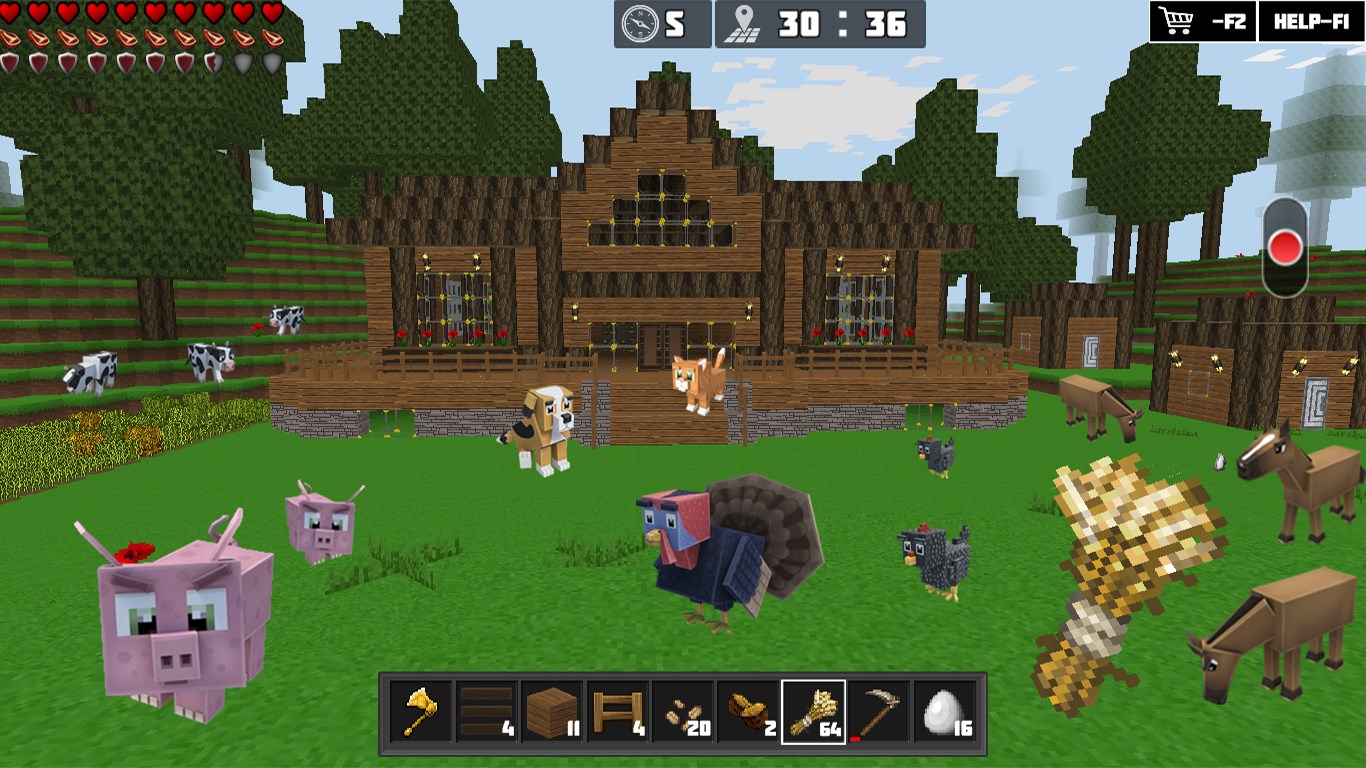
The heart of WorldCraft is its vibrant 3D environment that feels akin to stepping into a physical construction site. Unlike traditional 2D or flat-building apps, this game offers depth and perspective, making each structure feel absolutely real. The interface provides smooth navigation, allowing you to rotate, zoom, and explore your creations from every angle, thus enriching the creative process.
Seamless and Intuitive Building Tools
Building in WorldCraft is remarkably straightforward. The app offers a drag-and-drop system where blocks snap into place with satisfying precision. For more detailed work, users can select different brushes, layers, or decorative elements easily, which enhances the experience without steep learning curves. This combination of simplicity and depth makes it accessible for newcomers while still rewarding experienced builders.
Customization and Personalization
Creativity isn't just about placing blocks; it's about making your creation unique. WorldCraft offers a broad palette of textures and colors, with options to apply custom skins and decorations. Think of it as choosing your outfit before a big event—each choice adds personality and flair. This layer of customization makes your finished projects stand out and truly feel like your own.
The Unique Edge: How WorldCraft Differentiates Itself
Unlike many other action or adventure apps that emphasize combat, exploration, or storylines, WorldCraft positions itself squarely as a creative platform. Its standout feature is the immersive 3D building environment combined with user-friendly tools that lower the barrier to entry for beginners. This makes it similar to a virtual LEGO set where the only limit is your imagination, but with advanced tools for experienced creators to finesse their designs.
Additionally, the community sharing aspect fosters collaboration and inspiration, turning solitary building into a social experience. This community-driven approach adds a layer of motivation and feedback that many peers in this genre lack, setting WorldCraft apart as a platform for both personal expression and social interaction.
Final Thoughts and Recommendations
Overall, I find WorldCraft to be a compelling choice for anyone interested in digital construction and creativity. Its most impressive features—namely the immersive 3D environment and intuitive building tools—make it accessible and enjoyable without sacrificing depth. Whether you're a beginner eager to try something new or a seasoned builder looking for a flexible platform, this app offers a rich playground.
My recommendation is to give it a try if you're seeking a creative outlet that combines simple controls with powerful customization options. It's most suitable for casual play and hobbyist creation rather than serious professional designing, but even then, it offers plenty of room to innovate and experiment. Dive in, grab your blocks, and start shaping your digital world—your imagination is the only limit!
Pros
- Intuitive 3D Building Mechanics
- Extensive Block Library
- Creative Mode Freedom
- Multiplayer Collaboration
- Regular Content Updates
Cons
- Performance Issues on Low-End Devices
- Limited Tutorial Content for Beginners
- In-App Purchase Reliance for Premium Content
- Slightly Clunky User Interface
- Occasional Syncing Delays in Multiplayer Mode











