


- Category Productivity
- Available on PC
- OS Windows 10 version 0.0 or higher
- languages English (United States), French, German, Indonesian, Japanese, Portuguese (Brazil), Russian, Thai, Spanish (Mexico), Spanish (Spain), Portuguese (Portugal), French (Canada), Polish
An Efficient All-in-One Office Suite for Windows: WPS Office Suite Review
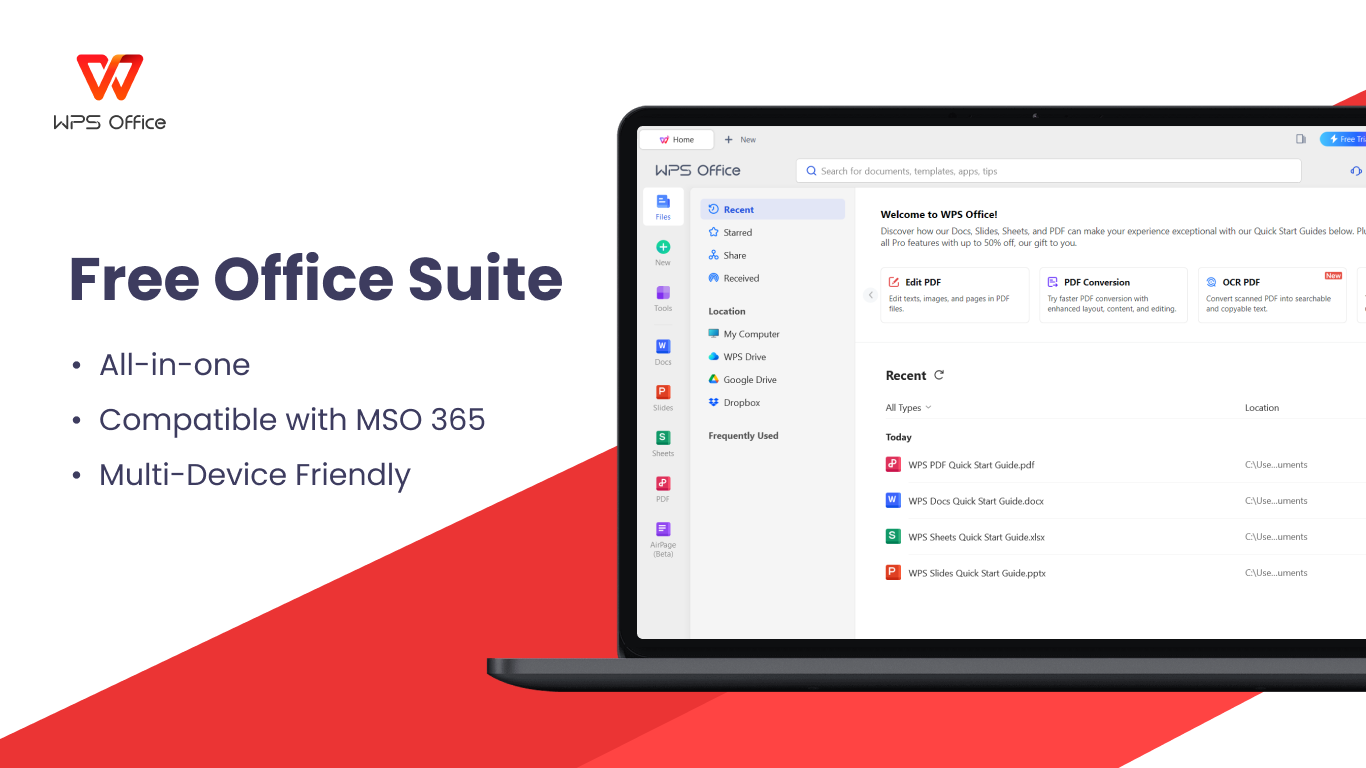
Imagine having a versatile office companion that seamlessly combines PDF management, document creation, spreadsheet analysis, and slide presentation—all within a sleek, intuitive interface. That's what WPS Office Suite offers to its users, making it a practical choice for individuals and professionals alike who seek productivity without the clutter.
Fresh, User-Friendly Interface That Speaks Fluent Workflow
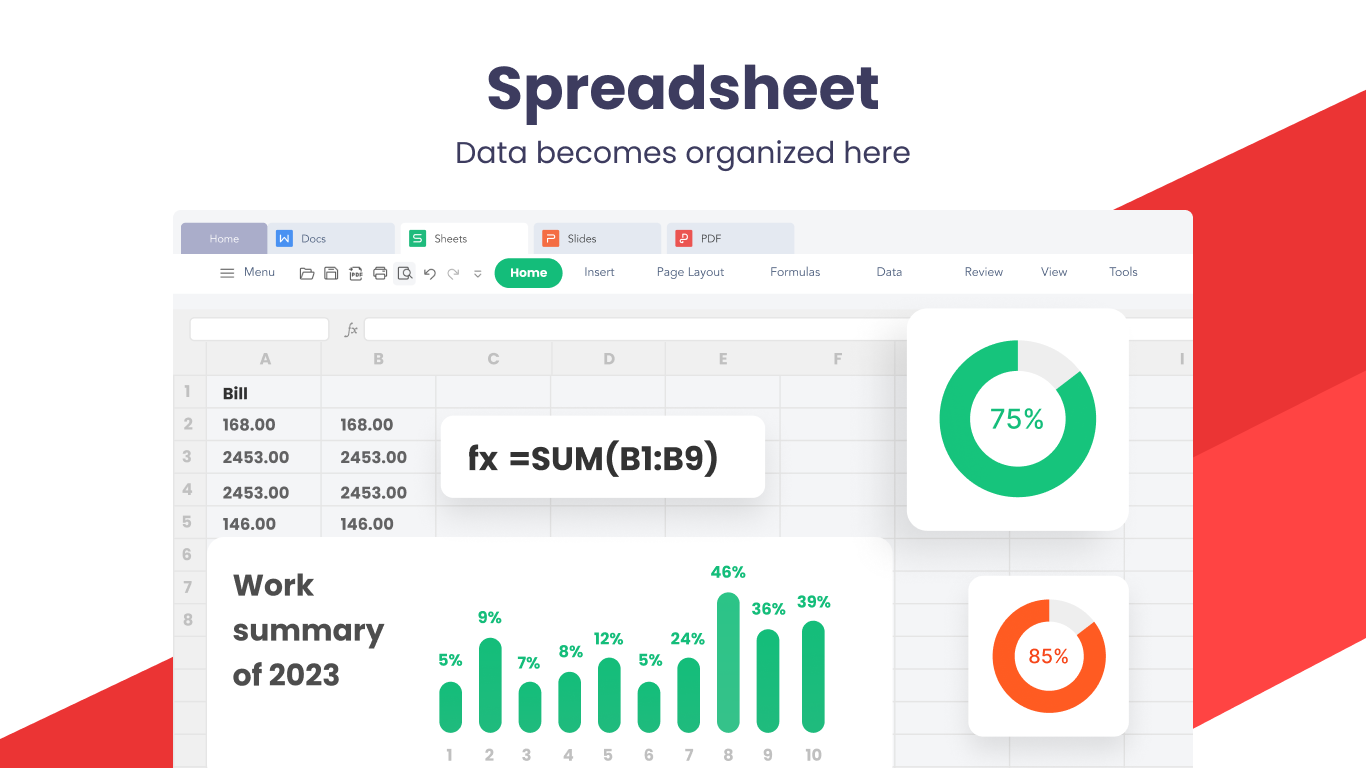
Upon launching WPS Office, users are greeted with a clean, familiar interface reminiscent of popular office tools, yet with its own distinctive touch. The design balances simplicity with function—large icons, clear menus, and easy navigation make jumping between PDFs, documents, spreadsheets, and slides feel effortless. It's akin to having a well-organized toolbox, where every tool is within arm's reach, reducing cognitive load and allowing you to focus on your content rather than figuring out how to find or use features. The responsiveness is commendable; even complex documents or multiple editing tasks glide smoothly, thanks to optimized performance and minimal lag.
Core Functionalities That Elevate Productivity
Unified PDF View & Edit Capabilities
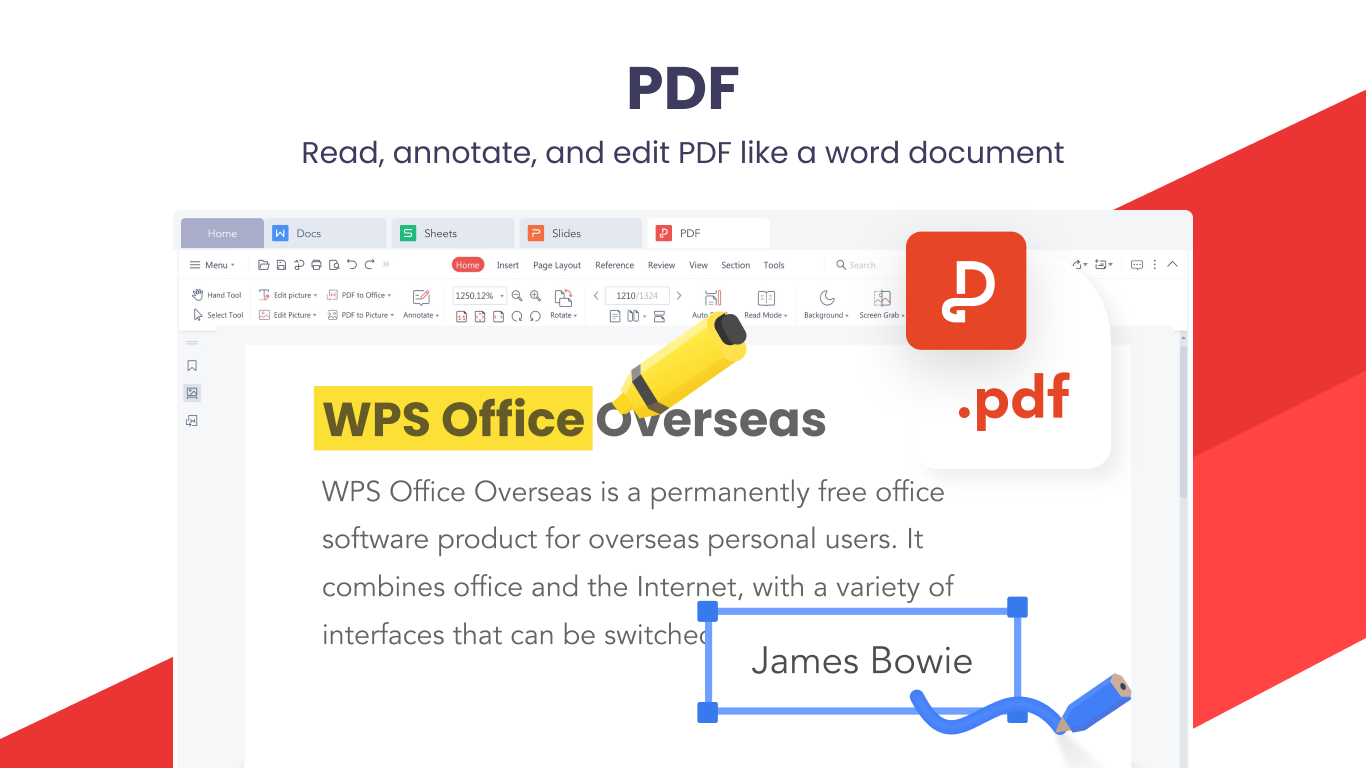
One of the standout features is WPS Office's PDF support. Unlike many office suites that treat PDFs as a weak cousin or unnecessary add-on, WPS integrates PDF viewing, annotation, and basic editing directly into its interface. Whether you're reviewing a project proposal or filling out a form, you can do so without exporting or switching apps. The ability to highlight, add comments, or even convert PDF pages into editable documents streamlines workflows that traditionally involved multiple tools and tedious file management.
Comprehensive Document Creation & Collaboration
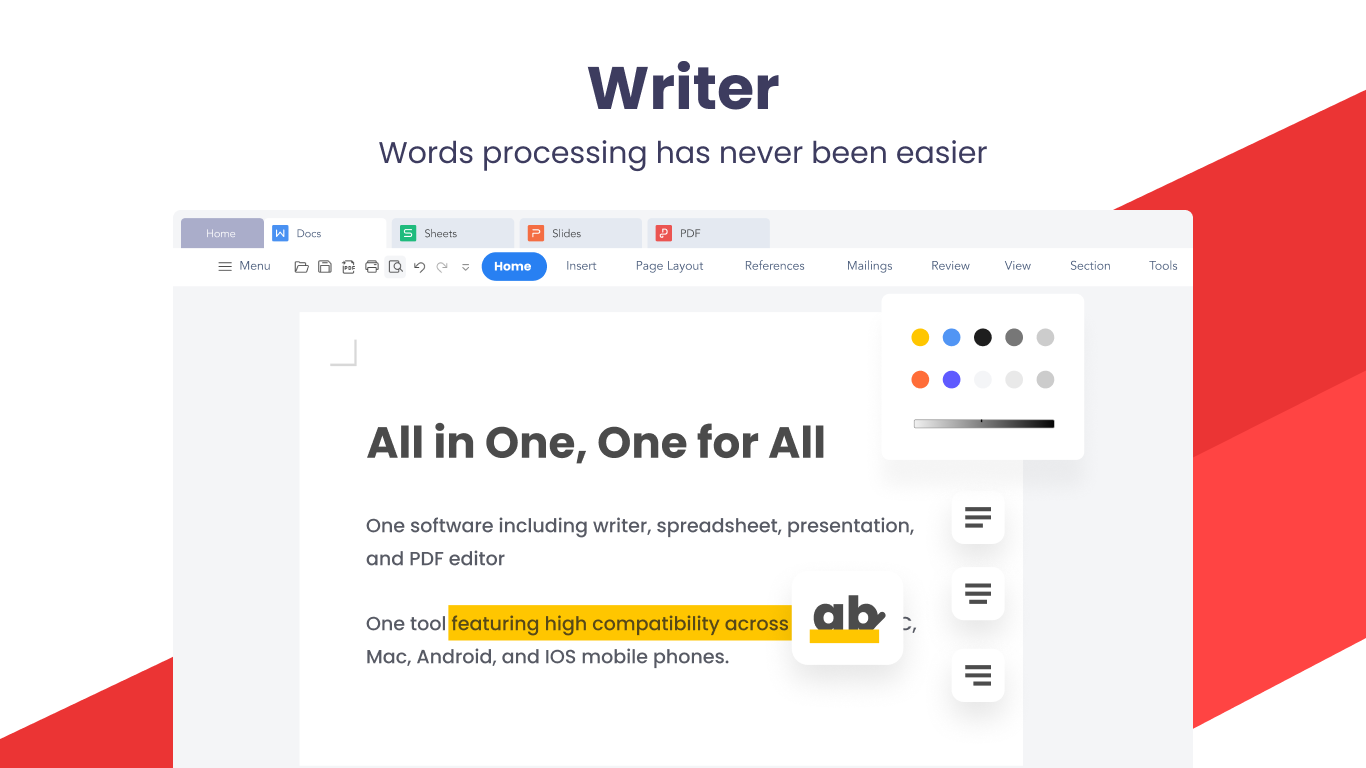
The heart of WPS Office remains its robust word processor, spreadsheet, and presentation tools. Crafted with an experience that mimics Microsoft Office but with less bloat, these modules support full compatibility with their proprietary formats and MS Office files. Features like real-time collaboration, cloud integration, and an array of templates make creating and sharing documents straightforward—think of it as having a professional desk setup that's always ready, no matter where you're working from. The built-in spell check, formatting options, and multimedia embedding empower users to craft polished, engaging content with minimal fuss.
Effortless Workflow Integration & Reduced Cognitive Load
This suite's design emphasizes reducing the mental effort required to manage multiple tasks. Unlike overly complex productivity apps stuffed with features that complicate rather than clarify, WPS pairs its rich functionalities with an elegant simplicity. The intelligent grouping of features and seamless file management tools mean that switching between PDF reading, editing, or creating documents doesn't feel like a jarring mental switch but part of a natural flow. This is especially beneficial for users handling diverse content types or performing multitasking scenarios—making WPS a reliable partner rather than a barrier.
Comparative Edge: How WPS Stands Out
In the crowded field of office productivity tools, WPS Office's ability to integrate PDF management tightly within a familiar office environment is a key differentiator. Its focus on workflow efficiency ensures that users don't need to juggle separate apps or learn convoluted processes. Moreover, with a considerate approach to feature complexity, WPS minimizes unnecessary menu clutter, enabling users to stay focused on their actual work tasks—like having a clear workspace amidst a busy office. This deliberate balance between power and simplicity makes it a compelling alternative to bulkier suites, especially for those who prioritize straightforward, effective tools.
Verdict & Recommendations
Overall, WPS Office Suite is a robust, user-friendly solution that caters well to everyday office needs, especially for users who need integrated PDF editing alongside traditional document creation. Its intuitive interface combined with workflow-oriented features makes it an excellent choice for students, freelancers, and small teams. While it might not replace high-end enterprise tools for specialized tasks, its balance of functionality and simplicity earns it a solid recommendation for most general use cases.
If you're seeking an office suite that feels like a well-organized workspace rather than a cluttered toolbox, WPS Office is worth trying out. It simplifies your tasks without sacrificing essential features—making your workday smoother and more productive.
Pros
- User-Friendly Interface
- Comprehensive Format Support
- Cloud Integration
- Rich Editing Features
- Quick PDF Viewing and Conversion
Cons
- Limited Free Features
- Occasional Sync Delays
- Performance Issues on Older Devices
- Limited Offline Functionality
- Minor Interface Inconsistencies











