
- Category Education
- Available on PC
- OS Windows 10 version 17763.0 or higher
- languages English (United States)
Introducing Writing Wizard - Handwriting for Kids
Writing Wizard - Handwriting for Kids is an engaging educational app designed to help young learners develop their handwriting skills through interactive practice and fun exercises. With bright visuals and intuitive tools, it aims to transform handwriting practice from a chore into an enjoyable activity.
Developed by L'Escapadou, a trusted name in educational software
Created by L'Escapadou, a dedicated team renowned for developing innovative and effective educational apps, Writing Wizard emphasizes personalized learning experiences tailored for early learners.
Key Features That Make Writing Wizard Stand Out
- Customizable Letter and Word Practice: The app allows teachers and parents to create personalized handwriting exercises with specific letters, words, or phrases, aligning practice with curriculum needs.
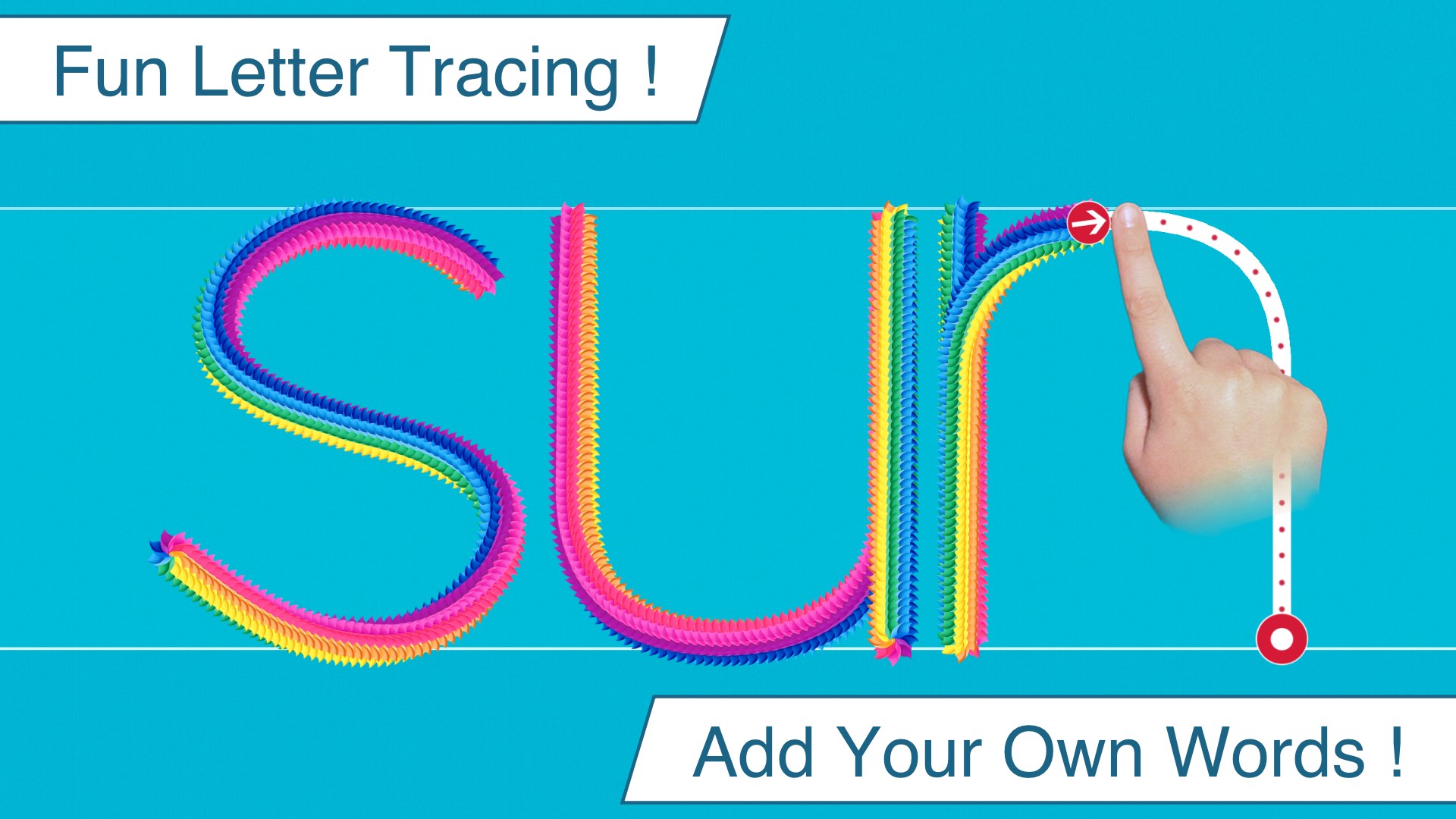
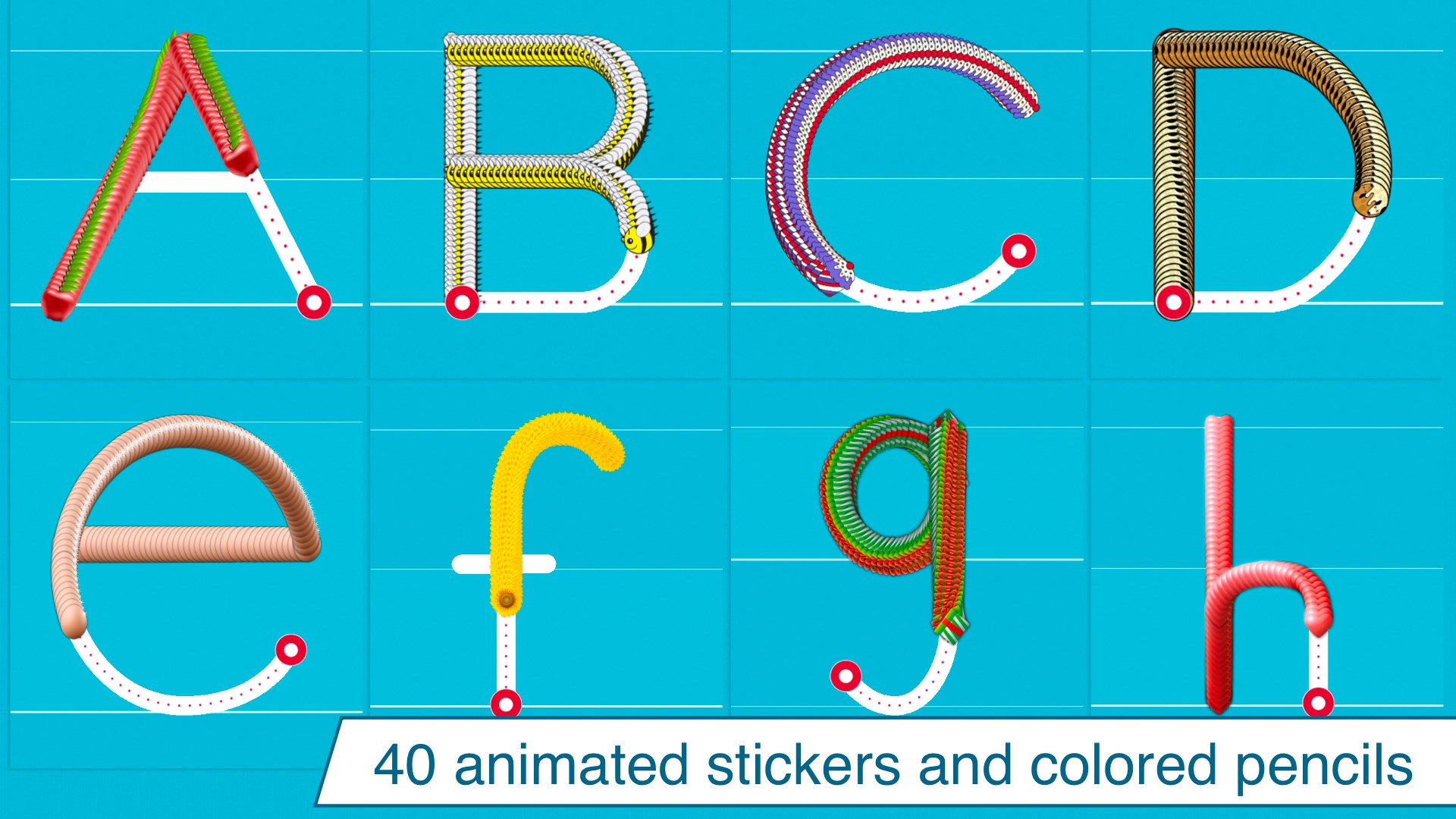
- Interactive Tracing with Audio Feedback: Kids trace letters and words on the screen, receiving immediate visual and auditory feedback that reinforces correct strokes and pronunciations.
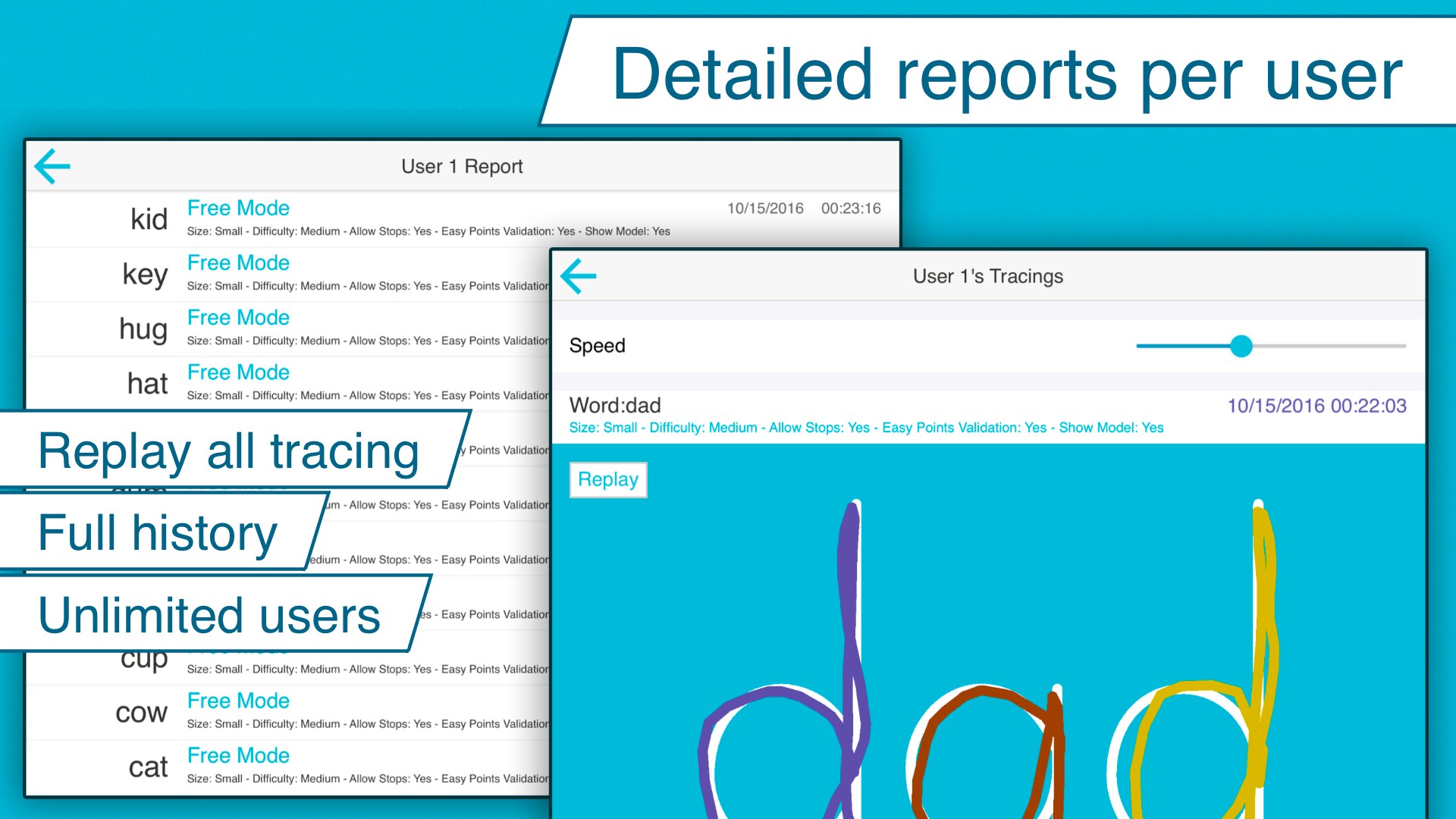
- Progress Monitoring and Rewards: The app tracks individual progress and offers rewarding incentives, motivating children to continue practicing and improving their skills.
- Multi-Language Support: Supporting several languages, it caters to diverse learning environments, making it versatile for global users.
Vivid and Fun User Experience
Imagine a colorful virtual doodle pad where young scribbles transform into beautifully formed letters—Writing Wizard feels like entering a magical workshop for budding writers. Its lively interface, filled with cheerful sounds and animations, captivates children's attention, making handwriting practice feel like a delightful game rather than a dull homework task.
Intuitive Interface and Smooth Operation
The app's design leans toward simplicity, with large, brightly colored buttons and clear navigation cues that one can master within minutes—perfect for little fingers still gaining coordination. The handwriting tracing tool works seamlessly, with responsive strokes that mimic real pencil movements. During testing, I noticed minimal lag, even when multiple exercises are switched quickly—a crucial factor in keeping kids engaged. The learning curve is gentle; beginners pick it up effortlessly, while more advanced users can explore customized content with minimal guidance.
Personalized Learning Paths & Unique Differentiation
Unlike many generic handwriting apps, Writing Wizard's ability to tailor exercises profoundly enhances individual learning journeys. Teachers and parents can craft specific word lists tailored to a child's current level. This personalized approach operates much like a custom-fit key unlocking each child's potential, rather than forcing all into one-size-fits-all lessons. Additionally, the app's audio feedback ensures that children not only see but also hear the correct pronunciation and stroke order, reinforcing the connection between visual, auditory, and kinesthetic learning styles—something quite rare among similar tools.
Is It Worth a Try? Recommendations and Usage Tips
Considering its robust customization options, user-friendly design, and focus on personalized learning, I would recommend Writing Wizard especially for parents and teachers seeking an adaptable handwriting trainer. It's suitable for children from preschool to early elementary, helping them develop confident handwriting skills step by step. For optimal results, combine the app's digital practice with physical writing exercises—think of the app as a fun rehearsal before the main performance on paper. Regular use can foster steady improvement, making handwriting less of a hurdle and more of a joyous discovery.
Overall, Writing Wizard stands out as a thoughtful, engaging tool that bridges technology and education to nurture young writers—like having a friendly tutor guiding each stroke along the way.
Pros
- Interactive handwriting practice
- Child-friendly interface
- Comprehensive handwriting tools
- Progress tracking
- Offline accessibility
Cons
- Limited customization options
- Occasional handwriting recognition inaccuracies
- Few interactive games or motivation features
- No support for multiple languages
- Limited feedback for advanced learners











