

- Category Developer tools
- Developer Bostrot (Eric Trenkel)
- Available on PC
- OS Windows 10 version 17763.0 or higher
- Keyboard Integrated Keyboard
- Mouse Integrated Mouse
- languages Chinese (Simplified), Chinese (Traditional), English (Australia), English (United Kingdom), English (United States), German, Portuguese (Brazil), Portuguese (Portugal), Turkish
Introducing WSL Manager for Windows: Streamlining Your Linux Subsystem Management
WSL Manager for Windows is a thoughtfully designed application that simplifies the management of Windows Subsystem for Linux (WSL), making it more accessible and user-friendly for both beginners and seasoned developers alike.
Who's Behind the Tool?
Developed by Bostrot, a team led by Erik Trenkel, WSL Manager embodies a focus on enhancing the Windows/Linux interoperability experience, ensuring users can efficiently administer their Linux environments without hassle.
Key Features That Stand Out
- One-Click WSL Distribution Management: Instantly install, wipe, or switch between different Linux distributions with a simple interface, reducing the complexity of terminal commands.
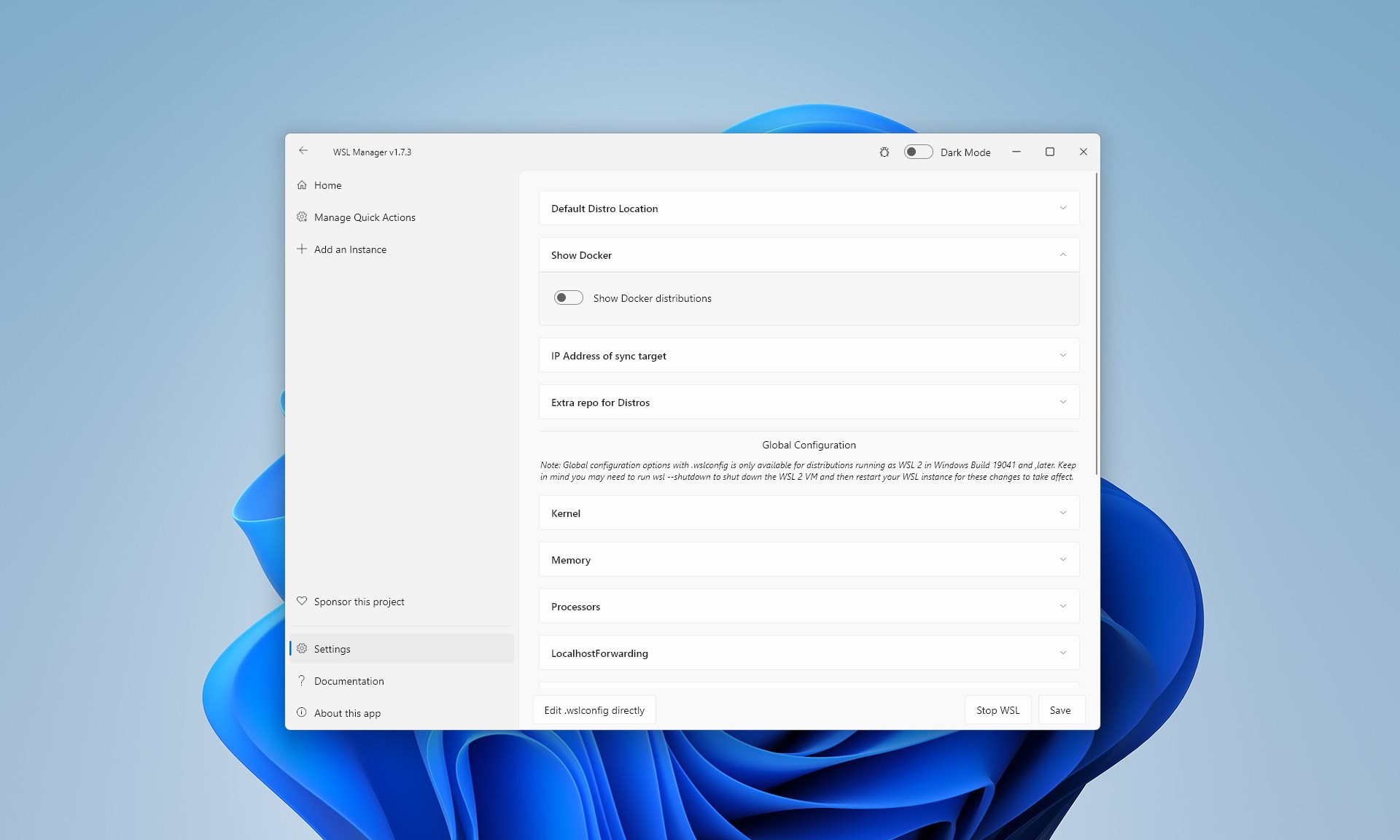
- Graphical Controls for WSL Settings: Easily tweak configurations such as resource allocation (CPU, RAM), startup options, and network settings through intuitive sliders and toggles.
- Integrated Update & Backup Tools: Keep your WSL environments up-to-date and safely back them up without leaving the app, promoting smoother workflows and data security.
- Compatibility & Cross-Platform Support: Designed specifically for Windows users but optimized to work seamlessly across different Windows versions, making it reliable for diverse setups.
Deep Dive into the Experience
Engaging and User-Friendly Interface
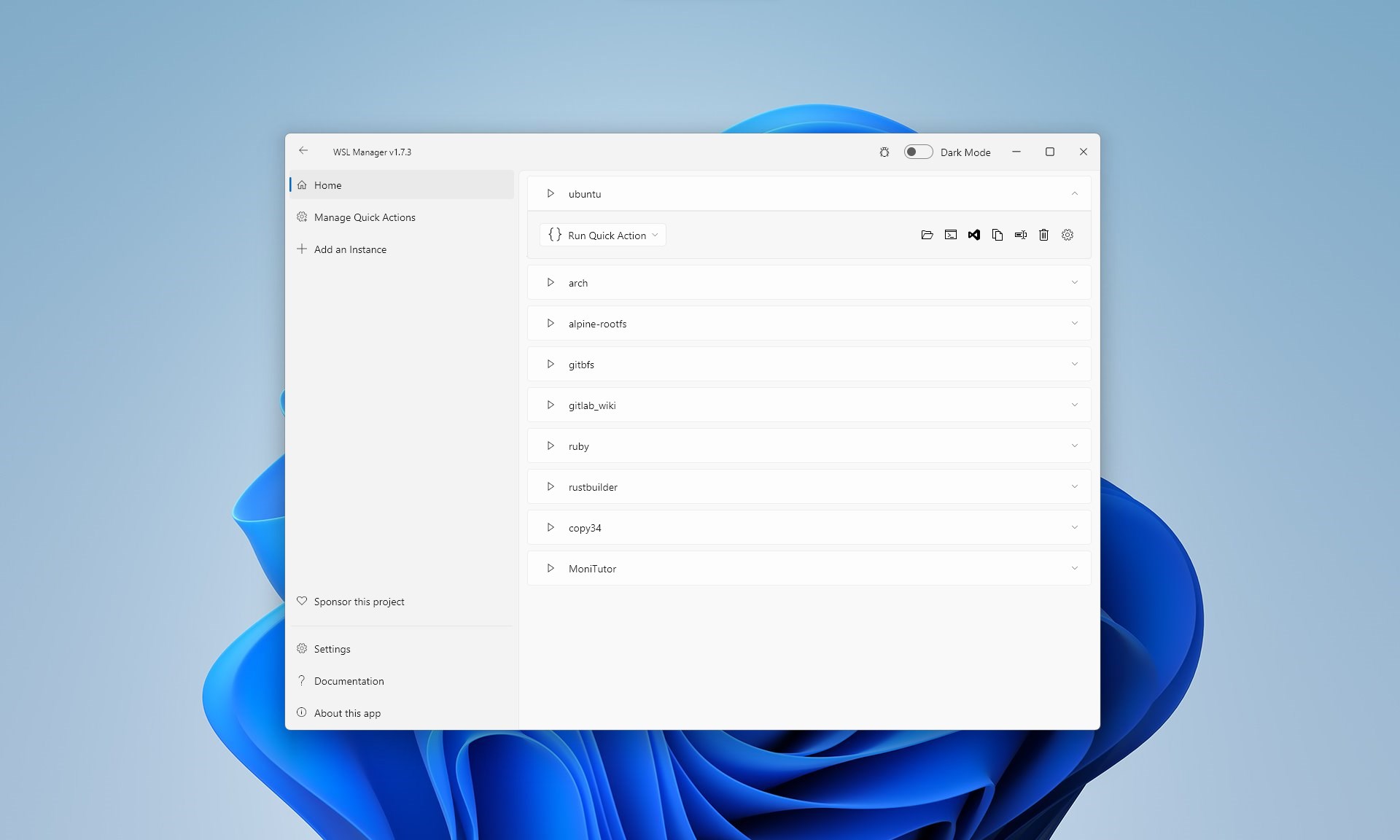
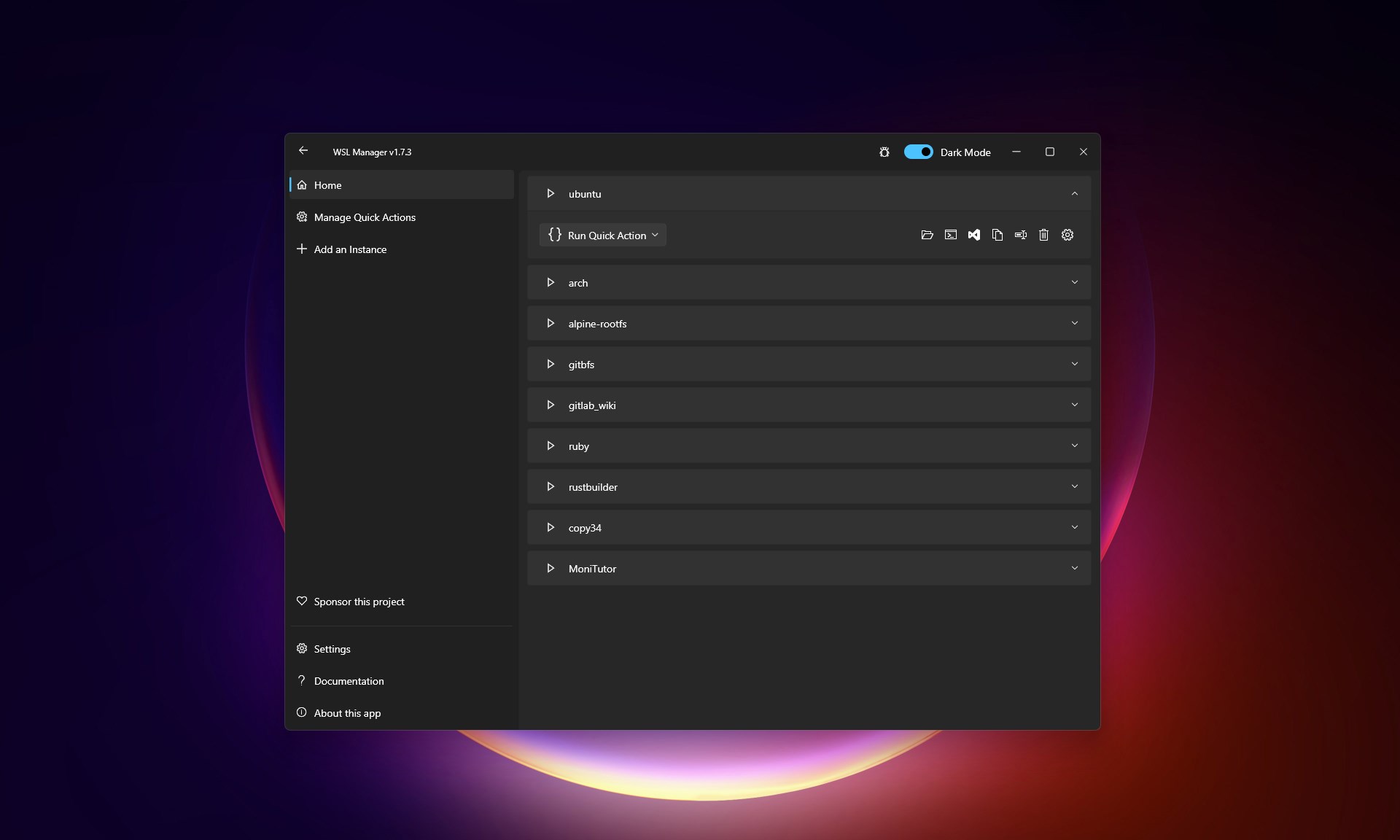
Imagine opening a terminal and finding a cluttered maze of commands—boring and intimidating. WSL Manager transforms this experience into a sleek, organized dashboard reminiscent of a well-kept control panel. Its clean layout employs visual cues—icons, progress bars, and color codes—that suggest its primary functions at a glance. Navigating through the app feels like flipping through a well-ordered toolbox: intuitive, fast, and reassuring. The interface hides the technical complexity, making Linux management approachable even for users with minimal command-line experience.
Robust Functionality with a Focus on Simplicity
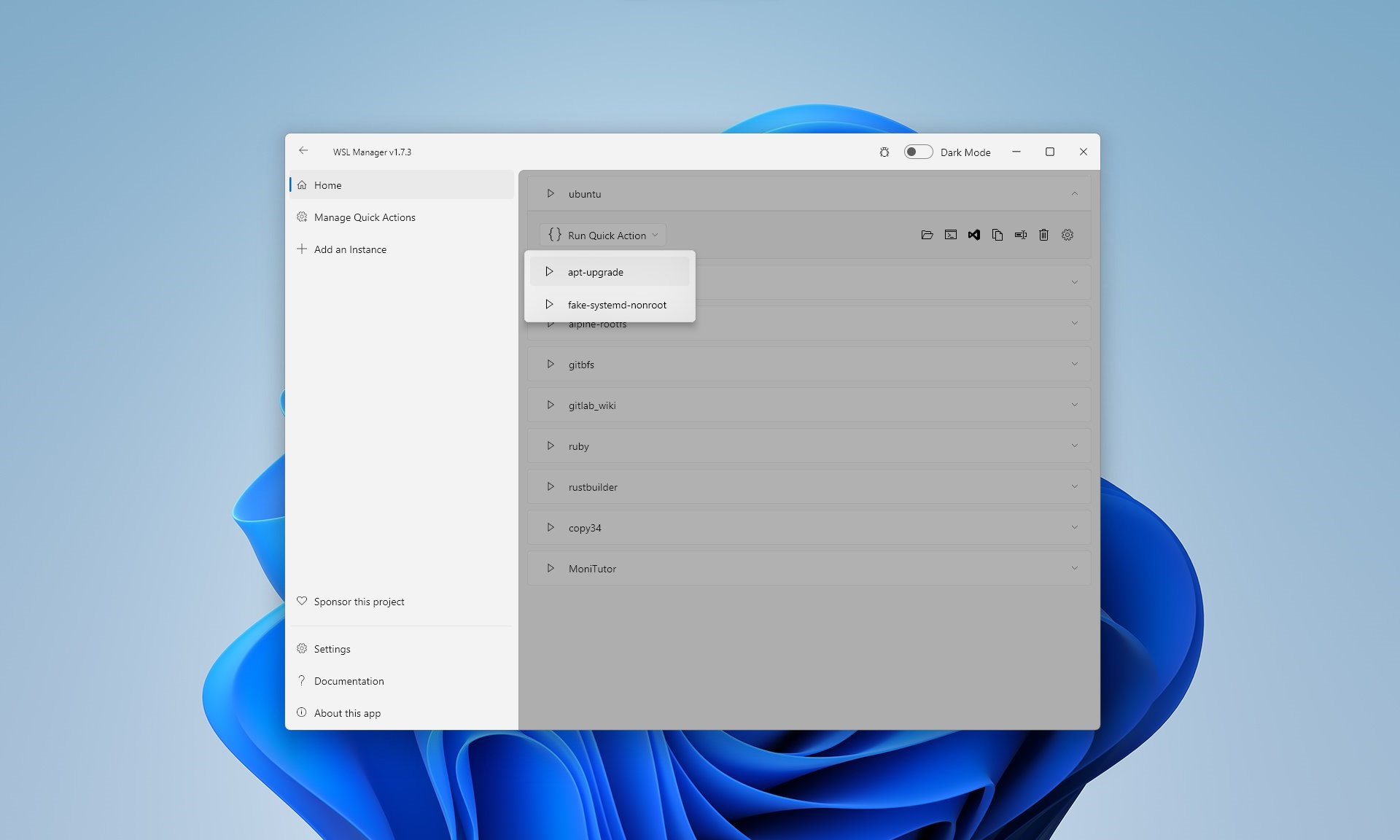
The core functionalities—installation, configuration, and backup—are executed through straightforward clicks and sliders. For instance, switching between WSL distributions becomes a matter of selecting from a list and hitting 'Start,' like choosing a different recipe from your digital cookbook. The resource allocation feature stands out: you can instantly adjust CPU cores or RAM with sliders, visualizing the impact right away. This real-time control is especially useful for developers running resource-intensive applications or for those who need to optimize their system's performance dynamically.
Performance and User Experience
Speed-wise, the app feels snappy, reflecting thoughtful coding behind the scenes. Transitioning between different functions is seamless, with no noticeable lag. Learning curve? pleasantly gentle. Its guided prompts and logical layout gently ease new users into Linux subsystem management. More experienced users will appreciate the advanced options, which are well-organized yet readily accessible without digging into terminal commands. Overall, WSL Manager strikes a fine balance—powerful enough for developers, approachable enough for newcomers.
What Makes WSL Manager Unique?
While many tools touch on WSL management, WSL Manager distinguishes itself through its combination of visual controls and comprehensive management features—all wrapped into a neat, modern GUI. Unlike command-line-heavy tools, it offers a visual and interactive experience—imagine controlling your Linux environments like managing a smart home dashboard rather than coding blindly in a terminal. The app's standout feature is its resource control panel, offering real-time adjustments that can significantly enhance development efficiency. Additionally, its integrated backup utility simplifies data preservation, a crucial yet often overlooked aspect for sustained workflows.
Final Verdict and Recommendations
In summary, WSL Manager for Windows emerges as a reliable and user-centric utility that bridges the gap between complex Linux management and everyday Windows workflows. It's particularly beneficial for users seeking to streamline WSL administration without delving deep into command-line intricacies. I would recommend it to developers, system administrators, or curious Windows users eager to explore Linux environments effortlessly.
Given its intuitive design and potent features, I give WSL Manager a strong recommendation for regular use. It's unlikely to replace seasoned command-line aficionados but offers an excellent alternative for those craving simplicity paired with control. Whether you're orchestrating multiple Linux distros or fine-tuning system resources, this app proves to be a handy tool worth keeping in your software arsenal.
Pros
- Intuitive User Interface
- Multi-Distribution Support
- Easy Installation and Updates
- Integrated Management Features
- Enhanced Performance Monitoring
Cons
- Limited Customization Options
- Occasional Compatibility Issues
- Learning Curve for Beginners
- Limited Support for Certain Windows Versions
- Minor UI Glitches Under Heavy Loads










