

- Category Productivity
- Developer CoolLeGet INC
- Available on PC, Surface Hub, HoloLens
- OS Windows 10 version 17763.0 or higher
- languages English (United States)
Dynamic Visuals: Bringing Your Windows Desktop to Life
X Live Wallpaper for Windows is an innovative app designed to transform static backgrounds into vibrant dynamic scenes, making your desktop a mesmerizing window into animated artistry. Developed by CoolLeGet INC, this application aims to elevate your Windows experience with stunning live wallpapers that respond to your environment and preferences. Whether you're seeking a calming nature scene or a futuristic animation, X Live Wallpaper offers a variety of options to personalize your workspace.
Powerful Features That Enliven Your Desktop
Immersive Live Backgrounds with Ease
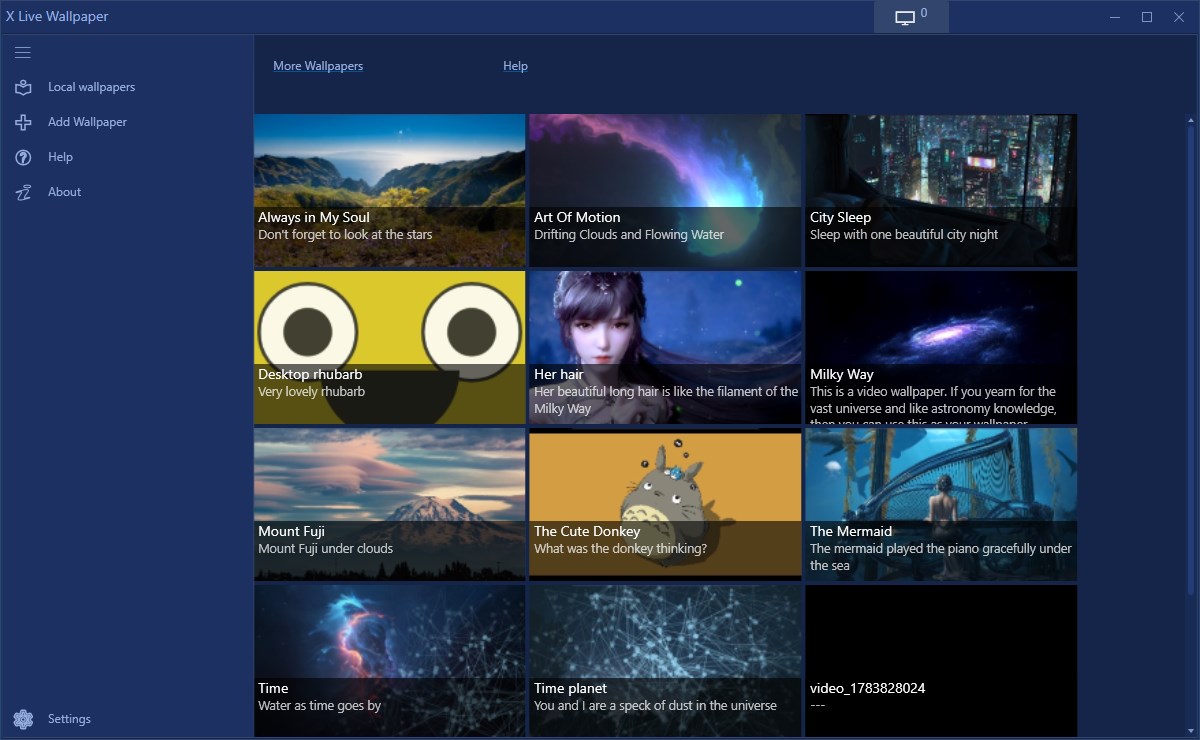
The core draw of X Live Wallpaper is its vast library of animated wallpapers. These aren't just looping videos; many incorporate interactive elements and subtle animations that breathe life into your desktop. From gentle ocean waves to vibrant cityscapes, these visuals are optimized for seamless performance, ensuring your desktop remains smooth and responsive without draining resources. The app allows you to set specific wallpapers or combine multiple scenes, creating a personalized visual narrative for your daily workflow.
Dynamic Environment Adaptation
One of the standout features is its ability to adapt wallpapers based on time of day, system activity, or user preferences. Imagine your desktop changing from a serene sunrise to a bustling cityscape as your day unfolds—this dynamic adjustment provides an engaging and context-aware environment. The app also offers options to synchronize wallpaper transitions with music or system notifications, introducing a layer of interactive synchronization that enhances immersion.
User-Friendly Interface & Intuitive Controls
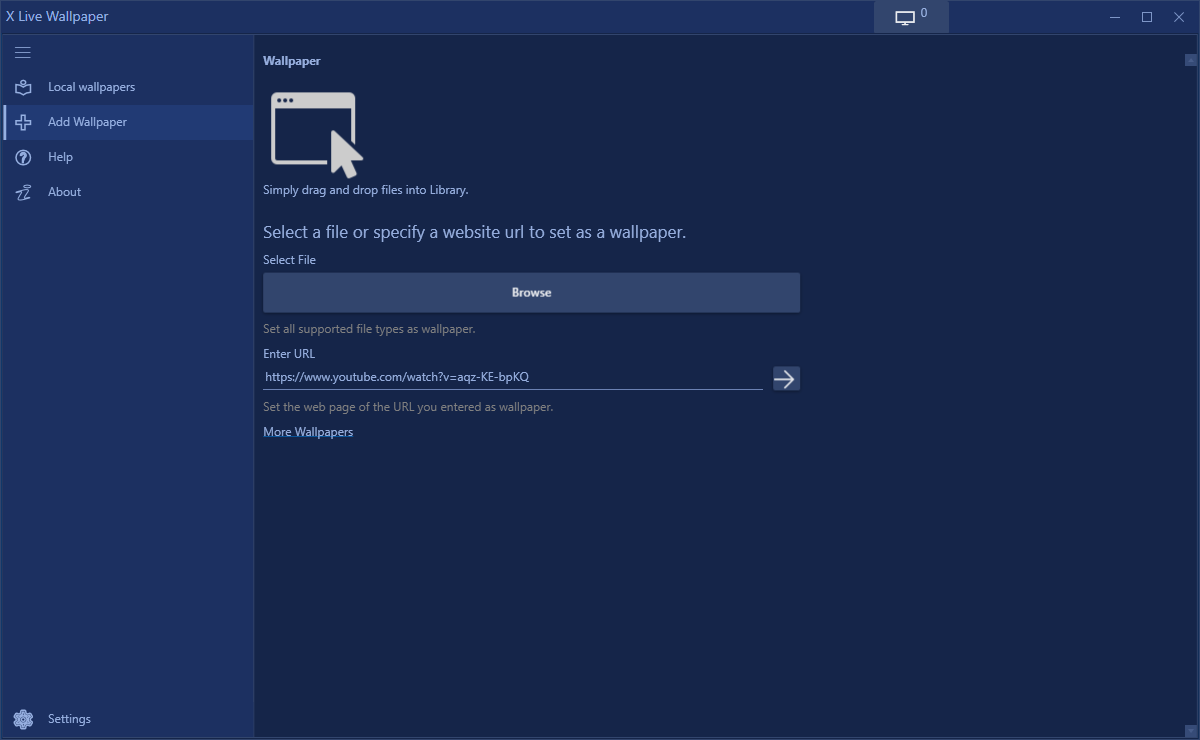
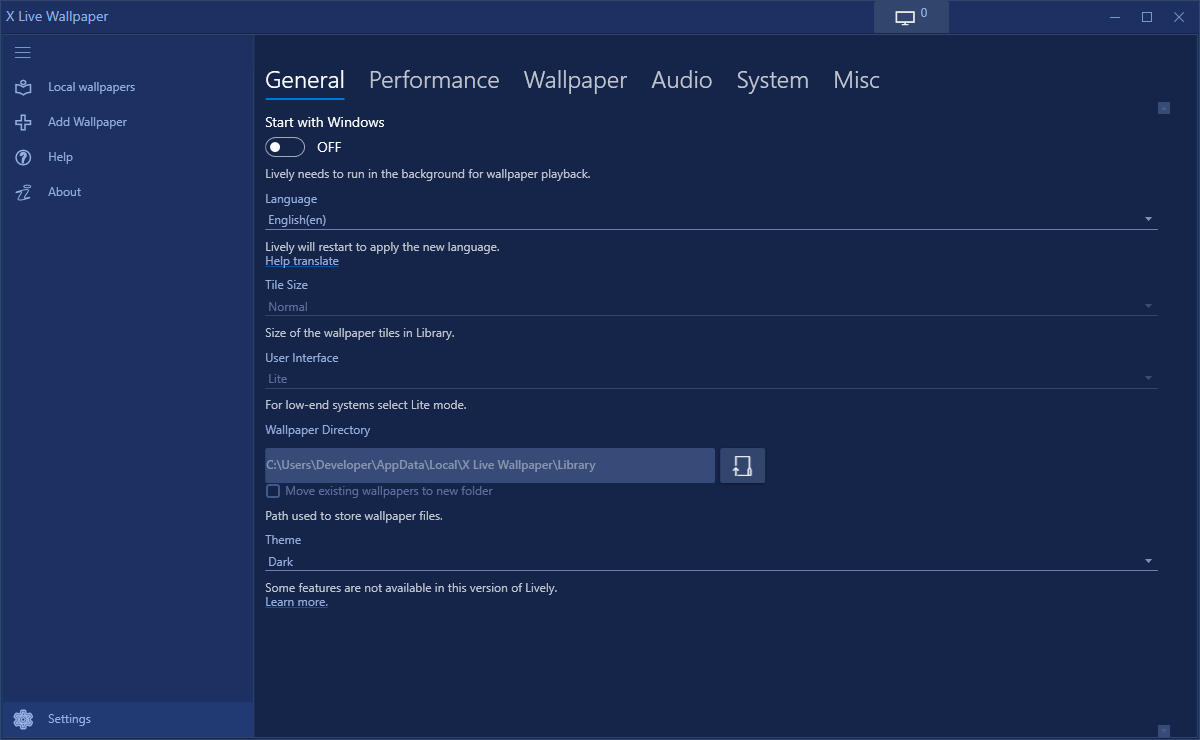
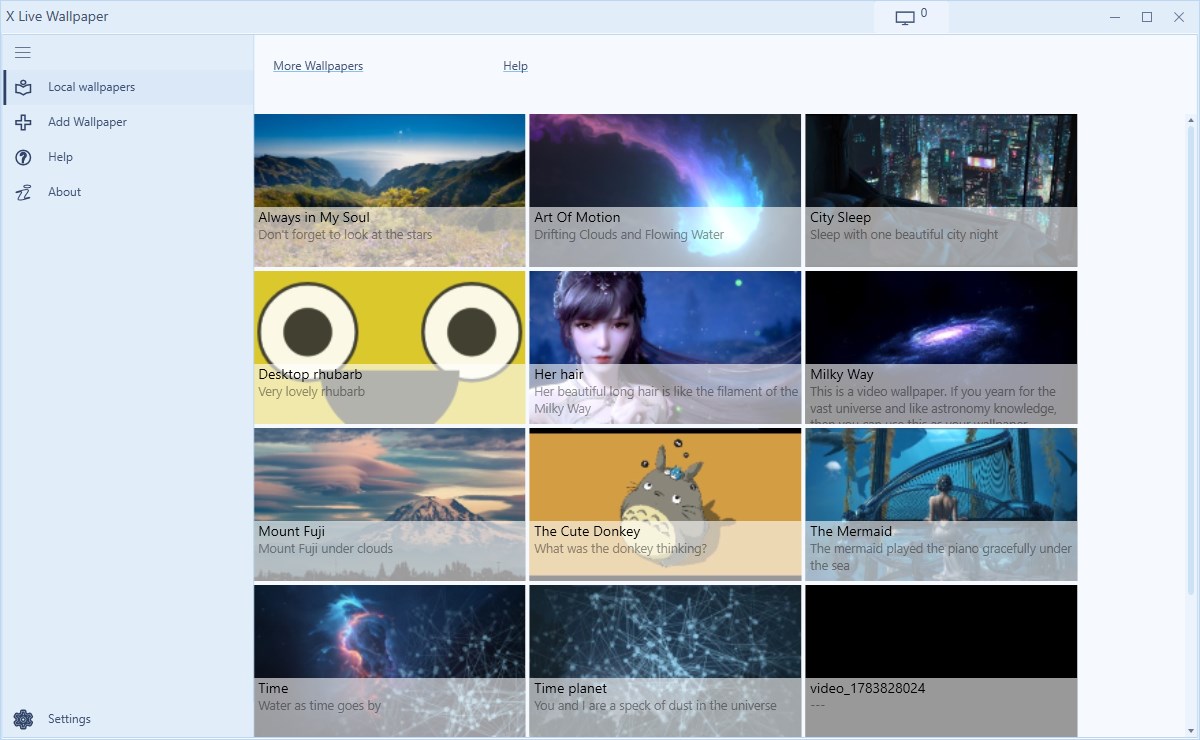
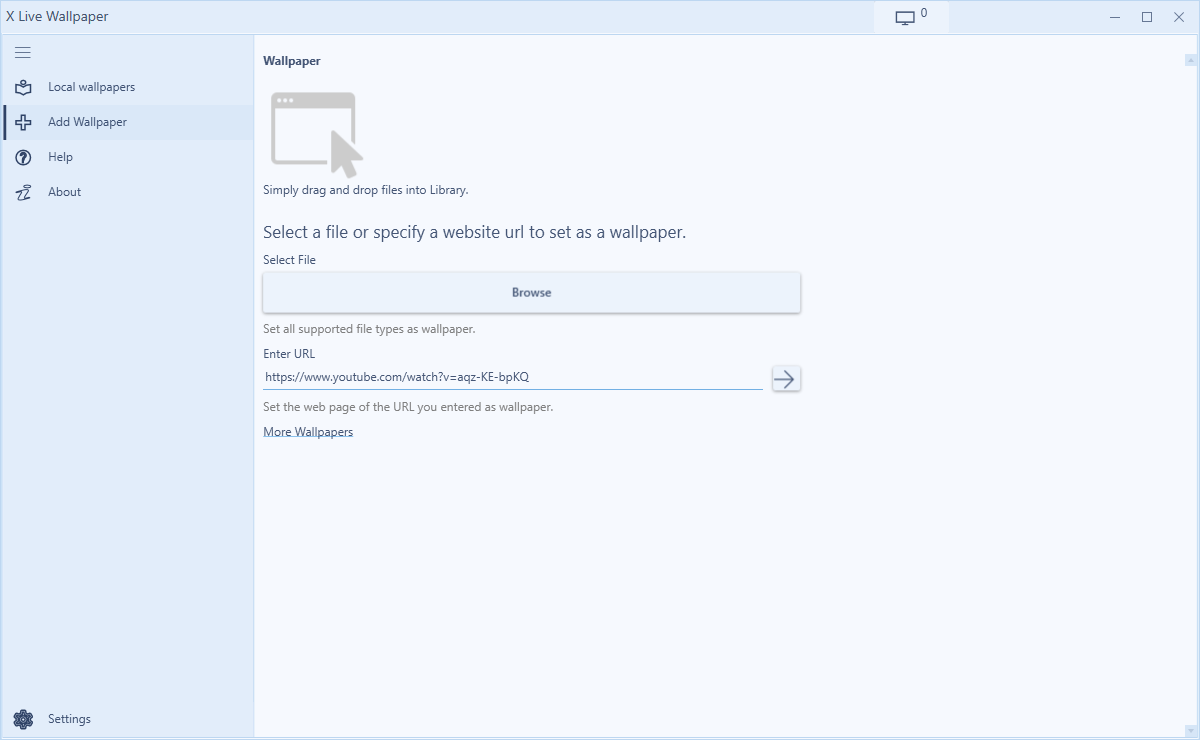
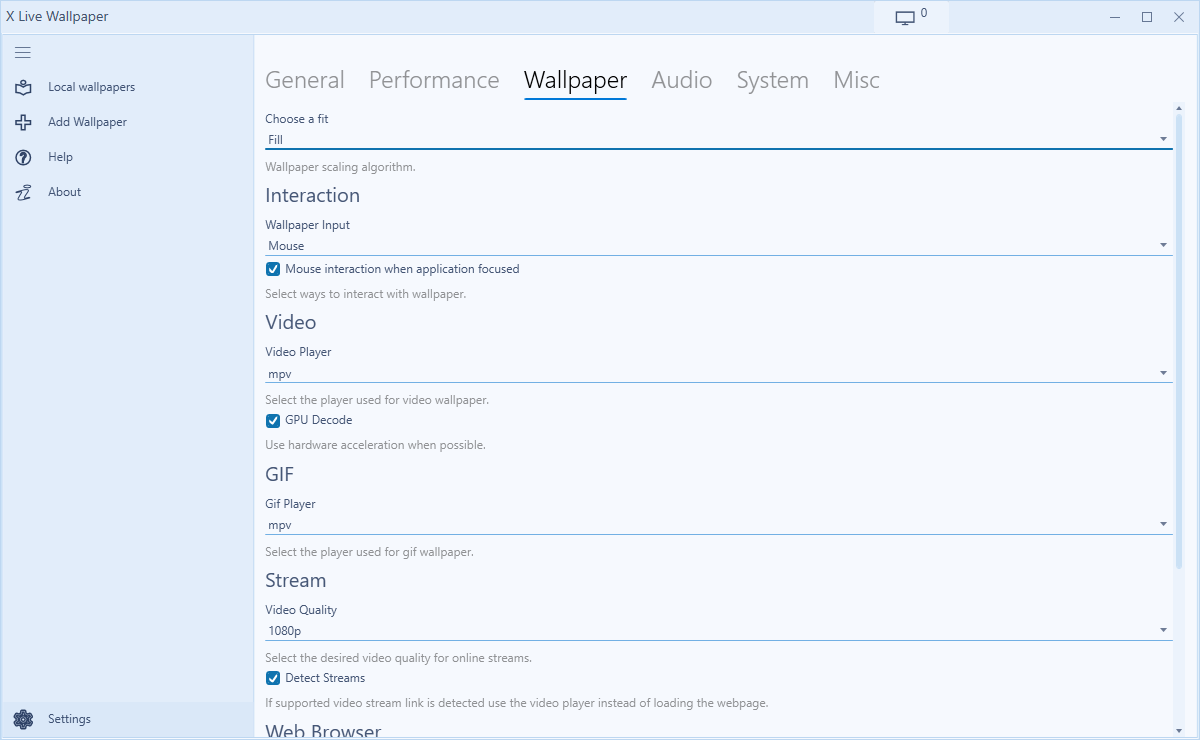
The app boasts a clean, visually appealing interface that resembles a sleek control panel—think of it as the cockpit of a modern spaceship, where everything is at your fingertips. Managing your wallpapers is straightforward, with drag-and-drop options and quick previews. Setting up or switching wallpapers is achieved in just a few clicks, making it accessible even for those less tech-savvy. The app's responsiveness ensures that interface interactions feel fluid, with minimal learning curve, making it approachable for users across skill levels.
Experience and Performance: More Than Just Eye-Candy
Compared to other wallpaper applications that can sometimes overwhelm users with complex settings or sluggish performance, X Live Wallpaper strikes a commendable balance. Its design minimizes cognitive load, focusing on effortless customization rather than feature overload. The app's architecture is optimized to ensure that animated wallpapers do not hinder overall system performance; it intelligently manages resource allocation, ensuring that your workflow remains uninterrupted—a crucial factor for users seeking aesthetic enhancement without sacrificing productivity.
What Sets It Apart?
Unlike traditional wallpaper apps that simply replace your background, X Live Wallpaper tailors your desktop environment into an engaging visual canvas that reacts to your surroundings. Its ability to dynamically change and synchronize with your activities creates a more immersive experience. This focus on workflow integration, combined with a straightforward user experience, means you're not bogged down by complicated menus or excessive options. Instead, you get a lively, interactive backdrop that enhances your working mood without adding layers of complexity or distraction.
Final Verdict & Recommendations
All in all, I recommend X Live Wallpaper for users who want to introduce a touch of animated personality to their desktops with minimal hassle. It's particularly suitable for creative professionals, students, or anyone who spends significant time at their PC and desires a more engaging visual environment. Its unique ability to seamlessly blend aesthetic flair with performance efficiency makes it stand out among similar apps. However, users with very modest system specifications should test performance first to ensure smooth operation. For those looking to elevate their desktop experience with lively, customizable backgrounds that won't weigh down their workflow, X Live Wallpaper is a worthwhile choice to explore.
Pros
- Dynamic and visually appealing wallpapers
- Customizable options available
- Light system resource usage
- Easy to install and update
- Supports a wide range of resolutions
Cons
- Limited free content
- Occasional lag during animations
- Limited customization beyond themes
- No integrated option for live wallpapers from external sources
- Limited language support











