
- Category Productivity
- Developer XLSX
- Available on PC
- OS Windows 10 version 14393.0 or higher
- languages English (United States)
Introducing XLSX for Windows: A Streamlined Spreadsheet Companion
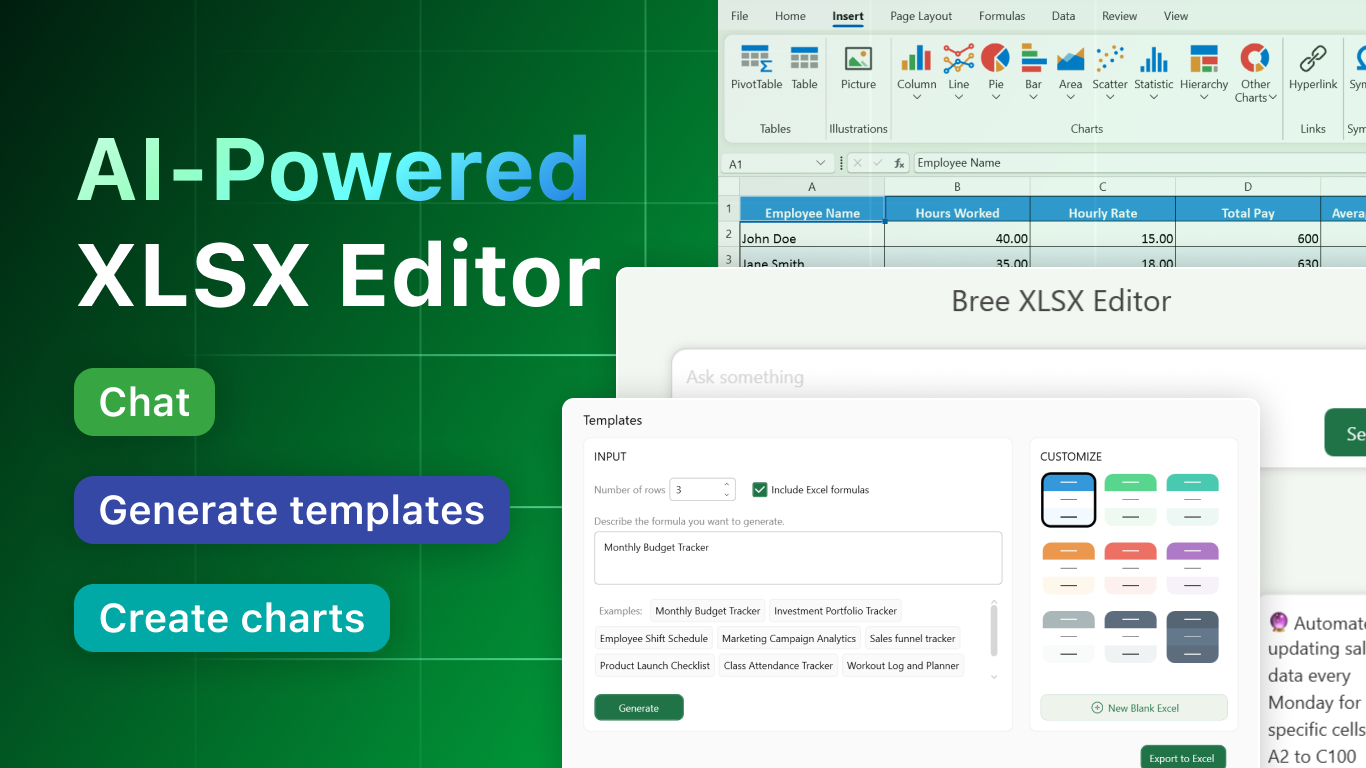
XLSX for Windows is a thoughtfully designed application aimed at enhancing productivity by simplifying spreadsheet management. With its clean interface and intuitive features, it offers an accessible experience for users looking to work efficiently within the Microsoft ecosystem.
Developed by BREE AI TECH PTE. LTD., a dedicated team committed to AI-driven productivity solutions
The app is crafted by BREE AI TECH PTE. LTD., a developer specializing in innovative software that integrates seamlessly with common office workflows. Their focus is on reducing cognitive load while maintaining powerful functionality, making complex tasks more approachable.
Key Features that Shine
- Smart Data Organization: Automatically sorts and filters large datasets, saving users hours of manual cleanup.
- Seamless Integration: Easily connects with other productivity tools and cloud services for a cohesive workflow.
- User-Friendly Interface: Intuitive layout designed to minimize learning curve, even for novice users.
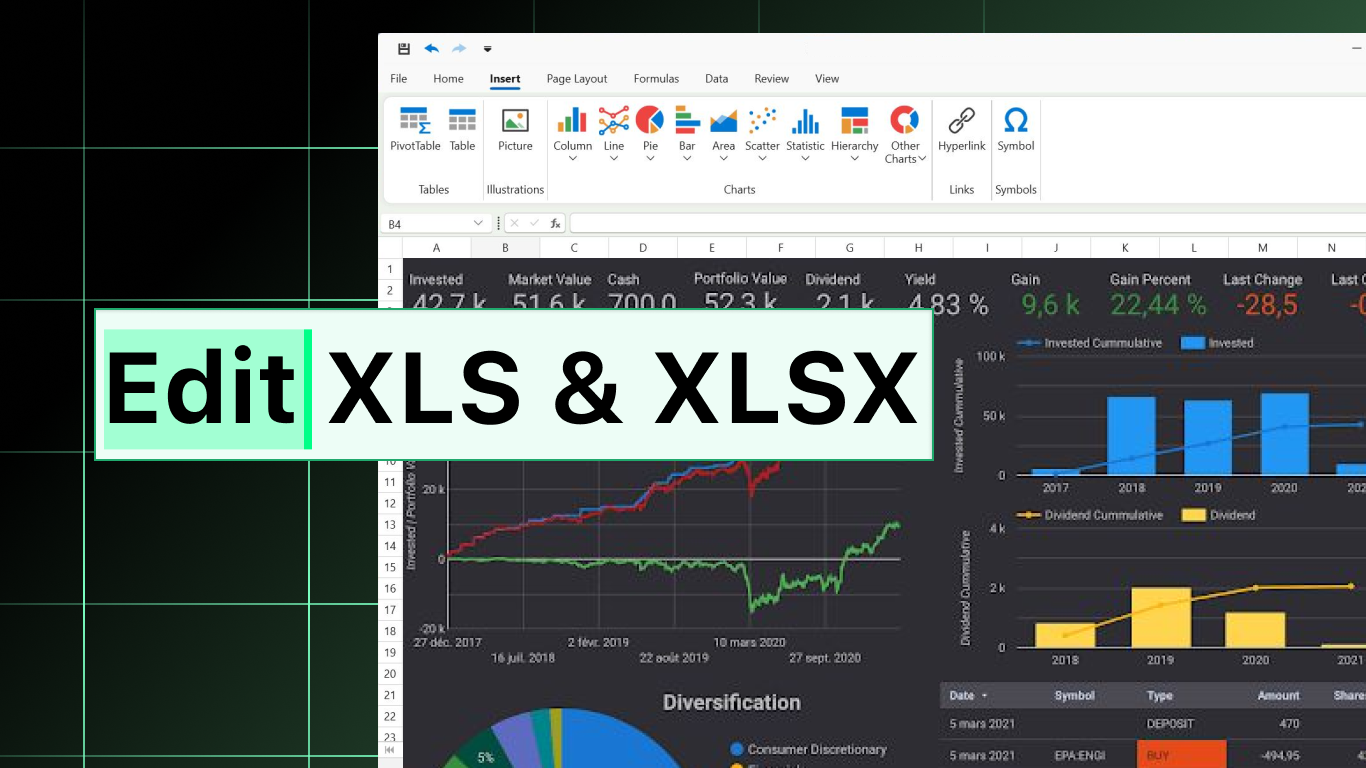
- Data Visualization and Analysis: Embedded charts and insights allow for quick interpretation of data trends.
First Impressions: A Fresh Take on Spreadsheet Management
Imagine opening a spreadsheet application that feels less like navigating a dense forest of cells and more like strolling through a well-organized park. XLSX for Windows greets users with a clean, modern interface that invites exploration. Its thoughtful design strips away unnecessary clutter, highlighting essential functions while remaining accessible. Whether you're a seasoned analyst or a casual user, this app promises a smoother, more engaging spreadsheet experience—much like upgrading from a trusty bicycle to a lightweight electric scooter, making your daily commute effortlessly breezy.
Core Functionality 1: Intelligent Data Handling
The standout feature of XLSX for Windows is its Smart Data Organization toolkit. Managing large datasets often feels like trying to tame a wild herd of cats—chaotic and overwhelming. This app transforms that chaos into order with automated sorting, filtering, and duplicate removal. It employs AI-driven algorithms to understand your data contextually, reducing the manual burden and freeing your cognitive resources. For instance, when reviewing sales reports, you can quickly pinpoint top-performing regions without digging through endless rows of numbers. This level of automation acts like a friendly assistant who anticipates your needs, enabling faster decision-making.
Core Functionality 2: Seamless Workflow Integration
One of XLSX for Windows' most compelling advantages is its ability to integrate smoothly within existing workflows. Unlike some applications that feel like isolated islands, this tool acts as a reliable bridge—connecting effortlessly with cloud storage, email, and other productivity apps such as Microsoft Teams. Think of it as a well-oiled conveyor belt that channels your data from various sources into a single, manageable platform. This integration reduces the cognitive load associated with switching contexts and file formats, making data synchronization transparent and efficient. For teams working remotely or across multiple devices, this feature transforms scattered spreadsheets into a synchronized symphony, orchestrated with minimal fuss.
Refined User Experience: Design, Speed, and Learning Curve
XLSX for Windows prides itself on a straightforward, intuitive interface—akin to a well-organized toolbox where every tool has its place. The minimalistic design not only looks modern but also reduces visual fatigue during long working sessions. The application's responsiveness is noteworthy; actions such as filtering, sorting, and visualizing data happen swiftly, giving users a feeling of speed and reliability. As for learning curve, newcomers will find the onboarding process gentle, thanks to clear labels and guided tutorials embedded within the app. Experienced users, meanwhile, will appreciate the streamlined shortcuts allowing advanced operations without fuss. Overall, the app elevates user experience by balancing simplicity with powerful functionality, making complex data management feel less like a chore and more like a strategic advantage.
The Differentiating Edge: Workflow Efficiency & Cognitive Load Reduction
Compared to other productivity applications, XLSX for Windows emphasizes reducing cognitive overload by automating routine tasks and providing context-aware suggestions. Its intelligent data handling and integration features enable a workflow that's cohesive and unobstructed—think of it as upgrading from navigating a maze to following a well-marked trail. Unlike programs that prioritize feature quantity over quality, this app focuses on the core essentials, making each feature purposeful and easy to use. This approach not only speeds up your work but also keeps your mental resources free for insightful analysis rather than manual manipulation of data. It's like having a reliable co-pilot rather than a cluttered cockpit—the information you need, when you need it, with minimal distraction.
Final Verdict: A Practical, User-Centric Choice
Overall, XLSX for Windows earns a solid recommendation for users seeking a streamlined, efficient spreadsheet experience. Its standout features—smart data organization and seamless workflow integration—fill critical gaps left by many traditional tools. Whether you're managing personal finances, preparing reports, or collaborating with a team, this app enhances productivity without overwhelming the user with unnecessary complexity. For those who value clarity, speed, and reliability in their data tasks, giving this app a try could very well be a step towards more manageable and enjoyable spreadsheet work. Just think of it as your new reliable companion—helping turn data chaos into clarity with ease.
Pros
- User-friendly interface
- Fast file processing
- Extensive formatting options
- Strong compatibility
- Regular updates and support
Cons
- Limited collaborative features
- Occasional crashes with large files
- Lack of advanced data analysis tools
- Some formatting options are not as flexible as desktop versions
- Offline access may be restricted for some features











