
- Category Productivity
- Developer PeroSoftware.com
- Available on PC
- OS Windows 10 version 14393.0 or higher
- languages Chinese (Simplified), English (United States), French, German, Italian, Japanese, Korean , Portuguese (Brazil), Russian, Spanish (Spain), Turkish
Introducing XLSX Editor PLUS for Windows: Your Excel Files' Best Friend
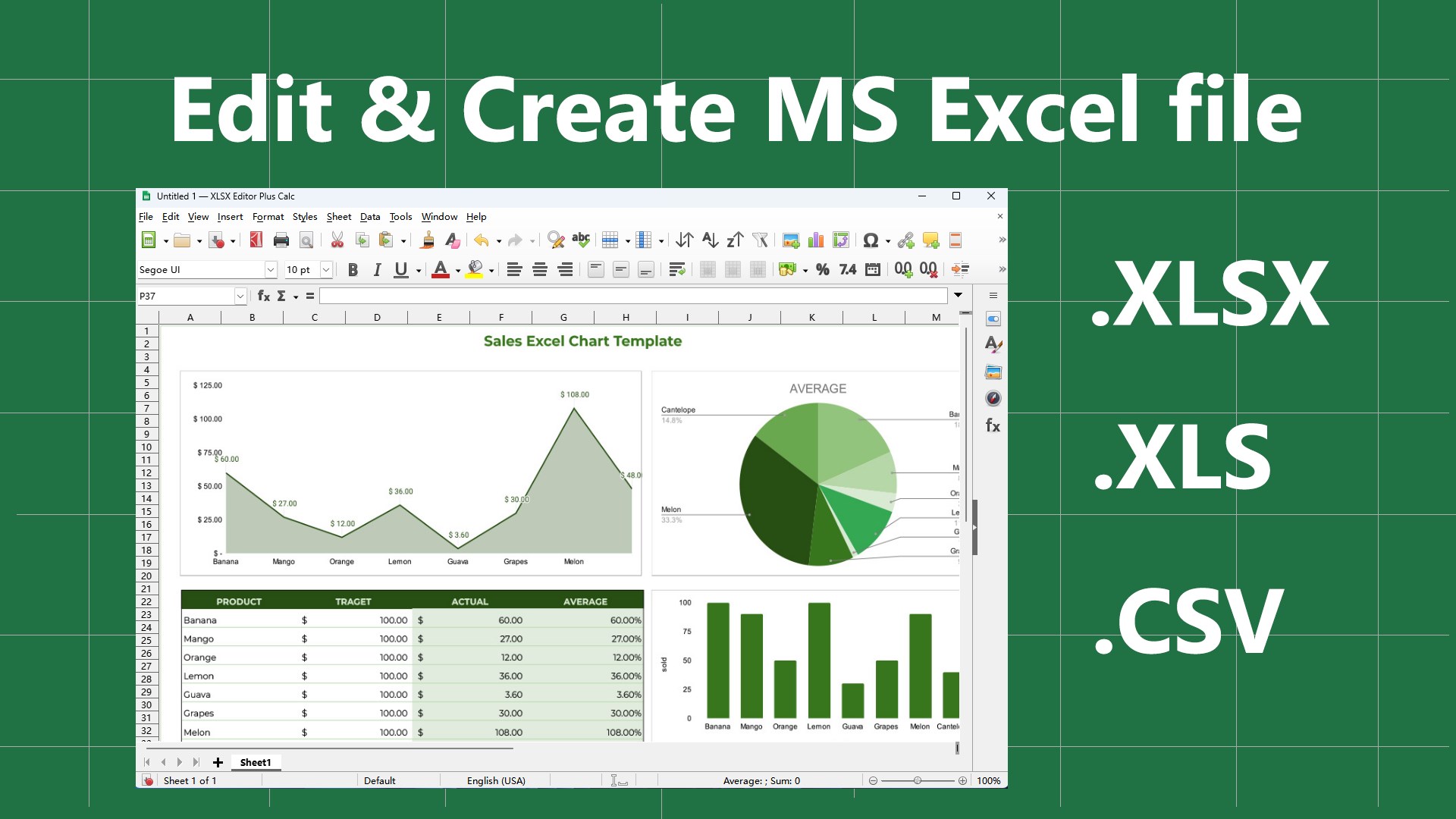
If managing and editing Excel spreadsheets feels like navigating a labyrinth, XLSX Editor PLUS steps in as a reliable compass—streamlining your workflow with precision and ease. This application, crafted by PeroSoftware.com, aims to be the go-to tool for professionals who need quick, comprehensive editing capabilities without the clutter of unnecessary features.
About the Developer and Core Features
Developed by PeroSoftware.com, a team dedicated to creating user-centric productivity tools, XLSX Editor PLUS emphasizes efficiency and simplicity. Its main features include intuitive direct cell editing, advanced formula inspection, and seamless data validation management. Designed for business users, data analysts, and power users, this app caters to those who work extensively with Excel files and require a dependable editing companion.
A Refreshing Approach to Excel Editing
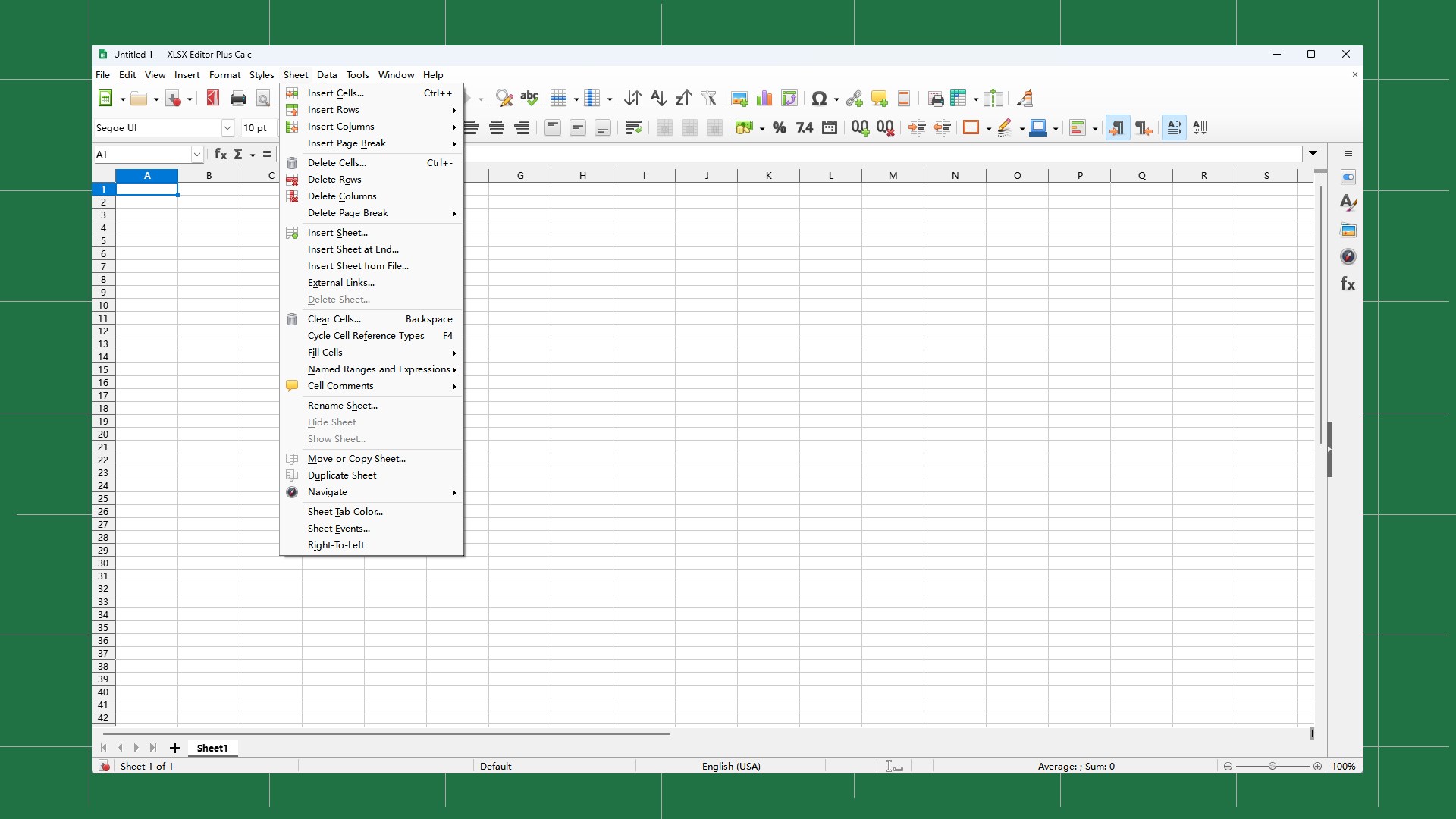
Imagine opening your spreadsheet to find a well-organized, clean workspace—no clutter, no distractions. That's the essence of XLSX Editor PLUS. Whether you're making quick adjustments or performing detailed data analysis, this app promises a smooth ride through your data world. Its interface is thoughtfully designed to be both familiar and efficient, so even beginners can pick it up swiftly, while veterans appreciate its depth.
Core Functionality 1: Direct Cell and Range Editing
What sets XLSX Editor PLUS apart is its straightforward in-place editing feature. Unlike traditional Excel, where you often switch between modes or windows, this tool allows you to click directly on cells or ranges and input data instantly. Think of it as transforming your spreadsheet into an editable canvas—making modifications feel natural and lightning-fast. This reduces the cognitive load typical of multi-step editing, enabling you to focus on your data rather than the tool itself.
Core Functionality 2: Formula and Data Validation Analysis
Another standout aspect is its depth in inspecting formulas and validations. It provides an easy-to-read overview of all formulas, highlighting dependencies and potential errors. For users juggling complex spreadsheets, this feature acts like a GPS, guiding you through tangled formula networks without breaking a sweat. The clear visualization of validation rules ensures your data integrity stays intact, and troubleshooting becomes less of a chore.
Core Functionality 3: Seamless Data and Style Management
Beyond data, XLSX Editor PLUS offers powerful tools to modify styles and manage data sets comprehensively. Applying cell styles, filtering data, or bulk updates can be done swiftly, which is akin to having a high-speed railway connecting all parts of your spreadsheet. These features help in maintaining consistency and professionalism across your documents, especially when preparing reports or presentations.
User Experience and Differentiation in the Productivity Space
The application's user interface exudes clarity, with a minimalistic layout that feels more like a professional workspace than a cluttered toolbox. Its operation is remarkably smooth, with responsive performance that keeps up even with large files—think of it as having a fast, reliable assistant zipping through your data. Learning curve? Quite gentle—most features are intuitive, and the straightforward design minimizes effort to get accustomed.
Compared to traditional Excel add-ons or heavyweight data tools, XLSX Editor PLUS strikes a compelling balance between functionality and simplicity. Its innovation lies in reducing cognitive load by avoiding overwhelming feature bloat; instead, it focuses on the core features that matter—direct editing, error checking, and data validation—making your workflow more efficient. It's like having a well-organized toolbox that shows only what you need, when you need it.
Final Verdict: Is It Worth Your Attention?
For professionals who frequently work with Excel files but want a smarter, more focused editing experience, XLSX Editor PLUS is certainly worth considering. Its strengths lie in streamlining core editing tasks and reducing mental clutter—ideal for users who value efficiency over excessive features. I'd recommend it to business analysts, financial professionals, or anyone looking to speed up their spreadsheet workflows without sacrificing accuracy.
In summary, XLSX Editor PLUS offers a refreshingly practical toolset that integrates seamlessly into the user's workflow, standing out among generic productivity apps. For those seeking an intuitive, focused, and reliable Excel editing companion, this application deserves a spot on your shortlist. Think of it as your new trusted partner—saving time, reducing frustration, and enhancing your productivity.
Pros
- Intuitive User Interface
- Comprehensive XLSX Support
- Fast Processing Speed
- Data Validation Feature
- Batch Editing Capabilities
Cons
- Limited Compatibility
- Occasional Stability Issues
- Basic Formula Support
- Limited Export Options
- Lacking Cloud Integration











