
- Category Productivity
- Developer PdfLe
- Available on PC, Mobile, Surface Hub, HoloLens
- OS Windows 10 version 17763.0 or higher
- languages English (United States)
An Efficient Companion for Managing Spreadsheets: XLSX Spreadsheet for Windows
If you've ever felt overwhelmed by complex data or cumbersome file handling in Excel, the XLSX Spreadsheet for Windows by PdfLe offers a breath of fresh air—aiming to streamline your workflow and make spreadsheet management more accessible. It positions itself as a lightweight, user-friendly tool that simplifies data viewing and basic editing without the fuss of larger, bloated spreadsheet applications.
Smooth, Intuitive Design: Bringing Clarity to Your Data
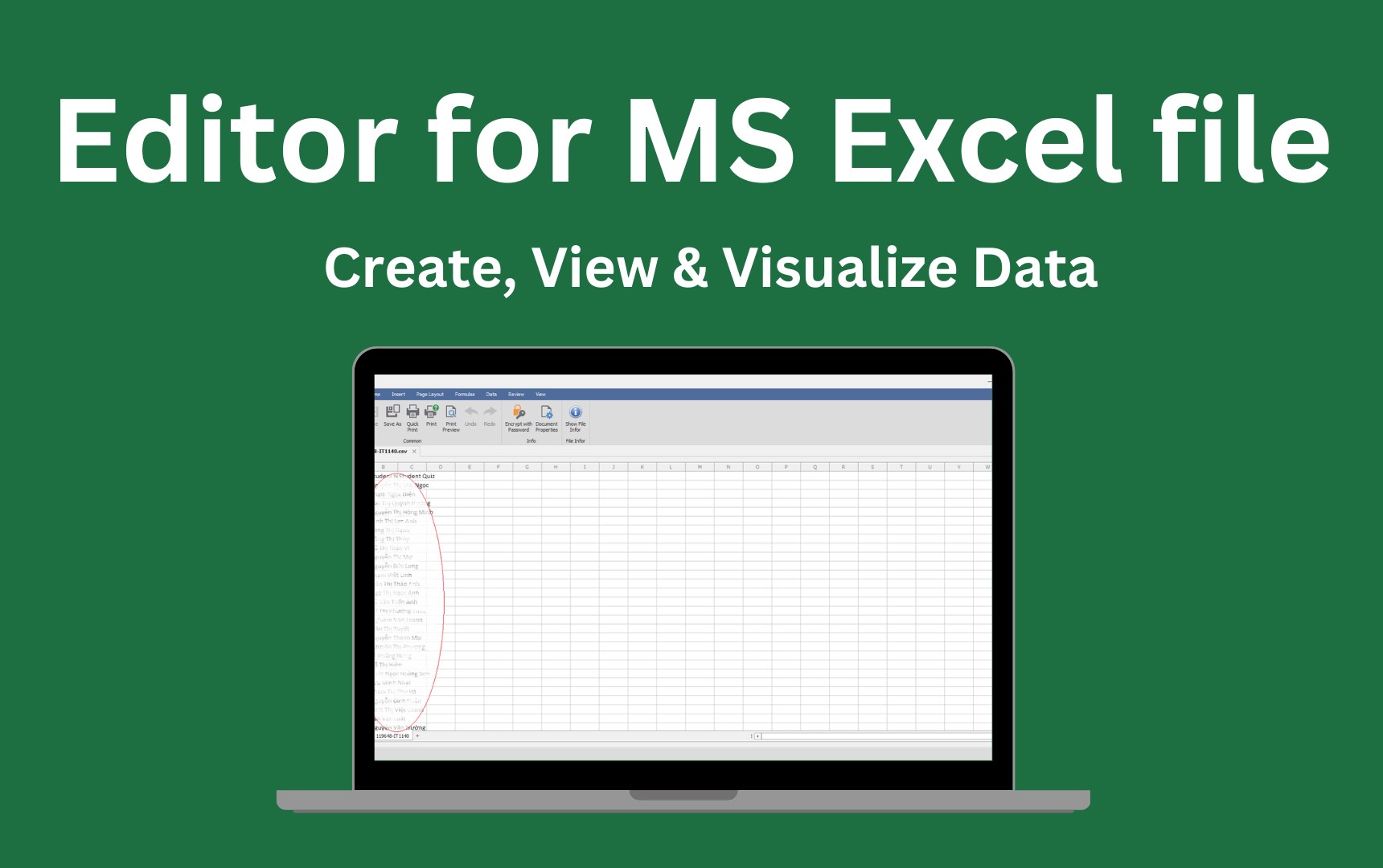
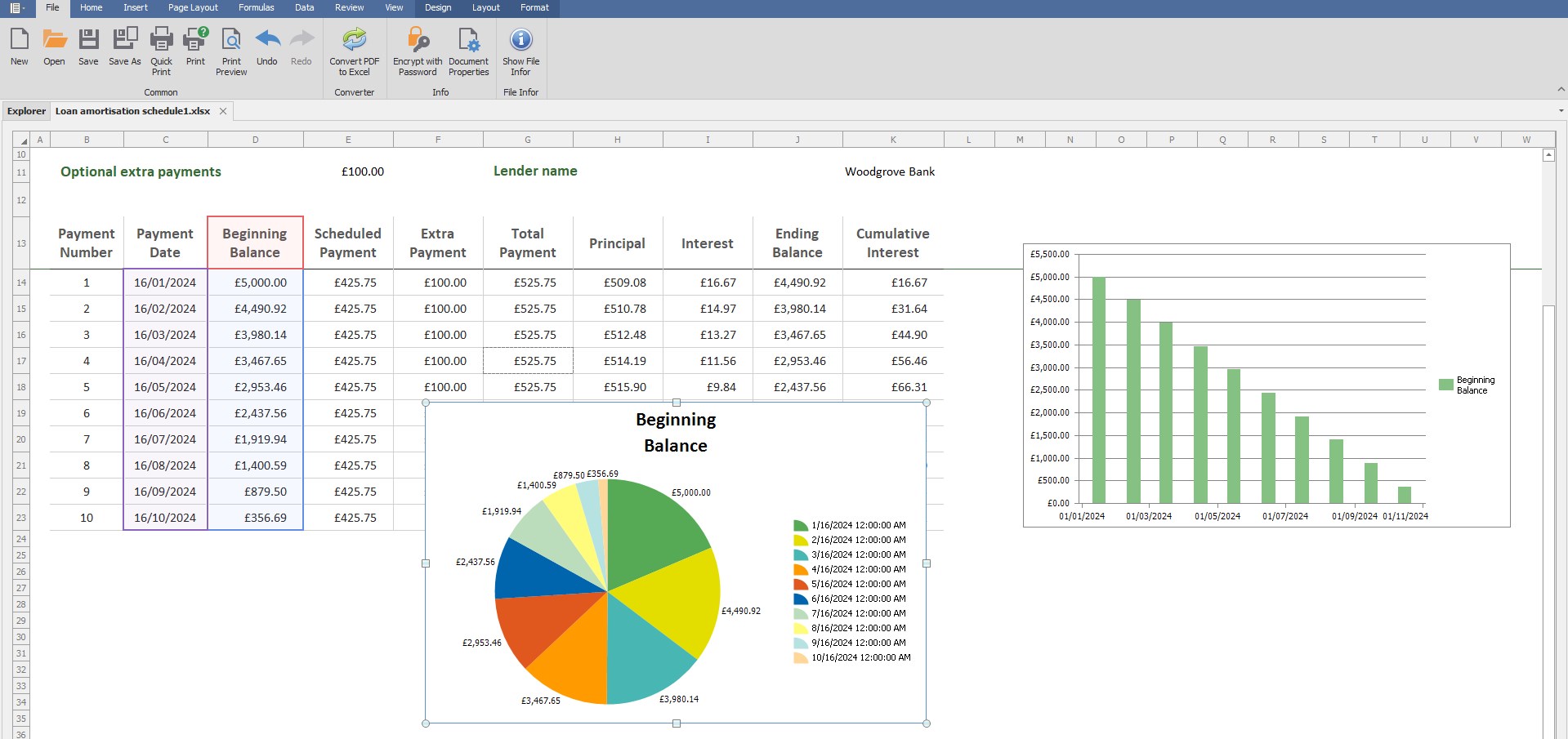
The interface of XLSX Spreadsheet for Windows is crafted with clarity in mind, featuring a clean and modern layout that resembles a familiar sheet of paper—making the transition from traditional Excel seamless for many users. The intuitive design minimizes the intimidation often associated with advanced spreadsheet features, presenting a straightforward workspace that emphasizes the essentials. Navigation is smooth, with responsive controls that don't lag during typical tasks, ensuring you stay in your flow rather than fighting the tool.
Core Functionalities That Pack a Punch
Rapid File Compatibility and Viewing
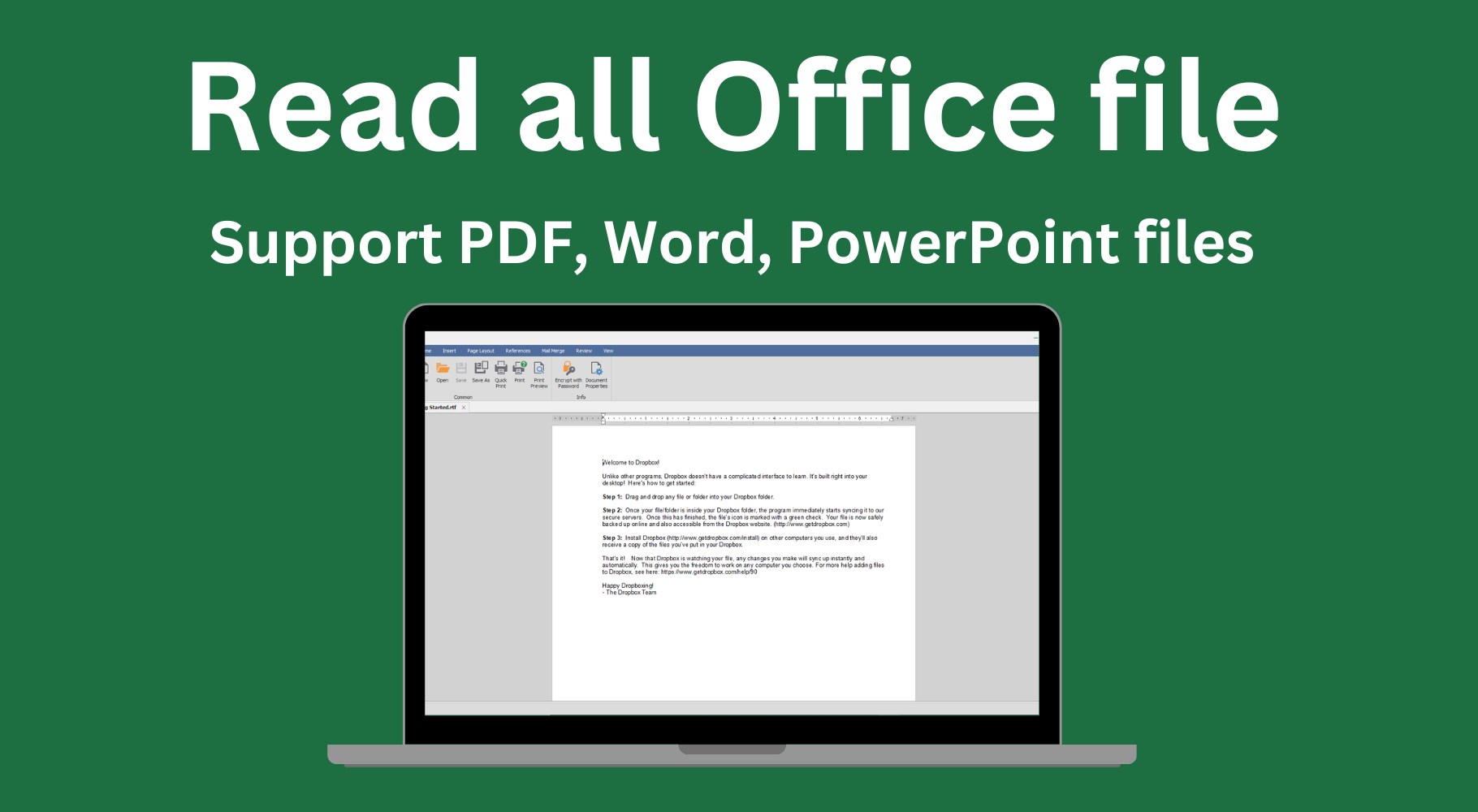
The app excels at opening and displaying XLSX files swiftly, regardless of their size, with minimal loading times. This basic necessity is handled efficiently, turning what could be a tedious wait into a swift, almost invisible step. Its compatibility extends to other spreadsheet formats, enabling users to view various types without switching apps, akin to a well-trained translator who effortlessly handles multiple languages.
Elementary Editing Capabilities
While not a substitute for full-fledged Excel, this tool offers essential editing functions—such as cell modification, simple formula support, and data sorting—to handle everyday tweaks. Think of it as a handy notepad within your digital workspace—enough to make quick adjustments and corrections without the complexity of advanced features, thus fitting into your workflow like a reliable pocket knife.
Integrated Export and Sharing Options
Once your data is ready, exporting to common formats or sharing directly from the app becomes hassle-free. This reduces the typical cognitive load associated with file conversions and multi-step processes, streamlining your tasks and enabling quicker collaboration or data dissemination—much like having a personal courier handle your data delivery with care and precision.
Evaluating User Experience and Unique Advantages
The app's user experience is remarkably straightforward. Its minimal learning curve makes it accessible even to users who aren't very tech-savvy, serving as an efficient sidekick rather than a learning hurdle. For productivity workflows, XLSX Spreadsheet for Windows integrates neatly with your desktop environment, functioning as an efficient viewer and editor without cluttering your workspace with unnecessary features.
Compared to more bloated options like full Microsoft Excel or feature-rich alternatives, this app significantly reduces cognitive load. Its focus on core viewing and editing tasks means less distraction, helping you sustain focus and complete tasks faster. Notably, the software's emphasis on workflow efficiency—by enabling rapid file access, basic editing, and seamless sharing—sets it apart from competitors that often bog down users with superfluous tools or steep learning curves.
This streamlined approach makes it particularly suited for professionals who need a reliable, no-fuss app for daily spreadsheet tasks without the overhead of advanced features they rarely use.
Final Thoughts and Recommendations
Overall, XLSX Spreadsheet for Windows by PdfLe is a practical choice for users seeking a straightforward, efficient way to view and perform basic edits on spreadsheets. It's like having a trusty sidecar alongside your main vehicle—supporting your workflow without adding complexity. If your needs are primarily focused on quick data checks, minor adjustments, or sharing files without fuss, this app is highly recommended. However, for those requiring advanced features like complex data analysis or pivot tables, more comprehensive software may be necessary. Nonetheless, for everyday spreadsheet handling, this tool stands out as an accessible, effective solution that respects your cognitive bandwidth and productivity goals.
Pros
- User-friendly interface
- Wide file compatibility
- Cloud synchronization
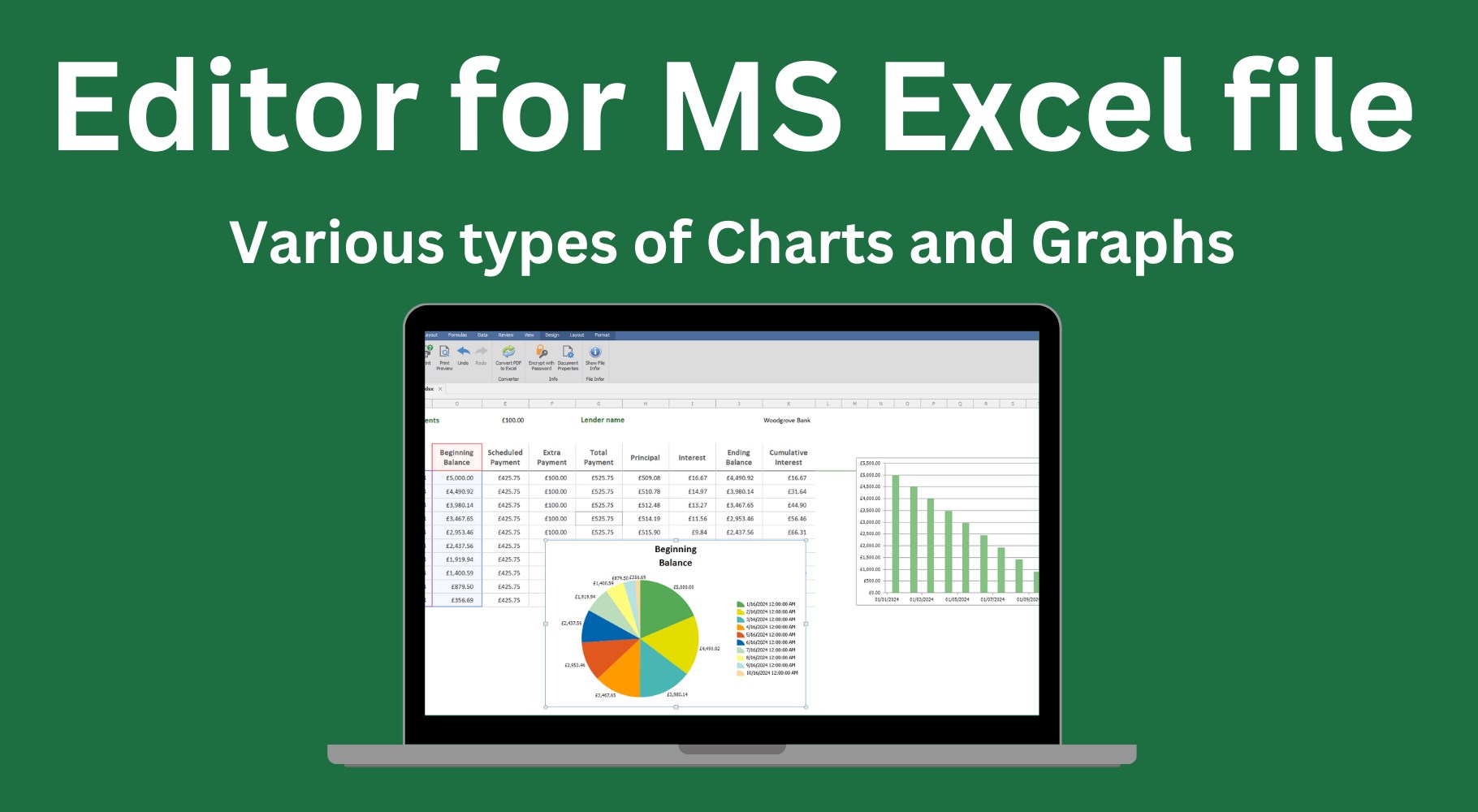
- Basic data analysis tools
- Regular updates and improvements
Cons
- Limited advanced features
- Performance issues with large files
- Limited offline capabilities
- Customization options are basic
- Occasional syncing delays











