
- Category Developer tools
- Developer Aadhil RF
- Available on PC, Mobile, Xbox console, Surface Hub, HoloLens
- OS Windows 10 version 17763.0 or higher
- languages English (United States)
Introducing XML Hub for Windows: Your Efficient XML Management Companion
XML Hub for Windows is a lightweight yet powerful application designed to simplify the handling, viewing, and editing of XML files, making it an essential tool for developers and tech enthusiasts alike.
Who's Behind It? The Developer's Profile
Developed and published by Aadhil RF, XML Hub for Windows embodies a commitment to providing straightforward and effective tools aimed at streamlining XML file management for Windows users.
Highlights of What It Offers
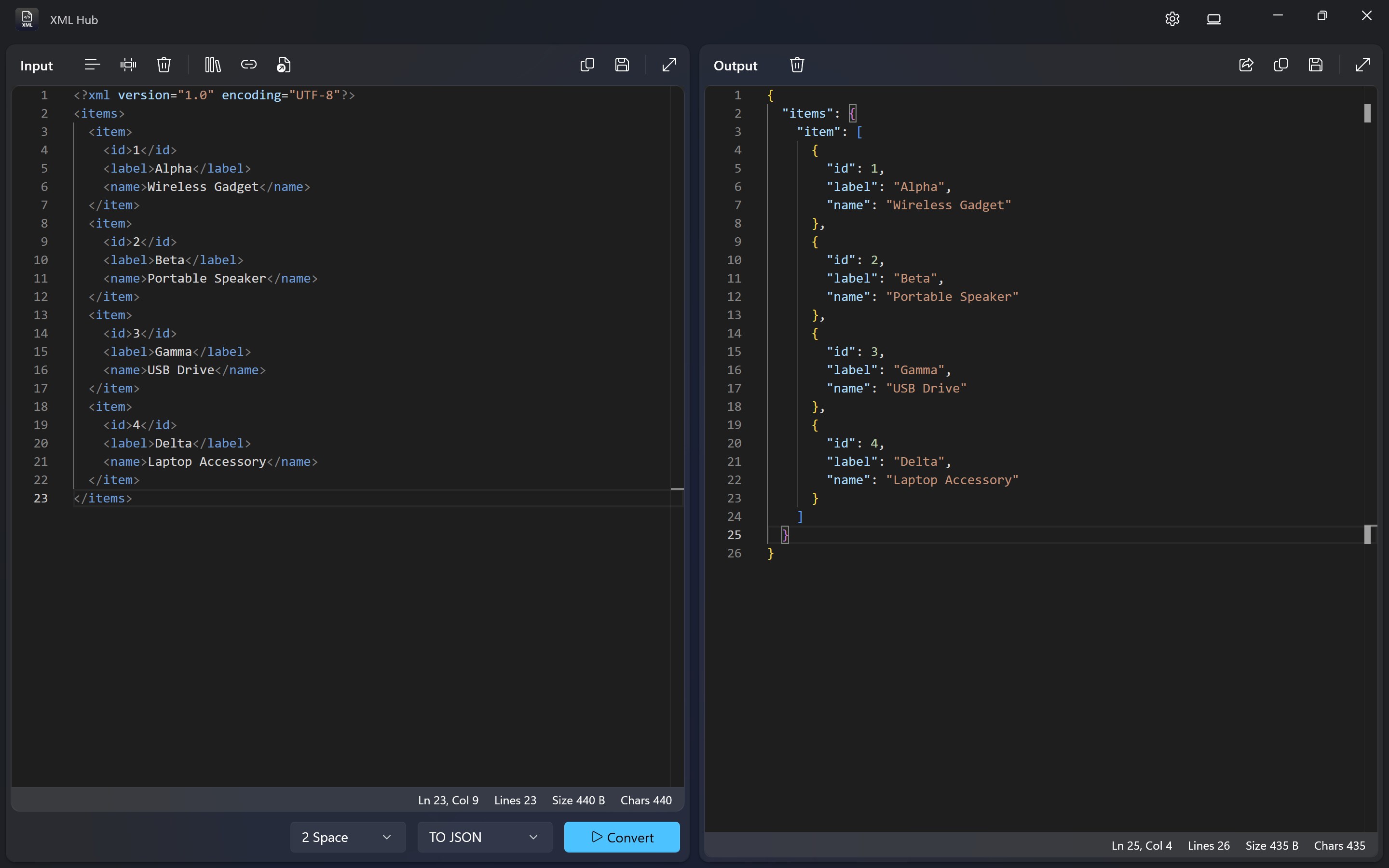
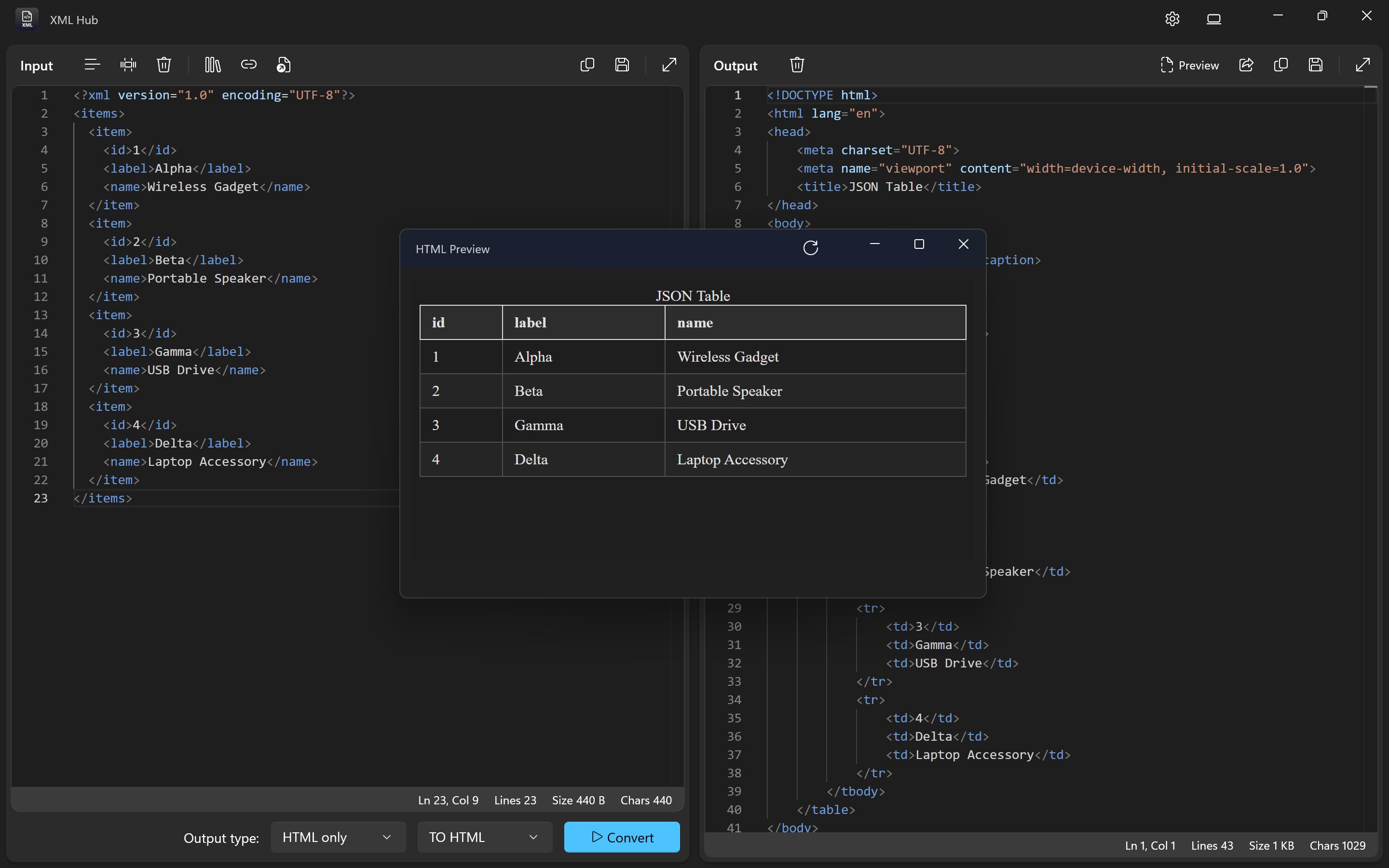
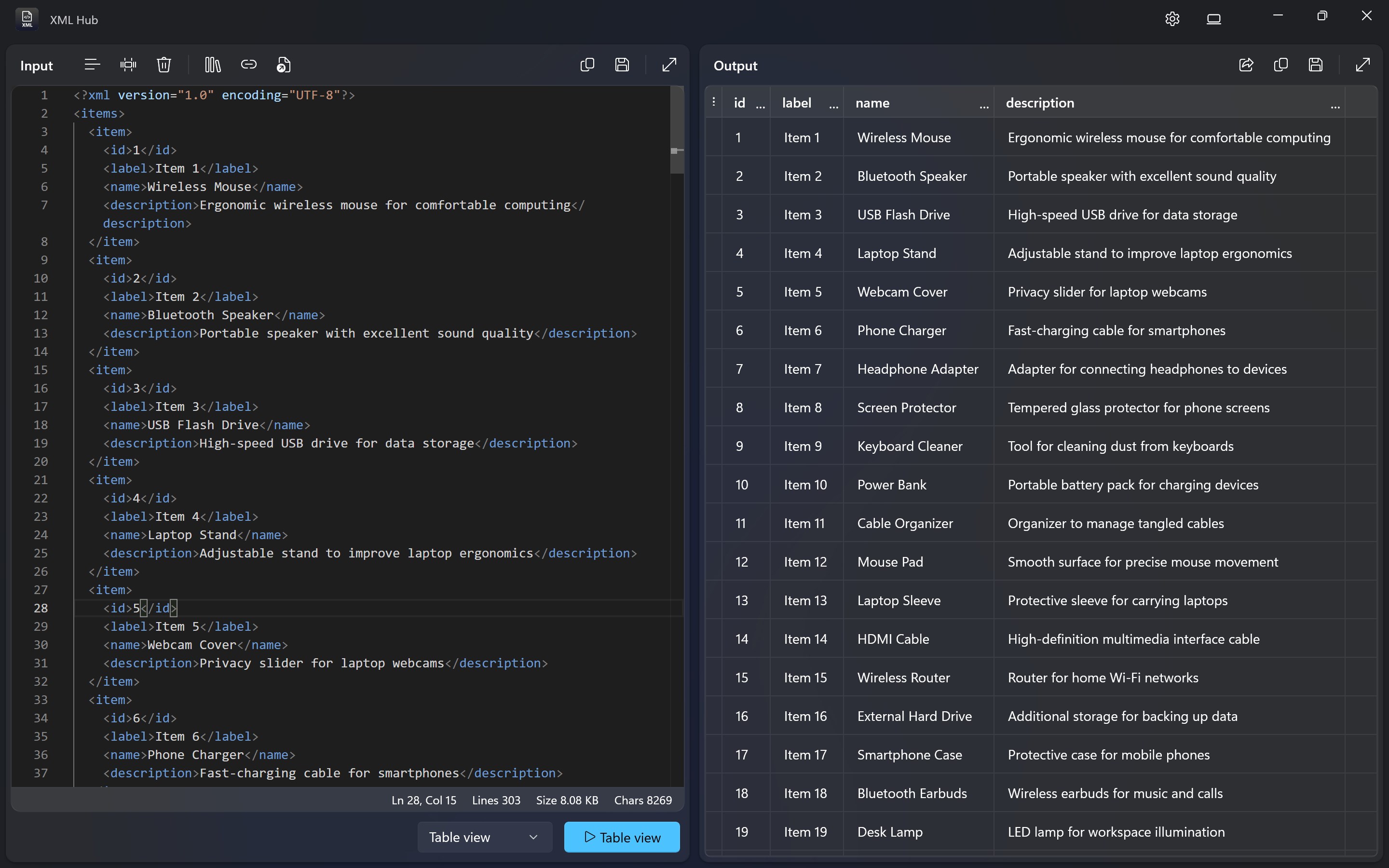
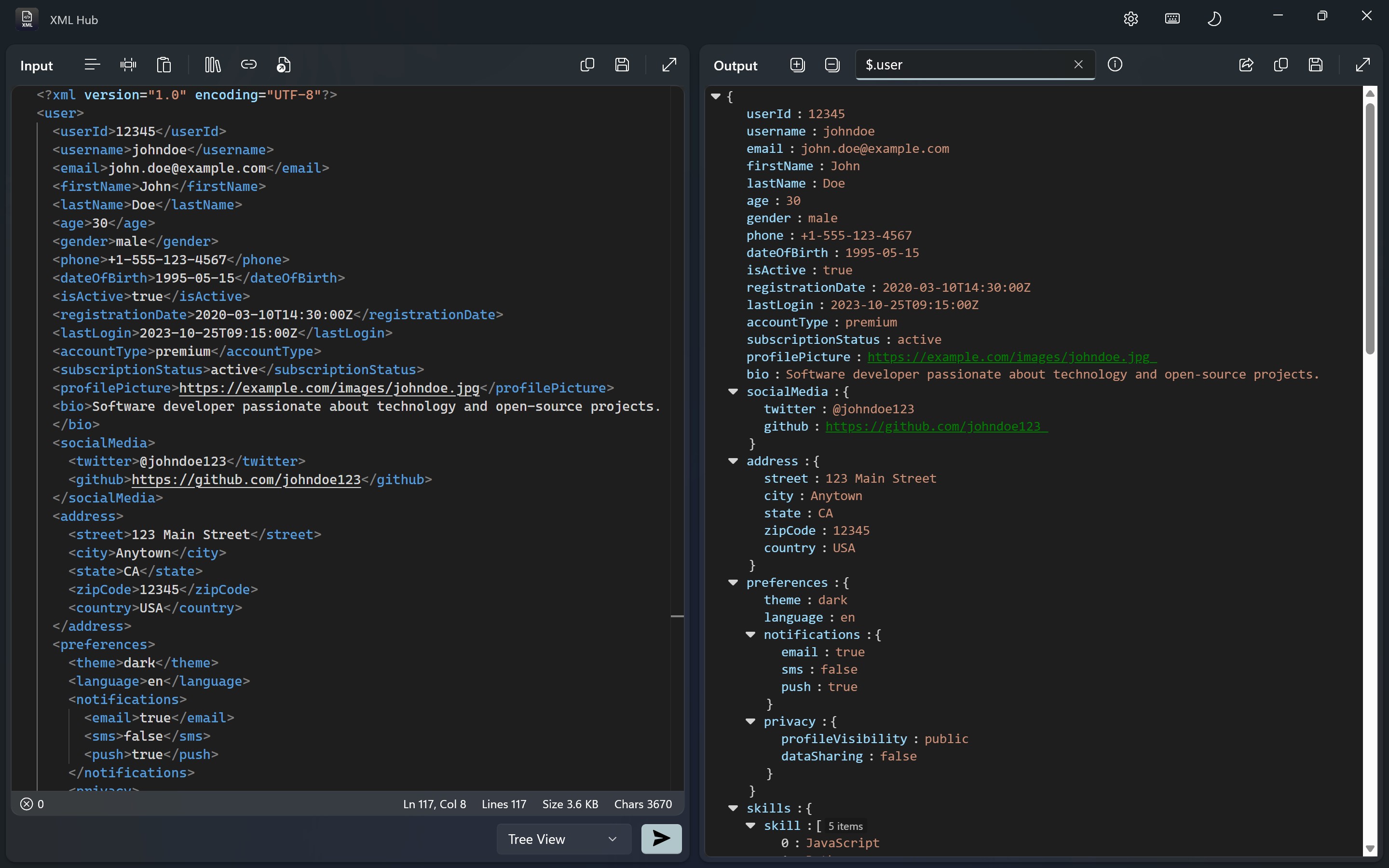
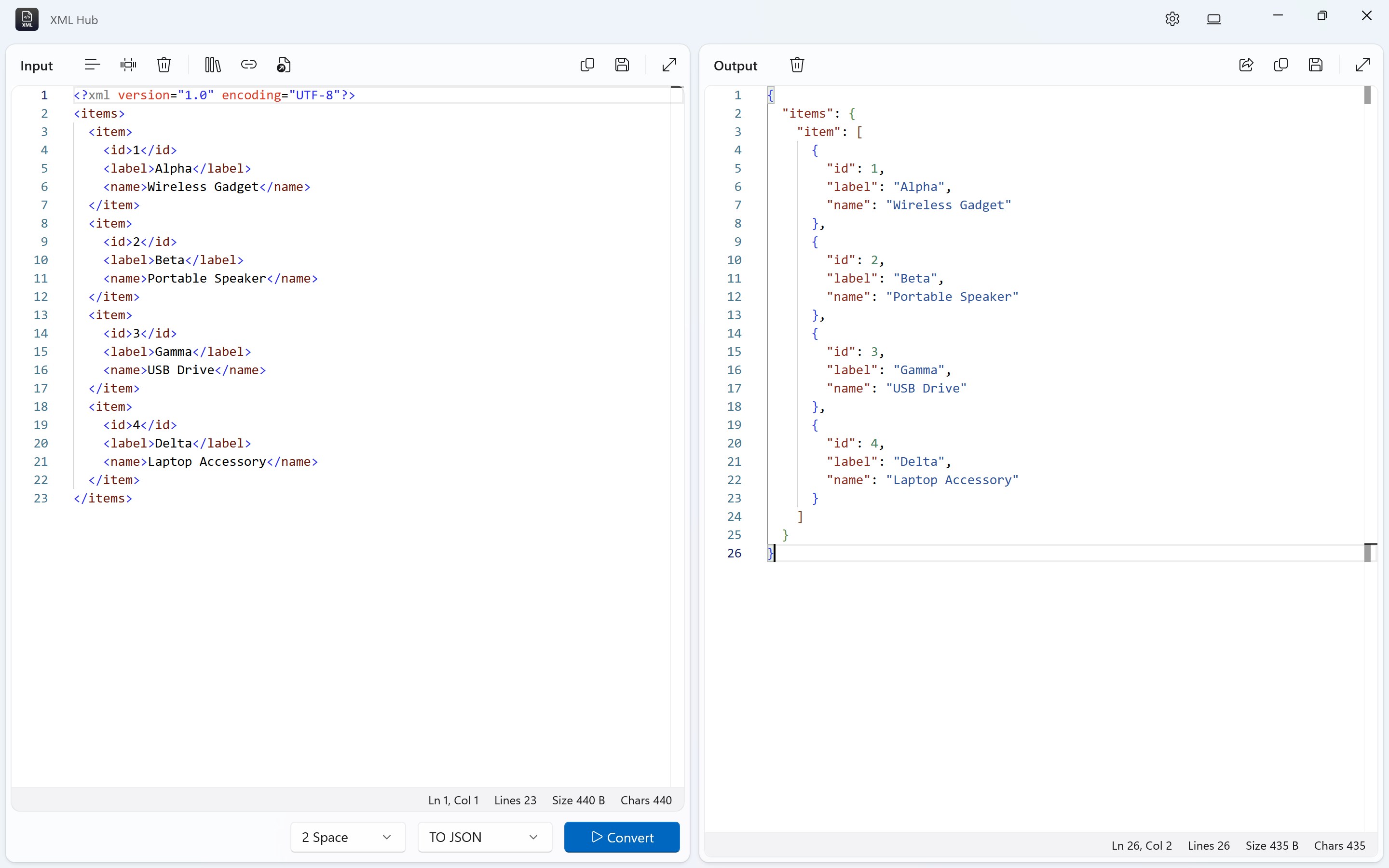
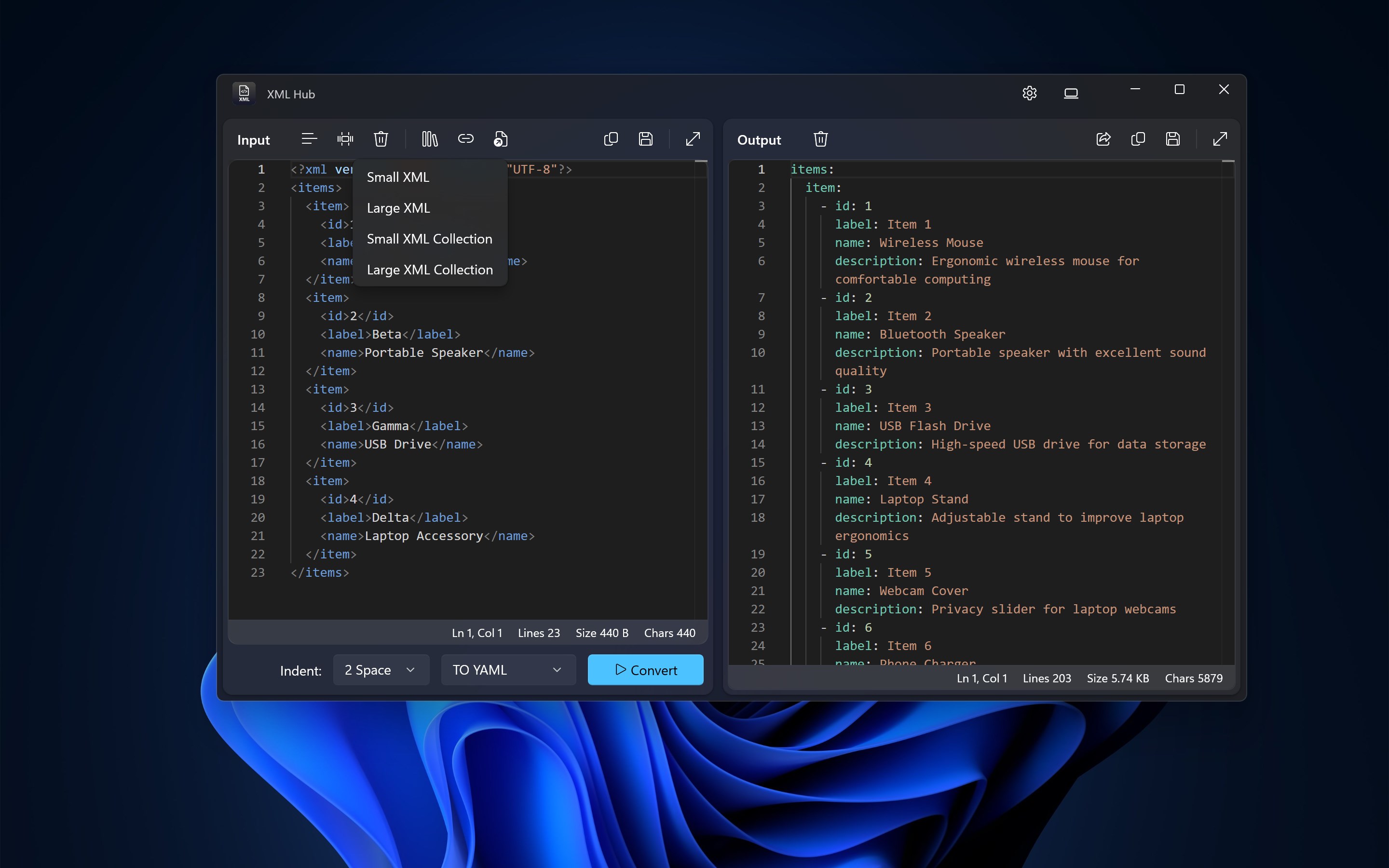
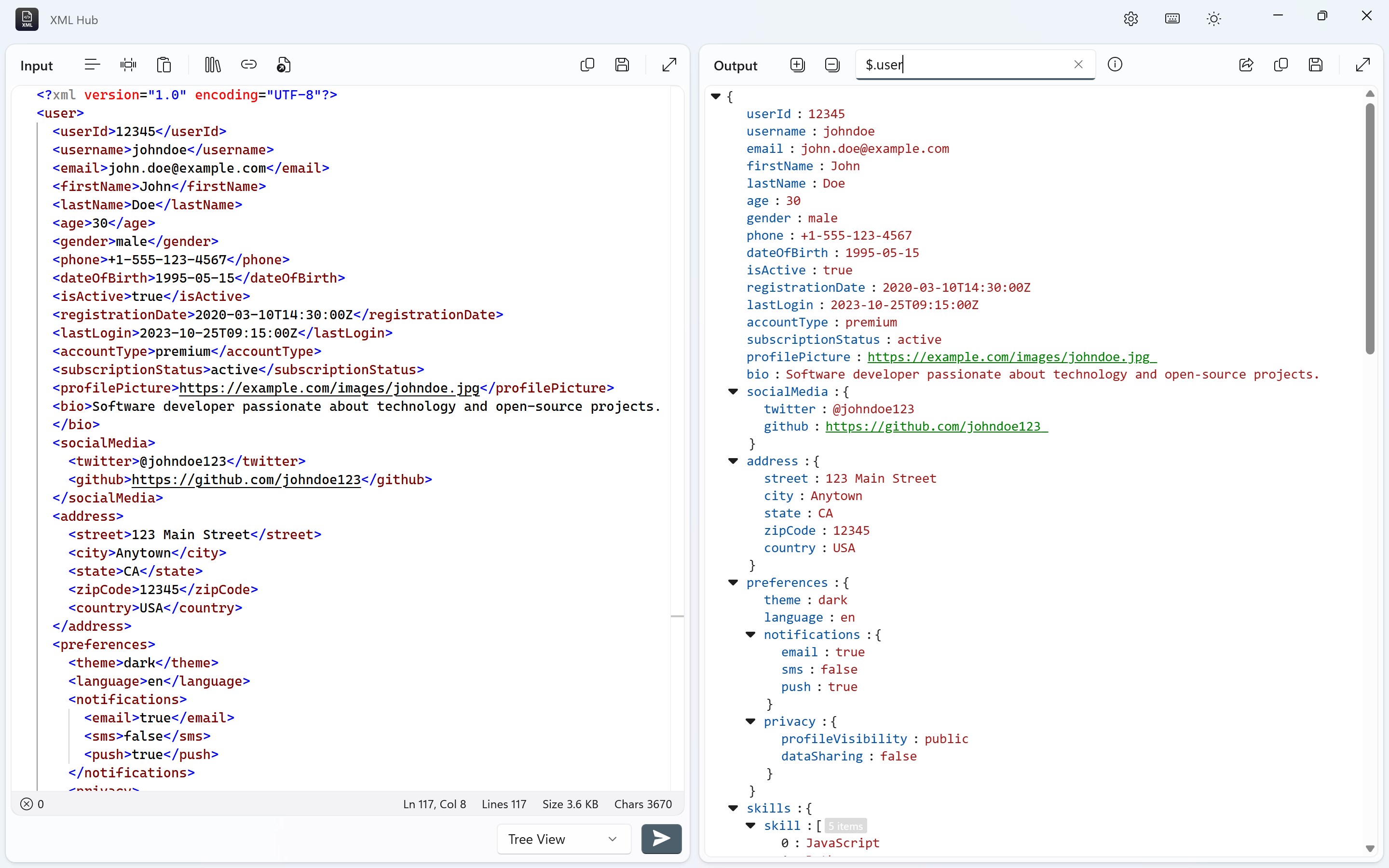
- Intuitive XML Visualization: Converts complex XML structures into clear, easy-to-navigate tree views, enhancing readability.
- Fast Editing Features: Allows quick modifications within the XML files with syntax highlighting and validation.
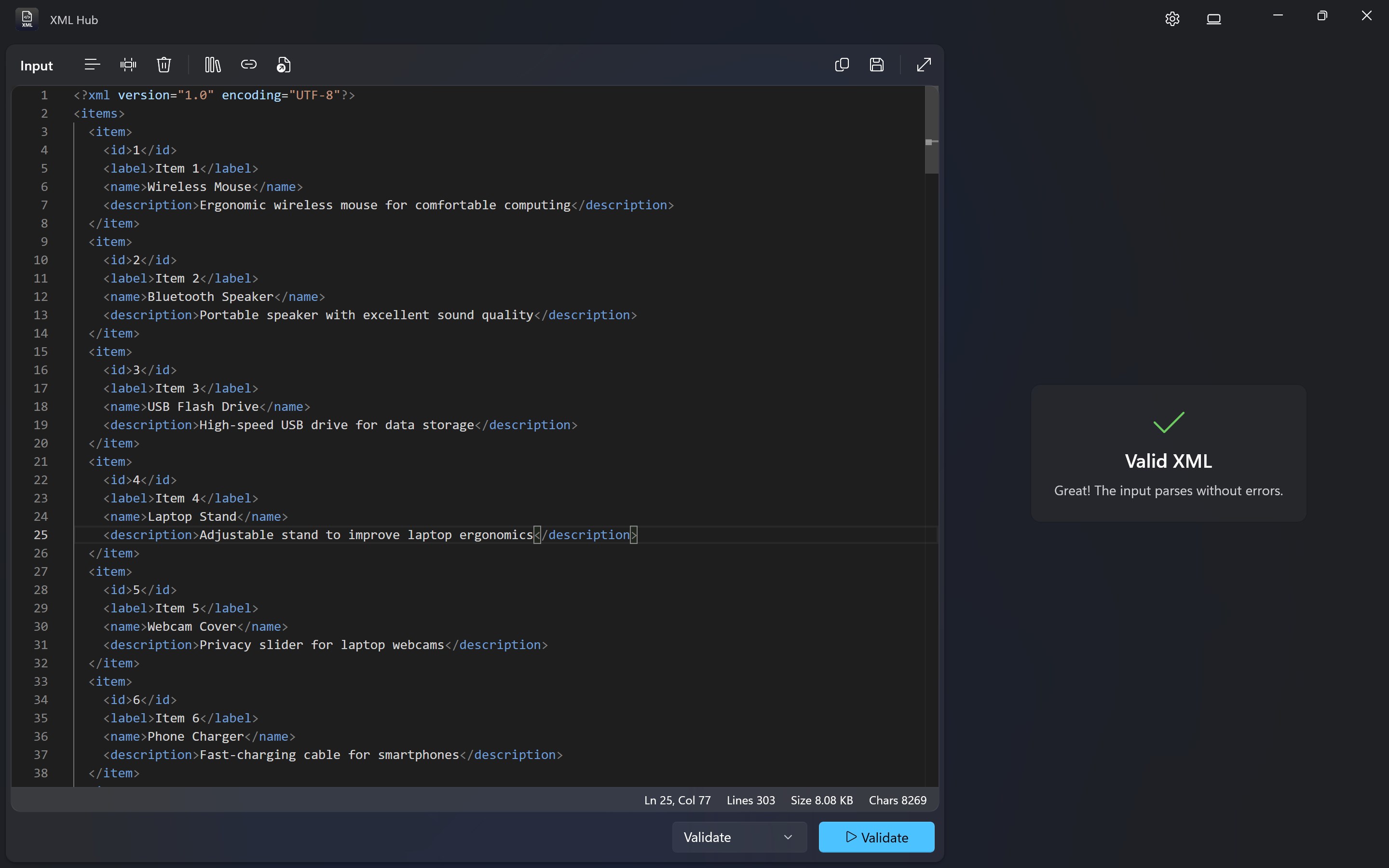
- Schema and Validation Support: Ensures XML files conform to predefined schemas, reducing errors during development.
- Lightweight & Portable Design: Offers quick startup and minimal system resource usage, ideal for quick edits on the go.
Engaging with the App: An In-Depth Look
Imagine diving into a sea of tangled XML data—what you need is a reliable boat that effortlessly guides you through the waves. XML Hub for Windows acts as that vessel, bridging complex code with user-friendly navigation. Its streamlined interface makes the journey smooth and accessible, even for those new to XML editing.
Powerful Core Features
The first feature that stands out is its **XML Visualization**. Loaded with a crisp, collapsible tree view, it transforms what could be a daunting labyrinth into an organized map. Navigating and understanding nested elements becomes as intuitive as flipping through a well-labeled photo album. Additionally, the app supports **real-time syntax highlighting** which not only beautifies the code but also makes spotting errors a breeze, akin to having your personal debugging flashlight.
Another core pillar is the **Schema Validation**. This function acts like a vigilant gatekeeper, verifying that your XML files adhere to specific schemas, thereby preventing common pitfalls in data management. Having this safeguard built-in means fewer surprises at deployment or data exchange points, saving precious time and reducing frustration.
User Experience: Interface & Usability
The app's interface exudes simplicity—think of it as a clean desk that encourages productivity. Navigation feels natural, with familiar menu layouts that reduce the learning curve. The responsiveness is notable: actions like expanding nodes or editing text happen instantaneously, which makes the overall experience smooth and satisfying. New users won't need days to get up to speed; the intuitive design acts as a friendly guide, much like a well-trained assistant leading you through a complex project.
What Sets It Apart? Unique Selling Points
Compared to other developer tools, XML Hub for Windows shines with its **lightweight footprint and straightforward approach**. It strips down unnecessary bells and whistles but retains powerful core functionalities, making it perfect for quick edits or verifying XML data without the bloat—kind of like driving a nimble sports car versus a bulky fleet vehicle.
Most notably, its **schema validation** feature is executed seamlessly, providing developers with immediate feedback on data correctness—an aspect some competing tools only support through external plugins or complex configurations. This embedded validation underscores a focus on practical, everyday productivity.
Final Verdict: Should You Try It?
Overall, XML Hub for Windows earns a solid recommendation for anyone needing a straightforward, efficient XML management tool. Its balance of simplicity and power makes it suitable both for novices wanting an easy way to view and edit XML files and for seasoned developers seeking quick validation and navigation. If your workflow involves frequent XML manipulations, this app is poised to become a dependable aide — much like having a seasoned guide walking with you through the coding jungle.
Pros
- Comprehensive XML validation tools
- User-friendly interface
- Built-in syntax highlighting
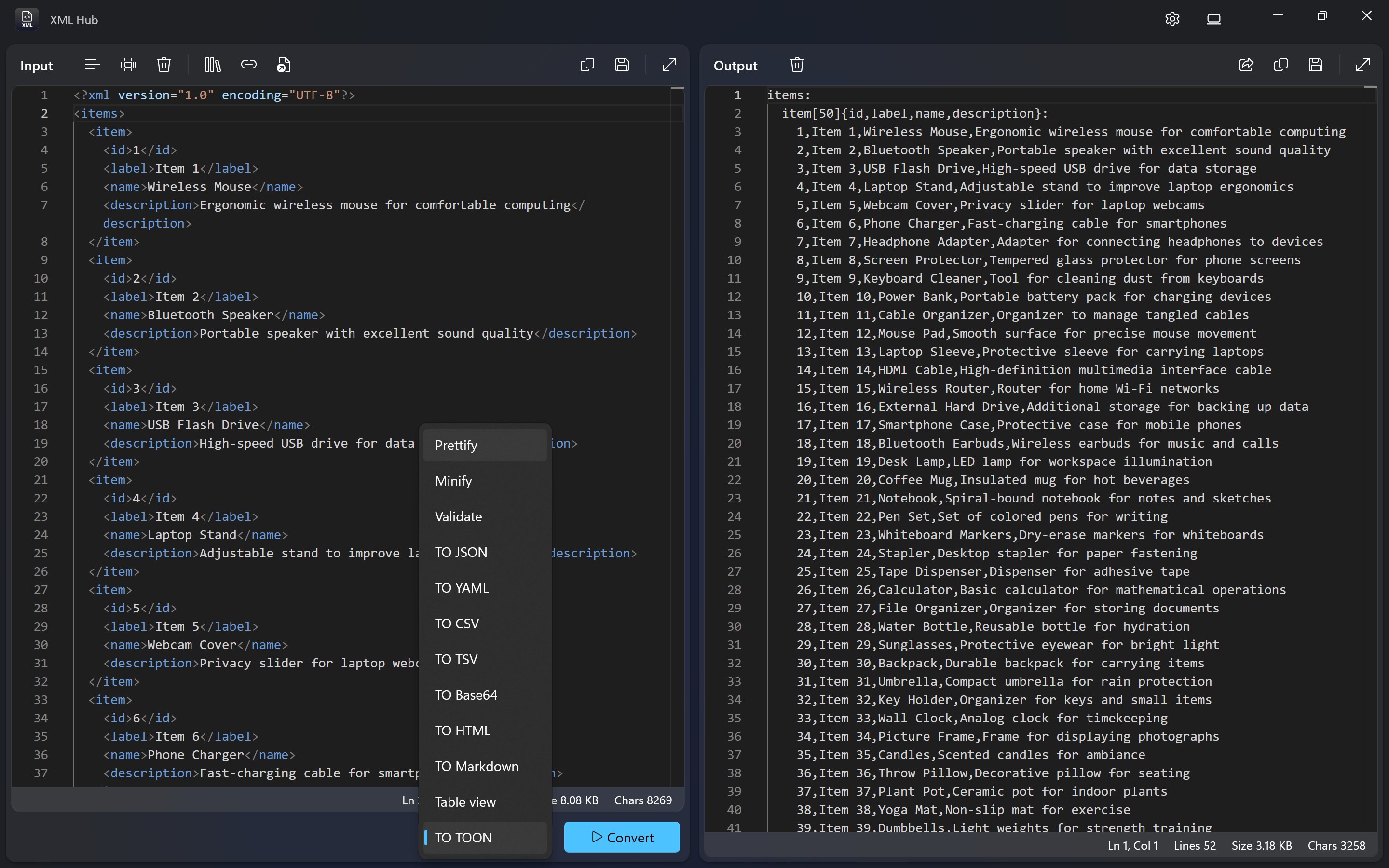
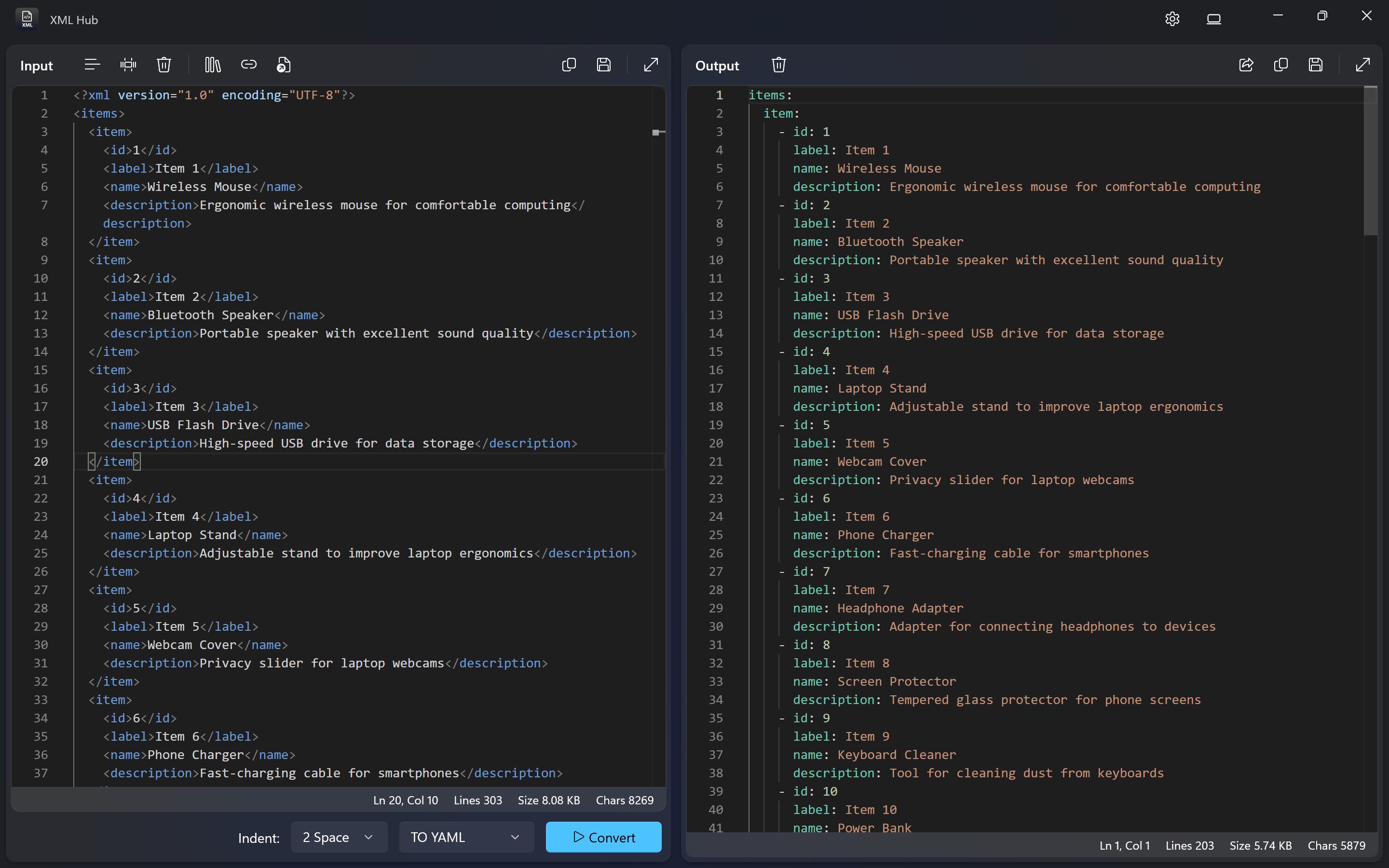
- Support for multiple file formats
- Regular updates and improvements
Cons
- Limited advanced editing features
- Performance issues with large files
- Fewer customization options
- Limited batch processing capabilities
- Learning curve for advanced features











