

- Category Music
- Developer Alex UWP
- Available on Xbox console, PC, Mobile, Surface Hub, HoloLens
- OS Windows 10 version 17763.0 or higher
- languages English (United States)
YMusic Plus: Your Ultimate YouTube Music & Audio Companion for Windows
YMusic Plus emerges as a versatile desktop application designed to enhance your YouTube music listening experience. Combining user-friendly design with robust features, it aims to serve as a comprehensive audio companion for music enthusiasts craving seamless integration and flexible playback options on Windows devices.
About the Developer and Main Features
Developed and published by Alex UWP, YMusic Plus is crafted with the modern user in mind, aiming to fill gaps often left by native YouTube applications or basic music players. The app's standout features include high-quality audio playback, efficient playlist management, and advanced rhythm pattern assessment. Its primary target users are casual listeners, music collectors, and those who appreciate a more tailored listening experience on their desktop environment.
Engaging and Brain-Teasing: Digging Into What Makes YMusic Plus Stand Out
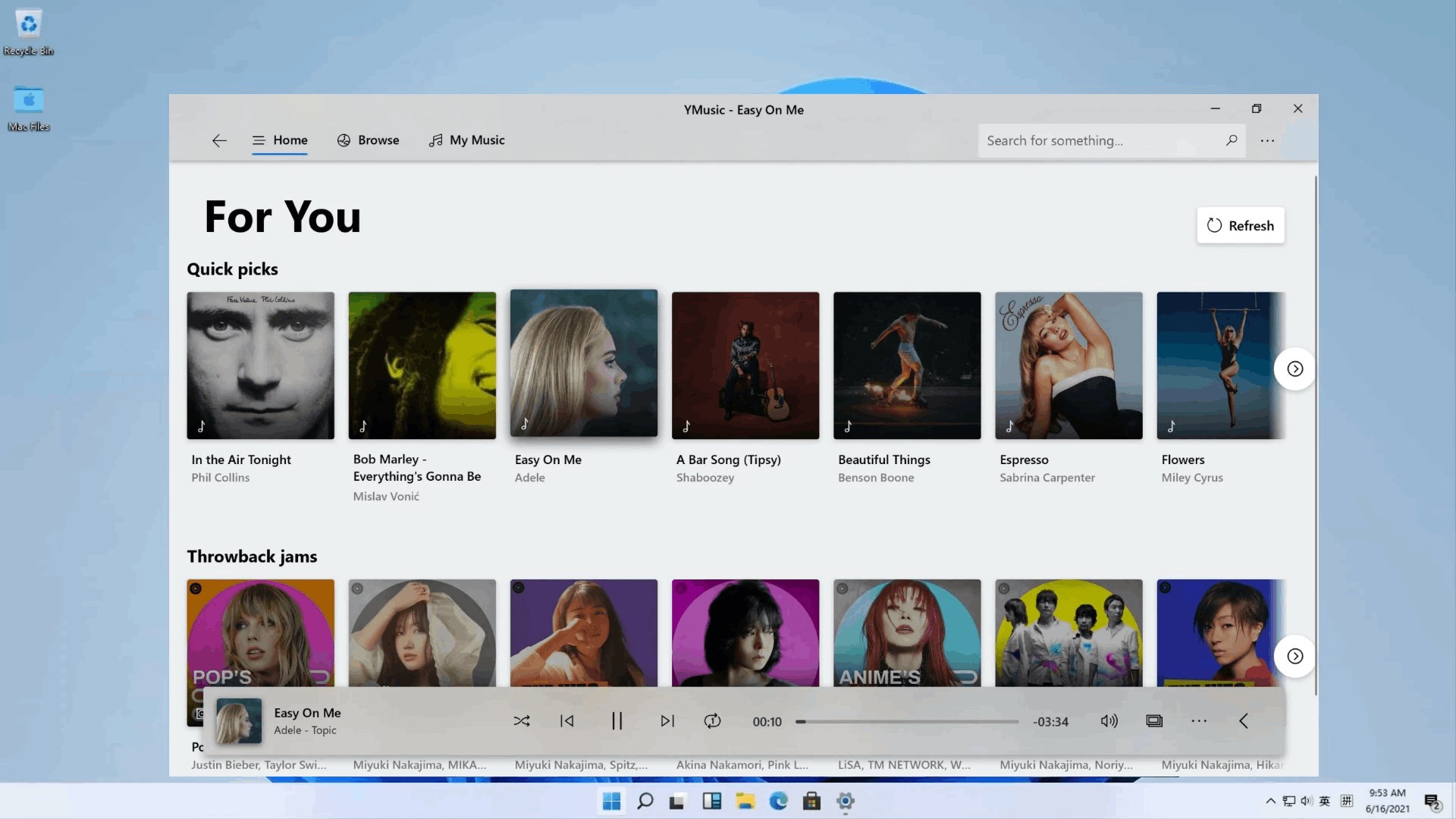
Imagine sitting at your desk, headphones on, ready to dive into a DJ's mix of your favorite tunes. YMusic Plus isn't just another music app; it's your personal concert hall, packed with tools that turn an ordinary playlist into an interactive experience. Its interface is clean but packed with power—think of it as the cockpit for your favorite audio journeys.
Seamless Playback and Quality Control
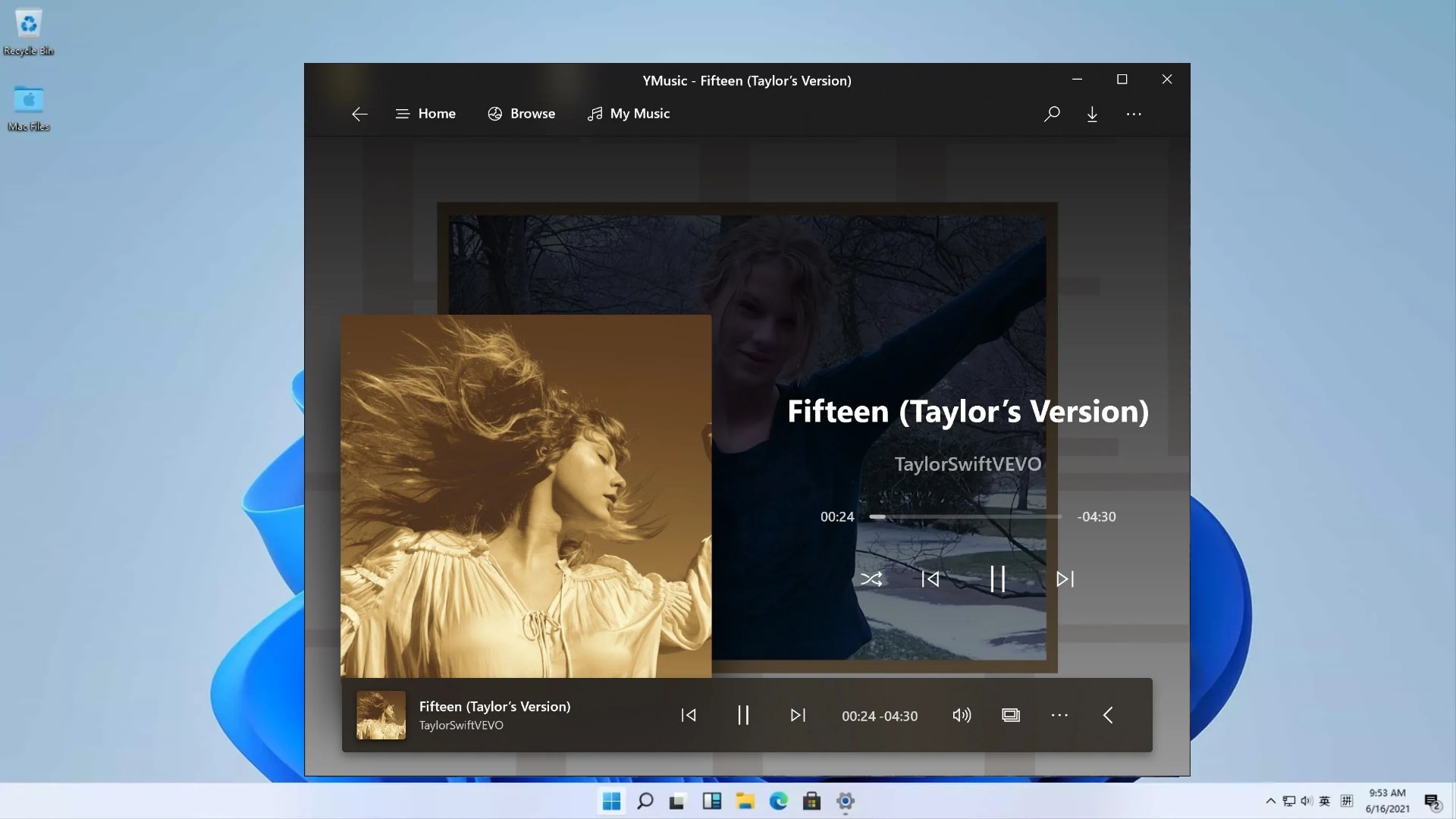
One of the core strengths of YMusic Plus is its ability to deliver high-fidelity sound directly from YouTube. Unlike traditional players that merely stream audio, it optimizes for lower latency and improved audio quality, making every note crisp and vibrant. The app's buffering mechanism is optimized for smooth playback, even on modest internet connections, which feels akin to having a personal DJ ensuring your music never stutters. Users can switch between different streaming qualities effortlessly, giving fine-tuned control over data usage versus sound fidelity, mirroring the experience of adjusting a premium hi-fi system.
Advanced Rhythm Pattern Analysis and Custom Playlists
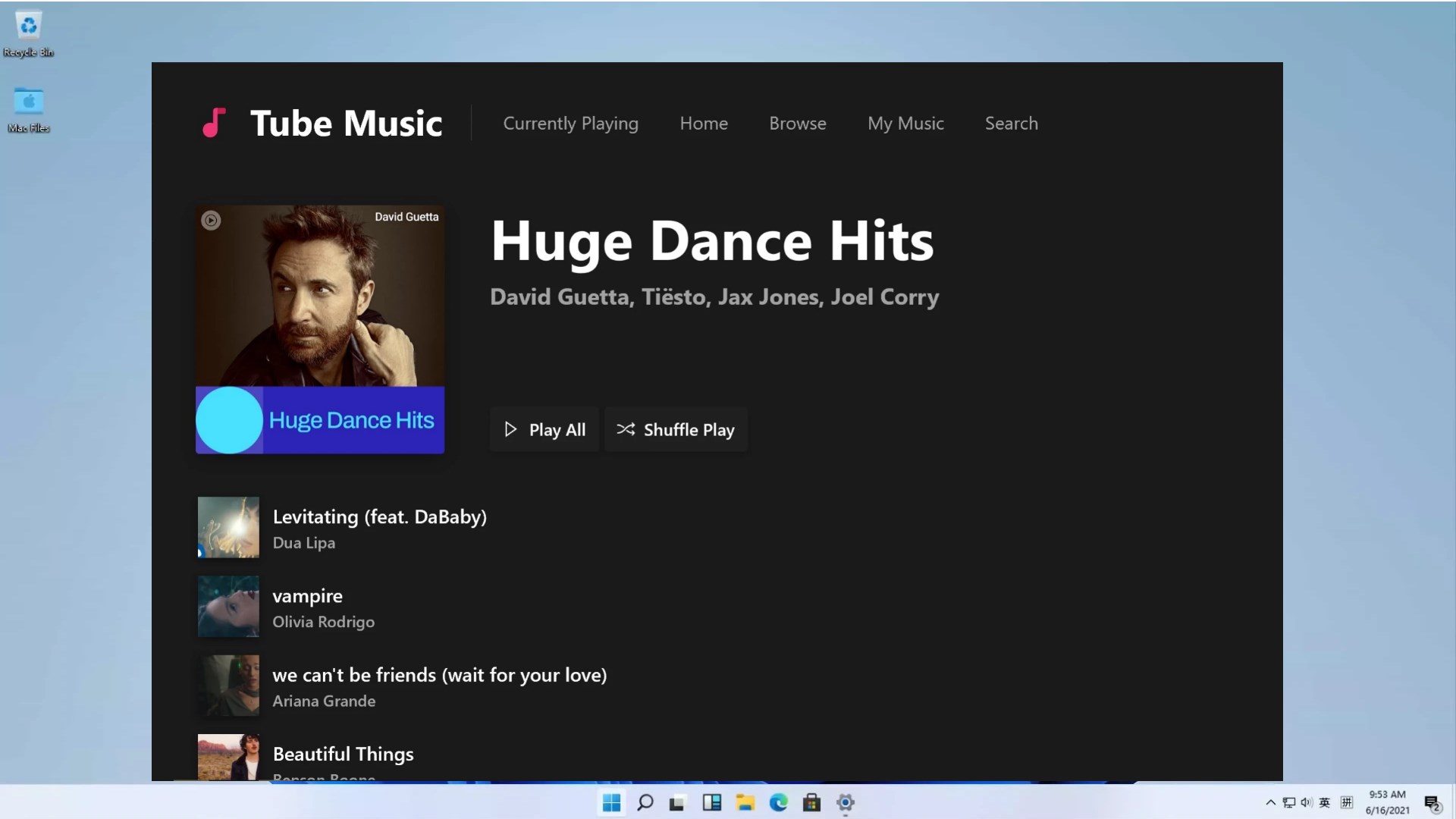
What truly elevates YMusic Plus is its ability to assess rhythm pattern variety and provide custom playback options. This feature isn't just for the casual listener; it caters to beatmakers and dancers who want to analyze rhythm complexities or match tracks with specific BPMs. Imagine being able to see the beat pattern of your favorite song in real-time, like a conductor with a score—this demystifies the music and makes setlists more engaging. Furthermore, the app offers intuitive playlist management that syncs effortlessly with your preferences, making it easy to curate and organize your music library without hassle.
User Experience: Intuitive, Sleek, and Efficient
The interface of YMusic Plus feels like a well-organized control center—you're never lost, and everything you need is just a click away. The learning curve is gentle; even users new to such apps will find the controls logical and straightforward. Responsiveness is impressively smooth, and switching between features feels fluid, almost like gliding through a well-oiled machine. The app's design choices communicate a clear focus: get you to your music faster and in better quality, without unnecessary distractions or clutter.
What Sets It Apart? Unique Strengths
While many music apps exist, YMusic Plus's distinct advantages lie in its real-time rhythm pattern assessment and fine-tuned latency management. These features are particularly beneficial for users who prioritize precise beat matching, such as dancers or performers, offering a level of detail and responsiveness that competitors seldom provide. The app's ability to analyze rhythm patterns and tolerate lower input latencies makes it uniquely suited for dynamic, rhythm-focused applications—transforming a simple music player into an interactive rhythm tool.
Final Verdict and Recommendations
YMusic Plus is a thoughtfully designed application that strikes a commendable balance between functionality and user experience. It is especially recommended for users who value audio quality, rhythmic insight, and flexible playlist control—be it for casual listening or more engaged musical activities. While it may lack some advanced features of larger streaming platforms, its niche strengths make it an excellent choice for those seeking precise rhythm analysis and reliable playback on Windows. Overall, it's a solid app worth trying if you want a dedicated, customizable desktop music companion that respects user control and delivers quality.
Pros
- Intuitive User Interface
- Ad-Free Experience
- Offline Music Downloads
- High-Quality Audio Playback
- Custom Playlists and Background Playback
Cons
- Limited Song Library Access
- Occasional App Crashes
- Basic Customization Options
- Requires Constant Internet for Streaming
- Potential Privacy Concerns











