


- Category Entertainment
- Developer App for video by YouTube
- Available on PC, Mobile, Xbox console, Surface Hub, HoloLens
- OS Windows 10 version 19041.0 or higher
- languages Czech, Danish, English, Finnish, French, German, Greek, Italian, Japanese, Norwegian, Norwegian (Bokmål), Norwegian (Nynorsk), Portuguese, Portuguese (Brazil), Russian, Spanish, Spanish (Spain), Swedish, Turkish
Introducing YouPlay: A Fresh Take on Video & Music Entertainment for Windows
In the crowded realm of multimedia players, YouPlay stands out as a sleek, user-centric app designed to streamline your video and music experience on Windows. Offering a blend of intuitive design and personalized features, it aims to be your go-to media companion.
About the Developer and Main Features
Developed by “App for Video by YouTube” and published by Lion Group, YouPlay leverages expertise from a team deeply familiar with video and audio content management. Its core functionalities include seamless media playback across formats, a personalized content discovery system, and an innovative recommendation engine that adapts to your tastes. The app is tailored primarily for casual viewers, music aficionados, and anyone seeking a centralized media hub on their Windows device.
An Entertaining yet Functional User Experience
Imagine turning on your PC and being welcomed into a digital lounge where your favorite videos and songs are right at your fingertips. That's the essence of YouPlay. Its interface is clean and inviting, akin to walking into a well-organized library. Navigating through the app feels fluid—clicks respond swiftly, and media loads without frustrating delays, making it clear that user experience was a top priority during development.
Elegant Design Meets Intuitive Functionality
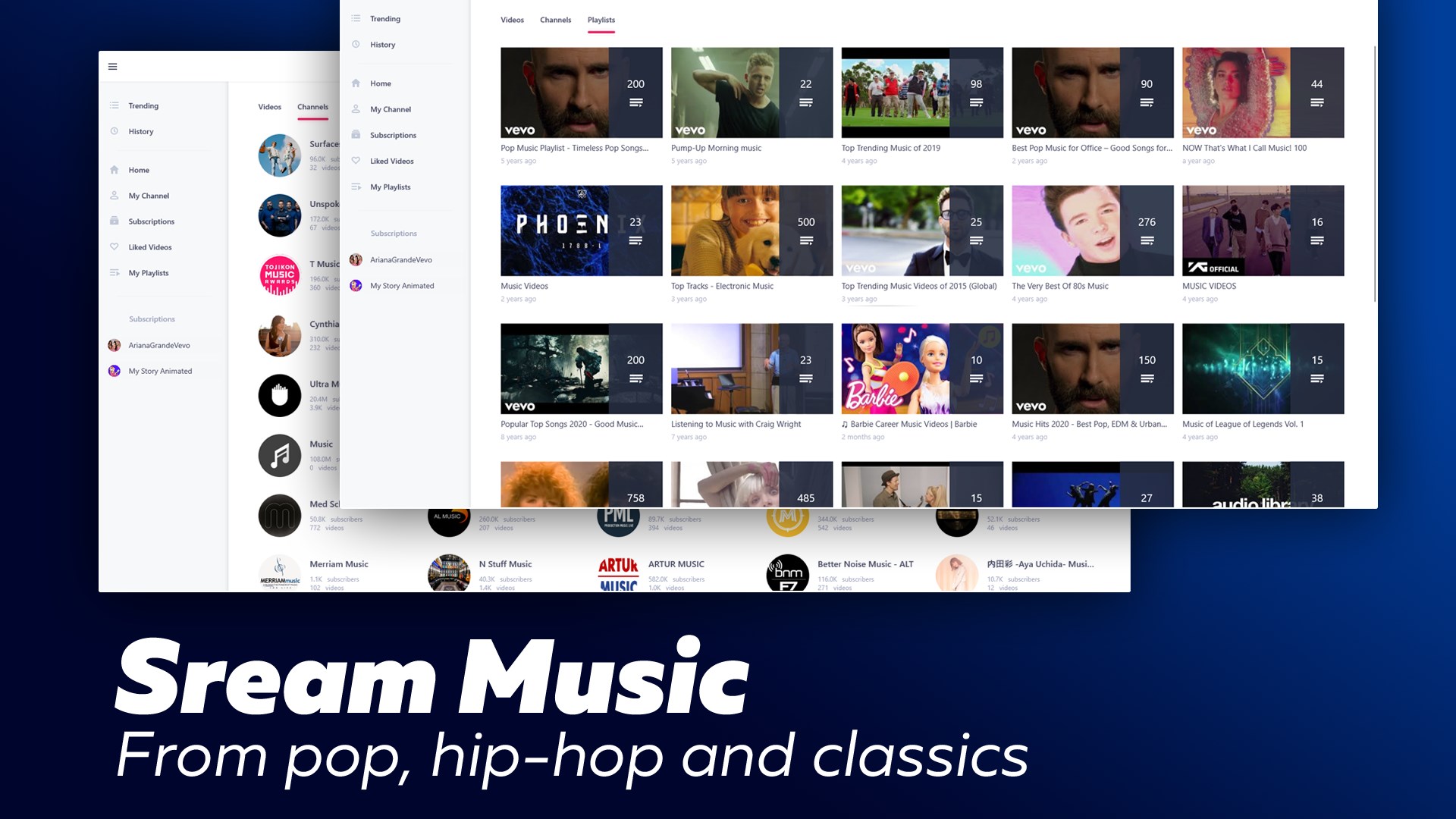
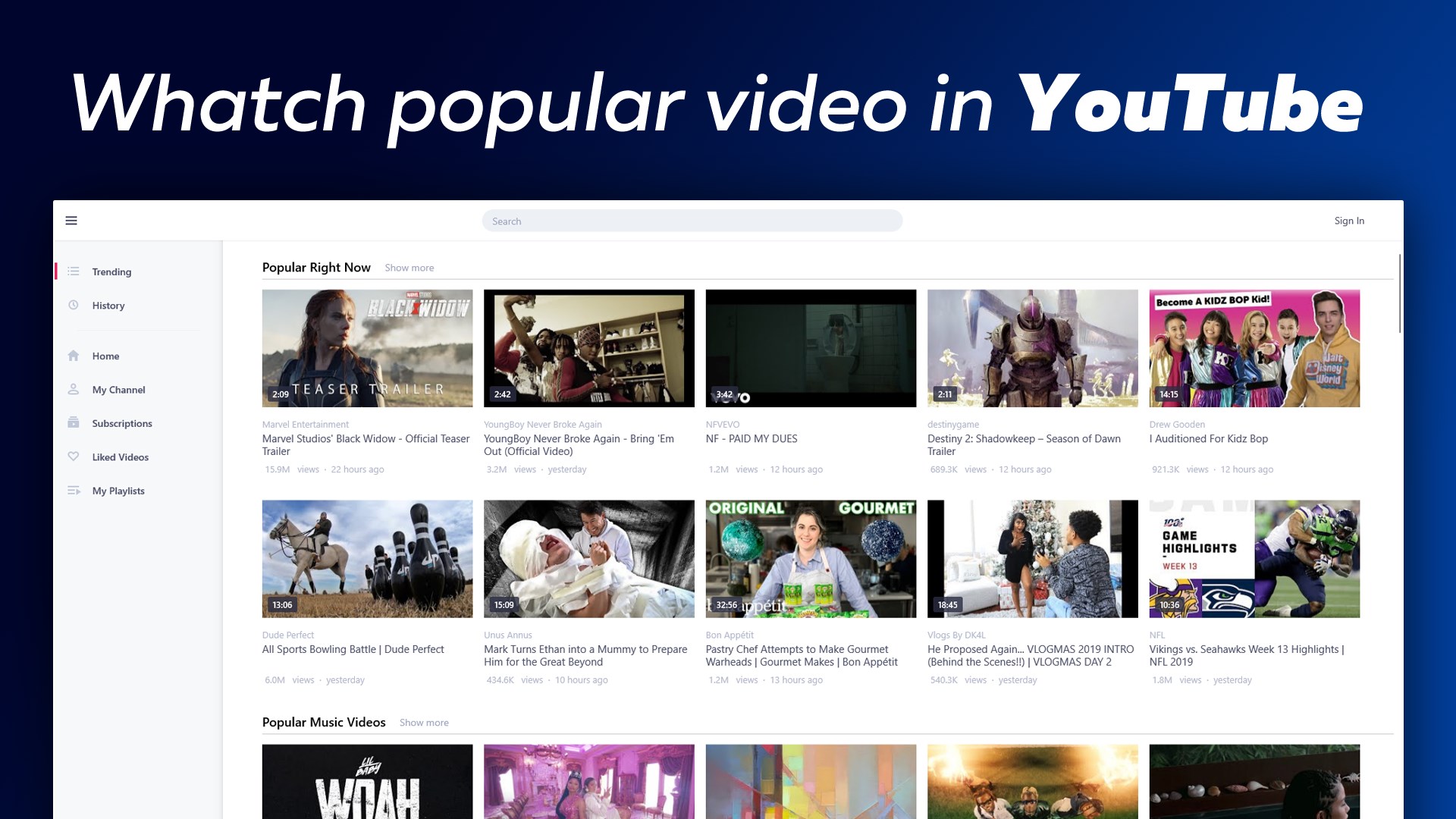
The interface features a modern, minimalistic aesthetic with organized sections for videos and music, complemented by vivid thumbnails and straightforward controls. Whether you're browsing your local files or exploring recommended content, the layout minimizes clutter, helping you find what you want effortlessly. The app's responsive controls and smooth playback contribute to a satisfying user journey, with a gentle learning curve that even tech novices can master quickly.
Content Discovery and Personalized Recommendations: The App's Showstopper
One of YouPlay's standout features is its intelligent content discovery algorithms. Unlike generic media players, it curates your feed based on your viewing and listening habits, akin to a friendly assistant who knows your tastes. This personalized recommendation system enhances user engagement by surfacing videos and music you're likely to enjoy before you even search for them, turning passive entertainment into an interactive adventure. It's like having a trusted playlist generator that evolves with your preferences, making every session feel tailor-made.
What Sets YouPlay Apart from Its Peers
While many media players offer basic playback functions, YouPlay's emphasis on personalized content discovery distinguishes it from rivals. Its recommendation relevance is finely tuned, avoiding the clutter of irrelevant suggestions often seen in other apps. This smart algorithm ensures that your entertainment options align closely with your interests, providing a more satisfying and less overwhelming experience. For users tired of sifting through endless options, this feature acts like a personalized concierge, bringing the best content right to your digital doorstep.
Final Verdict and Recommendations
Overall, YouPlay is a commendable addition to the Windows media ecosystem. Its blend of elegant design, smooth operation, and intelligent content curation makes it suitable for casual users who value a personalized touch. While it may not yet replace specialized apps for advanced media editing or high-end streaming, it excels as an accessible and engaging platform for everyday entertainment. I'd recommend giving it a try if you're looking for a media player that understands your tastes and makes browsing a breeze.
Pros
- User-friendly interface
- Supports multiple media formats
- Syncs seamlessly with cloud services
- Built-in equalizer and audio enhancements
- Regular updates improve stability
Cons
- Limited offline playback options
- Occasional app crashes on older devices
- Ads display during playback
- Limited customization options for themes
- Slow initial startup time











