YT Video Downloader – Free for Windows: A Practical Tool for Video Enthusiasts
A Straightforward Solution for Quick Video Downloads
Developed by Digital Wave Ltd., YT Video Downloader is a Windows-based application designed to make saving online videos both simple and accessible. This app is positioned as a reliable utility for users who want to download YouTube videos efficiently without invasive ads or complicated steps.
Main Features That Stand Out
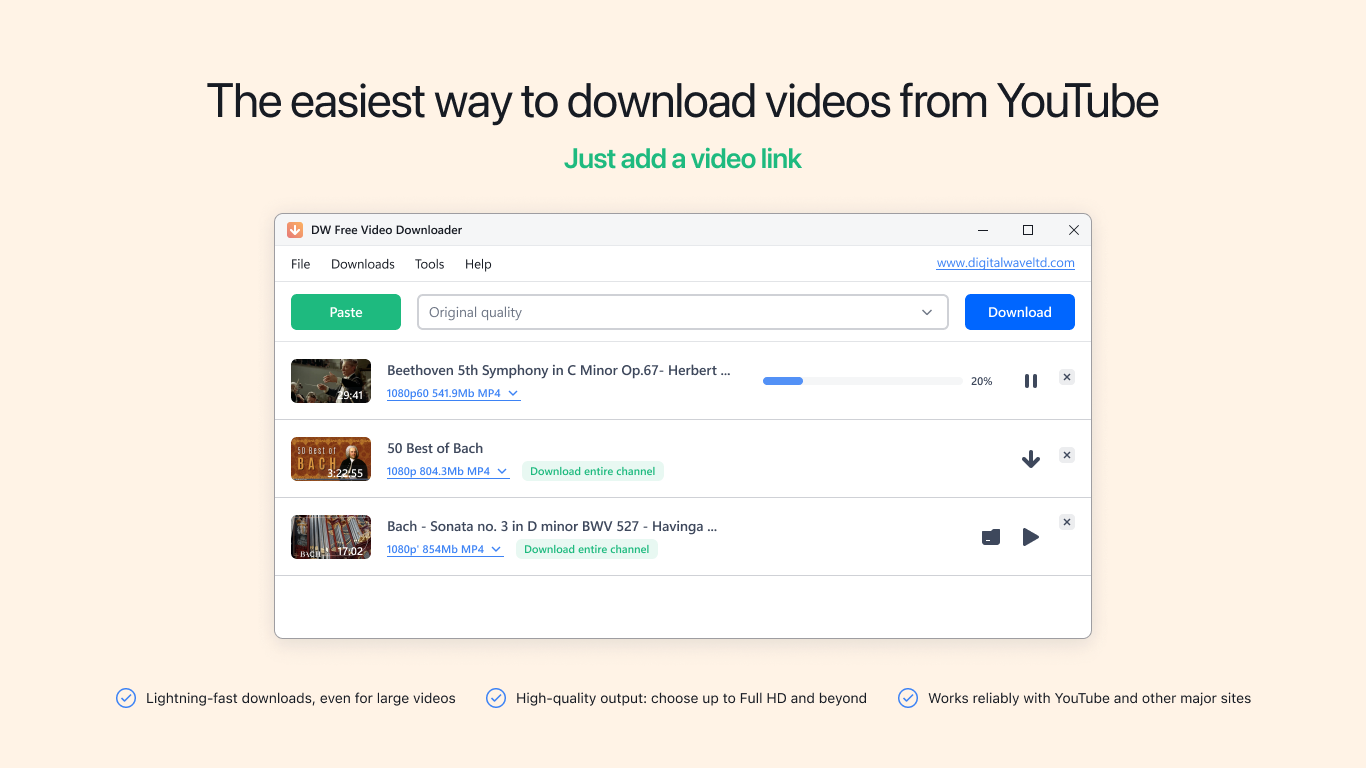
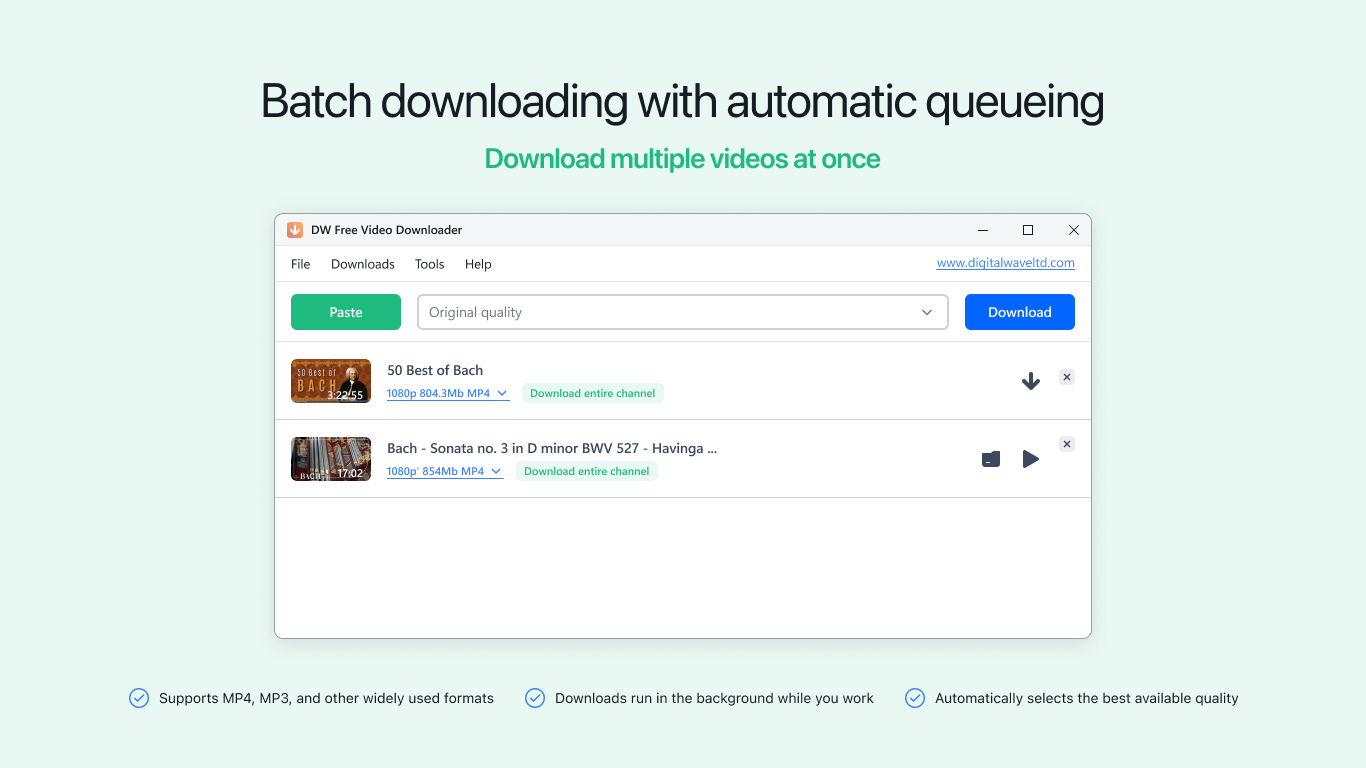
- **Bulk Downloading Capability:** Easily grab multiple videos or entire playlists simultaneously, saving users time and effort.
- **High-Quality Video Support:** Download videos in various resolutions, including HD and 4K, catering to different viewing preferences.
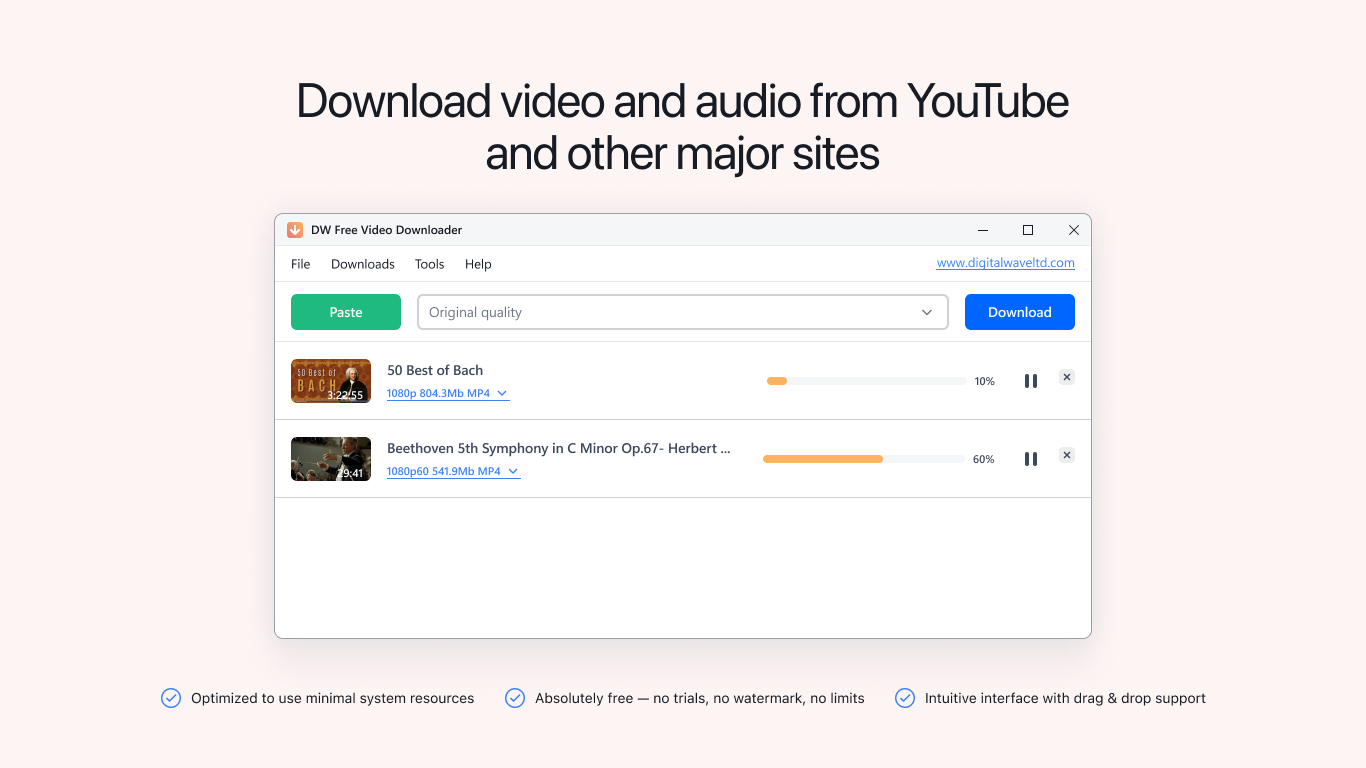
- **Simple User Interface:** An intuitive layout that minimizes learning curve, allowing even the least tech-savvy to start downloading with minimal fuss.
- **Fast Download Speeds:** Optimized processing ensures videos are downloaded swiftly, making the workflow smoother.
Target Audience
This application is mainly aimed at casual viewers, students, content creators, and anyone who frequently watches or saves videos from YouTube. Its user-friendly approach makes it suitable for beginners, while still providing useful features for more experienced users looking for quick download solutions.
An Entertaining Introduction to a Practical App
Imagine sitting in your cozy corner, binge-watching your favorite YouTube channels, and suddenly wishing you could enjoy some of those videos offline—without buffering or Wi-Fi dependency. YT Video Downloader steps into the scene like a trusty sidekick, ready to help you save those precious moments from the internet's endless stream. It's not about turning your hobby into frustration but transforming the process into a seamless, almost magical experience.
Breaking Down Core Features with Flair
**1. Seamless Bulk Downloading — The Orchestra of Files**
One of the app's shining stars is its ability to handle multiple downloads at once. Think of it as conducting an orchestra, with each video a different instrument coming in harmonious synchronization. To use this feature, you simply paste a playlist link, and the app takes care of the rest—batch downloading videos in a variety of formats and resolutions. For those who like to create offline collections of music videos, tutorials, or streaming content, this feature earns high marks for efficiency.
**2. Supporting Flawless Video Quality — From Crystal Clear to HD**
Downloading your favorite content in high definition isn't just a luxury; it's a necessity for those who value clarity. This app supports up to 4K resolution, ensuring that visual fidelity isn't sacrificed. Whether you're preparing a presentation or just prefer watching on a large screen, this flexibility makes the app a versatile tool in your media toolkit.
**3. Intuitive and Smooth User Experience — Hello, Friendly Interface!**
The user interface resembles a well-organized workspace, with buttons and options logically laid out like drawers in a desk. Operation is fluid, with minimal lag or confusing prompts—much like driving a well-maintained car. Even newcomers can master the basic functions within minutes, thanks to straightforward navigation and helpful tooltips. The learning curve is gentle, allowing users to dive right into downloading videos without hours of reading manuals.
A Unique Edge in the Crowd
Unlike some competitors that rely solely on content discovery algorithms to suggest videos or force invasive ads, YT Video Downloader stays true to its core purpose: quick and reliable downloads. Its standout feature is the ability to handle playlists and batch downloads effortlessly, making it especially appealing for users with large content collections. The app's simplicity and focus set it apart from more bloated or cluttered download tools, providing a clean experience without distractions.
Recommendations and Usage Tips
Overall, I'd recommend this tool for anyone who wants a straightforward way to save YouTube videos without fuss. It's not meant to replace advanced editors or streaming platforms, but as a reliable, quick download assistant, it performs admirably. For best results, ensure your internet connection is stable during downloads, especially when handling large files or multiple videos. Also, respect content copyright and use downloaded videos ethically.
In conclusion, YT Video Downloader – Free for Windows is a hidden gem that offers core functionalities wrapped in an accessible package. Its bulk download capability and high-quality support make it an excellent choice for everyday users seeking simplicity and efficiency. If you value a no-nonsense approach to saving videos, this app deserves a spot on your desktop.
Pros
User-friendly interface
Fast download speeds
Supports multiple video formats
Free to use
No need for complex setup
Cons
Limited video quality options
Ads may appear during use
Download speed might vary
Privacy policy is not very detailed
Occasional compatibility issues with certain browsers or devices