


- Category Photo & video
- Developer Inmatrix LTD
- Available on PC
- OS Windows 10 version 0.0 or higher
- Keyboard Integrated Keyboard
- Mouse Integrated Mouse
- Memory 750 MB
- languages Arabic, Hebrew, Korean, Basque, Hungarian, Polish, French, Indonesian, Portuguese, German, Italian
Introduction: A Robust Media Player for Windows Enthusiasts
Zoom Player for Windows stands out as a versatile and reliable media playback solution designed to deliver seamless video and audio experiences. Developed by Inmatrix LTD, this application aims to cater to both casual viewers and advanced users seeking precise control over their media consumption. With its rich set of features, an intuitive interface, and a focus on customization, Zoom Player promises to elevate your media gaming to new heights.
Sleek Interface with Professional Touch
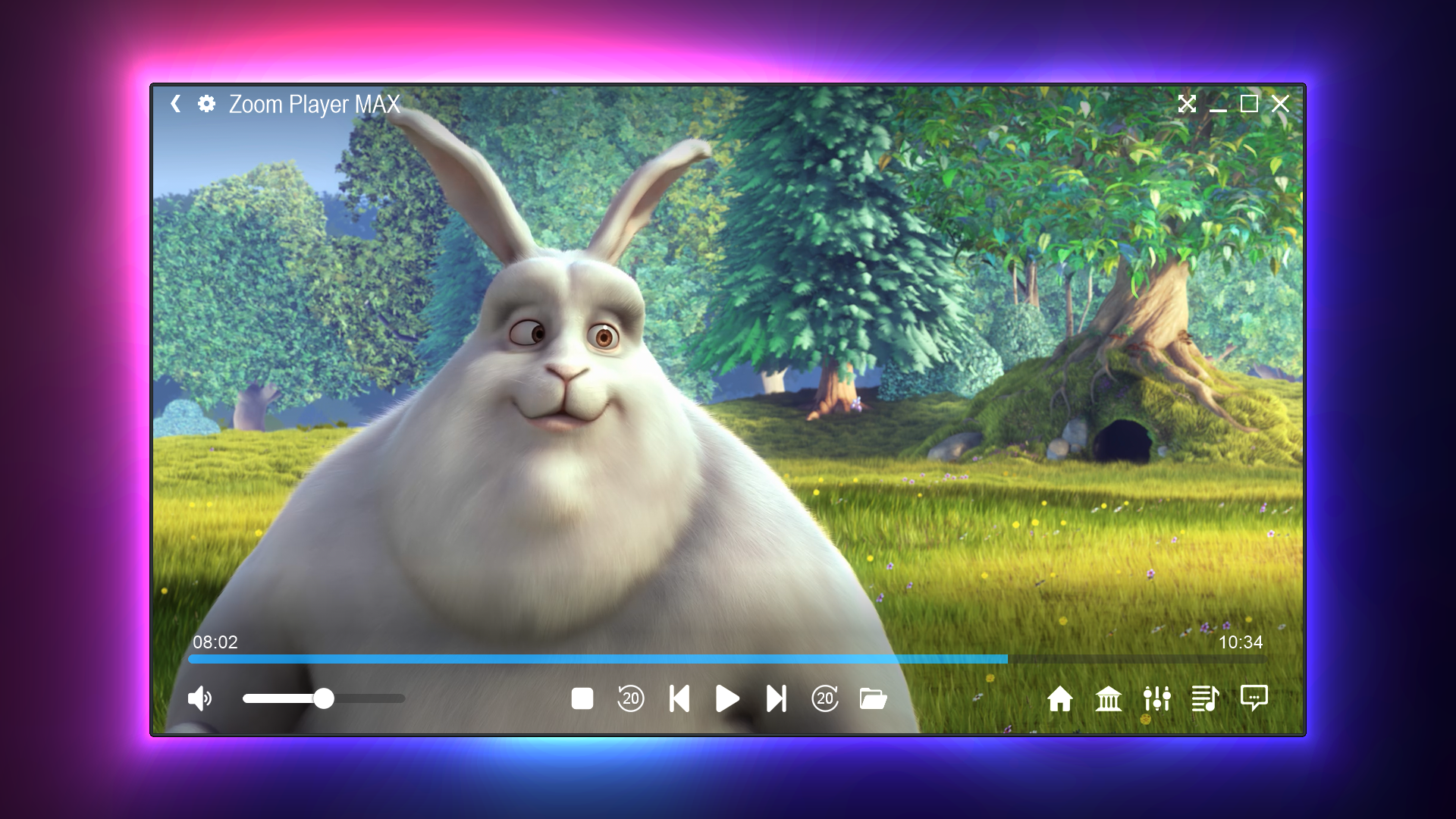
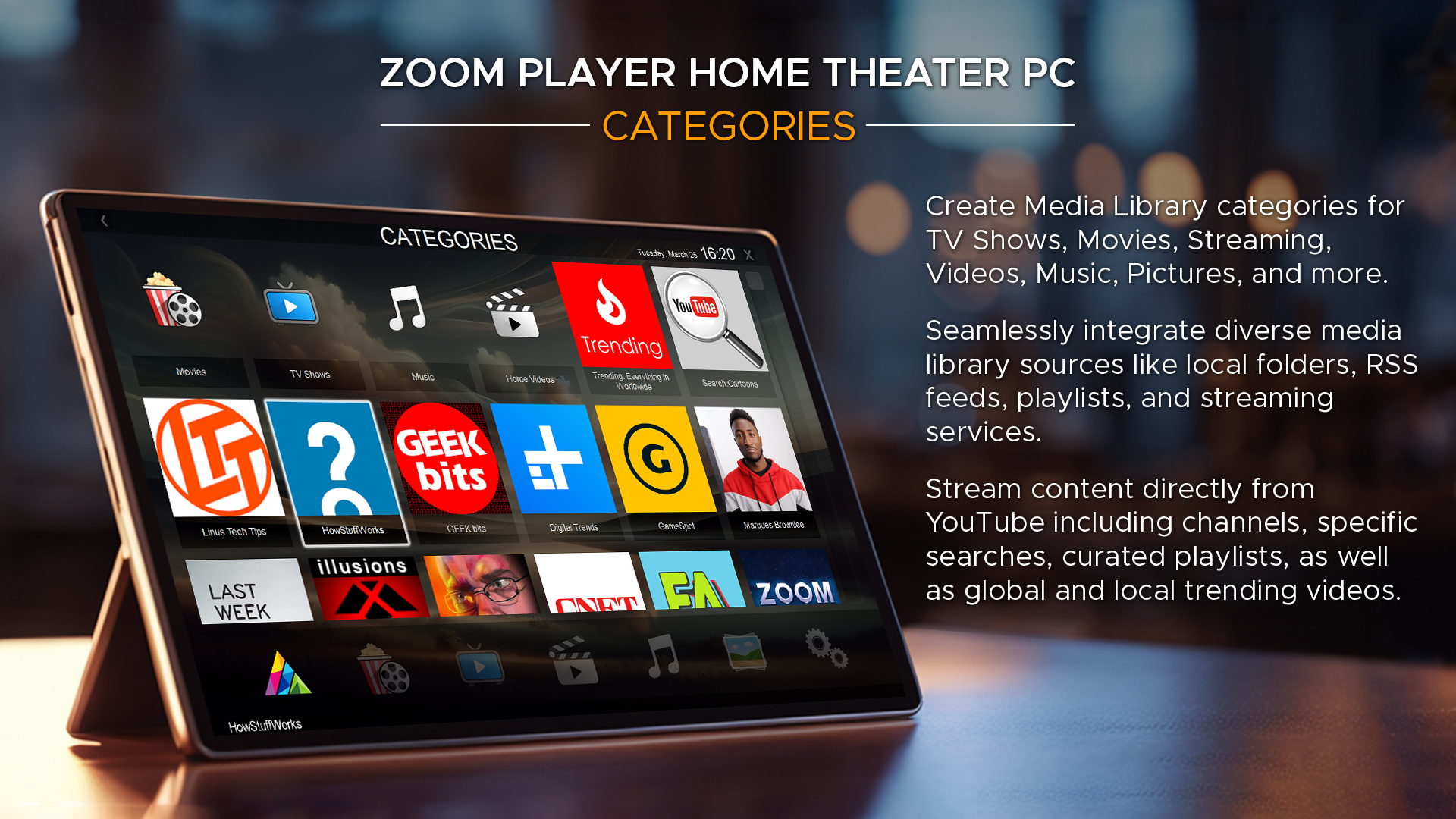
Upon launching Zoom Player, users are greeted with a clean, streamlined interface that balances aesthetic appeal with practical functionality. The design is reminiscent of a high-end AV receiver, offering an intuitive layout that makes navigation a breeze. The control bar is minimally invasive yet readily accessible, ensuring that users can focus on the content rather than wrestling with cluttered menus. Whether you're a tech-savvy enthusiast or a casual viewer, the interface feels approachable, with options clearly labeled and customizable according to your preferences.
Core Functionality That Elevates Your Viewing Experience
1. Advanced Playback Capabilities
Zoom Player supports a comprehensive array of media formats, from popular video codecs to high-definition files, ensuring you can play almost any media you throw at it. Its smart rendering engine delivers smooth playback with minimal buffering, even for large 4K or HDR videos. The application also offers features like frame-by-frame navigation, seamless transitions between chapters, and customizable playback speed, making it ideal for both casual viewing and detailed media analysis.
2. Precise Video and Audio Control
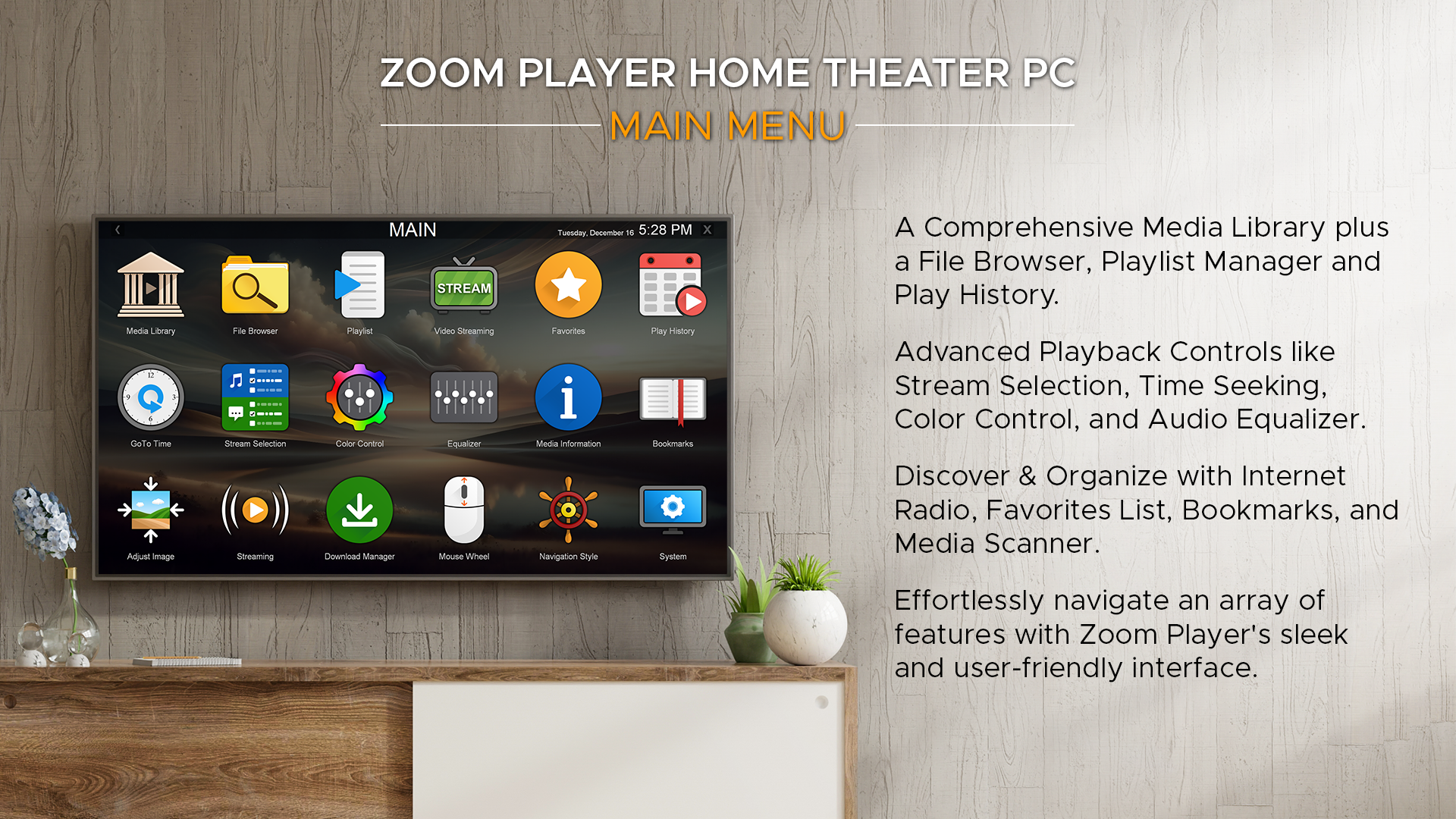
One of Zoom Player's standout features is its granular control over audio and video settings. Users can fine-tune contrast, brightness, hue, and audio equalization directly within the interface, providing a tailored viewing experience. Additionally, the application offers extensive subtitle management, supporting multiple formats and synchronization options, which is particularly beneficial for foreign films or archival footage. This level of control distinguishes Zoom Player from many mainstream media players that offer limited customization.
3. Customization and Automation Features
For power users, Zoom Player presents a wealth of options to automate playback routines. Whether you want to set up playlists, automate subtitle loading, or configure hotkeys for quick commands, the software delivers. Its customizable interface and scripting capabilities allow users to create a truly personalized media environment, challenging the one-size-fits-all approach of typical players. This flexibility makes it appealing for presentations, kiosk displays, or home theater setups.
User Experience: Navigational Ease and Unique Advantages
From a user experience perspective, Zoom Player strikes a fine balance between simplicity and depth. The learning curve is gentle for basic functions—just drag and drop your files and press play—but offers advanced options for those who wish to explore further. Transitions between menus are swift, and the responsiveness is commendable, even with demanding media files. The customizable skins and layout options also allow users to craft an interface that feels personal, akin to designing your own cockpit for a seamless media journey.
Compared to other media players, Zoom Player's standout difference lies in its robust customization toolkit and support for automation. While many players are primarily plug-and-play, Zoom Player encourages users to delve deeper, making it suitable for media enthusiasts who crave control and precision. Its ability to handle diverse formats with thorough configuration options makes it an ultimate choice for multimedia connoisseurs seeking reliability and flexibility.
Final Thoughts: Is It Worth Your Attention?
Overall, I would recommend Zoom Player for users who need a versatile, customizable, and dependable media player on Windows. It's particularly valuable for those who consume high-resolution content regularly or desire granular control over playback and settings. The interface is user-friendly enough for newcomers but offers enough depth to satisfy advanced users wanting to tailor their media environment. If you're tired of the limitations of default players and seek a more professional-grade solution, Zoom Player is definitely worth trying out.
Pros
- Highly customizable playback settings
- Supports a wide range of media formats
- User-friendly interface design
- Advanced subtitle management features
- Excellent playback stability and reliability
Cons
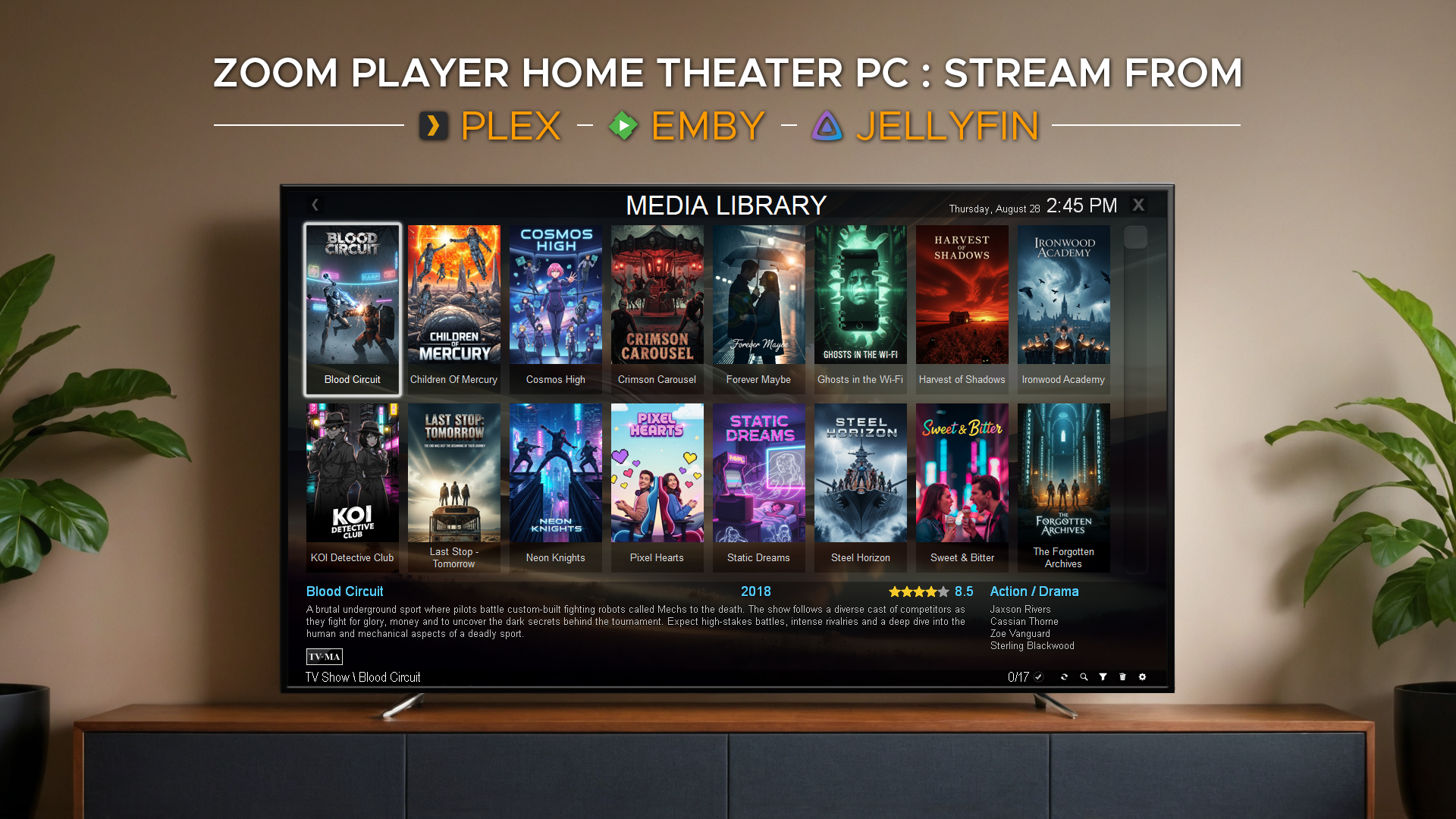
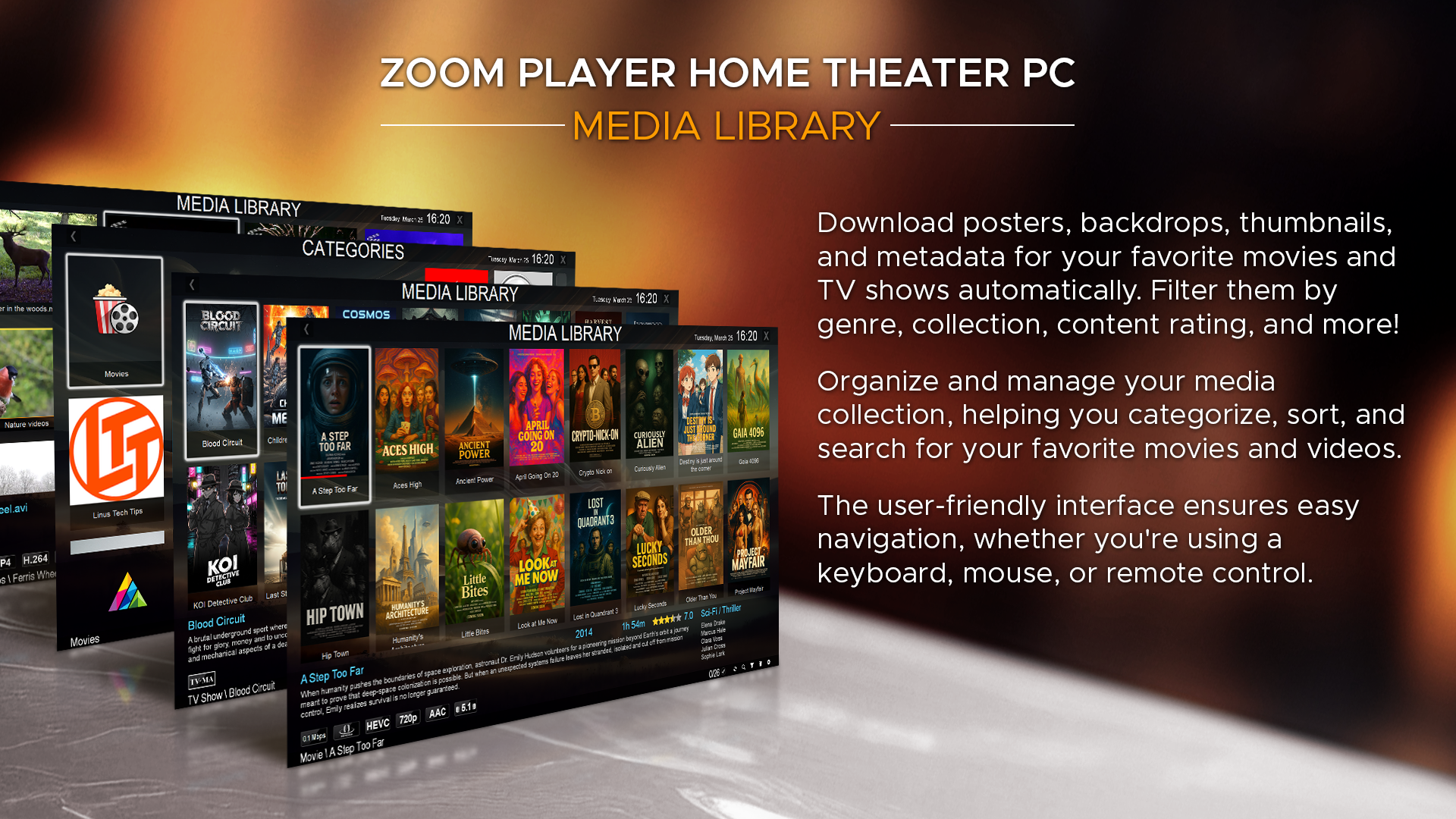
- Occasional interface lag during extensive library browsing
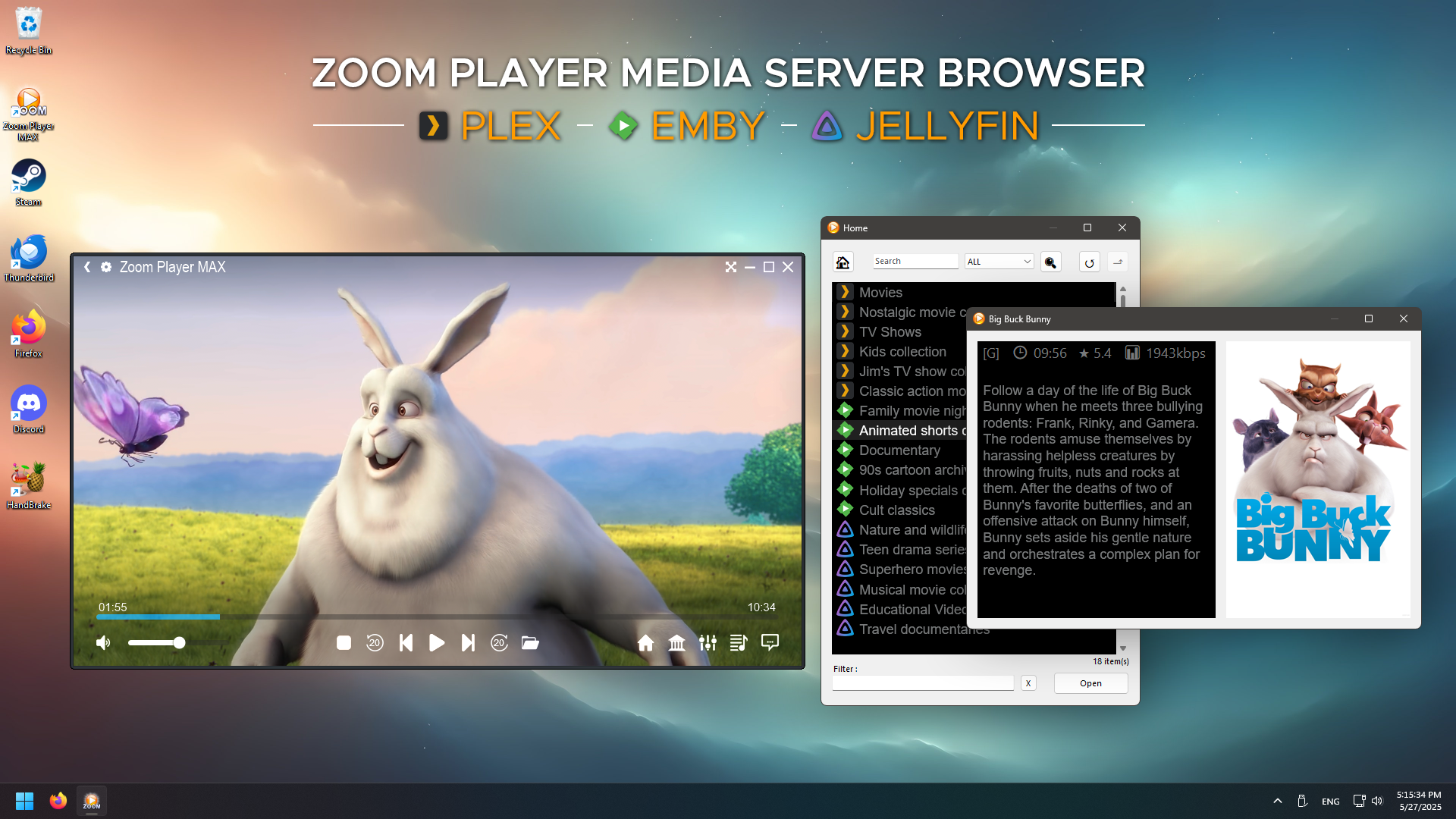
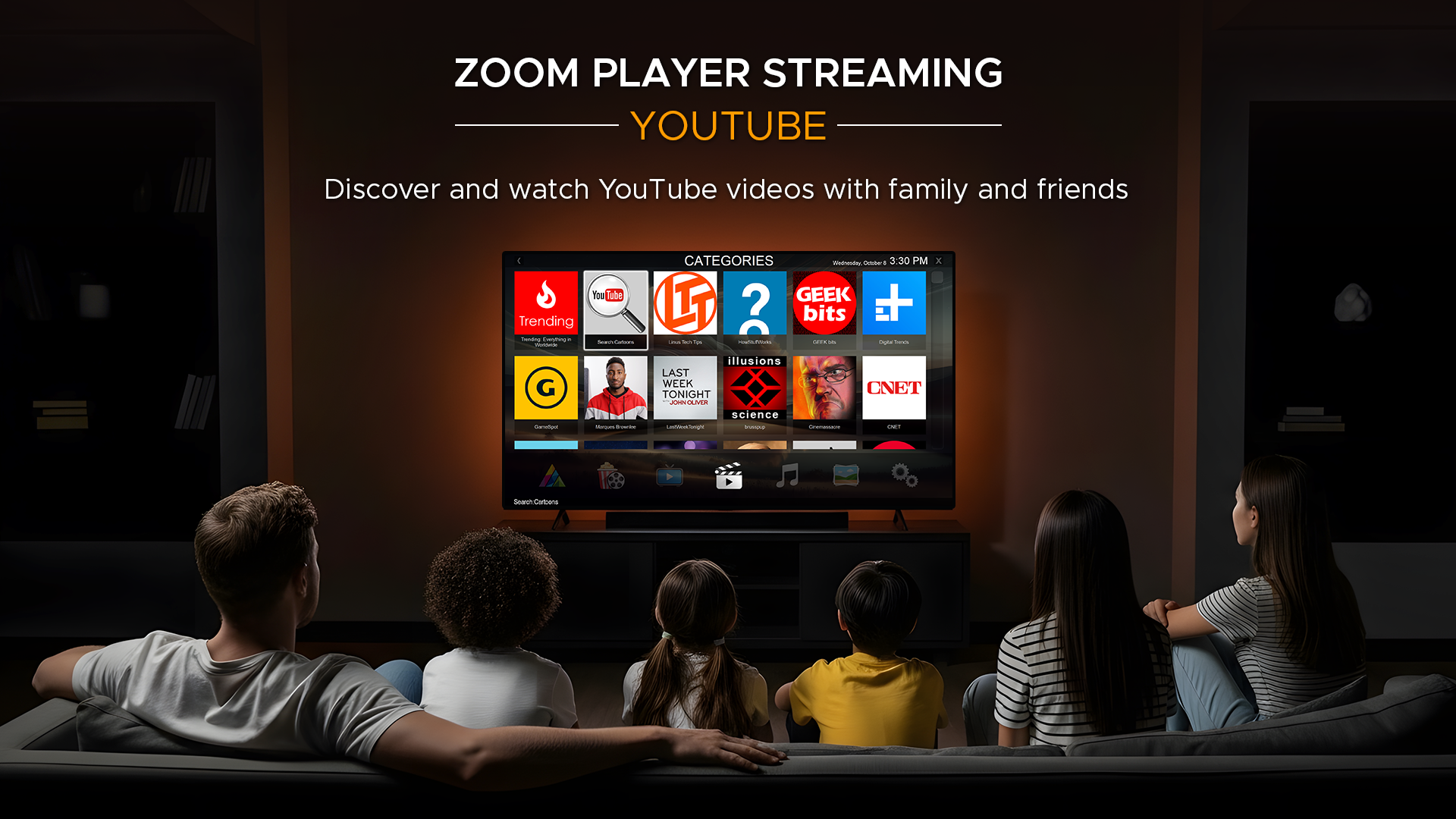
- Limited streaming capabilities
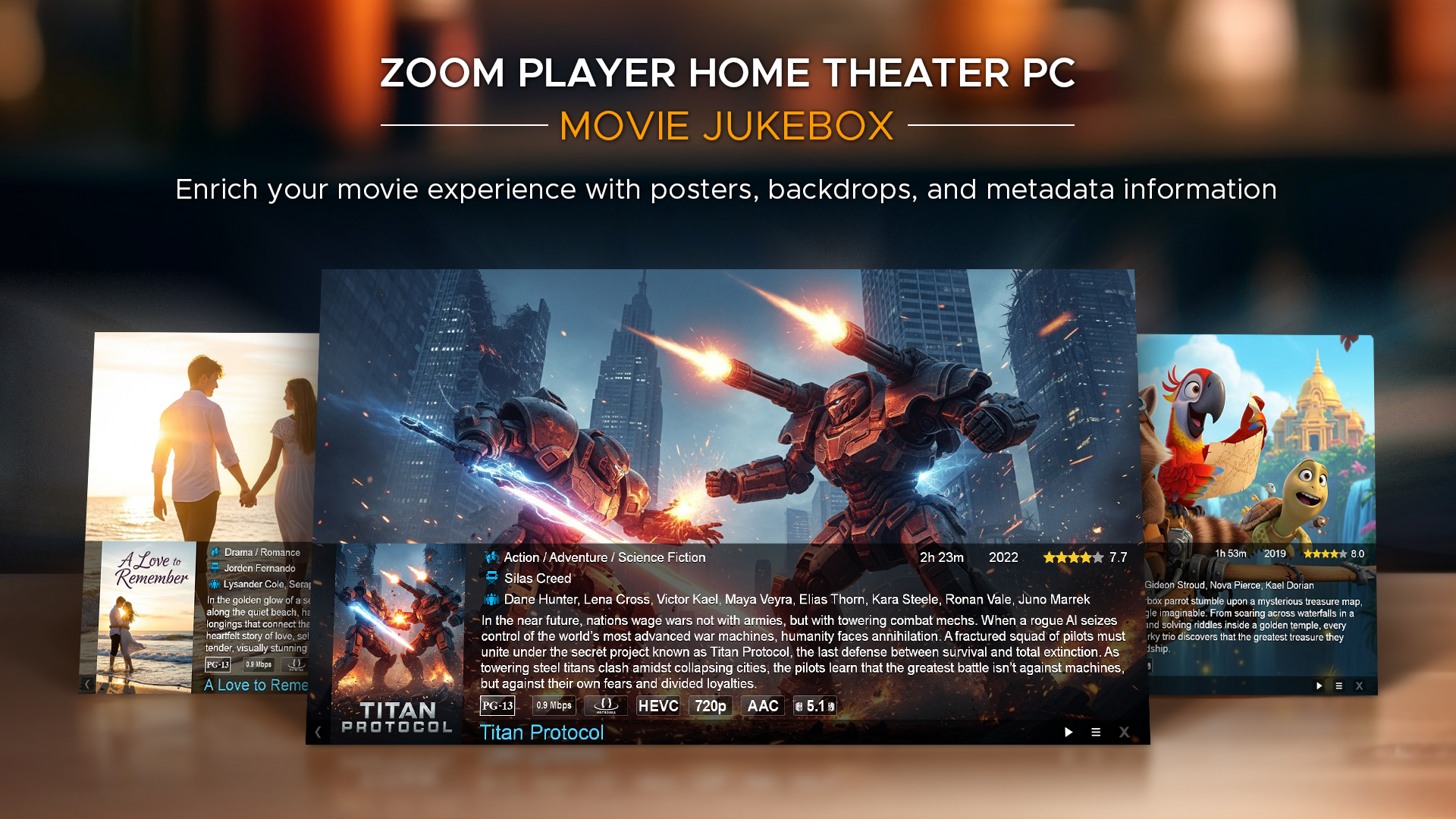
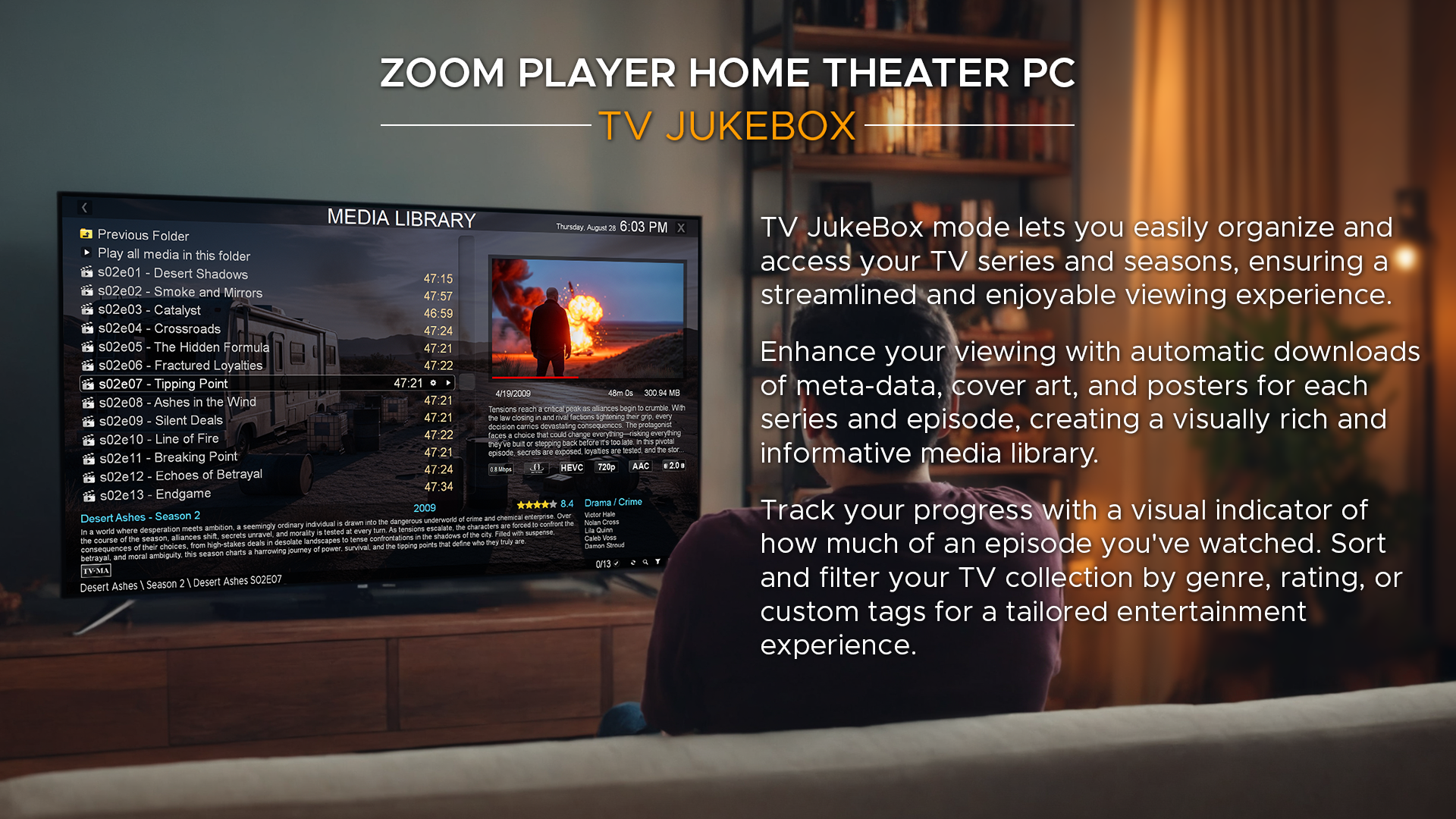
- Basic metadata fetching functionality
- Occasional difficulty with certain subtitle files
- Lack of built-in cloud sync features











