

- Category Productivity
- Developer Zoom Video Communications, Inc.
- Available on PC
- OS Windows 10 version 0.0 or higher
- languages English
An In-Depth Look at Zoom Workplace for Windows
In an era where seamless communication is vital for remote and hybrid work, Zoom Workplace for Windows positions itself as a dedicated productivity hub that aims to streamline your collaboration experience. Unlike traditional video conferencing tools, this application integrates multiple functionalities to keep your workflow smooth and your cognitive load light.
Basic Information and Target Audience
Zoom Workplace for Windows is a productivity-focused application developed by Zoom Video Communications, Inc., designed to centralize communication and collaborative tools within a simple interface. It highlights features like integrated chat, scheduling, and document sharing, aiming to serve professionals, remote teams, educators, and anyone looking to optimize their workflow without hopping between different apps. Its main appeal lies in reducing fragmentation, so users can focus more on their tasks rather than managing multiple platforms.
Engaging and Efficient: A Closer Look at Its Core Features
Unified Communication Hub
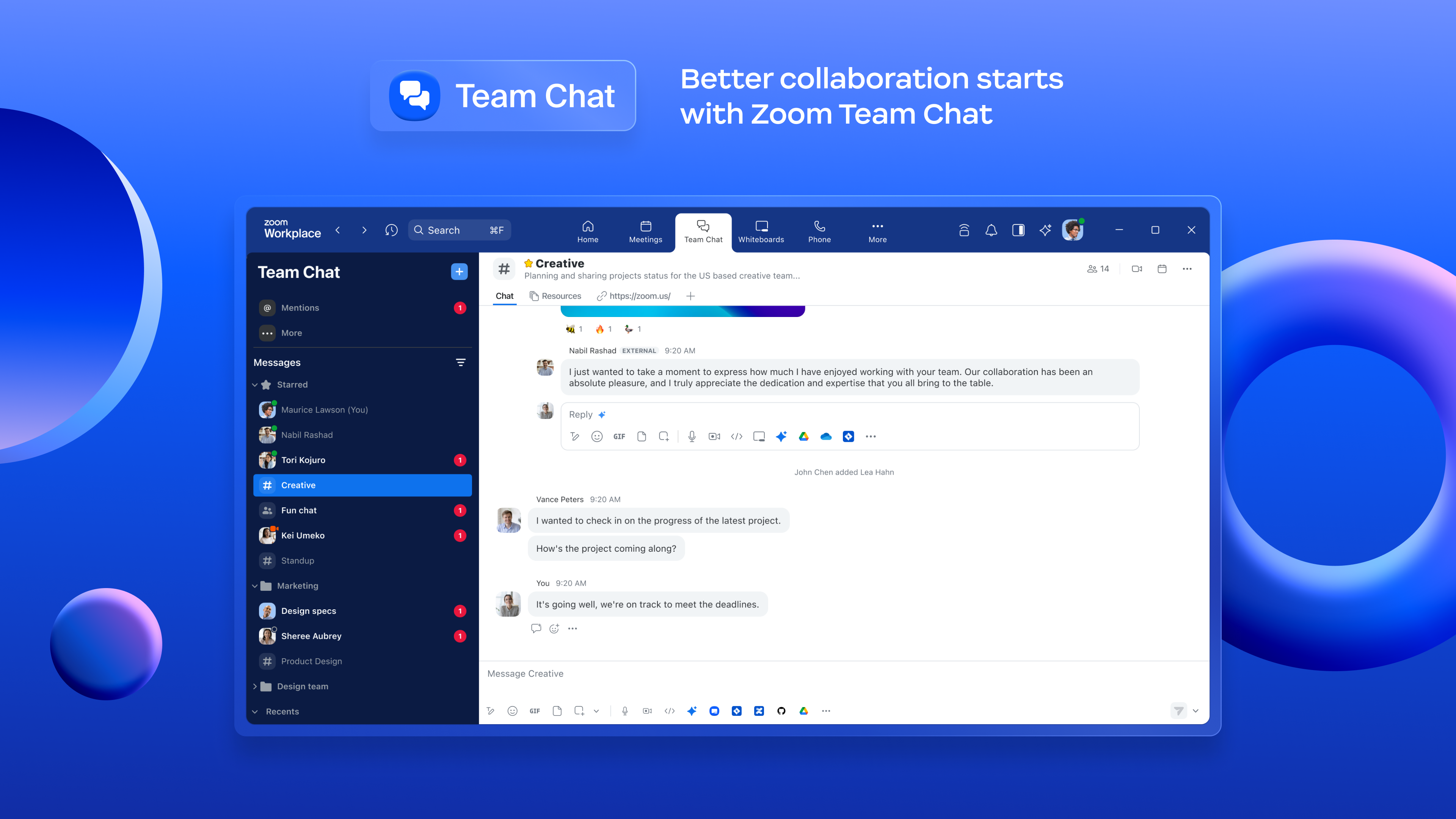
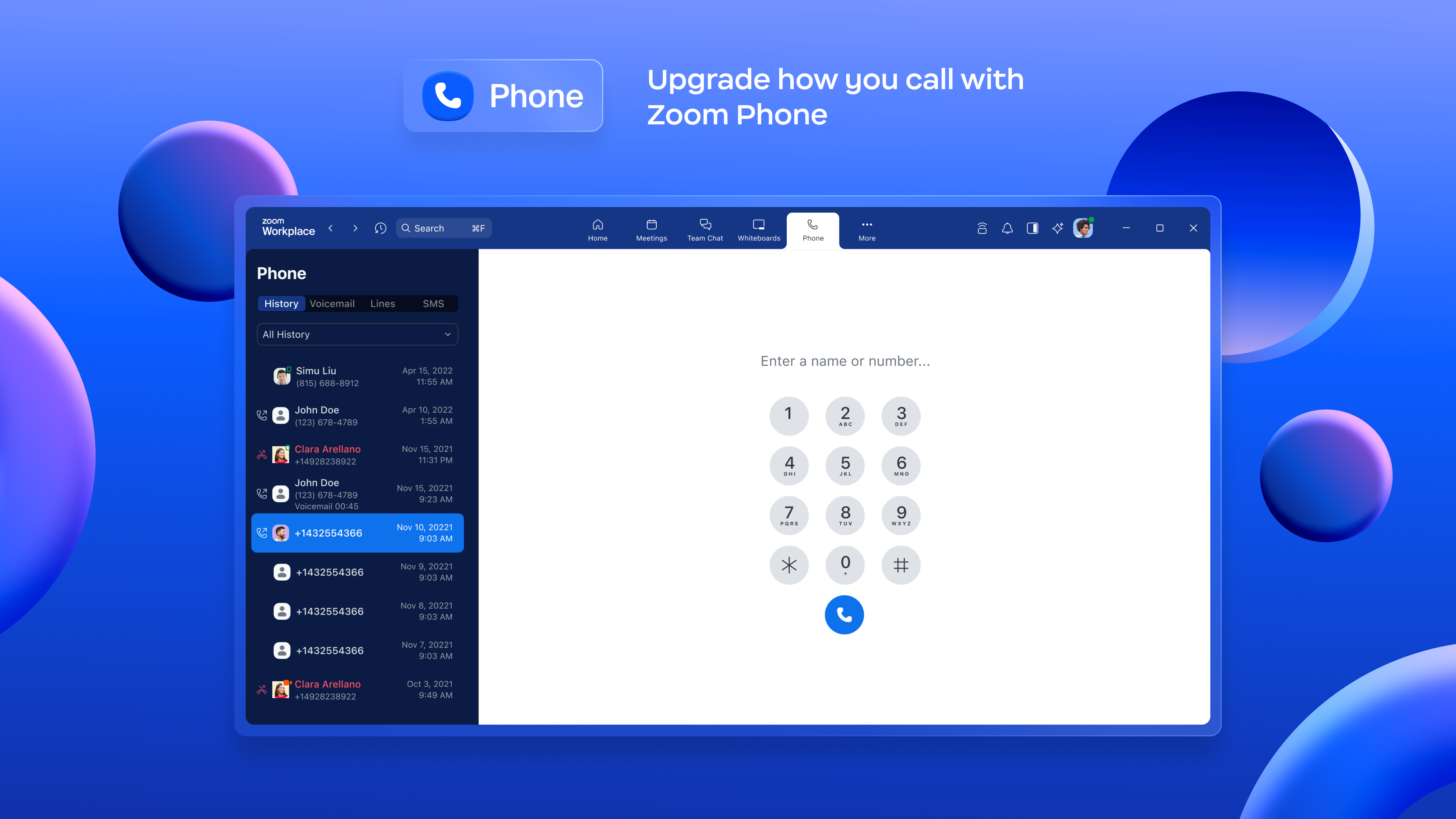
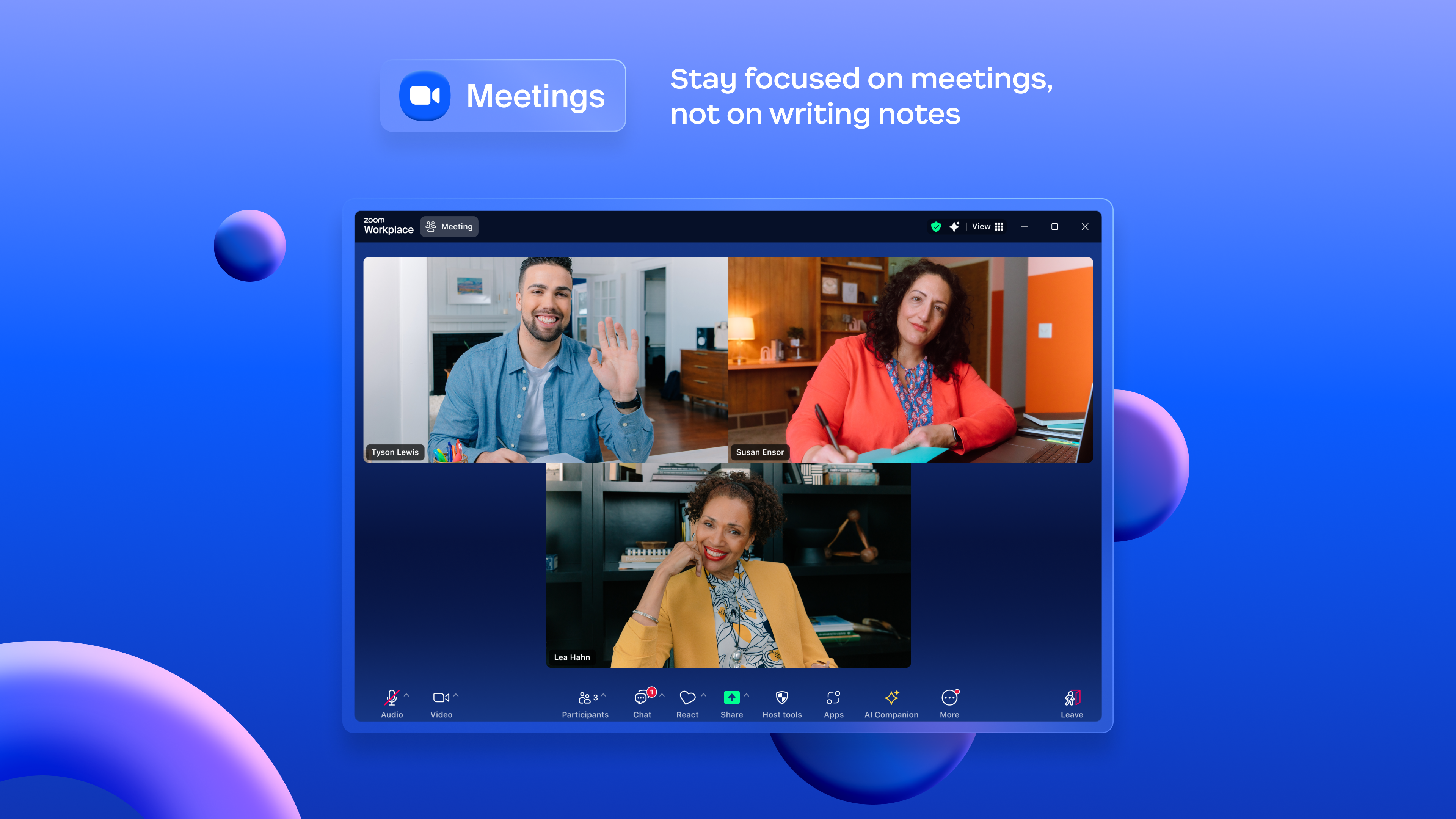
The standout feature of Zoom Workplace is its ability to amalgamate various communication channels into a single interface. Imagine having your instant messaging, video calls, and task notifications all in one place—reducing the mental clutter caused by toggling between apps. The interface feels intuitive, akin to a well-organized digital dashboard, allowing users to jump from chat to meetings seamlessly. This integration significantly cuts down on context switching, which can be a productivity killer.
Smart Scheduling and Meeting Management
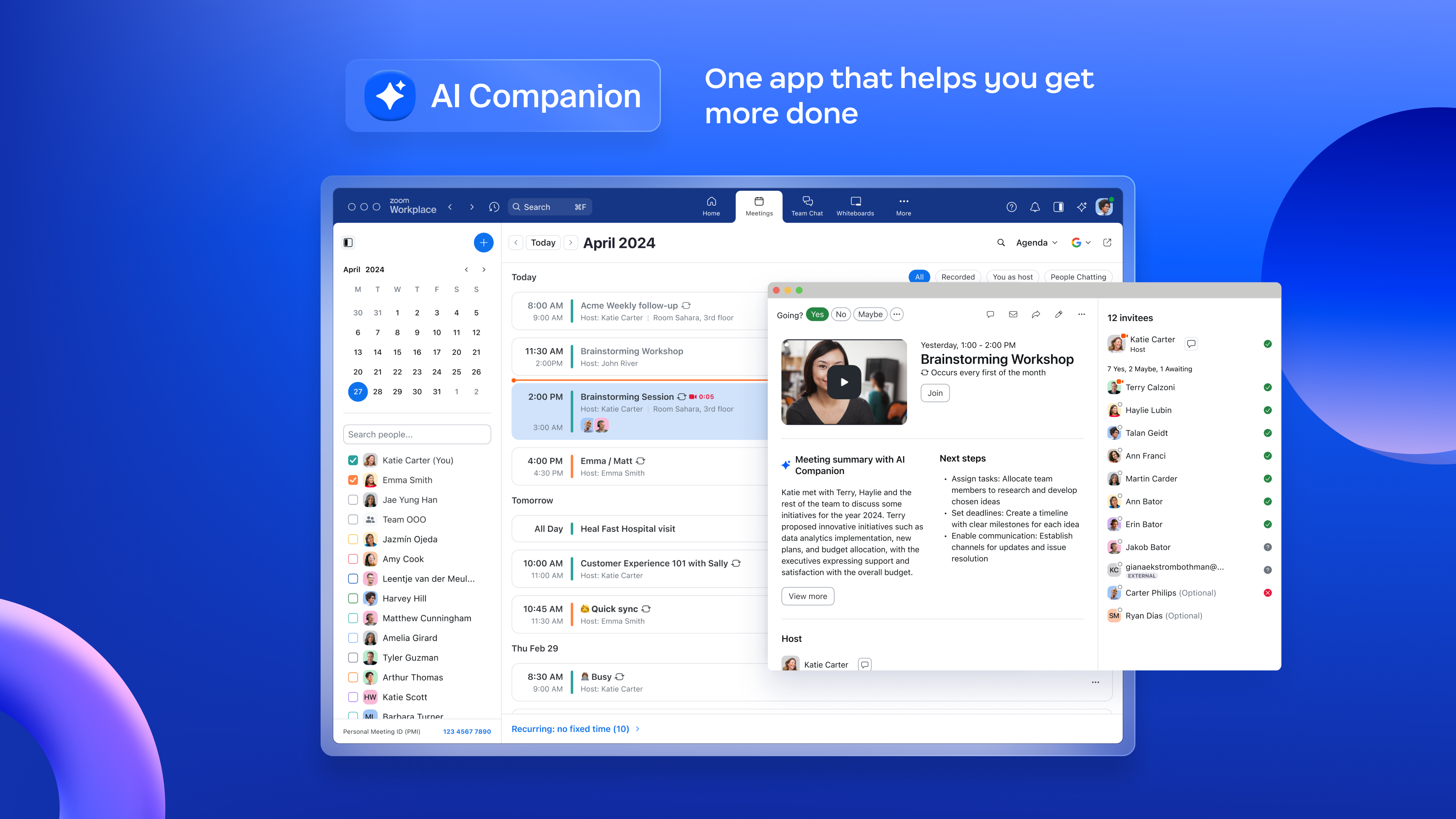
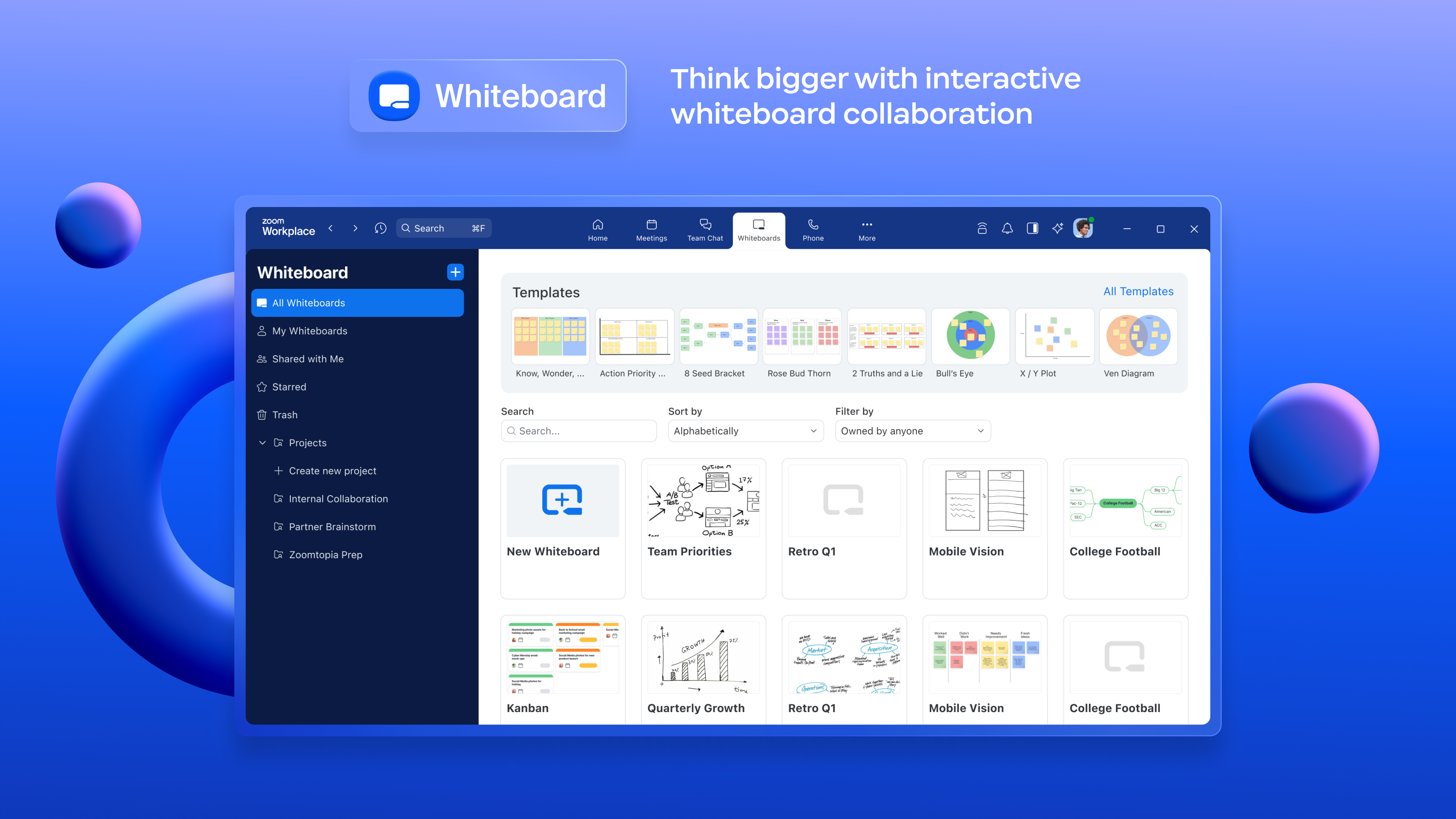
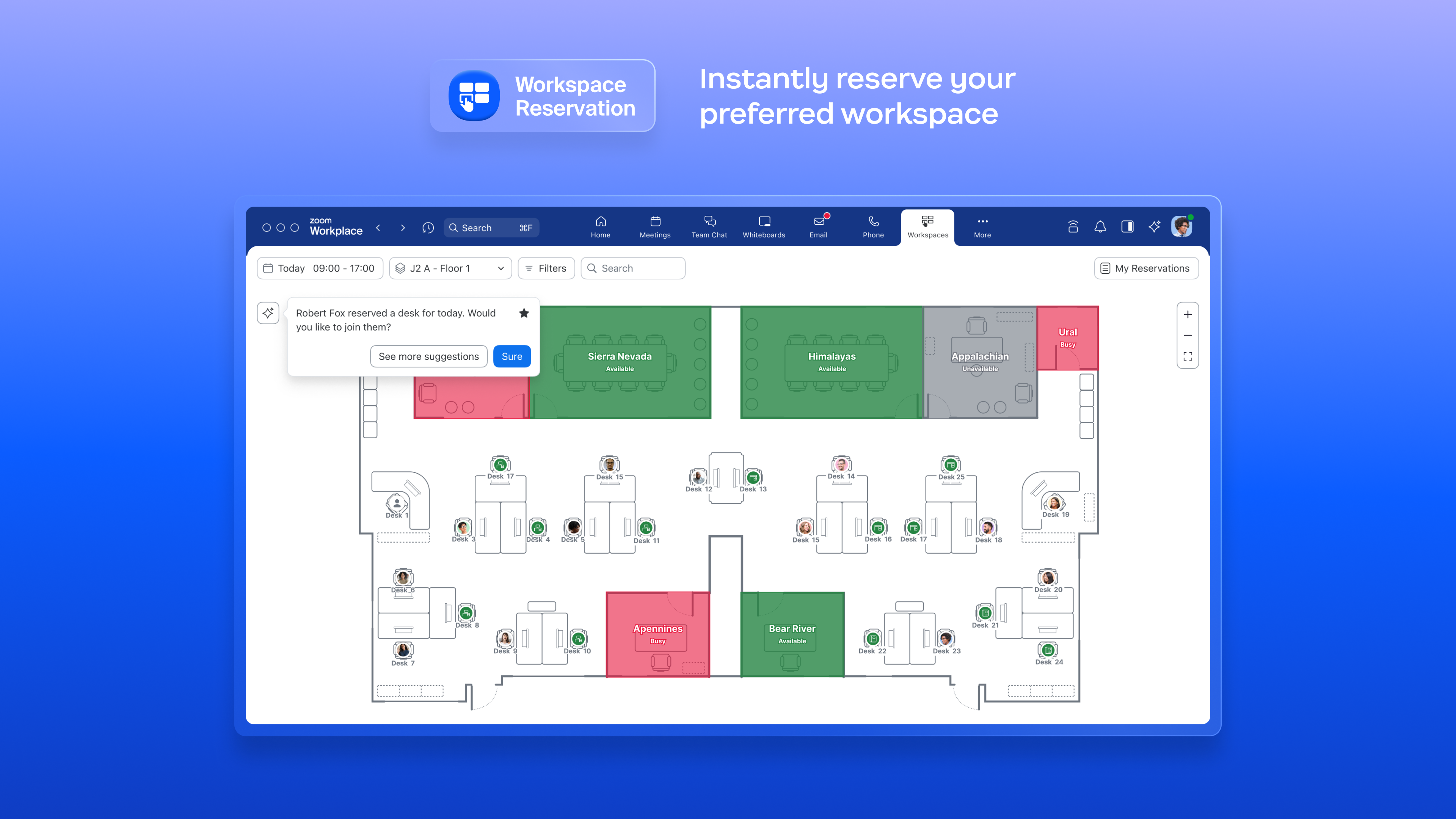
One of the application's most appreciated features is its smart scheduling tool, which syncs effortlessly with your calendar. It offers intelligent suggestions for optimal meeting times, ensuring no one is double-booked—saving time and preventing those awkward, last-minute rescheduling moments. During meetings, the shared workspace for documents and notes promotes real-time collaboration. Think of it as a digital conference room where everything you need is within easy reach, making meetings more effective and less chaotic.
Streamlined User Interface and Experience
The app's clean, modern design is like a well-lit workshop—everything is where you'd expect it to be, minimizing the learning curve for new users. Operation feels fluid, as though your commands are whisked across a smooth surface rather than getting stuck in sluggish menus. For users familiar with basic productivity tools, picking up Zoom Workplace is straightforward, allowing for quick onboarding and adoption. Its thoughtful layout prioritizes essential functions, thus lowering cognitive load and making everyday workflows less stressful.
What Sets It Apart from Other Productivity Apps?
While many tools claim to boost productivity, Zoom Workplace distinguishes itself through its focus on workflow integration efficiency and cognitive load reduction. Unlike feature-heavy platforms that often drown users in options, this app emphasizes a streamlined experience. Its cohesive ecosystem reduces the need to juggle multiple disparate applications, which is akin to having a well-organized toolbox rather than a cluttered drawer. This targeted approach means users spend less mental energy managing tools and more time accomplishing tasks. Moreover, the app's emphasis on smooth operation and minimalistic design reduces the cognitive burden often caused by overly complex interfaces.
Summary: Is It Worth Trying?
Considering its thoughtful integration and user-centric design, Zoom Workplace for Windows is a compelling choice for professionals seeking to enhance their productivity without the distractions of multiple apps. Its standout features—particularly the unified communication hub and intelligent scheduling—offer tangible benefits in everyday workflows. While it may not replace every specialized tool, it excels as an all-in-one solution for those who prioritize efficiency and simplicity. I would recommend it for teams aiming to reduce friction in their daily routines, especially if they already enjoy Zoom's ecosystem and are looking for a cohesive work environment.
Pros
- User-Friendly Interface
- High-Quality Video and Audio
- Cross-Platform Compatibility
- Rich Collaboration Features
- Strong Security Measures
Cons
- Limited Customization Options
- Occasional Connectivity Drops
- Battery Consumption on Mobile Devices
- Lack of Advanced Meeting Polling Features
- Notification Management Needs Improvement











