



- Category Utilities & tools
- Developer Chengdu Fobwifi Network Technology Co., LTD
- Available on PC
- OS Windows 10 version 0.0 or higher
- languages Chinese, Chinese (Simplified), Chinese (Simplified) (Singapore), Chinese (Simplified), Chinese (Simplified) (China), Chinese (Simplified, Singapore)
Harnessing the Power of Seamless Connectivity with ShunSuo for Windows
Imagine effortlessly navigating the complex web of network environments, akin to having a personal digital guide that simplifies your connectivity needs—ShunSuo delivers just that for Windows users. Developed by Chengdu Fobwifi Network Technology Co., LTD, this app positions itself as a reliable companion for anyone seeking smoother network management and enhanced security.
Essential Information: Conceived for the Modern Networker
ShunSuo for Windows is a utility application designed to streamline network configurations and improve connectivity experiences.
Developed by the innovative team at Chengdu Fobwifi Network Technology Co., LTD, with publishing managed by Chengdu Fobwifi Networks Technology LLC, the app boasts a focus on user-friendly network tools tailored for both casual users and IT professionals.
Main features include:)
1. Automatic network detection and optimized connection switching
2. VPN management and secure tunneling
3. Detailed network analysis and troubleshooting insights
4. User-friendly interface designed for ease of use
This app targets a broad spectrum of users—ranging from everyday consumers looking to improve their Wi-Fi stability, to network administrators managing multiple devices and configurations.
A Fresh Take on Network Management: Why ShunSuo Stands Out
Think of ShunSuo as your digital navigator—guiding you through the sometimes turbulent seas of internet connectivity with ease. It's like a Swiss Army knife for network troubleshooting and optimization, all wrapped into a sleek, accessible Windows application.
Intuitive Interface That Feels Like a Friendly Assistant
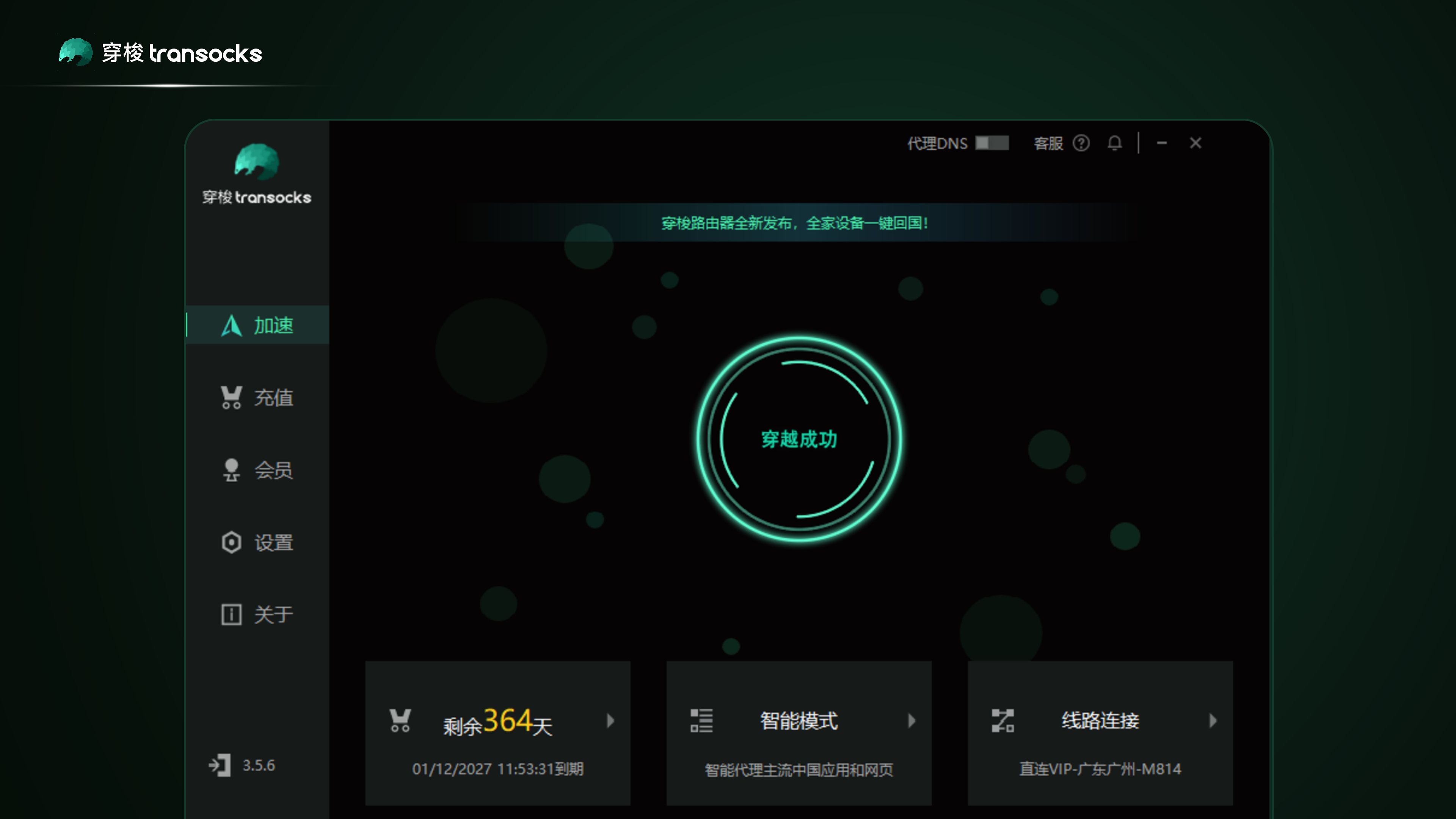
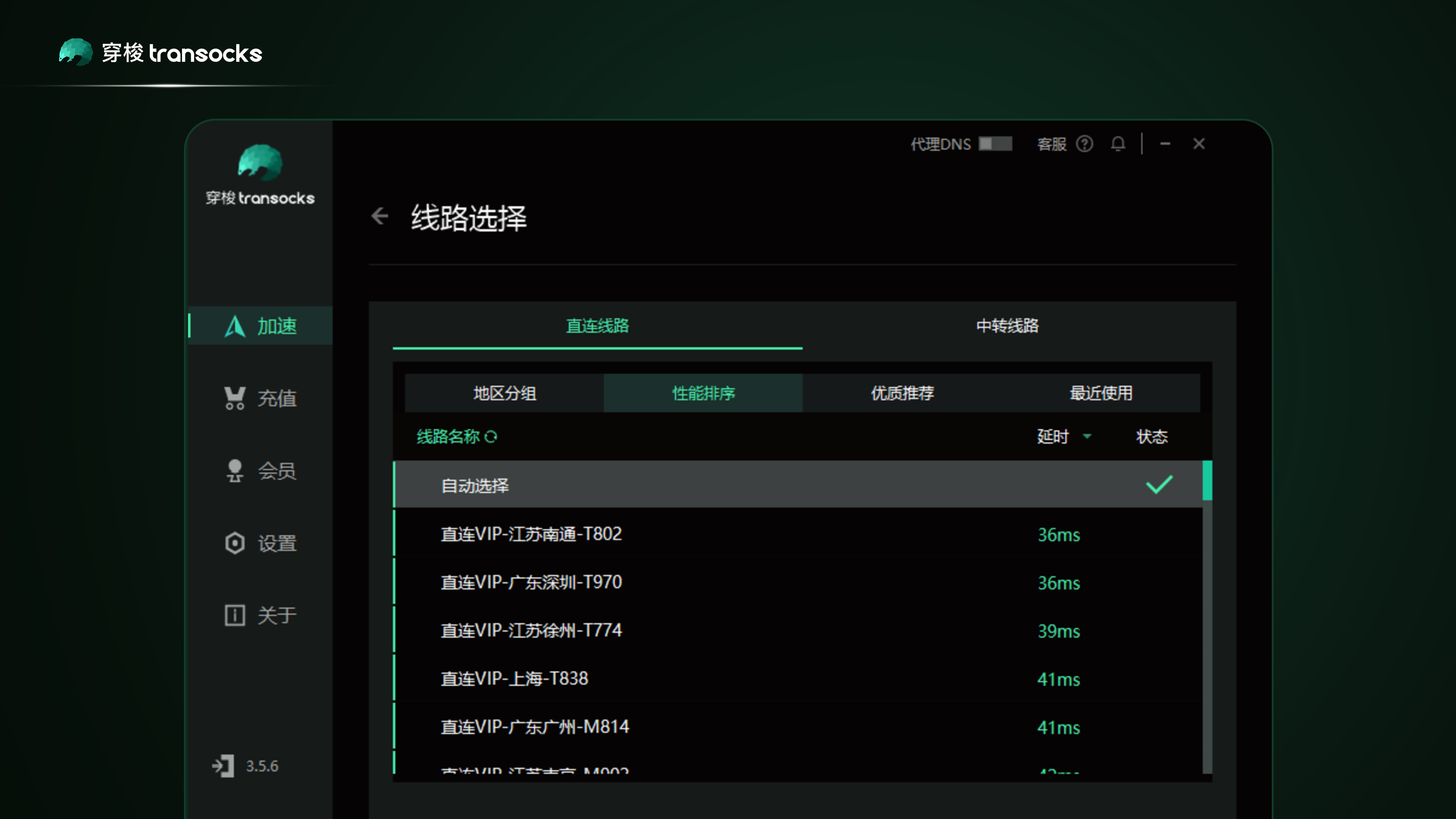
From the moment you launch ShunSuo, it greets you with a clean, organized layout reminiscent of a well-structured cockpit. The design is straightforward—clear labels, easily navigable sections—making it accessible for users at all levels. Setting up VPNs or viewing network stats feels like flipping through familiar apps, which minimizes the learning curve.
Overall, the interface strikes a good balance between functionality and aesthetics, ensuring that you're not overwhelmed while exploring deep network insights.
Performance and Usability: Smooth Sailing for Network Enthusiasts
Switching between modes or performing connectivity tests is swift, akin to turning the pages of a well-illustrated book—each action prompt and response feels snappy and dependable. The app's responsiveness enhances user confidence, especially when diagnosing tricky network issues.
Learning how to utilize its advanced features is manageable thanks to thoughtful tooltips and an overall logical workflow—it's like having a helpful friend guiding you step-by-step, rather than deciphering a complex manual.
Distinctive Features: The App's Unique Edge
Among its peers, ShunSuo's standout feature is its integrated VPN management combined with real-time network analysis. Unlike other utilities that focus solely on one aspect (e.g., just VPNs or diagnostics), ShunSuo marries these functionalities seamlessly. This allows users to troubleshoot and secure their connections within the same interface—saving time and reducing app overload.
Additionally, its ability to automatically detect and switch networks ensures that users maintain optimal connections without manual intervention—imagine your device as a diligent butler, keeping your network environment in perfect harmony behind the scenes.
Final Thoughts: A Reliable Companion for Network Navigation
Based on its comprehensive feature set, user-centric design, and stability, I'd recommend ShunSuo for Windows as a solid utility for those who value reliable, secure, and smoothly managed network experiences. While it may not replace dedicated enterprise-grade tools, it offers a commendable balance of power and simplicity for everyday use.
If you often juggle multiple networks, need an easy way to manage VPNs, or just want more insight into your network's health, this app is worth trying out. Think of it as your digital co-pilot—always ready to help you sail through the sometimes choppy waters of connectivity with confidence.
Pros
- Intuitive Interface
- Seamless Cross-Device Experience
- Robust Performance
- Strong Security Protocols
- Frequent Updates
Cons
- Limited File Size Support
- Occasional Connectivity Drops
- Lack of Customization Options
- Limited Support for Certain File Types
- Minimal Offline Functionality











