


- Category Utilities & tools
- Available on PC, HoloLens
- OS Windows 10 version 16299.0 or higher
- languages Afrikaans, Albanian, Amharic, Arabic, Azerbaijani, Bangla (Bangladesh), Basque, Belarusian, Bulgarian, Catalan, Chinese (Simplified), Chinese (Traditional), Croatian, Czech, Danish, Dutch, English (United Kingdom), English (United States), Estonian, Filipino, Finnish, French, French (Canada), Galician , German, Greek, Hausa (Latin), Hebrew, Hindi, Hungarian, Icelandic, Indonesian, Italian, Japanese, Kannada, Kazakh, Khmer, Kiswahili, Korean , Lao, Latvian, Lithuanian, Macedonian, Malay, Malayalam, Norwegian (Bokmål), Persian, Polish , Portuguese (Brazil), Portuguese (Portugal), Romanian, Russian, Serbian (Latin, Serbia), Slovak, Slovenian (Slovenia), Spanish (Mexico), Spanish (Spain), Swedish, Tamil, Telugu, Thai, Turkish, Ukrainian, Uzbek, Vietnamese
Unveiling the 3D Viewer for Windows: A Gateway to Interactive 3D Exploration
If you've ever wished to effortlessly view, inspect, and share 3D models right from your Windows device, the 3D Viewer for Windows might just be your new best friend. Designed with both casual users and professionals in mind, this application transforms complex 3D files into accessible visual experiences, making the world of 3D graphics more approachable than ever before.
Who's Behind the Curtain?
Developed and maintained by Microsoft Corporation, the 3D Viewer for Windows benefits from the tech giant's extensive expertise in software development and user-centered design. As a flagship tool integrated into the Windows ecosystem, it ensures compatibility, stability, and seamless updates that keep the user experience fresh and reliable.
Core Highlights That Make it Shine
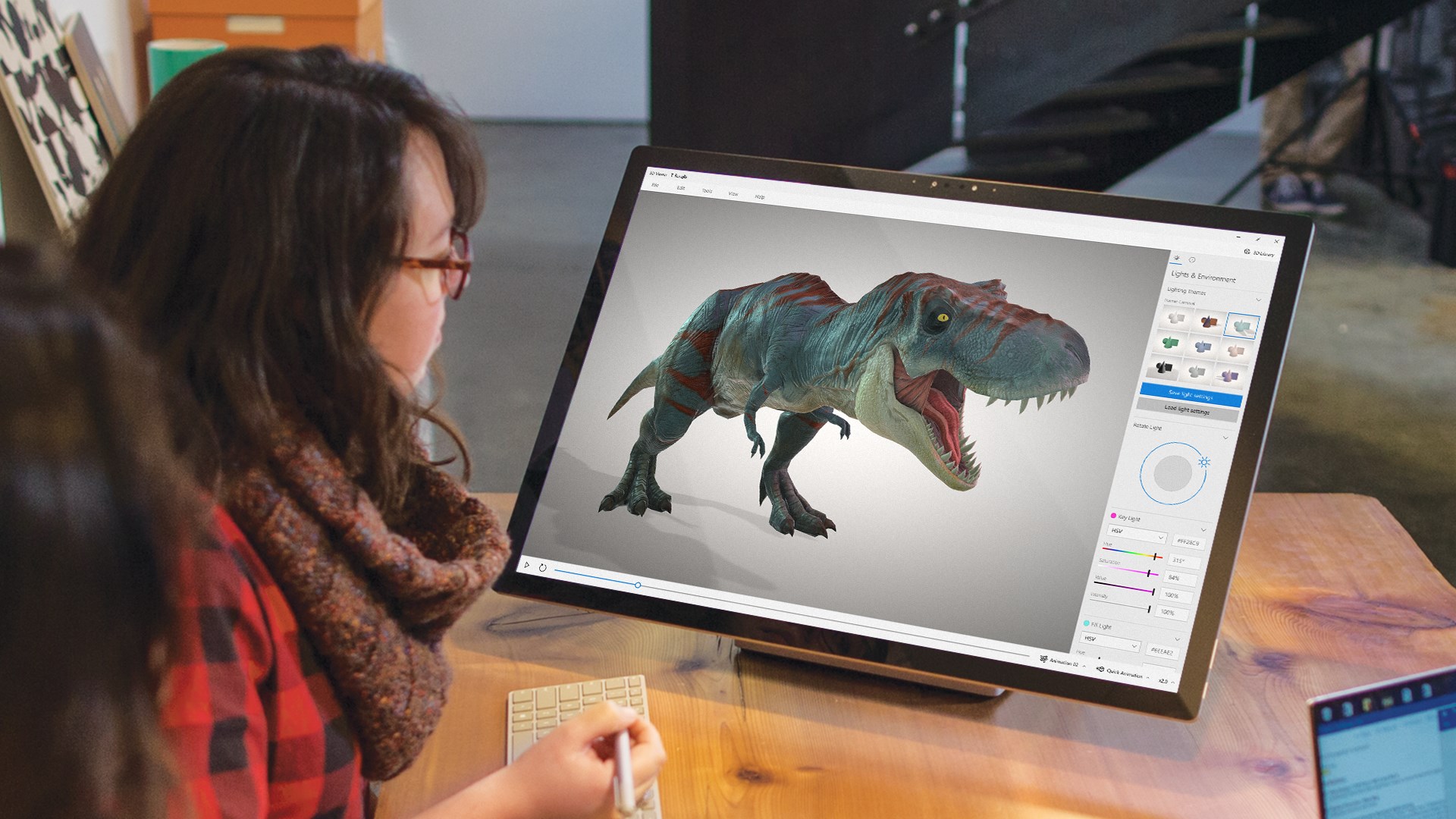
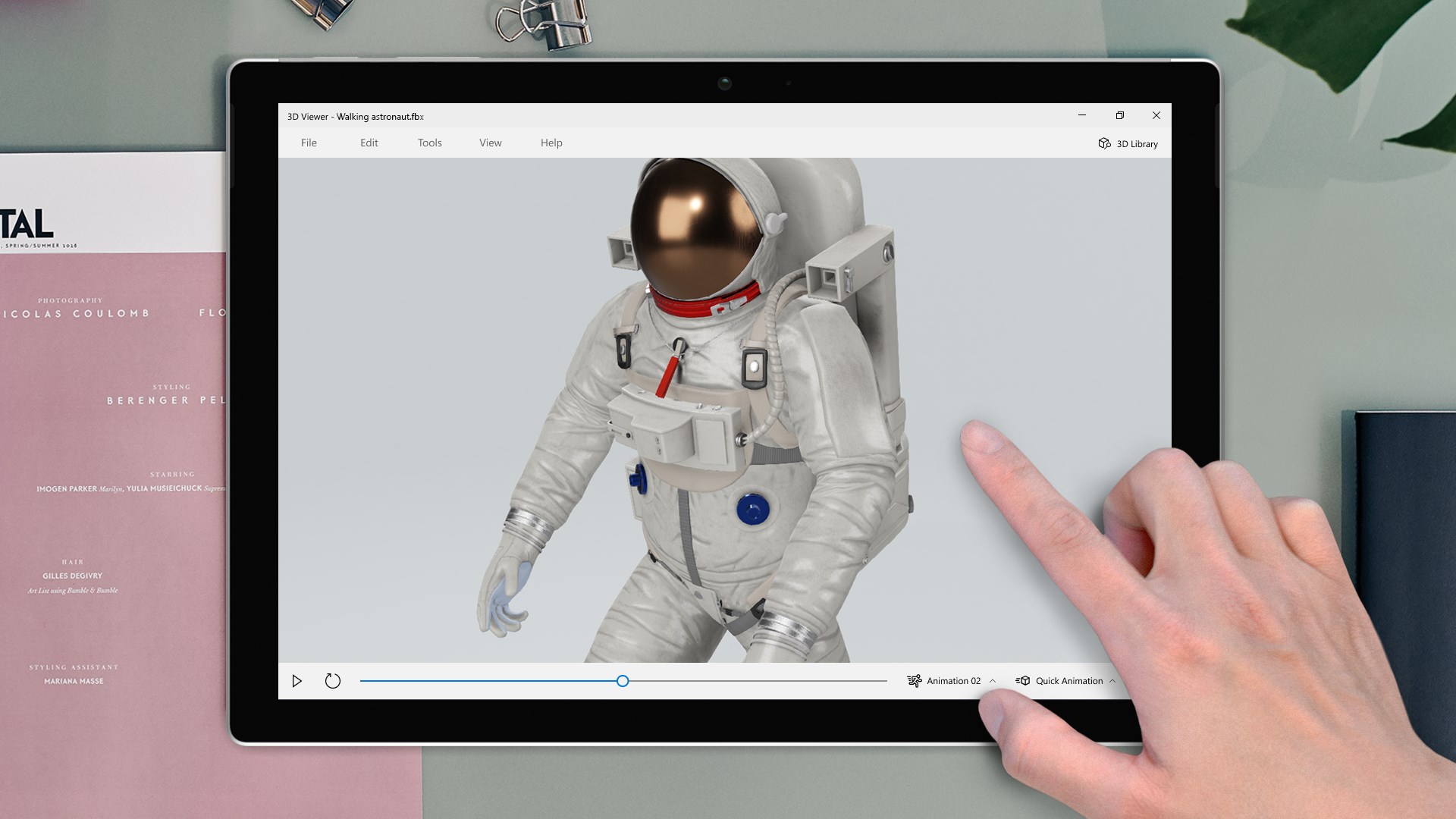
- Intuitive 3D Model Inspection: Easily open and scrutinize 3D models in multiple formats, appreciating every detail with simple zoom, pan, and rotate controls.
- Augmented Reality (AR) Integration: Dive into AR mode if your device supports it, bringing static models into real-world contexts—imagine placing a new piece of furniture in your living room virtually!
- Simple Editing and Sharing: Make quick adjustments, annotate models, or capture snapshots—all within a user-friendly interface, making collaboration and presentation straightforward.
- Compatibility & Standard Support: Supports a wide array of 3D formats, including FBX, STL, OBJ, and GLTF, ensuring versatility for various workflows.
The User Experience: Friendly, Fluid, and Functional
Walking into the 3D Viewer interface feels akin to entering a well-organized art gallery—clean, clear, and inviting. The toolbar is minimalist yet comprehensive, giving access to core features without overwhelming the user. Navigating around a model is smooth as silk—rotations and zooms respond instantly, making exploration enjoyable and frustration-free. For newcomers, the learning curve is gentle; basic controls are immediately intuitive, while more advanced features like AR mode or annotations can be mastered with a quick glance at the help tips.
What Sets It Apart?
Compared to other 3D viewing tools—some of which are clunky or limited in format support—the 3D Viewer stands out with its deep integration into Windows and its support for a broad spectrum of file types. Its AR functionality is a particular highlight, transforming static models into interactive experiences that bridge the virtual and real worlds effortlessly. Unlike standalone viewers that require multiple downloads or complex setups, this app's seamless integration with Windows enables a swift, no-fuss experience—think of it as the Swiss Army knife of 3D model visualization on desktops.
Final Verdict and Recommendations
This application is highly recommended for users ranging from educators and designers to hobbyists seeking a straightforward way to display and interact with 3D models. While it may not replace specialized CAD or professional rendering software, it excels as a versatile, easy-to-use viewer with some impressive extra features like AR support. For anyone looking to explore 3D files without fuss or steep learning curves, the 3D Viewer for Windows is a practical tool worth trying out—consider it your friendly portal into the fascinating world of 3D visualization.
Pros
- Intuitive 3D model visualization
- Supports a wide range of 3D file formats
- Built-in annotation and measurement tools
- Seamless integration with Windows ecosystem
- Regular updates and feature improvements
Cons
- Limited editing capabilities
- Performance issues with very large models
- Limited customization options
- Basic lighting and rendering effects
- Occasional stability issues on certain OS versions











