

- Category Utilities & tools
- Developer Tenorshare
- Available on PC
- OS Windows 10 version 0.0 or higher
- languages English, German, Spanish, French, Japanese, Russian, Portuguese, Arabic, Italian, Chinese, Chinese (Traditional Chinese), Chinese (Simplified), Korean , Dutch, Turkish, Indonesian, Thai, Malay, Swedish, Czech
Unlocking the Power of 4uKey for iOS on Windows: Your Reliable iPhone Lock Removal Assistant
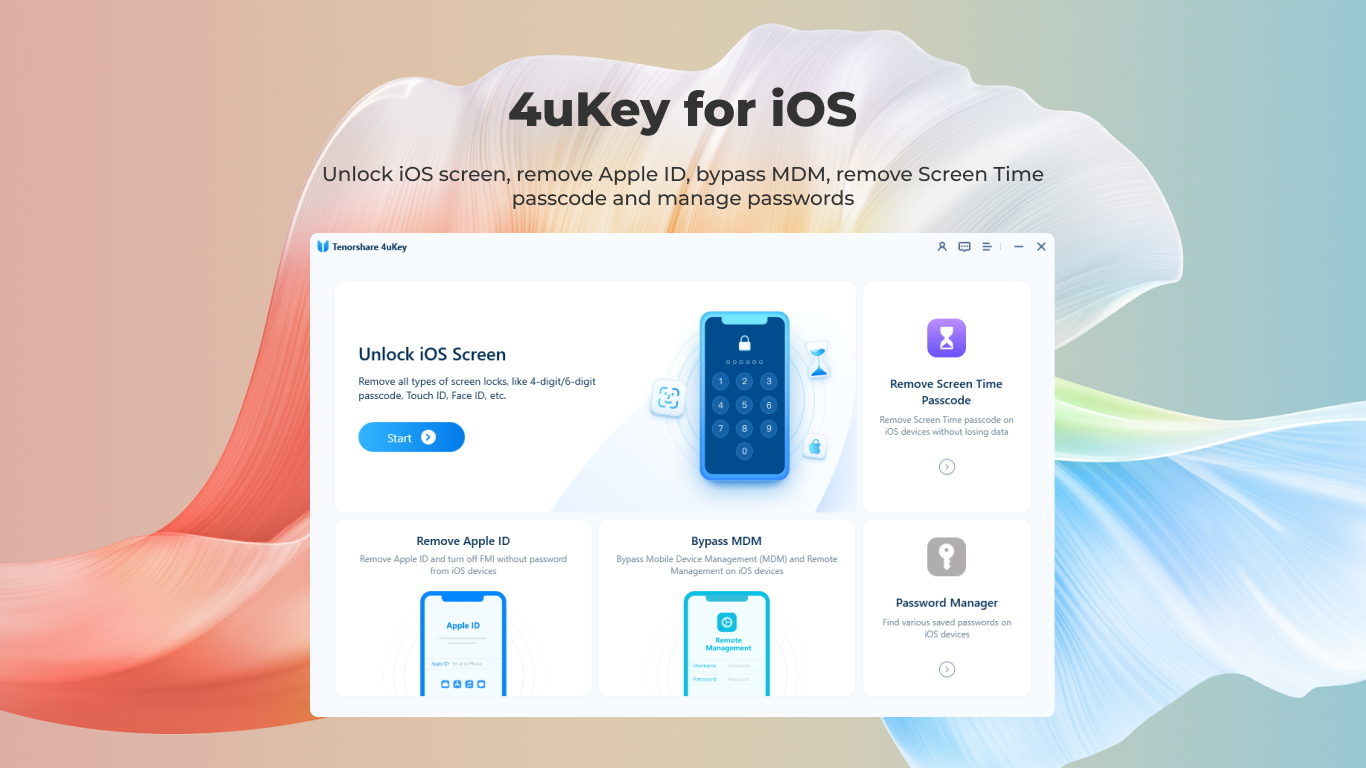
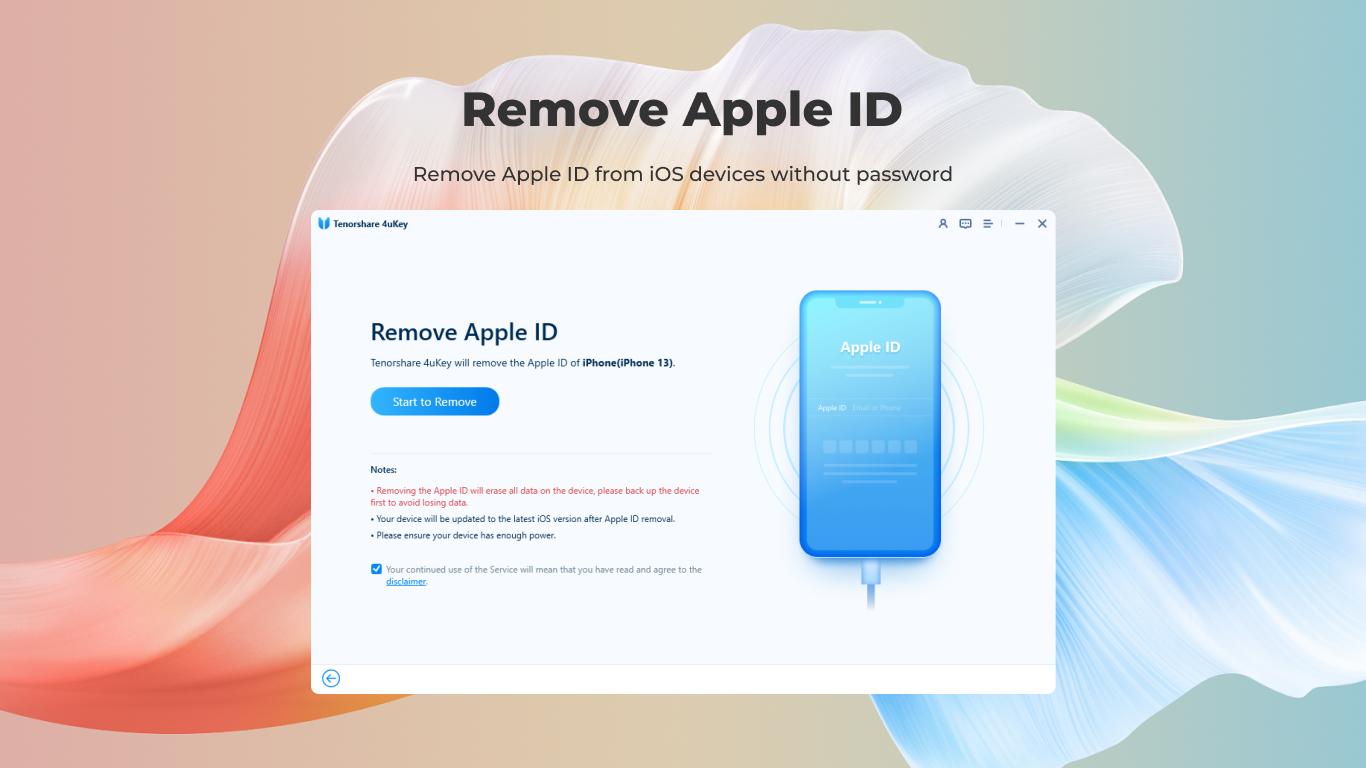
Imagine a tool that can seamlessly unlock your iPhone or iPad if you're stuck with forgotten passwords or locked devices—4uKey for iOS for Windows by Tenorshare promises just that, offering a straightforward solution to common iOS device access issues. Whether you're dealing with a disabled device or planning to switch accounts, this software aims to make your life easier with minimal fuss.
Meet the Developers: Tenorshare's Expertise in Data Recovery and Device Tools
Developed by Tenorshare, a well-established software company based in Hong Kong, this application benefits from years of experience in creating user-centric utility tools for both Windows and Mac platforms. Tenorshare's reputation centers around delivering reliable, efficient, and user-friendly solutions— and 4uKey is no exception.
Main Features That Stand Out
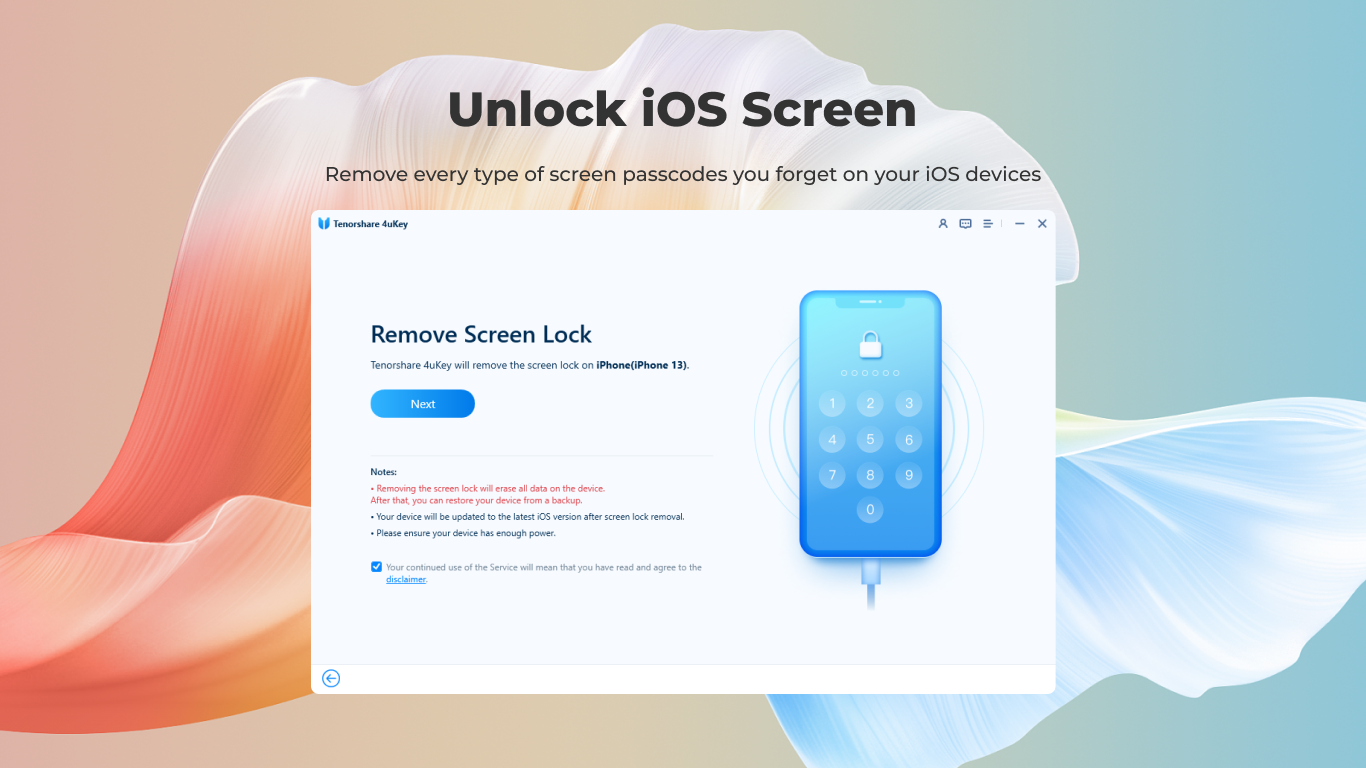
- One-Click Device Unlock: Simplifies the process of removing passcodes, Face ID, or Touch ID, even on disabled or broken devices, without complex procedures.
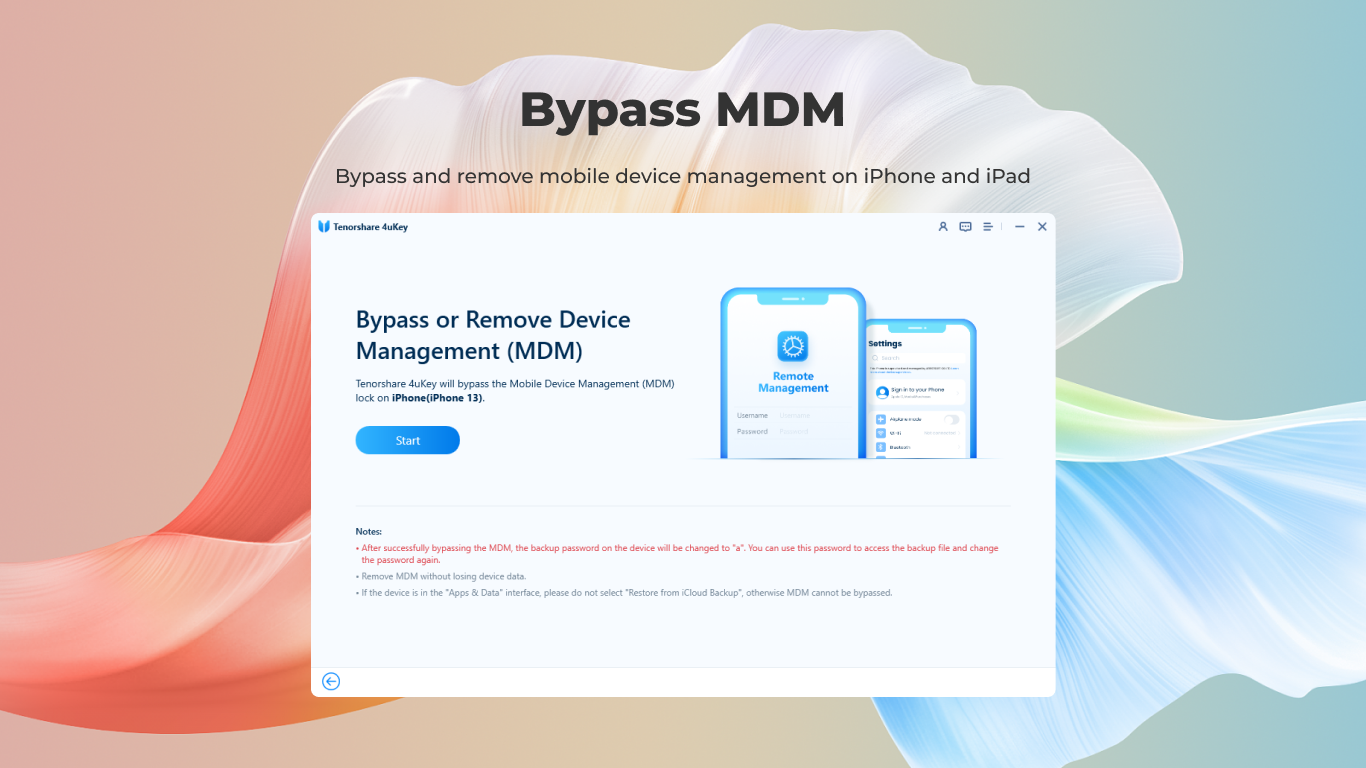
- Bypass Screen Passcodes: Offers a straightforward way to bypass iPhone or iPad locks, enabling access without needing credentials—ideal for troubleshooting or device repurposing.
- Data Preservation Options: While primarily focused on unlocking, some variants can preserve data during the process, reducing the risk of data loss.
- Compatibility and Versatility: Supports a wide range of iOS devices and iOS versions, making it a versatile tool for different user scenarios.
Engaging the Audience: A Friendly Dive into the App's World
Picture this: your iPhone suddenly refuses to unlock, and panic begins to set in. You wish there was an enchanted elixir to fix this—well, 4uKey for iOS is almost that. Its intuitive interface invites users into a world where technology makes locking and unlocking devices feel as simple as turning a key. Designed with clarity in mind, it can be your digital locksmith, granting peace of mind without the need to fuss over complex settings or lengthy tutorials.
Deep Dive into Core Functionalities
Effortless Device Removal with One-Click Solutions
This feature is the crown jewel of 4uKey. Once you connect your device and select the relevant option, the software handles the heavy lifting. It automatically detects your device model and iOS version, then initiates the unlocking process. Designed to minimize user input, it often takes only a few minutes—think of it as having your personal locksmith working quietly in the background, handling all the mechanics.
Bypassing Screen Lock and Passcodes
Ever wished you could jump over a fence to access your data? 4uKey offers a pathway—bypassing various lock screens reliably. It's particularly useful if you forgot your password or inherited a second-hand device with forgotten credentials. The process is straightforward but requires specific attention to ensure data safety, which the app manages with care. It's like having a master key that opens doors others can't—even if the lock is solidly in place.
User Experience: A Friendly and Smooth Ride
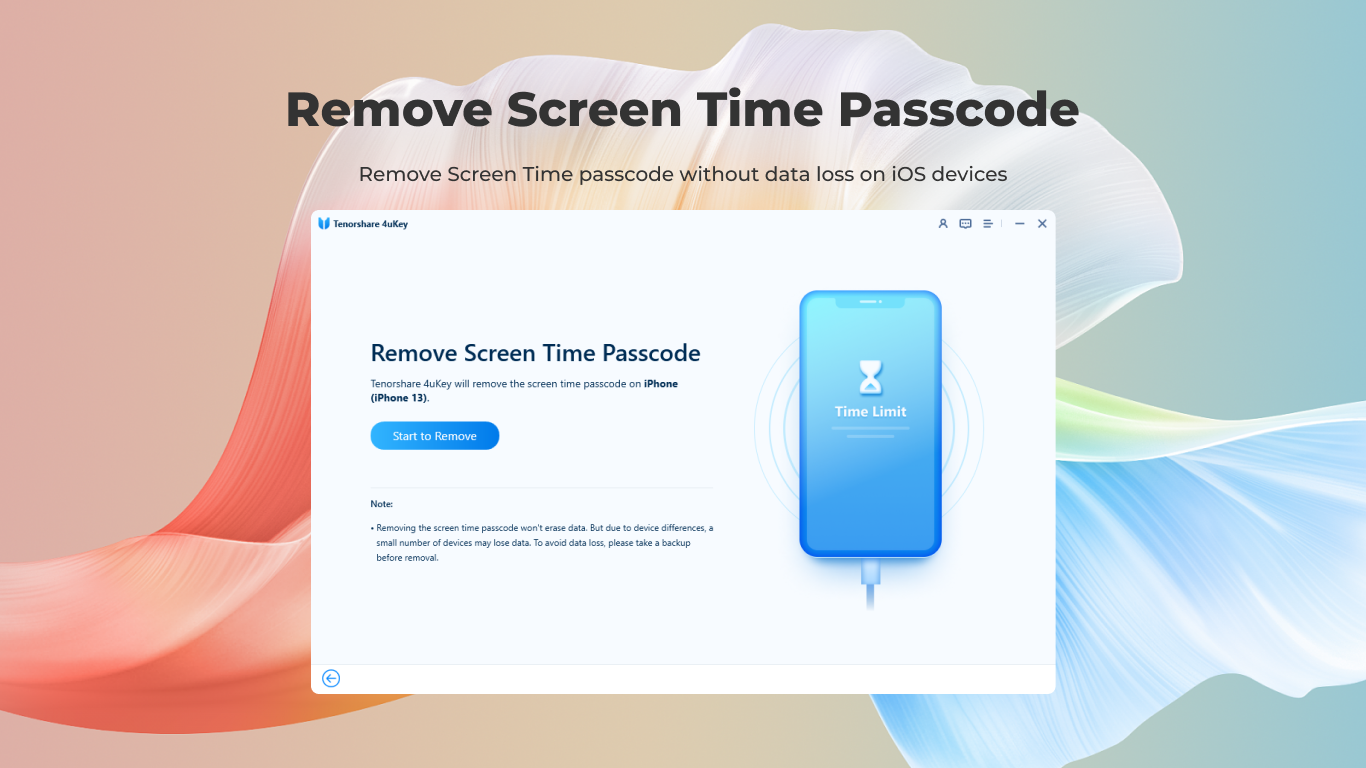
The app's interface is clean, modern, and surprisingly approachable—much like a dashboard designed not to intimidate but to guide. The process flow is logical; once setup begins, the software's operation feels like a guided tour through unlocking. Overall, the operation is smooth, reducing the typical frustrations associated with tech repairs. The learning curve is gentle enough for casual users yet detailed enough for tech enthusiasts looking for reliable solutions.
What Sets 4uKey Apart? The Unique Selling Points
Compared to other utilities, 4uKey's standout features are its emphasis on simplicity and safety. Its one-click operation is a game-changer for users looking for a quick fix without diving into technical complexities. Additionally, its capability to bypass lock screens without complicated procedures or rooting is particularly rare. Unlike many utilities that emphasize raw power over usability, 4uKey strikes a pleasing balance—delivering robust unlocking performance with an accessible interface.
Final Recommendations
Based on its features, usability, and developer support, I would recommend 4uKey for iOS for Windows to anyone facing device lock issues—be it personal users, technicians, or those preparing devices for sale or reuse. It's a reliable, straightforward tool for quick lock removal, especially when urgent access is needed. However, users should always ensure they have rightful ownership of the device, respecting privacy and legal considerations. Overall, this app deserves a solid nod for its clean design and focused functionality, making it a go-to utility for iOS unlocking needs.
Pros
- User-Friendly Interface
- Effective Data Recovery
- Supports Multiple Devices
- Fast Processing Speed
- Guided Recovery Process
Cons
- Limited Free Features
- Occasional Compatibility Issues
- Data Preview Limitations
- Recovery Success Rate Variability
- Potential Overestimation of Capabilities











