


- Category Utilities & tools
- Available on PC, Mobile, Xbox console, Surface Hub, HoloLens
- OS Windows 10 version 18362.0 or higher
- languages Albanian, Arabic, Azerbaijani (Latin), Belarusian, Bulgarian, Chinese (Simplified), Chinese (Traditional Chinese), Chinese (Traditional), Croatian, Czech, Dutch, English, English (United States), Estonian, Finnish, French, Georgian, German, Greek, Hindi, Hungarian, Indonesian, Italian, Japanese, Kazakh, Korean, Korean , Latvian, Lithuanian, Norwegian, Persian/Farsi, Polish, Portuguese, Portuguese (Brazil), Portuguese (Portugal), Romanian, Russian, Serbian (Latin), Slovak, Slovenian, Spanish, Spanish (Spain), Swedish, Tamil, Turkish, Ukrainian, Vietnamese
Introducing 8 Zip Pro – The Next Level of Archiving for Windows
If you've ever wrestled with multiple archive formats and wished for a tool that simplifies creation, extraction, and encryption, 8 Zip Pro presents itself as a versatile solution. With a sleek interface and a focus on user-friendly operations, this app aims to streamline your compression tasks without compromising on security or performance.
Developed by Finebits OÜ – The Innovators Behind 8 Zip Pro
Crafted by Finebits OÜ, a company specializing in lightweight yet powerful utility software, 8 Zip Pro encapsulates their commitment to delivering efficient and straightforward tools for everyday tech users. Their expertise in fine-tuning performance and user experience shines through in this application, making complex compression tasks accessible even for novices.
Core Features That Stand Out
- Advanced Compression and Unpacking: Supports a wide array of archive formats like ZIP, RAR, 7z, and more, with options for high compression ratios. Fast and reliable extraction ensures your files are ready in no time.
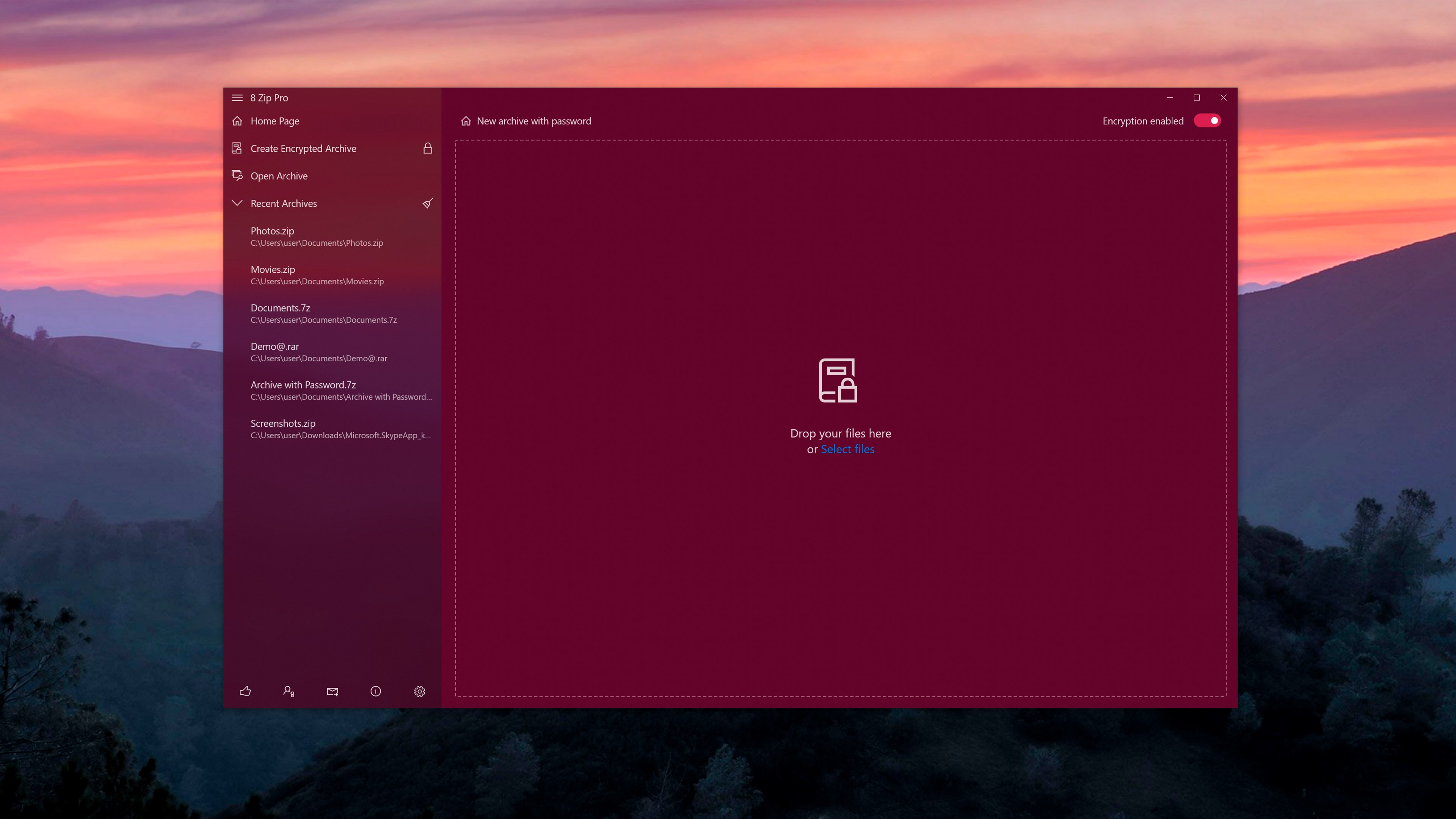
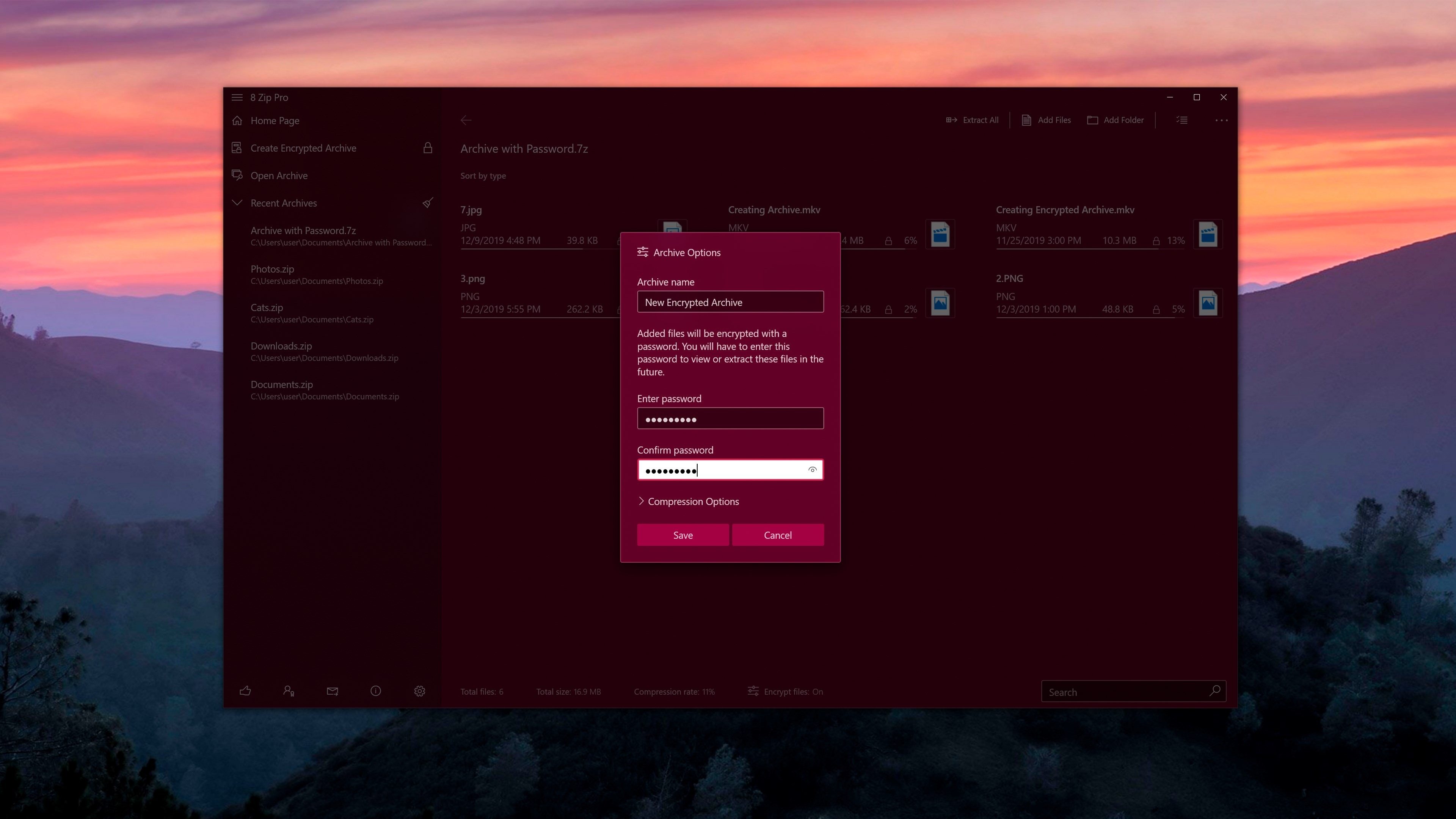
- Secure Encryption: Incorporates AES-256 encryption, enabling users to password-protect archives effortlessly—ideal for safeguarding sensitive information.
- Archive Creation and Management: Streamlined creation of new archives with customizable options, plus management features that include splitting large files into smaller parts, making the app suitable for various storage or transfer needs.
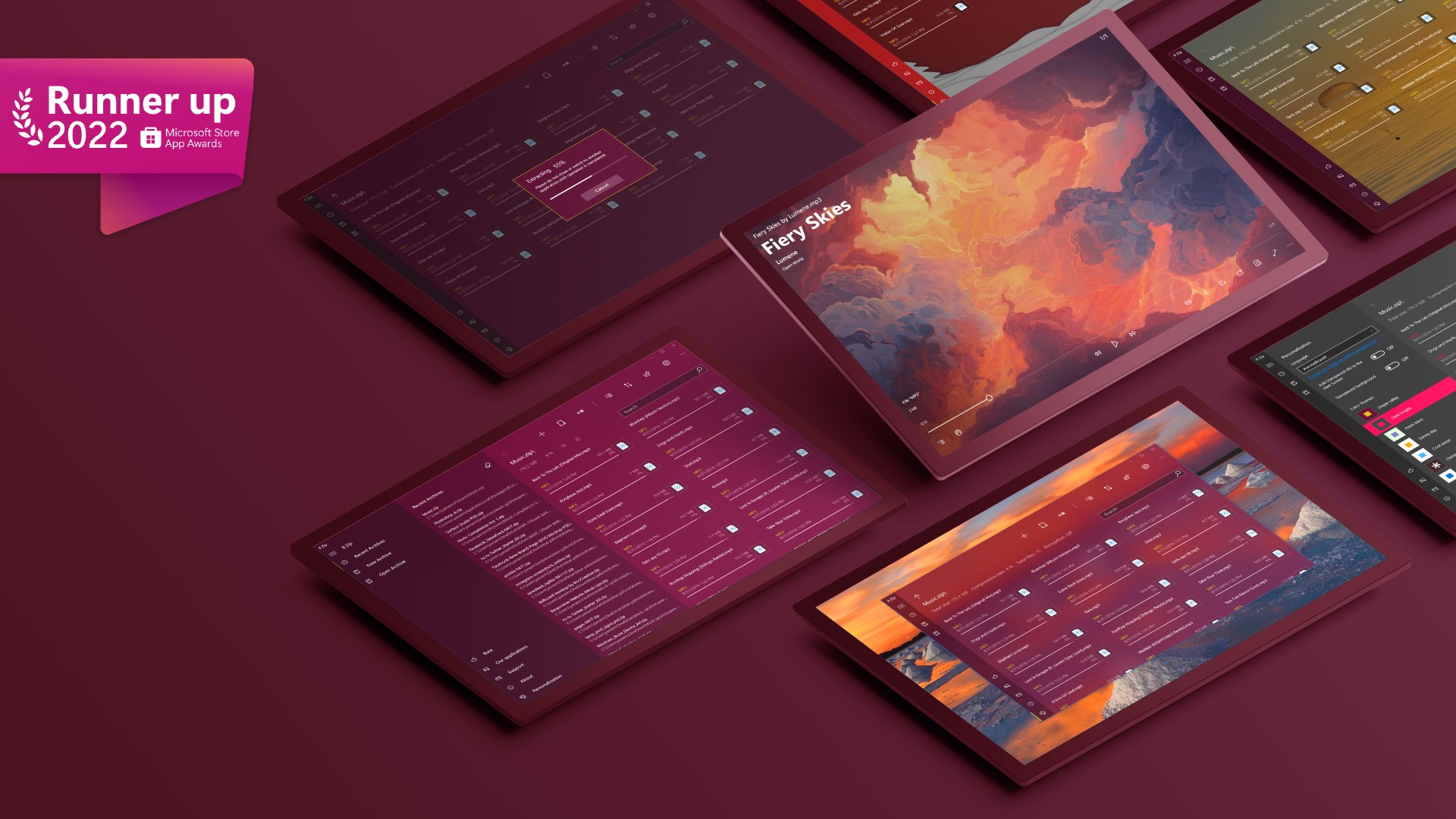
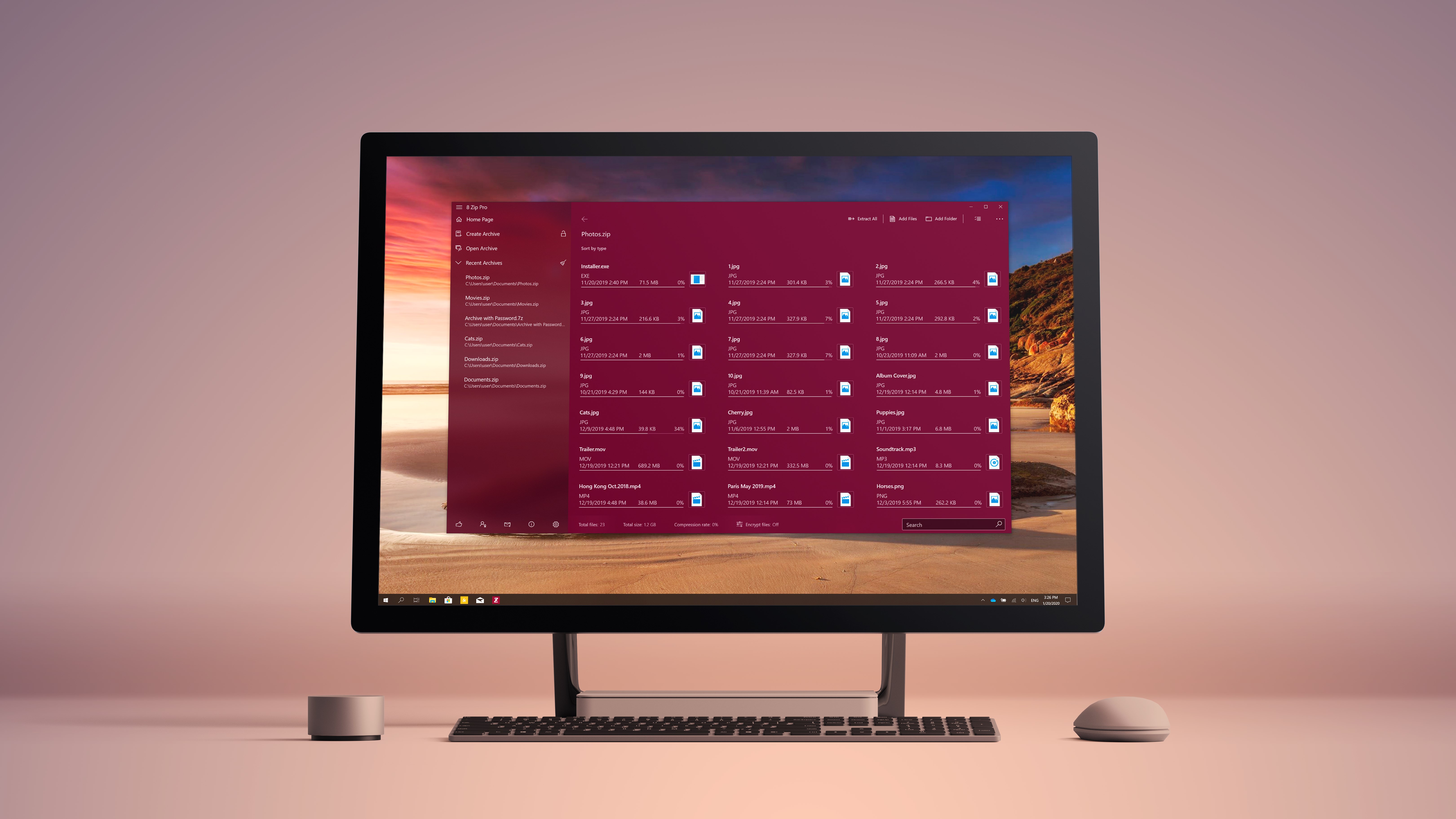
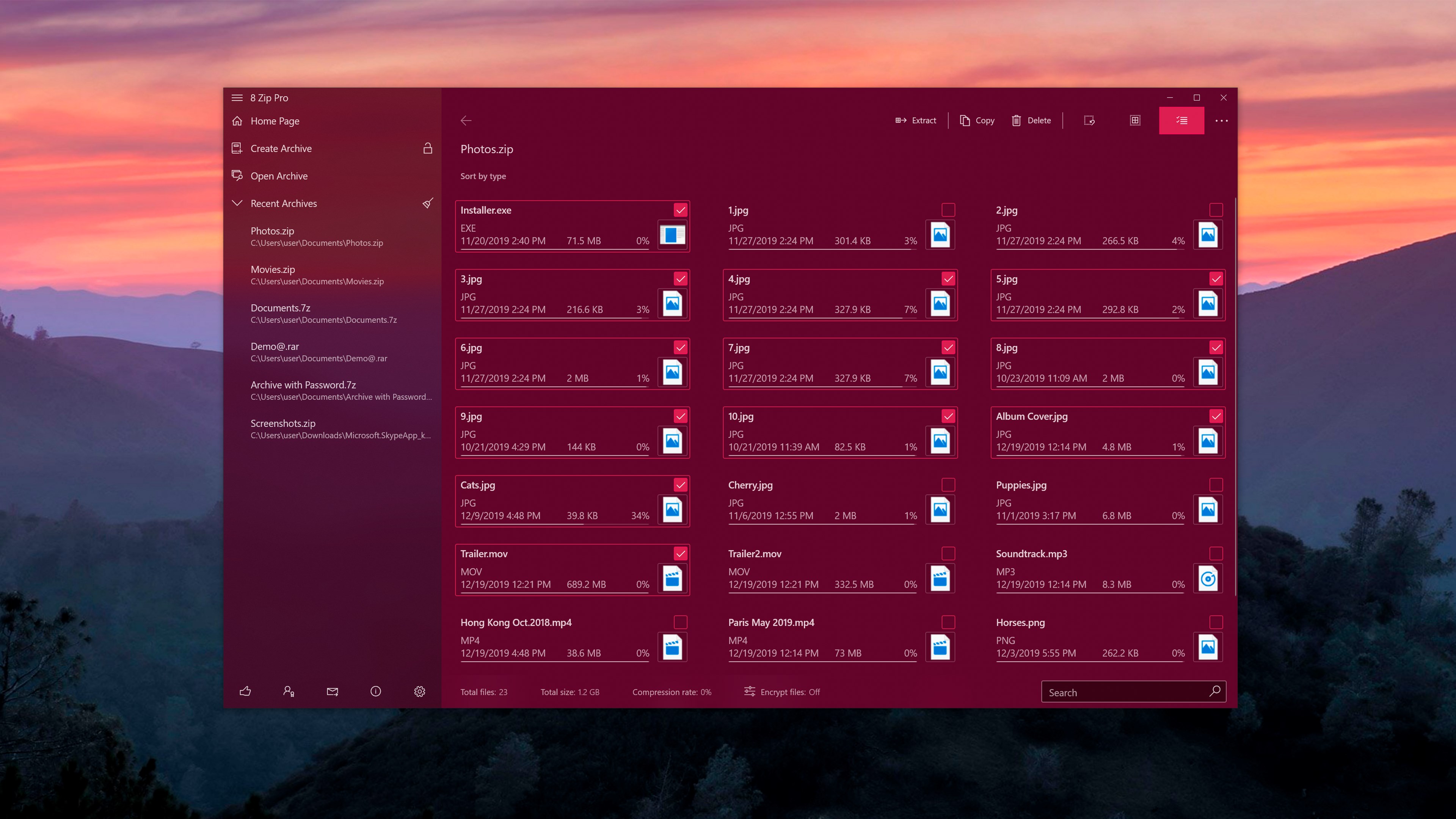
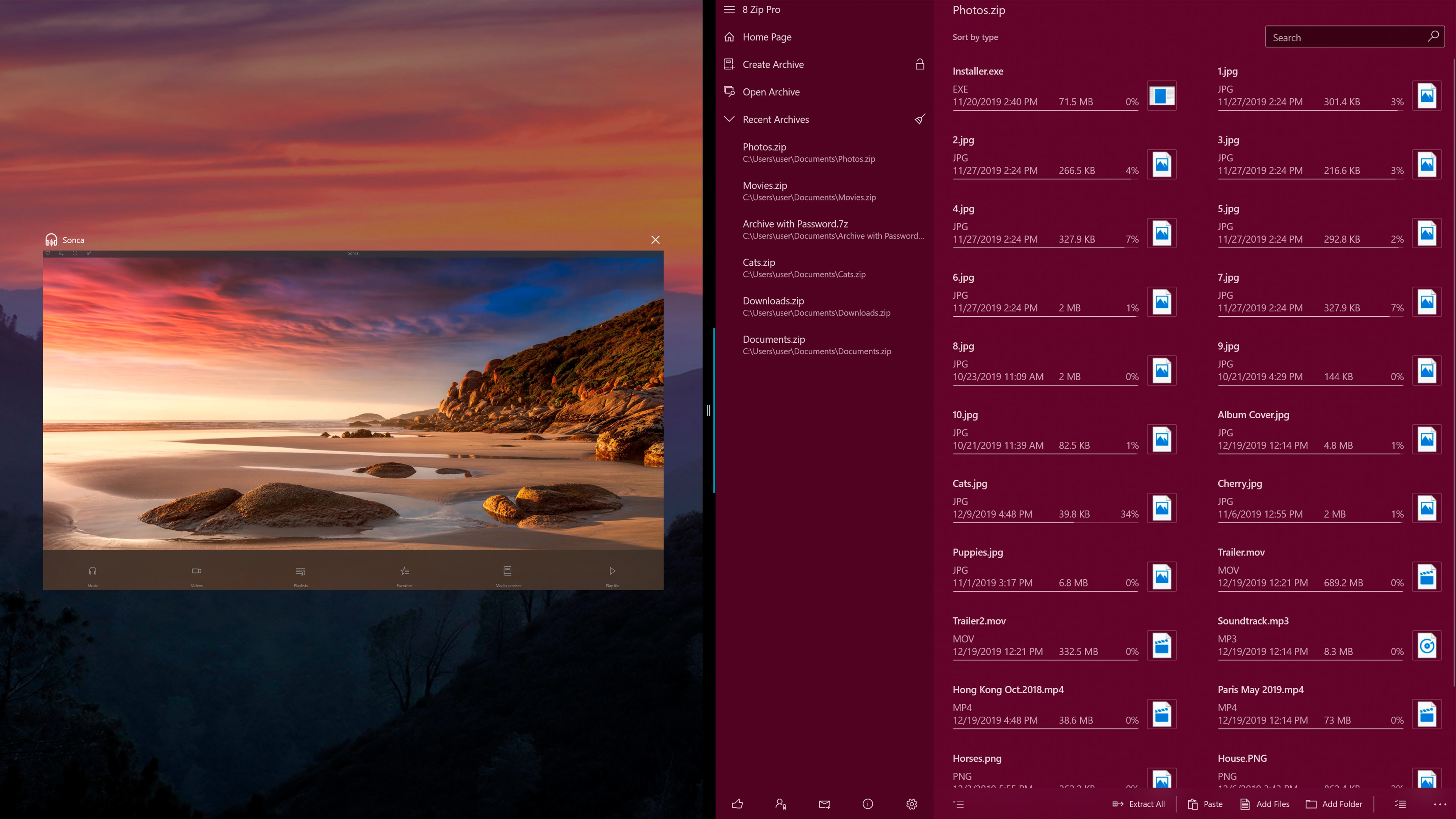
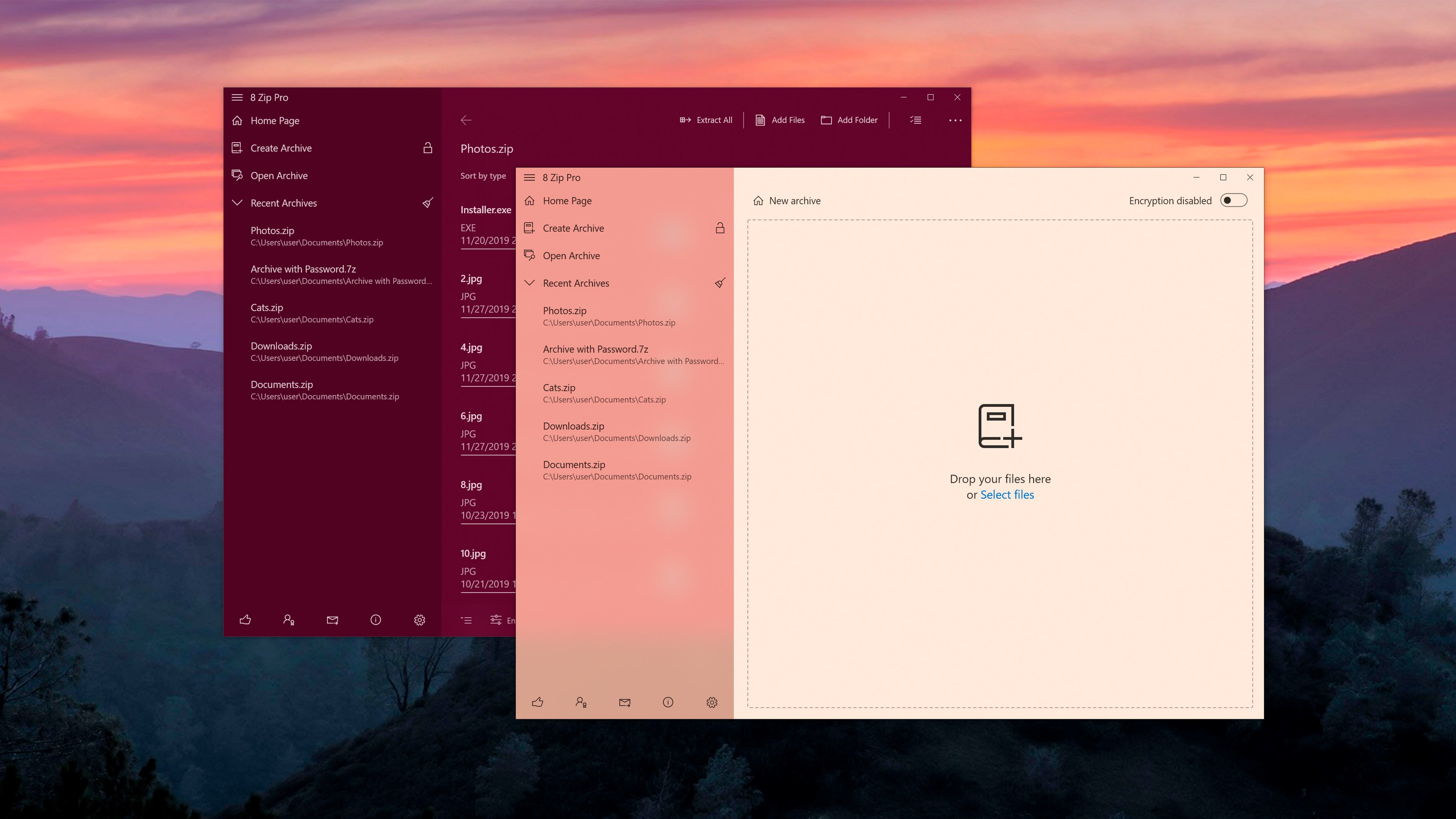
- User-Friendly Interface: Clean layout with intuitive controls reduces the learning curve and enhances productivity.
A Fun Dive into Features and User Experience
Making Compression Feel Like a Breeze
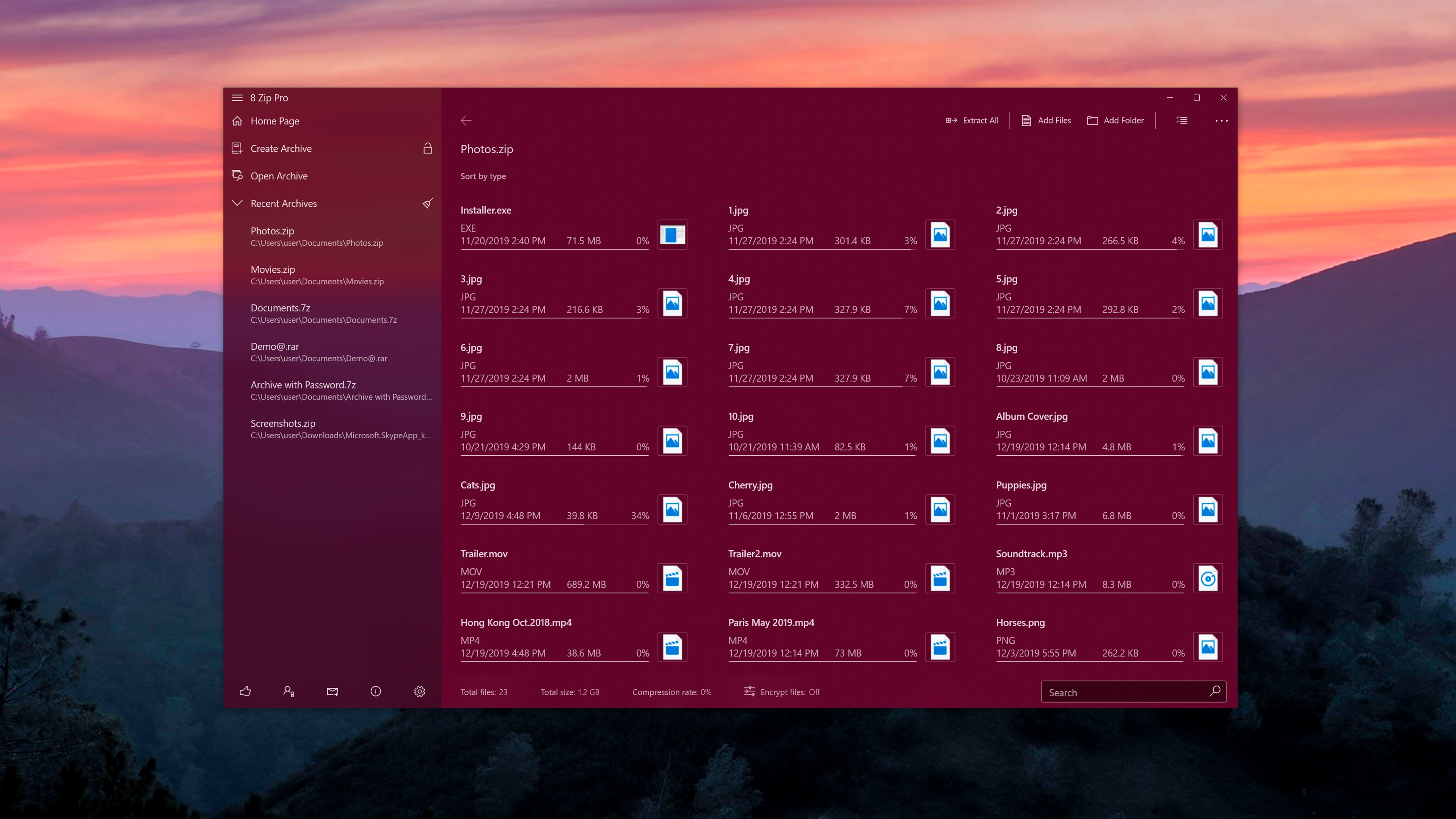
Launching 8 Zip Pro feels akin to opening a well-organized toolbox—everything at your fingertips, clearly laid out. The interface embraces simplicity without sacrificing depth, allowing both casual users and power users to perform tasks with minimal fuss. Creating a new archive is as straightforward as drag-and-drop, with options to customize compression levels and encryption in step with a few clicks. The app handles big files gracefully, with reliable splitting and batch operations that can save a lot of repeated effort—it's like having an assistant who never tires.
Elegant Security with Just a Click
Encryption is seamlessly integrated, meaning securing your archives doesn't require juggling multiple tools. The AES-256 encryption option pops up naturally during archive creation, and applying it is as simple as setting a password. This ensures your confidential data stays protected in transit or storage, setting 8 Zip Pro apart from more basic archivers that lack robust security features.
Smooth Sailing on the User Interface
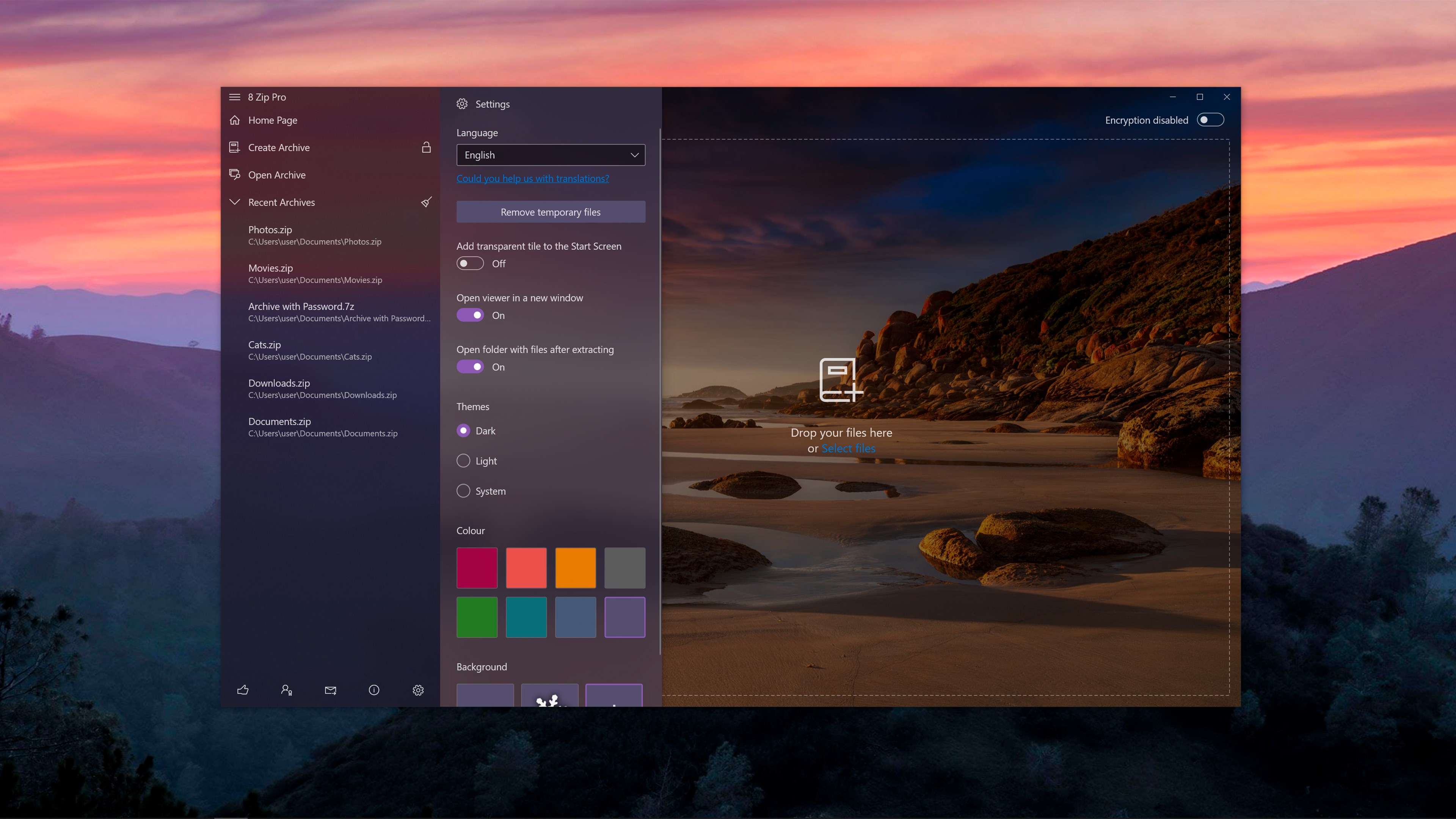
The design strikes a good balance—it's not cluttered, and all functions are logically organized. Navigation feels fluid, with quick access to recent files, history, and customizable settings. Learning curve? Barely noticeable—it's like riding a bike for the first time but with training wheels that come off quickly. This makes the app particularly appealing to users who want efficiency without steep learning costs.
How 8 Zip Pro Differs from Competitors
While many utility tools focus solely on compression, 8 Zip Pro's hallmark is its combination of advanced security and flexible archive management, all wrapped in an approachable interface. Unlike some competitors that target power users with complicated setups, 8 Zip Pro is designed with ease of use in mind. Its support for a broad array of formats and the ability to encrypt archives with AES-256 provides a significant edge for users concerned with compatibility and security—ensuring it's not just another archiver on the shelf but a reliable partner for everyday needs.
Final Thoughts and Recommendations
Overall, 8 Zip Pro is a compelling choice for Windows users seeking a straightforward, secure, and efficient archiving tool. Its standout features—particularly the robust encryption and user-centric design—make it well-suited for both personal and professional use. We recommend it to anyone tired of multiple tools cluttering their workflow or those who need a reliable solution to compress and protect files with minimal fuss. Whether you're backing up sensitive documents or simply organizing your downloads, 8 Zip Pro delivers performance with a friendly touch.
Pros
- User-Friendly Interface
- Comprehensive Functionality
- High Compression Efficiency
- Built-in Encryption
- Fast Performance
Cons
- Limited Format Support
- Lack of Advanced Settings
- No Cloud Integration
- Occasional Compatibility Issues
- Encryption Limitations











