

- Category Utilities & tools
- Available on PC
- OS Windows 10 version 0.0 or higher
- Memory 4 GB
- languages English, French, German, Japanese, Italian, Spanish
Unlocking Lost Files: An In-Depth Look at Advanced File Recovery for Windows
If you've ever accidentally deleted an important document or lost precious photos due to a system mishap, you know that data recovery tools can be lifesavers. Advanced File Recovery for Windows, developed by Tweaking Technologies Private Limited, promises to bring those lost files back from the digital abyss with its straightforward yet powerful approach. But does it deliver? Let's dig into what makes this software a noteworthy candidate in the realm of data recovery solutions.
Essential Info: Who, What, and Whom
Advanced File Recovery for Windows is a dedicated data restoration tool designed to resurrect accidentally deleted or lost files with ease and precision. Crafted by Tweaking Technologies Private Limited, a name recognized for creating practical utility software, it focuses on providing users with a reliable and accessible recovery experience.
- Main Features: Deep scan recovery, support for multiple file types, preview before recovery, and simple file filtering tools.
- Target Audience: General Windows users, professionals dealing with critical data, and anyone who values their digital memories and work files.
Engaging First Impressions: Why You Should Care
Imagine this: you're frantically searching for that one document to meet an urgent deadline, only to realize it's gone—perhaps deleted by mistake or lost during a system crash. Panic can set in, but here's where Advanced File Recovery steps in like a trusty sidekick, ready to sift through remnants in your digital closet. Its intuitive interface and robust scanning capabilities make what used to be a daunting task feel more like a treasure hunt—exciting, hopeful, and almost always rewarding.
Core Functionality: The Heart of Recovery Power
Deep Scan Magic: Finding Files Where Others Quicken Fails
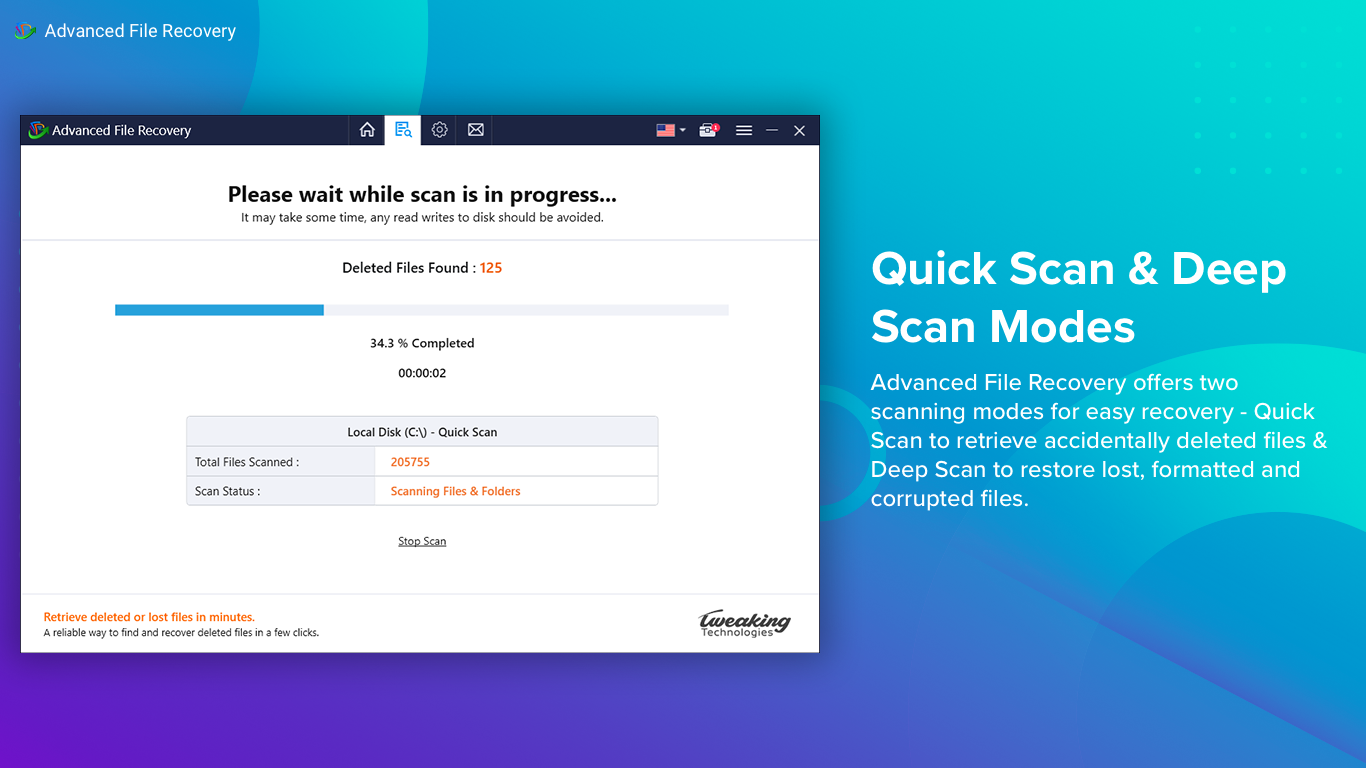
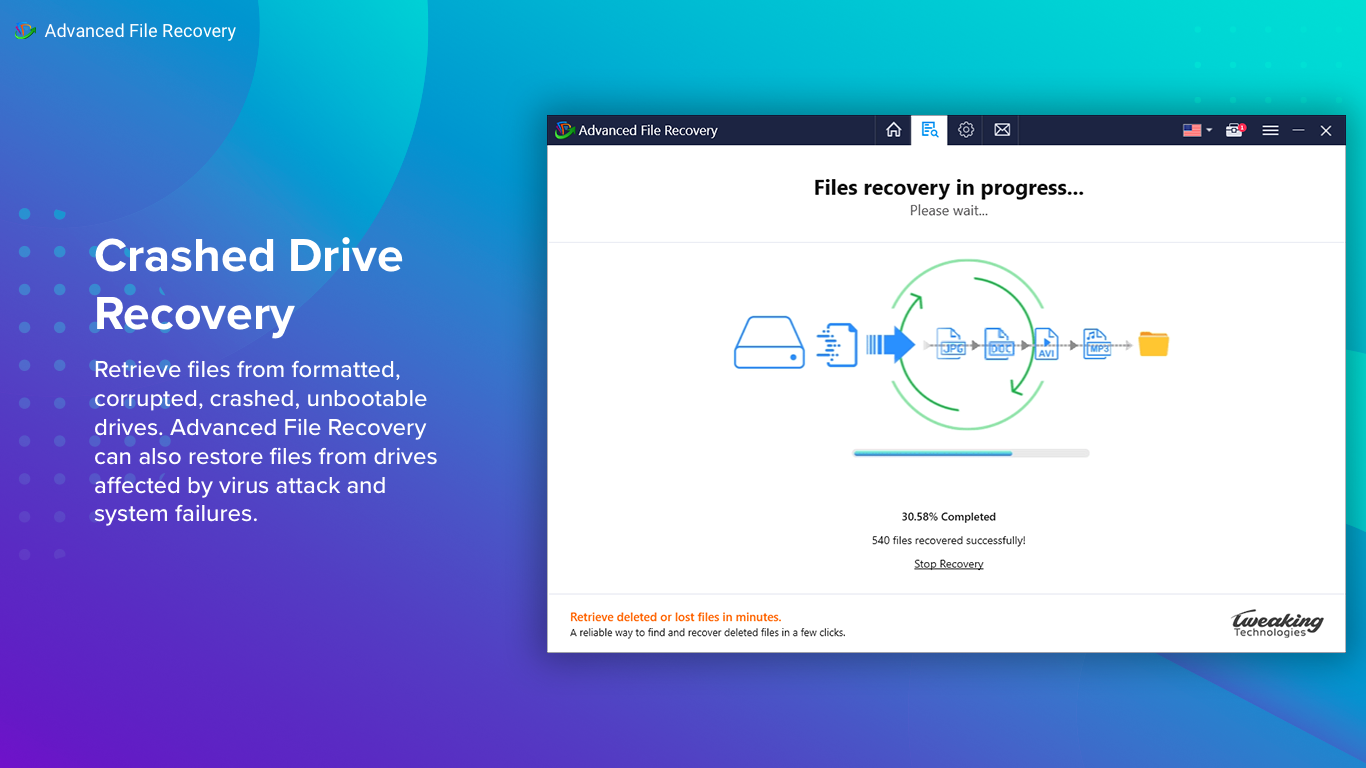
At its core, the software employs a thorough deep scan process that delves into your drives, bypassing superficial file indexings that can miss hidden or fragmented data. Think of it as a forensic detective meticulously combing through every corner of your hard drive, hunting down traces of files even after they've been long deleted or overwritten. This ability to recover data from formatted or corrupted drives distinguishes Advanced File Recovery from many basic cleanup tools, offering peace of mind for those dealing with complex data loss scenarios.
User-Friendly Interface and Workflow
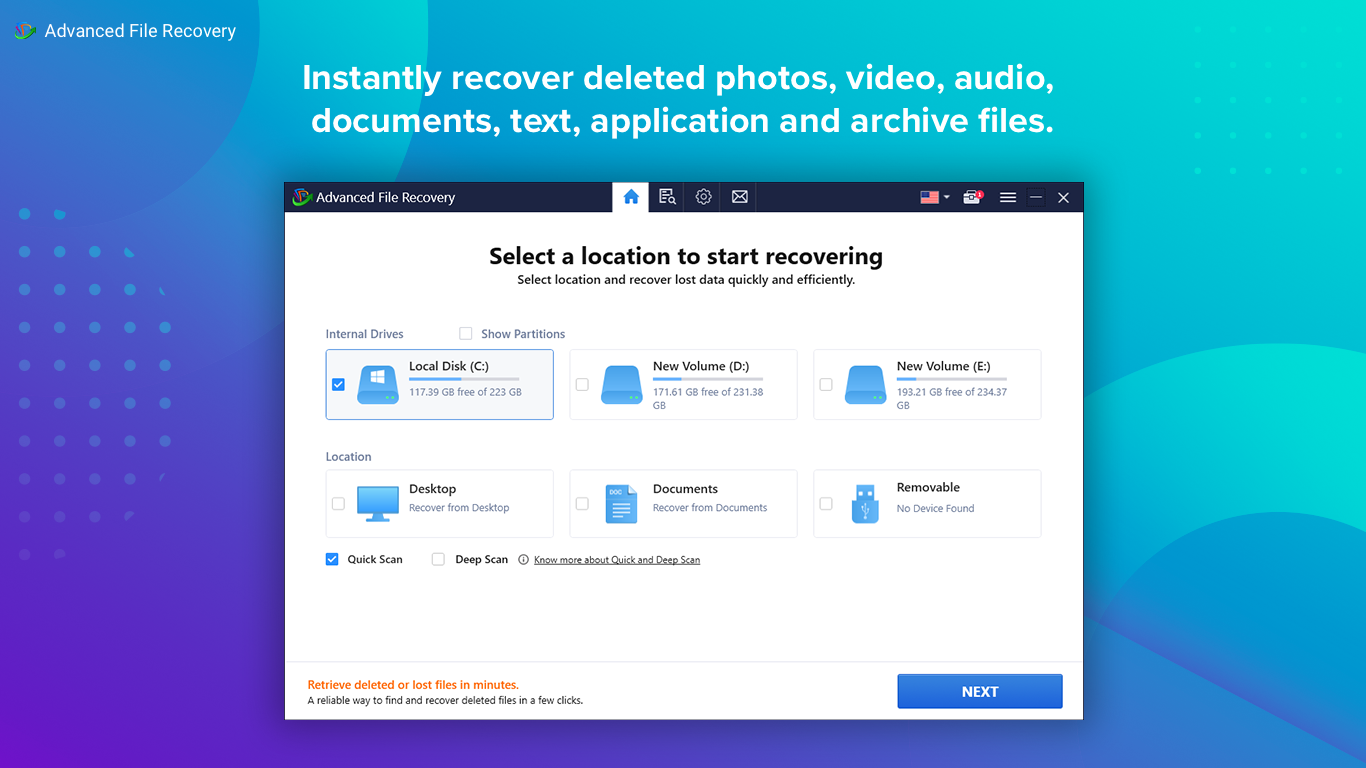
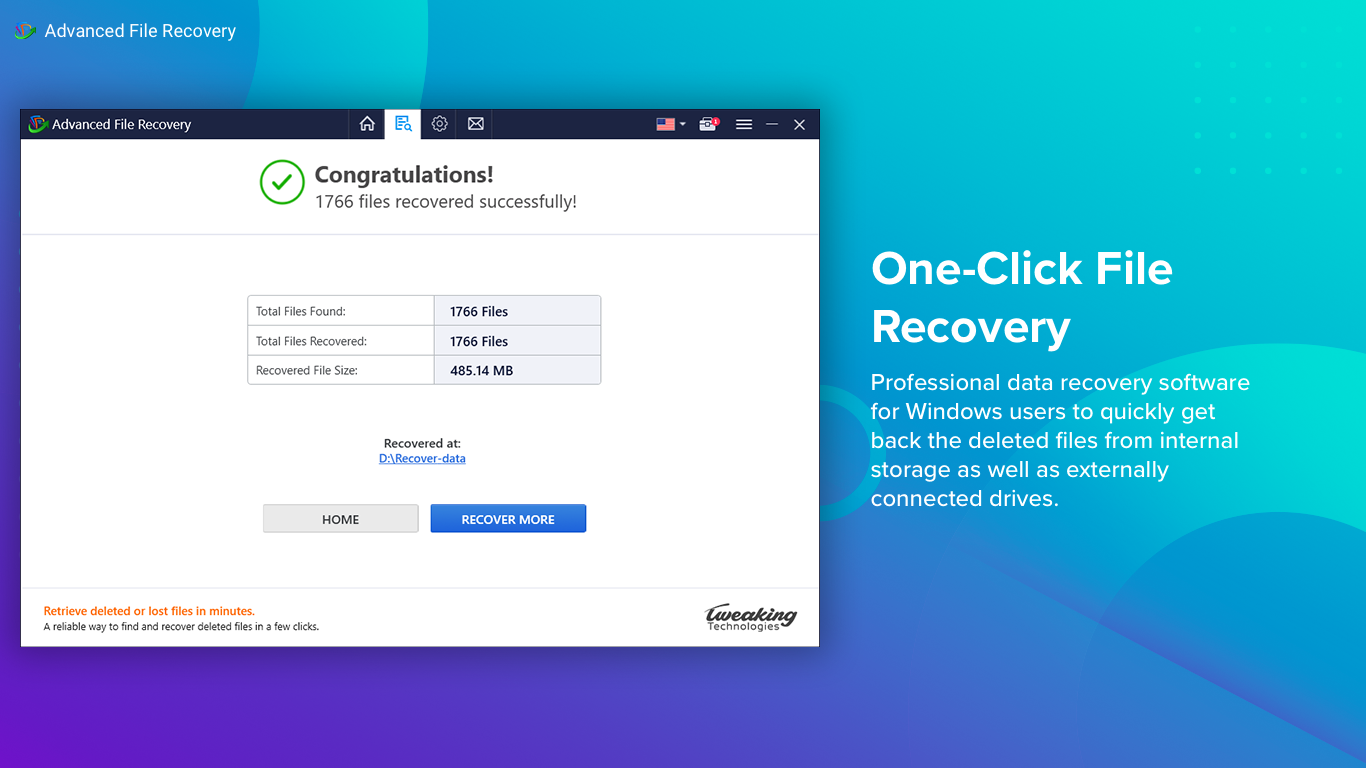
The application sports a clean, modern interface that's surprisingly approachable. Navigating the software feels like flipping through an organized digital toolbox—everything is logically placed, and progress indicators keep you informed. The step-by-step recovery process minimizes confusion: select your drive, scan, preview recoverable files, and restore. Even those new to data recovery will appreciate its gentle learning curve, making it accessible enough for casual users yet powerful enough for tech-savvy professionals.
Multiple File Types and Filtering Options
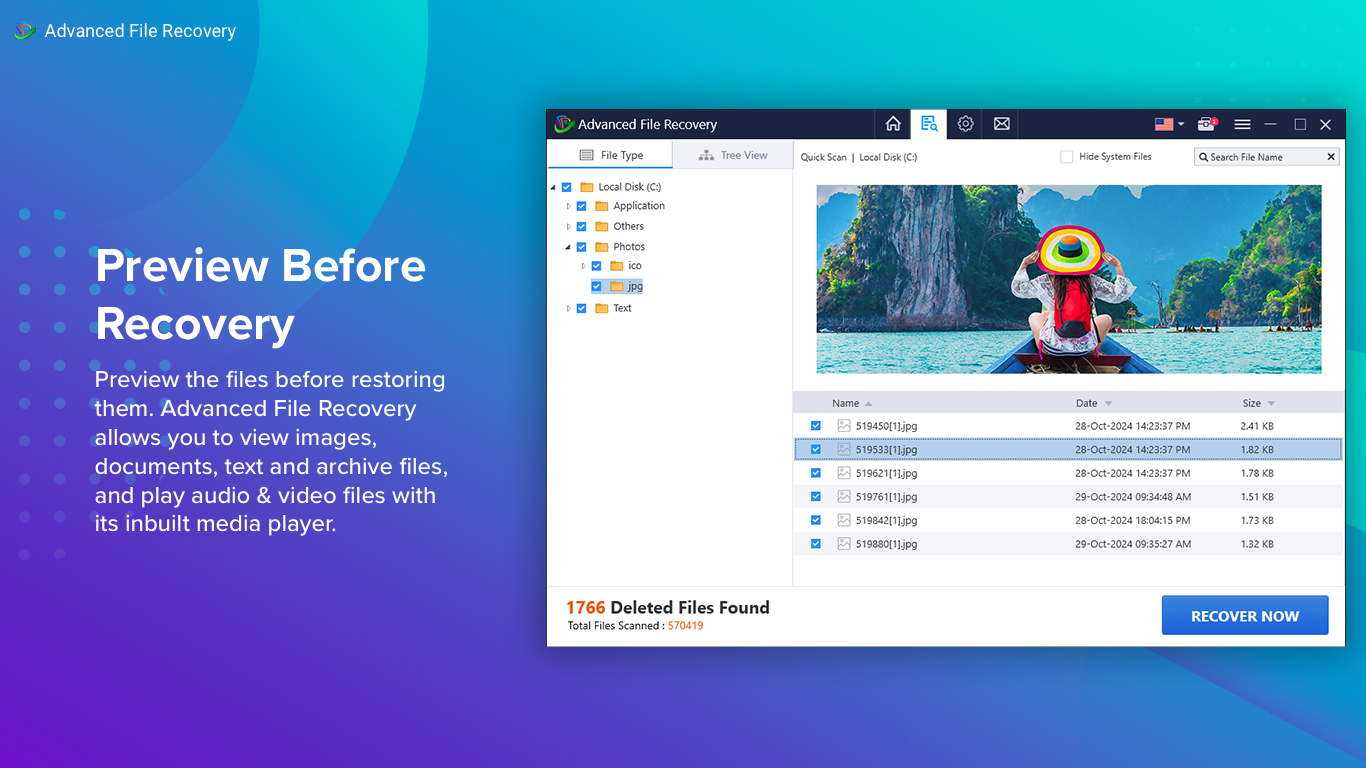
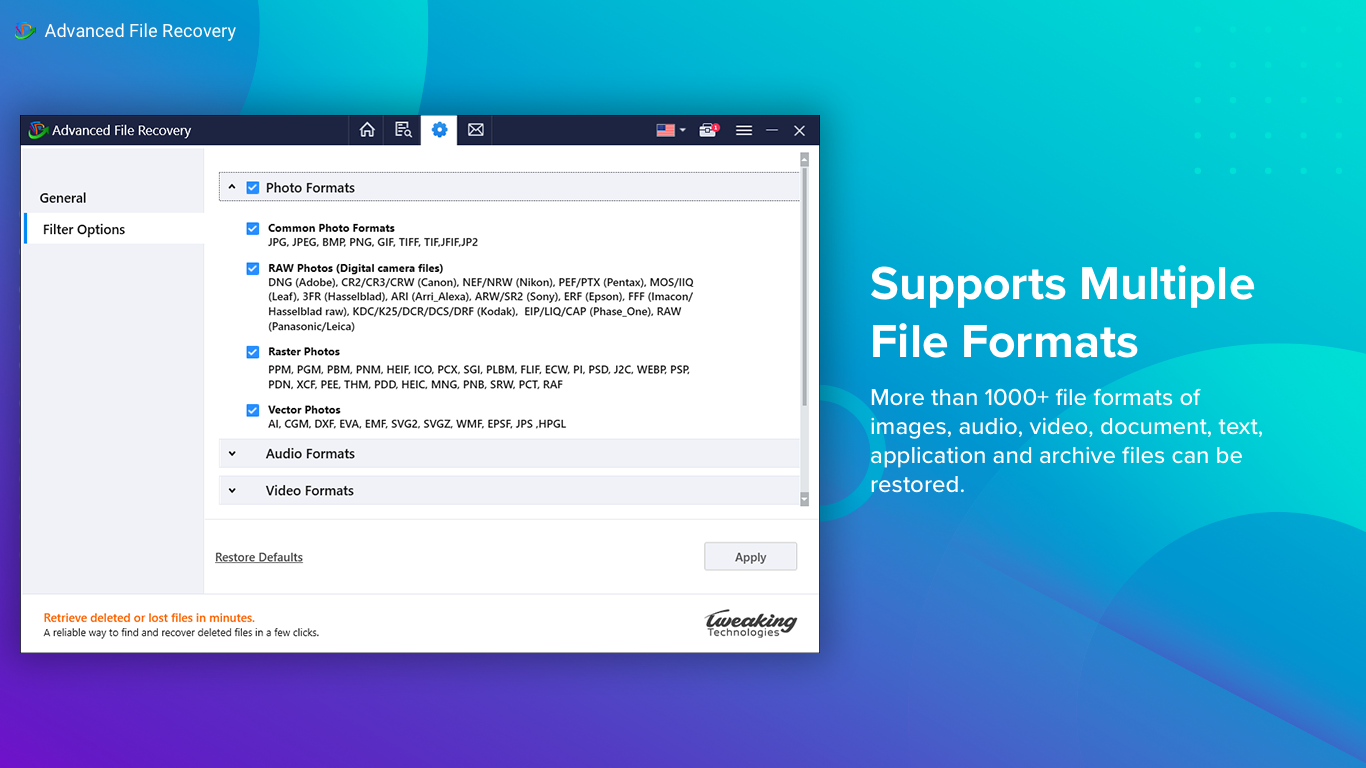
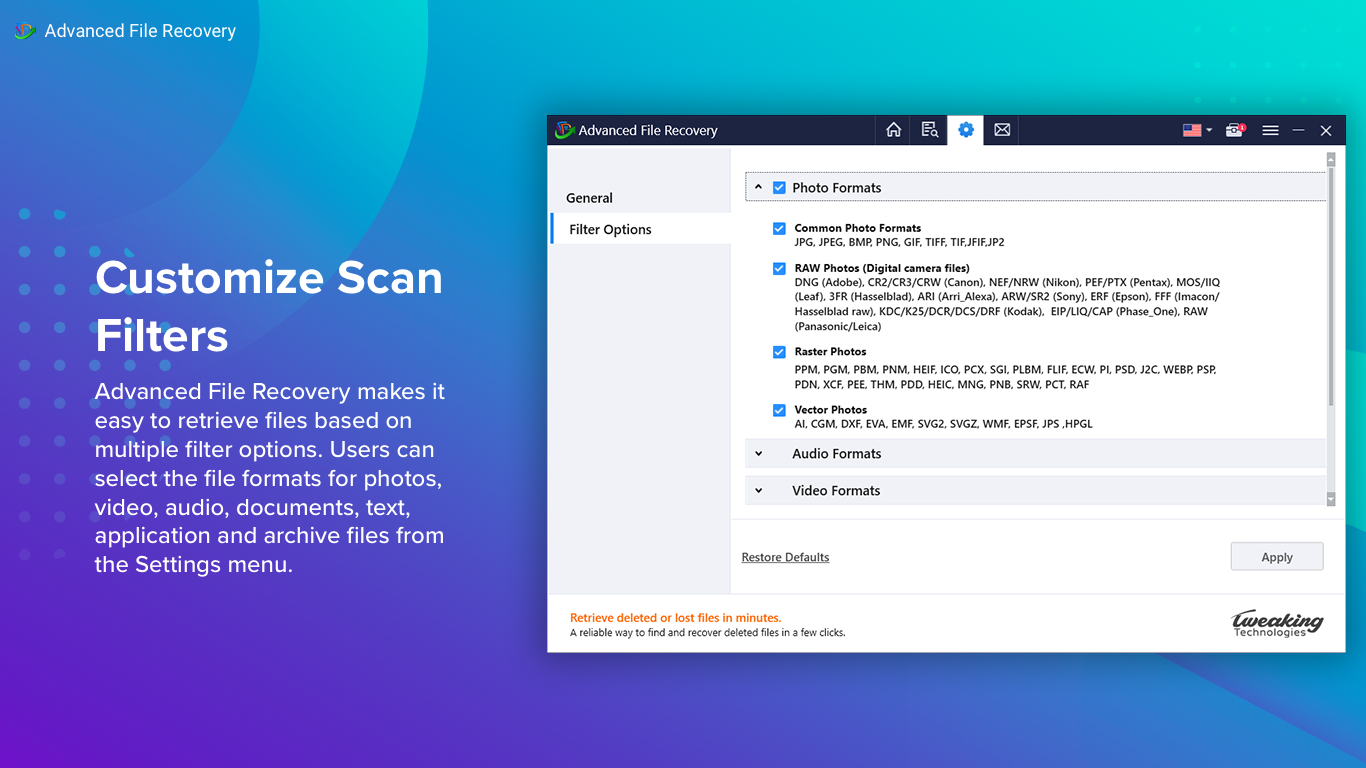
Another highlight is its support for a broad spectrum of file formats—from common documents and images to music, videos, and archives. Plus, its filtering features enable targeting specific file types or sizes, streamlining the recovery process especially when you're dealing with large, cluttered drives. The ability to preview recoverable files before restoration ensures you don't waste time on unwanted data, adding a layer of confidence and control.
What Sets It Apart? Unique Advantages in the Market
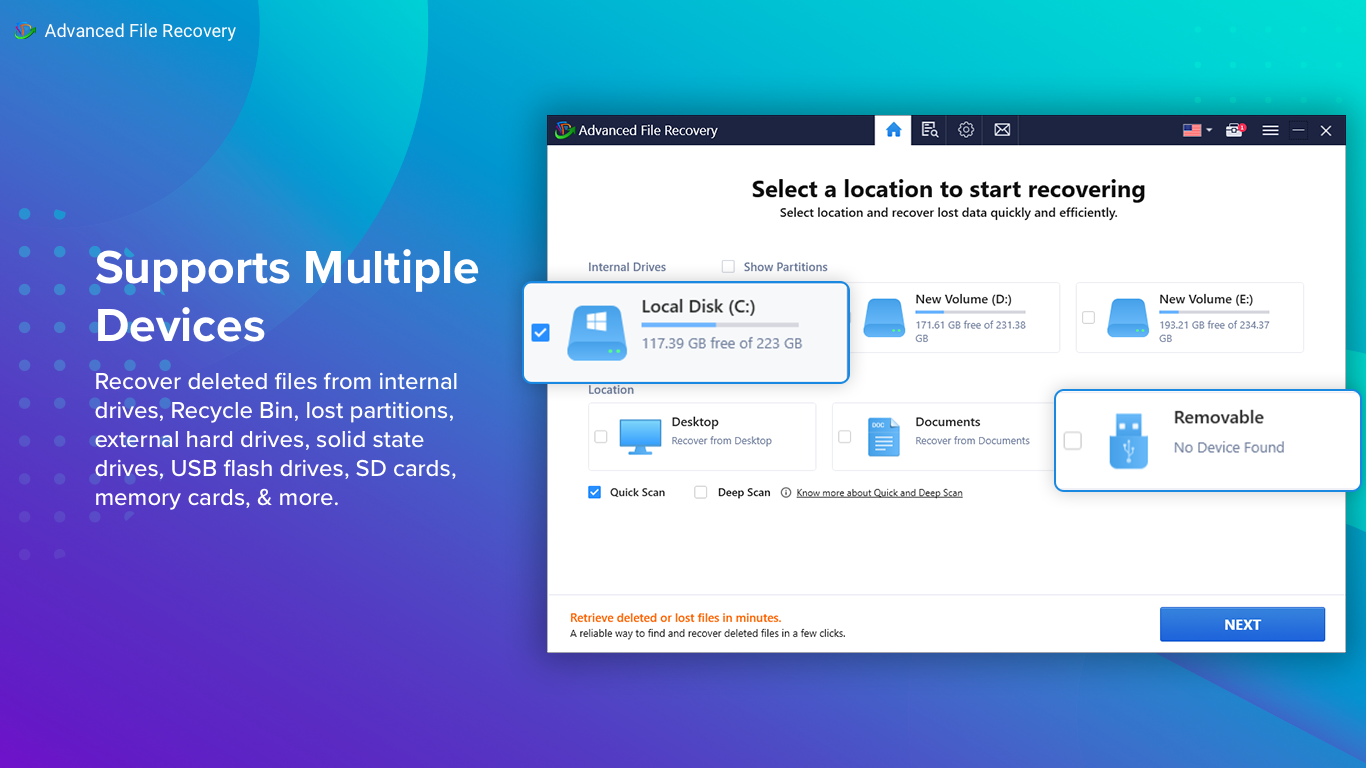
Compared to other data recovery utilities, Advanced File Recovery shines with its balanced mix of simplicity and deep scanning prowess. Many tools either require technical expertise or lack comprehensive scanning capabilities. This app bridges that gap, offering a user-friendly interface without sacrificing depth. Its real-time preview feature, for example, allows users to verify the integrity of files before recovery—a must-have that reduces mistakes and recuperates only what matters. Additionally, its support for various storage devices, including external drives and SD cards, broadens its utility beyond just internal hard drives.
Final Verdict: A Recommendable Companion for Data Mishaps
All considered, Advanced File Recovery for Windows earns a solid recommendation for users seeking an effective, accessible solution to unintentional data loss. Its standout feature—the deep scan combined with real-time file previews—makes it particularly useful for handling stubborn recoveries from complex scenarios. While it may not boast the flashiest marketing, its reliability and thoughtful functionality make it a trustworthy partner when your files vanish unexpectedly. For those who value their digital assets and want a straightforward recovery experience, this tool is worth trying out.
Pros
- Comprehensive file recovery options
- User-friendly interface
- Deep scan capability
- Preview features before recovery
- Supports multiple storage devices
Cons
- Relatively slow scan process
- Limited free recovery quota
- User support documentation could be more detailed
- Some files may not be fully recovered or may encounter corruption
- No dedicated 24/7 customer support option











