

- Category Utilities & tools
- Developer Bytesweavers
- Available on PC
- OS Windows 10 version 17763.0 or higher
- Keyboard Integrated Keyboard
- Mouse Integrated Mouse
- Memory 4 GB
- languages English (United States)
A New Harmony: Bringing Offline Music Creation to Windows
Imagine having a versatile musical studio right on your desktop, capable of composing lush melodies at the tap of a button—this is precisely what the AI Offline Music Generator for Windows delivers. Designed by Bytesweavers, this application aims to empower musicians, hobbyists, and sound enthusiasts to craft unique tunes without relying on internet connectivity. Whether you're a seasoned producer or an aspiring composer, this tool promises a seamless experience to generate music offline, making creativity more accessible than ever.
Intuitive Interface and User-Friendly Design
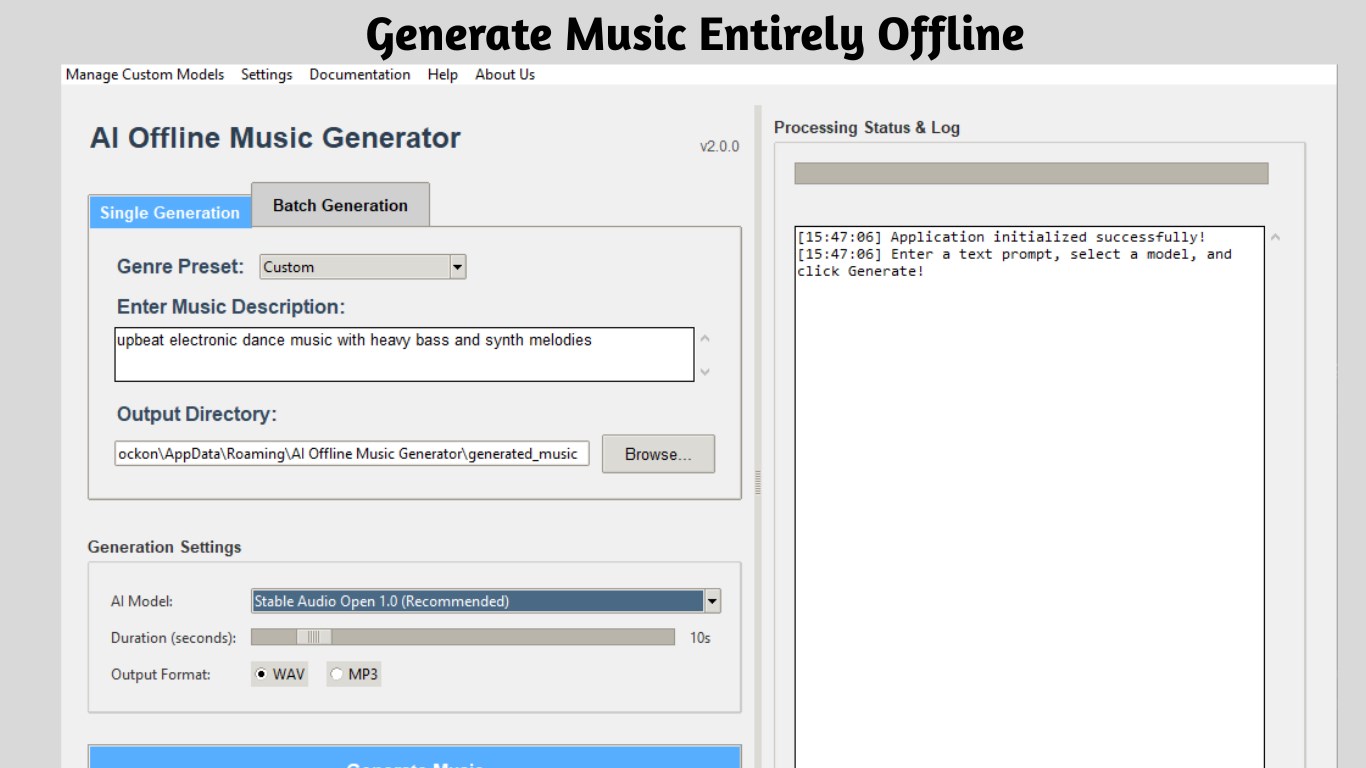
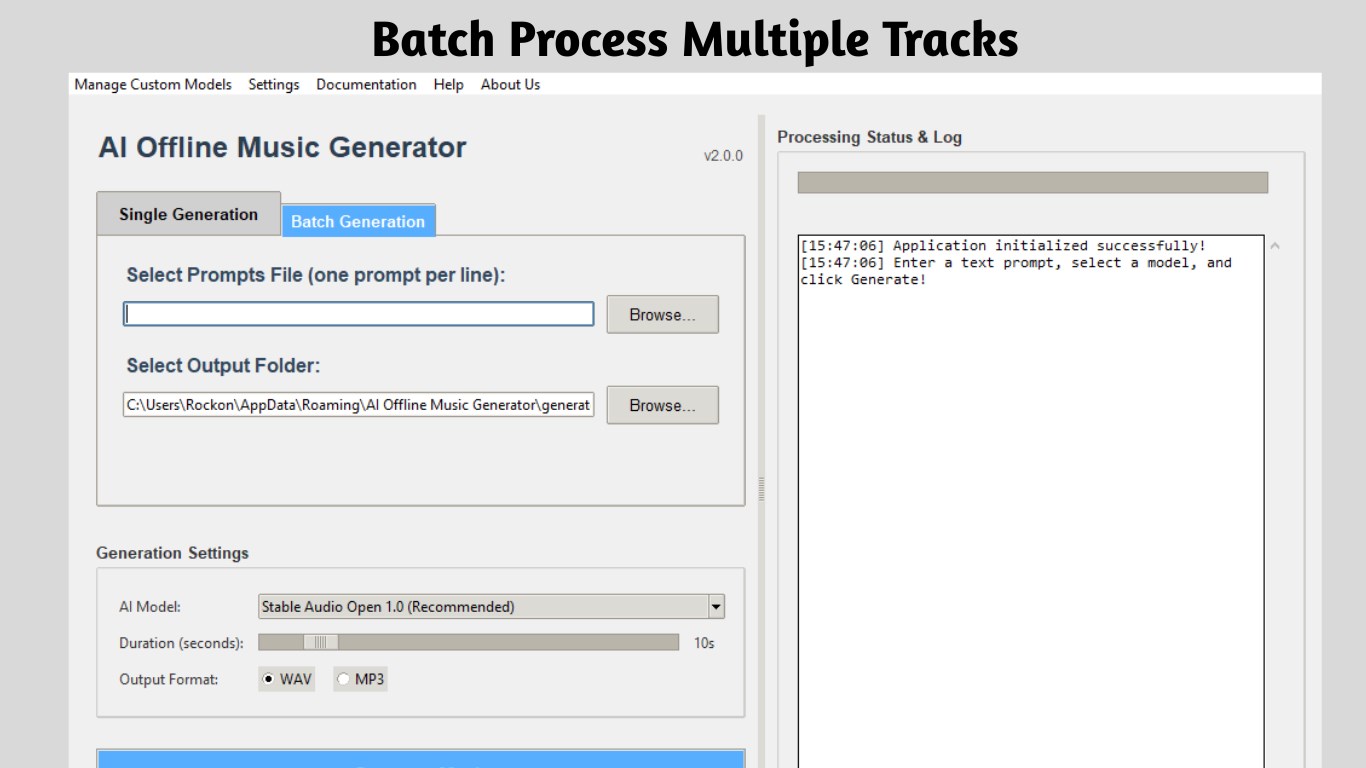
Right from the first glance, the app greets users with a clean, modern interface that balances simplicity with functionality. It feels akin to opening a music studio nestled within your Windows OS—organized, inviting, and easy to navigate. The layout guides you through clear sections for input, customization, and playback, reducing the learning curve for newcomers while still offering depth for experienced users. The visual cues and minimal clutter make it feel like a well-designed instrument rather than a complicated software toolbox.
Operationally, the app runs smoothly across various hardware configurations, with minimal lag. Actions such as selecting parameters, generating tracks, and adjusting settings are swift and intuitive, allowing for a natural flow akin to improvising on a musical instrument. For users concerned about technical complexity, the straightforward controls and logical menu structure make mastering the app a matter of minutes rather than hours.
Core Features: Creativity Unleashed
1. AI-Powered Music Generation
The standout feature of this application is its ability to generate high-quality music offline using sophisticated AI algorithms. Users can specify genres, moods, or instrumentation preferences, and the app synthesizes unique melodies that sound both polished and professional. Think of it as having a virtual composer at your fingertips—ready to craft custom tunes on demand without the need for internet access. This feature is particularly valuable for creators looking for inspiration or those who want to produce background music quickly and reliably.
2. Customization & Fine-Tuning
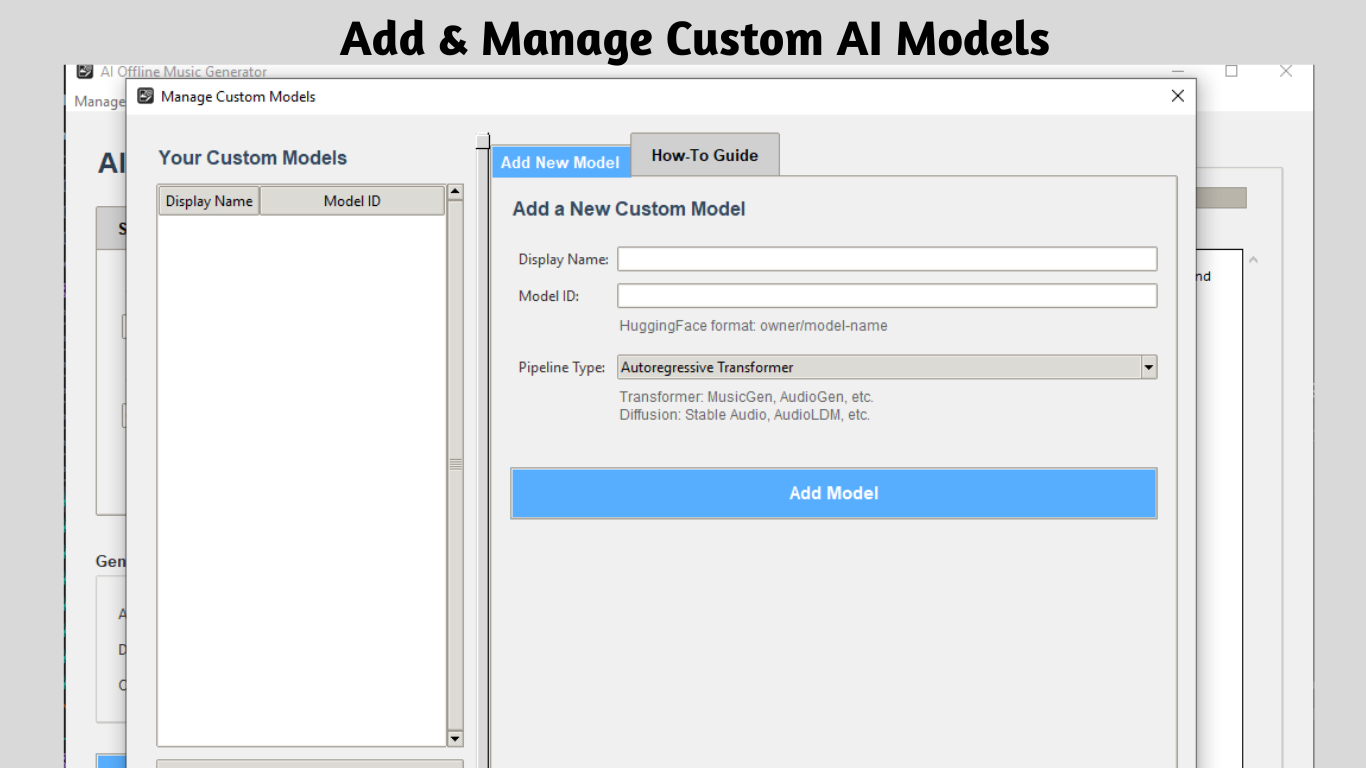
Beyond basic generation, the app offers extensive options for tweaking the generated music. Adjust tempo, key, instrument sounds, and even layering effects, enabling users to personalize outputs to match their specific needs. This level of control makes it a powerful tool for refining ideas and experimenting with different musical styles, all within an offline environment—perfect for on-the-go creativity without worrying about connectivity issues.
3. Support for Various File Formats & Export Options
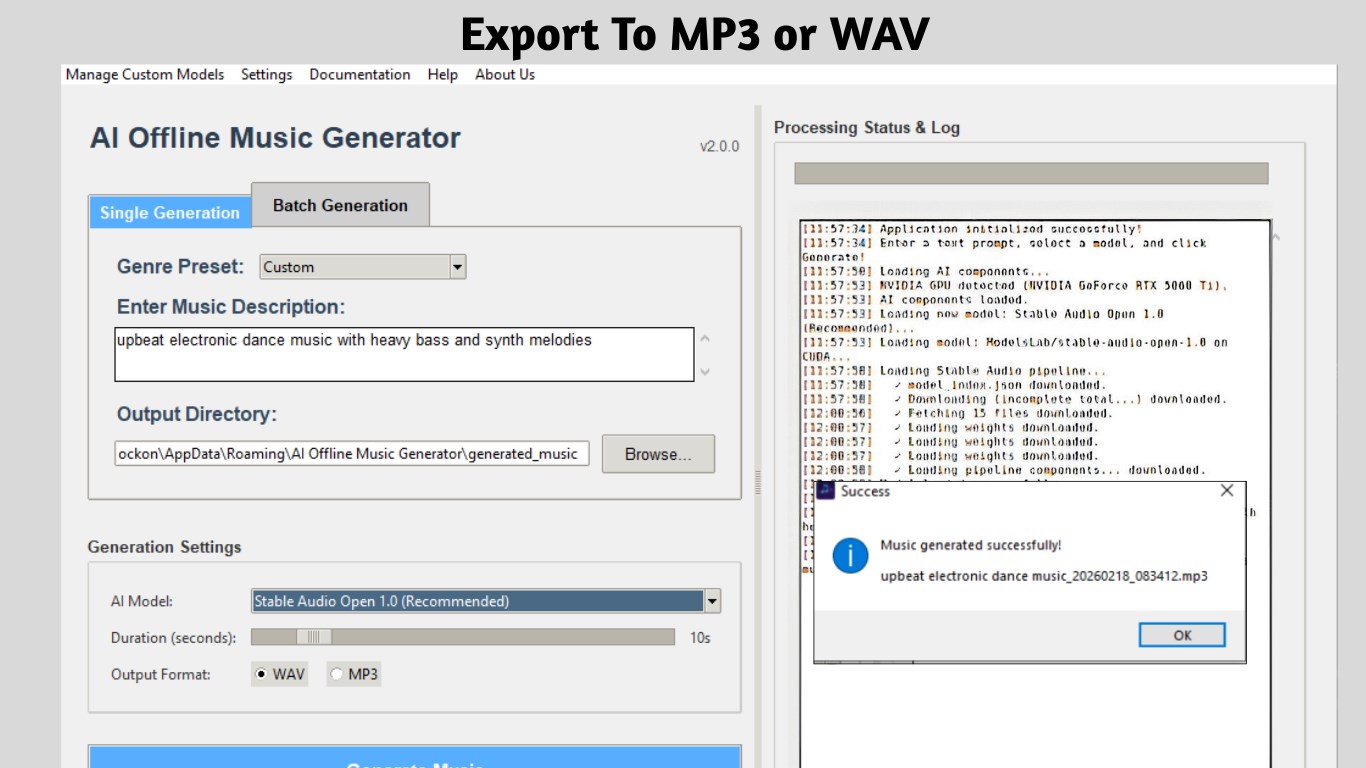
Once satisfied with a composition, users can export their tracks in multiple formats such as MP3, WAV, or MIDI. This flexibility ensures compatibility with digital audio workstations (DAWs) and other production tools, facilitating seamless integration into larger projects or professional pipelines. The ability to save in high-fidelity formats underscores the app's focus on quality and practical usability for serious creators.
User Experience: Smooth, Accessible, and Engaging
The app's design philosophy emphasizes simplicity without sacrificing depth. The interface's clarity and the logical flow of features make it accessible to beginners, while the sophisticated AI and customization options cater to more advanced users. Learning to navigate the app feels effortless—as if the software anticipates your musical intentions—and results appear quickly, fostering an engaging workflow. Additionally, the offline nature ensures uninterrupted creativity sessions, even in environments with limited or unstable internet access.
Compared to other utility tools in the music generation space, this app's clear focus on offline functionality and its AI-driven customization make it notable. Many competitors rely heavily on cloud processing or require extensive manual adjustments, whereas Bytesweavers' solution leverages local AI computations to deliver speedy, private, and reliable results. This local processing advantage not only improves speed but also safeguards your project data without cloud dependencies, appealing to privacy-conscious users.
Final Thoughts and Recommendations
All in all, the AI Offline Music Generator for Windows by Bytesweavers is a thoughtfully crafted tool that transforms your Windows PC into a miniature, fully functional music lab. Its standout feature—offline AI-powered composition—sets it apart from many cloud-dependent counterparts, offering both convenience and privacy. The intuitive interface combined with powerful customization options makes it a strong choice for anyone interested in music creation, from hobbyists to semi-professional producers.
Given its ease of use, solid performance, and unique offline capabilities, I recommend this app to those seeking a reliable, self-contained music generator. Whether you need quick inspiration, background tracks, or just want to experiment with melodies without an internet connection, this application is a valuable addition to your creative toolkit. Just keep in mind that mastering the nuances of AI-generated music might take some exploration—yet, that's part of the fun of discovering this innovative tool!
Pros
- Intuitive AI Music Generation
- Wide Range of Music Styles
- Customizable Parameters
- Fast Processing Speeds
- Offline Functionality
Cons
- Limited Control Over Composition
- Occasional Repetitiveness
- Audio Quality Variability
- Heavy Resource Usage on Older Devices
- Limited Free Usage











