

- Category Utilities & tools
- Developer BBA
- Available on PC, Mobile, Surface Hub, HoloLens
- OS Windows 10 version 17763.0 or higher
- languages English (United States), Malay, Norwegian
An Efficient and Intuitive Mobile File Transfer Tool for Windows
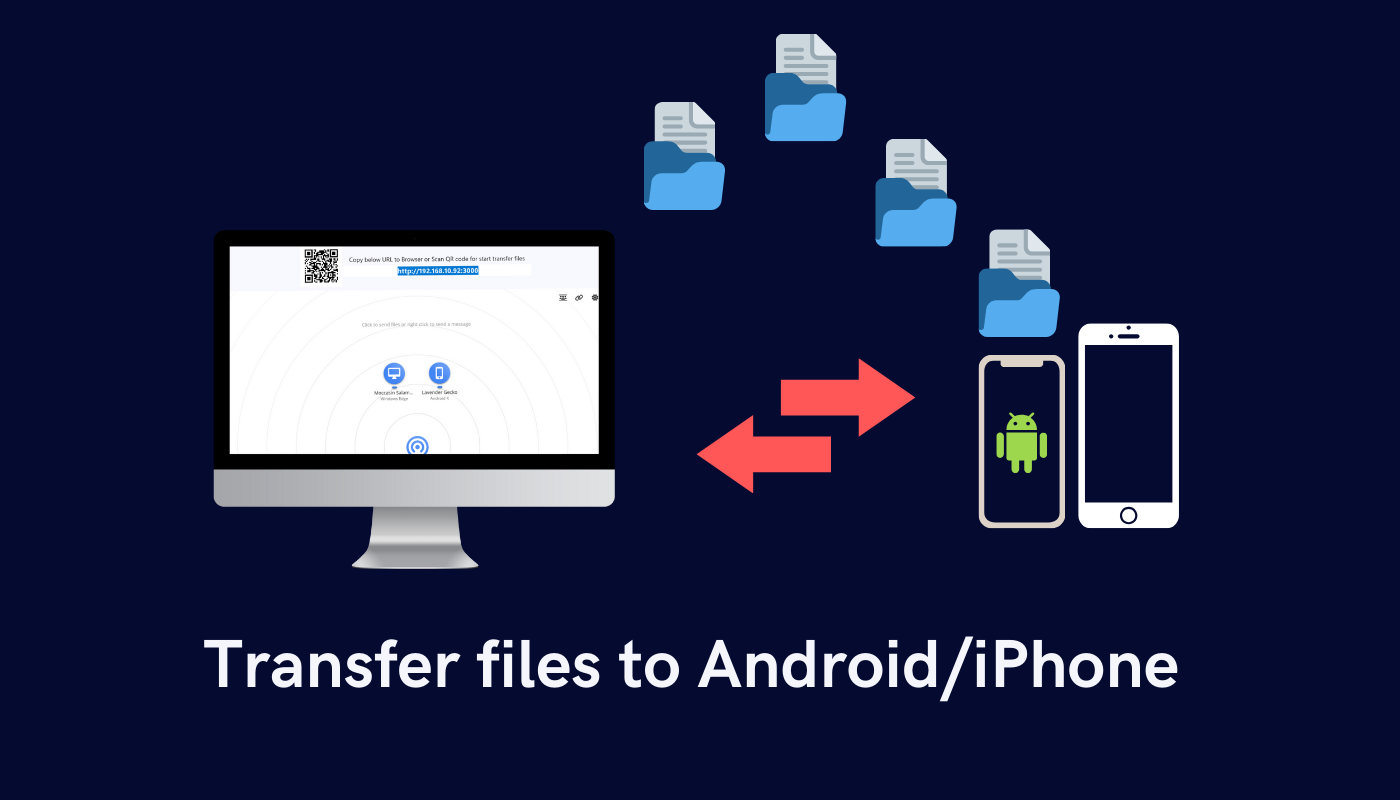
AiDrop for Windows by BBA emerges as a straightforward solution for rapidly transferring files between your mobile device and Windows PC, transforming what used to be a tedious task into a seamless experience.
Basic Information
Positioned as a lightweight, user-friendly file transfer application, AiDrop aims to simplify sharing media and documents across devices without complex setups or hardware dependencies. Developed and published by BBA, it's tailored for users seeking a quick and reliable method to move files without clutter or fuss.
- Main Features Highlights:
- Easy wireless file sharing between mobile and Windows
- Supports multiple file types including photos, videos, and documents
- Intuitive interface designed for minimal learning curve
- Fast transfer speeds ensured by optimized connection protocols
- Target User Group: Mobile users and Windows PC owners who frequently exchange files, including professionals, students, and casual users seeking a hassle-free solution.
Introduction: Making File Transfers Feel Like a Breeze
Picture this: You're sitting at your desk, itching to share that recent vacation photo album from your phone to your Windows laptop for editing. Traditionally, this might mean rummaging through cables, configuring Bluetooth, or uploading to cloud services. But with AiDrop, it's as simple as a couple of taps—like waving a magic wand and watching your files glide effortlessly across devices. It's technology designed to seamlessly bridge your mobile and desktop worlds, transforming what used to be a chore into a quick, almost playful activity.
Core Functionality #1: Instant Wireless Transfer with Zero Hassle
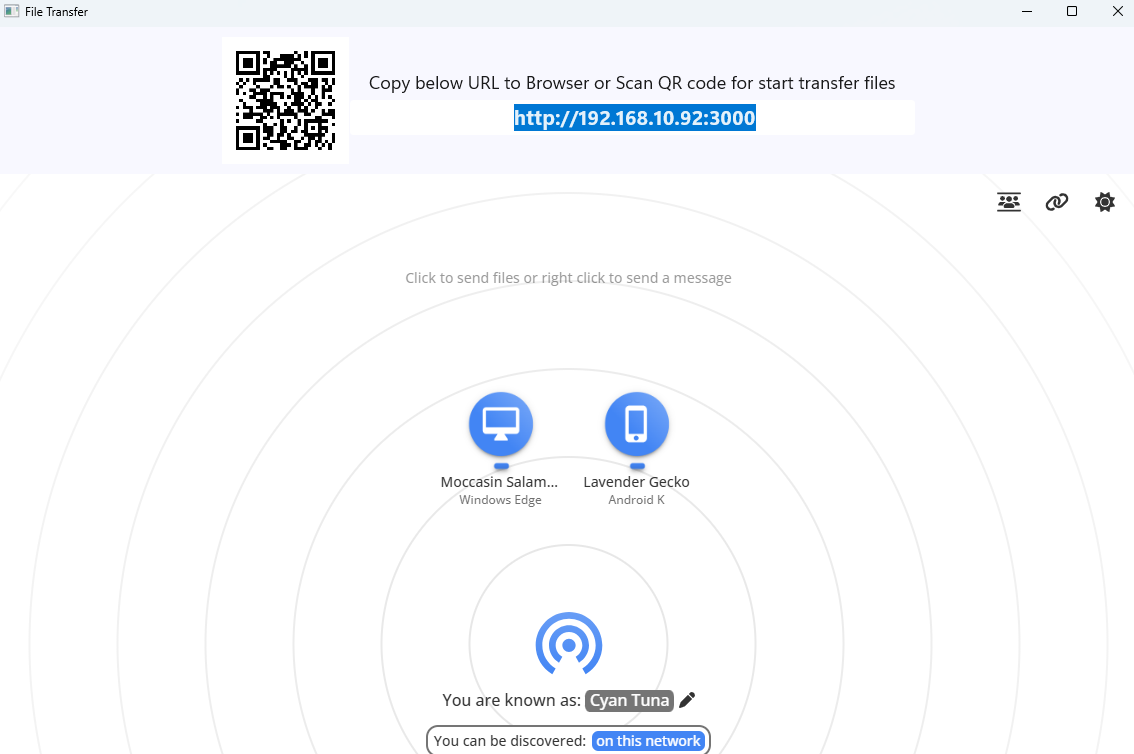
AiDrop excels in its core promise: swift, wireless file sharing. The setup process is a breeze—just launch the app on your Windows PC, connect your mobile device to the same Wi-Fi network, and you're ready to transfer. Once connected, transferring a photo or document feels as simple as drag-and-drop. The app automatically detects available devices, eliminating the need for manual IP entry or complicated pairing. This process is remarkably smooth, resembling the ease of passing a note across a table—quick, unobtrusive, and efficient.
Unlike traditional transfer utilities that may require cumbersome setup procedures or USB connections, AiDrop streamlines the entire process, making file sharing almost instinctive. Its optimized protocol ensures quick upload/download speeds, making waiting times for large files minimal.
Core Functionality #2: Diverse File Support and Intelligent Organization
AiDrop doesn't just handle a handful of file types; it embraces a spectrum of media and documents. Whether you're sharing high-resolution images, lengthy videos, or important documents, the app manages multiple file types reliably. It even categorizes shared files logically, giving you an organized overview of your transfers.
One of its standout features is the ability to batch transfer multiple files at once, saving time—imagine selecting several photos from your gallery with a swipe, and watching them arrive on your PC in seconds. The app also maintains a transfer history, helping users keep track of what has been shared and when, much like a smart digital filing cabinet.
Seamless User Interface and Unique Differentiators
AiDrop's interface is clean, visually welcoming, and designed with minimalism in mind—think of it as the dashboard of a sleek spaceship, straightforward yet capable of handling complex tasks under the hood. Navigation is intuitive: clear icons, straightforward menus, and a minimal learning curve mean even technology novices will find their way around without frustration.
Compared to other utilities, AiDrop's standout feature lies in its robust device detection and high-speed transfer protocols. While many similar apps rely on Bluetooth or unstable Wi-Fi connections, AiDrop's use of optimized local network communication ensures reliability and speed, giving it an edge for users who value quick, dependable transfers without fiddling with settings.
Recommendation and Usage Tips
Overall, AiDrop is a solid choice for those seeking a no-nonsense, efficient file transfer application. It strikes a nice balance between simplicity and functionality, making it suitable for everyday use. We recommend it particularly for users who dislike complicated setup processes or need to transfer large media files regularly.
For best performance, ensure your mobile device and Windows PC are connected to the same Wi-Fi network. While the app is lightweight, keep your device updated for the latest features and security improvements.
In conclusion, if you're tired of tangled wires or slow cloud uploads, AiDrop offers a compelling, user-friendly alternative to streamline your digital life. It's like having a friendly, fast digital courier always ready to deliver your files with a tap—dependable, discreet, and efficient.
Pros
- User-Friendly Interface
- Fast Transfer Speeds
- Cross-Platform Compatibility
- No Registration Required
- Secure Transfer Protocols
Cons
- Limited Free Usage
- Occasional Connectivity Issues
- Lack of Advanced Management Features
- In-App Notifications Can Be Overly Persistent
- Platform Updates Are Sometimes Slow











