

- Category Utilities & tools
- Available on PC
- OS Windows 10 version 19041.0 or higher
- languages Arabic, Chinese (Simplified), Dutch, English (United States), French, German, Italian, Japanese, Korean, Portuguese, Russian, Spanish
Unveiling AukZip: A Fresh Take on RAR and ZIP Management for Windows
If you're tired of juggling multiple tools to handle compressed files, AukZip emerges as an all-in-one, user-friendly utility that simplifies the process. Developed by Codaapp Studio, this app aims to streamline your file compression and extraction tasks with a sleek interface and thoughtful features. Whether you're a student, a professional, or just a casual user, AukZip promises to make handling ZIP and RAR files less of a chore.
About AukZip: Basic Information
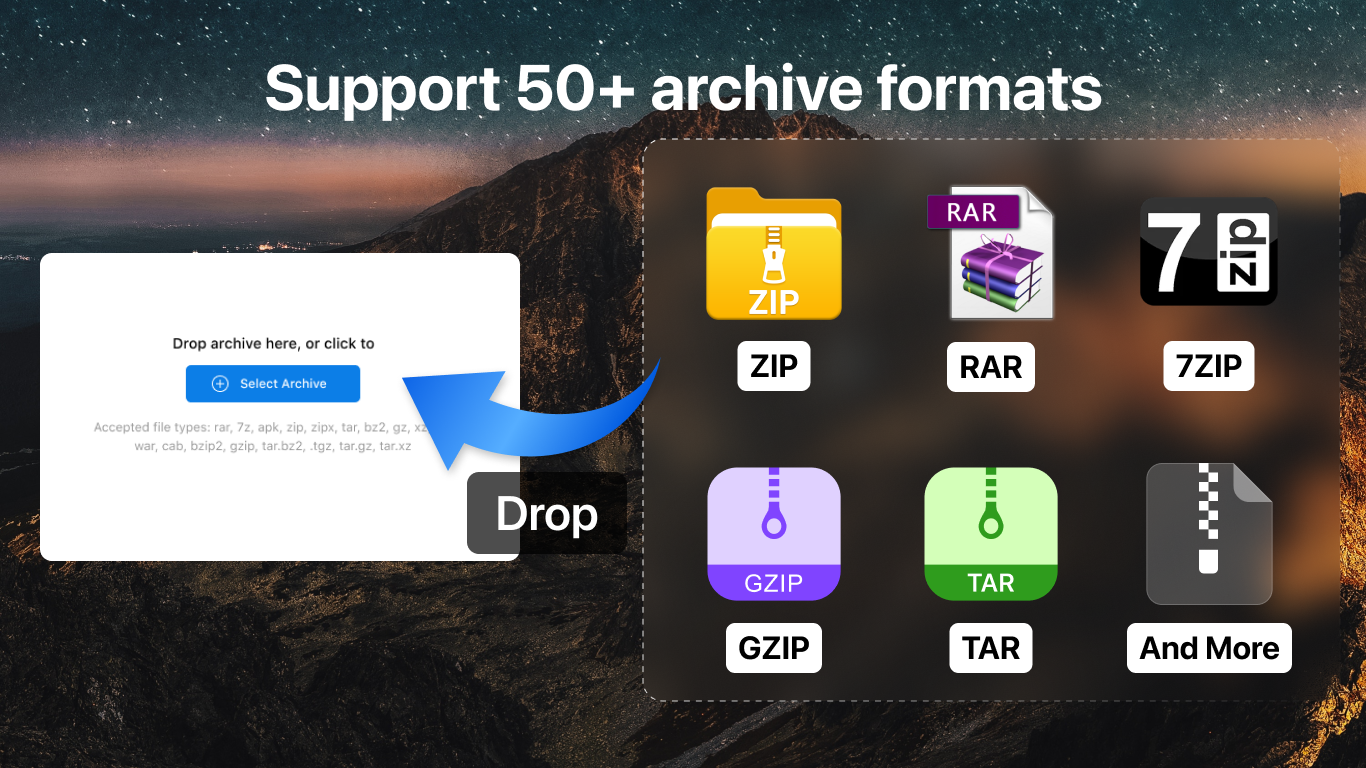
AukZip is a lightweight yet powerful archive tool designed specifically for Windows, offering seamless compression and extraction of ZIP and RAR files. Its primary role is to serve as a straightforward utility that caters to users seeking reliable performance without the bloat of overly complicated options. The app is published by Codaapp Studio, a developer known for creating accessible and effective software solutions.
Key Features Highlighted:
- Supports a wide range of archive formats including ZIP and RAR, ensuring versatile compatibility.
- One-click extraction and compression, simplifying workflows for beginners and experts alike.
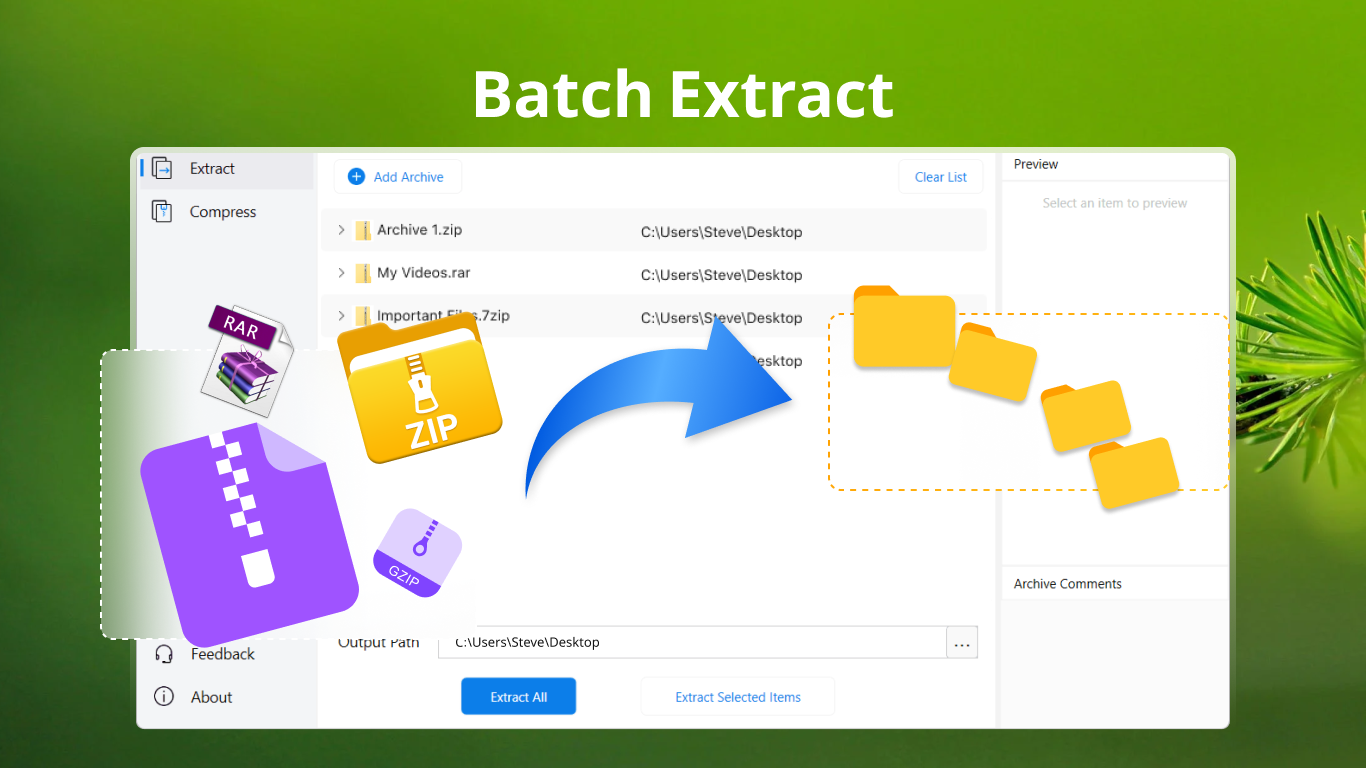
- Batch processing capabilities to handle multiple files simultaneously, saving you time.
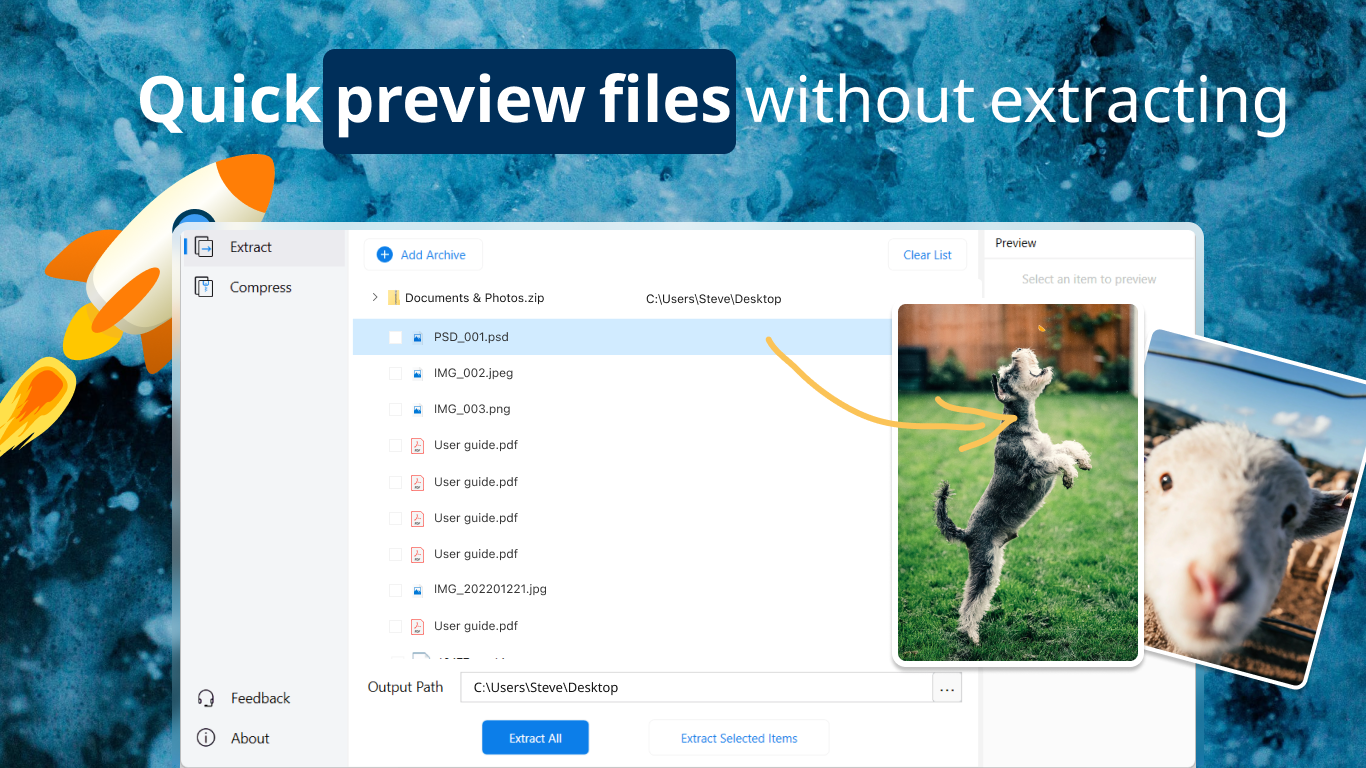
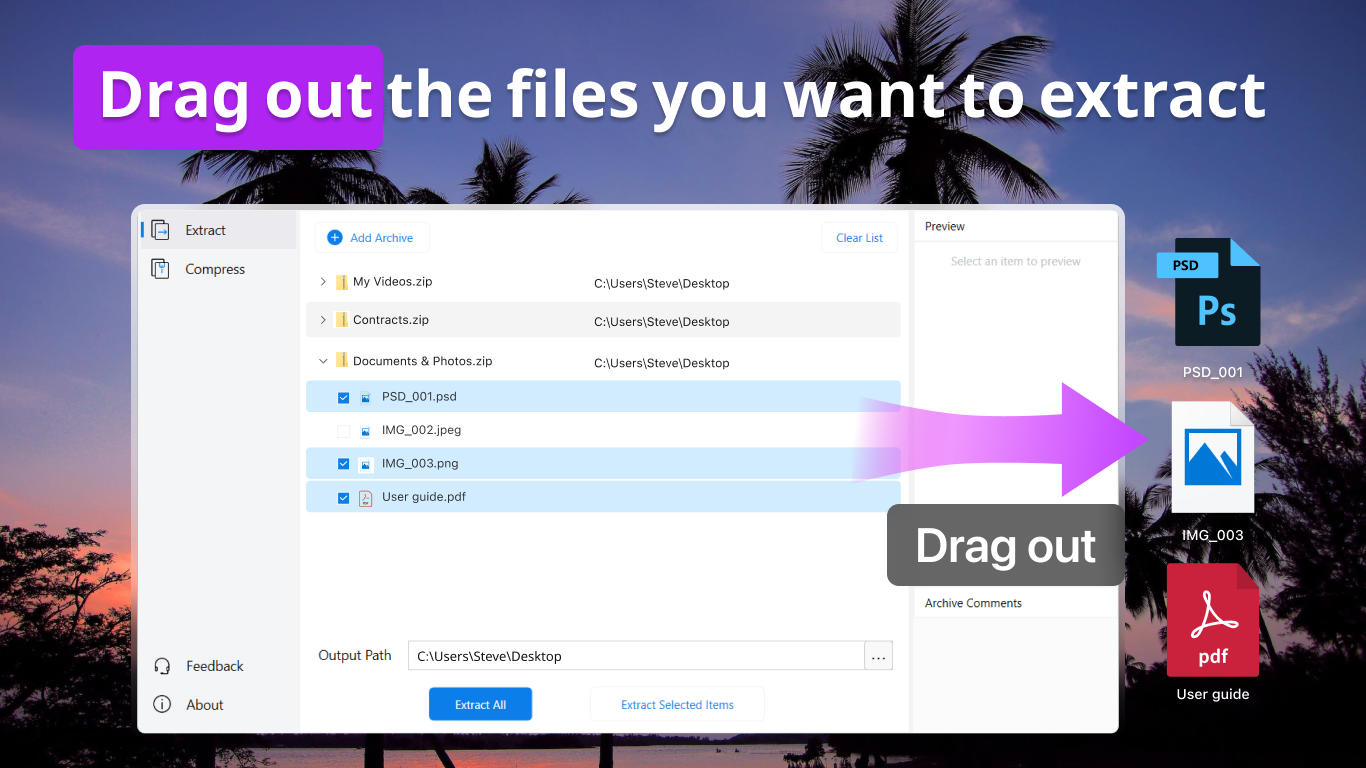
- Built-in file preview and archive management options for easy navigation and control.
Target User Base: This app is suitable for everyday users who need quick archive management, small business professionals managing large data sets, academic users handling numerous compressed files, and anyone looking to replace cumbersome, multi-step archive tools with something more seamless.
A Closer Look: Pleasant User Interface Meets Practical Design
Stepping into AukZip feels like opening a well-organized toolbox—nothing flashy, just a clean, intuitive interface that invites users to start working immediately. The design employs soft, modern hues and straightforward icons that clearly delineate functions, making navigation feel natural rather than overwhelming. Transitioning between tasks is smooth, with minimal loading delays, akin to flipping through easy-to-read pages of a modern magazine.
Handling operations such as extracting or compressing files is a breeze, with clear options that don't require steep learning curves. For new users, the app's layout is reminiscent of familiar file explorer systems, while experienced users will appreciate the straightforward batch processing and context menu integrations. The learning curve is gentle, almost like riding a familiar bicycle—stable and comfortable from the get-go.
Feature Spotlight: Simplified Compression & Intelligent File Preview
At the heart of AukZip's appeal lies its dual focus on ease of use and smart functionality. First, its one-click compression feature is a godsend—imagine wrapping up multiple files in a neat, compressed package with just a tap. Whether you choose ZIP or RAR formats, the process is quick, with minimal fuss, making it a perfect tool for those who need quick archival solutions without diving into complex settings.
Second, AukZip's file preview capabilities stand out. When browsing archives, users can view individual file contents without extracting everything. Think of it as peeking inside a sealed box through a transparent window—you get an instant feel for what's inside, saving the hassle of unnecessary extractions. This feature proficiently bridges the gap between functionality and convenience, allowing for informed decision-making within seconds.
What Sets AukZip Apart and Final Recommendations
Compared to many utilities in the same space, AukZip's major differentiator is its balance of simplicity and powerful features. Unlike bulkier tools that drown users in settings, AukZip opts for an elegant minimalism—yet it does not compromise on core functionalities like batch processing and archive management. Its clean interface paired with smart preview and easy compression sets it apart as a genuinely friendly yet capable utility.
Given its user-centric design and practical features, I confidently recommend AukZip for everyday archive management. It's particularly useful for users who want reliable performance without complexity and appreciate a tool that integrates seamlessly into their workflow. While it might not replace full-featured enterprise solutions, for personal and light professional uses, AukZip stands out as a worthy, dependable companion.
In conclusion, if you're seeking an app that combines clarity, efficiency, and core archive functions in a highly accessible package, AukZip could very well become your go-to tool. It's like finding a trusty sidekick—ready to handle your compressed files with a friendly face and professional efficiency.
Pros
- User-friendly interface
- Supports multiple formats
- Fast processing speed
- Lightweight and portable
- Built-in file management features
Cons
- Limited advanced features
- No cloud integration
- Basic editing capabilities
- Occasional minor bugs
- Limited customization options











