

- Category Utilities & tools
- Developer Auslogics Labs Pty Ltd
- Available on PC
- OS Windows 10 version 0.0 or higher
- languages English, French, German, Italian, Spanish, Japanese, Portuguese, Russian
Streamlining Your Disk Drive: An Introduction to Auslogics Disk Defrag for Windows
In the vast landscape of PC utilities, Auslogics Disk Defrag for Windows stands out as a reliable tool to optimize hard drive performance, reminiscent of a skilled gardener pruning and nurturing a garden to flourish better.
About the Developer: Trusted Hands Behind the Tool
Developed and published by Auslogics Labs Pty Ltd, a reputable software company known for creating user-friendly system utilities designed to enhance PC efficiency without unnecessary complexity.
Key Features That Make a Difference
- Smart Defragmentation Algorithms: Uses intelligent techniques to analyze and prioritize files for defragmentation, ensuring faster and more efficient optimization.
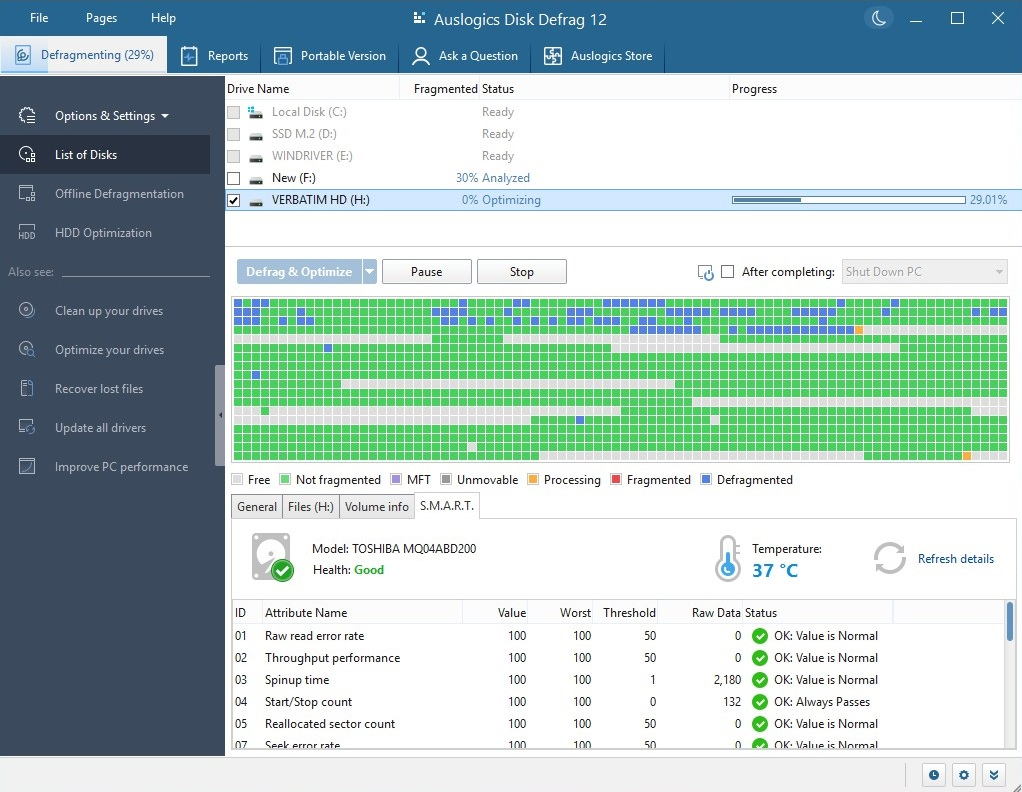
- Real-Time Drive Monitoring: Provides ongoing monitoring of your disk health and fragmentation levels, offering proactive optimization recommendations.
- Scheduled Maintenance: Enables automatic defrags at scheduled times, helping keep your system optimized without manual intervention.
- User-Friendly Interface: Designed with clarity, making setup and operation straightforward even for less tech-savvy users.
Deep Dive: Why This Utility Shines
Engaging and Intuitive Interface
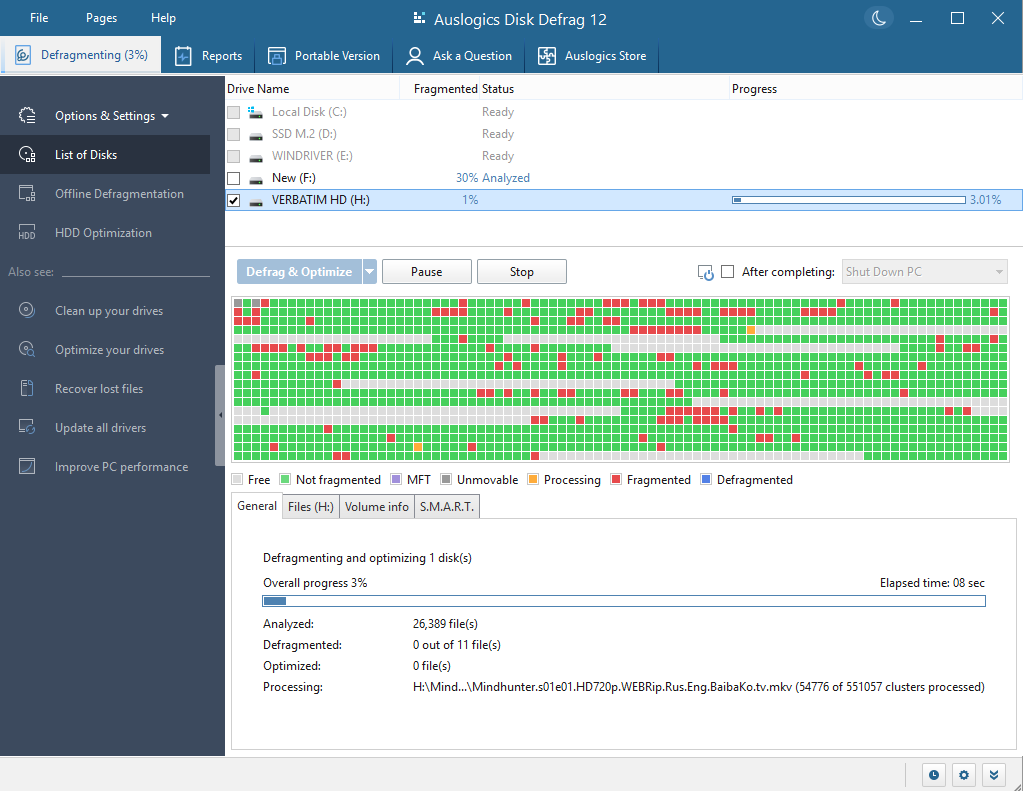
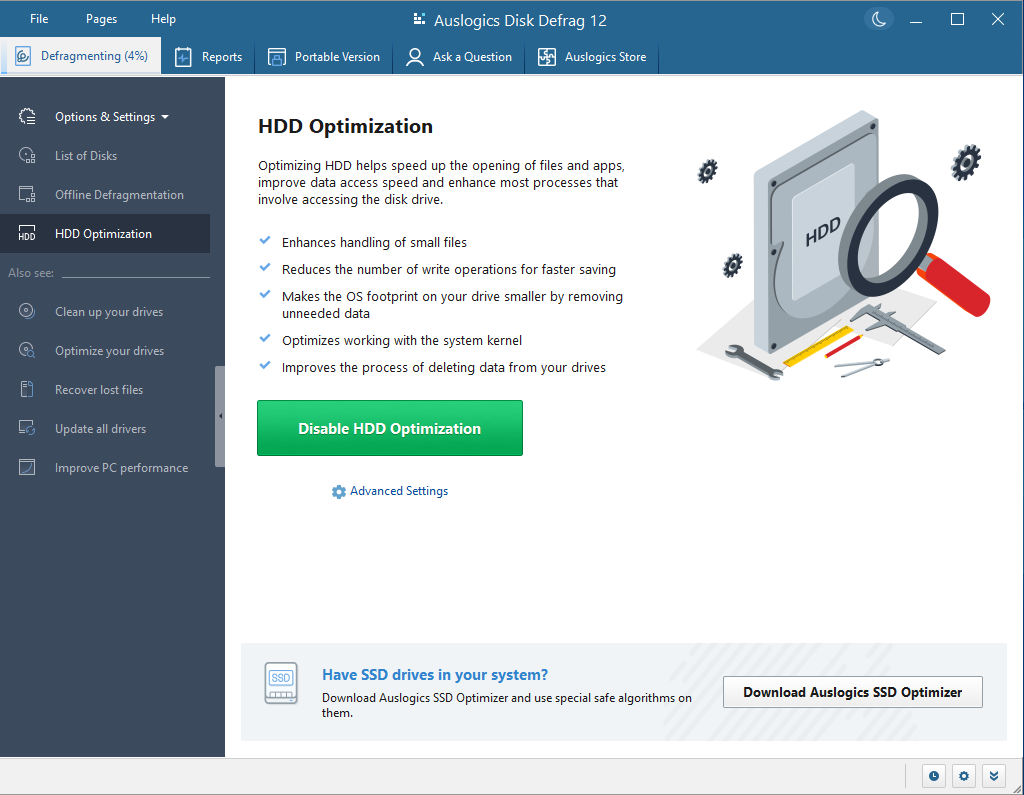
Imagine opening a console that feels more like a friendly dashboard than a labyrinth of technical jargon. Auslogics Disk Defrag features a clean, modern design with intuitive controls. The main window clearly displays current fragmentation status and offers one-click optimization options. This ease of use bridges the gap between technical necessity and everyday practicality, making disk maintenance accessible rather than intimidating.
Core Functionalities: Smarter, Faster, Safer
The standout feature here is the smart defragmentation algorithm, which functions much like a personal trainer tailoring workouts specifically for your disk's needs. Unlike some tools that perform brute-force scans, Auslogics assesses the fragmentation patterns and targets critical files first, reducing overall defragmentation time and minimizing system strain.
Additionally, the real-time drive monitoring ensures your disk's health isn't left to chance—vital since fragmented drives can slow down workflows and risk data corruption. The scheduled maintenance feature acts like a regular health check-up, making disk optimization a seamless part of your routine without manual reminders.
How Does It Differ From the Crowd?
While many disk defrag tools simply offer basic defragmentation, Auslogics takes a step further with its intelligent analysis and proactive monitoring, which helps prevent performance degradation before it happens. Its ability to prioritize files based on usage frequency and system importance is akin to a seasoned librarian meticulously organizing your library for quickest access—maintaining peak efficiency over time.
Final Verdict: Is It Worth a Spin?
Absolutely. Auslogics Disk Defrag for Windows earns a solid recommendation for users who seek a straightforward, effective way to maintain their disk's health and performance. Its core strength lies in its intelligent defragmentation and vigilant monitoring features, making routine maintenance less of a chore and more of a natural, unnoticed process. Whether you're an average user noticing slower PC responses or a power user keen on keeping your system in top shape, this tool offers tangible benefits without overwhelming complexity. Give it a try, and let your hard drive run more smoothly—like a well-oiled machine.
Pros
- Fast and efficient defragmentation
- User-friendly interface
- Customizable defragmentation options
- Supports optimization of multiple drives
- Scheduled defragmentation feature
Cons
- Limited free features
- Initial scan may take some time
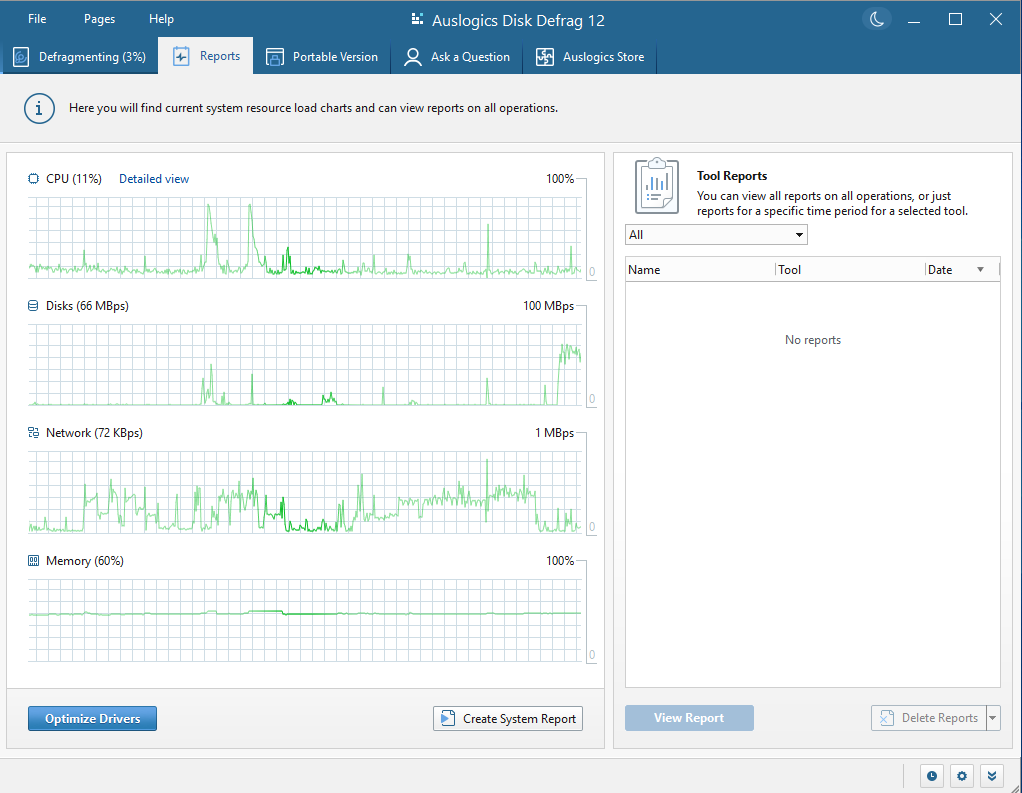
- Lack of detailed reporting
- Compatibility issues with certain system configurations
- No real-time monitoring of disk health











