

- Category Utilities & tools
- Developer Avast Software s.r.o.
- Available on PC
- OS Windows 10 version 0.0 or higher
- Keyboard Integrated Keyboard
- Mouse Integrated Mouse
- Memory 1 GB
- languages Chinese (Simplified), Chinese (Traditional Chinese), Czech, Danish, Dutch, English (United States), Finnish, French, German, Hungarian, Indonesian, Italian, Japanese, Korean, Malay, Norwegian, Polish, Portuguese (Brazil), Portuguese (Portugal), Russian, Serbian, Slovak, Spanish, Swedish, Turkish
Efficient System Maintenance at Your Fingertips
AVG TuneUp for Windows is a comprehensive PC optimization tool designed to streamline system performance, clean unwanted files, and extend the lifespan of your device, making regular maintenance feel effortless and user-friendly.
Meet the Developer and Core Features
Developed by Avast Software s.r.o. and published by AVG Technologies, this app combines years of cybersecurity expertise with utility-focused features. Its standout capabilities include automatic cleanup schedules, deep registry cleaning, and intelligent sleep mode for background apps—all tailored to keep your Windows PC running smoothly without a hassle.
A Fresh Spin on System Optimization
Imagine your computer as a bustling city. Over time, clutter piles up, pathways clog, and traffic slows down. AVG TuneUp acts like an efficient city planner—removing debris, streamlining traffic flow, and ensuring everything runs seamlessly. Its intuitive interface feels like a friendly guide showing you the city's map, making maintenance simple even for those unfamiliar with deep technical details.
Powerful and Automated Cleaning
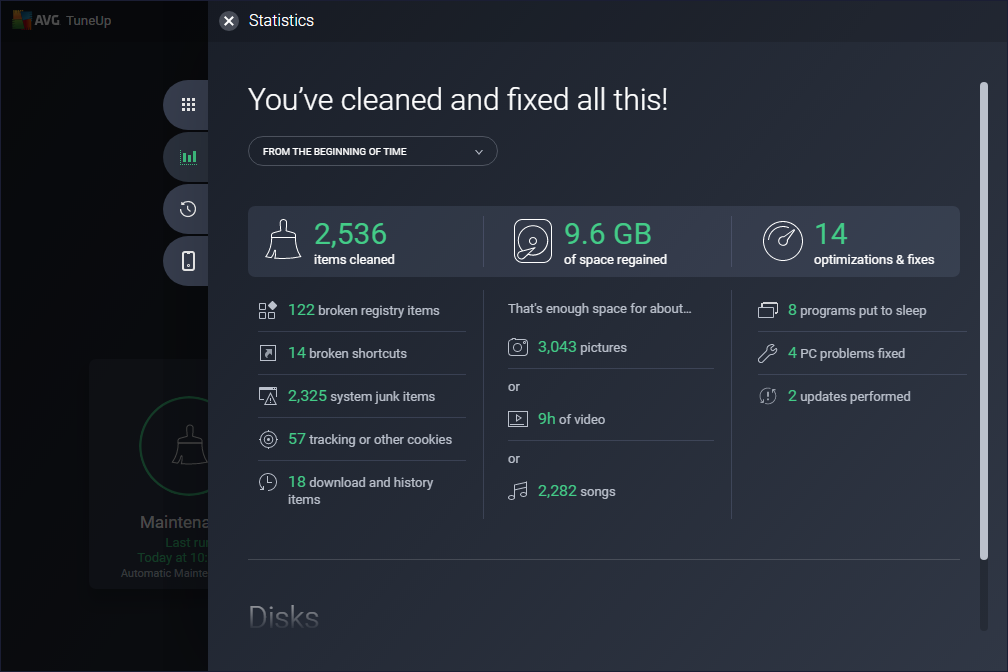
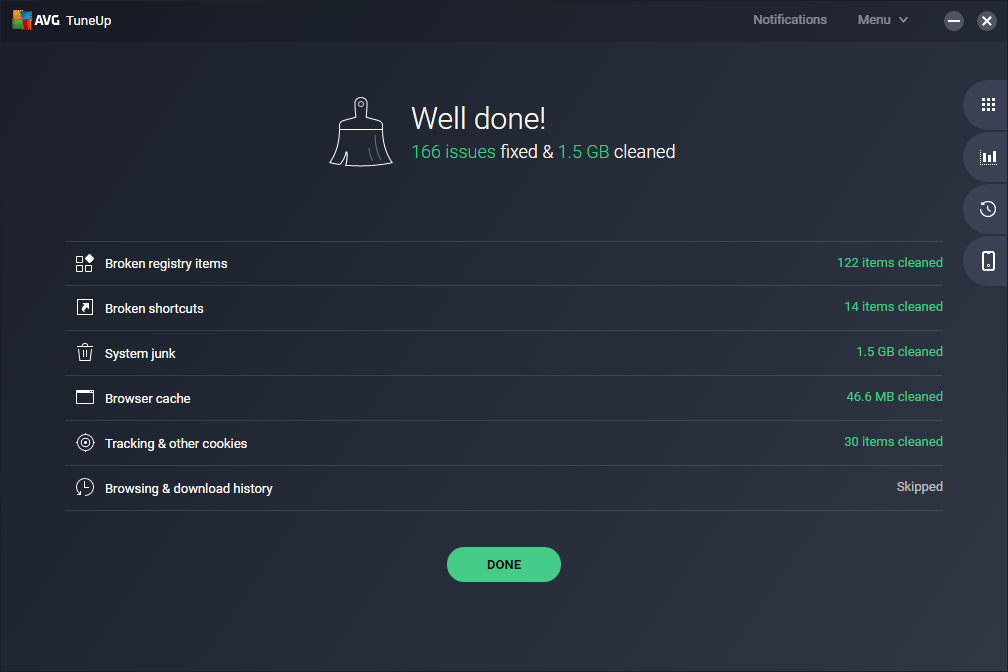
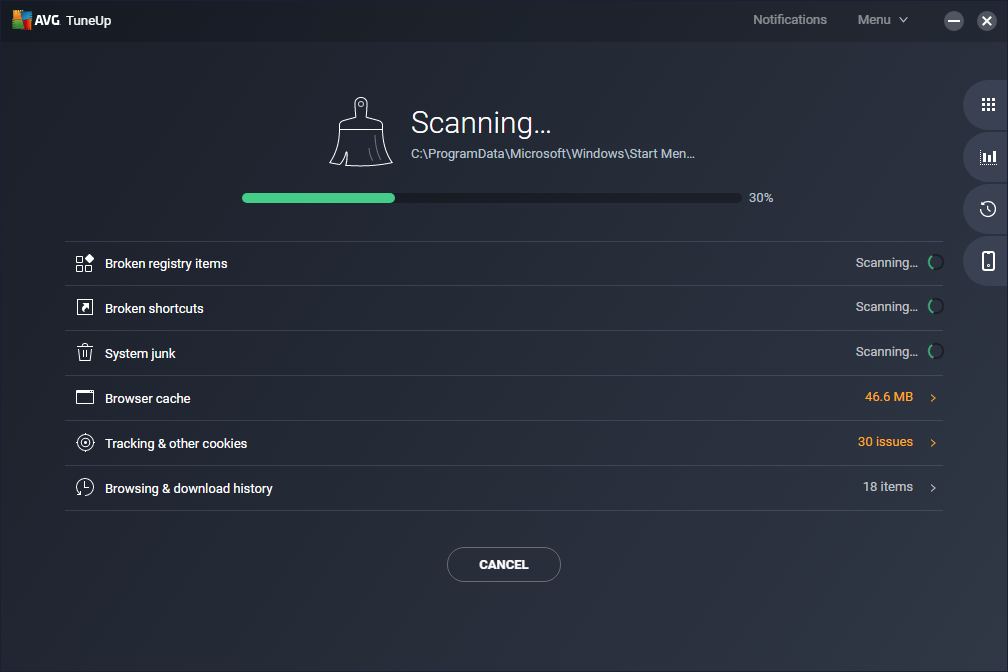
The app's 'Automatic Maintenance' feature is like having a personal cleanup crew working behind the scenes. It intelligently scans for unnecessary files, outdated system logs, and residual data from uninstalled apps. This automation minimizes user input, so your PC stays tidy without manual intervention. The deep registry cleanup goes beyond surface-level scans, fixing errors that can cause sluggish performance or instability, functioning like a meticulous housekeeper tending to every corner.
Performance Boost with Sleep Mode
The standout feature—'Smart Turbo'—introduces a clever sleep mode for background applications. Think of it as putting non-essential apps to sleep during work hours, freeing up system resources. Unlike traditional task managers, this feature analyzes which processes genuinely need to run, effectively prioritizing essential tasks. It's like having a personal assistant who knows just when to keep things active or take a break, resulting in snappier, more responsive operation.
Design, Usability, and Experience
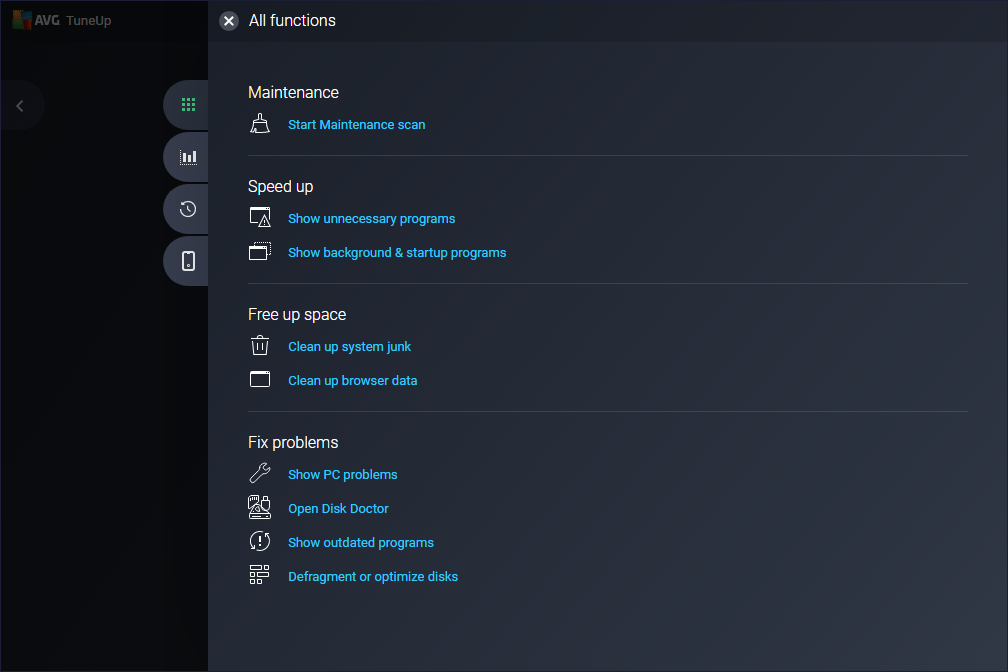
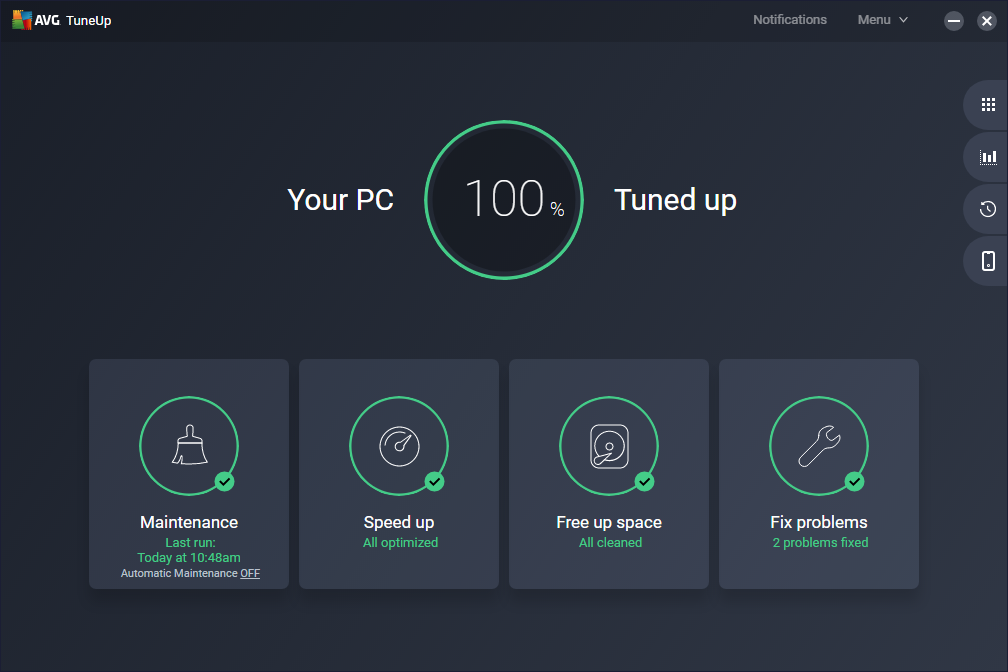
AVG TuneUp offers a clean, modern interface that feels welcoming and easy to navigate—like flipping through a well-designed dashboard. The operation flows smoothly; clicking through features is intuitive, and the app responds promptly. The learning curve is gentle; even tech novices can comfortably explore advanced options without feeling overwhelmed. It provides helpful hints and tips, ensuring users understand each function's purpose.
What Sets it Apart from the Crowd
While many system utilities focus solely on cleaning or boosting performance, AVG TuneUp combines these with a nuanced approach to background app management through its 'Sleep Mode.' This feature is uniquely perceptive, automatically detecting idle applications rather than relying on manual toggling, akin to a seasoned butler who anticipates your needs. Additionally, its deep registry cleaning sustains long-term stability—a layer of maintenance often overlooked by similar tools. These elements make AVG TuneUp especially suitable for users seeking a reliable, set-it-and-forget-it utility that maintains peak performance without constant oversight.
Final Recommendation and Usage Guidance
In summary, AVG TuneUp stands out as a thoughtfully designed, effective utility for keeping your Windows PC running smoothly. It's particularly recommended for users who prefer an automated, low-maintenance approach but still appreciate advanced cleaning options. For everyday users, its ease of use and intelligent features make it a friend in need, proactively preventing issues before they arise.
We suggest trying it out if your computer feels a bit sluggish or cluttered—think of it as giving your trusty device a regular health check. For power users and those who value automation, AVG TuneUp's sleep mode and deep cleaning options make it a worthwhile addition to your toolkit. Just like a dedicated gardener tending a garden, it nurtures your system quietly but effectively, ensuring long-term health and responsiveness.
Pros
- Effective Performance Optimization
- User-Friendly Interface
- Automated Maintenance
- Deep Registry Cleaning
- Additional Tools
Cons
- Resource Usage During Scan
- False Positives in Junk Detection
- Limited Free Features
- Cleanup Speed
- Occasional False Notifications











