
- Category Utilities & tools
- Developer Jonas Bark
- Available on PC
- OS Windows 10 version 17763.0 or higher
- languages English (United States)
BikeControl for Windows: The Ultimate Cycling Companion on Your PC
Imagine having a dedicated toolkit that transforms your cycling experience, right on your Windows desktop. That's exactly what BikeControl offers—an intuitive app designed to enhance your biking routines with precise tracking and insightful data, all from the comfort of your computer.
About the Developer and Core Features
Developed and published by Jonas Bark, BikeControl is tailored to avid cyclists and biking enthusiasts who want an advanced yet user-friendly way to monitor their rides. The app's main strengths include detailed ride analytics, customizable training sessions, and seamless data synchronization. With these features, users gain a comprehensive picture of their cycling performance, helping to set and achieve new fitness goals.
Getting Started with BikeControl: A User-Friendly Gateway into Cycling Data
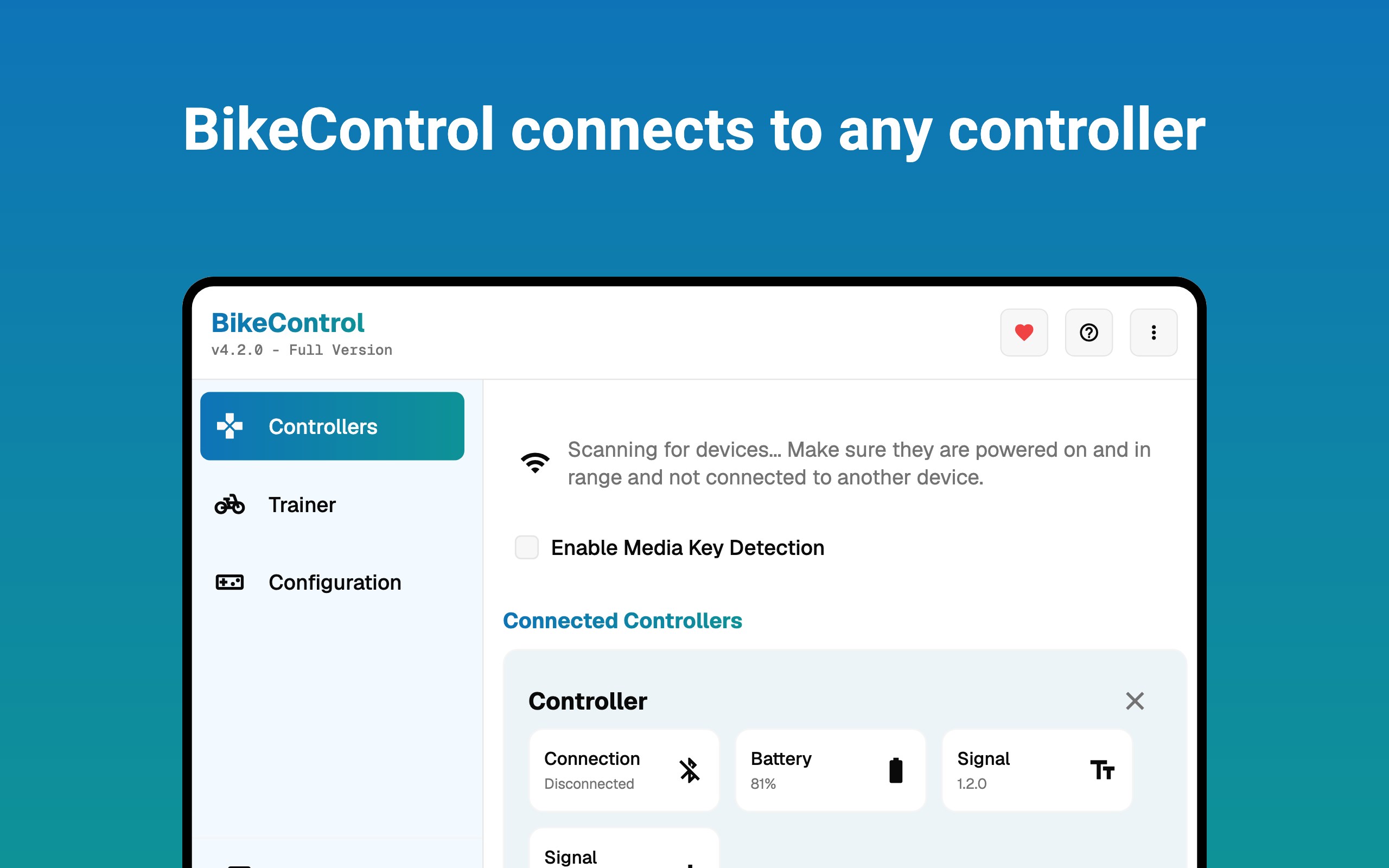
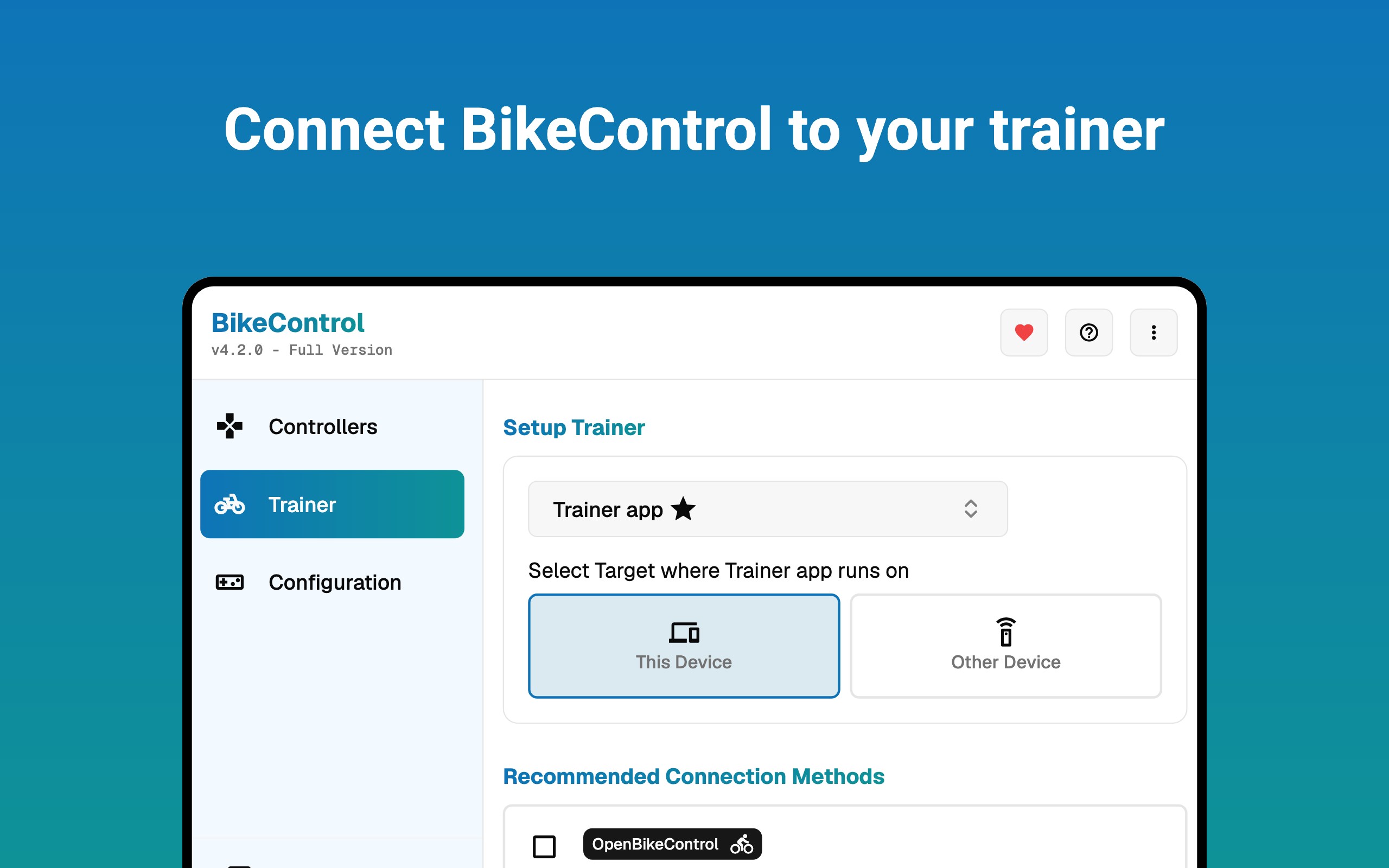
From the moment you launch BikeControl, you are greeted with a clean, well-organized interface that feels akin to stepping into a digital cockpit. Navigating through the app is as smooth as a well-oiled chain on a bicycle—fluent, responsive, and straightforward. Whether you're a seasoned cyclist or just starting out, the learning curve is gentle, thanks to clear labels and helpful tooltips that guide you along each step.
Core Function 1: Precise Ride Tracking and Analytics
BikeControl's standout feature is its ability to accurately record and analyze your cycling sessions. Utilizing your computer's sensors and inputs, it captures metrics such as distance, speed, elevation, and time. After each ride, you're presented with detailed visualizations—charts, graphs, and summaries—that turn raw data into compelling insights. This feature is like having a personal coach reviewing your performance, giving you tangible feedback to improve your endurance and technique.
Core Function 2: Customizable Training Modules and Goals
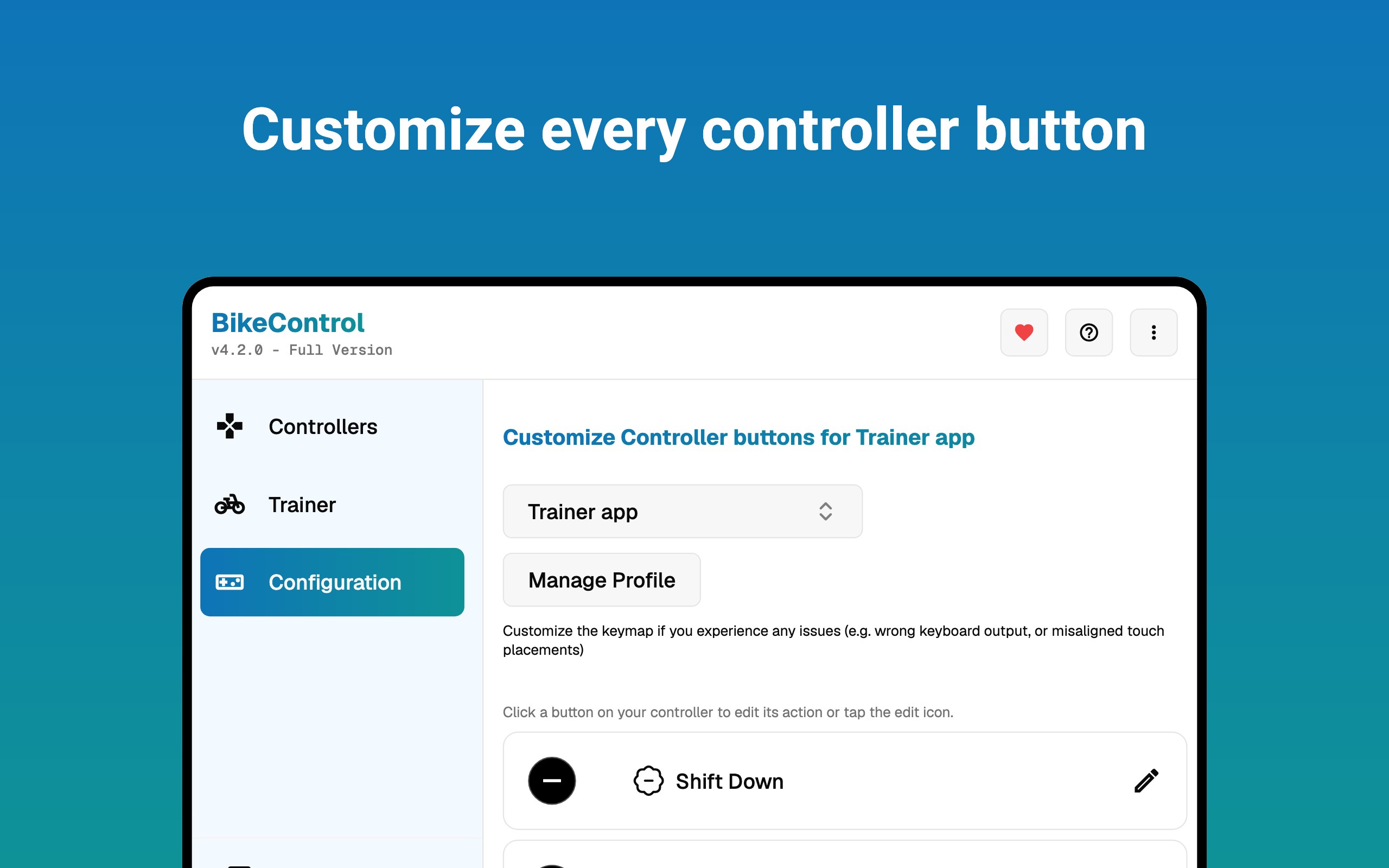
Beyond tracking, BikeControl empowers users to tailor their training plans with customizable workouts and milestones. Whether you aim to reach a certain distance, improve your speed, or build stamina, you can set specific targets and track your progress over time. The app's flexibility ensures that your training remains aligned with your personal objectives, making each ride purposeful and motivating.
Design, Usability, and Unique Advantages
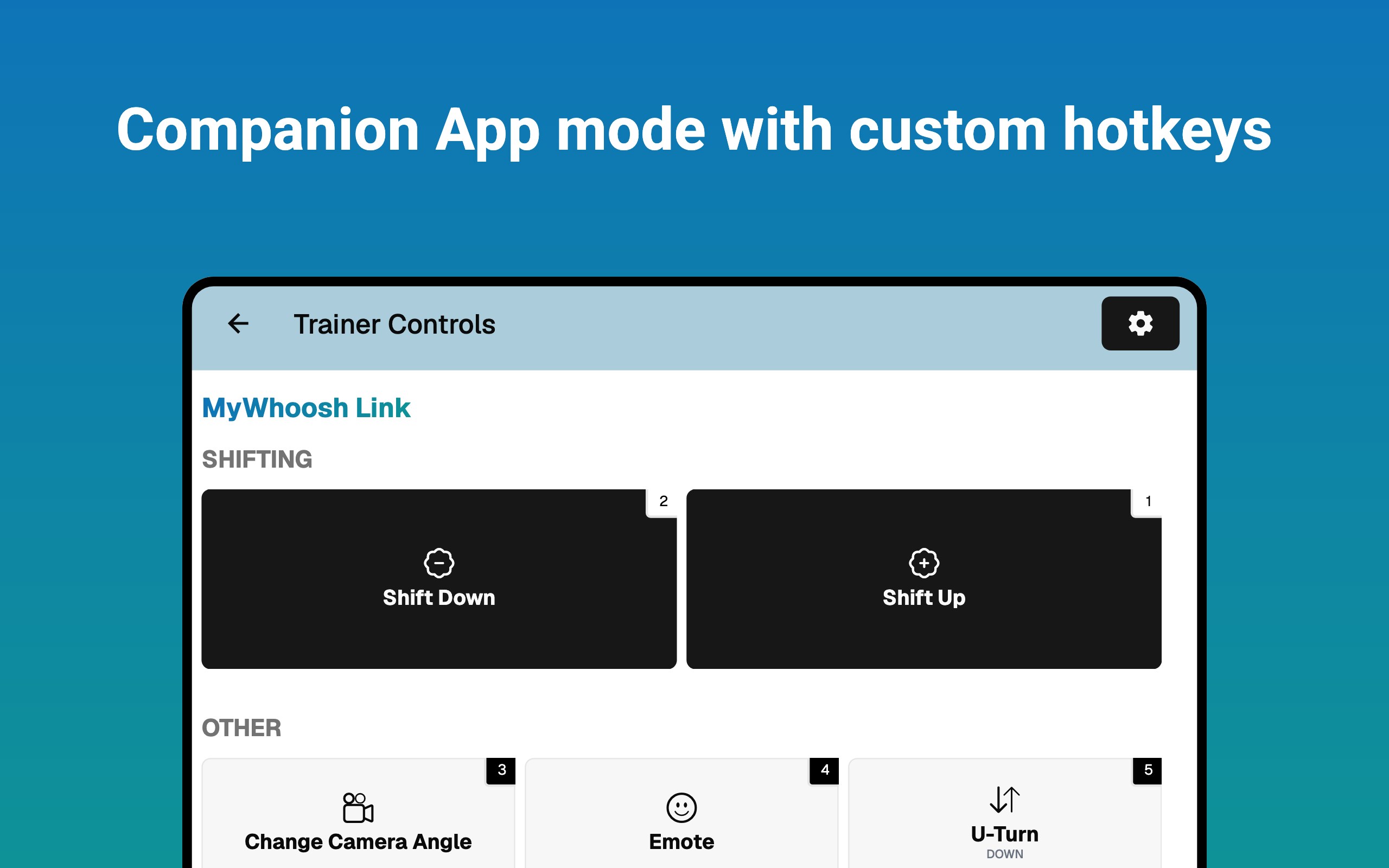
The interface strikes a perfect balance between simplicity and functionality—visuals are crisp without being cluttered, and navigational elements are logically arranged, allowing you to access features swiftly. The app's responsiveness ensures that even during intense sessions, interactions feel fluid and lag-free.
One of BikeControl's most distinctive aspects is its focus on desktop integration, providing a comprehensive environment for data analysis that isn't readily available on many mobile-focused cycling apps. Its capacity to synchronize with other cycling devices and datasets makes it a valuable hub for cyclists who want in-depth insights and historical tracking. Unlike many utility apps that only offer basic metrics, BikeControl's detailed analytics and customizable training modules set it apart.
Final Thoughts and Recommendations
This app is particularly recommended for cyclists who prefer managing their training and data from a desktop setup, or those seeking a detailed, professional-level analysis. Its user-friendly design makes it accessible while still offering advanced features for serious enthusiasts. Overall, BikeControl for Windows is a reliable, insightful tool that complements your cycling journey—think of it as having a knowledgeable coach right on your screen.
Pros
- Real-time bike tracking
- User-friendly interface
- Comprehensive riding statistics
- Customizable alerts
- Offline map support
Cons
- Battery consumption
- Limited compatibility
- Occasional GPS inaccuracies
- Basic analytics features lacking
- Minor UI glitches











