

- Category Utilities & tools
- Available on PC
- OS Windows 10 version 17763.0 or higher
- Memory 300 MB
- languages English
An Essential Companion for Bluetooth Enthusiasts: Bluetooth Battery Level for Windows
Imagine being able to peek into the health of your Bluetooth devices with a simple glance—no more guesswork or frantic searches when your wireless earbuds die mid-song. Bluetooth Battery Level for Windows by Workstation Master steps into this scene as a straightforward yet powerful tool that keeps you effortlessly connected to your device's battery status. This app promises to transform your Bluetooth management experience by offering real-time updates, making it an indispensable utility for daily tech users.
Clear and Concise Basic Information
Positioning itself as a convenient Bluetooth battery monitor, Bluetooth Battery Level for Windows is designed to give users a seamless way to stay informed about their connected devices' power levels without the clutter of complex menus or additional hardware.
The application is developed by Workstation Master, a trusted publisher known for producing practical and user-friendly utility tools tailored for Windows users.
Core features include:
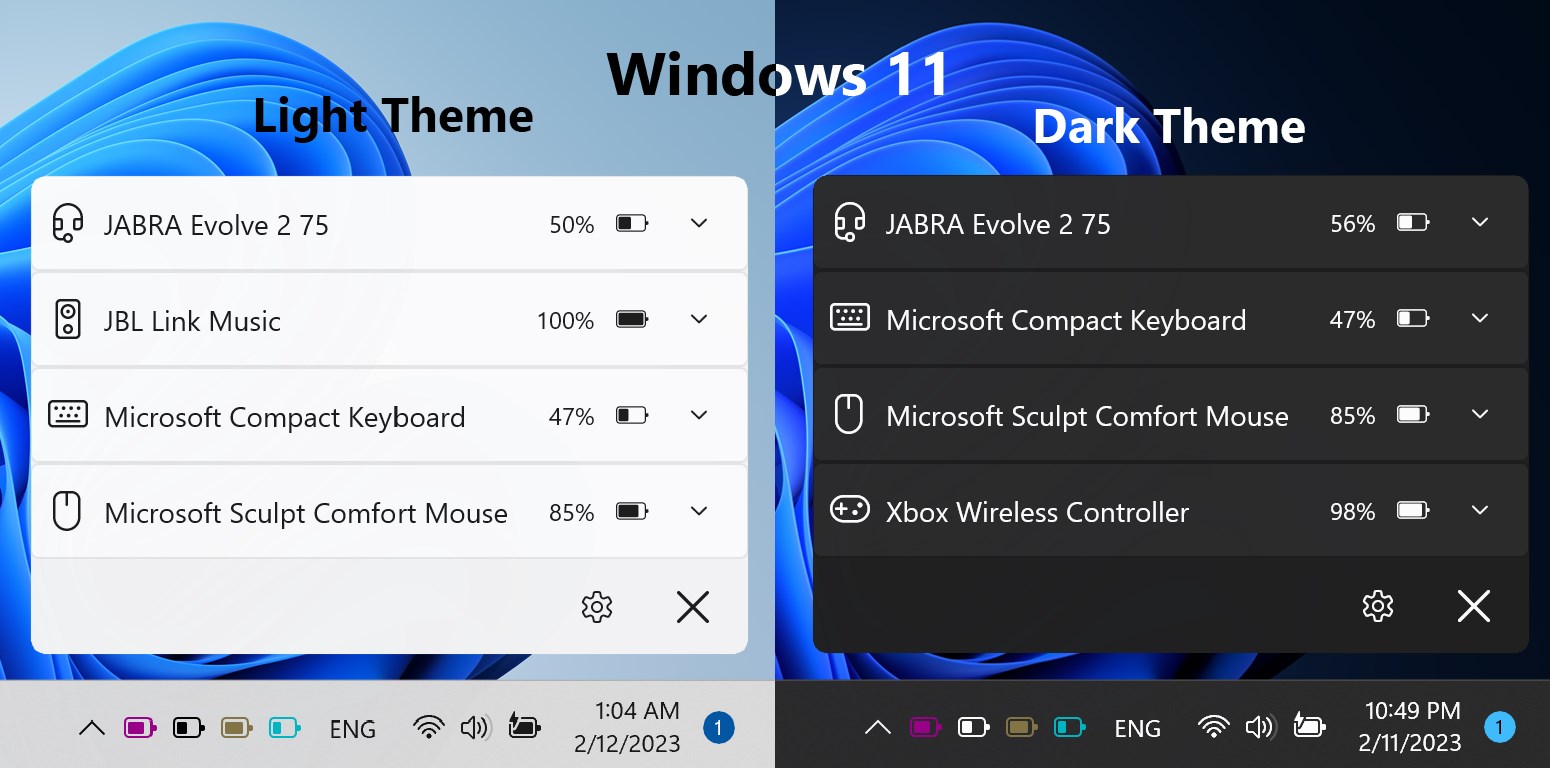
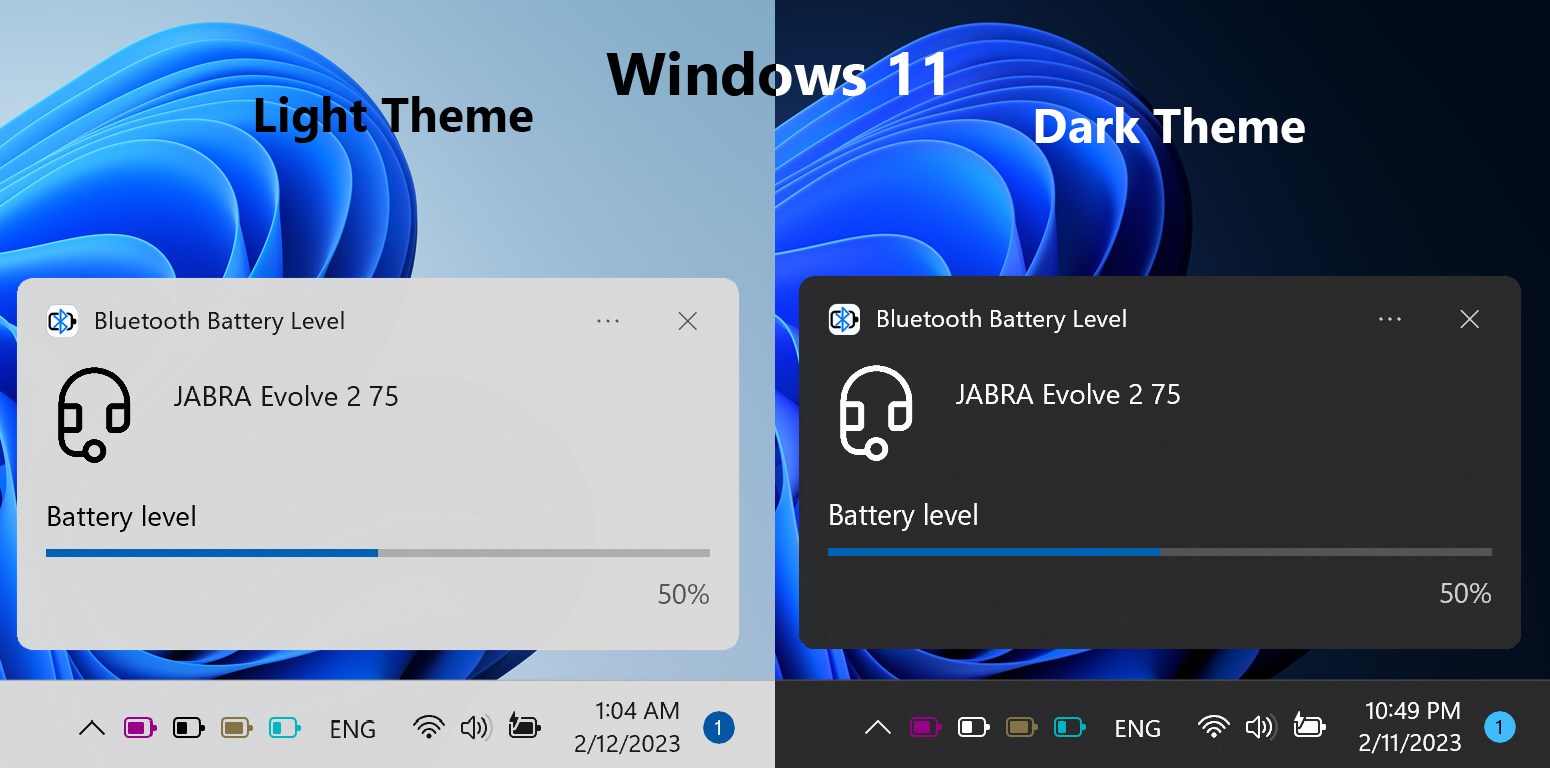
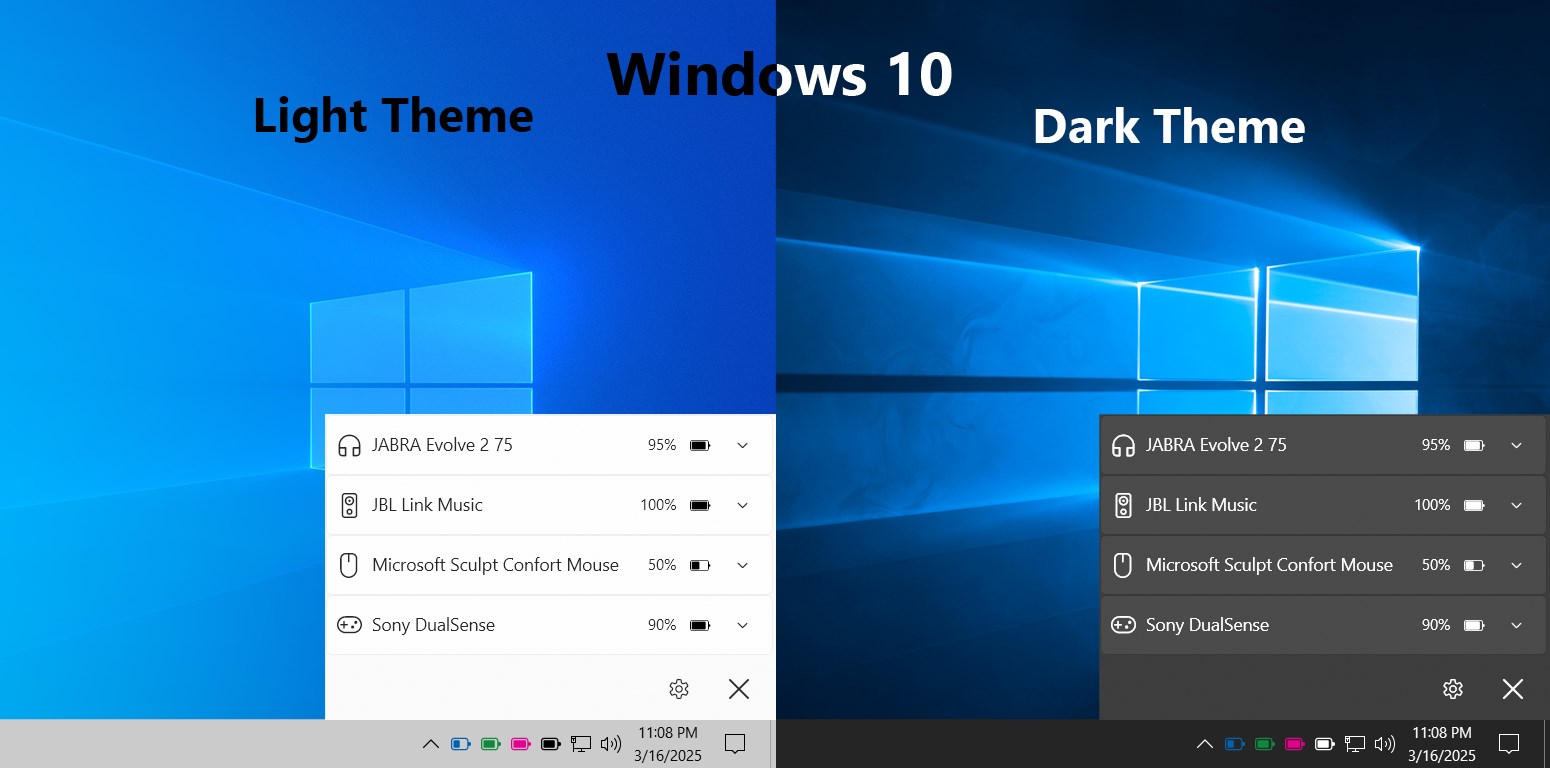
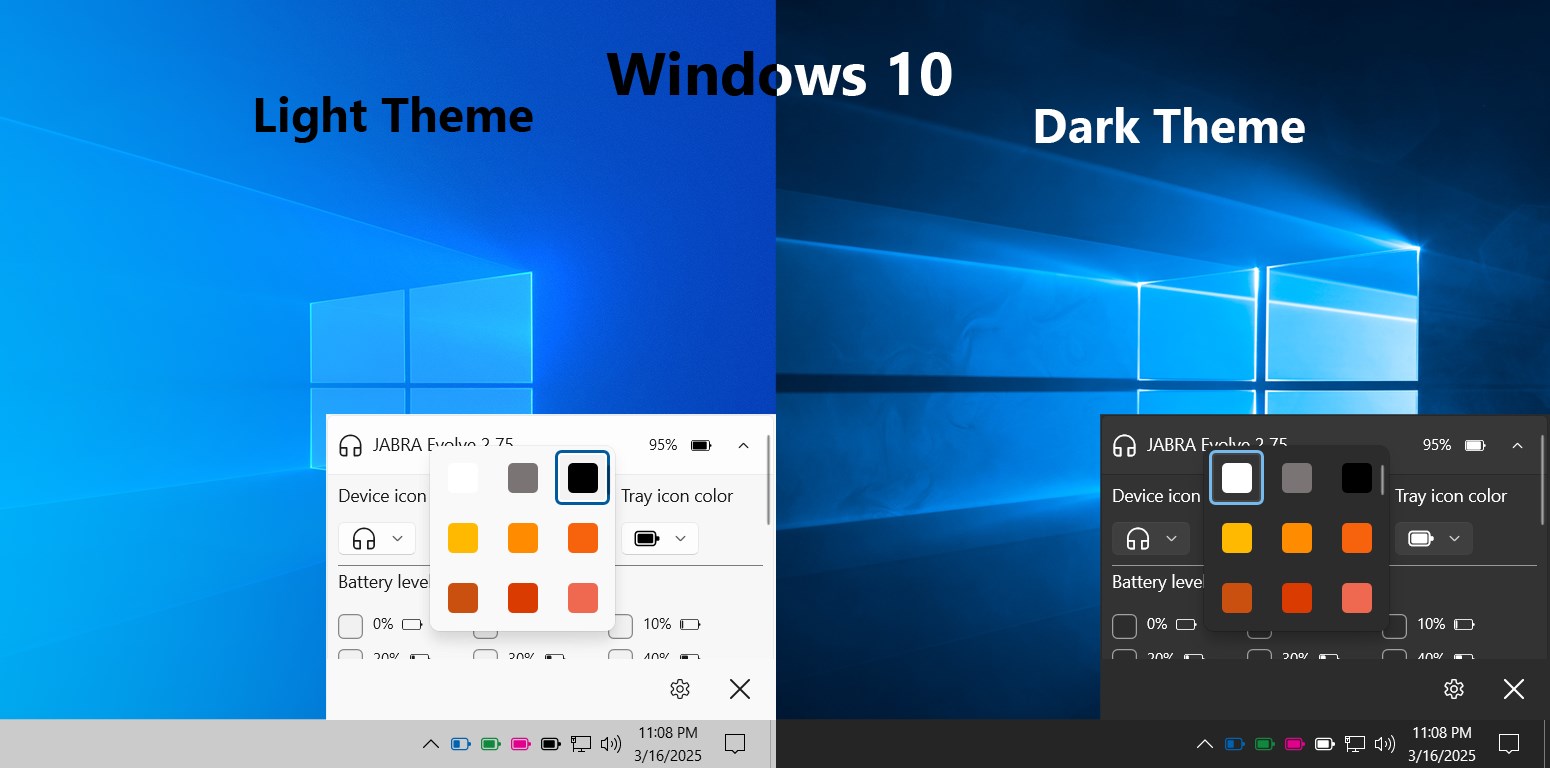
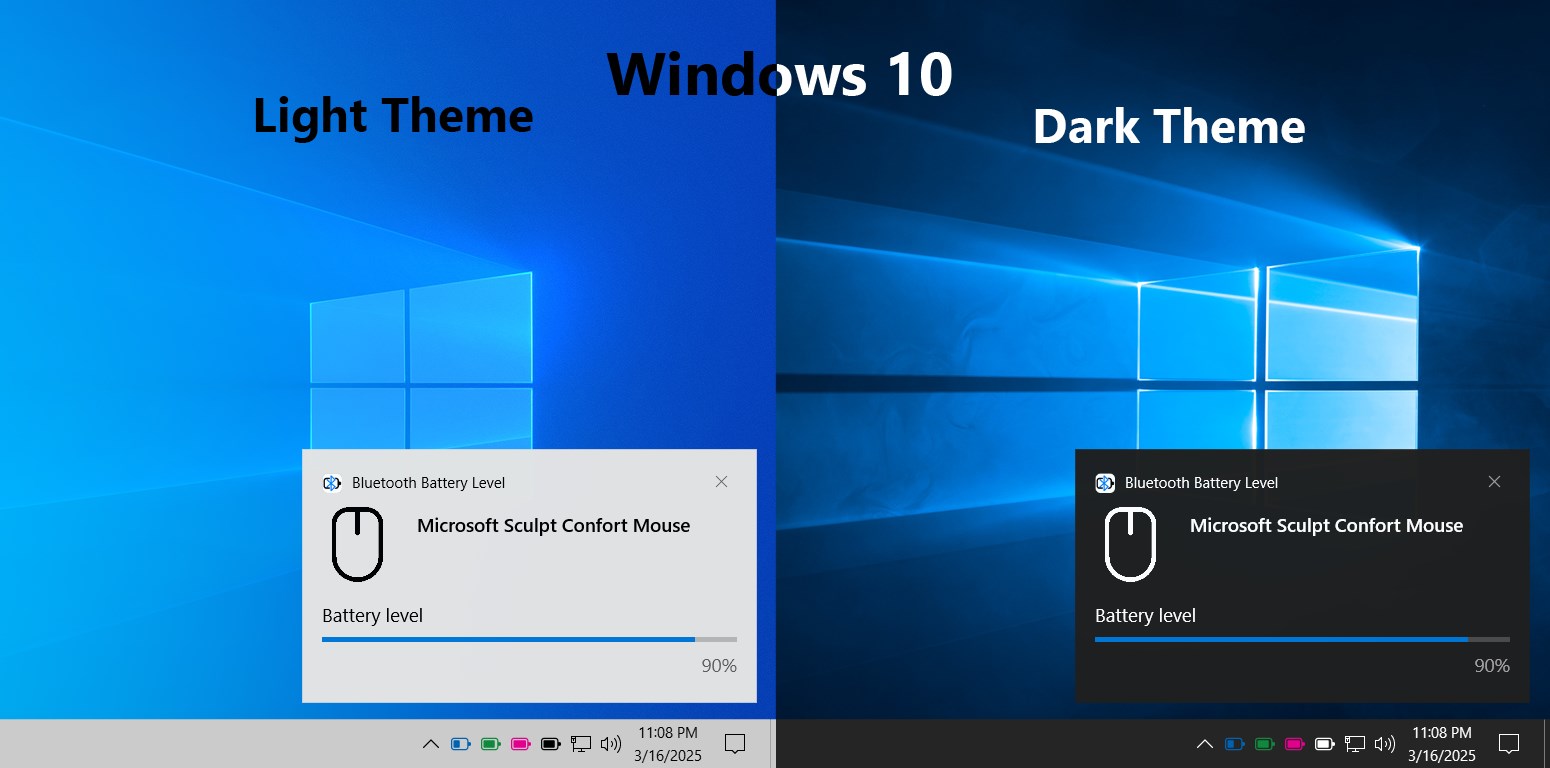
- Real-time Bluetooth device battery level monitoring directly from the taskbar.
- Automatic device detection and status updates, ensuring you're always informed about your device's power health.
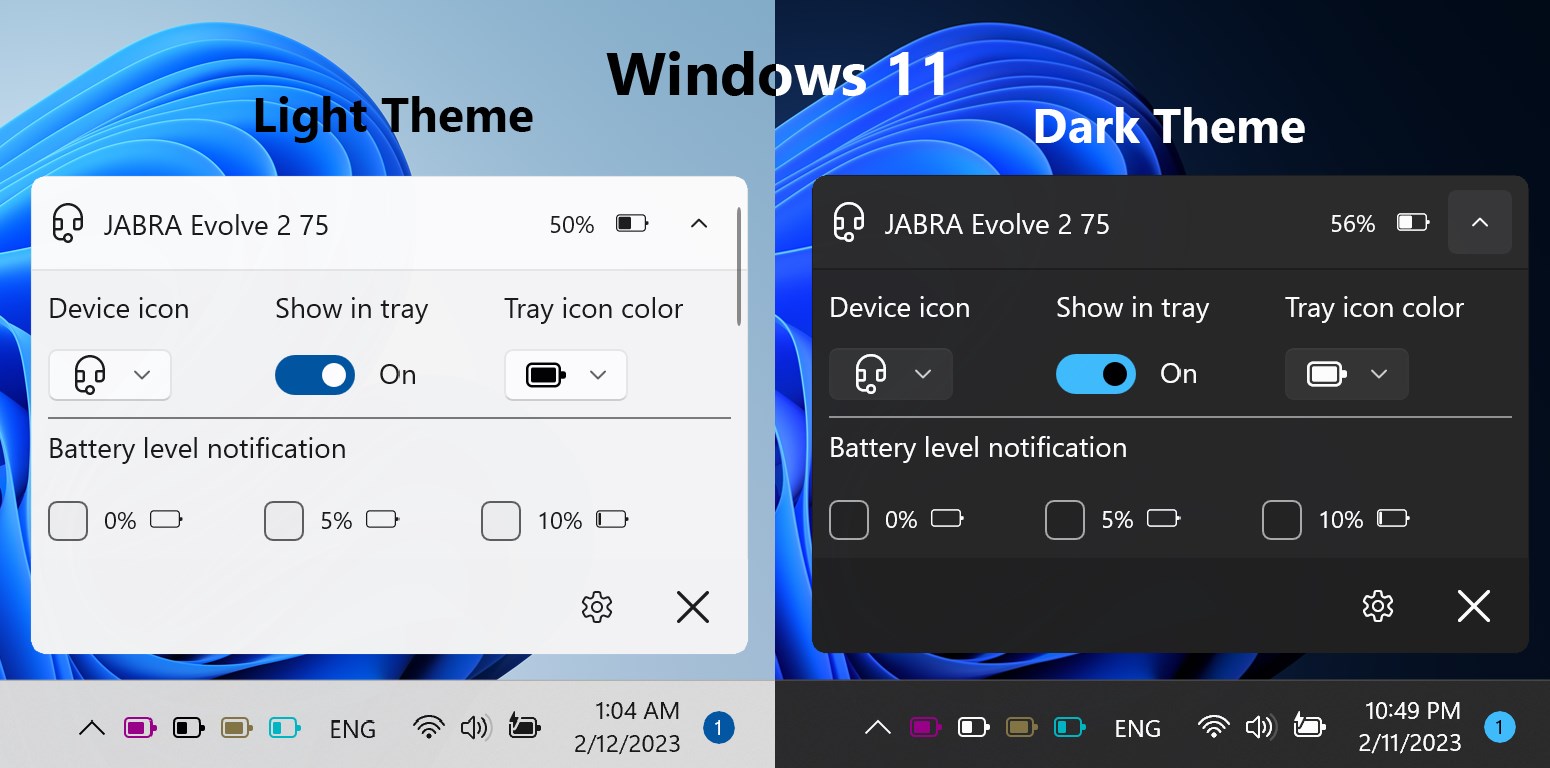
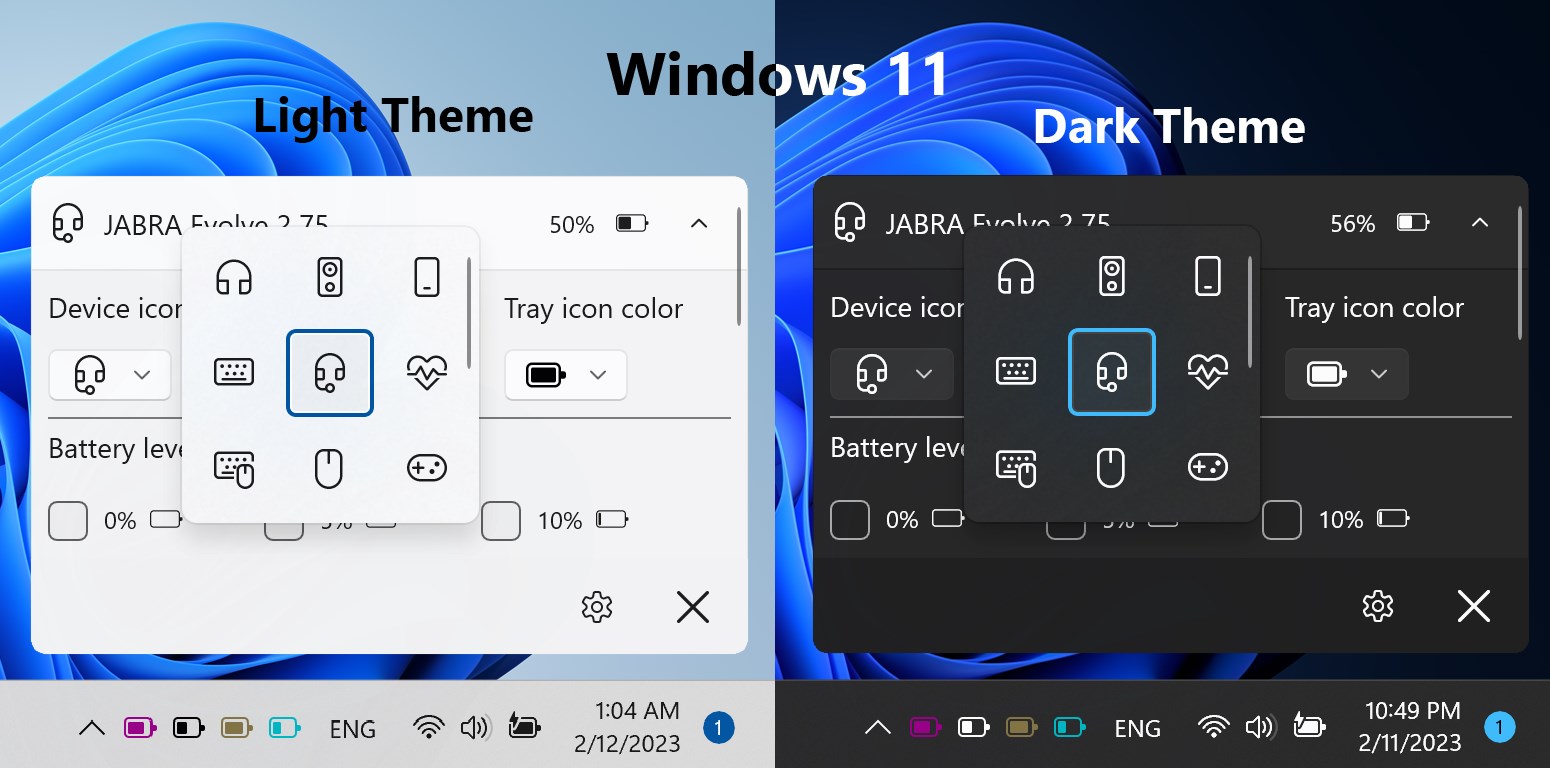
- Minimalist and intuitive interface that blends into your Windows environment without disruption.
- Lightweight operation with low system resource consumption, keeping your system responsive.
Its main audience comprises Windows users who regularly connect Bluetooth peripherals—such as headphones, keyboards, mice, or other gadgets—and want an effortless way to monitor their device's battery status, especially those who dislike digging through multiple menus or managing separate apps for this purpose.
Bringing Bluetooth Battery Management to Life
Imagine sitting down for a work session or a Netflix binge—your devices are humming along, but the battery icons in Windows just aren't enough to keep you informed. That's where Bluetooth Battery Level shines, transforming a mundane task into a smooth, almost intuitive experience. Its real-time tracking feels like having a friendly assistant whispering updates directly into your consciousness, making sure you're never caught off guard by an unexpected power drain.
Effortless Real-Time Monitoring
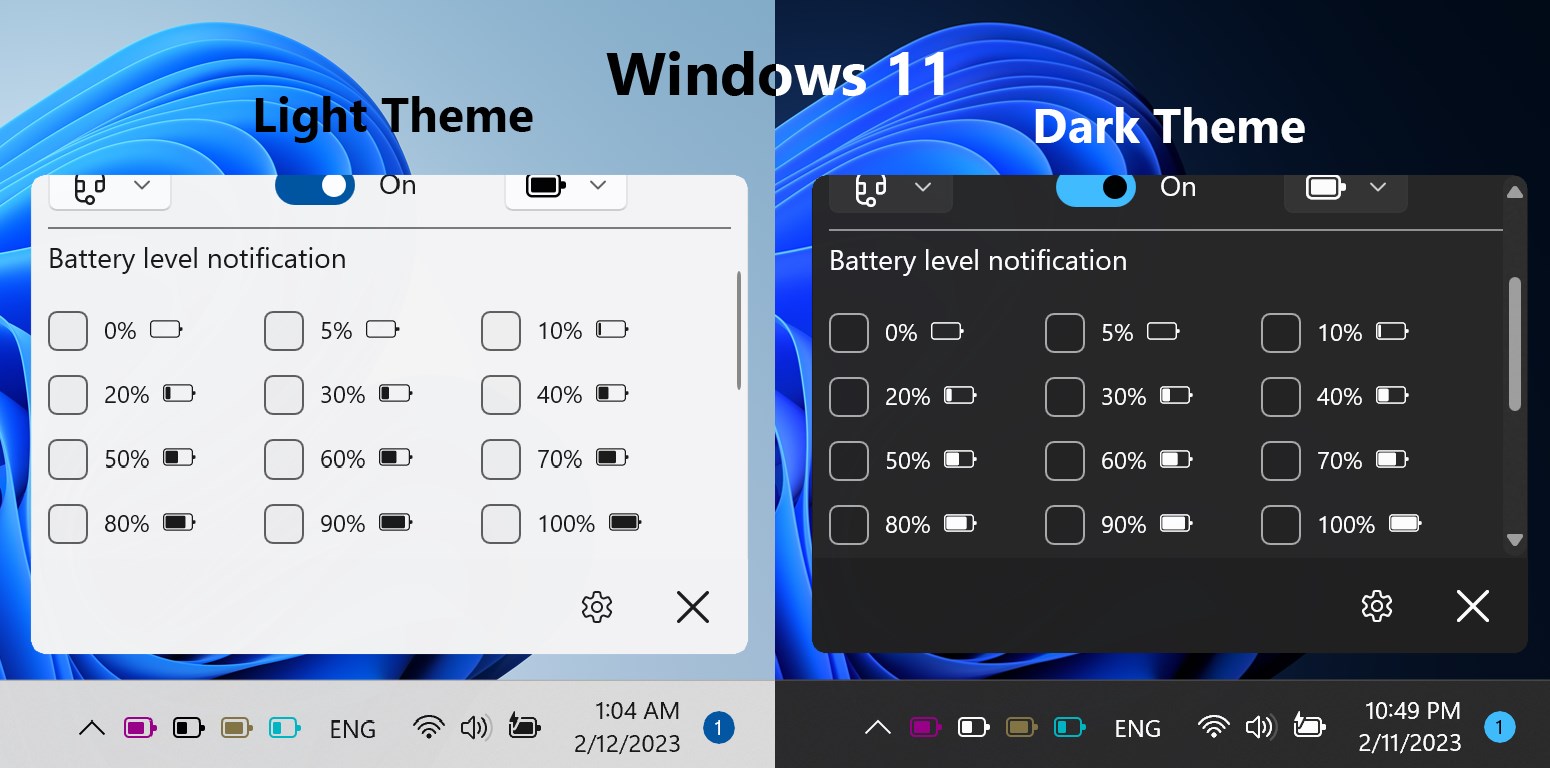
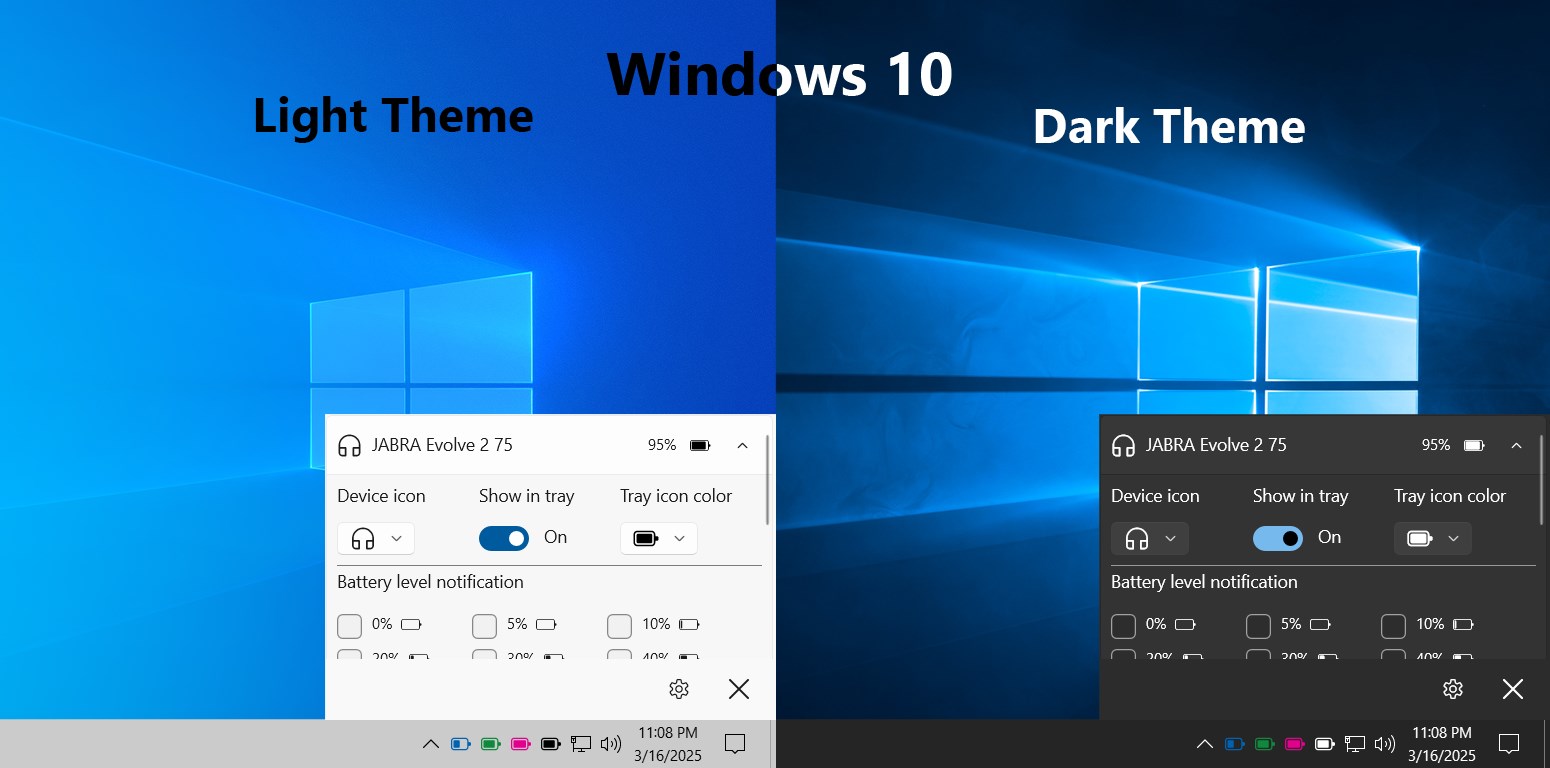
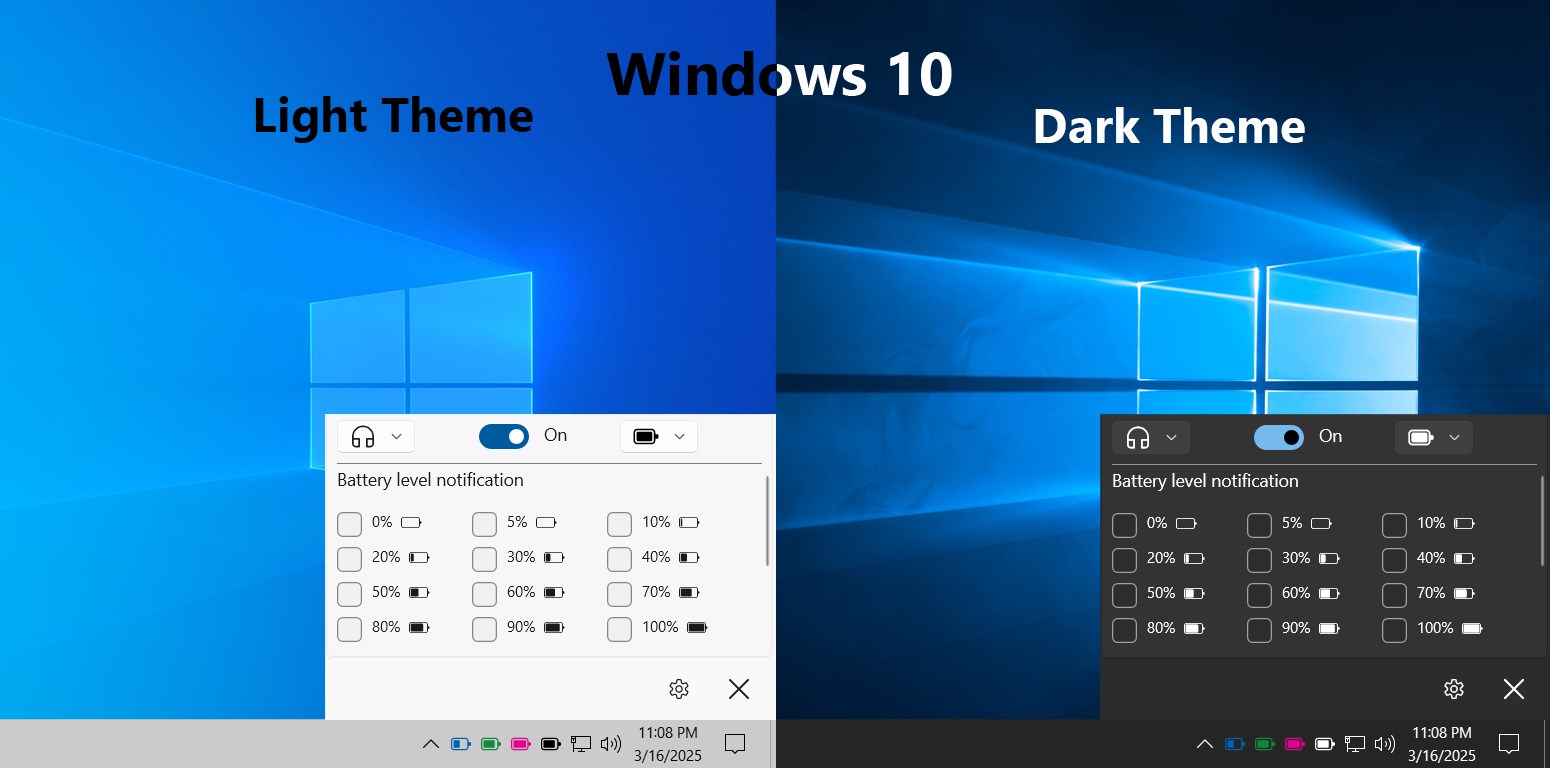
The app's standout feature is its ability to display the battery levels of connected Bluetooth devices straight on your taskbar. This immediate visibility is like having a dashboard for your gadgets—no more opening multiple menus or guessing how much juice remains. As soon as a device's battery drops below a certain threshold, the app provides timely updates, allowing you to plan charging or device switching accordingly. This proactive approach helps prevent those inconvenient moments when devices unexpectedly turn off, especially during crucial calls or presentations.
Seamless Device Detection & User Interface
Bluetooth Battery Level effortlessly detects all paired Bluetooth devices, presenting them neatly in a list that's both easy to understand and navigate. The design philosophy here is simplicity—think of it as a minimalist coffee table that holds all your essentials without clutter. The interface is clean, intuitive, and visually unobtrusive, making it easy for users of all tech levels to get comfortable quickly. It's like having a friendly guide guiding you step-by-step, so there's virtually no learning curve.
How It Stands Out Among Similar Utilities
While many utilities offer Bluetooth management, what sets Bluetooth Battery Level apart is its dedicated focus on battery health with minimal fuss. Unlike generic Bluetooth tools, which might only provide device lists or connection status, this app zeroes in on battery metrics, presenting them in a straightforward manner. Its real-time updates and unobtrusive UI make it a standout choice for users who want just the essentials without extra fluff. Moreover, its low resource footprint means it won't bog down your system—unlike some heavier management tools that can slow things down.
Final Thoughts and Recommendations
If you're tired of constantly guessing whether your Bluetooth devices have enough power, Bluetooth Battery Level for Windows offers a reliable, easy-to-use solution. Its clean design, real-time updates, and focus on battery status make it an excellent utility for daily use—whether you're a casual user or someone who relies heavily on Bluetooth gadgets. I'd recommend giving it a try if you value staying ahead of your device's power needs without overwhelming your workspace with unnecessary features.
In short, this app is like having a friendly battery watchdog perched right on your desktop, quietly ensuring you're always in the know. It's a smart, practical addition for anyone eager to streamline their Bluetooth device management with minimal fuss, making your digital life just a little more hassle-free.
Pros
- Real-time Bluetooth device battery monitoring
- Easy-to-use interface
- Automatic device detection
- Low resource consumption
- Supports multiple devices
Cons
- Limited device compatibility
- Occasional detection delays
- Lack of detailed device info
- No alert notifications for low battery
- Interface customization limited











