

- Category Utilities & tools
- Available on PC
- OS Windows 10 version 14316.0 or higher
- languages English (United States)
Introducing CAD Design Software for Windows: Power at Your Fingertips
If you're a designer, engineer, or hobbyist venturing into 3D modeling and CAD drafting on your Windows device, this application promises to be a handy companion. Developed by iDreamMoon Studio, this CAD Design Software aims to bring professional-grade capabilities to your desktop or tablet with an intuitive interface and a suite of powerful tools. Whether you're sketching concepts, creating detailed technical drawings, or refining your models, this app strives to streamline your workflow while remaining accessible to users of all levels.
Core Features That Spark Creativity
Robust 3D Modeling and Drafting Tools
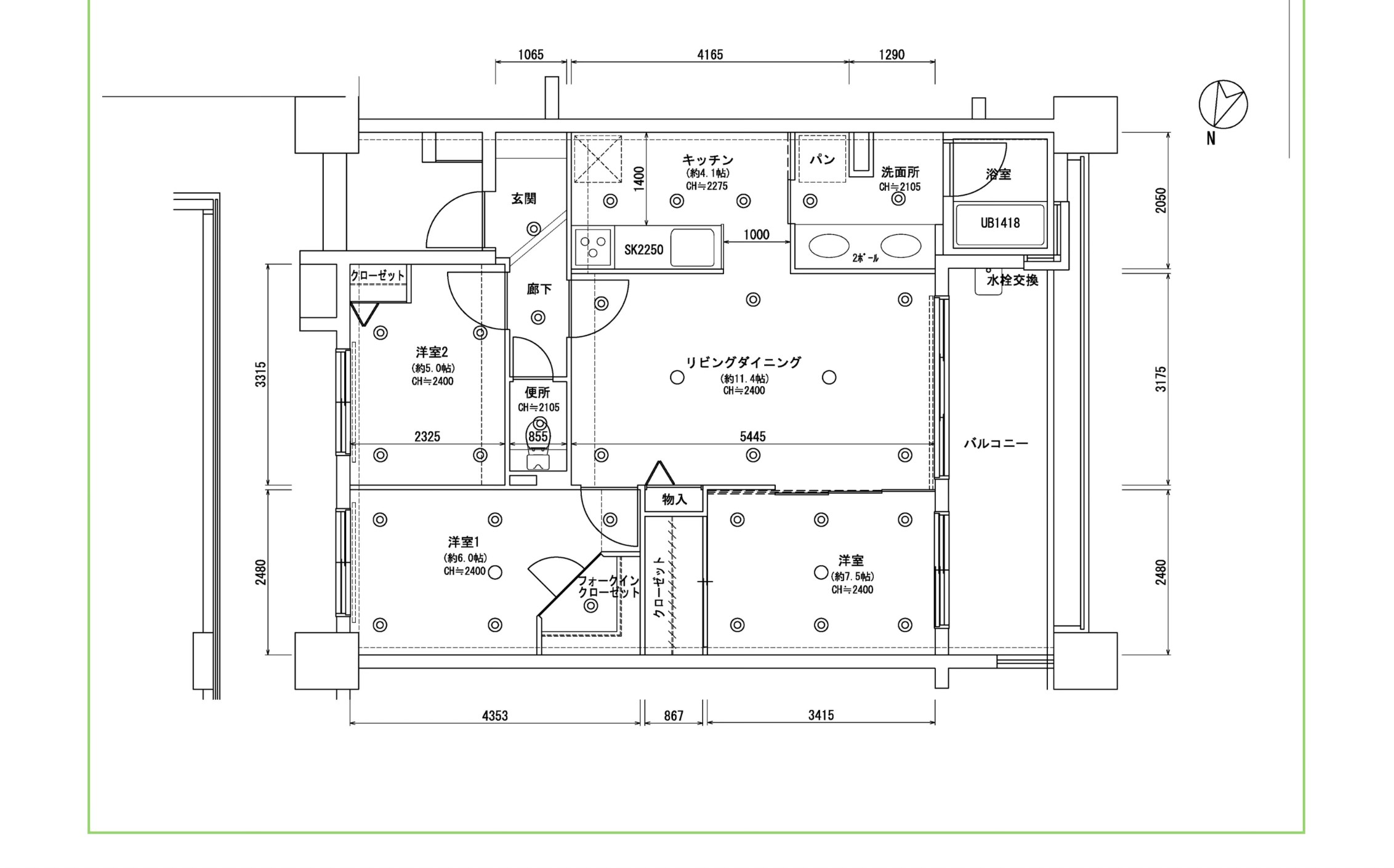
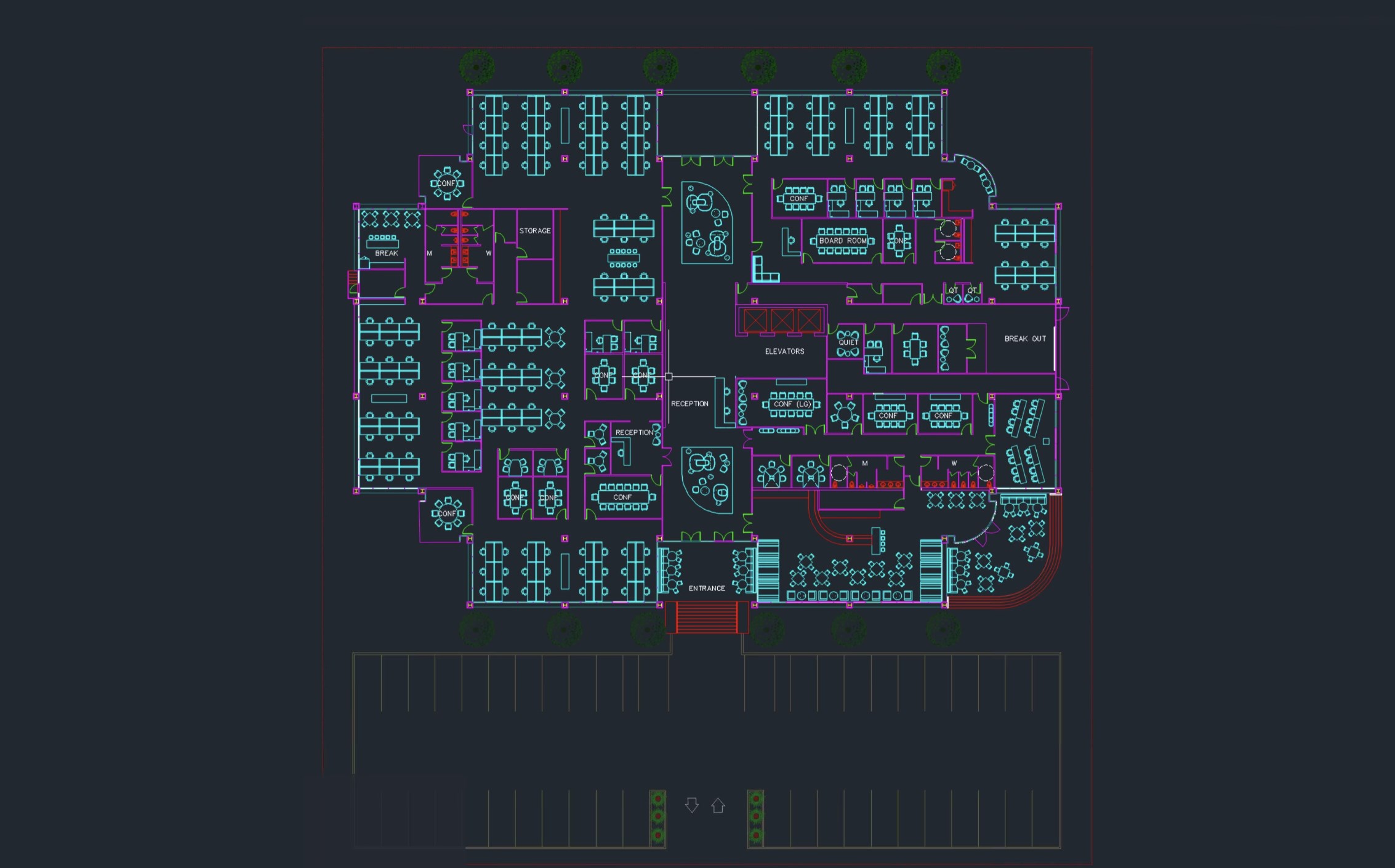
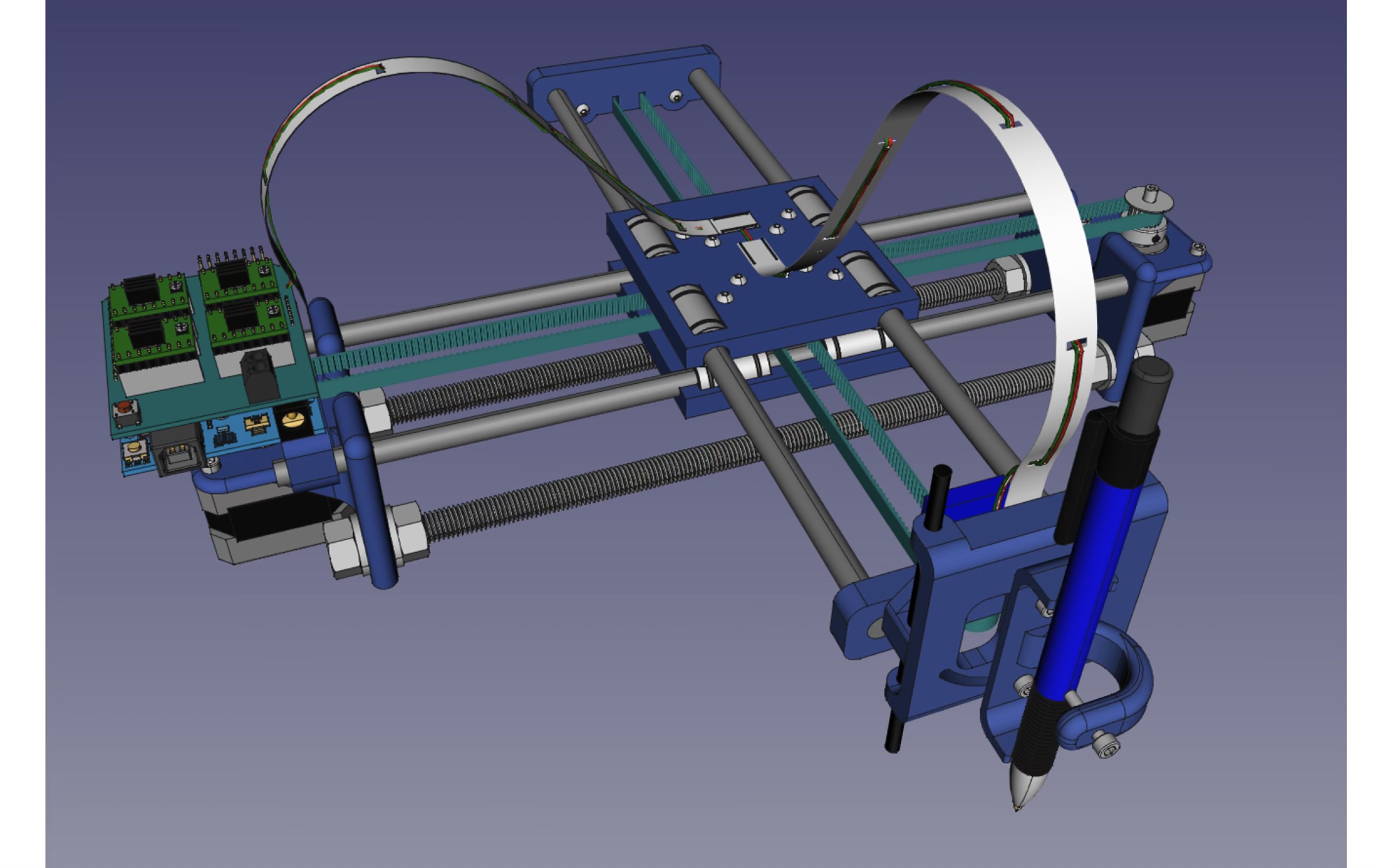
The app offers a comprehensive set of modeling features, enabling users to craft complex geometric shapes and detailed technical drawings. Its intuitive drag-and-drop interface and customizable toolbars make navigating the modeling process straightforward, whether you're building a simple part or designing intricate machinery. The precision tools, including snap guides and measurement aids, help produce accurate and professional results.
Real-Time Collaboration and Sharing
One standout feature is its support for collaborative design. Users can easily share projects via cloud integration, invite team members to view or edit models, and receive real-time feedback. This capability makes it especially attractive for small teams or educational settings, where quick iteration and seamless communication are essential. The app's synchronization ensures everyone is on the same page without the hassle of separate file transfers.
User-Friendly Interface with Seamless Experience
The interface design resembles a sleek, organized workspace—think of it as a tidy artist's studio where everything is within reach. The layout balances complexity and simplicity, allowing newcomers to pick up the tools without feeling overwhelmed, while empowering seasoned users with advanced features. The app runs smoothly on Windows, providing quick response times and stable operation even during intensive tasks, making the design process feel fluid and rewarding. Onboarding tutorials and context-sensitive help further ease the learning curve.
The Unique Edge: Simplicity Meets Power
Compared to other CAD utilities, the most compelling advantage of this app lies in its combination of a friendly user experience with professional features. Unlike many CAD programs that come with a steep learning curve and cluttered interfaces, this software simplifies the design process without sacrificing capability. Its real-time collaboration is also a notable differentiator, allowing teams to iterate and perfect designs efficiently—an aspect often fragmented in similar tools. This balance makes it particularly suitable for educational institutions, small design firms, or individual hobbyists who want serious features without the intimidation factor.
Final Thoughts and Recommendations
All in all, this CAD Design Software for Windows from iDreamMoon Studio deserves a solid recommendation for users seeking an accessible yet capable CAD tool. It excels in making professional design workflows approachable, thanks to its intuitive interface and collaborative features. For those who desire a minimal learning curve combined with powerful modeling capabilities—especially if teamwork is part of the equation—this app is worth trying out. As with any specialized software, taking some time to explore its functions will pay off, but for most users, the initial experience should be satisfying and productive.
Pros
- User-friendly interface
- Wide range of design tools
- High compatibility
- Cloud integration
- Regular updates
Cons
- Occasional lag during complex operations
- Limited advanced rendering options
- Learning curve for advanced features
- Occasional bugs with file imports
- Tablet support is limited










