
- Category Utilities & tools
- Available on PC, Mobile, Surface Hub, HoloLens
- OS Windows 10 version 17763.0 or higher
- languages English (United States)
A Clear-Wyed View into CAD Files: Overview of CAD / DXF Viewer for Windows
If you've ever been puzzled by complex CAD or DXF files and wished for a straightforward solution to open and review these designs, the CAD / DXF Viewer for Windows by Mia Sarah might just be your new best friend. This application promises to bring clarity and ease to managing technical drawings, making it ideal for engineers, architects, or hobbyists who need quick access without hassle.
Meet the Developer: Mia Sarah's Creations
Developed by Mia Sarah, a passionate software developer team dedicated to crafting practical tools for designers and engineers. Their focus is on creating lightweight yet powerful applications that streamline workflows. Their CAD / DXF Viewer reflects this commitment by emphasizing user-friendliness and essential features without overloading with unnecessary extras.
Key Features that Shine Bright
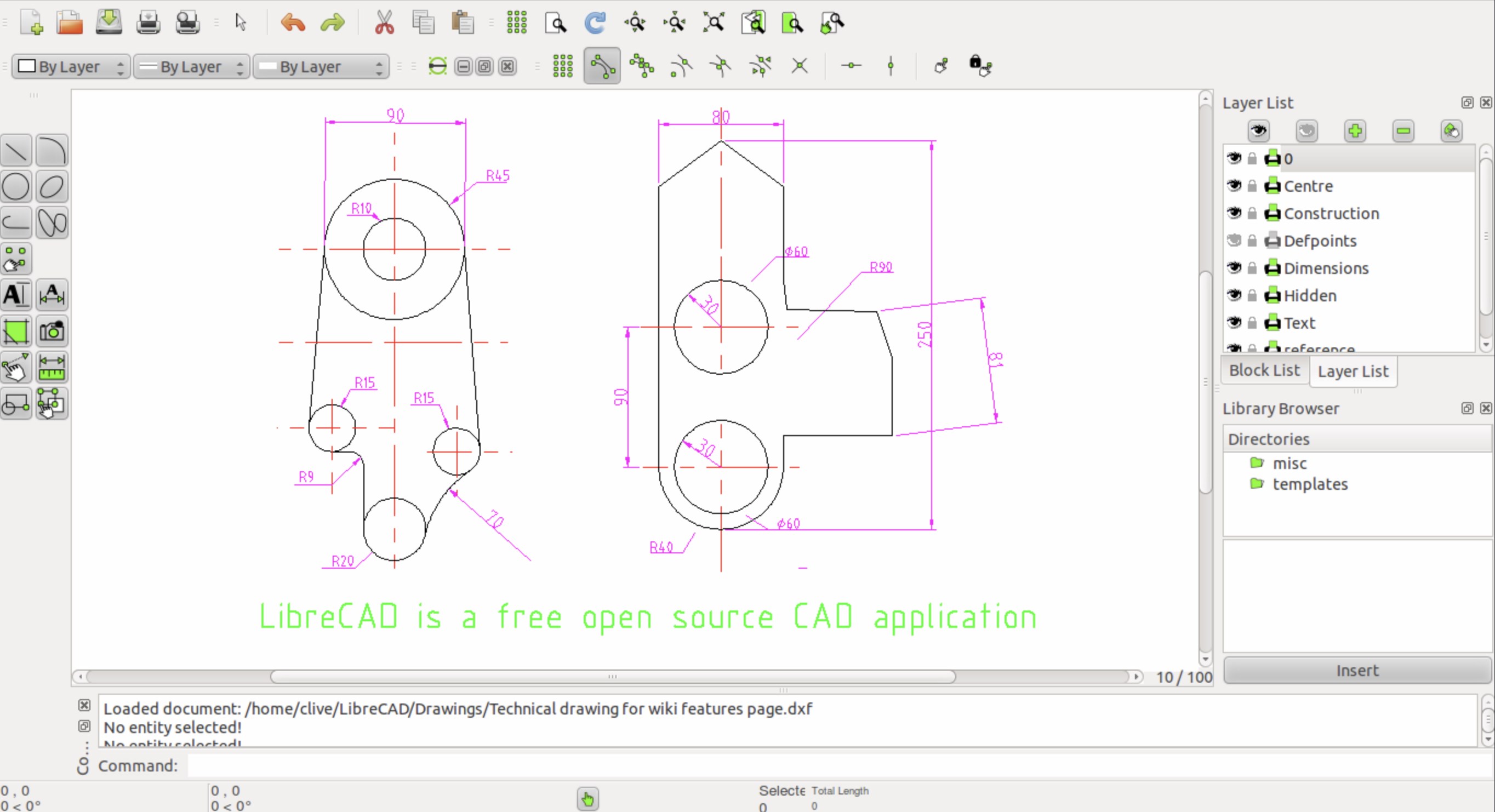
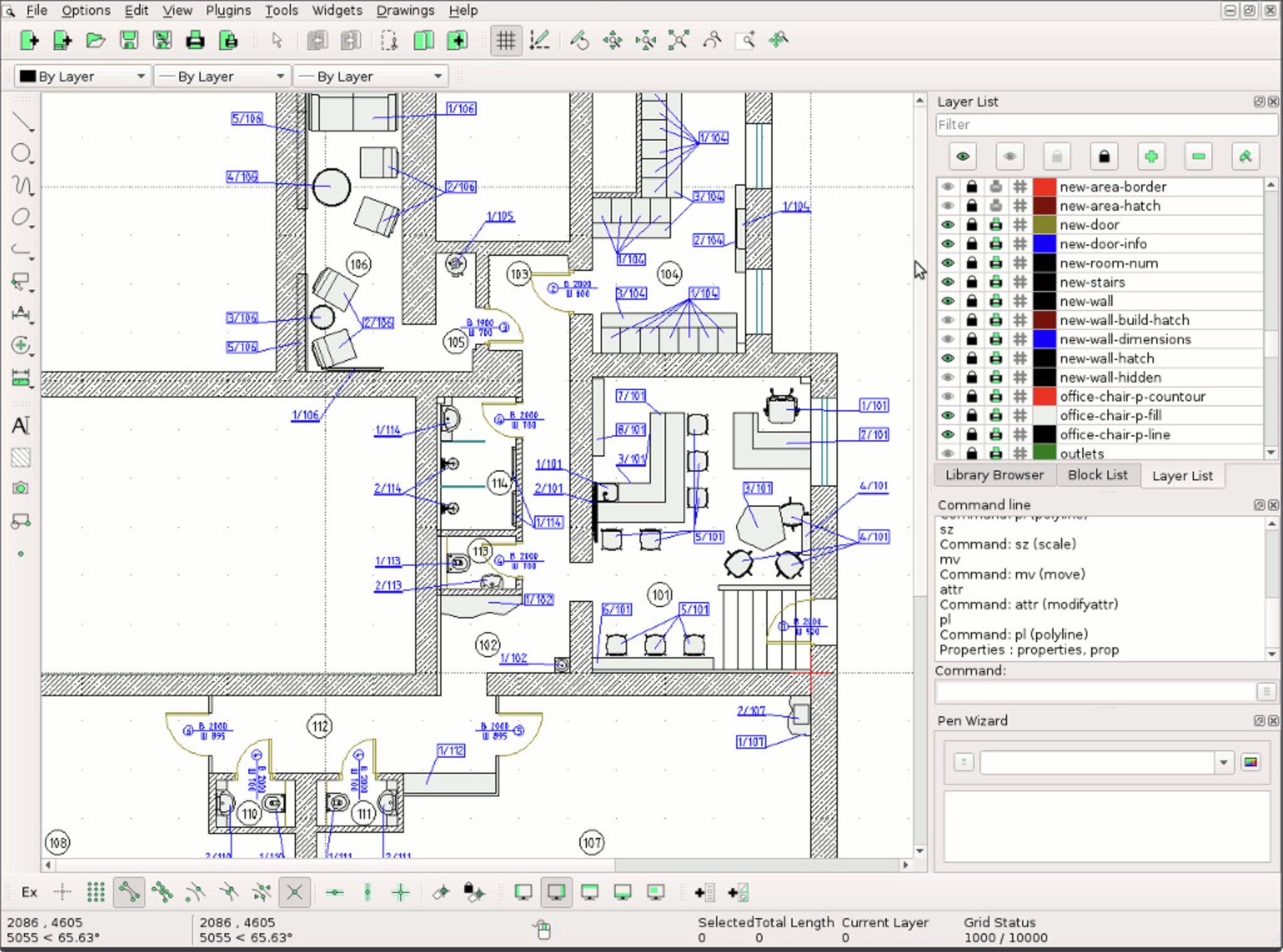
- Intuitive CAD/DXF File Loading and Viewing: Seamlessly open both 2D and 3D CAD files with minimal fuss, providing a quick peek into your technical drawings.
- Accurate Rendering and Navigation: Provides smooth zoom, pan, and rotate functionalities, ensuring every detail of your design can be examined with precision.
- Basic Measurement and Annotation Tools: Enables users to perform simple measurements directly within the viewer, facilitating review and validation processes.
- Lightweight and Windows-Friendly: Designed to run efficiently on Windows machines without heavy resource consumption, ideal for quick checks and on-the-go reviews.
Evaluating the User Experience
Stepping into this application feels somewhat like opening a well-organized toolbox—clean, straightforward, and ready for action. The interface leans toward simplicity, resembling a neatly arranged drafting table rather than an intimidating digital labyrinth. Navigating through files is remarkably fluid thanks to responsive controls, and even users new to CAD viewers will find the layout intuitive with minimal learning curve. The setup process is hassle-free, allowing users to start reviewing drawings almost instantly.
What Sets It Apart: Clear and Focused Functionality
Compared to other utilities in the same realm, CAD / DXF Viewer for Windows distinguishes itself through its laser focus on core viewing functionalities, eschewing unnecessary complexity. Its ability to render both 2D and basic 3D files accurately, combined with simple measurement tools, gives it a practical edge—much like having a sharp, reliable magnifying glass dedicated solely to your design details. Unlike overly feature-rich CAD programs that require steep learning curves or heavy system resources, this app keeps things lean and mean.
Should You Give It a Try?
For users whose primary need is quick, reliable viewing of CAD and DXF files—be it for review, presentation, or quick edits—this application is a solid choice. Its emphasis on smooth operation and clear visuals makes it an especially good fit for professionals and students alike seeking a straightforward tool. While it might lack advanced editing features, its simplicity is precisely what makes it reliable and faster for review tasks.
In summary, the CAD / DXF Viewer for Windows offers an efficient, user-friendly approach to managing complex technical files. Its core strengths lie in rendering accuracy and ease of use, making it a recommended addition to the toolbox of anyone working regularly with CAD or DXF formats. Whether you're sitting at your desk or checking designs on a laptop, this app makes viewing CAD files less of a chore and more of a clear, focused experience.
Pros
- User-friendly interface
- Supports multiple file formats
- Fast rendering speed
- Zoom and pan features
- Lightweight application
Cons
- Limited editing capabilities
- No annotation or markup features
- Supports only basic file navigation
- Lack of offline access to some features
- Minor stability issues with large files











