
- Category Utilities & tools
- Available on PC
- OS Windows 10 version 17763.0 or higher
- languages Arabic, Bulgarian, Chinese (Simplified), Chinese (Traditional), Croatian, Czech, Danish, Dutch, English (United States), Estonian, Finnish, French, German, Greek, Hungarian, Indonesian, Italian, Japanese, Korean , Latvian, Lithuanian, Norwegian (Bokmål), Polish , Portuguese (Brazil), Romanian, Russian, Slovak, Slovenian, Slovenian (Slovenia), Spanish, Spanish (Spain), Swedish, Thai, Turkish, Ukrainian, Vietnamese
Reliable Wireless Printing and Scanning Made Easy with Canon PRINT for Windows
Canon PRINT for Windows is a dedicated application designed to streamline printing and scanning tasks directly from your PC, seamlessly integrating your Canon printers and multifunction devices into your digital routine. It's the perfect bridge for users who seek hassle-free management of their Canon hardware without relying on bulky driver installations or clunky interfaces.
Developed by Canon Inc.: A Trusted Name in Imaging Technology
Developed by Canon Inc., a global leader in imaging and optical products, this app benefits from the company's extensive expertise in hardware-to-software integration. Their commitment to quality reflects in an application optimized for consistency, security, and user-friendliness.
Key Features that Drive Your Workflow
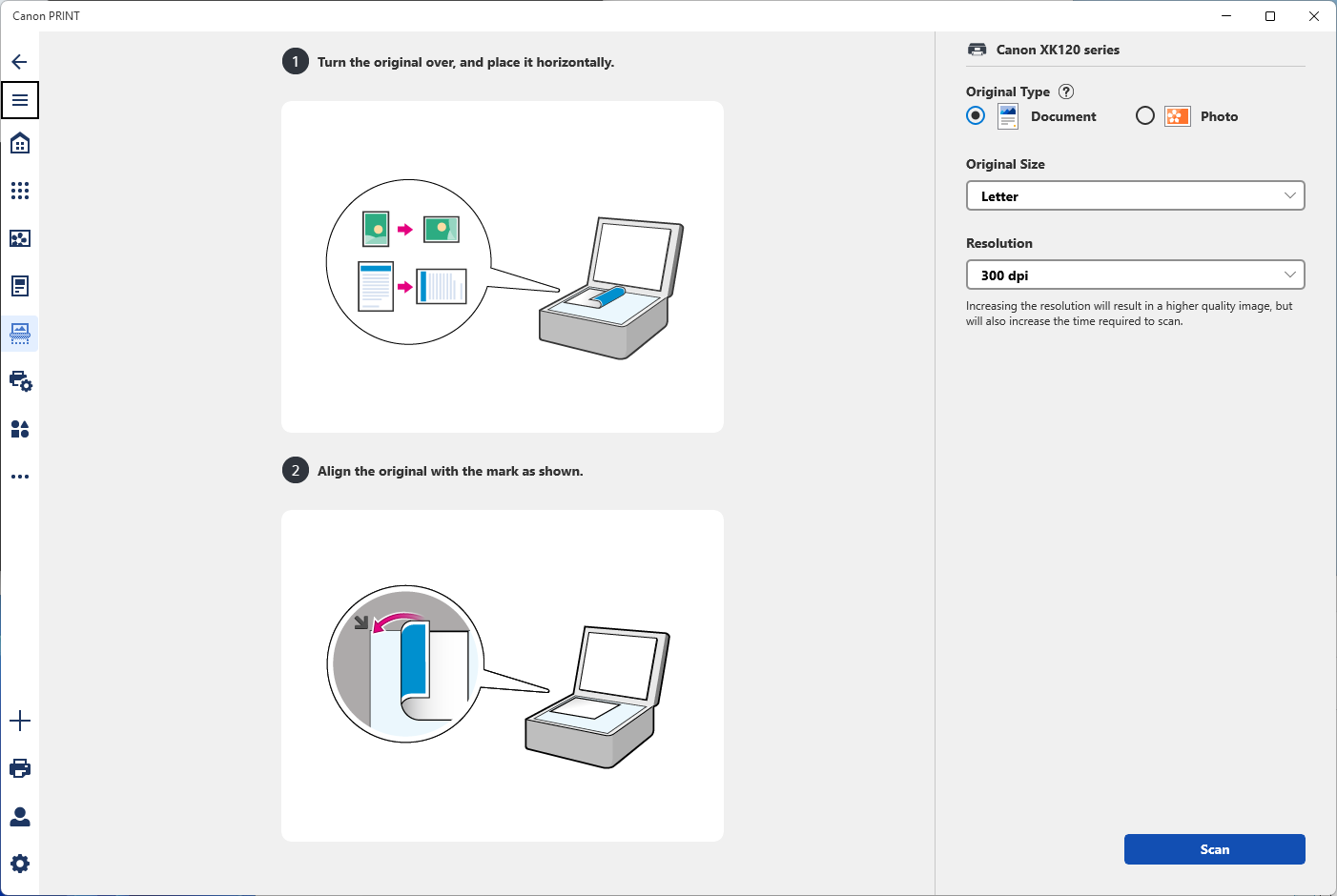
- Wireless Printing & Scanning: Connect effortlessly to compatible Canon printers over Wi-Fi, enabling direct print and scan tasks without needing physical connections or complicated setups.
- Photo and Document Management: Easily select and print photos or documents stored on your PC or cloud storage, with options for editing or adjusting settings before printing.
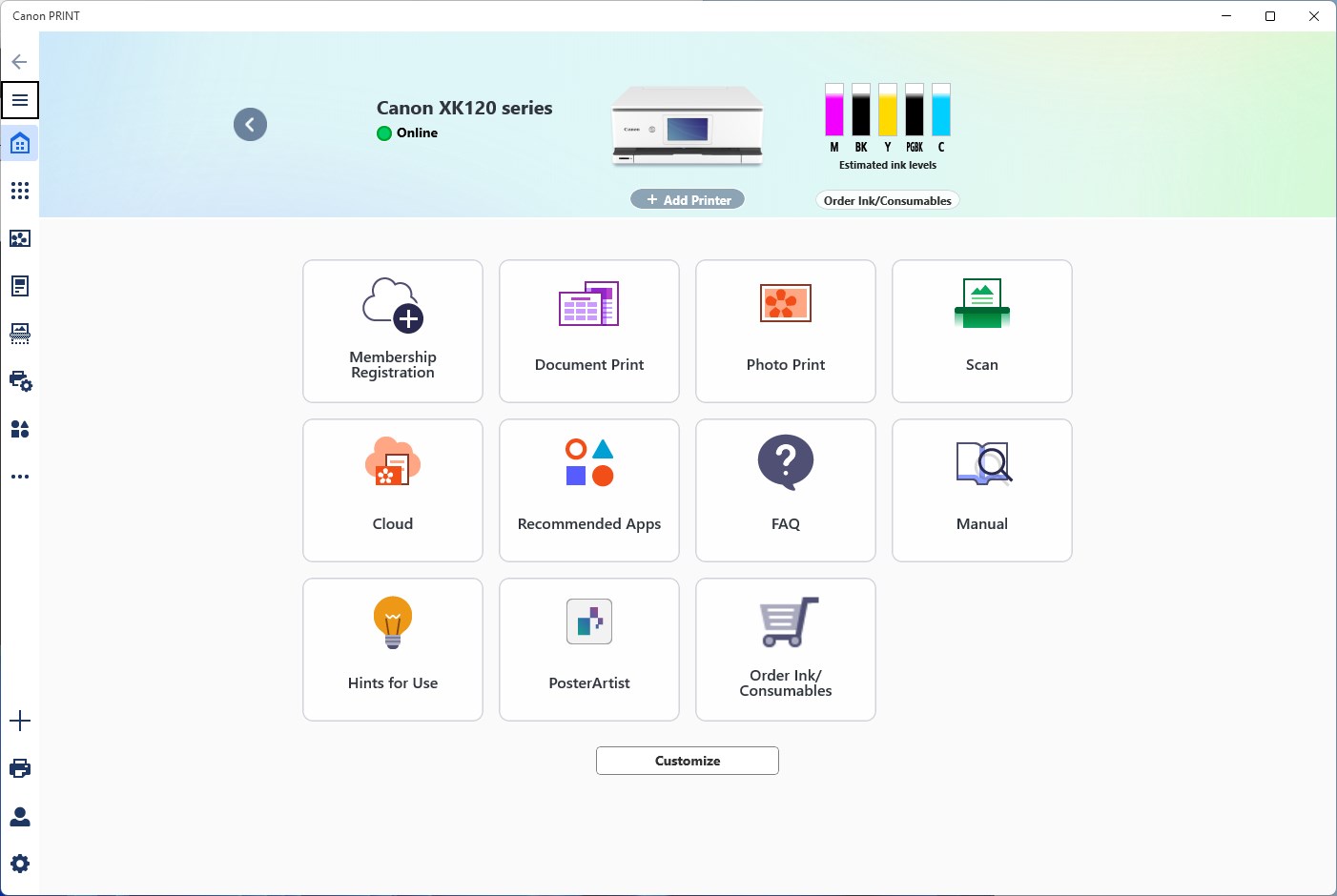
- Remote Printer Management: Monitor printer status, ink levels, and troubleshoot issues remotely, reducing downtime and ensuring smooth operations.
- Automatic Device Detection: The app automatically detects available Canon devices on your network, simplifying setup and reducing configuration hassle.
User Experience: Intuitive and Efficient
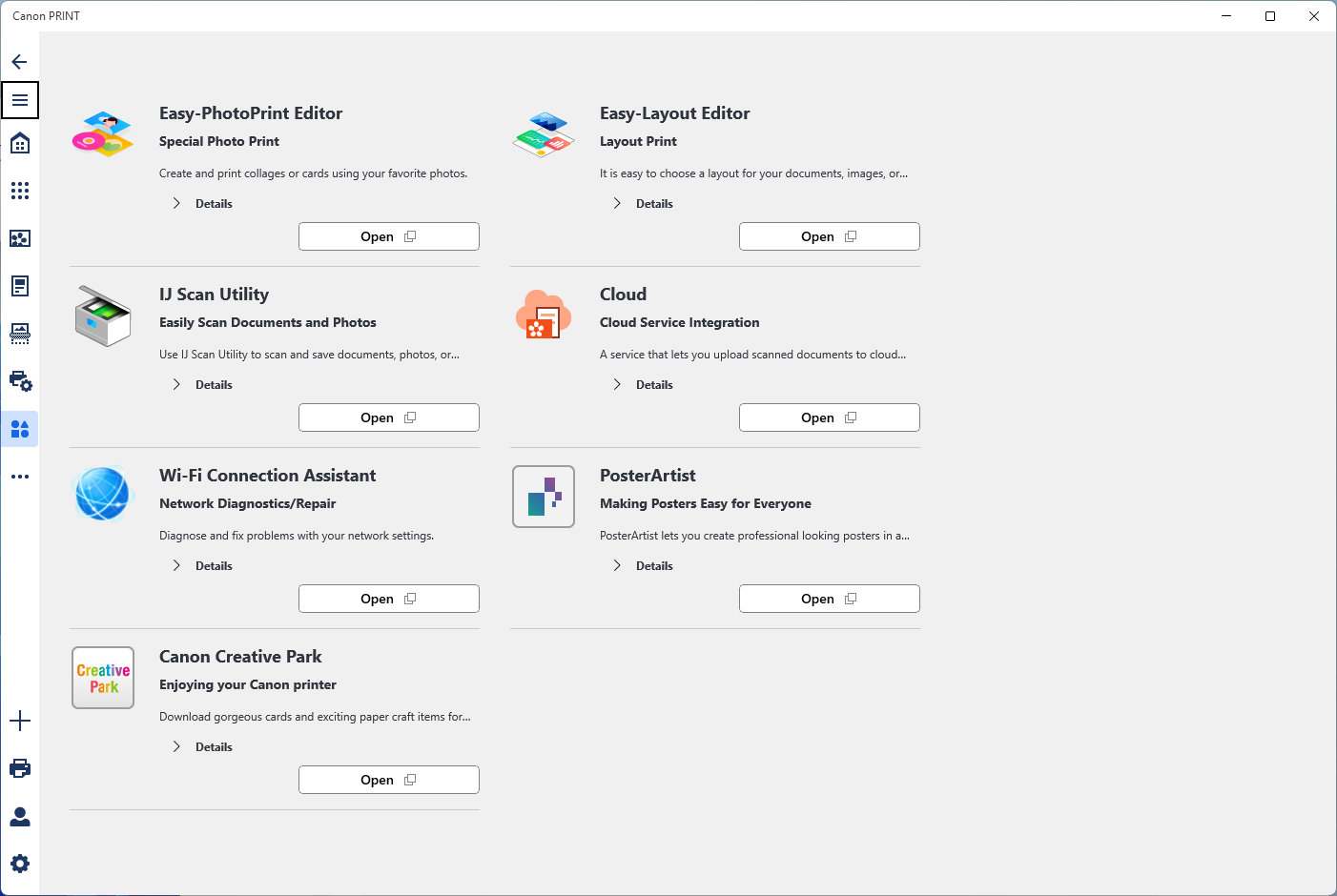
Starting with Canon PRINT for Windows feels akin to opening a well-organized toolbox—everything is where you'd expect it to be, but with a sleekness that makes operation feel almost intuitive. The interface features a clean layout with clearly labeled icons, guiding you through your printing and scanning tasks with ease. Navigating between functions is swift, thanks to responsive controls that make managing your Canon devices a breeze.
From a usability standpoint, the learning curve is gentle. Even users unfamiliar with similar utilities can quickly grasp the process of adding printers or initiating scans. The app effectively minimizes unnecessary steps, which means fewer headaches and more time for your actual work or creative pursuits. Its stability and responsiveness contribute to a polished experience—no frustrating lags or crashes here.
Spotting the Unique Edge: What's Different from the Rest?
Compared to other utility apps for printers, Canon PRINT for Windows shines with its deep integration and focus on security. Its ability to automatically detect Canon devices on your network eliminates the tedious process of manual ID entry—a feature that saves time and reduces errors. Additionally, its remote management capabilities stand out; you can oversee multiple devices, check statuses, and troubleshoot remotely, making it ideal for small offices or homes with several Canon printers.
Another notable advantage is its cloud connectivity, allowing users to print photos or documents directly from popular cloud services without navigating away or using complex steps. This connectivity brings a level of convenience that is particularly beneficial in today's multi-device, multi-source environment.
Final Verdict: A Solid Choice for Canon Users
All in all, Canon PRINT for Windows is a thoughtfully designed utility that caters specifically to Canon ecosystem users. Its strongest points—automatic device recognition and remote management—set it apart from generic printing tools. If you're looking for a reliable, easy-to-use app that handles your wireless printing and scanning needs hassle-free, this application deserves a spot on your desktop.
While it may lack some of the advanced customization found in more comprehensive printing solutions, its focus on core usability and efficiency makes it an excellent choice for everyday use. I would recommend it to home users, small business proprietors, or anyone who values seamless integration and straightforward operation. Give it a try, and you'll likely find that handling your Canon devices becomes a less of a chore and more of a routine.
Pros
- User-friendly interface
- Seamless connectivity
- Multiple printing options
- High-quality output
- Cloud integration
Cons
- Occasional connectivity issues
- Limited editing features
- High battery consumption
- Occasional app crashes
- Limited support for older printers











