

- Category Utilities & tools
- Developer Nero AG
- Available on PC, Mobile, Surface Hub, HoloLens
- OS Windows 10 version 17763.0 or higher
- Memory 1 GB
- languages Chinese (Simplified), Chinese (Traditional), Czech, Danish, Dutch, English (United States), Finnish, French, German, Greek, Hungarian, Italian, Japanese, Korean , Norwegian (Bokmål), Polish , Portuguese (Brazil), Portuguese (Portugal), Russian, Spanish (Spain), Swedish, Thai, Turkish
Introducing Nero's CD Ripper: Your Reliable Companion for High-Quality Audio Extraction
If you're tired of manually ripping CDs with inconsistent results, Nero's CD Ripper is designed to streamline the process while maintaining impeccable sound quality. As a seasoned tech reviewer, I've tested this tool thoroughly, and what stands out is its focus on precision and user-friendliness—making it a solid choice for audiophiles and casual users alike.
About Nero AG and Its Premium Ripping Tool
Nero AG, a well-known name in multimedia software, develops Nero's CD Ripper for Windows, available on the Microsoft Store. The application promises fast, accurate extraction of audio tracks from CDs while preserving studio-quality sound. Its main highlights include support for multiple audio formats, metadata retrieval, and an intuitive interface that simplifies what used to be a tedious task for many.
Targeted at music enthusiasts, podcasters, and general users who want to digitize their CD collections without sacrificing audio fidelity, Nero's CD Ripper aims to bridge convenience and quality effectively.
Effortless Audio Extraction with Precision and Ease
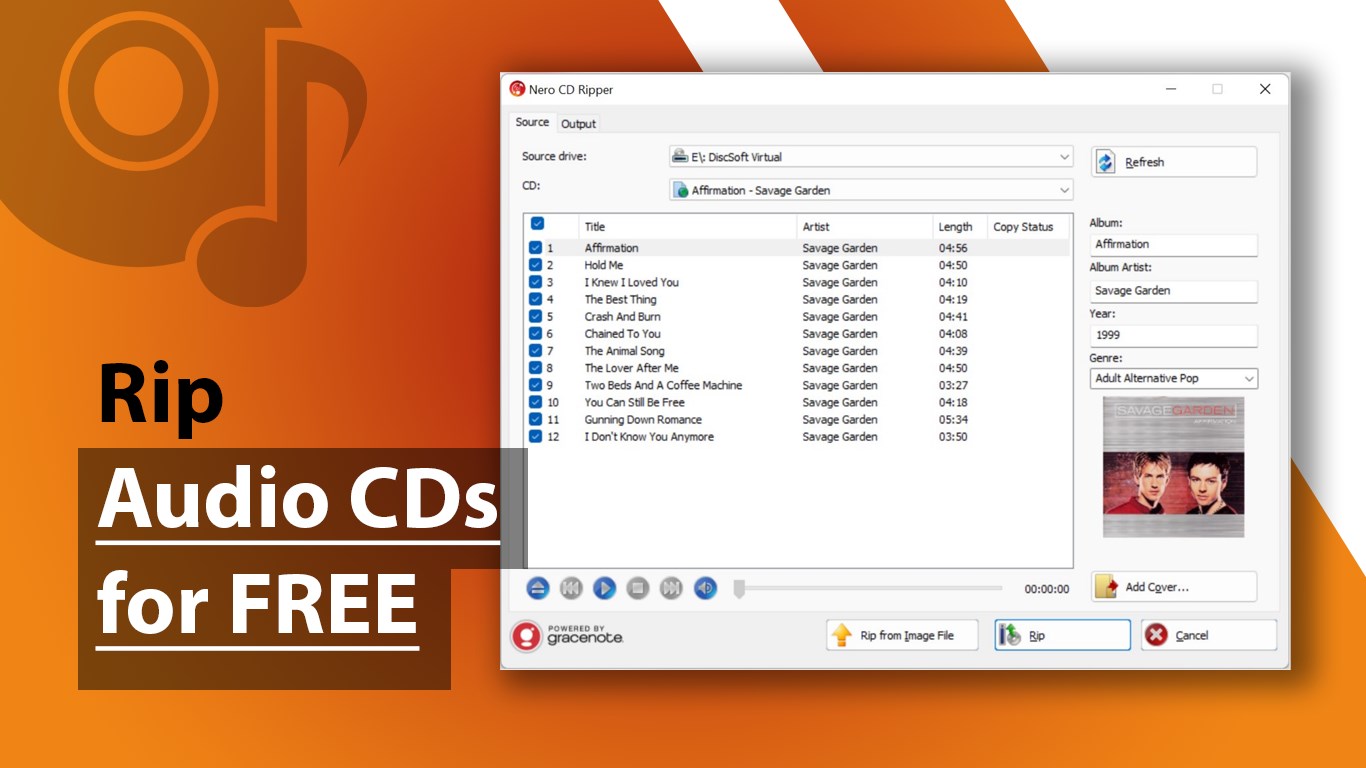
From the moment you launch Nero's CD Ripper, you're greeted with a clean, streamlined interface that feels more like an audio workshop than a complex utility. The simplicity invites users to hit the ground running—whether you're a newbie or a seasoned audiophile. The application ensures that the ripping process is as smooth as a well-mastered album, with minimal lag and responsive controls.
Core Functionalities That Impress
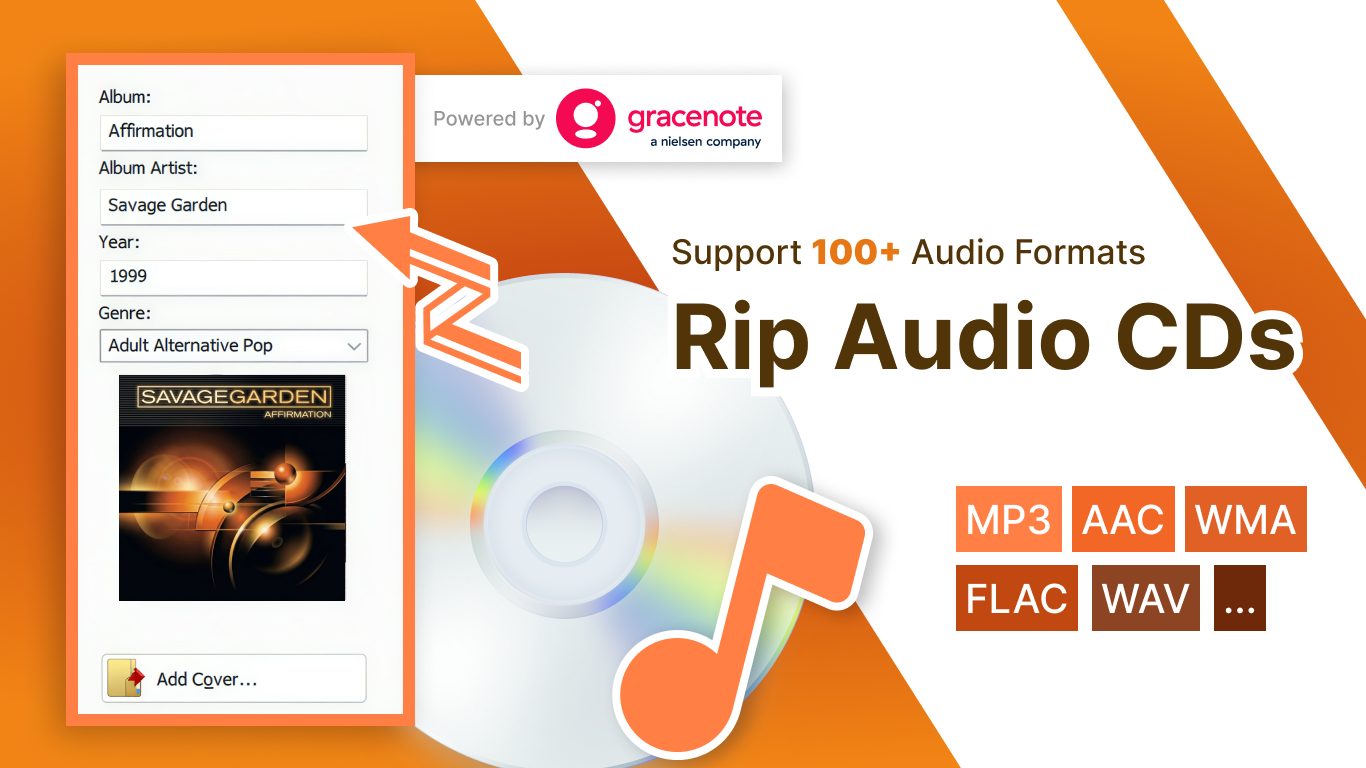
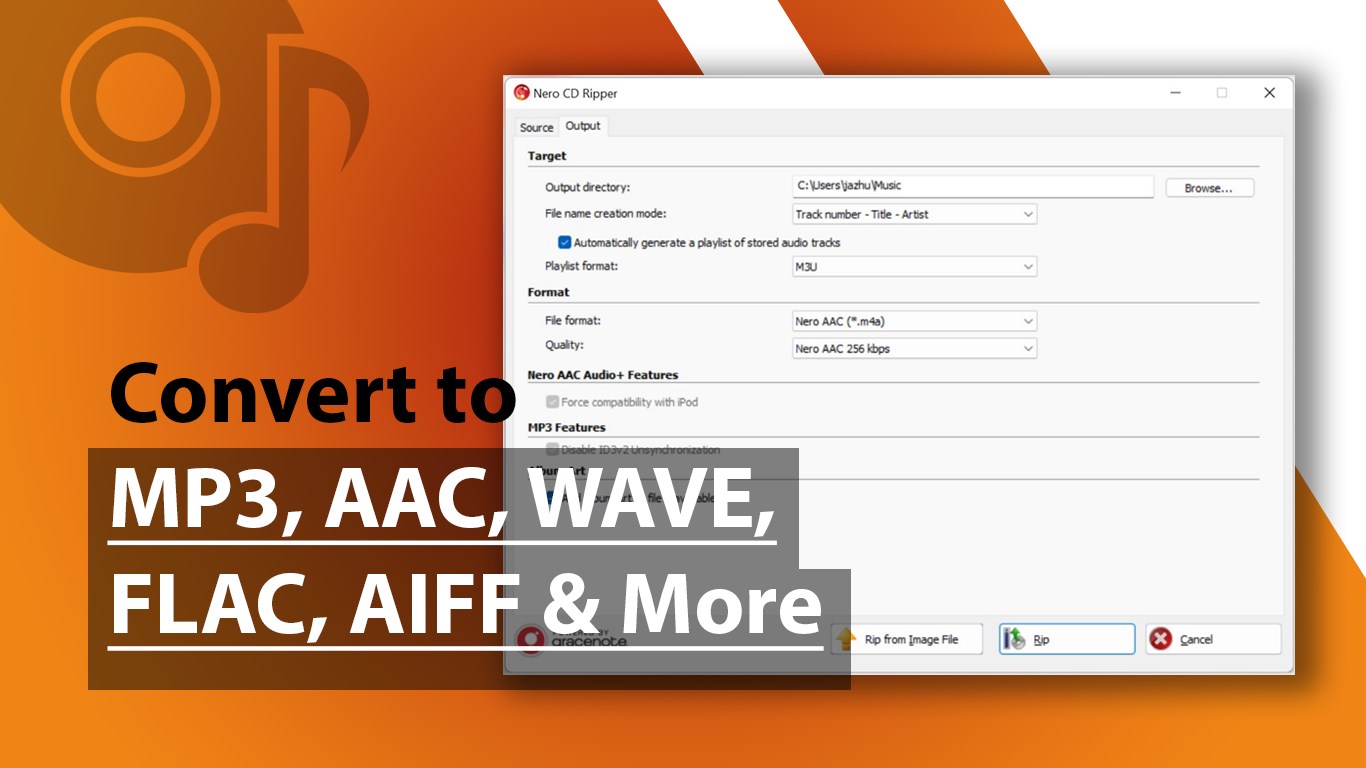
- High-Fidelity Audio Extraction: The standout feature is its ability to rip audio tracks at bitrates up to lossless quality. Whether you prefer MP3, FLAC, or WAV, Nero ensures your digital copies mirror the original sound—no compromises. This is especially beneficial for users who cherish sound purity, such as music collectors and professionals needing pristine audio for editing or archiving.
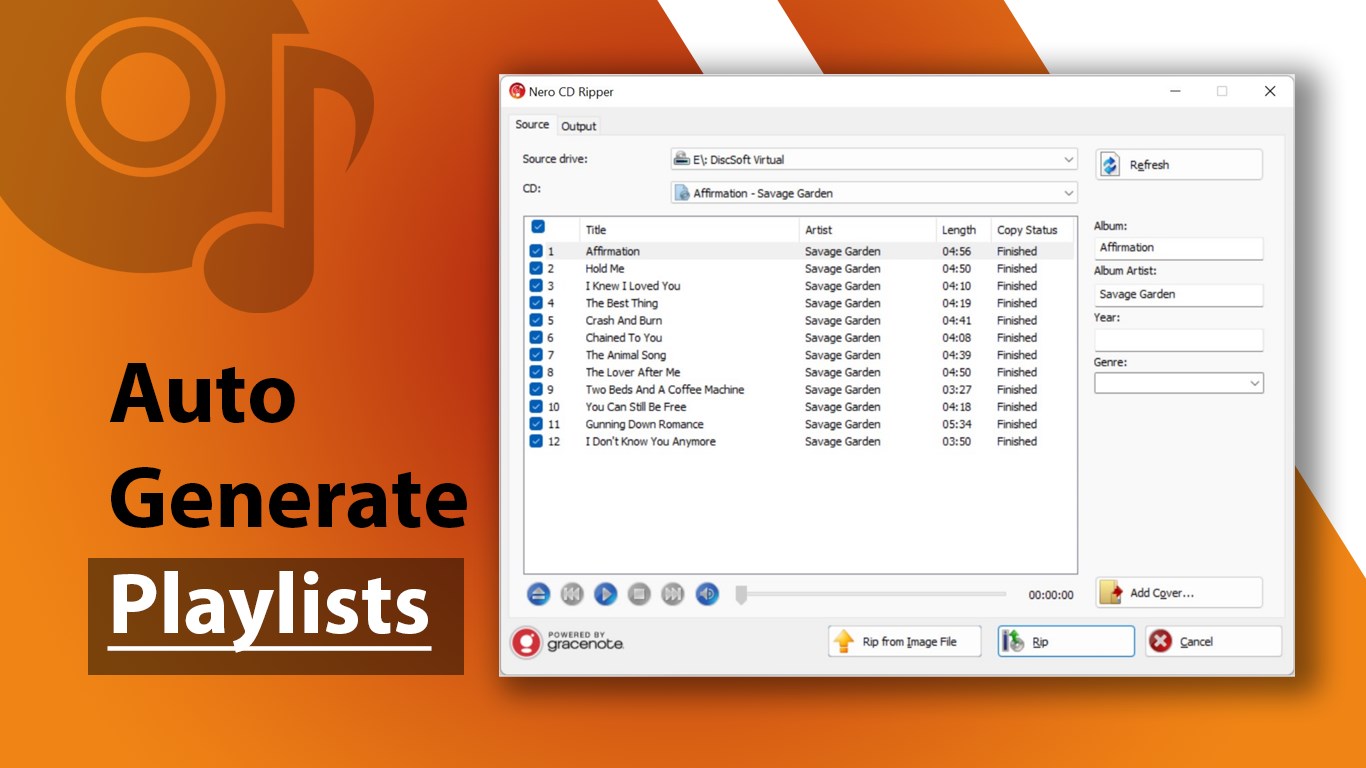
- Automatic Metadata Retrieval: This feature acts like a librarian for your music collection. As soon as you insert a CD, Nero fetches track info, album art, and other metadata from an extensive online database, saving you the hassle of manual entry. It's like having a personal musicologist at your fingertips.
- Easy-to-Use Interface and Workflow: The app's layout guides you step-by-step, from loading your disc to choosing formats and starting the ripping process. Its drag-and-drop design reduces the learning curve, making it accessible even to those less familiar with audio editing tools. Plus, the process runs seamlessly in the background, so you can continue other tasks without interruption.
User Experience: A Friendly, Intuitive Journey
The interface exudes a professional yet approachable vibe—think of it as your digital DJ assistant. Navigating between options feels intuitive, akin to flipping through a well-organized music library. The application's responsiveness is stellar; it smoothly handles multiple tracks and large files, ensuring your workflow remains unhampered. For new users, the clarity of instructions and visual cues help demystify technical jargon, fostering confidence even amid complex settings.
What Sets It Apart?
While many ripper tools exist, Nero's CD Ripper shines with its commitment to audio fidelity and metadata accuracy. Its ability to preserve lossless quality while automatically enriching your music with detailed metadata makes it stand out. Unlike some competing utilities that require extensive manual input or compromise on sound quality, Nero strikes a thoughtful balance, ensuring each rip is as perfect as your original CD. Moreover, its seamless integration with Nero's broader multimedia ecosystem offers added convenience for users managing large collections.
Final Verdict: A Sound Choice for Quality-Conscious Users
Based on my hands-on experience, I recommend Nero's CD Ripper for anyone looking to digitize CDs without sacrificing quality or usability. Its greatest strength lies in delivering professional-grade audio extraction combined with an accessible workflow—think of it as transforming your CD collection into digital gold without the headache.
While it may appeal most to serious audiophiles and content creators, casual users who value ease and clarity will also find it a reliable tool. Whether you're building a personal archive or preparing audio files for professional projects, Nero's CD Ripper proves a valuable addition to your software arsenal.
Pros
- Fast and Efficient Ripping Process
- Supports Various Audio Formats
- High Audio Quality
- User-Friendly Interface
- Built-in Tag Editing
Cons
- Limited Free Features
- Occasional CD Compatibility Issues
- Lack of Advanced Audio Editing Tools
- Small Software Size Limits
- Limited Customization Options











