

- Category Utilities & tools
- Developer Zero Byte Software Solutions, zerobytebd.com
- Available on PC
- OS Windows 10 version 17134.0 or higher
- Keyboard Integrated Keyboard
- Mouse Integrated Mouse
- languages English (United States)
An Introduction to CPU ZX Pro for Windows
Imagine having a bird's-eye view of your PC's heartbeat—its performance, health, and potential—all wrapped into a sleek, user-friendly app. CPU ZX Pro for Windows is designed to give tech enthusiasts and everyday users alike a comprehensive tool to monitor, analyze, and optimize their computer's core components seamlessly. Whether you're troubleshooting, overclocking, or simply curious about what makes your machine tick, this application positions itself as a versatile companion.
About the Developer and Main Features
Developer & Publisher
Developed by Zero Byte Software Solutions, a company known for crafting lightweight yet powerful utility tools, CPU ZX Pro is a product of their commitment to delivering reliable and accessible tech solutions. The app is published under Zero Byte, emphasizing a focus on performance and user experience.
Key Features & Highlights
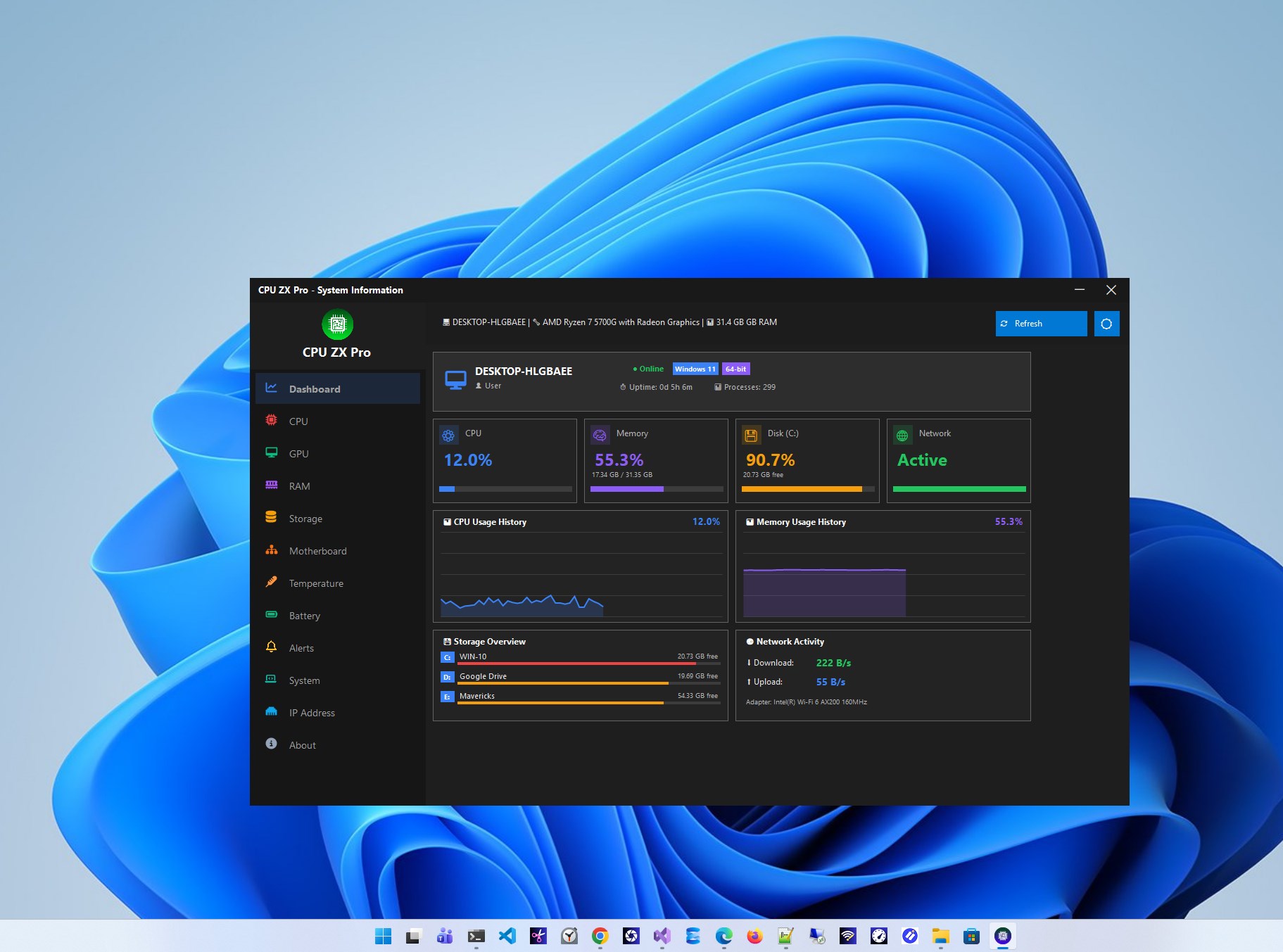
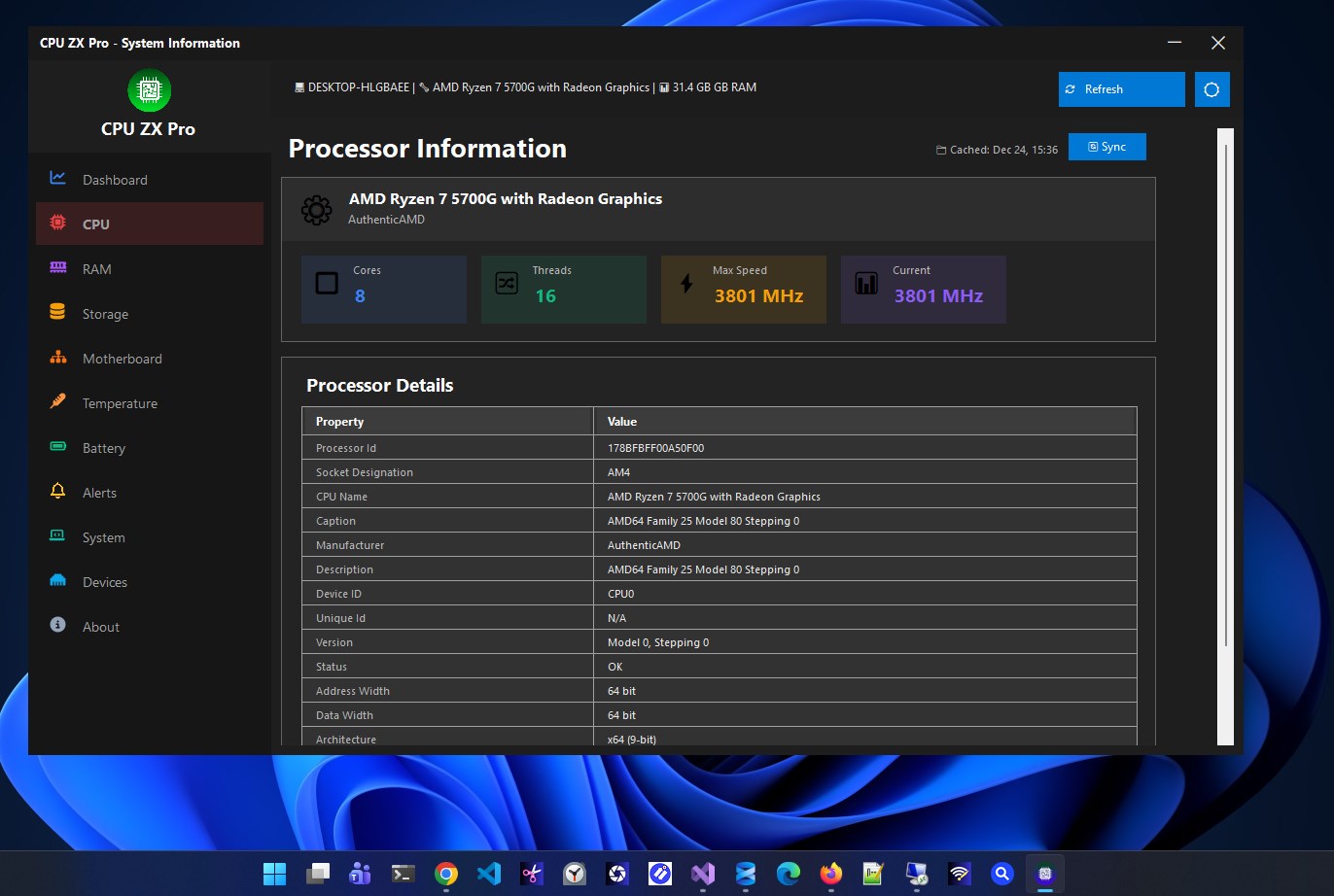
- Real-Time CPU Monitoring: Offers instant insights into processor load, temperature, voltage, and clock speeds, enabling users to keep close tabs on system health.
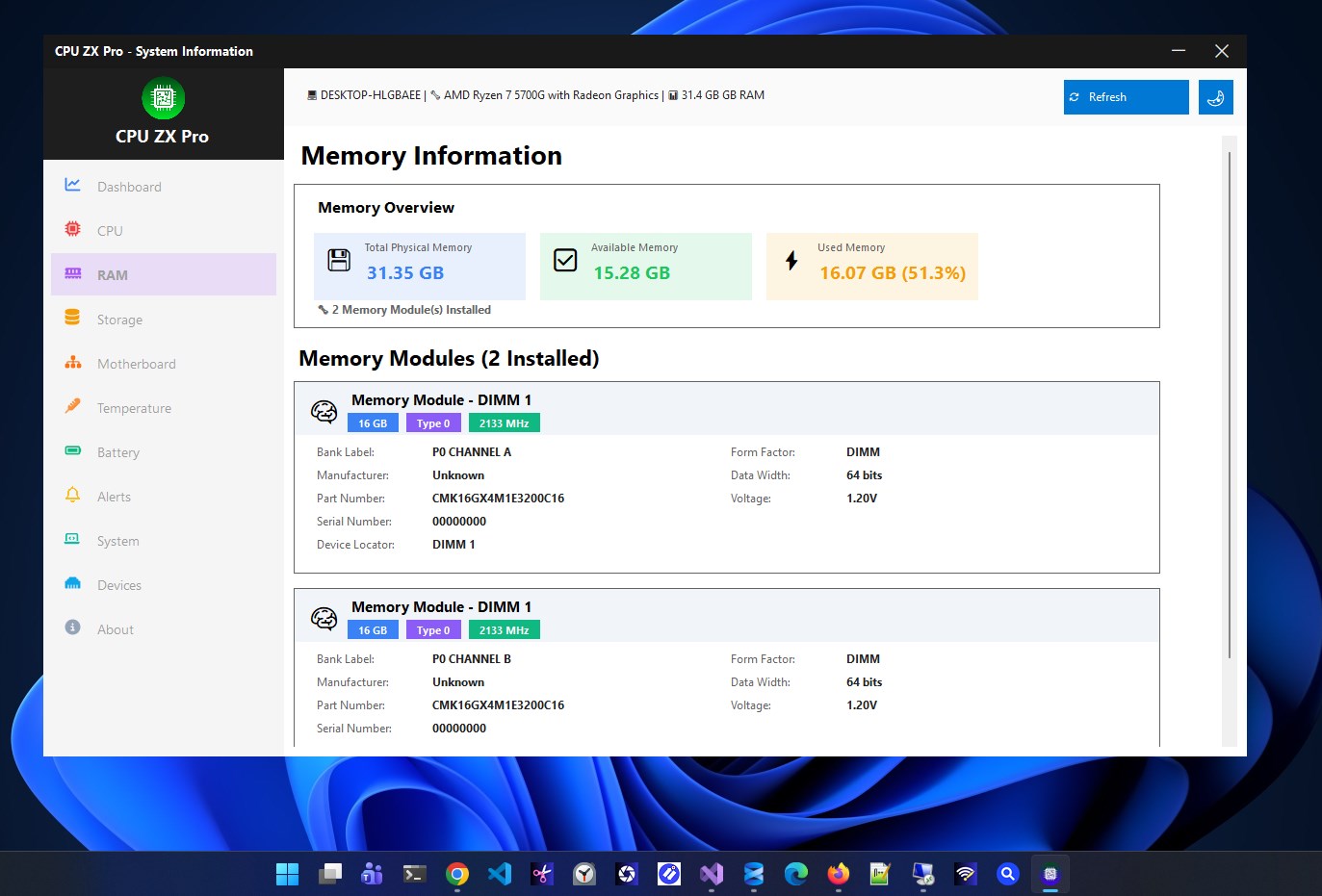
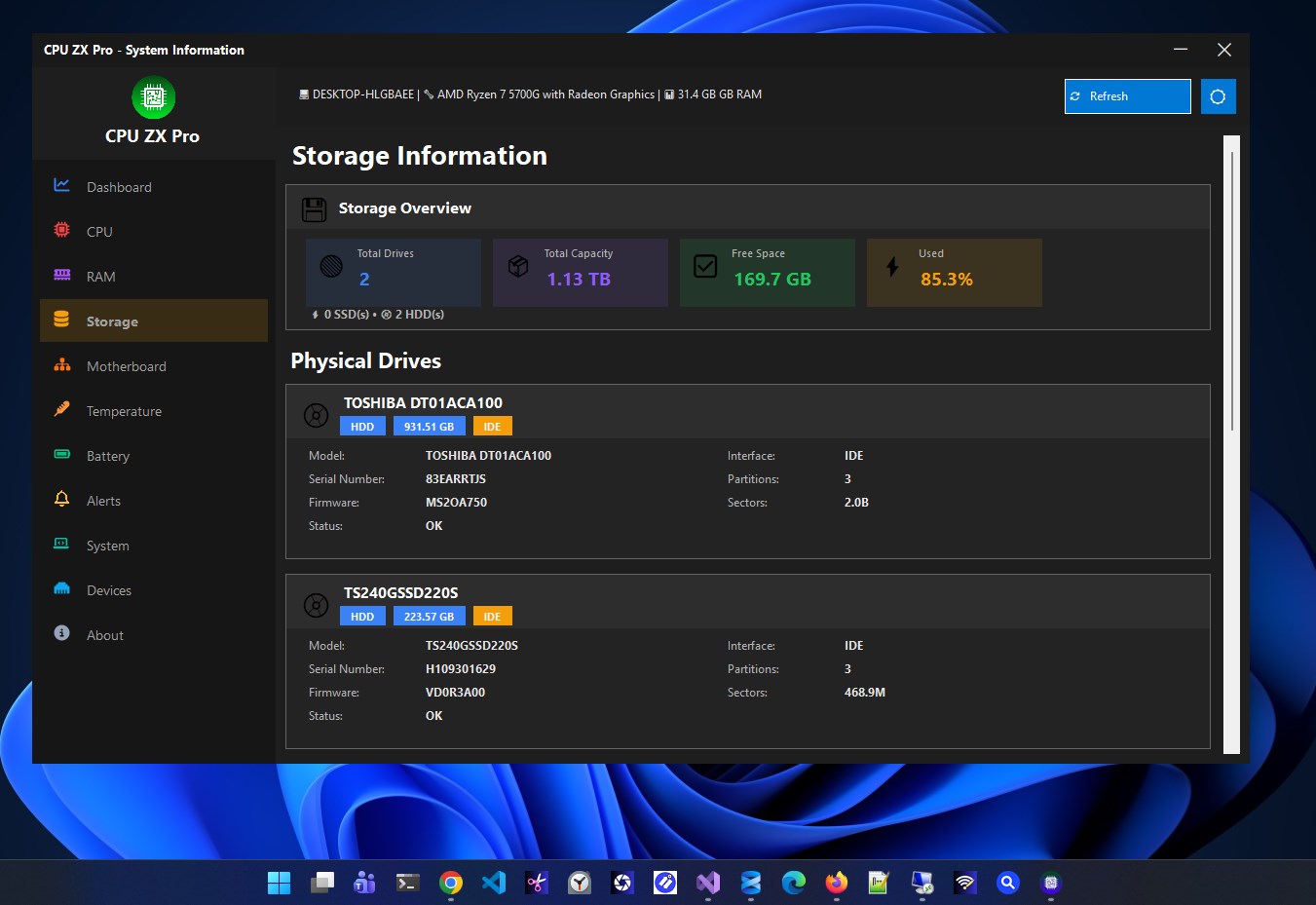
- Hardware Diagnostics & Analysis: Goes beyond simple metrics by providing detailed reports and alerts, making it easier to identify bottlenecks or potential issues.
- Performance Optimization Tools: Includes options for tweaking settings, enabling overclocking alerts, and optimizing system performance without the need for third-party utilities.
- User Customized Dashboard: Allows users to personalize the interface, pin favorite metrics, and receive tailored notifications relevant to their usage patterns.
The app aims at power users, PC builders, and tech enthusiasts who crave a straightforward yet robust way to manage their system's core health.
Engaging Performance Review: A User's Journey with CPU ZX Pro
Picture this: you've just built a gaming rig or upgraded your laptop, and suddenly you find yourself peering nervously at the temperature readings or the fluctuating CPU load. CPU ZX Pro steps in like a friendly tech guide, transforming complex data into clear visuals and actionable insights. It's the kind of app that makes monitoring feel less like a chore and more like an engaging dashboard of your PC's daily life.
Dynamic Dashboard and Visual Clarity
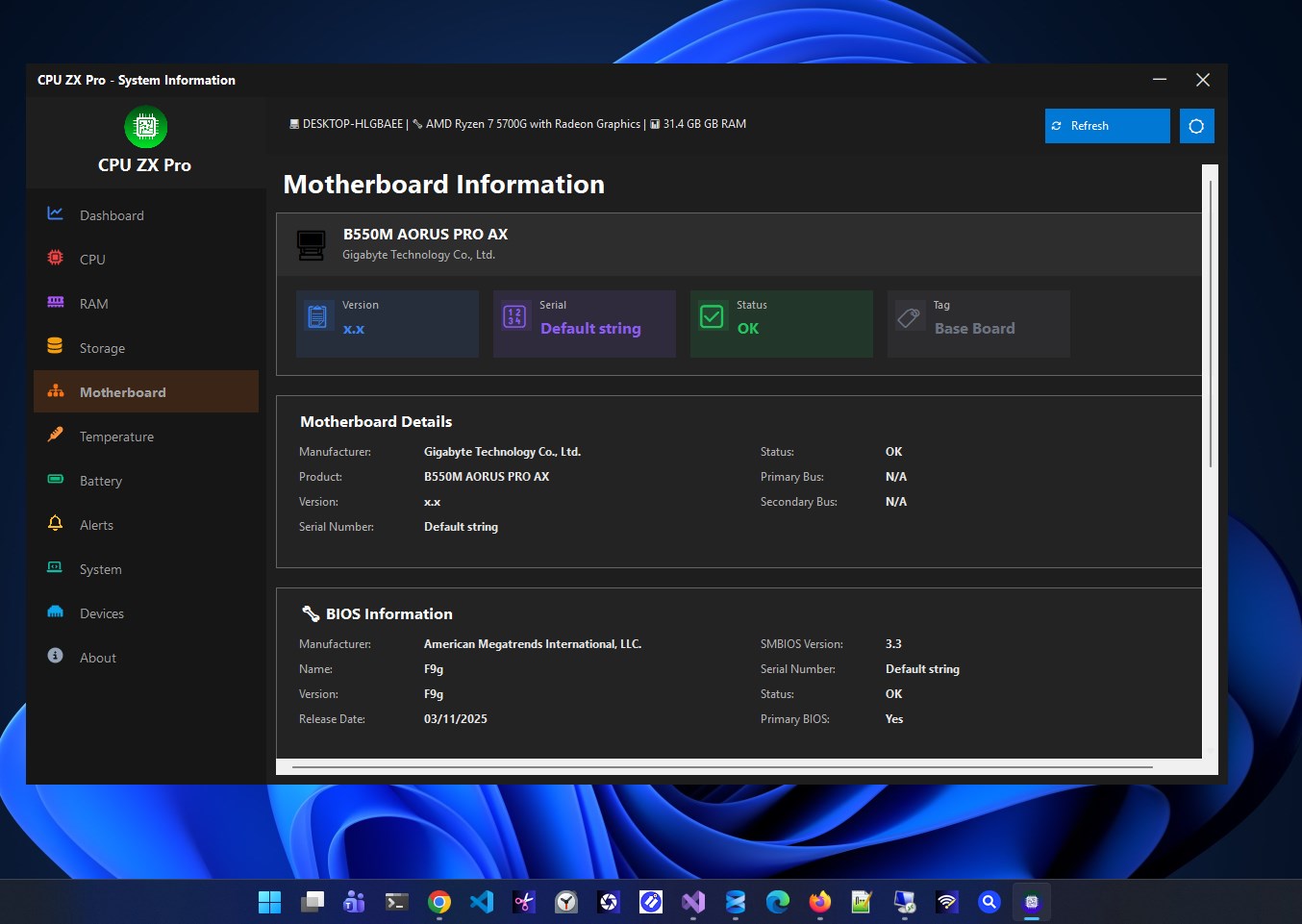
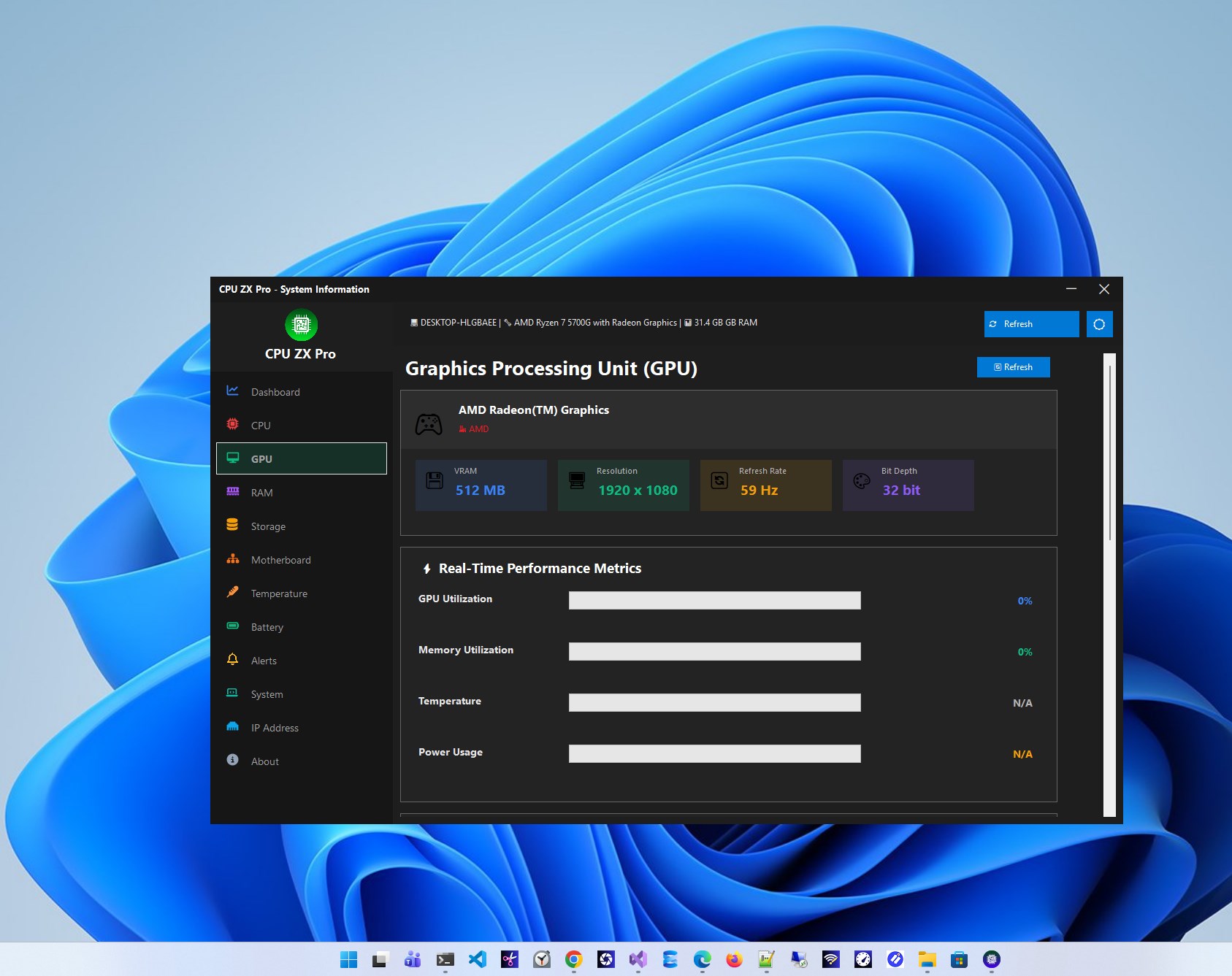
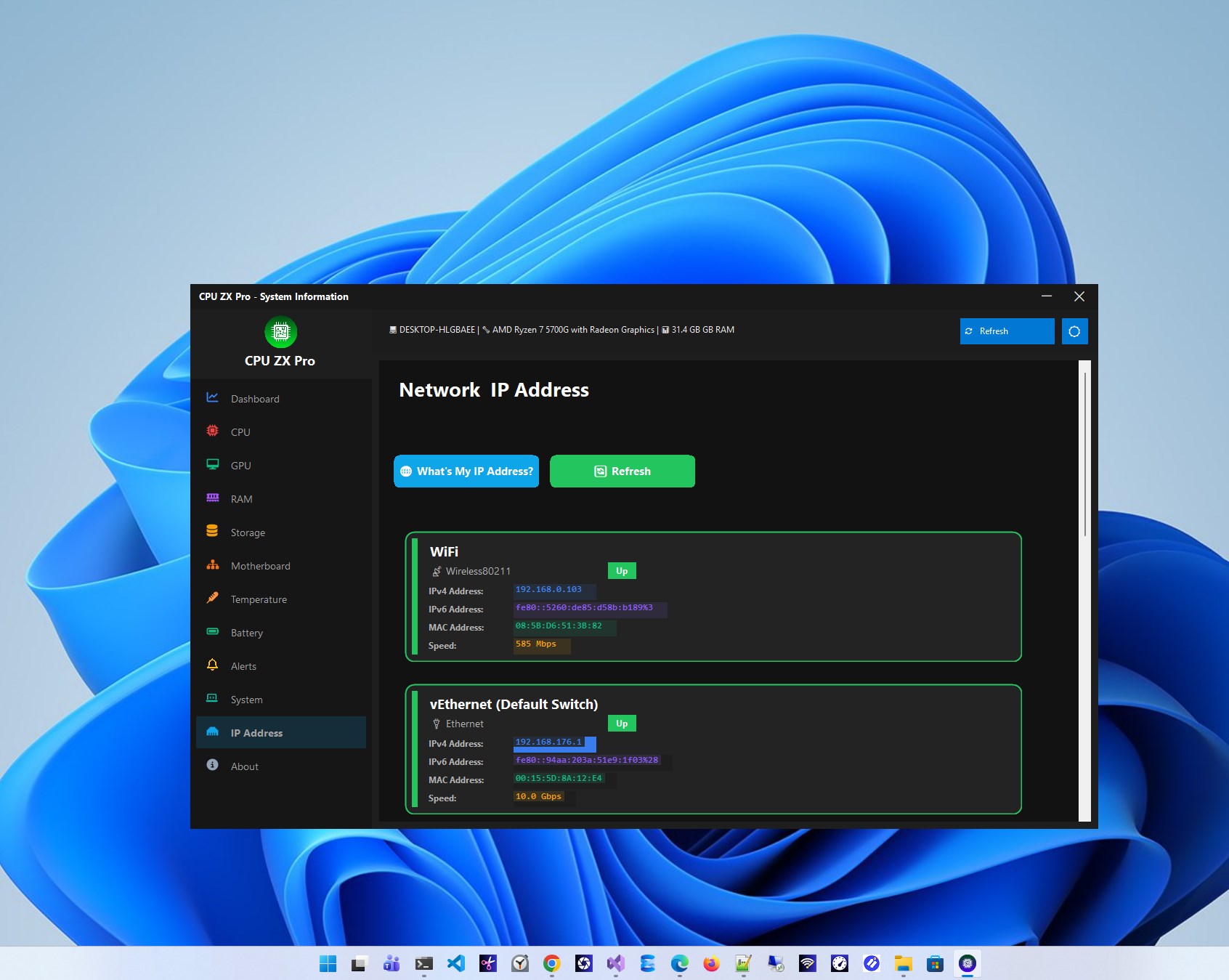
First impressions count, and CPU ZX Pro's interface hits the sweet spot with its intuitive, clean design. The dashboard presents real-time metrics with vibrant graphs and gauges that mimic car dashboard aesthetics—making it easier than ever to interpret CPU performance at a glance. Navigating through hardware info feels smooth and responsive, thanks to the app's lightweight architecture. Even newcomers can quickly learn to understand what the numbers mean without a steep learning curve, thanks to helpful tooltips and logical layout.
Core Monitoring and Diagnostic Functions
The heart of the app lies in its detailed monitoring capabilities. CPU ZX Pro provides instant updates on temperature thresholds—crucial during intensive gaming or rendering sessions—helping prevent overheating. Its diagnostic suite spots irregularities or potential failures early, offering peace of mind. This aspect especially sets it apart from more basic utilities by focusing on proactive health alerts rather than just reporting raw data.
Performance Tweaks and Customization
For those who like to push their hardware to the limit, the built-in fine-tuning features are a welcome addition. The app offers a controlled environment for overclocking alerts and system tweaks, often with safety thresholds built-in. Personalization options allow users to select which parameters they want on display, tailoring the app to their unique needs—a feature that single out CPU ZX Pro from more generic monitoring tools.
Final Thoughts and Recommendations
All in all, CPU ZX Pro for Windows stands out as a friendly yet powerful utility that bridges the gap between technical depth and user simplicity. Its greatest strength lies in combining detailed monitoring with user-centric customization, making it accessible for novices while remaining useful for advanced users looking to optimize their systems. If you're seeking a reliable all-in-one tool to keep an eye on your CPU's health, this application is worth exploring.
As a professional tech evaluator, I'd recommend CPU ZX Pro for anyone who values peace of mind and insightful system analysis without needing to install multiple separate tools. Whether you're maintaining a gaming PC, a workstation, or a everyday laptop, this app offers a clear window into your CPU's inner workings—helping you stay ahead of potential issues and optimize performance effectively.
Pros
- User-friendly interface
- Accurate CPU usage monitoring
- Lightweight design
- Comprehensive temperature readings
- Customizable alerts
Cons
- Limited compatibility with older Windows versions
- Basic reporting options
- Occasional minor interface glitches
- No real-time fan speed monitoring
- Free version has limited features











