


- Category Utilities & tools
- Developer Centerpoint Gaming
- Available on PC
- OS Windows 10 version 18362.0 or higher
- Keyboard Integrated Keyboard
- Mouse Integrated Mouse
- languages English (United States)
Enhance Your Gaming Precision with Crosshair X Extension for Windows
If you're serious about sharpening your aiming skills, finding the right overlay can be a game-changer. The Crosshair X Extension from Centerpoint Gaming promises to provide customizable crosshairs to elevate your gaming experience—think of it as adding a laser pointer to your arsenal. Below, we'll dive into what makes this utility stand out and how it can seamlessly integrate into your gaming setup.
What is Crosshair X Extension?
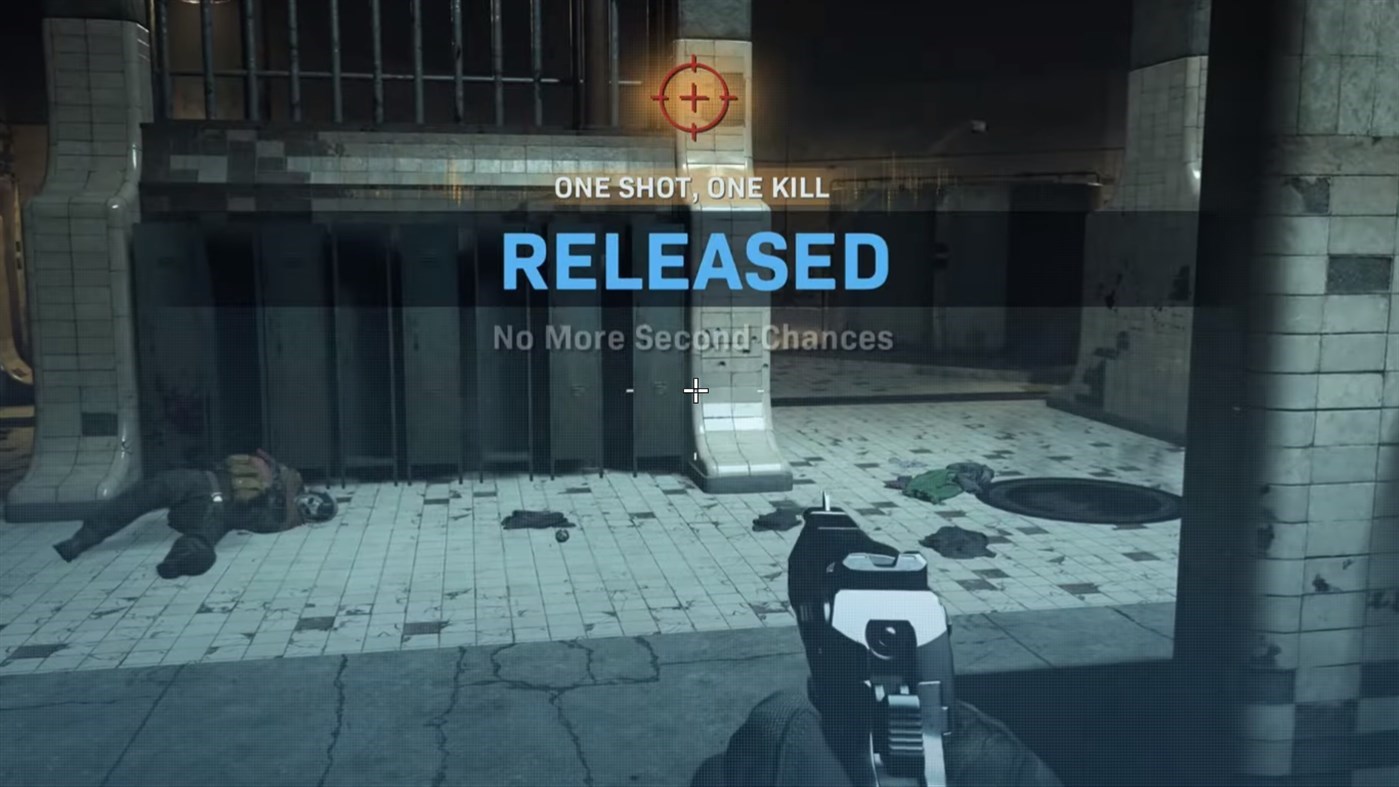
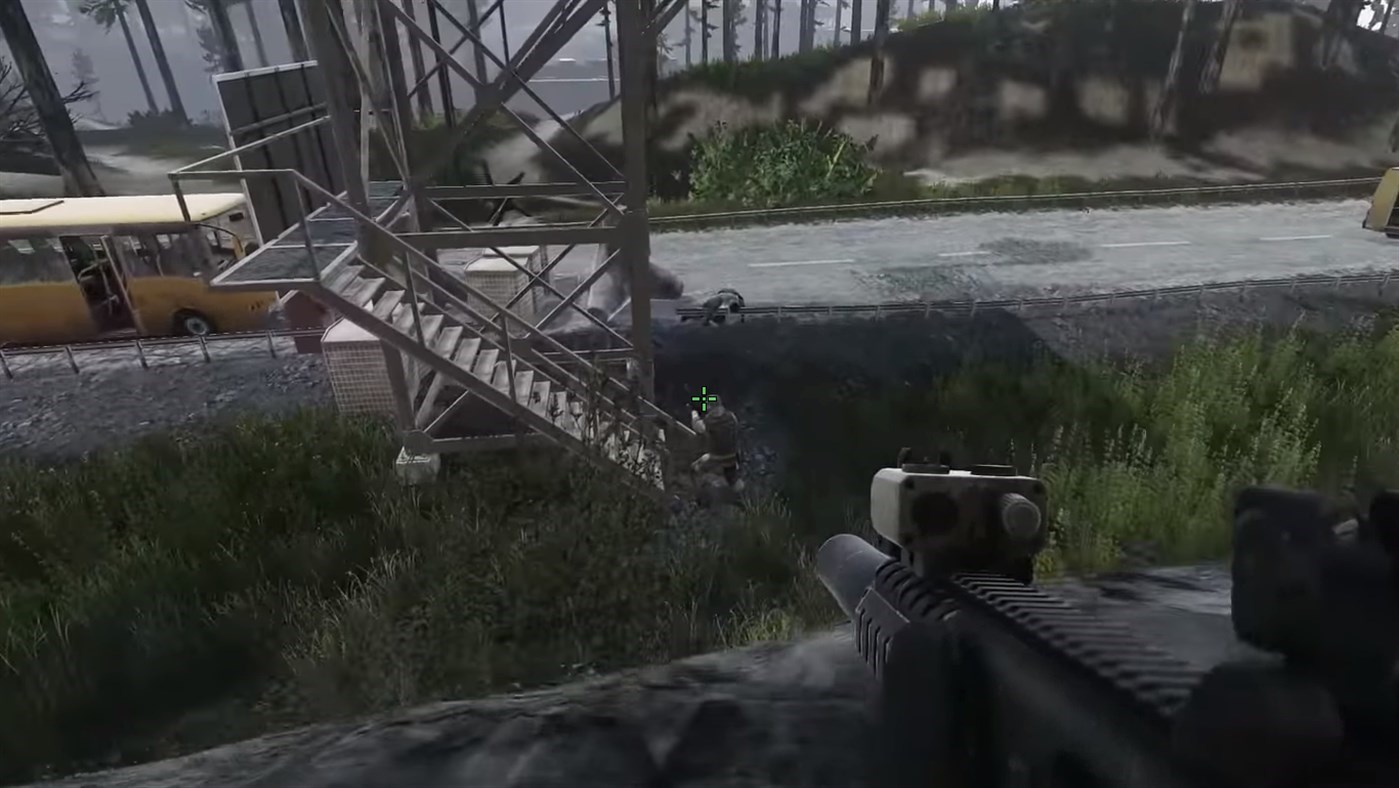
Crosshair X Extension for Windows is a lightweight application designed to overlay customizable crosshairs onto your screen during gaming sessions. Developed by Centerpoint Gaming, it aims to deliver precision and consistency, whether you're sniping in first-person shooters or aiming in other competitive titles.
- Developer: Centerpoint Gaming
- Publisher: CenterPoint Gaming
- Main Features: Customizable crosshair overlays, multiple crosshair styles, adjustable size and color, and compatibility with various games.
- Target Users: Competitive gamers, eSports enthusiasts, and anyone looking to improve aiming accuracy with an unobtrusive overlay.
A Bright Spot in the Utility World for Gamers
Imagine lining up a shot in your favorite FPS, unsure if your crosshair placement is optimal. Crosshair X Extension acts like a trusty guidelight, comfortably sitting over your gameplay without interference. Its unobtrusive design makes it feel like a natural part of your screen, subtly helping you aim just a little better. Let's explore its core functionalities.
Customizable Crosshairs — Make It Your Own
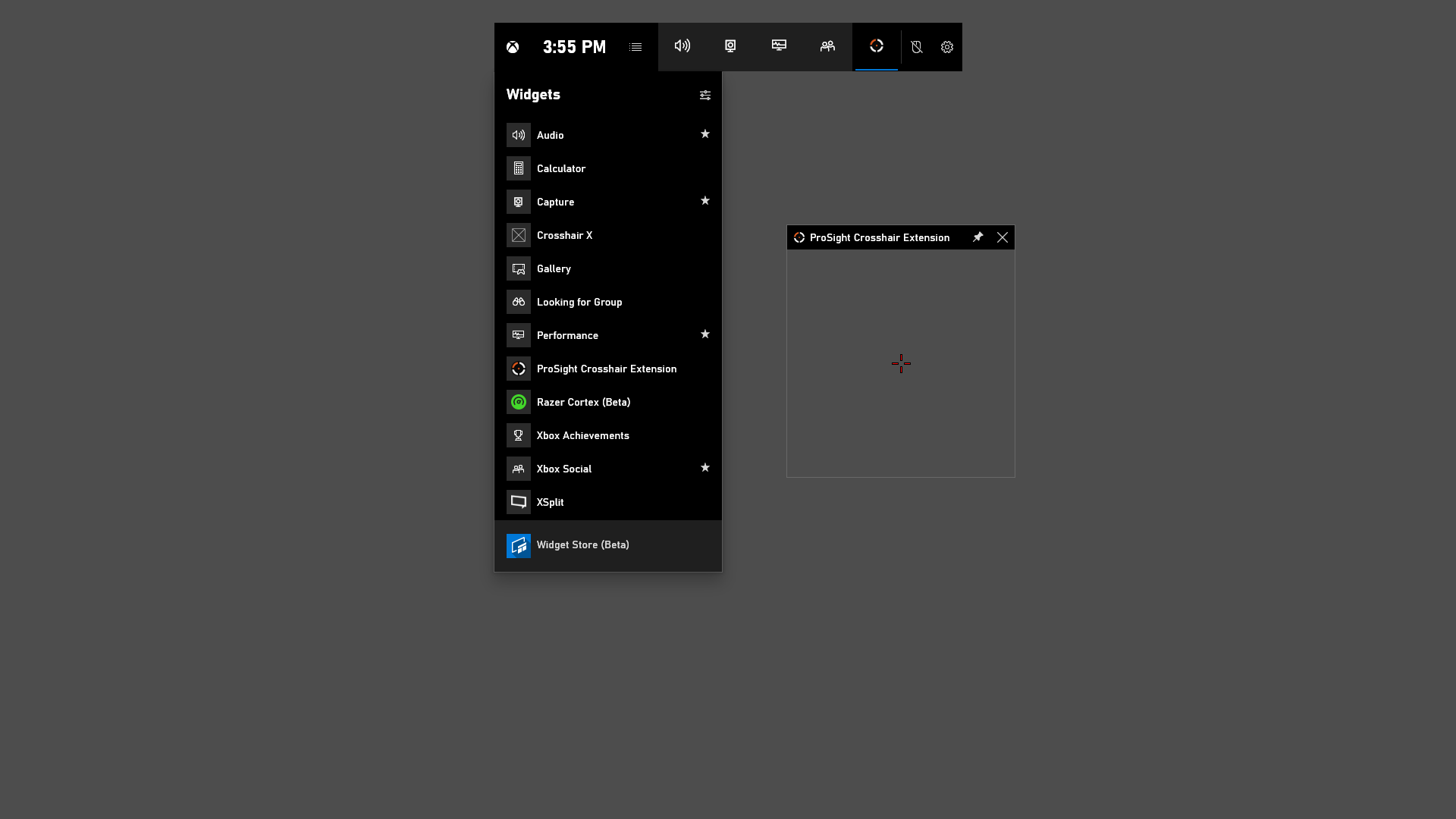
The heart of the app is its highly customizable crosshair overlay. With an intuitive interface, users can select from a variety of styles—dots, rings, or cross shapes—and tweak colors, transparency, size, and line thickness. Imagine sculpting your aiming reticle as if you're shaping your own set of precision tools. This flexibility allows gamers to tailor the overlay to their preferences, ensuring comfort during long gaming marathons and quick adjustments based on different game requirements.
Easy Setup and Seamless Integration
The application shines with its straightforward setup process. Upon launching, it automatically detects active games with overlays, allowing users to toggle the crosshair presence per game. The interface is clean and minimalistic—think of it as a well-organized toolbox—making it accessible even for those less tech-savvy. The overlay's stable performance ensures that the crosshair remains perfectly aligned and responsive, complementing your every move without lag or jitter.
Performance and User Experience
Performance-wise, Crosshair X Extension operates smoothly with minimal CPU overhead, meaning it won't turn your gaming rig into a fan-flying rocket. The user interface is friendly and approachable, akin to chatting with a knowledgeable friend who guides you through your customization journey. The learning curve is gentle: spending a few minutes exploring options yields a tailored overlay that feels natural and intuitive. During gameplay, the overlay stays static and does not distract, allowing full focus on the game while subtly improving your aim—much like having a secret weapon in your arsenal.
What Sets Crosshair X Extension Apart?
While many crosshair overlays or utility tools exist, Crosshair X Extension's unique selling points lie in its blend of versatility and user-centered design. Unlike generic overlays that may be cluttered or hard to customize, this app offers a refined experience with a clear focus on usability. The real standout is its ability to save multiple configurations for different games or scenarios, making it perfect for gamers who switch between titles. Its lightweight nature means it does not interfere with other overlays or software—think of it as the whisper-quiet companion that boosts your aim without causing a fuss.
Recommendation and Usage Tips
Based on its features and performance, I recommend Crosshair X Extension to both casual gamers looking for a subtle aiming aid and competitive players seeking a slight edge. It's especially beneficial if you want a customizable overlay that adapts seamlessly to various games. To get the best out of it, spend some time experimenting with styles and colors until you find the perfect fit. Keep in mind that while it enhances aiming precision, it doesn't replace good mechanics—think of it as a refined tool to complement your skills.
In summary, Crosshair X Extension offers a focused, easy-to-use solution for gamers who desire a personalized aiming overlay. Its simplicity, customization options, and smooth performance make it a valuable addition to any gamer's toolkit. Whether you're aiming for professional-level accuracy or just want a cleaner visual guide, this app is worth trying out.
Pros
- Intuitive user interface
- Customizable crosshair options
- Low latency performance
- Compatibility with multiple games
- Frequent updates with new features
Cons
- Limited free features
- Minor bugs in overlay positioning
- Learning curve for advanced settings
- Occasional software crashes
- Limited support for non-Windows platforms











