

- Category Utilities & tools
- Available on PC
- OS Windows 10 version 14393.0 or higher
- languages English (United States), Japanese
CrystalDiskMark for Windows: A Precise Tool for Storage Performance Benchmarking
Imagine having a reliable speedometer for your storage drives—CrystalDiskMark offers exactly that, providing users with accurate and easy-to-understand benchmarks of their SSDs and HDDs. Whether you're a casual user seeking to verify your drive speed or a seasoned technician troubleshooting performance issues, this tool fits perfectly into your toolkit.
About the Developer and Core Features
Developed by Crystal Dew World, a dedicated team known for their focus on storage utility tools, CrystalDiskMark embodies their commitment to simplicity and precision. The application's standout features include straightforward benchmarking that covers sequential and random read/write speeds, customizable test parameters for tailored assessments, and a clean, unobtrusive interface that makes performance evaluation accessible to all users.
Target Users and Basic Information
Primarily aimed at PC hobbyists, IT professionals, and tech enthusiasts, CrystalDiskMark provides critical insights into storage health and performance. Available via the Microsoft Store at this link, it offers a seamless download experience for Windows users, supporting anyone eager to understand their drives better without complex setups.
An Engaging Journey Into Disk Performance
Ever wondered if your shiny new SSD is living up to its hype? Picture the thrill of uncovering that your drive is faster than the latest sports car—or perhaps uncovering a bottleneck that's slowing down your work. CrystalDiskMark makes this journey straightforward and engaging, transforming performance testing from a daunting task into an insightful game of data exploration.
Core Functionality 1: Straightforward Benchmarking with Precision
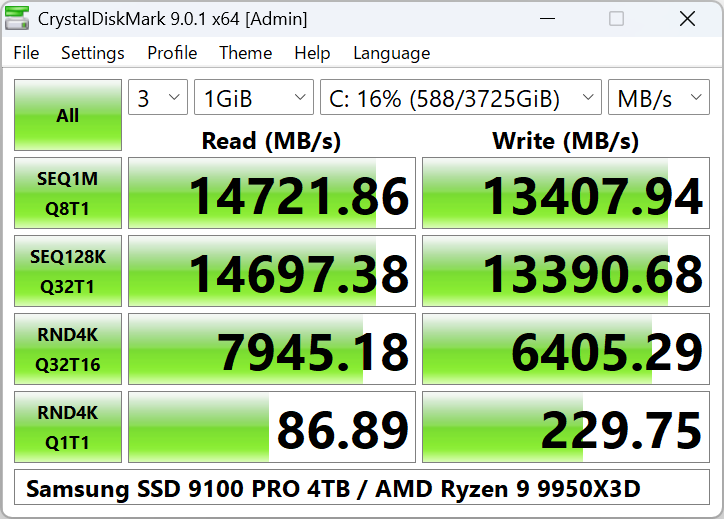
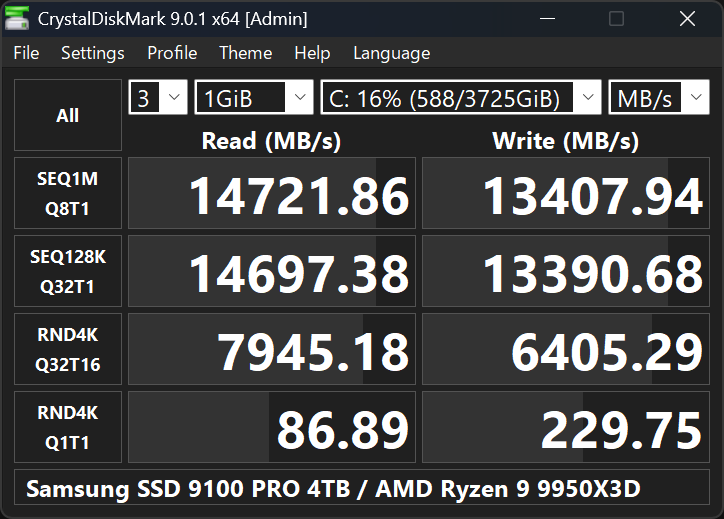
The heart of CrystalDiskMark lies in its ability to run benchmarks that simulate real-world scenarios. It measures sequential read and write speeds—the kind of data transfer you'd see copying large files—and random 4K speeds that reflect everyday tasks like launching applications or editing documents. The process is quick, usually completed within seconds, providing results that help users gauge whether their storage device is performing as expected or if it's time for an upgrade.
Core Functionality 2: Customizable Test Parameters & Detailed Reports
For users who want to dig deeper, this tool offers adjustable test options, including block size and number of test runs. Think of it like tuning a car engine—you can tweak settings to get a more tailored performance profile. The resulting reports are displayed in clean, easy-to-read graphs and data tables, making it simple to compare different drives or monitor performance over time.
User Experience: A Friendly and Understandable Interface
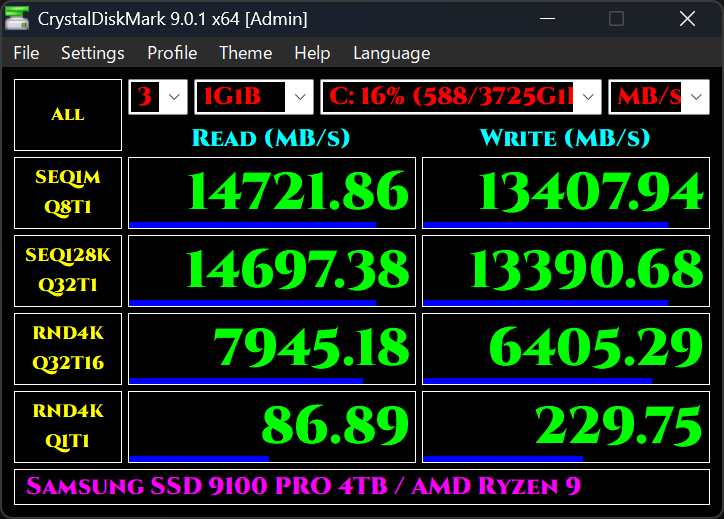
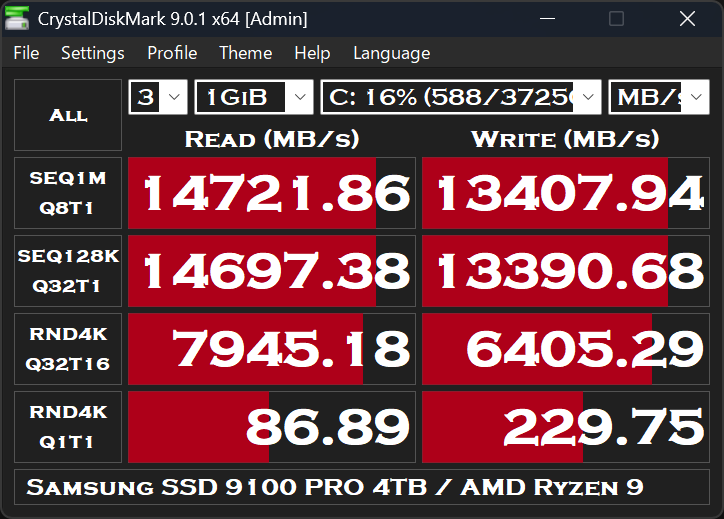
The interface of CrystalDiskMark strikes a perfect balance—minimalist but intuitive. The design resembles a well-organized dashboard, with large buttons and straightforward labels that guide your testing journey. Operations are smooth, with no lag or confusing menus, making it accessible even for tech novices. The initial learning curve is quite gentle: a few clicks and you're off to benchmarking. For power users, the depth of options satisfies their customization cravings, ensuring both simplicity and depth.
What Sets It Apart from Peers?
Compared to other utility tools, CrystalDiskMark stands out for its focus on accuracy and user-friendliness without sacrificing detail. While some tools clutter the interface with excessive options, it remains clean and approachable. Its ability to perform quick yet comprehensive tests—coupled with a consistent update history—means users can trust the results. Additionally, the absence of unnecessary features and ads provides a hassle-free experience, which is crucial when performance evaluation is time-sensitive.
Final Recommendations & Usage Tips
If you're looking for a no-nonsense tool to assess the health and speed of your drives, CrystalDiskMark is highly recommended. It's particularly useful before purchasing a new storage device, after hardware installations, or periodically to monitor aging drives. Its core strengths—precise benchmarking and ease of use—make it an essential utility in any tech enthusiast's arsenal.
While it may not replace professional diagnostic tools for in-depth health analysis, as a quick, trustworthy performance check, CrystalDiskMark delivers impressive value. Whether you're troubleshooting, confirming drive upgrades, or just satisfying curiosity, this app's clarity and reliability ensure it's a tool you'll return to time and again.
Pros
- Fast and reliable benchmarking performance
- Supports multiple storage device types
- User-friendly interface
- Customizable test parameters
- Free and lightweight tool
Cons
- Limited testing options beyond basic sequential and random speeds
- Lack of detailed reporting and data export features
- No benchmarking for mixed or real-world workloads
- Potential performance fluctuations on certain drives
- Limited support for network or external drives











