

- Category Utilities & tools
- Developer Campione Software
- Available on PC
- OS Windows 10 version 17763.0 or higher
- languages Albanian, Arabic, Belarusian, Bosnian (Latin), Bulgarian, Catalan, Chinese (Simplified), Chinese (Traditional Chinese), Croatian, Czech, Danish, Dutch, English, English (Australia), English (Canada), English (United Kingdom), English (United States), Estonian, Filipino, Finnish, French, French (Canada), German, Greek, Hebrew, Hindi, Hungarian, Icelandic, Indonesian, Italian, Japanese, Korean, Latvian, Lithuanian, Macedonian, Malay, Norwegian, Polish, Portuguese, Portuguese (Brazil), Portuguese (Portugal), Punjabi, Romanian, Russian, Serbian (Cyrillic), Serbian (Latin), Slovak, Slovenian, Spanish, Spanish (Latin America), Spanish (Mexico), Spanish (Spain), Spanish (United States), Swedish, Thai, Turkish, Ukrainian, Urdu, Vietnamese
DeDuplicate - Cloud Cleaner for Windows: A Fresh Take on System Optimization
In a digital age where clutter accumulates faster than we can keep track, DeDuplicate offers a streamlined solution to clean and organize your Windows PC effortlessly. Crafted by Campione Software, this utility promises to tidy up unnecessary files and duplicate data, giving your machine a fresh breath of efficiency.
Clean, Clear, and Keep It Simple
DeDuplicate is designed to be your trustworthy digital housekeeper. With a focus on simplicity and effectiveness, it scans your system for redundant files—whether they are duplicate documents, images, or leftover junk—and helps you remove them with just a few clicks. Think of it as a digital spa day for your PC, where clutter gets a gentle detox.
Powerful Duplicate Detection at Its Core
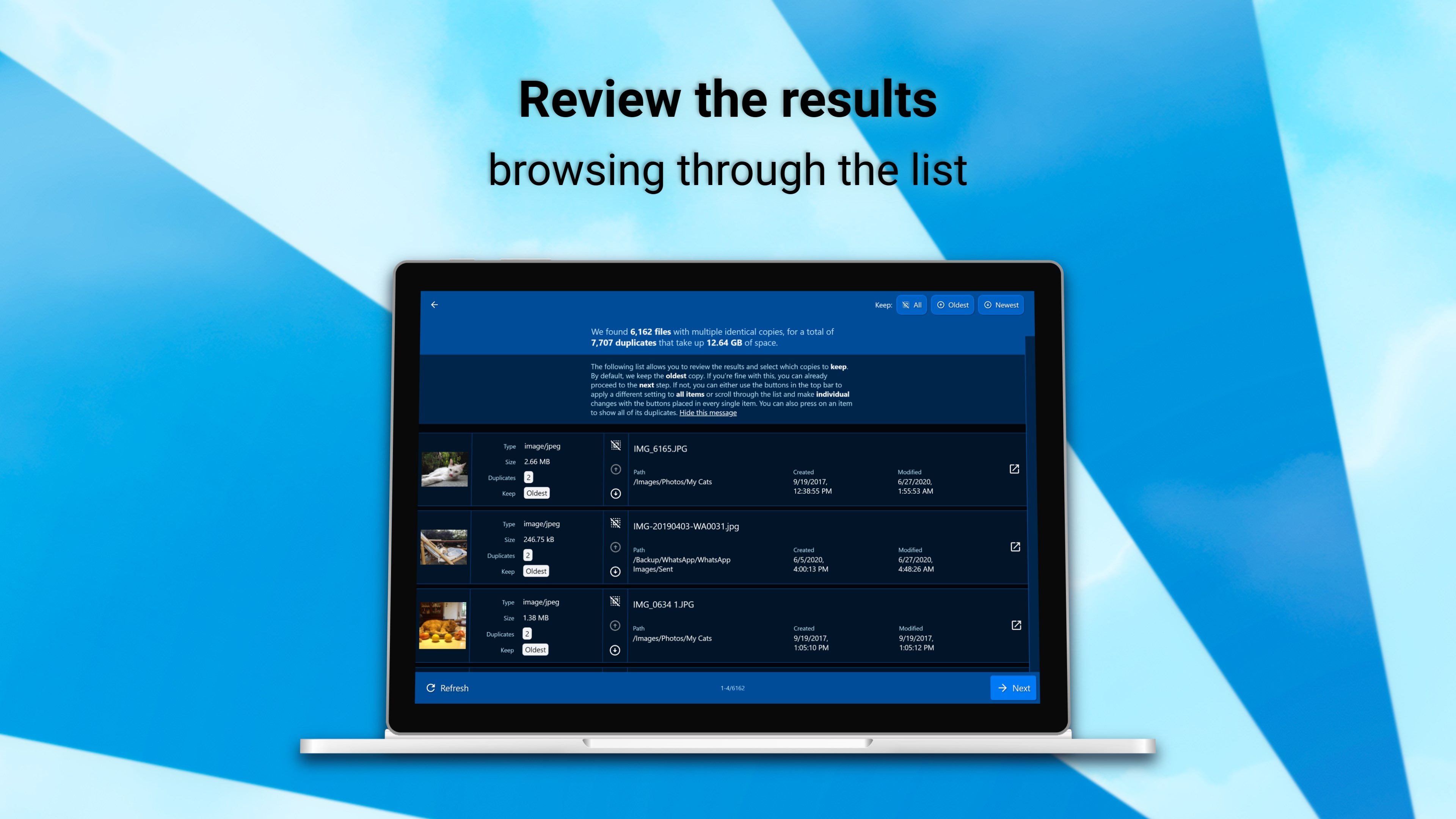
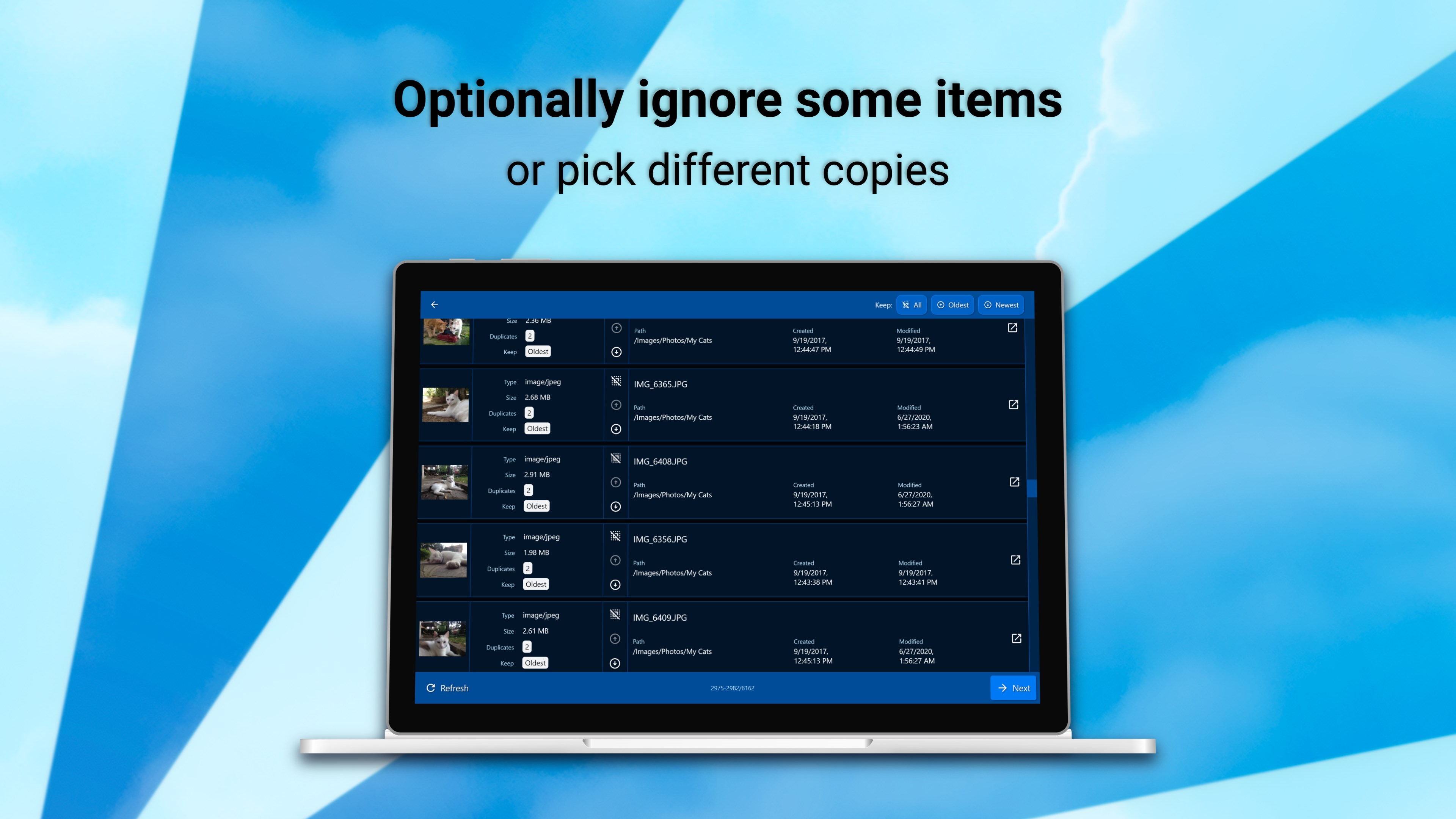
The standout feature of DeDuplicate is its sophisticated duplicate identification engine. It leverages advanced algorithms to scan your entire system, including internal and external drives, for identical files based on content rather than just filename. This ensures that even duplicated images renamed differently are spotted, effectively reducing unnecessary storage consumption. Once found, it provides clear options to review and remove duplicates, helping to recover precious disk space without risking file mishandling.
Comprehensive Cloud Cleaning Capabilities
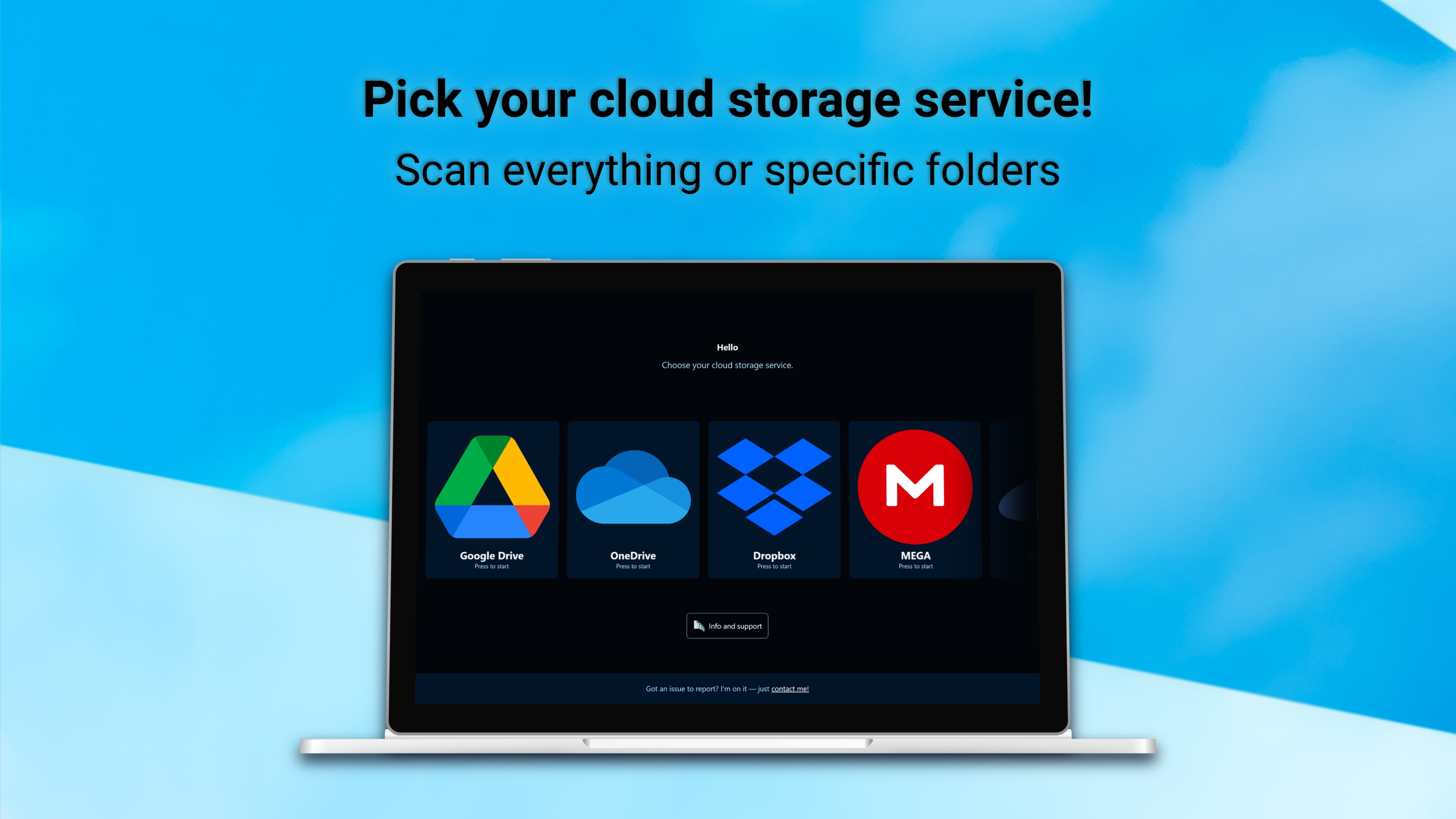
Beyond duplicate files, DeDuplicate simplifies cleanup of residual cloud cache and temporary files stored by various cloud services such as OneDrive, Dropbox, and Google Drive. It analyzes these storage areas and helps you declutter cloud-related folders, which are often overlooked during routine maintenance. This feature is particularly beneficial for users who rely heavily on cloud storage, as it prevents cloud cache buildup from affecting system performance.
User Experience: Friendly Interface Meets Smooth Operation
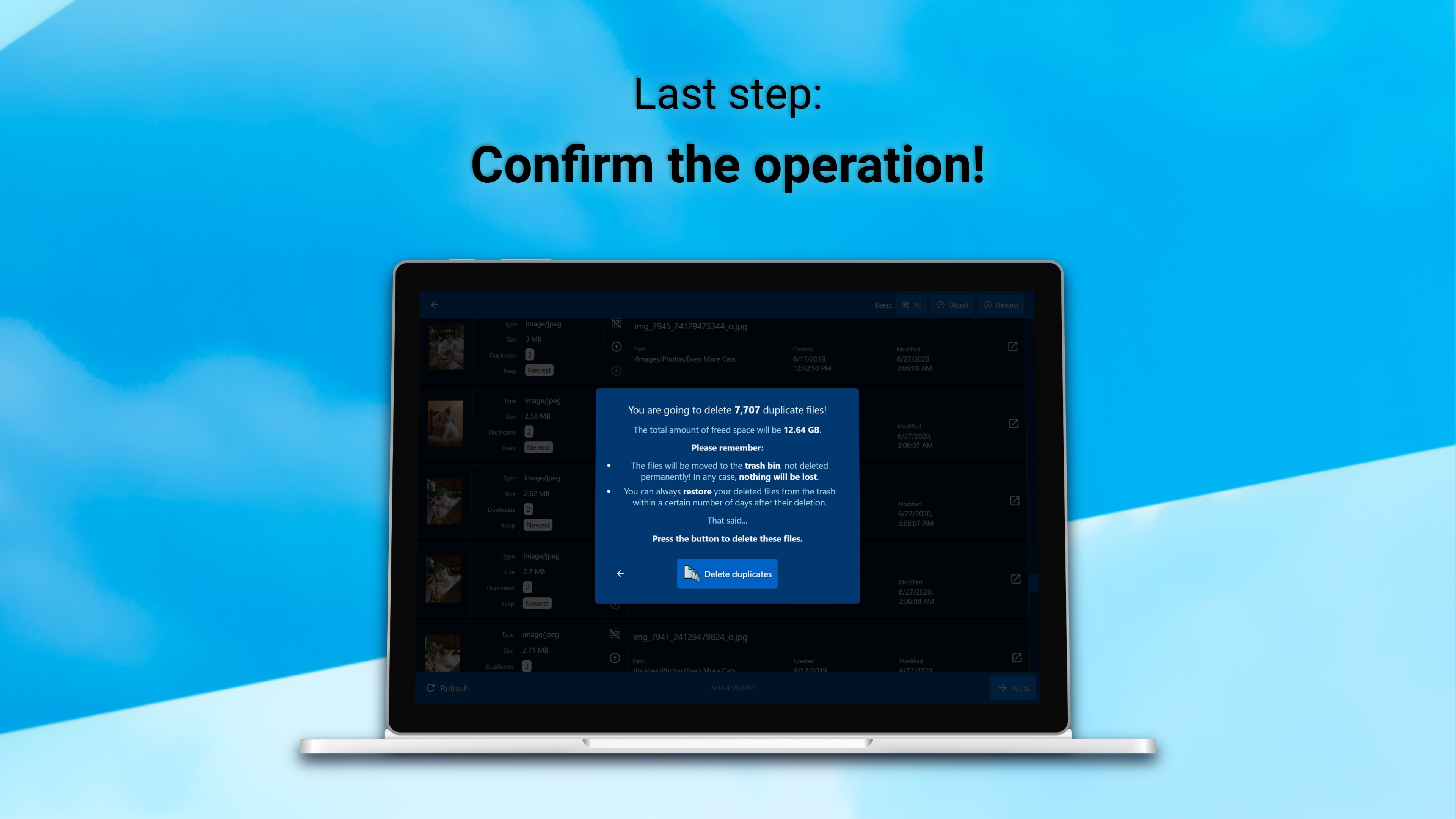
The interface of DeDuplicate is as clean and organized as its promises—a minimalist layout that makes navigation a breeze. It adopts a pleasant color palette that's easy on the eyes, even during prolonged sessions. The step-by-step workflow guides users from scanning to review and cleanup seamlessly, minimizing the learning curve. Responsiveness is impressive; scans complete in a reasonable timeframe, and the app's operations feel fluid, akin to slicing through the clutter with a well-sharpened digital scalpel.
Unique Selling Points: What Sets DeDuplicate Apart
Compared to other utilities that focus solely on duplicate detection, DeDuplicate's integration of cloud storage cleanup is a noteworthy differentiator. Many tools ignore the mountain of cache and residual files generated by modern cloud syncing, leading to missed optimization opportunities. DeDuplicate's dual approach addresses both duplicate local files and cloud storage clutter, making it a one-stop-shop for system tidying. Additionally, its straightforward interface appeals to both casual users and tech-savvy individuals who prefer hassle-free solutions.
Final Thoughts: Worth a Try with Clear Benefits
All in all, DeDuplicate - Cloud Cleaner for Windows is a pragmatic and effective utility that stands out by combining duplicate management with cloud storage cleanup. It's like having a digital butler who knows exactly where your system needs sprucing up. While it may not boast flashy marketing language, its functional depth and user-friendly design make it a reliable companion for keeping your PC lean and fast. I'd recommend it to anyone who feels overwhelmed by unnecessary files or looking to optimize their storage without the fuss—simple, straightforward, and worth exploring.
Pros
- Effective De-duplication
- Cloud Integration
- User-Friendly Interface
- Batch Processing Support
- Real-Time Scanning
Cons
- Limited File Type Support
- Processing Speed for Large Libraries
- Potential for False Positives
- Lack of Advanced Filtering Options
- No Integrated Backup Before Deletion











