

- Category Utilities & tools
- Developer Dell Technologies
- Available on PC
- OS Windows 10 version 0.0 or higher
- Keyboard Integrated Keyboard
- Mouse Integrated Mouse
- languages Chinese (Simplified), Chinese (Traditional Chinese), English, French, German, Japanese, Portuguese (Brazil), Spanish, Korean
Unlocking Your PC's Potential: An In-Depth Review of Dell Optimizer for Windows
If your computer feels sluggish or you're craving a smarter, more intuitive experience, Dell Optimizer for Windows might just be the toolkit you need. Designed with Dell's signature focus on seamless performance and user-centric features, this application claims to turn your everyday PC into a more responsive, personalized device. Let's explore whether it lives up to that promise.
Basic Information
At its core, Dell Optimizer for Windows is a smart, AI-powered utility aimed at enhancing overall system performance and user experience. Developed by Dell Technologies, a giant in the PC industry known for innovation and reliability, the app comes pre-installed on many Dell devices but is also available for download via the Microsoft Store.
Its key highlights include intelligent battery management to extend usage time, adaptive performance tuning based on user habits, noise cancellation for better calls, and personalized system optimization. The app's design caters primarily to Dell laptop users who want to squeeze more efficiency and responsiveness from their machines without tinkering with complex settings.
Five-fingered Claw: A Fresh Take on System Optimization
Imagine your PC as a well-trained athlete—sometimes it needs a pep talk, other times a strategic boost. Dell Optimizer steps into this role with a friendly, almost conversational approach, making system optimization feel less like a hassle and more like having a tech-savvy buddy by your side.
Smart Battery & Power Management
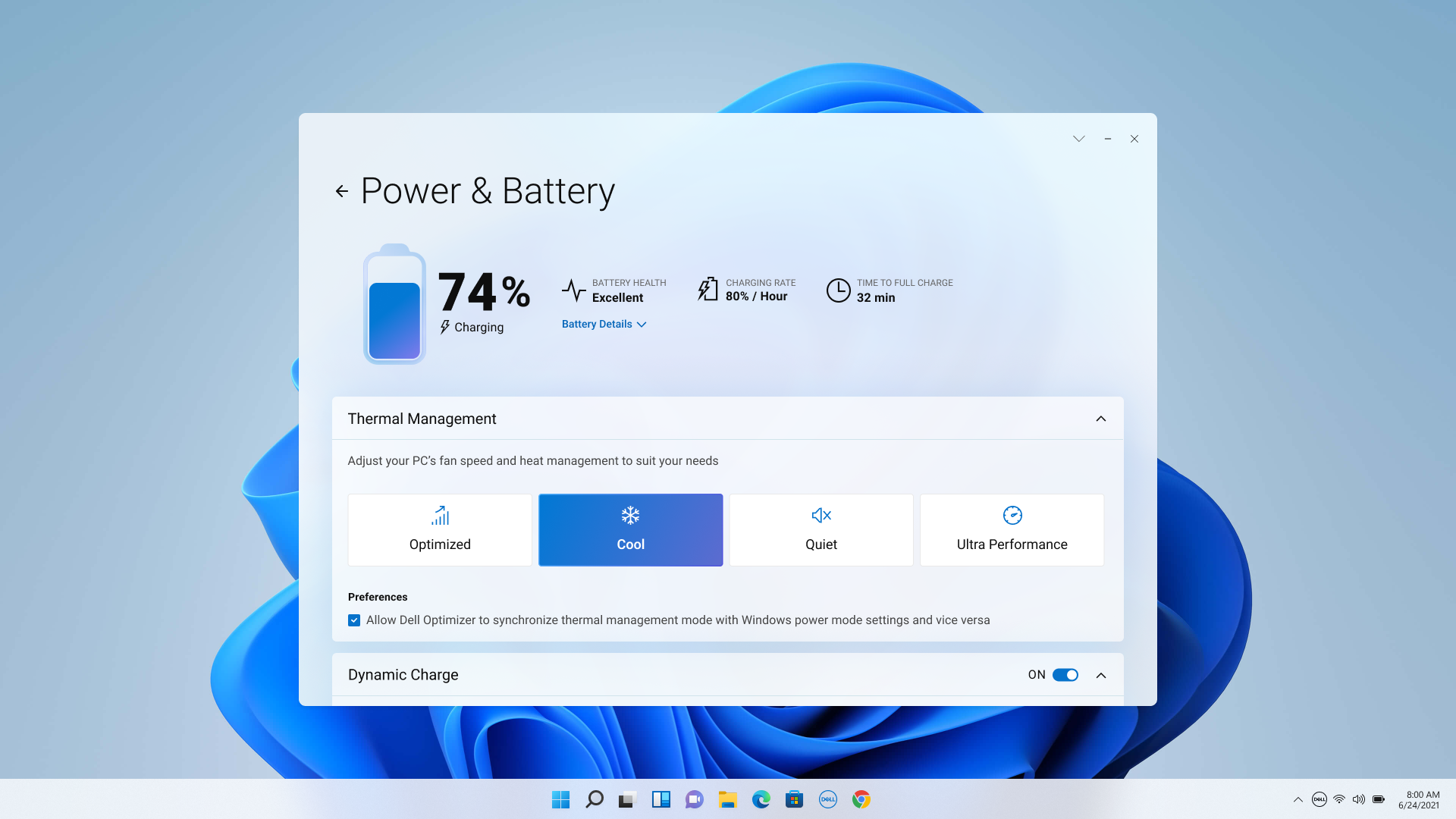
One of Dell Optimizer's standout features is its AI-driven power management system. Instead of a one-size-fits-all battery saver, it learns your usage patterns—like when you usually work on spreadsheets or binge-watch videos—and adjusts accordingly. If you're running low on juice before a long meeting, it'll prioritize essential apps to preserve power. Its real-time insight helps extend battery life by an impressive margin, making your laptop more like a trusty sidekick that's always ready to go.
This functionality is particularly useful for mobile workers and students who rely on their laptops throughout the day, offering peace of mind by intelligently managing power consumption without requiring manual intervention.
Adaptive Performance Tuning
Rich with machine learning magic, Dell Optimizer continuously monitors your system's performance and optimizes accordingly. Whether you're editing videos, attending virtual meetings, or gaming, it dynamically adjusts resources to match your activity. This ensures smoother airflow, faster response times, and minimized lag—almost like your laptop anticipates your next move, providing a tailored experience that's almost uncanny.
Unlike conventional utilities that require manual tweaks or multiple tools, this adaptive approach simplifies tech management, making PC upkeep feel effortless.
Enhanced Audio and Video Experience
Another exceptional feature is the intelligent noise cancellation and voice enhancement. When you're taking calls or participating in video conferences, Dell Optimizer sharpens your voice and filters out background noise—think of it as having a personal sound engineer silently at work. The system analyzes your environment in real time, adjusting audio settings to deliver crisp, clear communication—vital when remote work is the norm.
This focus on communication clarity definitely sets it apart from other utility apps that tend to overlook such nuanced features, making it especially appealing for professionals and students alike.
User Interface and Overall Experience
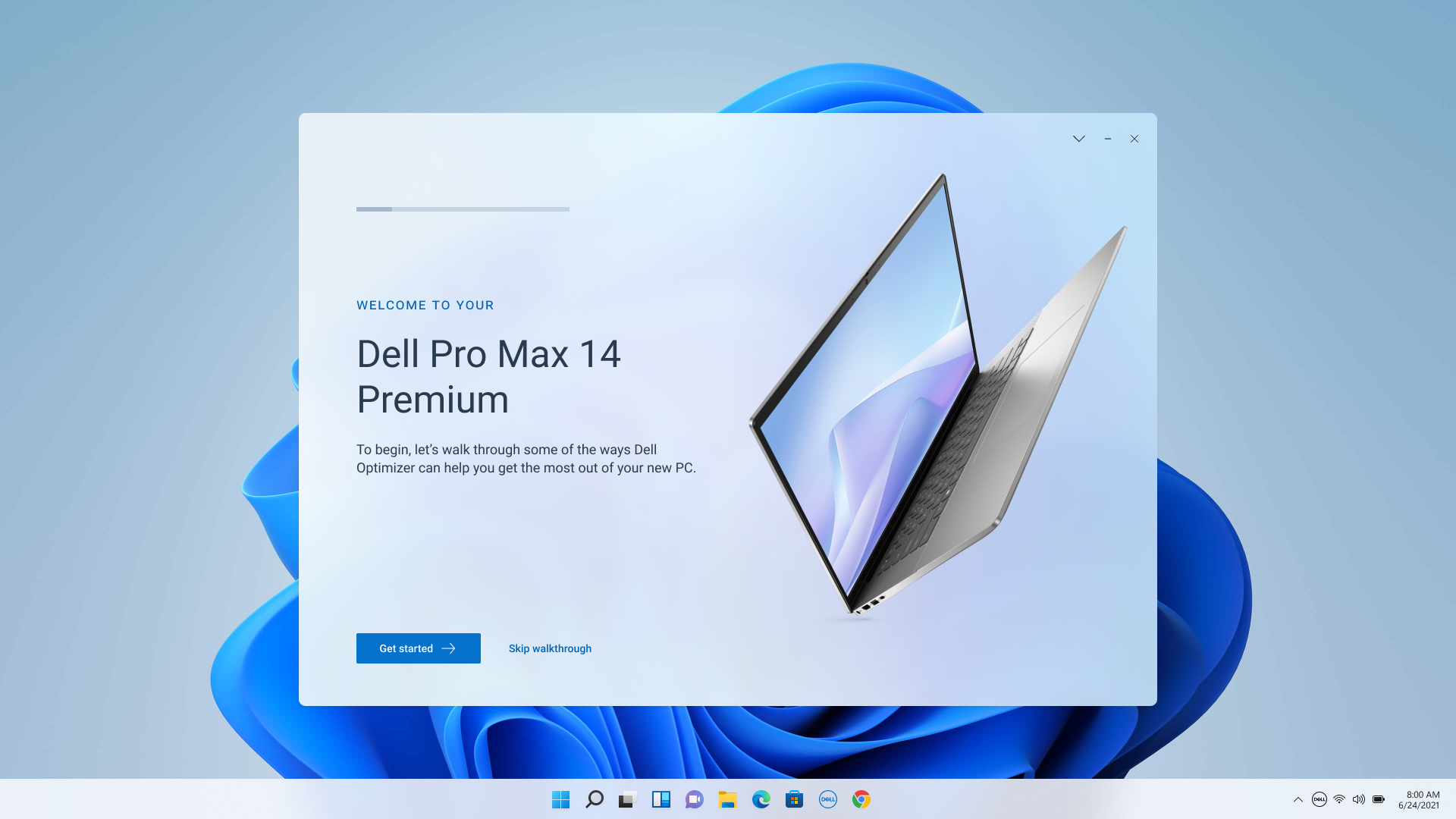
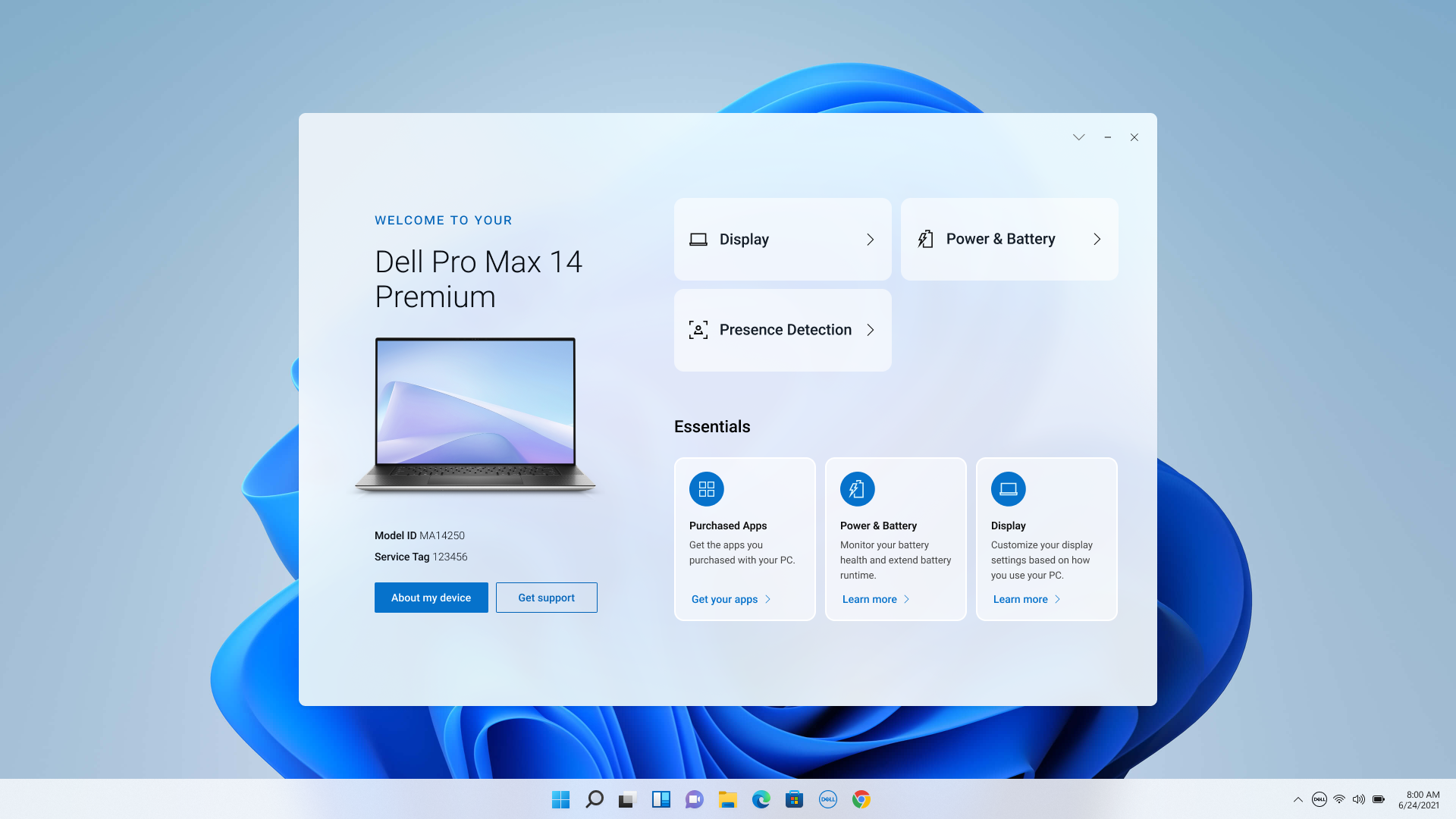
From the moment you open Dell Optimizer, it greets you with a clean and straightforward interface—think of it as the dashboard of a modern car: intuitive yet packed with intelligent features. Navigating through various modules is smooth, and the app's responsiveness rivals that of your favorite smartphone interface. Its learning curve is gentle; even tech novices can quickly get comfortable tinkering with the settings.
What's particularly noteworthy is how unobtrusive yet effective the app feels—like having a helpful assistant quietly ensuring your device runs at peak performance without constant micromanagement. Compatibility with Windows makes for a seamless experience, and the app's integration feels natural, not intrusive.
What Makes Dell Optimizer Stand Out?
While there are many system utilities available, Dell Optimizer's biggest strength lies in its AI-driven, predictive adjustments—especially the battery life optimization and adaptive performance tuning. These features work behind the scenes, learning your habits to deliver tangible benefits without requiring constant user input. Its ability to enhance audio calls is also a notable differentiator, aiming to improve remote communication quality in an age where virtual meetings are commonplace.
Unlike generic cleaners or tuning tools, Dell Optimizer's focus on intelligent learning and personalized adjustments positions it as a refined, purpose-built utility tailored primarily for Dell users but accessible to any Windows user seeking smarter device management.
Final Recommendation and Usage Tips
Overall, Dell Optimizer for Windows is a well-crafted utility that offers meaningful improvements in battery management, performance, and communication clarity. I would recommend it to Dell laptop owners as a valuable addition to their digital toolkit, especially if you're someone who appreciates an intuitive, minimally invasive approach to system optimization.
For those using non-Dell devices, its benefits may be limited as some features are tailored specifically for Dell hardware. Nevertheless, if you're a Dell user craving smarter management of your device, this app deserves a spot in your software arsenal.
To get the most out of Dell Optimizer, keep it updated and allow it to learn your habits over time. Its intelligent features truly shine when given time to adapt to your daily routines, transforming your PC into a more responsive, efficient companion.
Pros
- Enhanced Performance Optimization
- Smart Battery Management
- Customizable Acoustic Features
- Seamless System Integration
- User-Friendly Interface
Cons
- Occasional Compatibility Issues
- Limited Customization Options
- Resource Usage
- Occasional Software Glitches
- Limited Offline Functionality











