
- Category Utilities & tools
- Available on PC
- OS Windows 10 version 17134.0 or higher
- languages Chinese (Simplified), English, French, German, Japanese, Korean, Portuguese, Russian, Spanish, Thai, Vietnamese
A Sleek Digital Clock for Windows: Your New Desktop Companion
If you're tired of the default clock widget cluttering your desktop or looking for a more customizable and visually appealing time display, the Desktop Digital Clock for Windows by Wuhan Net Power Technology Co., Ltd may just become your new favorite tool. Designed with simplicity and efficiency in mind, this app transforms your desktop into a modern timekeeper without the bloat of unnecessary features.
Basic Information Overview
The Desktop Digital Clock for Windows is a lightweight application that replaces or enhances your existing desktop clock with a configurable digital display. Developed by Wuhan Net Power Technology Co., Ltd, a company specializing in utility tools and desktop enhancement applications, the app emphasizes clear time visualization and customization options.
- Main Features:
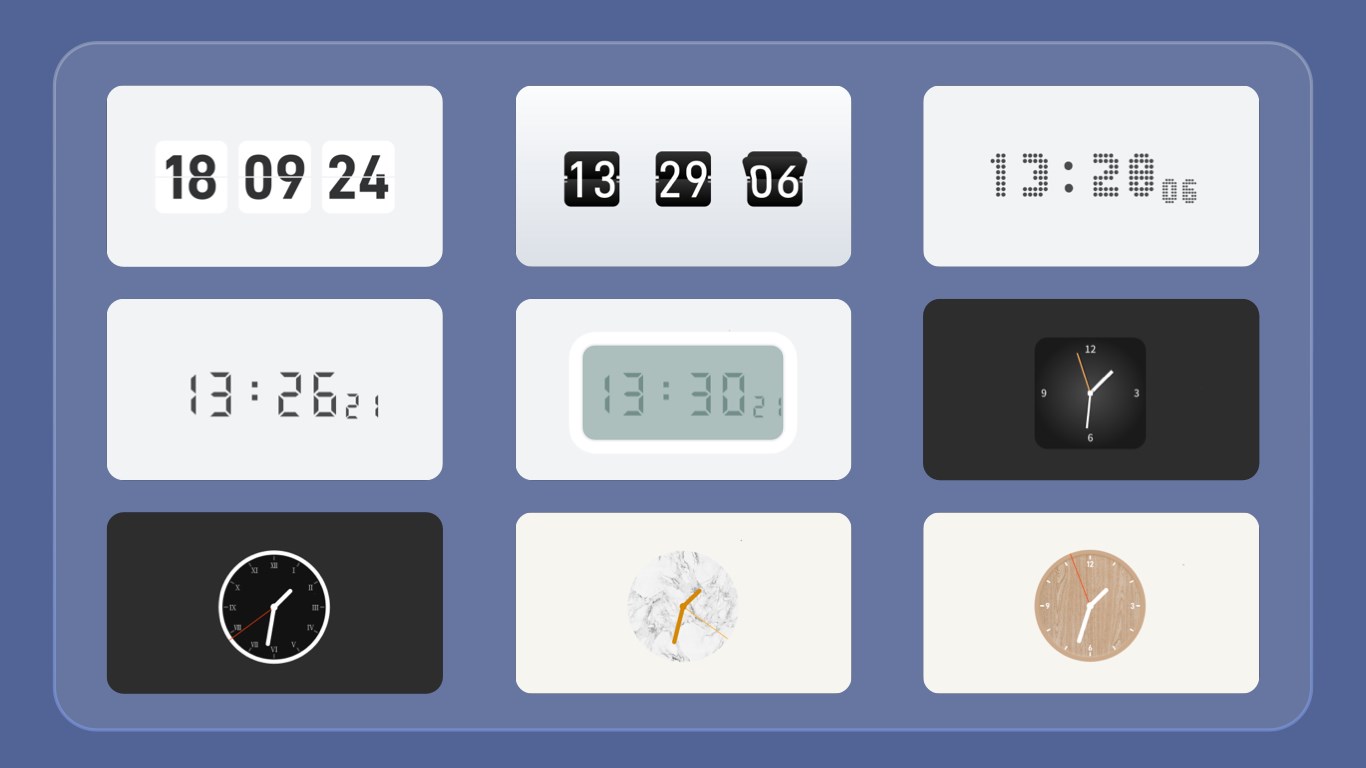
- Highly customizable clock display with various themes and font options
- Multiple clock formats, including 12-hour and 24-hour modes
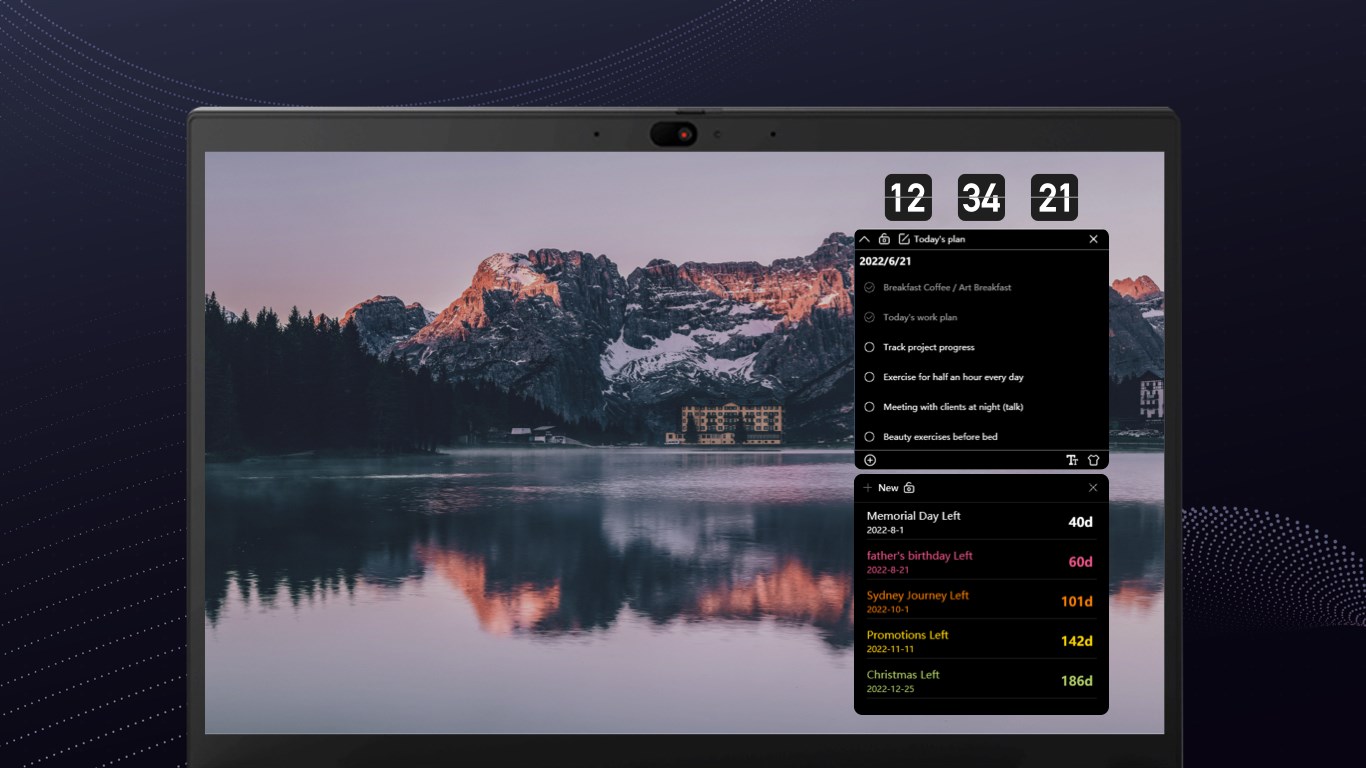
- On-screen notification alerts for specific times or events
- Minimal system impact and seamless integration into desktop environment
- Target Audience: Desktop users seeking a simple yet elegant clock widget, professionals needing time reminders, and those who want aesthetic customization for their workspace.
A Bright Spot in Your Desktop Universe
Imagine your desktop as a bustling control room, and the clock as an essential part of your command center. The Desktop Digital Clock app is like adding a stylish, easy-to-read watch that blends seamlessly into your digital workspace without distracting you. Its clean interface and smooth operation make checking the time an effortless glance—no need to fumble with tiny system tray clocks anymore.
Customizable Visuals and Alerts: Make Time Your Ally
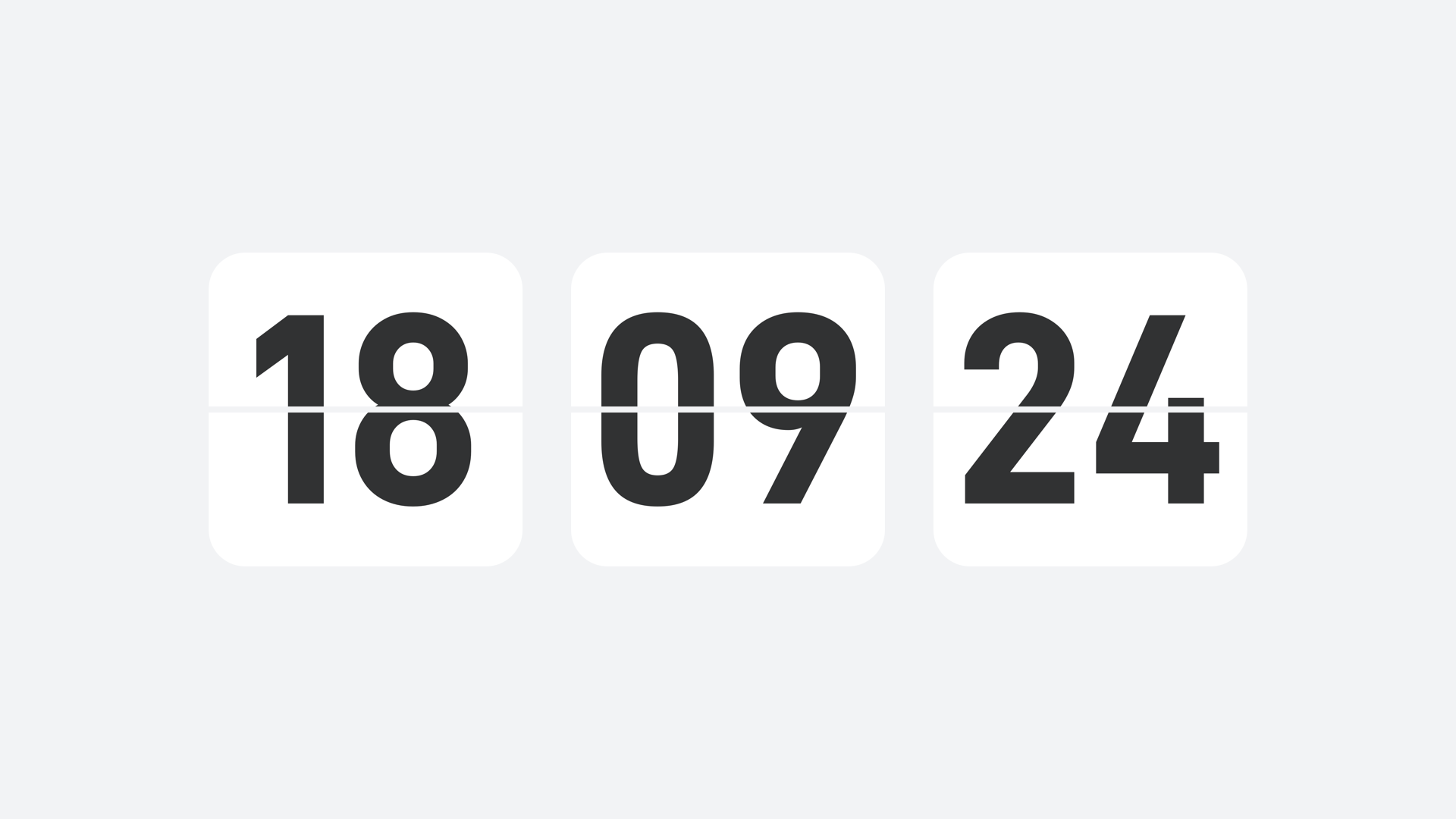
The app's standout feature is its impressive customization capabilities. From selecting different themes—from modern minimalism to bold color schemes—to choosing fonts that match your aesthetic, it transforms a boring clock into a visually appealing element. Moreover, users can configure notification alerts that pop up at specified times, acting as gentle nudges for meetings, breaks, or deadlines. This dual focus on aesthetics and utility elevates the app from a simple clock to a personal time management assistant.
Intuitive User Interface and Performance
Setting up the Desktop Digital Clock for Windows is surprisingly straightforward. The interface boasts a minimalistic design, reminiscent of a sleek dashboard. Navigating through settings feels like flipping through a well-organized menu—intuitive and unobtrusive. Once configured, the clock runs fluidly without lag or excessive resource use, maintaining system responsiveness. Despite its simplicity, it offers enough options to cater to users with varying preferences, all while keeping the learning curve shallow—perfect for those who prefer not to fuss with complicated setups.
Differentiating from Peers: What Makes It Special?
Compared to other desktop clock utilities, this app's unique advantages lie in its blend of aesthetic flexibility and practical alert system. While many clocks focus solely on displaying time, this application enhances productivity by enabling time-based notifications, essentially turning your desktop into a mini scheduling hub. Additionally, its unobtrusive design ensures it complements rather than dominates the workspace. Its low system footprint further ensures it remains lightweight, making it suitable even for older or less powerful PCs.
Final Thoughts and Recommendations
Overall, the Desktop Digital Clock for Windows is a commendable utility for anyone seeking a customizable, efficient, and visually pleasing clock widget. It's especially suitable for professionals or students looking for subtle time reminders and aesthetic enhancement without overwhelming their desktop experience. I would recommend this app to users who appreciate personalization and need a dependable clock that can adapt to their style and schedule. While it might not replace feature-rich clock applications with in-depth world time zones or alarms, it excels at providing a sleek, straightforward time display with an extra touch of utility.
Pros
- Customizable Clock Display
- Multiple Time Zones Support
- Minimalistic and User-Friendly Interface
- Lightweight and Low Resource Consumption
- Easy Access and Customization Options
Cons
- Limited Alarm Features
- No Weather Display
- Customization Options Are Basic
- No Desktop Widget Support
- Occasional Minor Glitches











