

- Category Utilities & tools
- Available on PC
- OS Windows 10 version 14393.0 or higher
- languages English (United States)
DisplayLink Manager for Windows: Simplifying Multi-Display Connectivity
DisplayLink Manager for Windows is a dedicated utility designed to streamline the management of multiple external displays via DisplayLink technology, making multi-monitor setups more accessible and user-friendly.
About the Developer
Developed by DisplayLink, a renowned company specializing in graphics connectivity solutions, this application aims to enhance the experience of using DisplayLink-enabled devices, ensuring smoother performance and easier control over multiple screens.
Key Highlights of the Application
- Seamless Multi-Monitor Management: Easily configure and arrange multiple displays with intuitive controls.
- Optimized Performance Settings: Tweak display performance parameters to suit your workflow or entertainment needs.
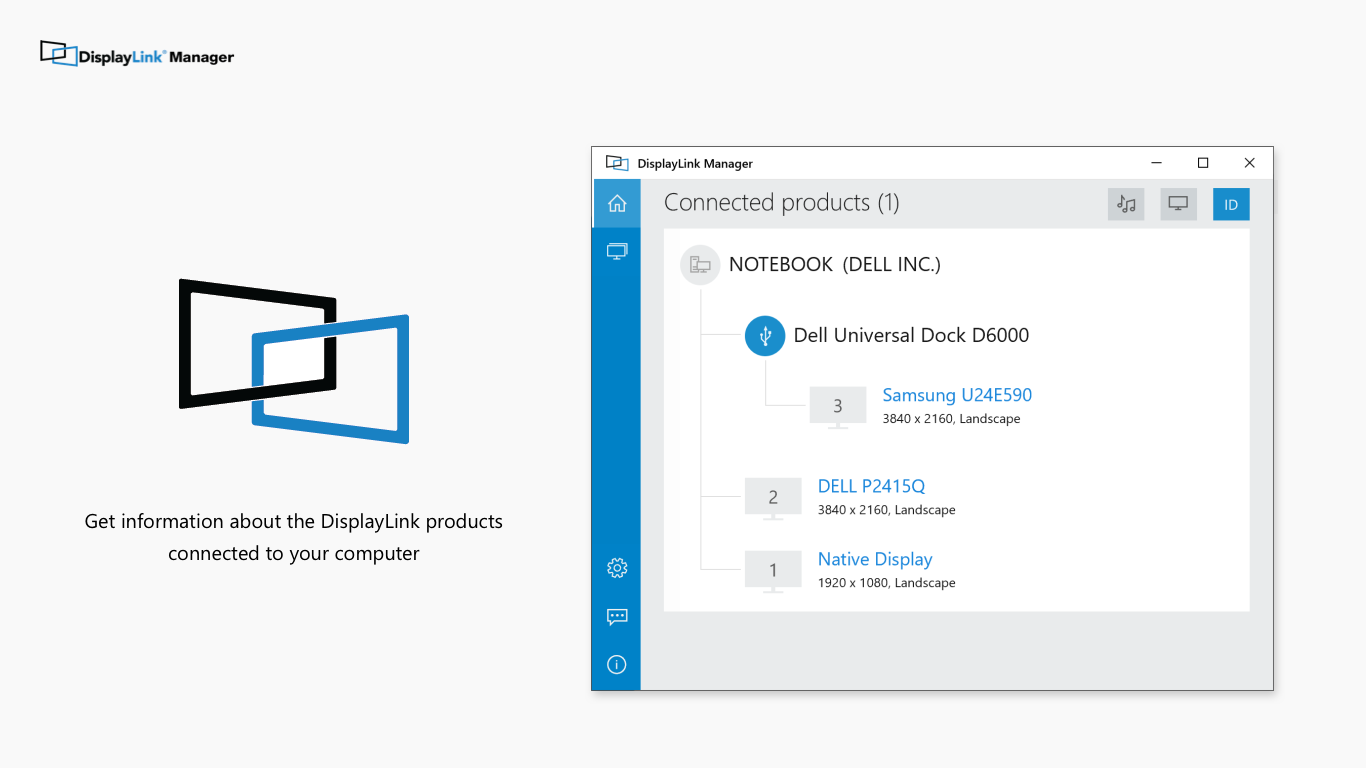
- Automatic Device Recognition: Detects connected DisplayLink devices instantly, simplifying setup processes.
- Firmware Updates & Troubleshooting: Facilitates updating device firmware and resolving common display issues from within the app.
Engaging the User: The First Impressions
Imagine stepping into your workspace, eager to set up a productivity haven with multiple monitors. DisplayLink Manager feels like a helpful assistant guiding you through every step—quietly handling the technical heavy lifting while you focus on your tasks. Its clean interface and straightforward workflow make even newcomers feel like seasoned multi-display maestros in no time.
Core Functionality Blocks
Multi-Display Configuration Made Effortless
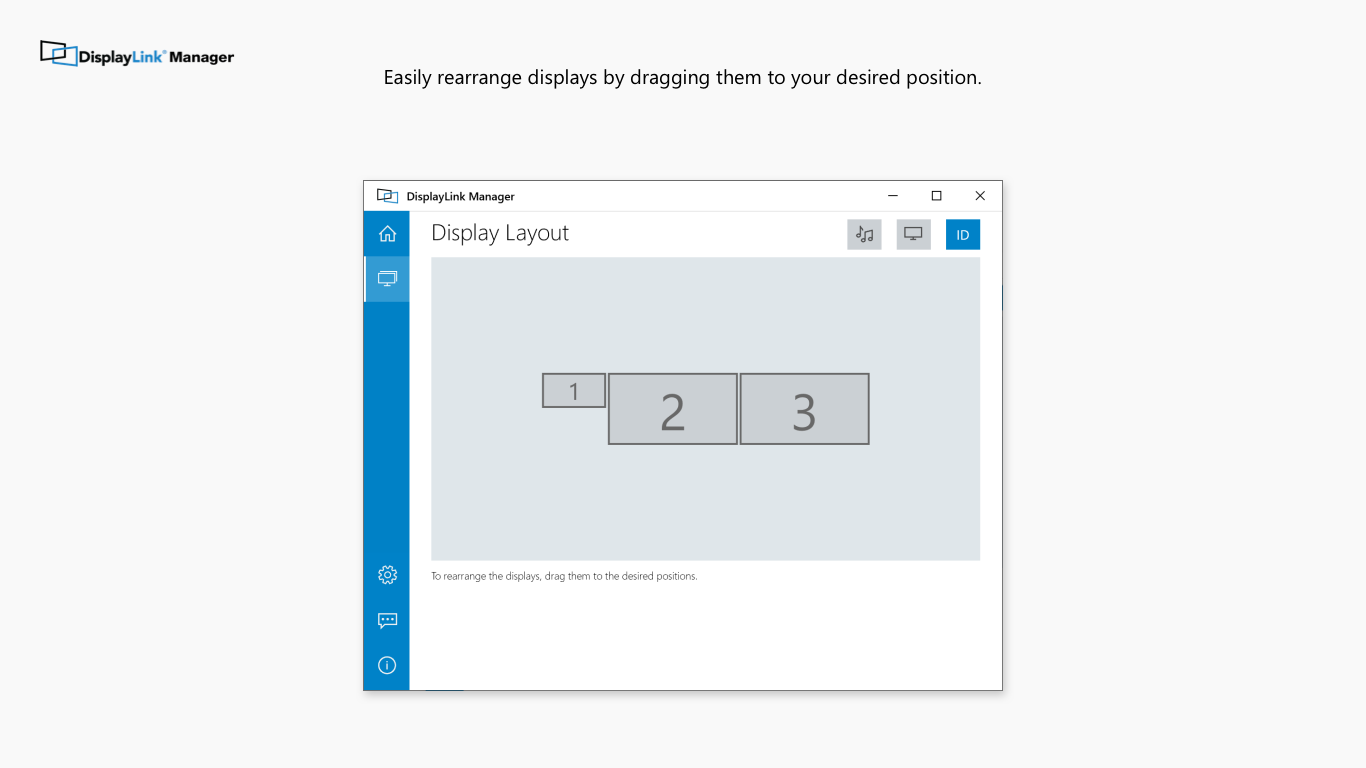
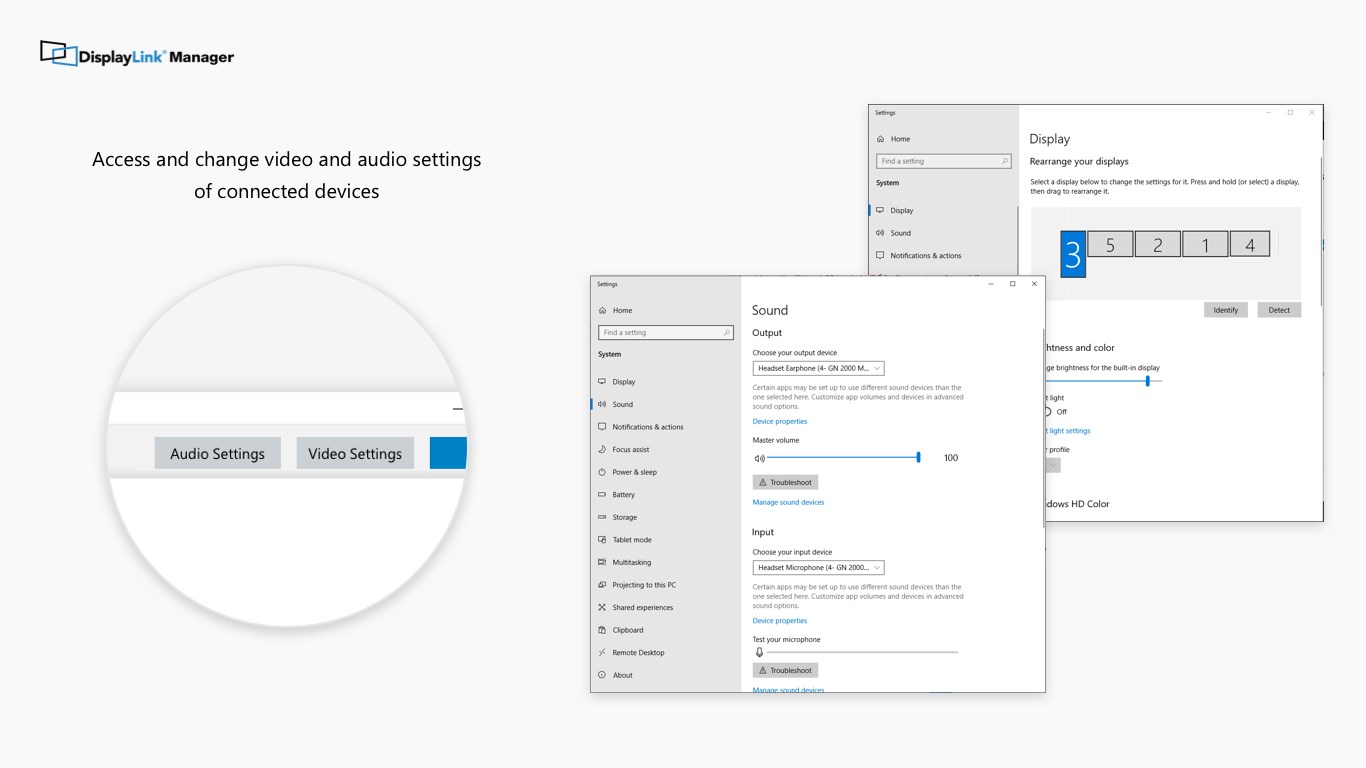
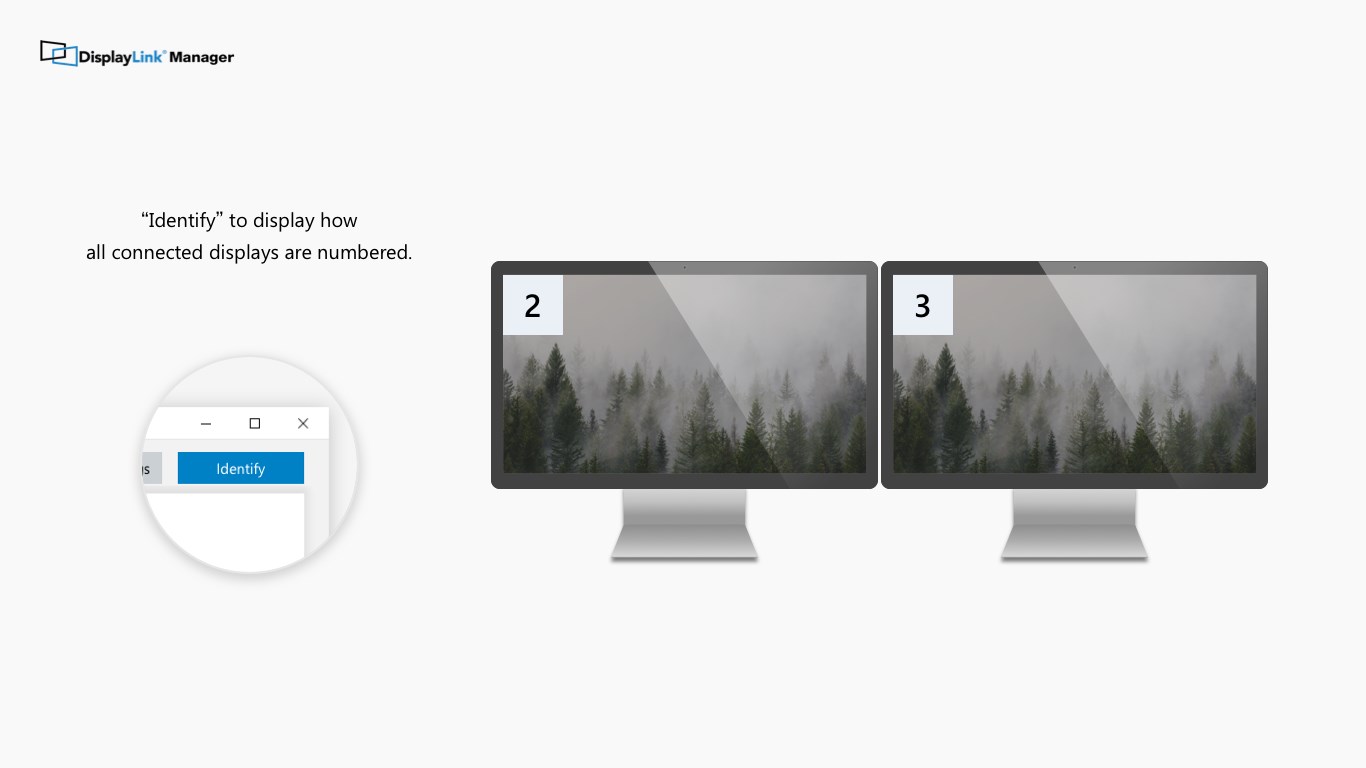
The standout feature of DisplayLink Manager is its ability to handle diverse display arrangements effortlessly. With just a few clicks, you can detect connected screens, arrange their positions to match your physical setup, and save preset configurations. The interface provides a visual layout that resembles your actual desk, reducing guesswork and frustration. This level of control is particularly beneficial for graphic designers, programmers, and traders who rely on efficient workspace management.
Performance Optimization and Updates
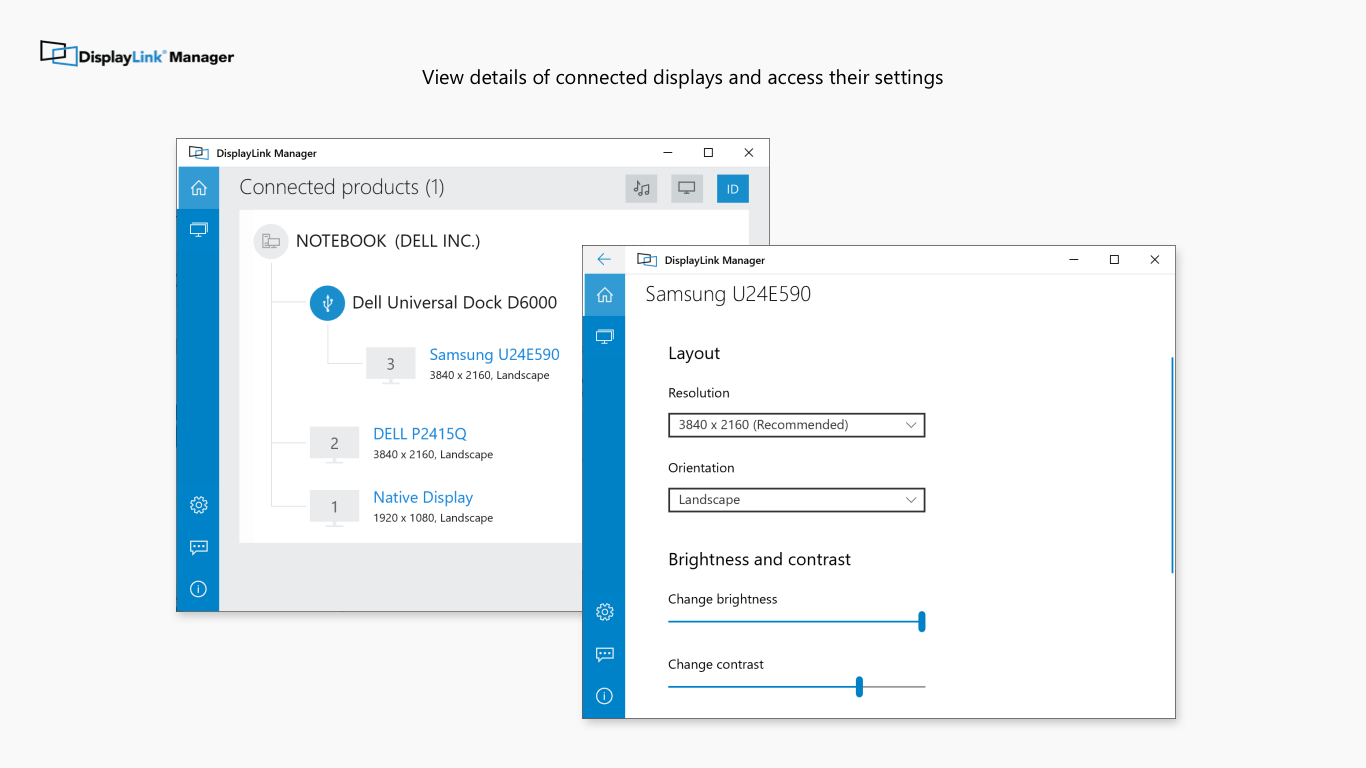
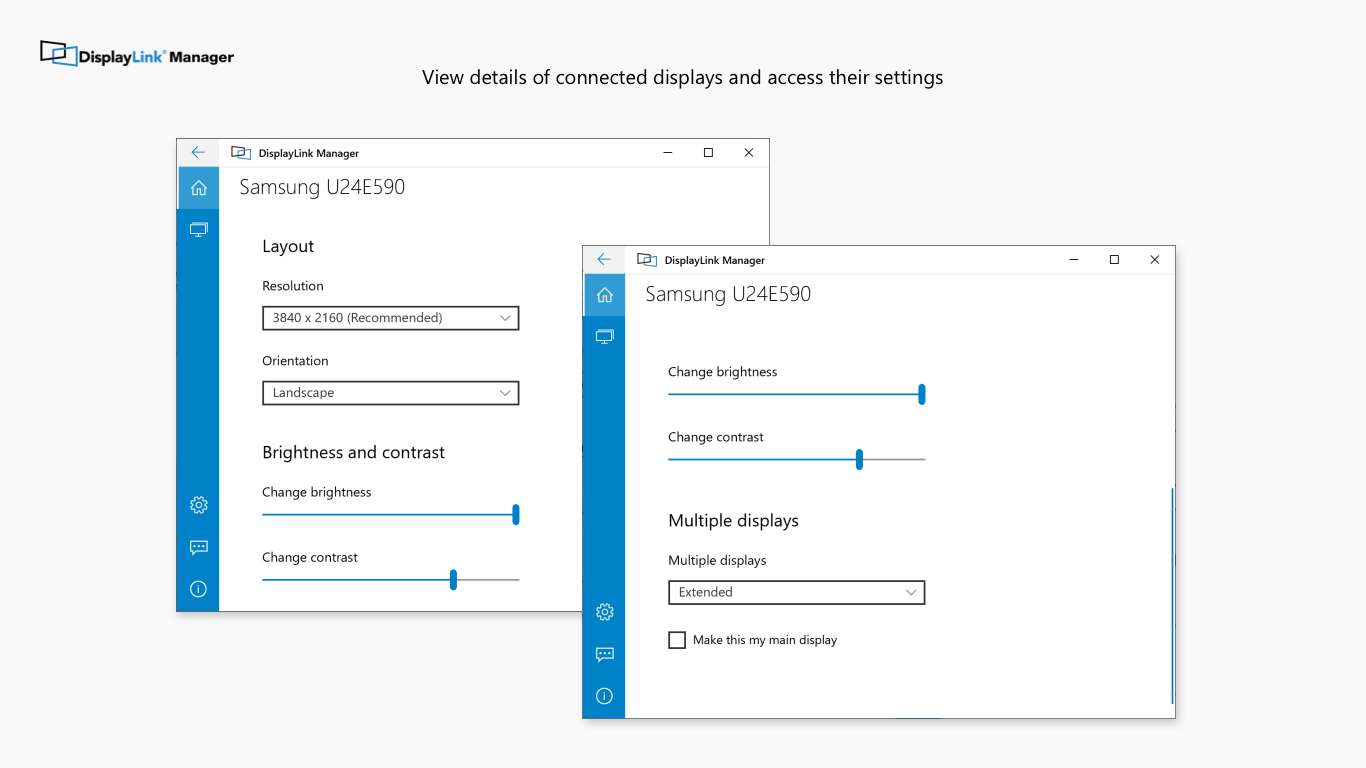
Beyond simple management, the app allows users to fine-tune display performance. You can adjust resolution, refresh rates, and scaling options, ensuring optimal clarity and responsiveness. Additionally, its built-in update feature keeps your DisplayLink drivers and firmware current, significantly reducing compatibility issues and improving stability. This proactive approach to maintenance parallels having a skilled mechanic tune-up your vehicle regularly, which extends the life and reliability of your hardware.
User Experience and Unique Selling Points
The interface design of DisplayLink Manager is refreshingly minimalistic—like a well-organized workspace—avoiding clutter and allowing users to navigate with ease. Operations are fluid, with rapid response times when making adjustments or switching configurations. Unlike other utility tools that can be cumbersome, DisplayLink Manager's learning curve is gentle, making it accessible to users at all levels.
One of its most distinctive advantages is its automatic device recognition feature, akin to having a friendly but discreet assistant who instantly knows your setup without requiring manual input. This saves time, prevents errors, and enhances overall user satisfaction. Furthermore, its seamless driver management reduces the need for cumbersome external downloads or complex troubleshooting, which sets it apart from generic display management utilities.
Final Thoughts: Should You Give It a Try?
If you frequently work with multi-monitor configurations using DisplayLink hardware or find existing management tools too complicated or inconsistent, DisplayLink Manager is a reliable choice. It offers not only the core functionalities needed to control multiple displays efficiently but also excels in automatic recognition and update management—features that truly make it stand out in its class. For professionals or power users seeking a dedicated, straightforward utility to optimize their multi-display environment, this app earns a solid recommendation.
In summary, DisplayLink Manager for Windows is a practical, well-designed tool that transforms what could be a technical hassle into a smooth, almost effortless experience. Its highlights—automatic detection and easy configuration—are the biggest reasons to consider integrating it into your workspace. Happy multi-monitoring!
Pros
- Seamless multi-display management
- Reliable connectivity with DisplayLink devices
- User-friendly interface
- Frequent updates improve stability
- Good compatibility with Windows systems
Cons
- Occasional display flickering or blackouts
- High CPU utilization during extended use
- Limited customization options for advanced users
- Occasional compatibility issues with certain graphic cards
- Delayed response to bug reports











