

- Category Utilities & tools
- Available on PC, Mobile, Surface Hub, HoloLens
- OS Windows 10 version 19041.0 or higher
- languages Chinese (Simplified), Chinese (Traditional Chinese), Chinese (Traditional), English (United States), French, German, Italian, Japanese, Korean, Korean , Russian, Spanish, Spanish (Spain)
Streamlining Document Management on Windows 10: An In-Depth Look at Document Manager
In an era where productivity hinges on efficient organization, Document Manager for Windows 10 by LLC "SKYSPARK CORP" positions itself as a user-friendly solution aimed at simplifying file handling amidst a cluttered digital workspace. Whether you're a professional juggling multiple projects or a casual user striving for tidy directories, this application promises to bring order with ease.
A Glimpse into the App: Who, What, and Why
Document Manager for Windows 10 is a dedicated utility designed to enhance the way users manage their documents on Windows PCs. Developed by LLC "SKYSPARK CORP", a team specializing in productivity tools, the app encapsulates core functionalities that make file organization intuitive and less time-consuming.
Key features include an intelligent search system that swiftly locates files even with ambiguous queries, a customizable folder categorization system for effortless grouping, and a batch operation tool allowing bulk file actions such as move, delete, or rename. The target users are professionals, students, and everyday users seeking to optimize their document workflows without the complexity of more advanced enterprise solutions.
An Engaging Experience: Setting the Stage
Imagine standing in a cluttered desk drawer, searching for that crucial report—frustrating, isn't it? Now, picture opening a sleek, intelligent organizer that knows exactly where everything is, making the search feel almost magical. Document Manager for Windows 10 offers such an experience, transforming chaotic folders into a well-oiled machine of productivity. Its intuitive interface invites users with a friendly look, making navigation feel like a walk in a familiar park rather than a daunting maze.
Core Features That Stand Out
Smart Search & Quick Access
The application's standout feature is its smart search function. Unlike traditional file explorers that rely heavily on exact filename matches, Document Manager employs an intelligent indexing system that considers metadata, tags, and even partial phrases. Suddenly, locating that lost contract or a specific image becomes a matter of seconds rather than minutes—much like having a personal assistant who remembers where everything is.
Customized Folder Categorization
Next is the customizable categorization system. Users can create virtual folders or tags beyond the physical directory structure—think of it as having labels on your files without physically moving them. This approach allows multifaceted grouping like "Work," "Personal," "Archives," or project-specific tags, making retrieval and organization a breeze. The flexibility here surpasses typical folder hierarchies used in standard file explorers.
Batch Operations for Efficiency
The batch processing feature is a boon for users dealing with multiple files. Whether it's cleaning up old files, bulk renaming, or moving large groups of documents, this tool accelerates tasks that would otherwise require tedious individual actions. Visualize it as a conveyor belt for your files, swiftly sorting and restructuring with a few clicks.
Experience and User-Centric Design
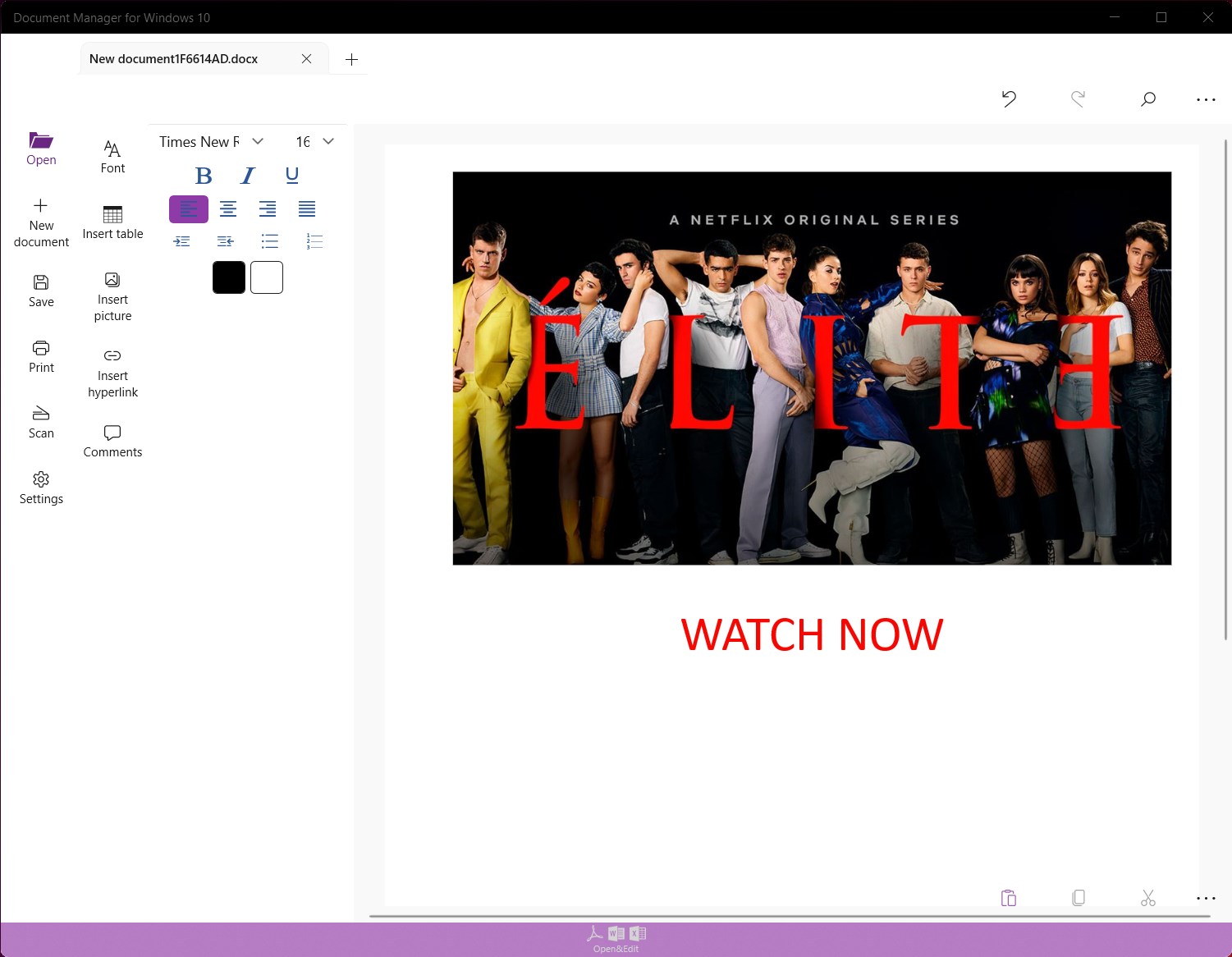
The interface strikes a delicate balance between simplicity and power. Clean lines, clear icons, and straightforward menus mean even beginners can get comfortable quickly. Navigating through directories, setting tags, or initiating searches feels fluid—testing the app's responsiveness shows minimal lag, affirming its operation is smooth on most Windows 10 devices.
Learning curve? Gentle. Most users will find themselves up and running within minutes, making it accessible to novices and seasoned professionals alike. The logical layout reduces frustration, transforming document management from a chore into a manageable routine.
Uniqueness and Differentiators: Why Choose This Over Others?
In a crowded marketplace of file management utilities, Document Manager for Windows 10 distinguishes itself through its intelligent search and flexible categorization. Many similar tools offer basic organization, but this app's ability to combine metadata-based searches with customizable virtual folders elevates its utility. Think of it as a Swiss Army knife—compact yet equipped with tools that adapt to your needs, unlike rigid folder structures that force you into a box.
Additionally, its batch operation capability is less common in similar lightweight tools, allowing users to quickly execute large-scale edits without switching between multiple applications or commands. This synergy of intelligent searching and flexible organization makes it a practical choice for those seeking efficiency without complexity.
Final Verdict & Recommendations
Overall, Document Manager for Windows 10 proves to be a thoughtfully designed utility that fills a niche for tidy and accessible document management. It's particularly recommended for users who deal with high volumes of files and need a reliable way to find and organize them quickly. For casual users seeking straightforward folder management, it offers nice enhancements without overwhelming complexity.
While it won't replace enterprise solutions or advanced document systems, its strengths lie in its simplicity and intelligent features. Given its accessible learning curve and practical functionalities, I'd rate it as a solid "Recommended"—a helpful companion in everyday digital organization. Try it out if you're looking to bring clarity and speed back into your Windows file management routine.
Pros
- Intuitive interface
- Seamless integration with Windows 10
- Robust search functionality
- Sync and backup options
- Rich annotation tools
Cons
- Limited file format support
- Occasional slow performance with large files
- Basic editing features only
- Limited customization options
- Occasional synchronization delays











