

- Category Utilities & tools
- Developer SDM(SpecialDesignMedia)
- Available on PC, Mobile, Surface Hub, HoloLens
- OS Windows 10 version 15063.0 or higher
- Keyboard Integrated Keyboard
- Mouse Integrated Mouse
- languages English (United States)
Introducing Driver Updater for Windows: Your Reliable Toolkit for Seamless Performance
If you've ever felt your PC running sluggish or encountering mysterious hardware hiccups, then Driver Updater for Windows by SDM is like that reassuring mechanic who keeps your car running smoothly. This application aims to simplify driver management, ensuring your system devices stay up-to-date without the hassle of manual searches. Developed by the dedicated team at SDM (SpecialDesignMedia), it promises to be a one-stop solution to keep your Windows PCs performing optimally.
Core Features That Stand Out
Effortless Driver Detection and Updates
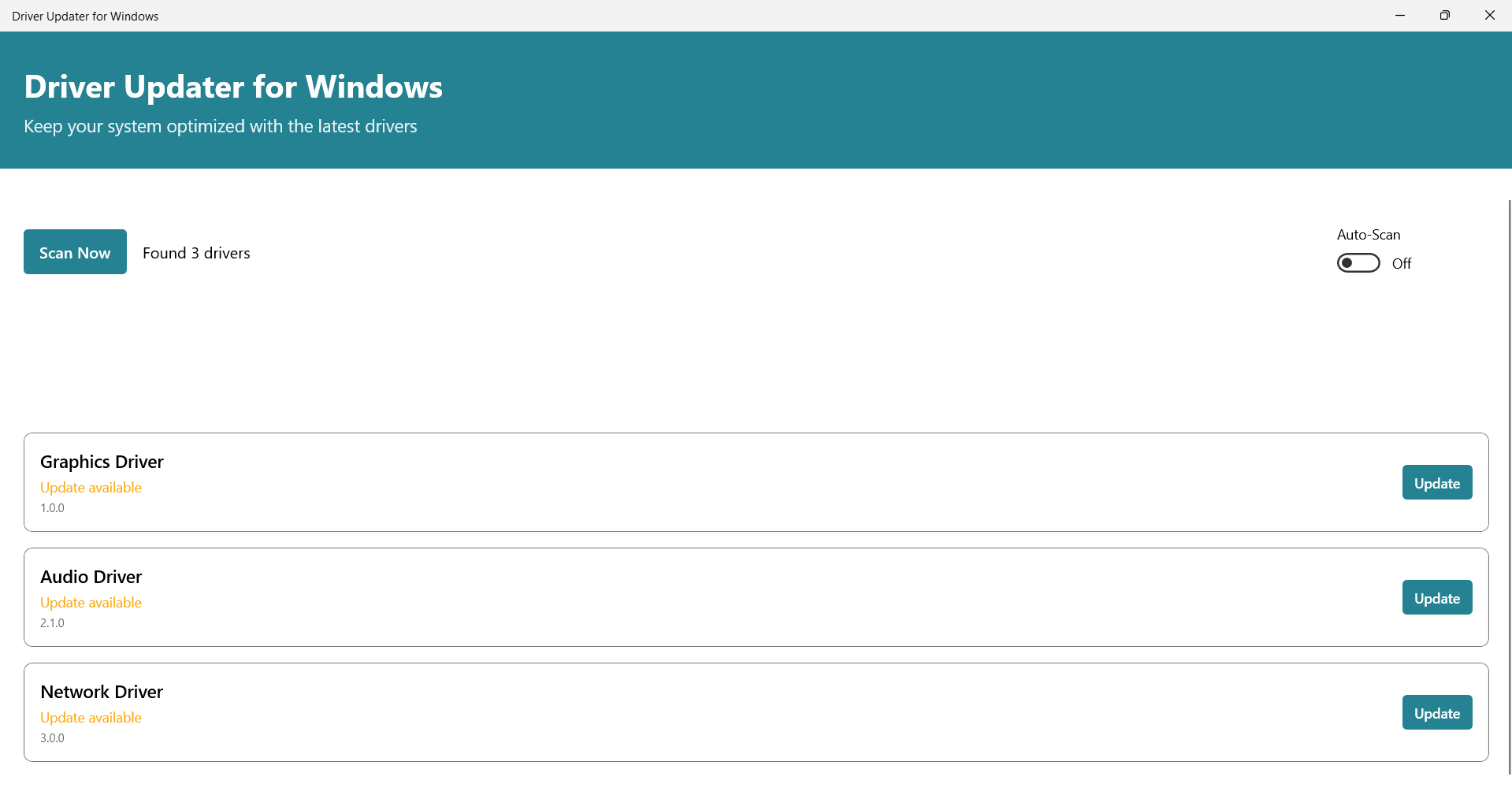
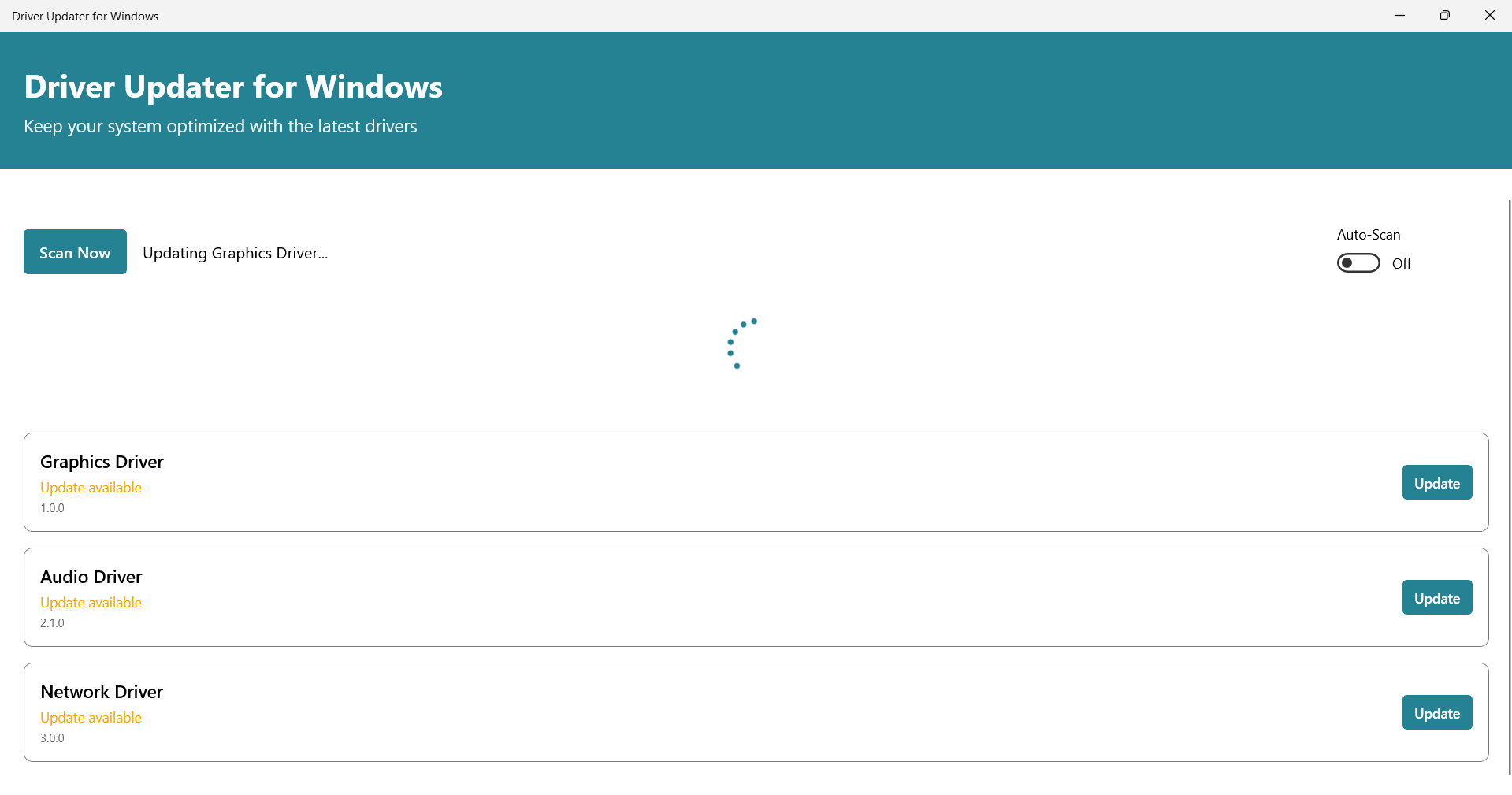
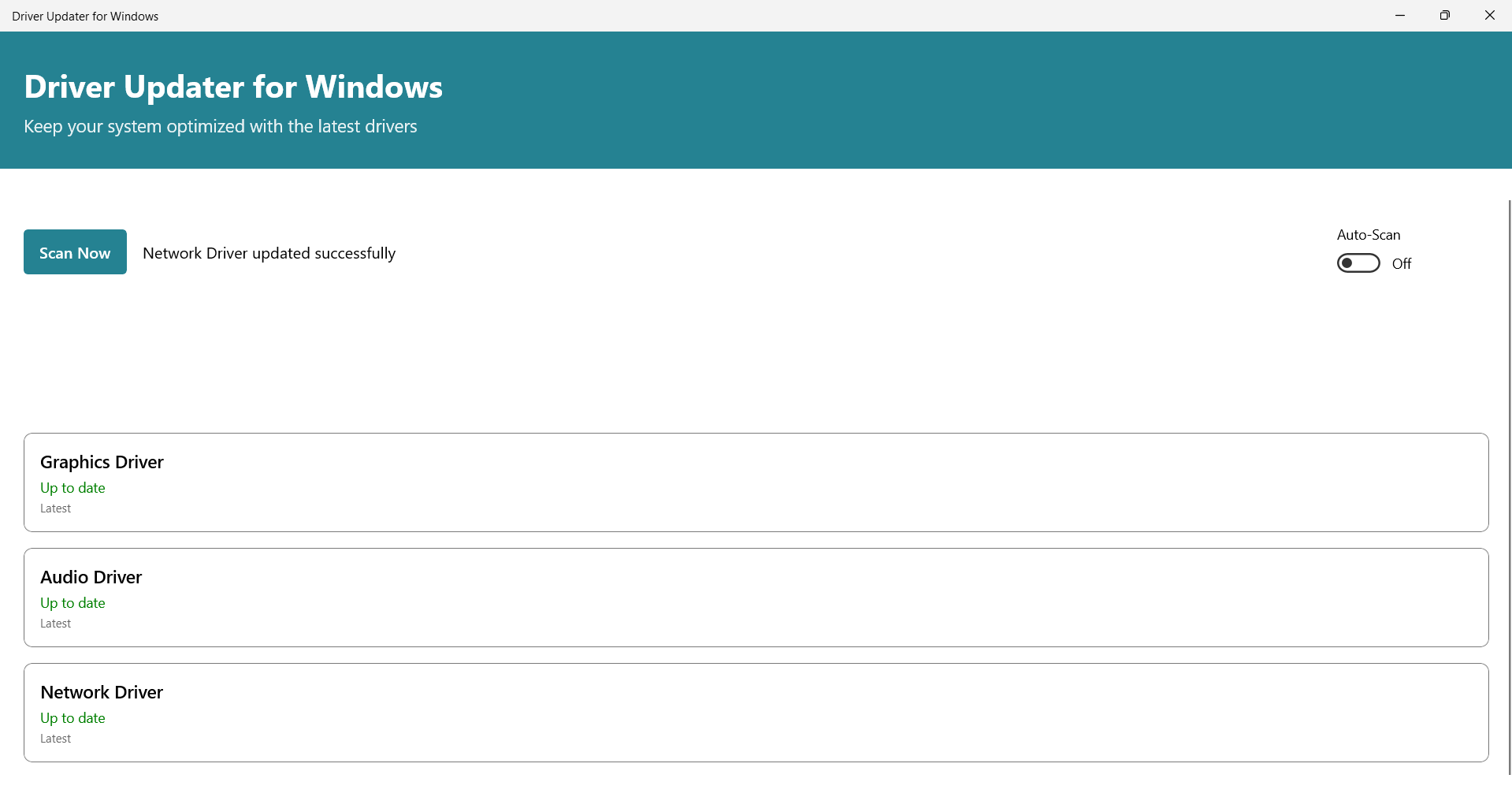
At its heart, Driver Updater for Windows excels at scanning your system to identify outdated or missing drivers effortlessly. Once detected, it provides a straightforward process to update them, ensuring drivers are always current with minimal user effort. Imagine it as having a smart assistant that constantly monitors your hardware health and takes prompt action to fix outdated drivers before issues even surface.
Comprehensive Driver Backup and Restore
One of the app's particularly noteworthy features is its ability to create backups of existing drivers before any updates are applied. This safety net allows users to restore previous driver versions if a new driver causes compatibility issues or instability—like having a safety harness in a bungee jump. This feature reassures users that updating drivers won't leave them stranded in case something goes wrong.
Hardware Compatibility Diagnostics
Beyond simple updates, the software offers diagnostic tools that evaluate hardware compatibility, helping users identify and troubleshoot potential conflicts or outdated components. This holistic approach transforms driver management from a reactive chore into a proactive health check—a helpful feature for both casual users and tech enthusiasts alike.
User Interface and Experience: Navigating with Ease and Confidence
The interface of Driver Updater for Windows is intuitive and clean, resembling a well-organized toolbox rather than a cluttered spreadsheet of technical jargon. It guides users step-by-step, making the process of scanning, updating, and restoring drivers feel like a friendly walkthrough rather than hacking through a dense jungle of settings. The responsiveness of the application is smooth; clicking through options is akin to turning the pages of a well-designed magazine, with no noticeable lag or confusion.
If you're not a tech wizard, don't worry—its learning curve is gentle. Even those new to system internals can navigate the interface comfortably while seasoned users will appreciate quick access to advanced functions. The app's design minimizes unnecessary complexity, allowing users to focus on what truly matters—keeping their PC healthy.
What Sets It Apart from Competitors?
While many driver tools flood the market with similar promises, SDM's Driver Updater for Windows shines with its balanced approach of safety and efficiency. Most notably, it emphasizes safety nets through its backup and restore features, making driver updates less like treading a tightrope and more like walking on a safe, well-paved sidewalk. Additionally, its ability to diagnose hardware compatibility issues provides an added layer of assurance, setting it apart from apps that simply batch update drivers without checking for conflicts.
Rather than a one-size-fits-all approach, this application listens to your system's specific needs, tailoring its actions accordingly. That makes it a trustworthy companion for everyday users who want peace of mind paired with reliable system maintenance.
Final Verdict and Recommendations
All in all, Driver Updater for Windows is a solid utility that combines user-friendly design with robust functionalities. It's particularly suitable for casual users who want to keep their machines running smoothly without diving into complex technical procedures. Tech enthusiasts will also find value in its diagnostic and backup features, giving extra confidence during driver updates.
I would recommend this app to anyone who prefers a simplified yet reliable way to maintain their Windows system drivers. Its safety features and ease of use make it a trustworthy choice, especially if you've ever hesitated to update drivers manually due to fear of causing system issues. Consider it as your digital mechanic—always ready to tune up your system behind the scenes, ensuring smoother sailing for your daily tasks.
Pros
- Automatic driver updates
- User-friendly interface
- Wide driver database
- Backup and restore feature
- Scheduled scans
Cons
- Occasional false positives during scans
- Limited free features
- Slow scan speed on some systems
- Potential driver incompatibilities
- Lack of detailed update logs











