



- Category Utilities & tools
- Developer kaeros corps
- Available on PC, Surface Hub
- OS Windows 10 version 17763.0 or higher
- Memory 4 GB
- languages Chinese (Simplified), English (United States), French, German, Italian, Japanese, Spanish
Introducing Duplicates Cleaner Prime: Your Slim and Efficient Duplicate File Manager
Duplicates Cleaner Prime for Windows, developed by Kaeros Corps, is a dedicated tool designed to help users identify and eliminate duplicate files swiftly and accurately—making cluttered drives a thing of the past. With its straightforward interface and thoughtful features, it aims to simplify the tedious task of tidying up digital storage for everyday users and professionals alike.
Core Features That Shine Bright
Smart Duplicate Detection with Customizable Filters
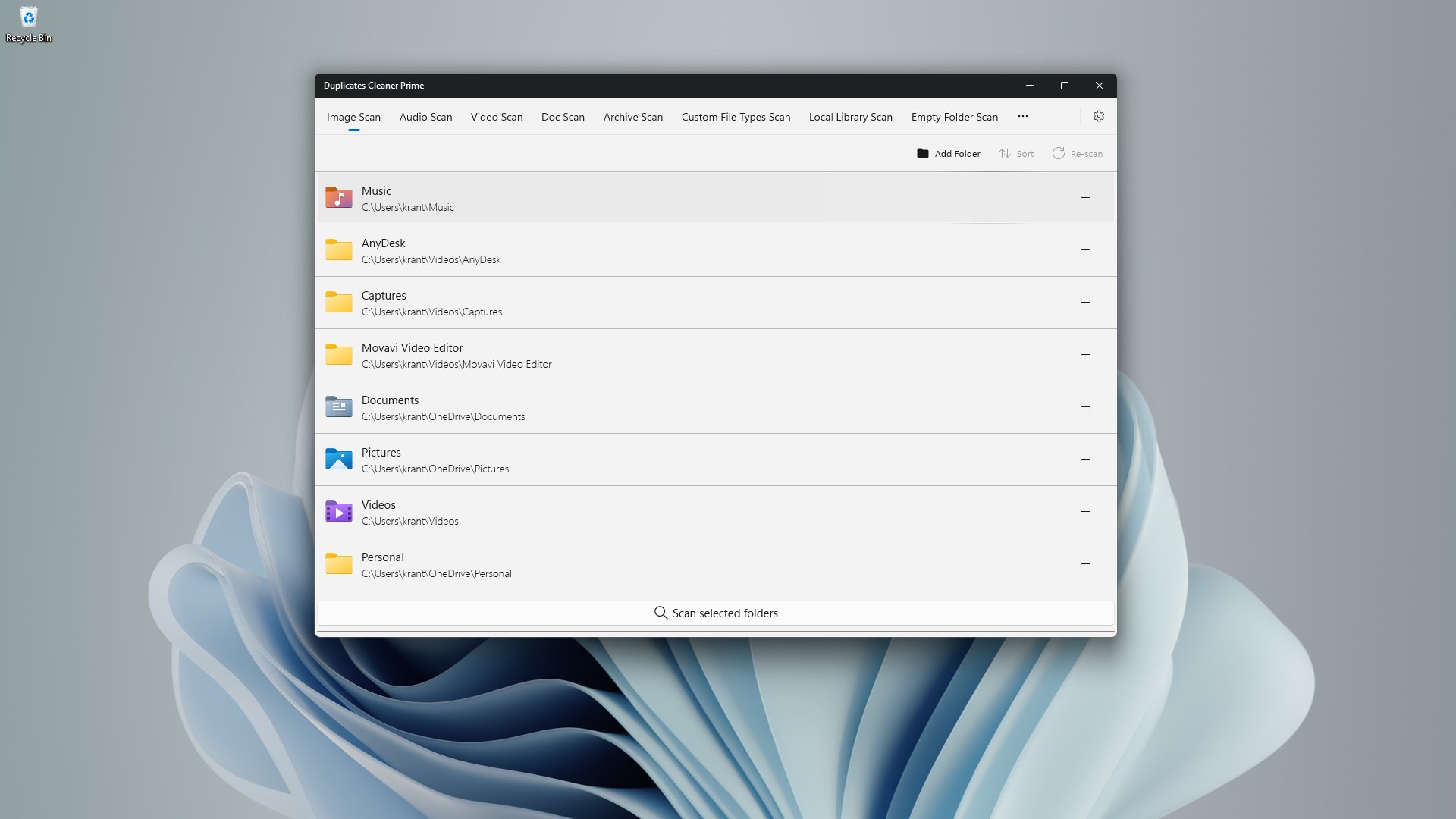
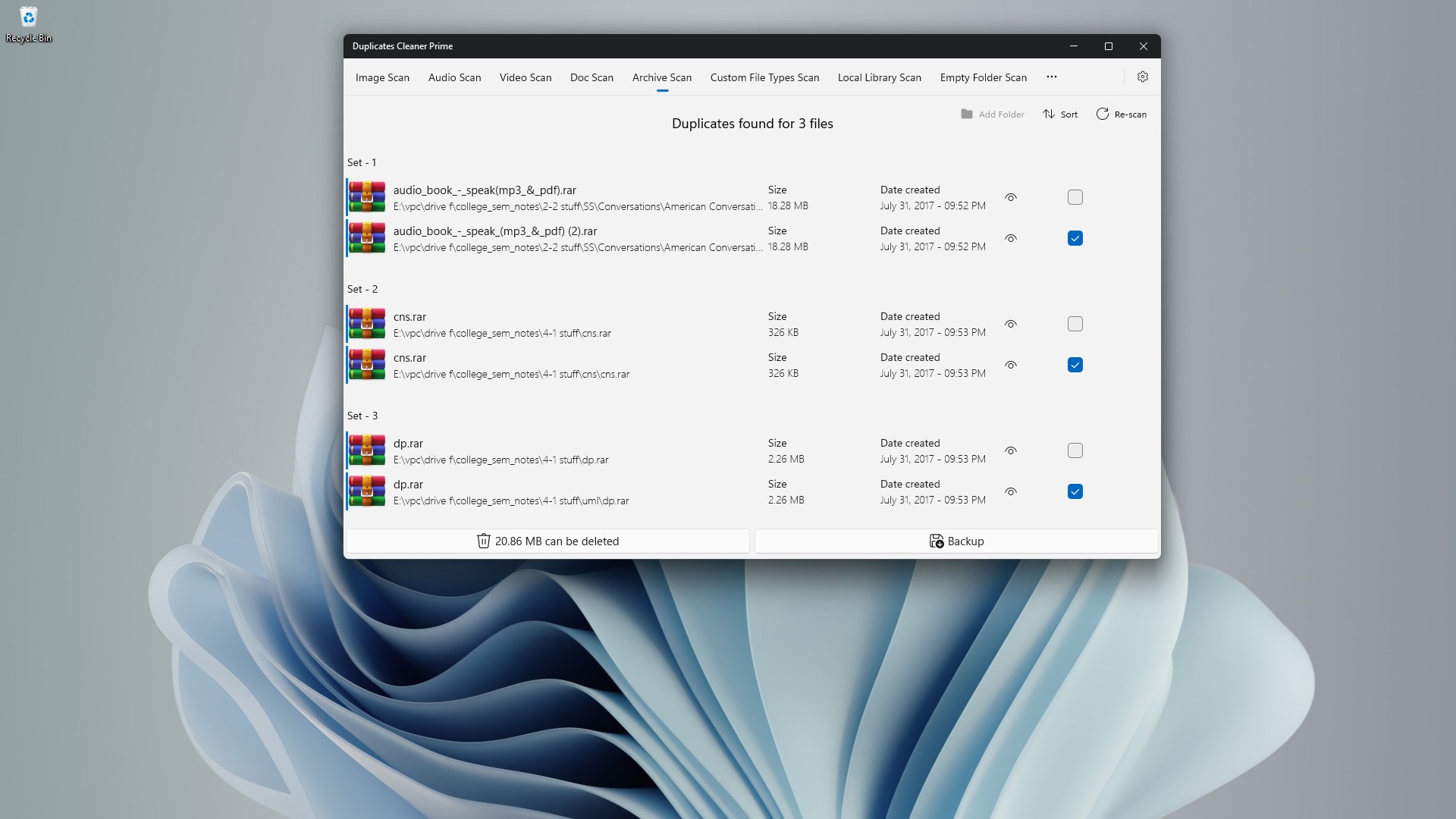
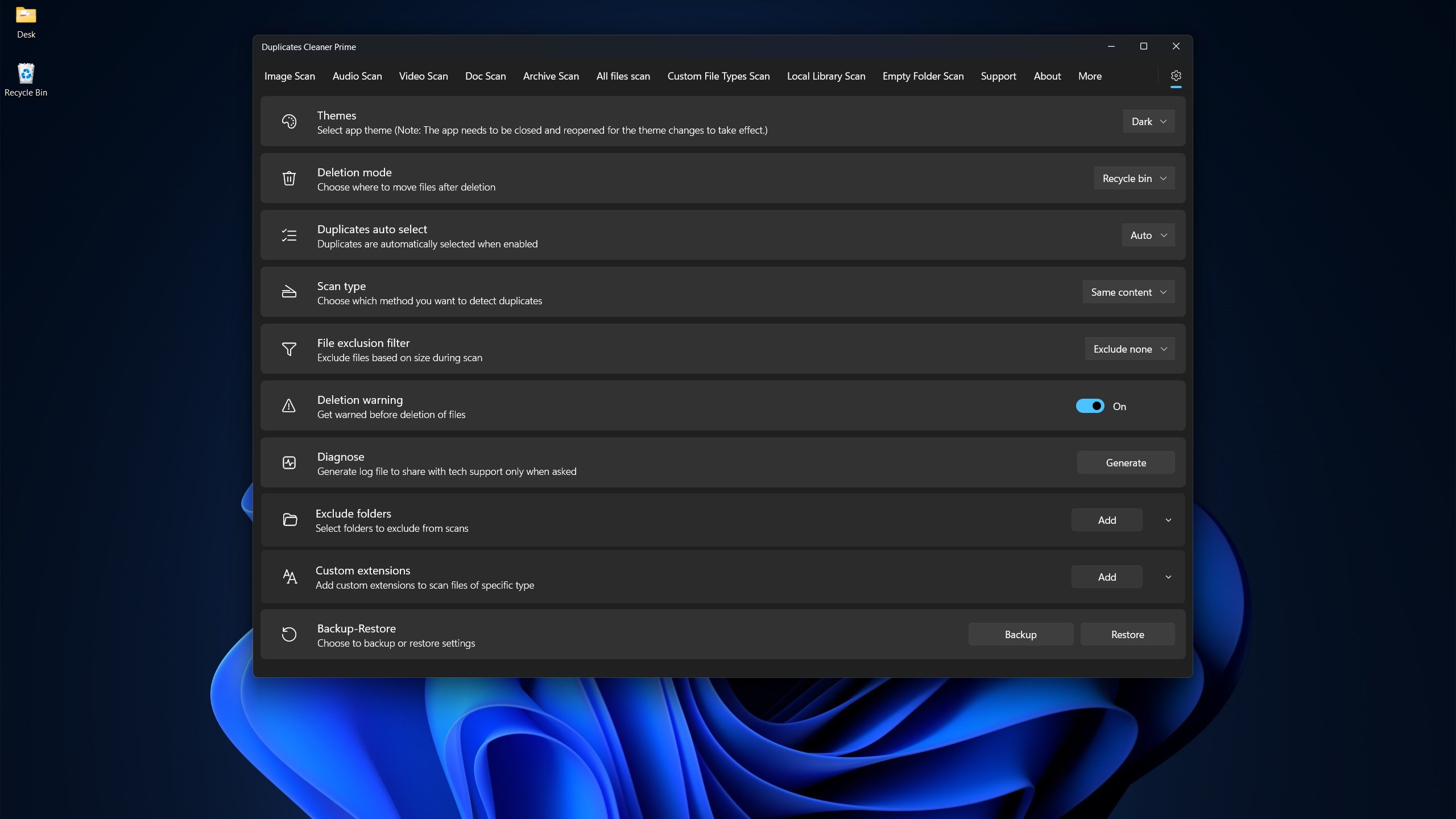
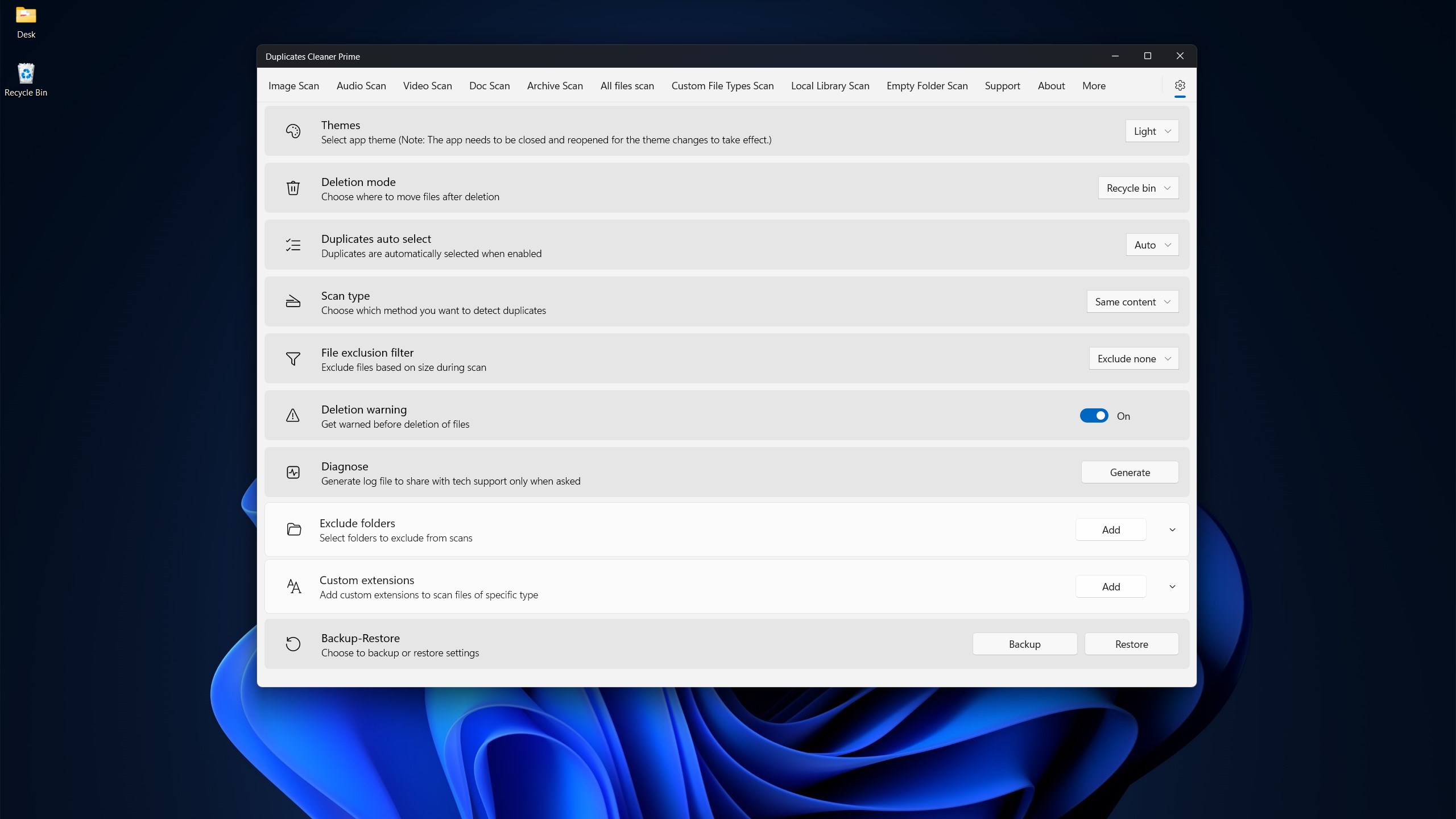
This application uses advanced algorithms to scan your system and detect identical or similar files, whether they are photos, documents, or multimedia. What's particularly notable is its ability to customize scan parameters—letting users specify folder locations, file types, and similarity thresholds. This means you're never overwhelmed by irrelevant results and can focus precisely on what matters most, akin to having a seasoned librarian sorting through your digital clutter.
Safe and Selective File Removal
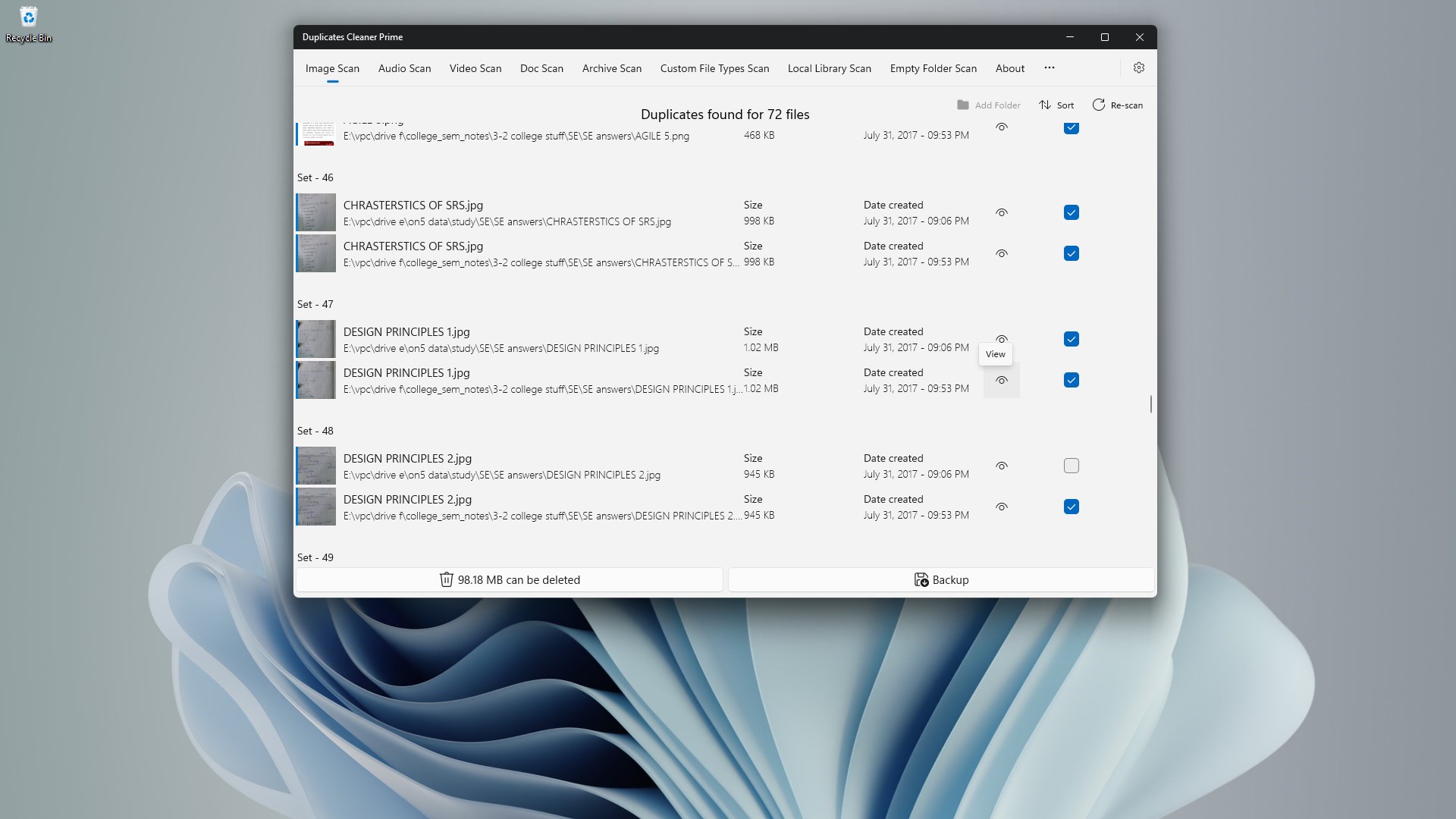
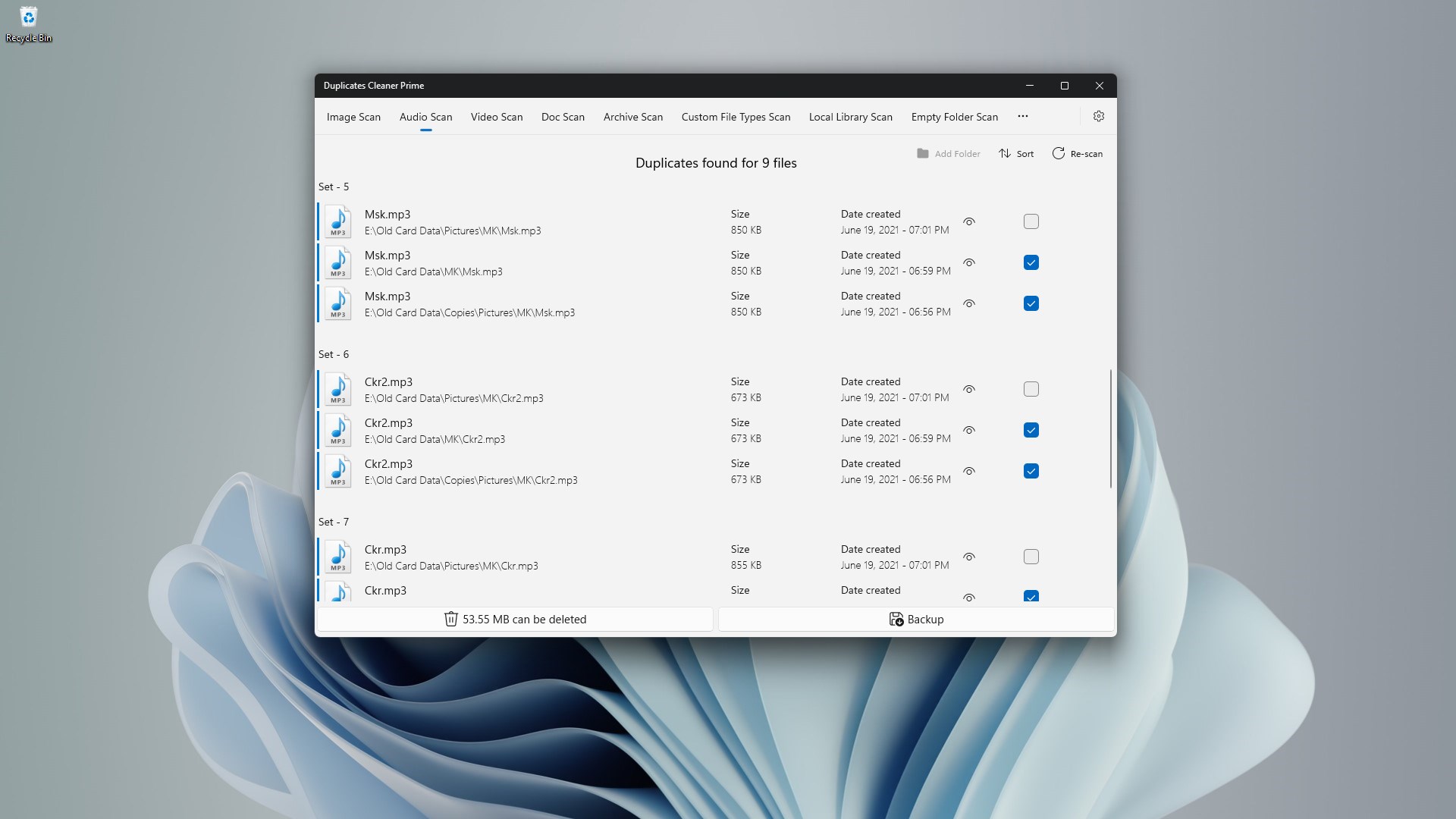
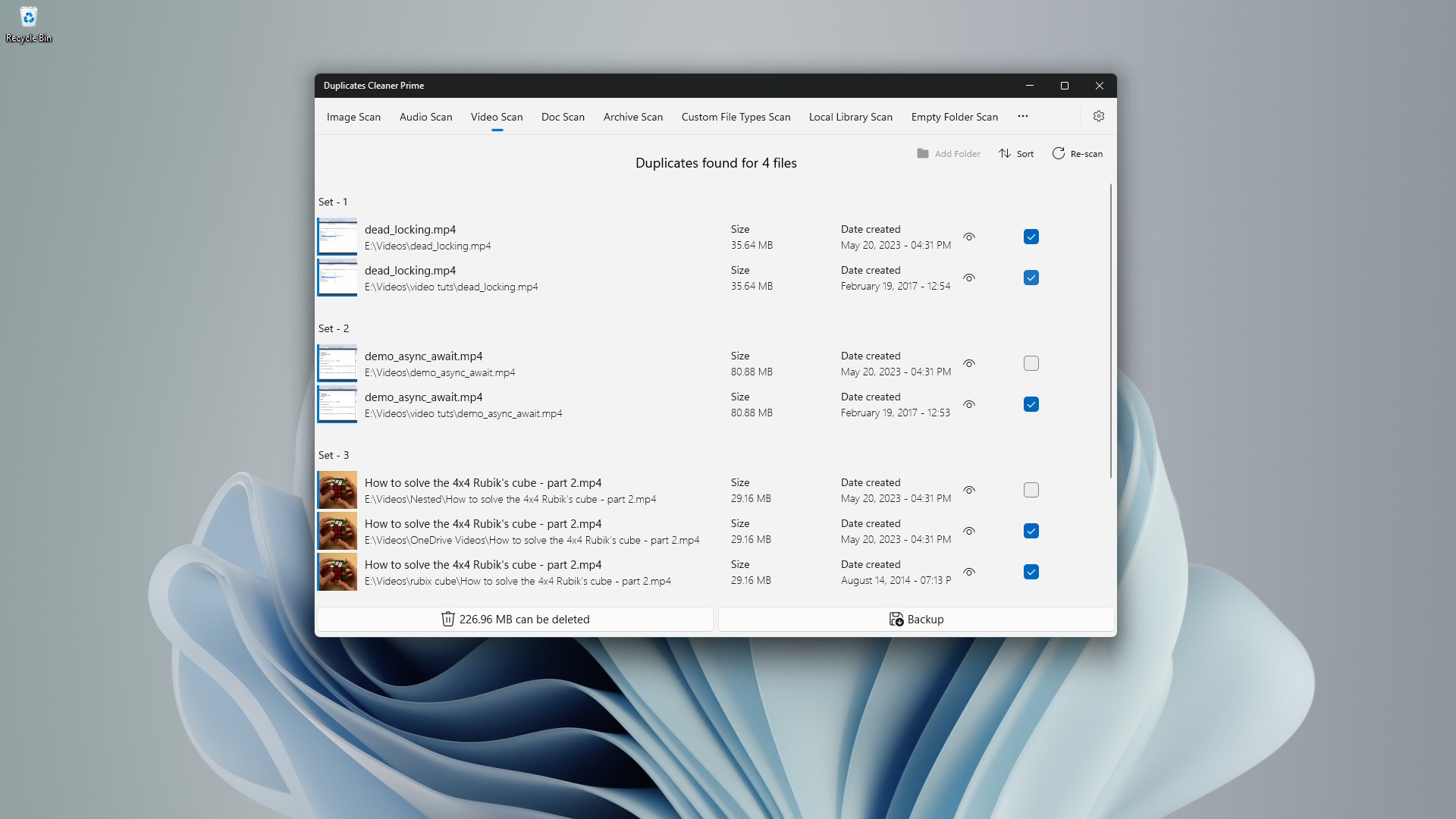
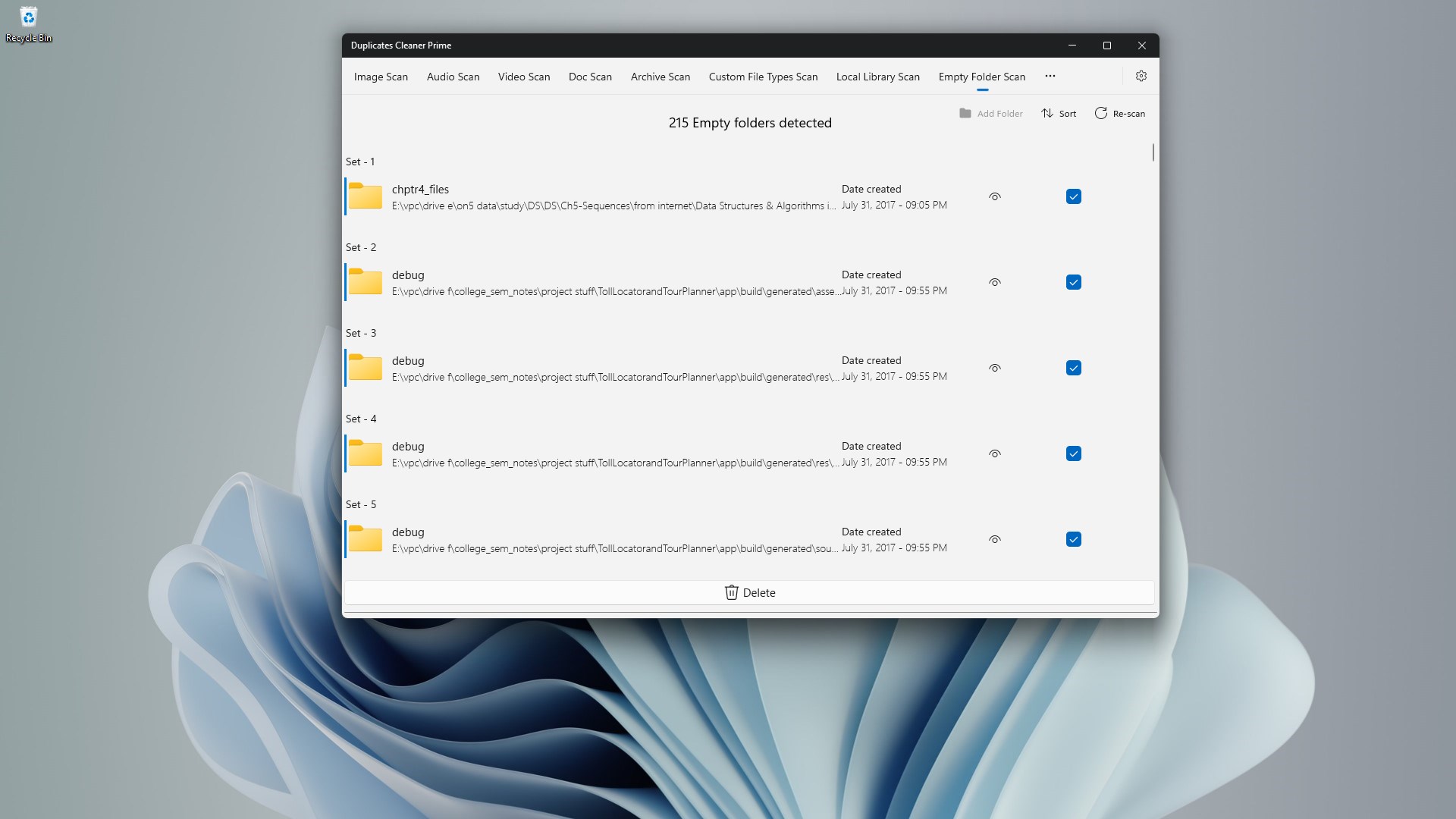
One of the most valuable features of Duplicates Cleaner Prime is its safe preview and selective deletion process. Before any file is removed, users are shown a detailed comparison, ensuring nothing vital gets mistakenly wiped. This cautious approach resembles a careful editor cross-checking pages—combining efficiency with peace of mind. The ‘Smart Cleanup' mode further automates the process, making bulk removal effortless without sacrificing safety.
Comprehensive User Interface & Experience
The app boasts a clean, modern interface that balances simplicity with functionality. Navigating through its menus feels intuitive, even for beginners—like flipping open a well-organized toolbox. The scan process is quick and responsive, with progress indicators keeping users informed at all times. Learning curve? Minimal. The design adopts a logical flow, making it easy to set up and execute scans on your first try, fostering a friendly onboarding experience similar to chatting with a helpful tech buddy.
What Makes It Stand Out?
While many duplicate cleaners tread familiar paths, Duplicates Cleaner Prime distinguishes itself with its focus on safety and customization. Unlike generic tools that rely solely on brute-force scanning, it combines intelligent filtering with user-controlled criteria—allowing for tailored results without risking accidental data loss. Its emphasis on previewing files before deletion acts as a safeguard that users in sensitive or cluttered environments will appreciate. Additionally, its lightweight build ensures it runs smoothly on most Windows devices without hogging resources, akin to a lean but reliable bicycle—robust enough to get the job done without unnecessary bulk.
Final Verdict and Recommendations
Overall, Duplicates Cleaner Prime for Windows earns a solid recommendation as a dependable, user-friendly utility for managing duplicate files. Its standout features—advanced detection, safe deletion process, and a clean interface—make it an appealing choice for both casual users seeking to tidy personal devices and professionals managing large volumes of data. If you often find yourself buried under multiple versions of photos or repetitive documents clogging your storage, this app can be your digital cleaning assistant. Just a gentle reminder: always review the scan results before deletion, especially in critical folders, to ensure nothing important is lost in the process.
Pros
- Effective duplicate detection
- User-friendly interface
- Batch processing support
- Preview feature before deletion
- Fast scanning speed
Cons
- Limited free functionality
- Occasional false positives
- Higher resource consumption
- Lack of cloud integration
- Limited customization options











