
- Category Utilities & tools
- Developer EaseUS
- Available on PC
- OS Windows 10 version 0.0 or higher
- Keyboard Integrated Keyboard
- Mouse Integrated Mouse
- Memory 2 GB
- languages Chinese (Simplified), Chinese (Traditional) (Taiwan), English, French, German, Italian, Japanese, Korean, Portuguese, Spanish
EaseUS Disk Copy for Windows: A Reliable Cloning Companion
EaseUS Disk Copy for Windows stands out as a straightforward yet powerful tool designed to help users effortlessly clone and transfer disk data, whether upgrading hardware or creating backups. Developed by the reputable EaseUS team, this application offers a seamless experience tailored for both casual users and IT professionals alike.
Meet the Architects Behind the Magic
Produced by EaseUS, a well-known leader in data management solutions, the software benefits from a solid reputation for creating reliable and user-friendly utilities. Their team's expertise ensures that Disk Copy is both robust and intuitive, minimizing potential operational hiccups.
Core Features that Make Disk Copy Shine
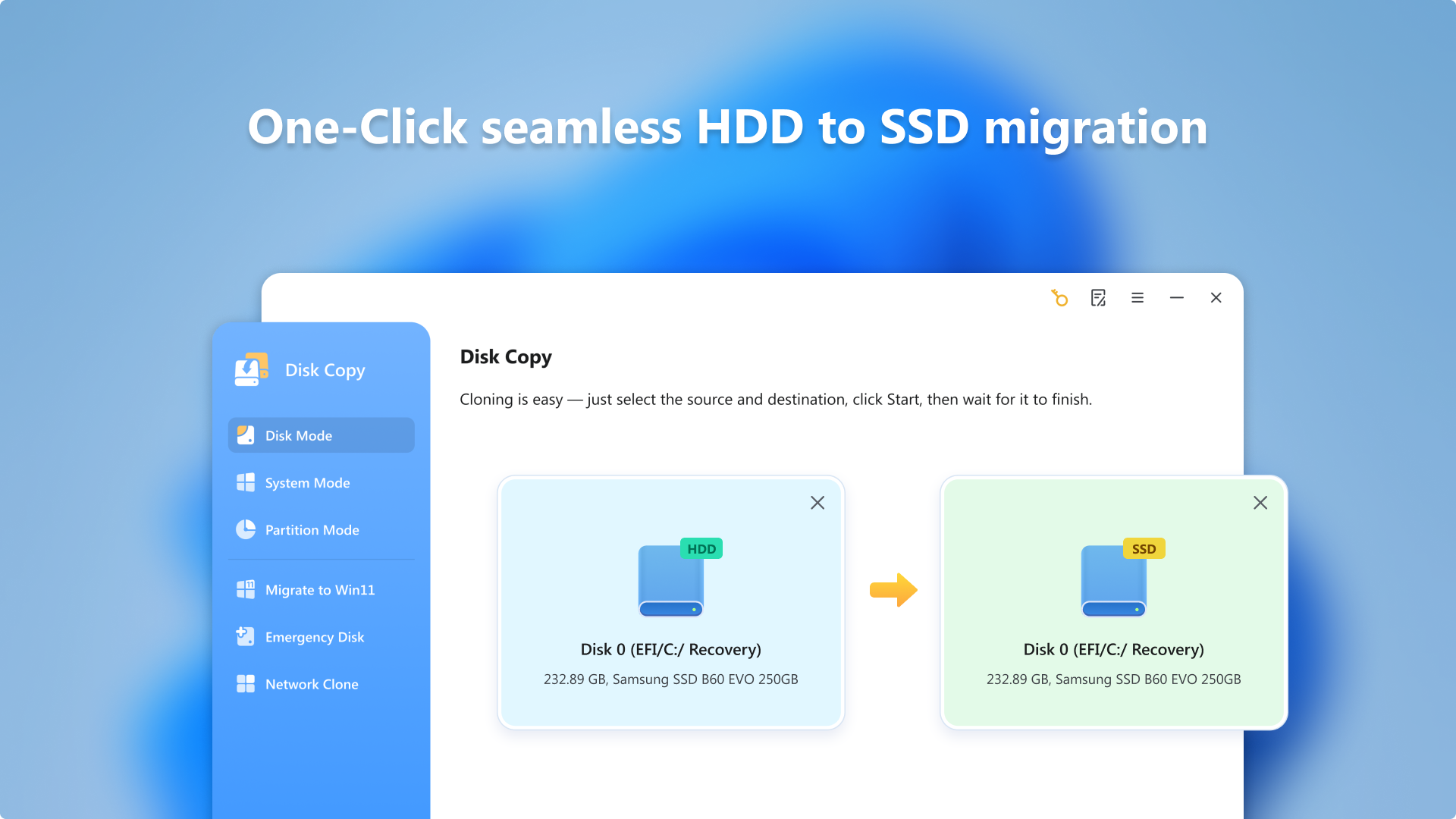
- Easy Disk Cloning with Precision: Allows users to clone entire disks or individual partitions without hassle, preserving data integrity during the migration process.
- Hardware Upgrades Made Simple: Facilitates seamless transfer of data when upgrading to SSDs or larger drives, eliminating the need for complex manual copying.
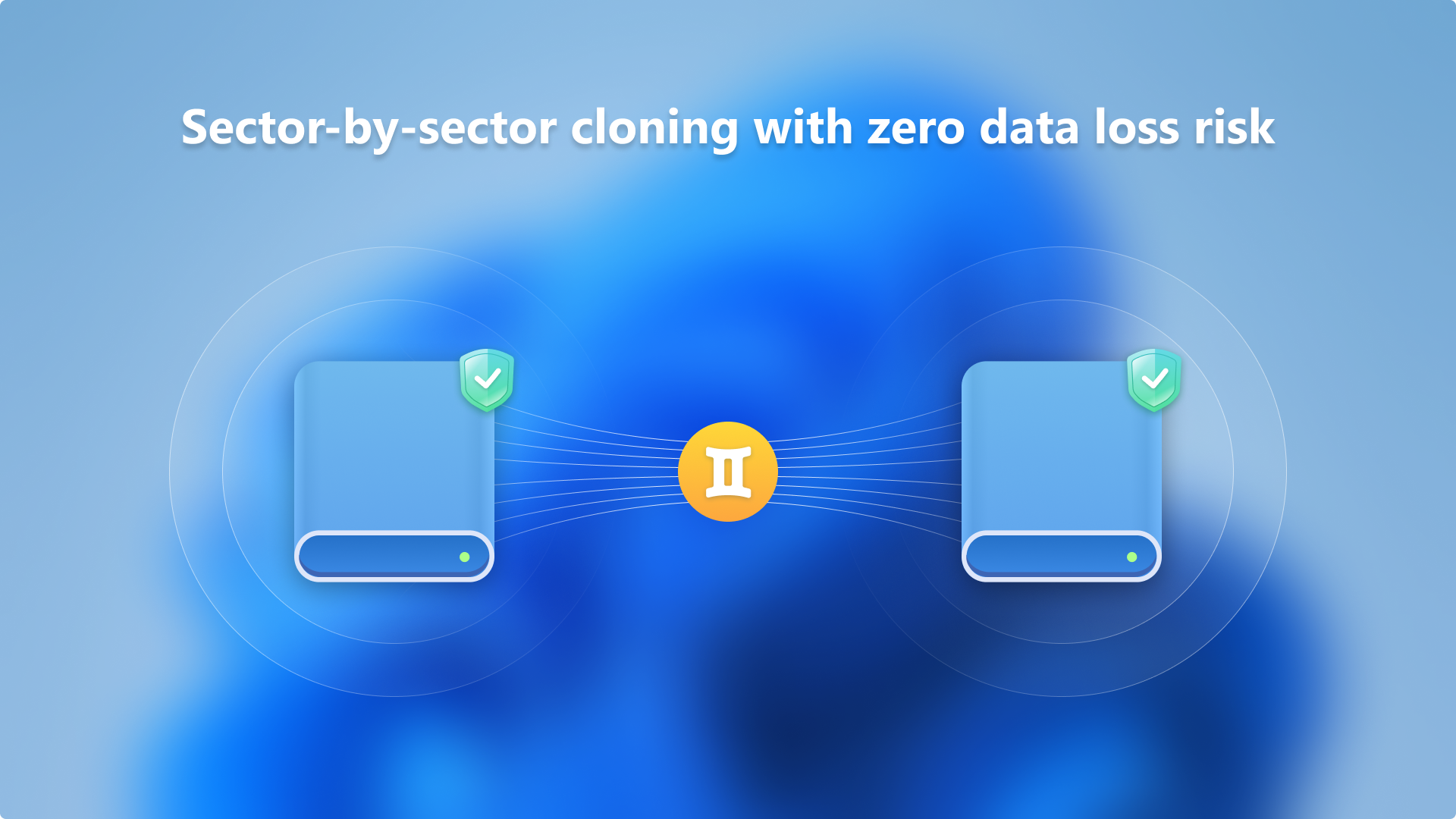
- Sector-by-Sector Copying: Ensures an exact replica of source disks, including deleted or hidden sectors, ideal for forensic or backup purposes.
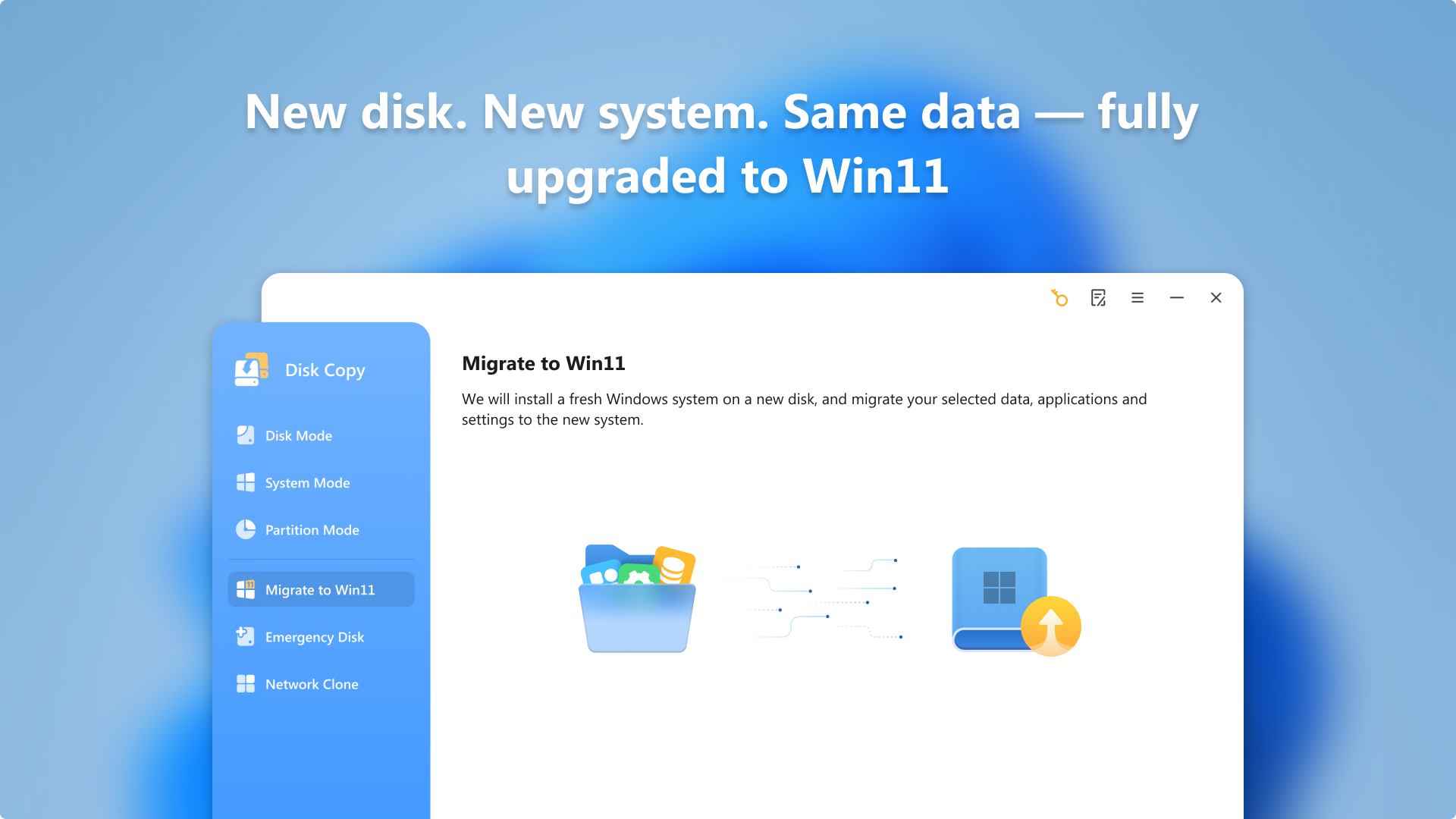
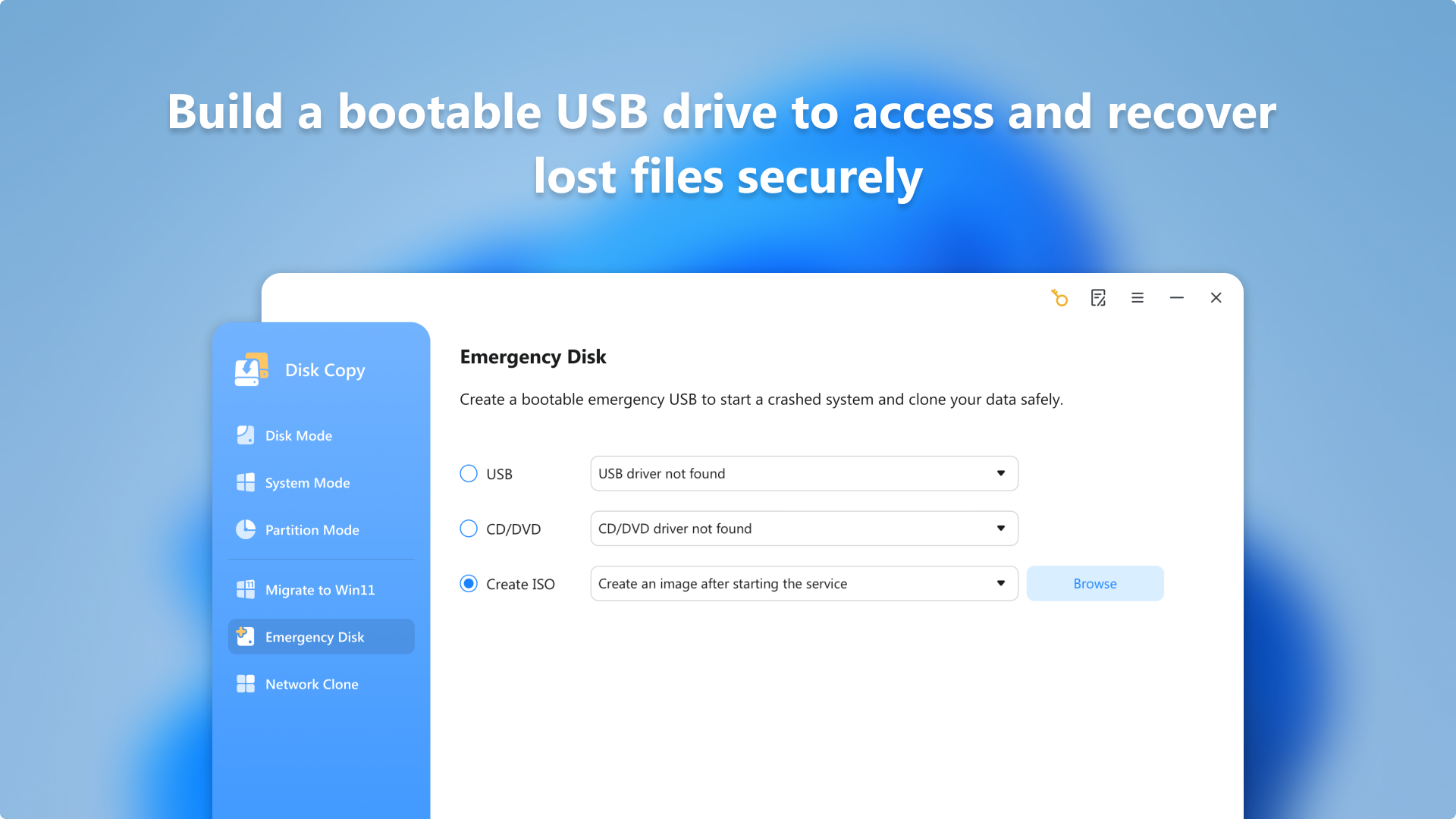
- Bootable Clone Creation: Enables creating bootable disks, helping users restore systems or migrate OSes without additional setup steps.
A Dive into User Experience: Striking the Balance Between Power and Simplicity
Launching EaseUS Disk Copy feels like stepping into a well-organized workshop—everything is laid out clearly, with an interface that's friendly for beginners yet packed with advanced options for seasoned users. The design employs a clean, streamlined layout, with intuitive buttons guiding users through the cloning process. Operations flow smoothly, with minimal lag and clear progress indicators, making what could be a complex task feel almost routine.
Learning curve-wise, the app is remarkably accessible. Even those new to disk cloning can quickly grasp its functionalities through straightforward prompts and simple setup wizards. For power users, options like sector-by-sector copying and cloning different disks formats are readily accessible, offering flexibility without overwhelming the interface.
What Sets EaseUS Disk Copy Apart?
Compared to other disk cloning utilities, Disk Copy prides itself on its balanced approach—combining reliable, sector-accurate copying with user-friendliness. Its ability to create bootable clones directly within the software, without requiring third-party tools, is a significant advantage. Moreover, its targeted focus on data integrity and seamless hardware upgrades makes it a go-to choice for users aiming to upgrade their storage without risking data loss.
This application's key differentiator—its straightforward yet comprehensive cloning capabilities—ensures that even users with limited technical expertise can confidently migrate their disks, without sacrificing accuracy or security.
Final Words: Is It a Must-Have?
Overall, EaseUS Disk Copy earns a solid recommendation, especially for those planning system upgrades, backup strategies, or disk replacements. Its blend of simplicity, accuracy, and dedicated features makes it a trustworthy companion for managing disk duplication tasks. If you're seeking a professional-grade tool that doesn't demand a steep learning curve, this app is worth considering—think of it as the reliable, no-nonsense copilot during your hardware upgrade journey.
Pros
- User-friendly interface
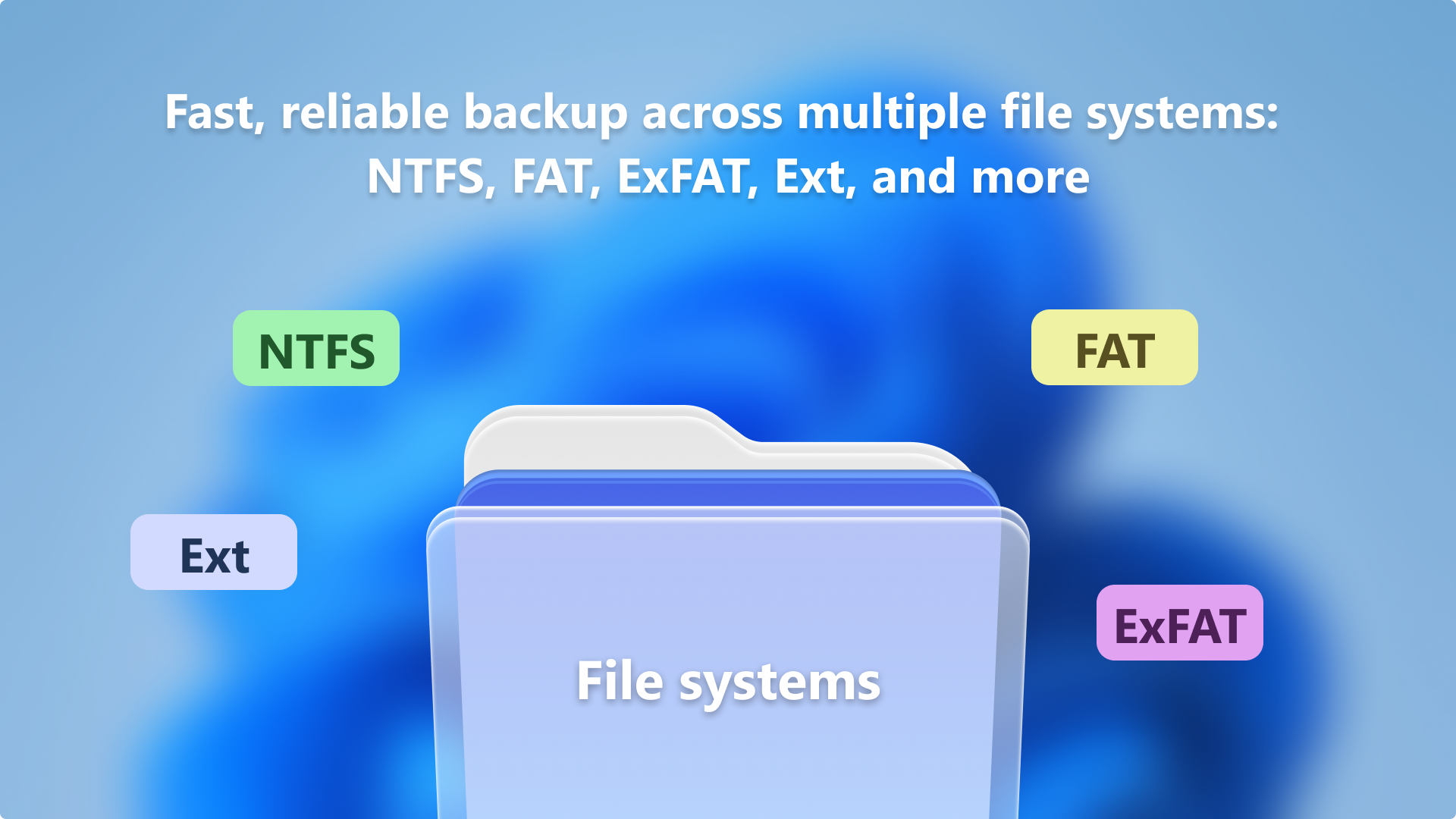
- Supports various disk formats
- Fast copying process
- Pre-boot cloning capability
- Data integrity assurance
Cons
- Limited customization options
- Requires sufficient storage space
- Potential compatibility issues with very new hardware
- Limited support for advanced disk partitioning schemes
- Cloning process can be slow on large disks











