
- Category Utilities & tools
- Developer NCH Software
- Available on PC
- OS Windows 10 version 15063.0 or higher
- Mouse Integrated Mouse
- Keyboard Not specified
- languages English (United States)
Express Burn for Windows: A Reliable Companion for Optical Disc Burning
In an era where cloud storage dominates, optical discs may seem antiquated, but for professionals and enthusiasts who still rely on CDs and DVDs, Express Burn offers a straightforward, dependable solution. Designed to streamline burning tasks without fuss, this Windows application ensures your data, music, or videos are written with precision and ease.
Developed by NCH Software: A Name You Can Trust
NCH Software, a seasoned player in the realm of multimedia and utility tools, has crafted Express Burn to cater to users seeking a no-nonsense disc burning experience. Known for their extensive suite of professional-grade software, NCH consistently emphasizes user-friendliness combined with robust functionality, and Express Burn is no exception. This application embodies their commitment to delivering practical, accessible tools for all levels of users.
Key Features That Make Express Burn Stand Out
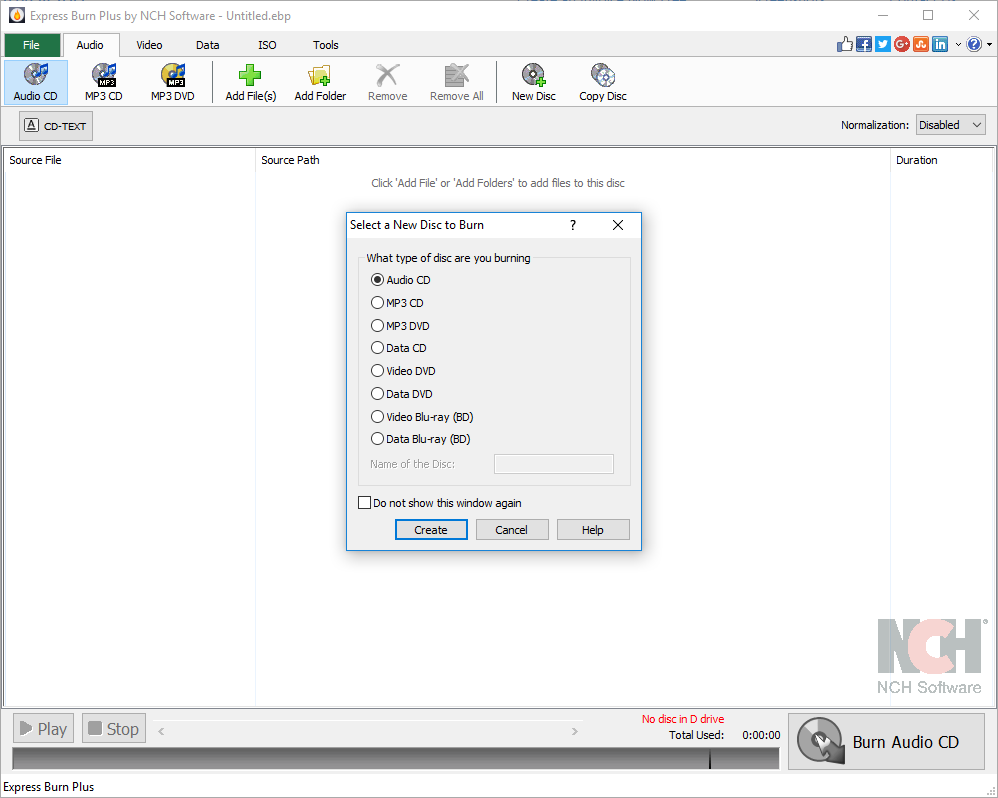
- Fast and Efficient Burning: The app supports burning multiple formats including CDs, DVDs, and even Blu-ray discs with minimal delay, making it ideal for quick data backups or media duplication.
- Burn Custom Disc Images: Users can create exact disc images (.iso files) and burn them onto physical media, or convert files into disc images seamlessly—perfect for archiving or deploying multimedia.
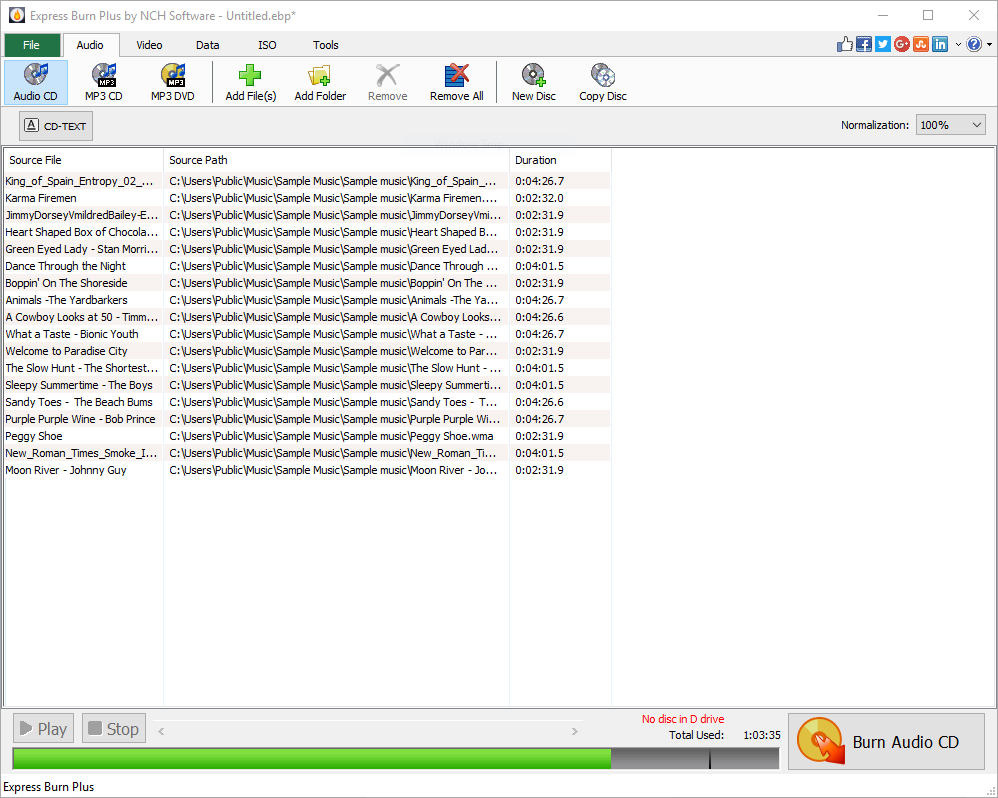
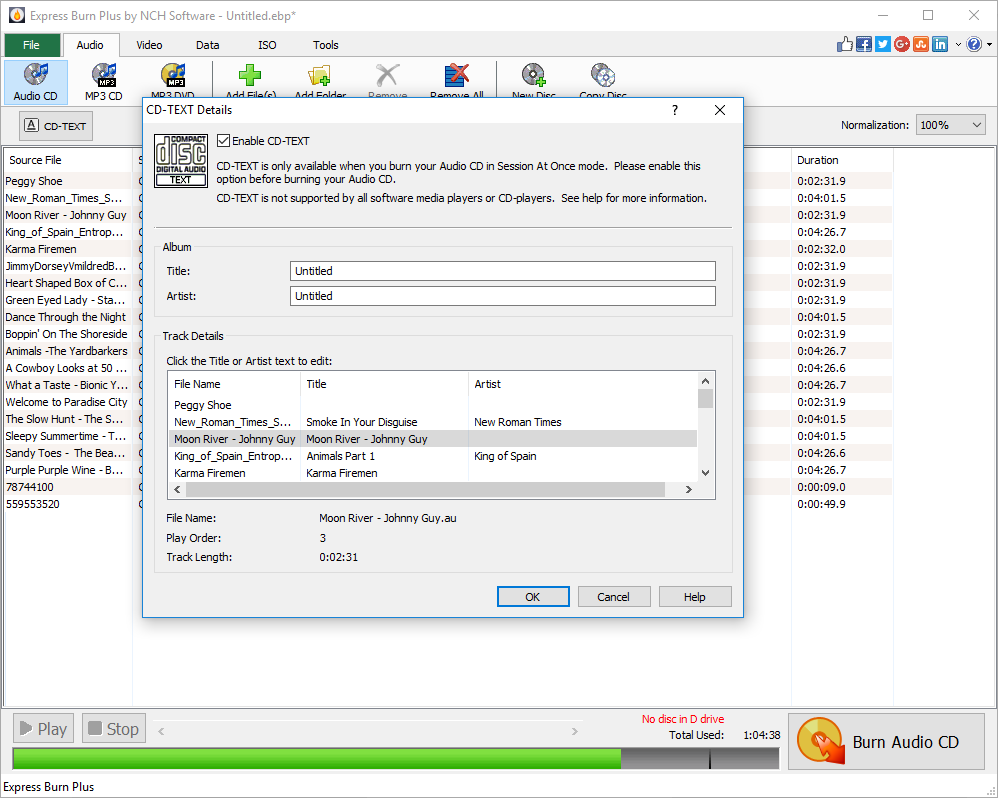
- Audio CD Creation: Beyond data, the app excels at compiling and burning music tracks onto audio CDs, with support for popular formats, enabling users to craft custom playlists for your car or home stereo.
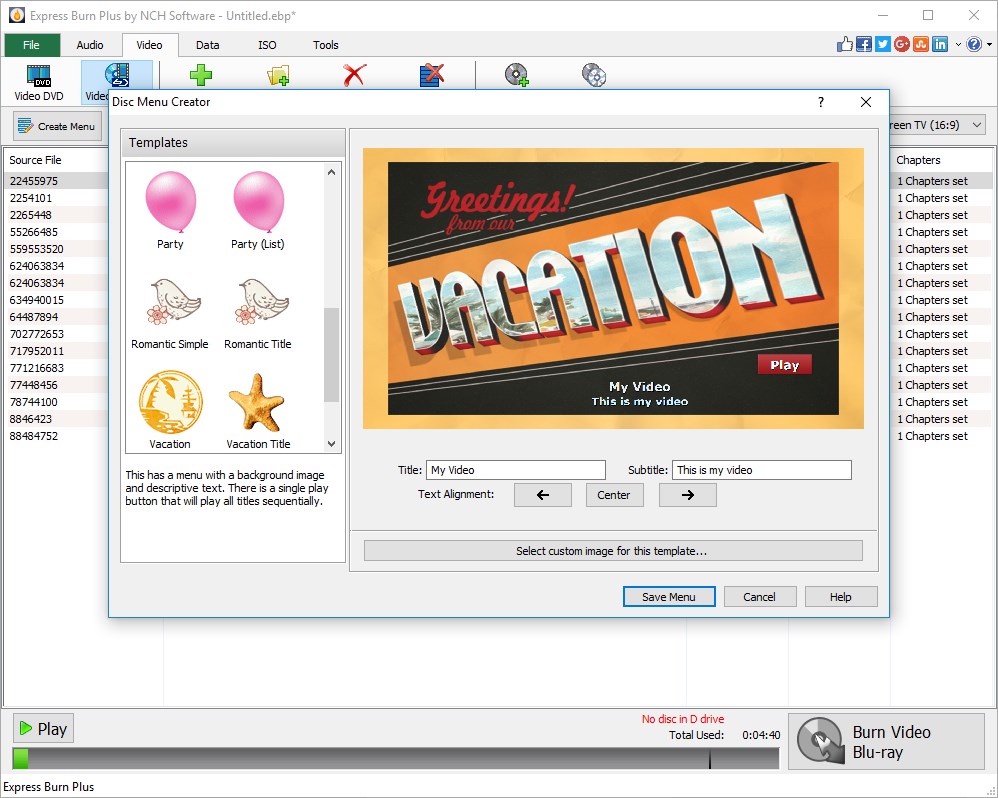
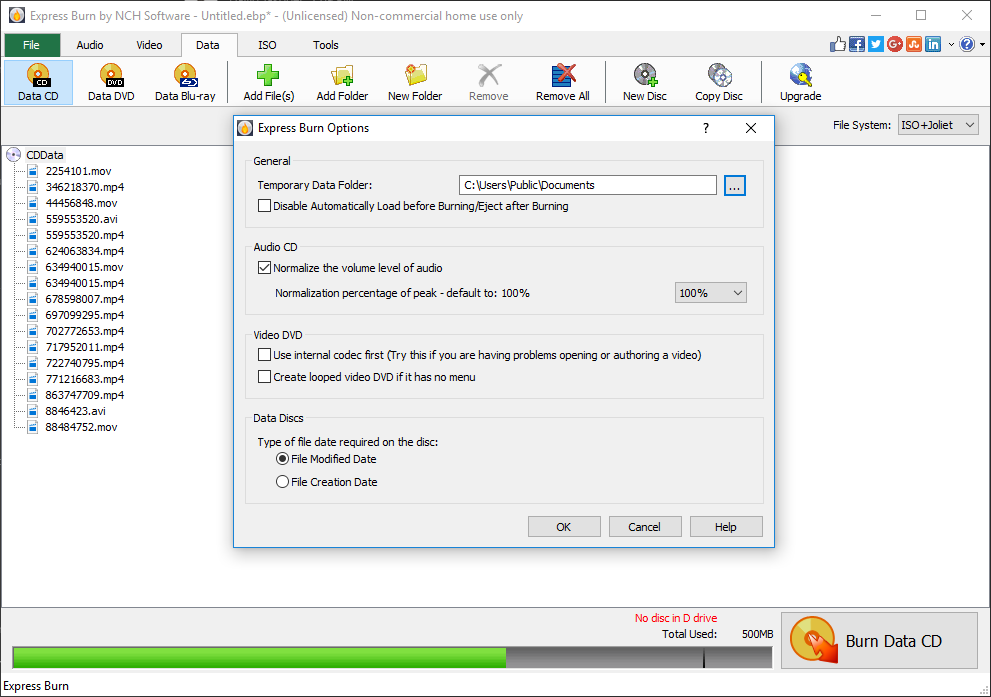
- Simple, User-Friendly Interface: With a clean, intuitive layout, even newcomers find their way around comfortably, reducing learning time and enhancing productivity.
Targeted at casual users, small businesses, educators, and tech enthusiasts who prefer straightforward tools without complex features, Express Burn fits seamlessly into workflows that require reliable optical media burning.
Engaging Insights into the User Experience
Stepping into the interface of Express Burn feels like opening a well-organized workspace—think of it as a tidy desk where everything's within arm's reach. The design employs simple icons and logical menus that guide you smoothly from selecting files to final burn—it's almost like setting up a playlist for your favorite road trip. Although not flashy, the clarity of the design ensures minimal confusion, even for first-time users.
Functionality-wise, the app performs with commendable agility. Burning large files or multiple discs at once is handled swiftly, and the process is transparent—real-time progress bars and logs give clear feedback. Learning curve? Nearly flat—just a few clicks are needed to master the basics. Advanced users will appreciate options for customizing burn speeds and disc formats, providing flexibility without cluttering the interface.
What Makes Express Burn Different from the Crowd?
Compared to free or bundled tools, Express Burn's greatest asset lies in its simplicity combined with speed. Unlike some freeware with limited features or overly complicated interfaces, this app offers a professional-grade burning process without unnecessary distractions. Its ability to create disc images and burn from images stand out as particularly useful—think of it as having a mini studio for disc mastering right onboard.
Moreover, its stability and reliable performance ensure that even extended burning sessions won't leave you stranded with errors—a crucial factor for those needing dependable backups or media duplication. The absence of intrusive ads or disruptive prompts further elevates user trust and comfort.
Final Thoughts and Recommendations
If you're searching for a straightforward, dependable disc burning tool that gets the job done efficiently without bells and whistles, Express Burn for Windows is a solid choice. Its emphasis on core functionalities, combined with an easy-to-use interface, makes it suitable for beginners and experienced users alike. Especially if you frequently burn disc images or need to produce custom music or data discs, this application deserves a spot in your utility arsenal.
While it may lack some advanced multimedia editing features or extensive disc customization options found in professional suites, its focus on clean, reliable performance aligns perfectly with routine burning needs. I recommend it for users who value simplicity and efficiency—think of it as your trusty workhorse in the digital workshop.
In summary, Express Burn stands out with its speed, ease of use, and dependable performance, making it a practical companion for anyone who still values the tangible aspect of data storage through physical discs.
Pros
- User-friendly interface
- Fast burning speeds
- Supports multiple file formats
- High-quality output
- Lightweight installation
Cons
- Lacks advanced disc customization
- Limited support for Blu-ray discs
- Few editing features before burning
- Occasional compatibility issues
- Limited free features











