

- Category Utilities & tools
- Developer HUXSoft.com
- Available on PC
- OS Windows 10 version 17763.0 or higher
- languages English (United States)
EZ APK App Installer for Windows: A Fast Lane to APK Management
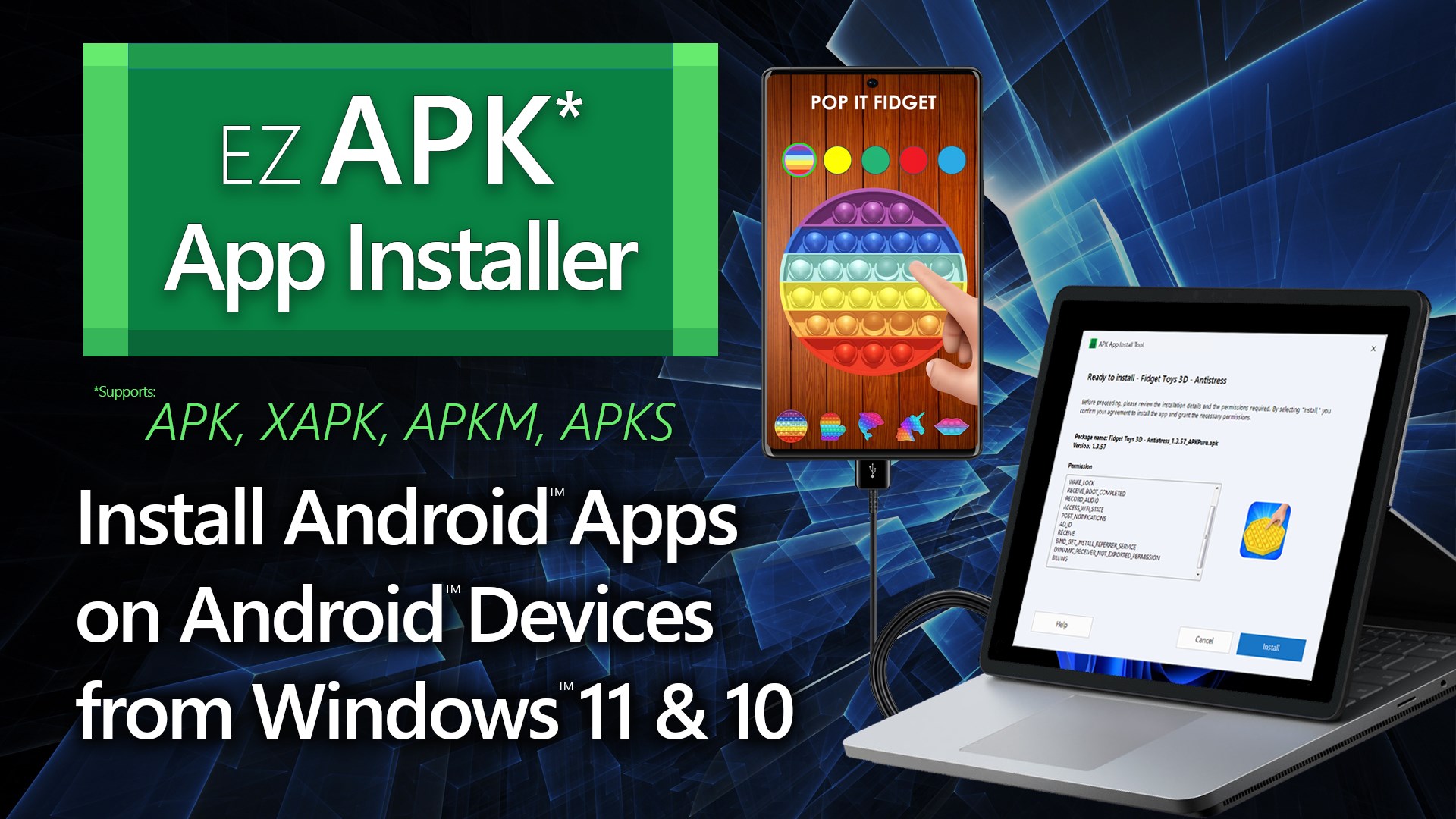
If you've ever tried to install APK files directly onto your Windows device and found the process cumbersome, EZ APK App Installer offers a streamlined solution that feels almost like having a personal tech assistant at your fingertips. Developed by HUXSoft.com, this lightweight utility aims to simplify managing, installing, and sharing your favorite Android apps on your Windows platform—without needing complex setups or extra hardware.
Who's Behind the Curtain?
Constructed by HUXSoft.com, a developer with experience in creating utility tools for Windows users, EZ APK App Installer stands out with its focus on making APK handling accessible and efficient. HUXSoft's commitment appears focused on providing practical solutions for users who want to bridge their Android and Windows worlds seamlessly.
Core Features That Make It Shine
- Effortless APK Installation: The app supports direct installation of APK files with just a few clicks, eliminating the need for complex command-line processes or third-party emulators. Think of it as a simple click-to-play button for Android apps on PC.
- APK Management & Sharing: It offers organized management of multiple APK files, letting users easily install, uninstall, or update apps without cluttering their system. Plus, the built-in sharing feature simplifies distributing APKs among friends or colleagues.
- Compatibility & Device Detection: EZ APK intelligently detects connected devices or virtual environments, ensuring the APK is installed on the correct target, whether on the local machine or connected Android devices.
- User-Friendly Interface: A clean, intuitive layout makes navigating through APK files as natural as browsing photos in a gallery, reducing the learning curve for first-time users.
An Inviting Breeze for APK Enthusiasts
Imagine standing in a digital workshop where installing a new app feels as easy as flipping a switch—that's the experience EZ APK App Installer aims to deliver. Whether you're a developer testing multiple APK versions, a casual user wanting quick app transfers, or a tech enthusiast managing several devices, this tool offers a welcome shortcut in your workflow. Its straightforward approach takes the frustration out of APK handling, turning a traditionally technical task into a smooth, almost enjoyable activity.
Breaking Down the Core Functionalities
Seamless APK Installation & Management
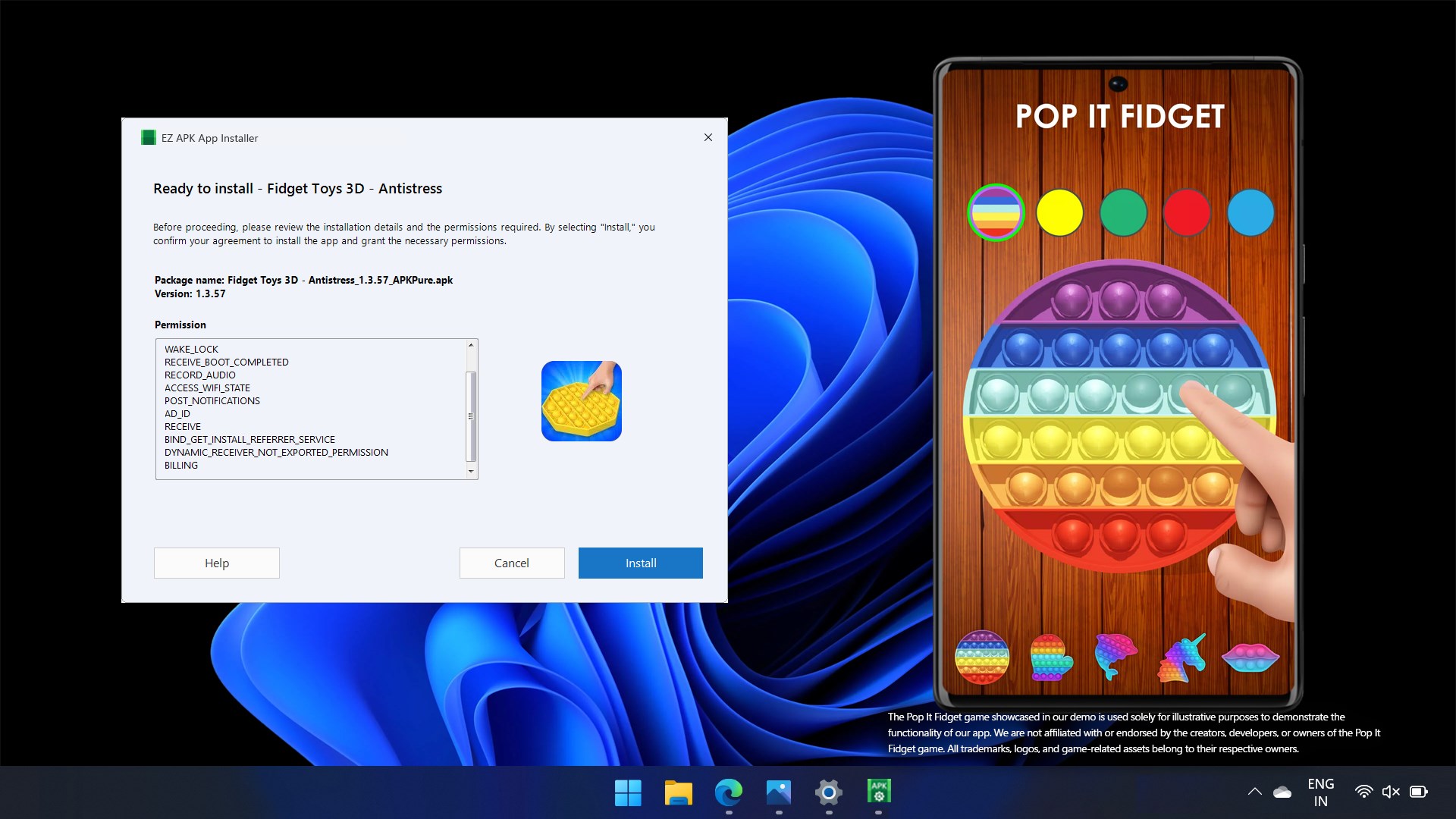
The app's highlight is its ability to handle APK files directly. Simply drag and drop or browse to your APK, click install, and watch the magic happen. No need for intricate command scripts or relying on cumbersome emulators. It's like having a magic wand tailored for APK deployment, saving you precious time and effort especially when managing multiple apps or testing cycles.
Device Compatibility & Detecting the Right Target
EZ APK's capacity to identify whether your device is an Android phone, tablet, or virtual environment ensures that installations proceed without a hitch. It minimizes the guesswork—think of it like a GPS guiding your APK right to its destination, avoiding parking in the wrong driveway. This feature is particularly handy for developers juggling multiple testing devices or users managing various virtual setups.
Navigation & User Experience
The interface exudes simplicity—clean menus, clear icons, and straightforward workflows mimic the ease of flipping through a photo album. The smooth operation feels akin to gliding across a well-polished surface, with minimal lag or confusion. Even tech newbies can get comfortable with a few minutes of exploration, making it accessible for a broader audience.
What Sets It Apart from the Competition?
Compared to other utility apps that might focus solely on file management or emulate entire Android environments, EZ APK App Installer zeroes in on efficiency and clarity. Its standout feature is the direct APK installation with device detection—an essential but often overlooked aspect in similar tools. Many competitors require multiple steps or additional configurations; EZ APK's streamlined process minimizes these hurdles. It's like having a specialized toolkit where every tool is designed for one clear purpose, making your APK management swift and reliable.
Final Verdict: Is It Worth You Trying?
For Windows users who frequently work with APK files or need a reliable, easy-to-use installer, EZ APK App Installer is definitely worth a shot. It's not a replacement for full Android emulators or development suites but excels as a lightweight companion for quick, reliable APK handling. Its unique ability to detect and target specific devices, paired with a friendly interface, makes it a practical addition to your toolbox. Whether you're testing, sharing, or just managing your apps, this app hits the sweet spot between simplicity and functionality.
In conclusion, I recommend giving EZ APK App Installer a try if you're after a straightforward, dependable solution for APK management on Windows. It's like having a dedicated assistant who makes Android app deployment hassle-free, allowing you to focus more on exploring and enjoying your favorite apps.
Pros
- User-friendly interface
- Supports multiple APK formats
- Batch installation feature
- Regular updates
- No root required
Cons
- Limited device compatibility
- Occasional failed installations
- Lack of detailed error messages
- Ads present in free version
- Limited customization options











