


- Category Utilities & tools
- Developer Stollenwerk
- Available on PC, Xbox console
- OS Windows 10 version 17763.0 or higher
- languages English (United States), French, German, Italian, Portuguese (Brazil), Spanish (Spain)
Fast Internet Browser for Windows: Speed and Simplicity in One Package
Fast Internet Browser for Windows, developed by Stollenwerk, promises a streamlined browsing experience with a focus on speed and user-friendly design. If you're tired of sluggish browsers bogged down by unnecessary features, this lightweight app might just be the breath of fresh air your productivity needs.
Who's Behind the Curtain? The Developer and Core Features
Stollenwerk, a name that hints at craftsmanship and precision, is the developer and publisher of this browser. Their goal appears to be delivering a hassle-free, fast-loading browsing option that strips away bloatware, allowing users to get straight to their content. The primary features include rapid page loading, resource-efficient operation, and a straightforward interface tailored for everyday browsing. It's designed for users who need a reliable, no-fuss tool to surf the web quickly without sacrificing essential functionalities.
A Fresh Breeze: An Engaging Look at the User Experience
Switching Gears with a Clean, Modern Interface
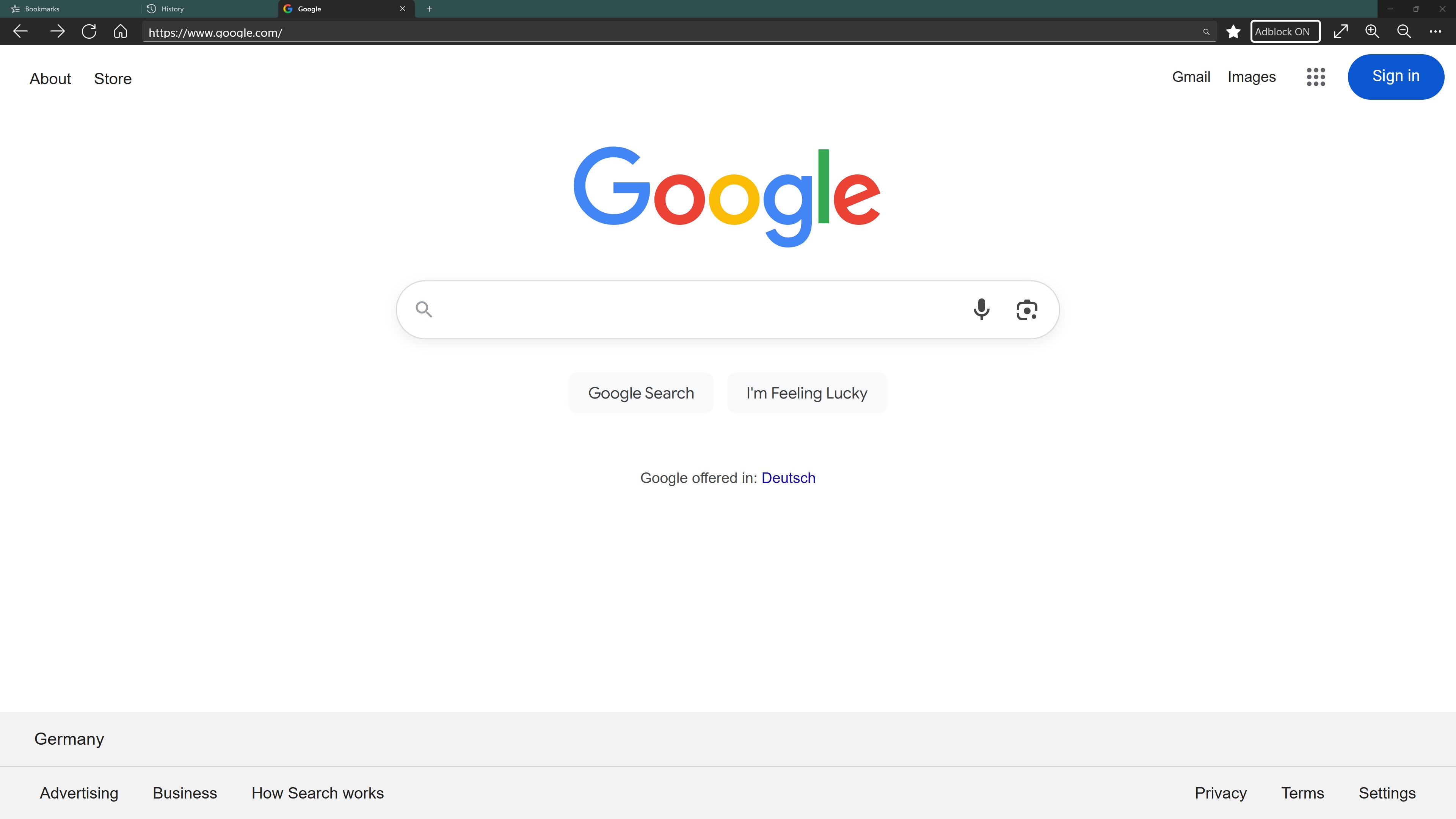
Upon launching Fast Internet Browser for Windows, users are greeted with a sleek and minimalistic interface that's reminiscent of a tidy workspace—nothing distracting, just what you need. The intuitive layout means that even those who aren't tech-savvy can effortlessly navigate through tabs, bookmarks, and settings. It's akin to walking into a well-organized office—everything is within reach, making the browsing journey feel smooth and natural.
Speed and Performance: Navigating at Lightning Pace
This browser's core strength lies in its speed. With lean architecture and optimized resource management, it loads pages swiftly—even when multiple tabs are open. This is especially beneficial for users who juggle between various research sources or streaming content. The app's efficiency not only boosts productivity but also extends device longevity by minimizing CPU and RAM consumption, making it ideal for older machines or those seeking to save power.
Functionality That Creates a Difference
While many browsers chase after elaborate features, Fast Internet Browser keeps its promise of simplicity. Its standout feature is its ultra-fast loading capability, achieved through clever caching strategies and minimal overhead. Unlike heavy browsers laden with bells and whistles, this app focuses on providing a lean experience that gets you where you want to go—quickly. Additionally, its resource-efficient operation makes it less likely to cause slowdowns, even on modest hardware.
Why It Stands Out from the Crowd
Compared to other lightweight browsers or utility tools, Fast Internet Browser's unique advantage is its harmonious blend of speed and straightforward usability. Its design is reminiscent of a sleek sports car—built for speed, without unnecessary frills. The app's emphasis on fast page loads and low resource usage sets it apart, especially for users tired of browsers that become cluttered over time or bog down hardware with excessive features.
Final Verdict: Is It Worth a Spin?
In summary, I'd recommend giving Fast Internet Browser for Windows a serious look if speed and simplicity are your top priorities. It's particularly suitable for users seeking a no-nonsense browser that performs reliably without the bloat. While it might lack some advanced customization options found in larger browsers, its core strengths—lightning-fast loading and efficient resource management—make it a valuable tool for everyday browsing. For those eager to streamline their online experience, this lightweight yet powerful browser could become your new go-to companion.
Pros
- Fast loading speeds
- Intuitive user interface
- Strong security features
- Regular updates
- Low resource consumption
Cons
- Limited extension support
- Occasional display glitches
- Sparse customization options
- Syncing features under development
- Occasional stability issues











