

- Category Utilities & tools
- Developer Point Planck Limited
- Available on PC
- OS Windows 10 version 17134.0 or higher
- Keyboard Not specified
- Mouse Not specified
- languages English (United States)
Streamlined Media Management for Windows: An Introduction to FileBot
FileBot for Windows by Point Planck Limited is a comprehensive media file renaming and organization tool designed for users who want a cleaner, more organized digital library without the hassle. It aims to simplify the often tedious task of matching media files with their correct metadata, making your movies, TV shows, and music files effortlessly well-ordered.
Core Functions That Make FileBot Stand Out
Intelligent Automated Renaming and Organization
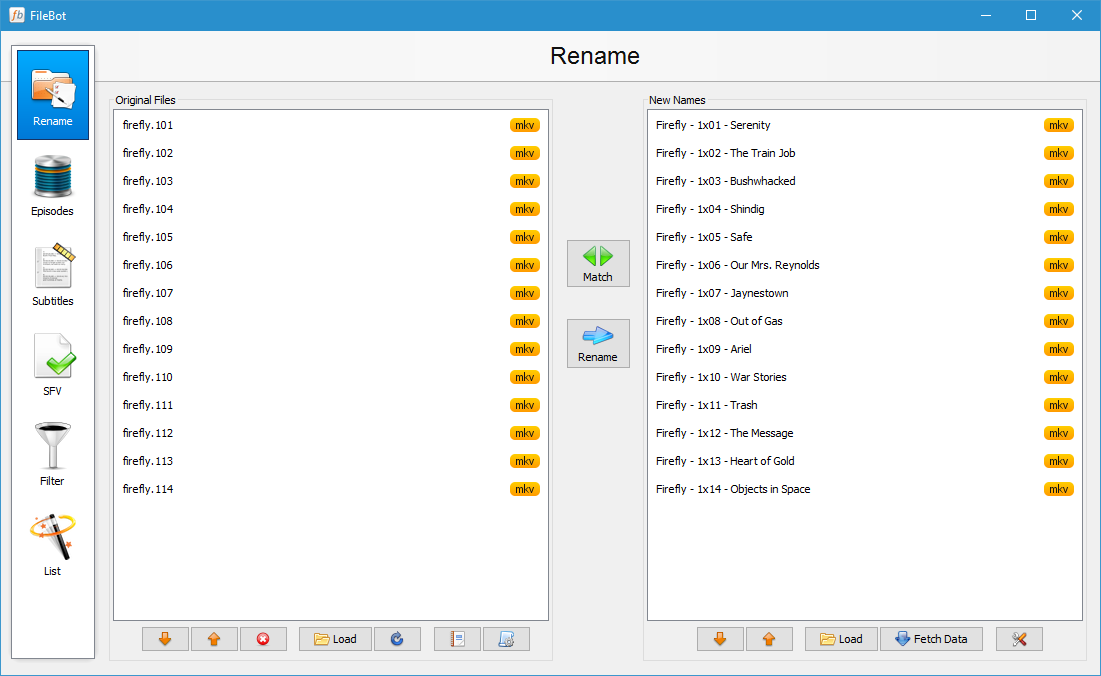
FileBot's standout feature is its ability to automatically rename media files based on online databases like TheMovieDB and TVDB. This means you no longer need to manually edit lengthy filenames—FileBot intelligently scans your library and applies consistent, informative titles, such as “Inception (2010) 1080p BluRay x264”. The process not only declutters your folders but also ensures that your media files are accurately labeled, making browsing and playback a breeze.
MetaData Fetching and Subtitle Download
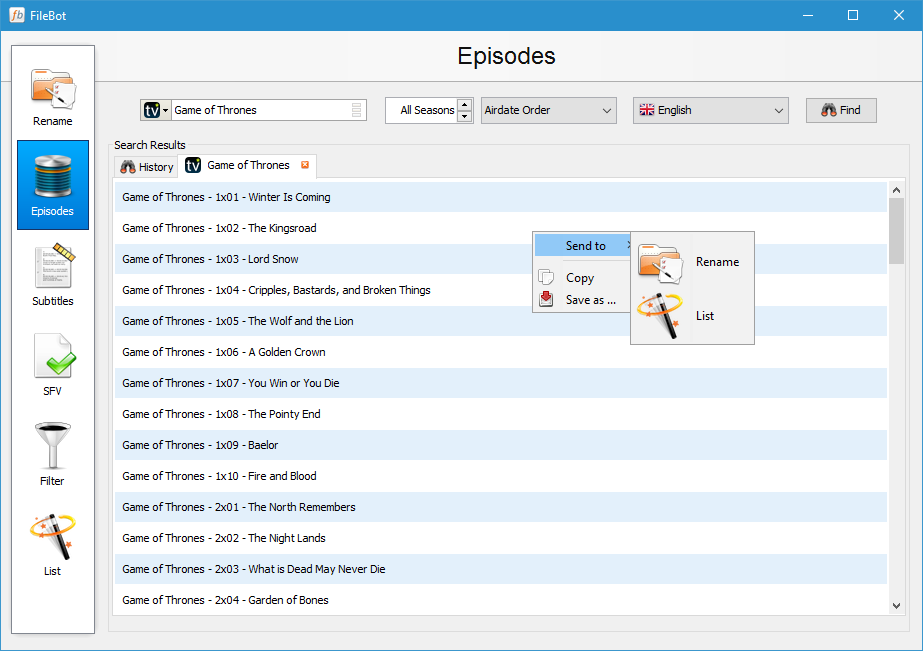
The second pillar of FileBot's appeal is its seamless integration with metadata sources. Once files are renamed, the app can automatically fetch movie posters, episode summaries, cast info, and posters, enriching your media library visually and informatively. Additionally, FileBot supports automatic subtitle downloads for supported files, encompassing multiple languages, which elevates your viewing experience—especially for those who enjoy foreign films or multi-lingual content.
Batch Processing and Customization Flexibility
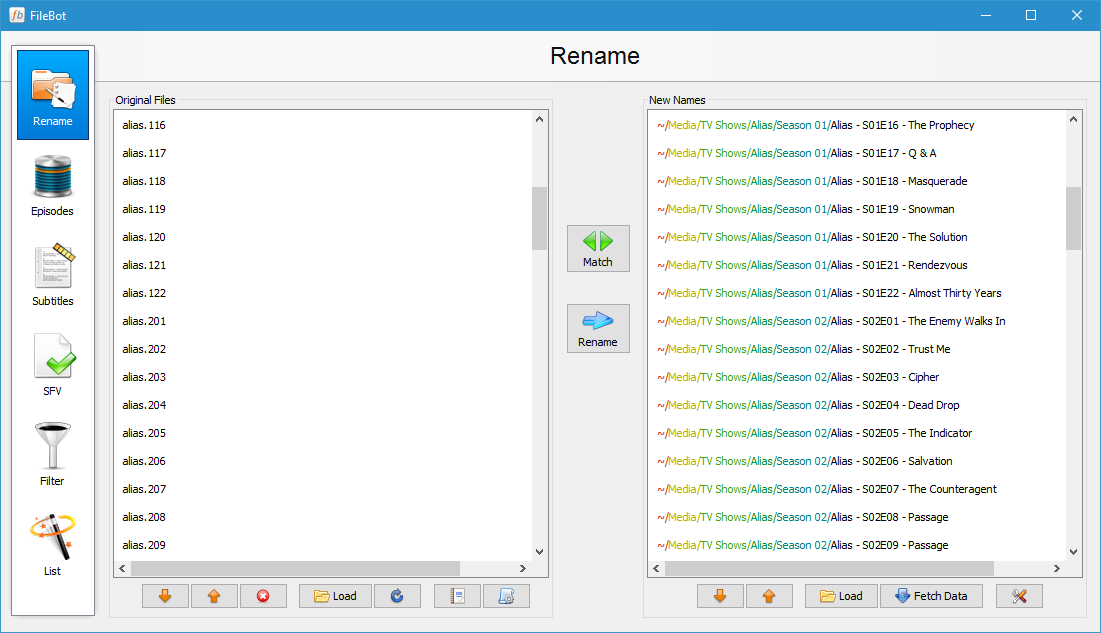
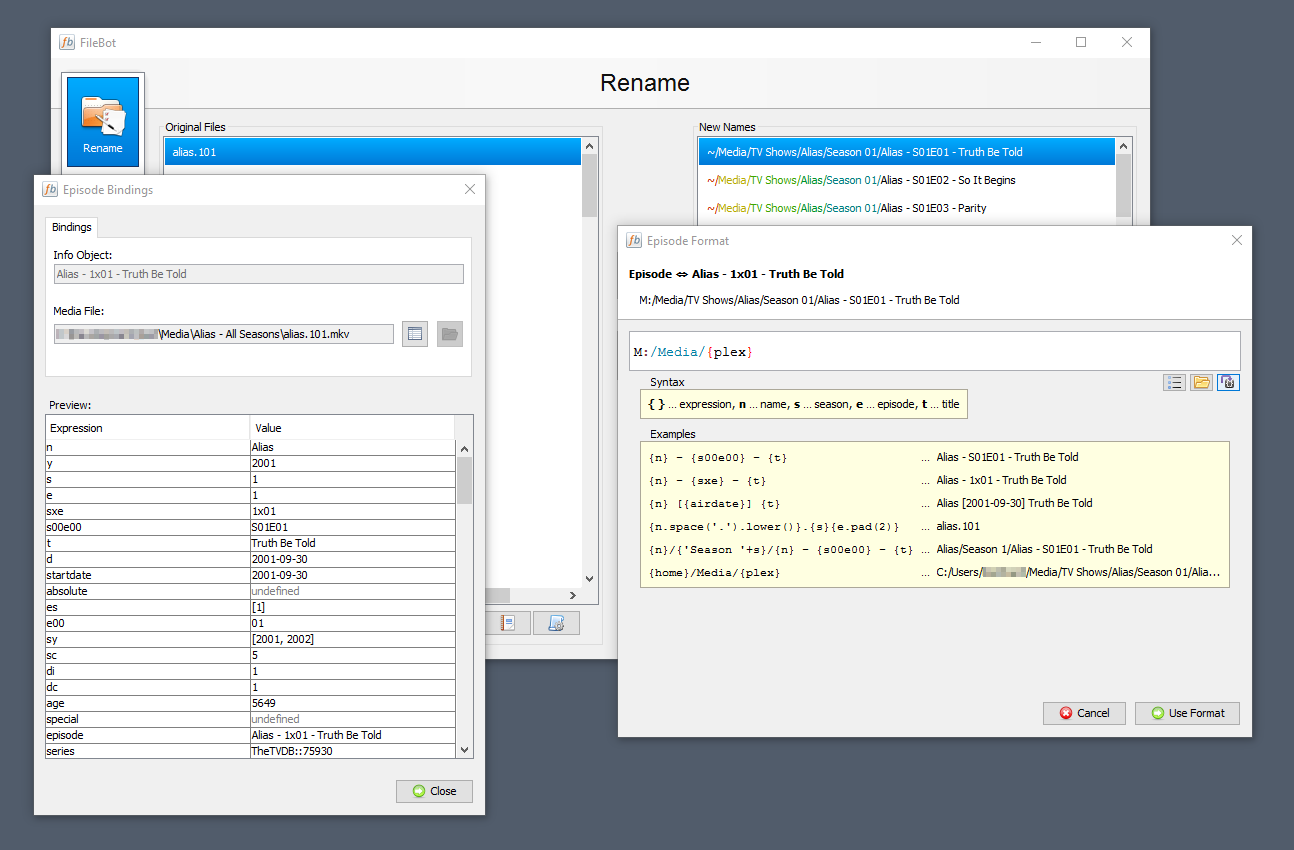
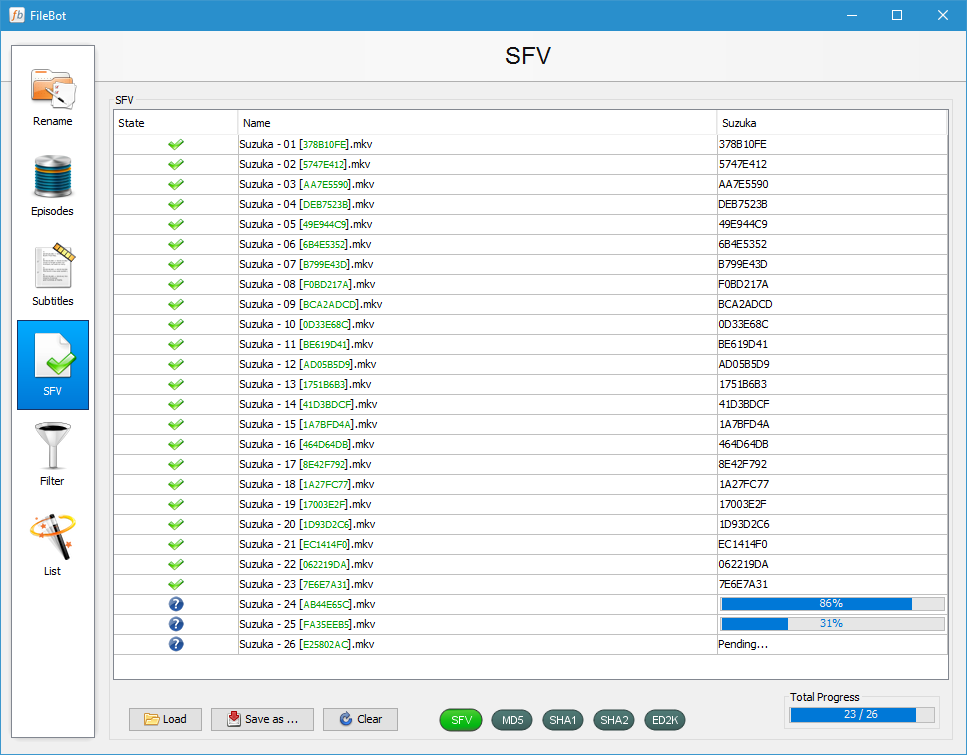
Beyond single-file operations, FileBot excels with batch processing capabilities. You can process entire folders of media files at once, saving a huge amount of time. The app also offers flexible scripting options and preset naming schemes, letting power users tailor how files are renamed and organized. This adaptability makes it suitable for both casual users and media collectors with complex library architectures.
User Experience: Interface, Performance, and Learning Curve
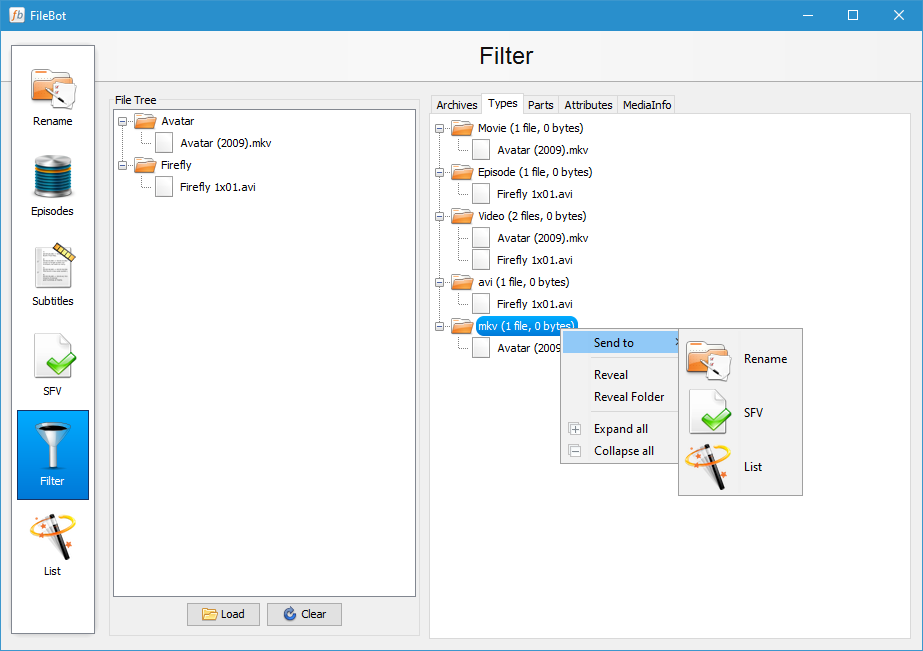
The interface of FileBot is minimalistic but functional, resembling a clean, digital workspace rather than a cluttered control panel. Its layout guides users through the process systematically, which is especially helpful for newcomers. Operation flows smoothly—files are quickly scanned, and the renaming process is swift, even for large batches—offering a surprisingly snappy experience considering the app's comprehensive functionalities.
While initially, there may be some learning curve involved, especially when configuring custom scripts or understanding the metadata sources, the app provides clear instructions and example workflows. Once familiar, users will find the process intuitive, akin to a well-orchestrated assembly line—efficient and satisfying.
What Makes FileBot Different from Its Peers?
Compared to other media utilities, FileBot distinguishes itself primarily through its highly accurate metadata fetch and its intelligent filename matching algorithms. Unlike simpler renaming tools, which often require manual input or limited database access, FileBot leverages robust online sources and context-aware algorithms to ensure precise and consistent file naming. Its batch processing coupled with customizable naming schemes also sets it apart, giving users control without sacrificing automation.
Furthermore, its ability to seamlessly fetch subtitles in multiple languages and embed metadata directly into files (where supported) adds a layer of depth that many competitors lack. This makes it not just a renaming tool, but a comprehensive media library enhancer.
Final Thoughts: Is It Worth Your Time?
Given its well-rounded feature set, efficient batch processing, and smart metadata integration, FileBot for Windows is highly recommended for anyone serious about media organization—be it a casual viewer seeking tidiness or a dedicated media enthusiast crafting a meticulously curated library. While there's a minor learning curve, its automation capabilities make it worth the effort, especially for large collections.
If you're tired of manually renaming files and want a tool that intelligently manages your media, FileBot is a solid choice. It isn't just a utility; it's a digital librarian that saves you time and keeps your media experience polished and professional.
Pros
- Intuitive and user-friendly interface
- Powerful automatic filename and metadata matching
- Supports multiple media formats and sources
- Batch processing capabilities
- Customizable scripts and automation
Cons
- Limited official support for Windows 10/11
- Lack of detailed user documentation
- Occasional mismatches in media metadata
- Limited integration with cloud storage services
- No free version available











