

- Category Utilities & tools
- Developer Workstation Master
- Available on PC
- OS Windows 10 version 17763.0 or higher
- Keyboard Integrated Keyboard
- Memory 300 MB
- languages English
Streamline Your Windows Experience with Force Full Screen
If you've ever felt the frustration of manually switching windows or juggling between multiple apps on your Windows desktop, Force Full Screen offers a simple yet effective solution to enhance your workflow. This lightweight utility automates fullscreen toggling, making your workspace more immersive and less cluttered. Developed by Workstation Master, it's a nifty tool designed for power users, developers, gamers, and professionals who crave a more focused and streamlined interface.
Key Benefits and Unique Selling Points
Force Full Screen stands out by intelligently managing window states, ensuring your applications instantly switch to fullscreen mode without fiddling with traditional shortcut keys. It boasts quick toggle capabilities, minimal system resource consumption, and an intuitive interface, making it suitable for users tired of repetitive window management tasks. Whether you're presenting, gaming, or working on multiple monitors, this tool adapts seamlessly into your digital environment.
Intuitive and Seamless User Experience
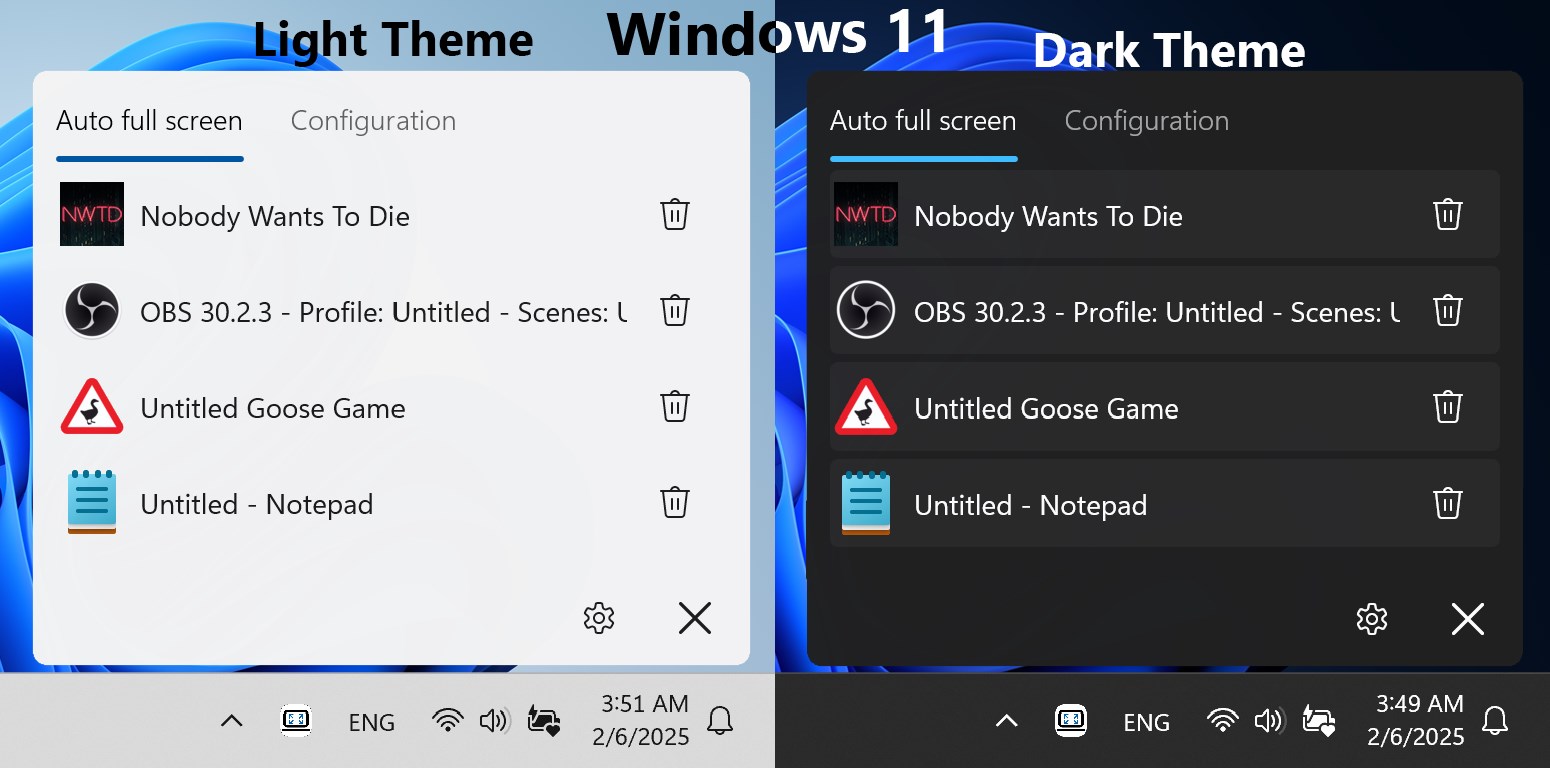
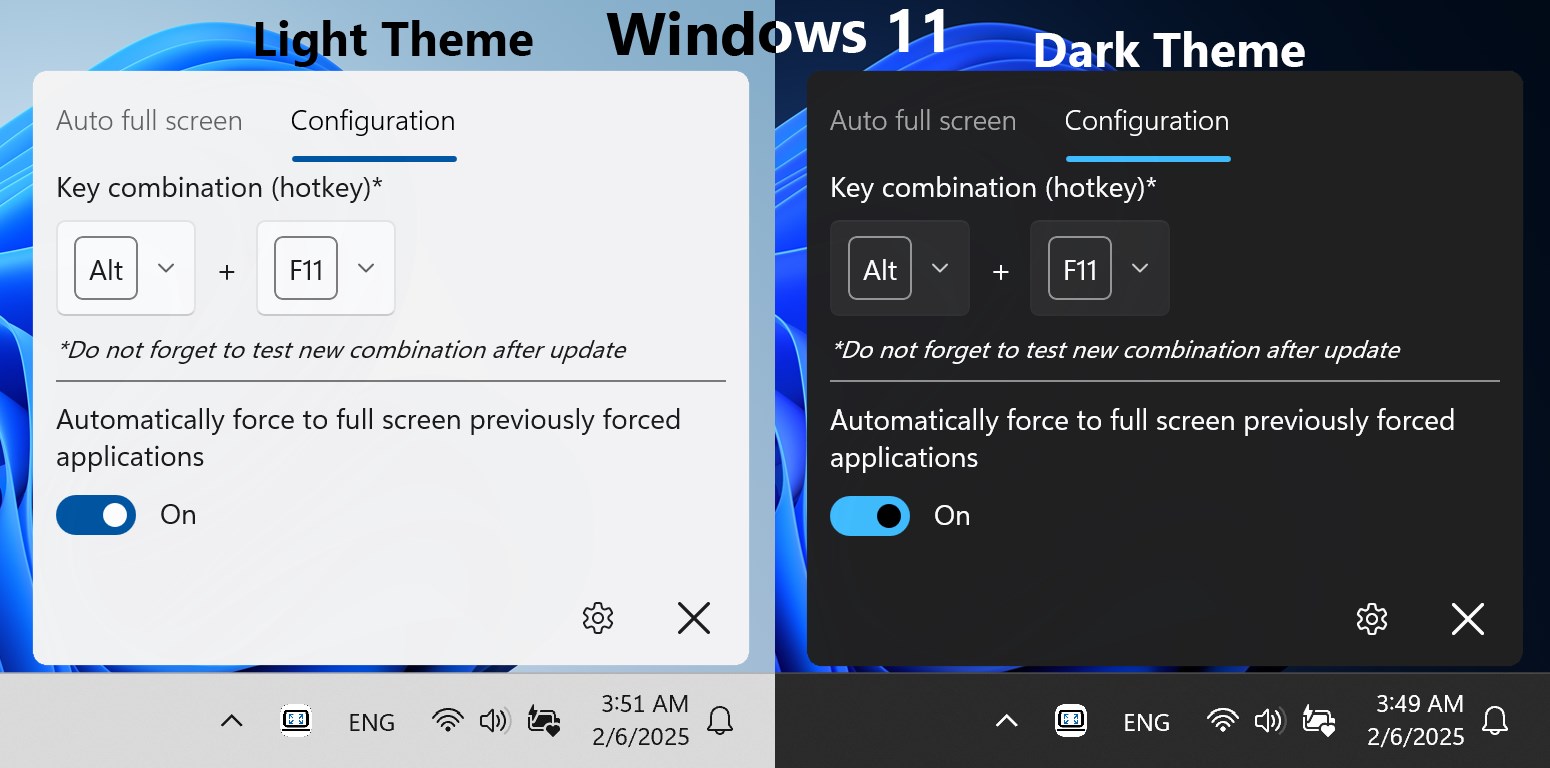
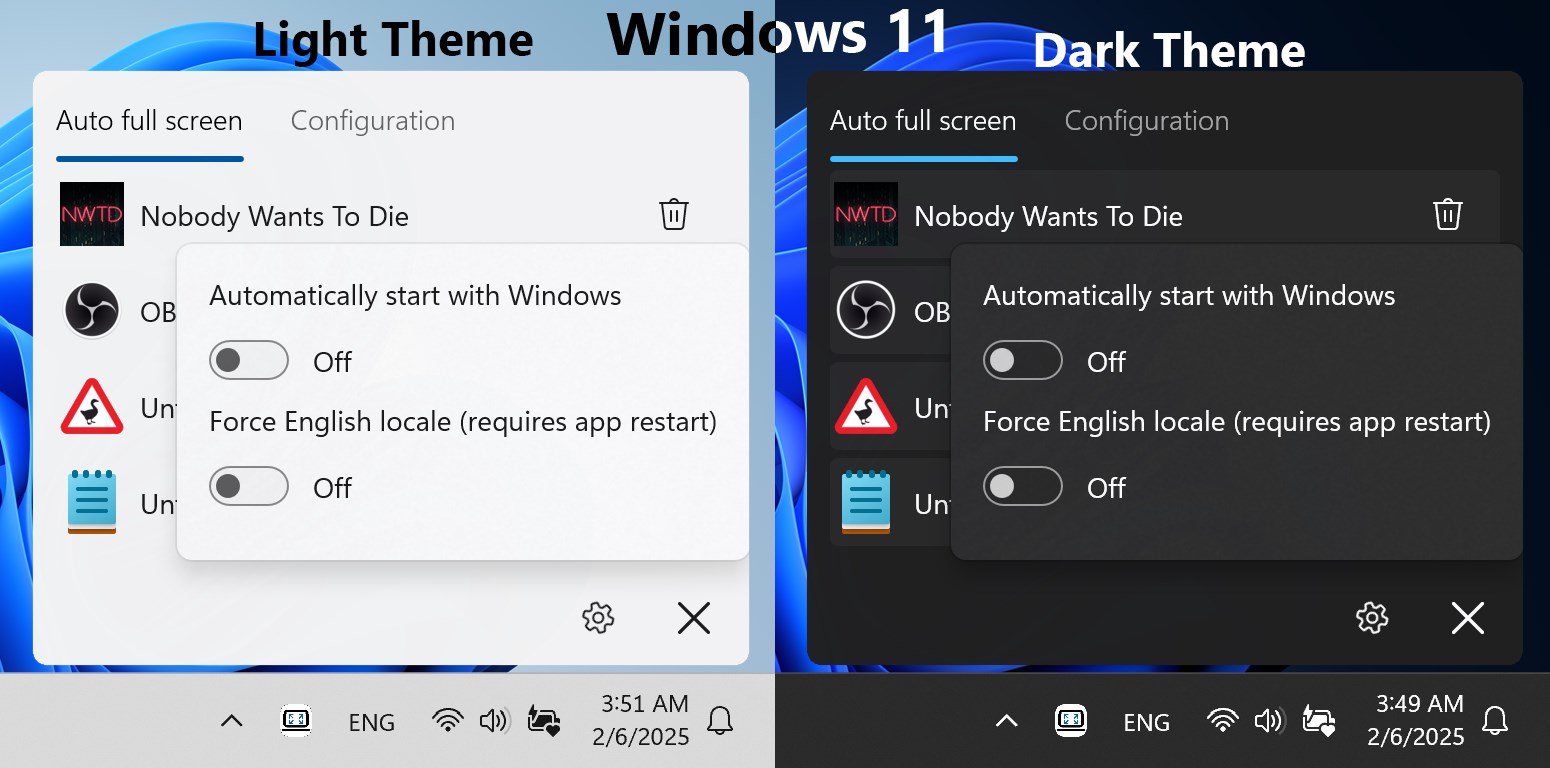
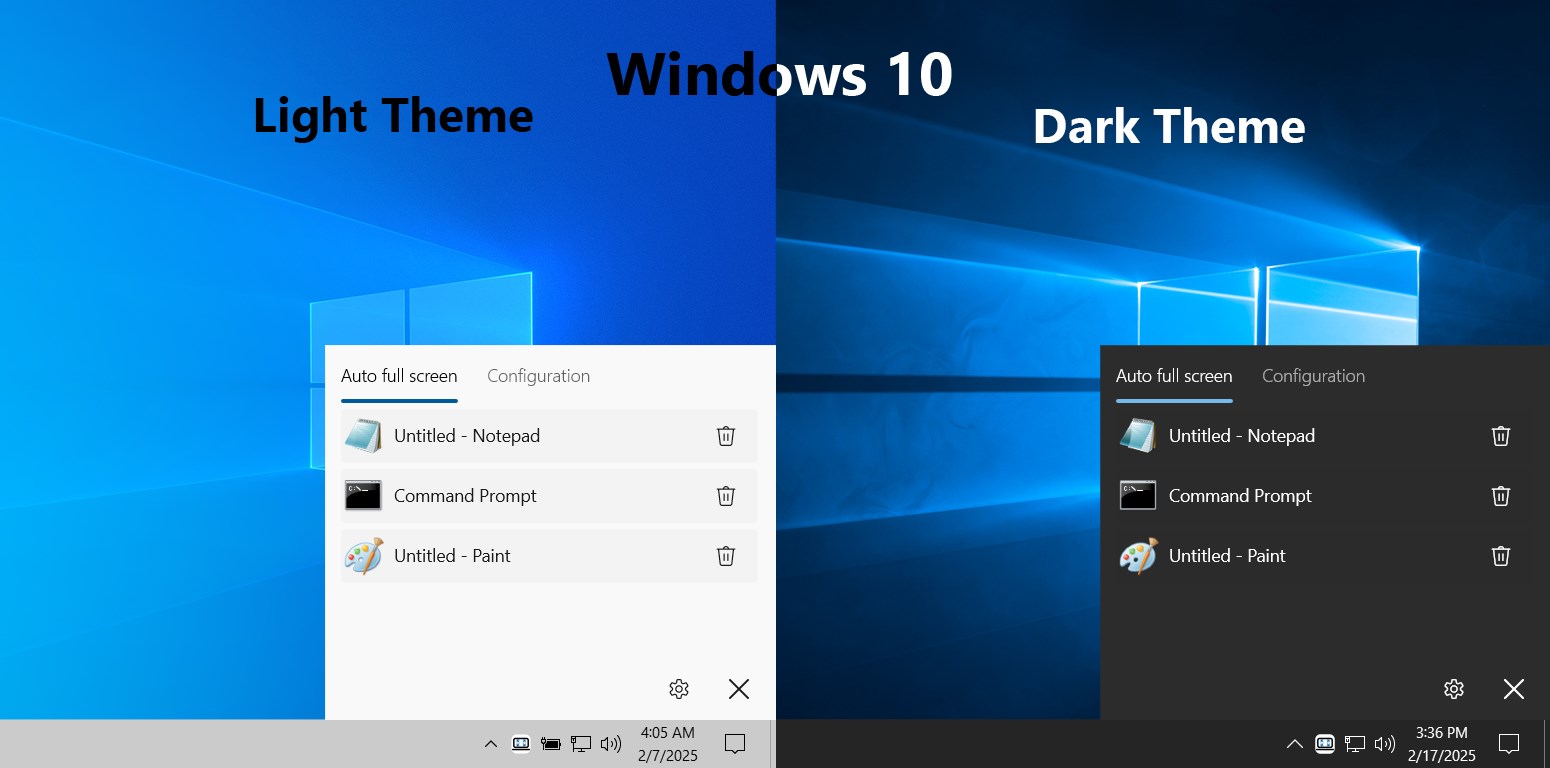
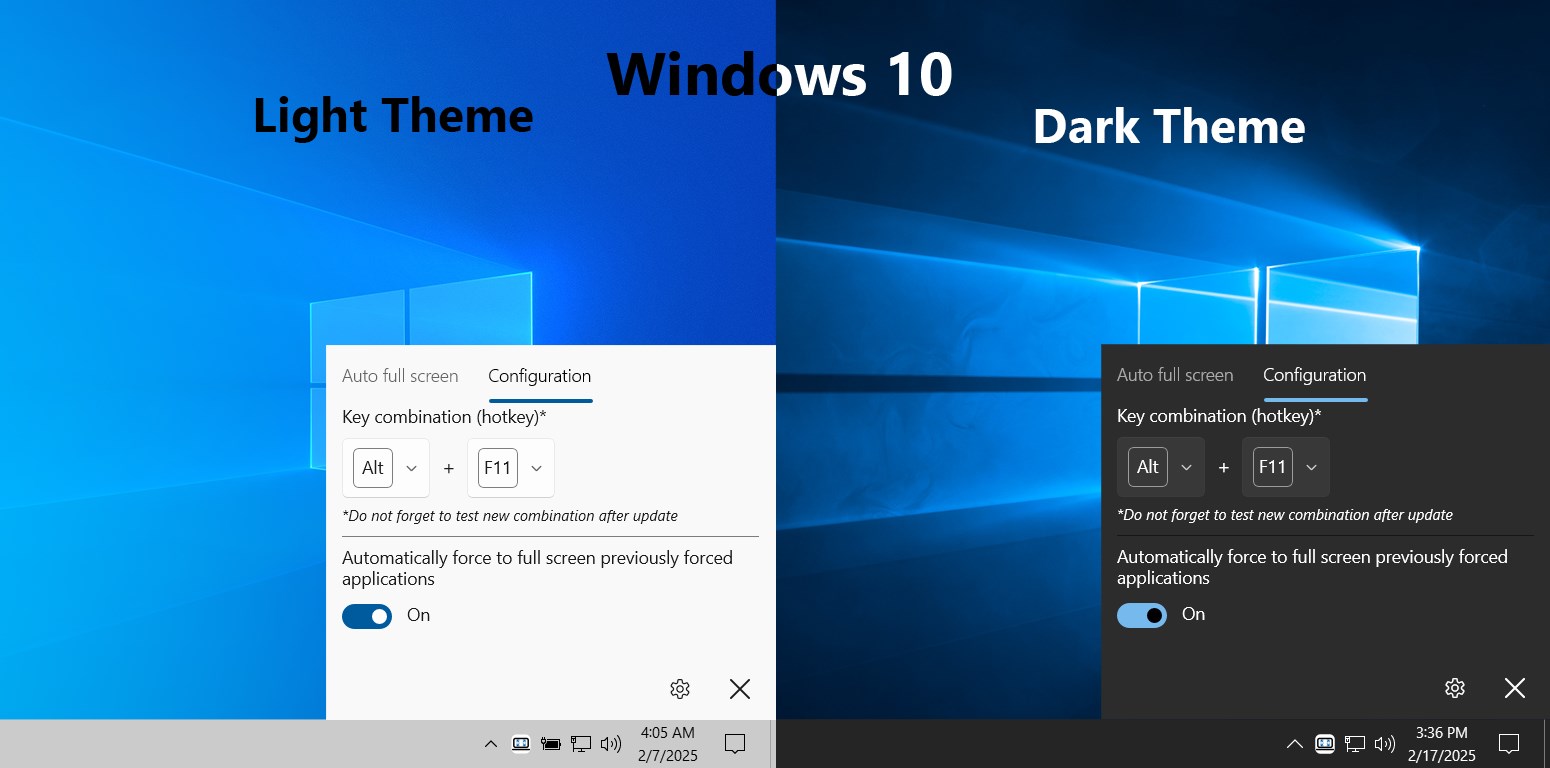
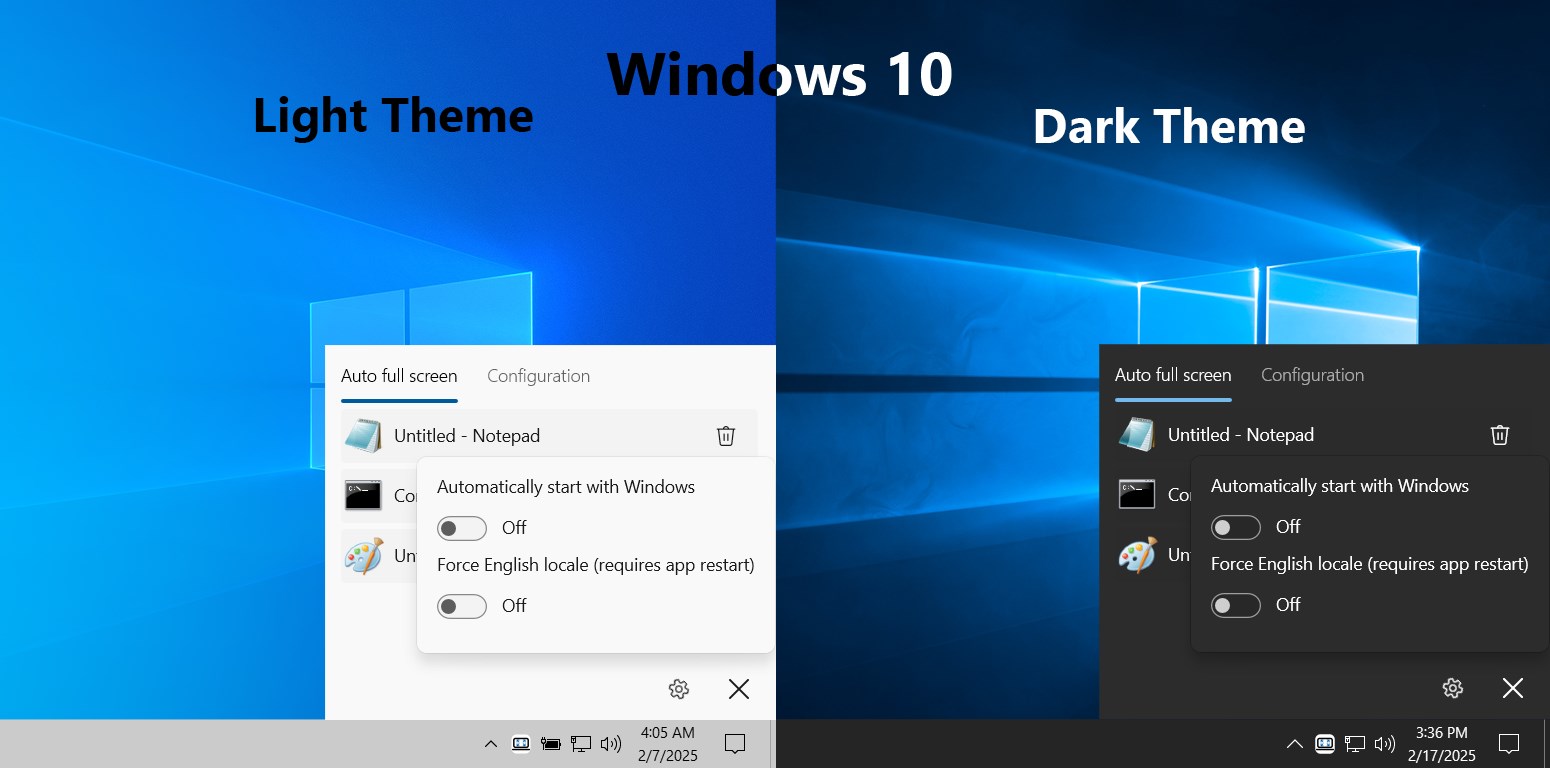
The app features a clean, straightforward interface that's like a well-organized toolbox—nothing complex or overwhelming. Once installed, users are greeted with a minimalist dashboard where they can configure preferences such as hotkeys or auto-activation options. The setup process is quick, and the app's responsiveness ensures that toggling fullscreen happens instantly, almost like flipping a switch. The learning curve is gentle; even less tech-savvy users can master the functions within minutes, making the overall experience smooth and frustration-free.
Core Functions That Elevate Your Workflow
1. One-Click Fullscreen Toggle
The standout feature of Force Full Screen is its ability to switch any active application into fullscreen with a single click or keyboard shortcut. Imagine a busy professional who needs to focus on a presentation, instantly eliminating distractions—this app makes that effortless. By activating a customizable hotkey, users can enter fullscreen mode on demand, without navigating menus or disrupting their workflow.
2. Automated Fullscreen on Launch
Another clever feature is its auto-activation capability, allowing certain apps to automatically switch into fullscreen mode upon launch. For instance, gamers can have their favorite game automatically maximize, or a video editor can streamline their workspace setup. This feature helps create a distraction-free environment tailored to your preferences, saving you time and clicks.
3. Compatibility and Customization
Force Full Screen works smoothly across various Windows applications and multi-monitor setups. Its flexible settings enable users to assign different hotkeys for different applications or overall system control, creating a highly personalized user experience. This level of customization provides an edge over more generic utilities, making it a versatile addition to your toolkit.
Design, Performance, and Final Recommendations
The application's interface embodies minimalism—think of it as a sleek dashboard that grants you control without clutter. When in use, the app feels snappy and responsive, with no noticeable lag or glitches even when toggling multiple times. The learning curve is light; after a few minutes, you'll appreciate how effortlessly it integrates into your daily tasks. Its lightweight nature ensures it doesn't hog system resources, making it suitable even for older machines.
Compared to similar utilities, Force Full Screen's highlight is its easy toggle system and auto-fullscreen features—traits that set it apart. Many competitors require complex configurations or interfere with system processes, but this app adopts a user-centric approach emphasizing simplicity and reliability.
Overall, if you often switch between windowed and fullscreen modes or seek a way to enhance your focus during work or play, Force Full Screen is a worthwhile addition. I recommend it for users looking for a straightforward, no-fuss tool that elevates their Windows experience with minimal effort. For occasional operators or professionals needing dedicated fullscreen control, this app is an unobtrusive yet effective solution.
Pros
- Smooth Full-Screen Transition
- Easy Accessibility
- Customizable Hotkeys
- Lightweight and Fast
- Compatible with Multiple Apps
Cons
- Limited Customization Options
- Occasional Compatibility Issues
- No Automatic Recognition
- Potential Conflicts with Other Software
- Limited Support and Updates











